
 15
15presentation
Flying Saucer History Lesson Deck
Build an engaging World UFO Day session with this flying saucer history lesson deck, featuring retro green-and-brown slides for PowerPoint and Google Slides.
Google SlidesPowerPoint
presentation · English
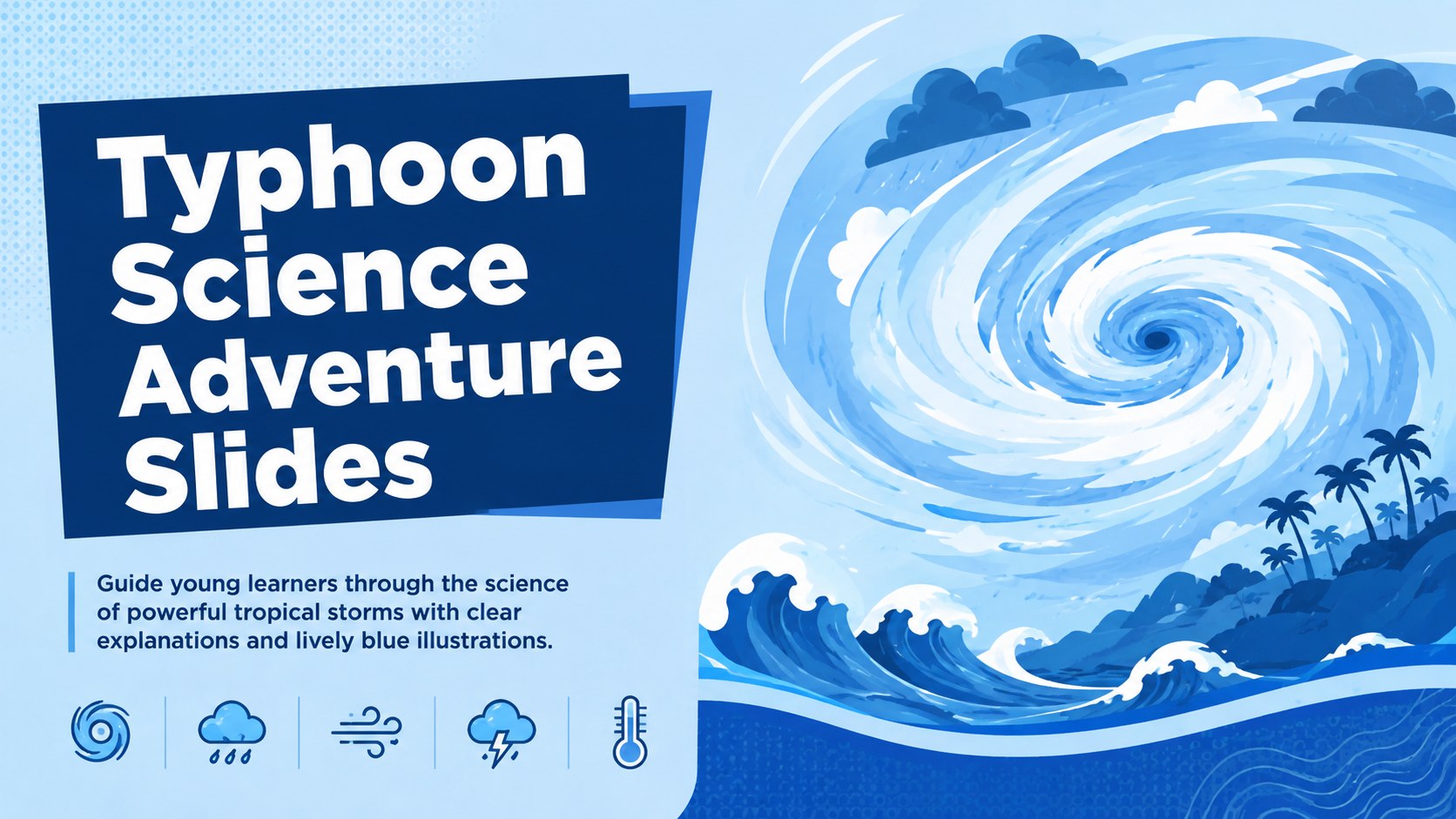
Make storm science approachable with Typhoon Science Adventure Slides, a blue illustrated deck for elementary lessons in PowerPoint and Google Slides.
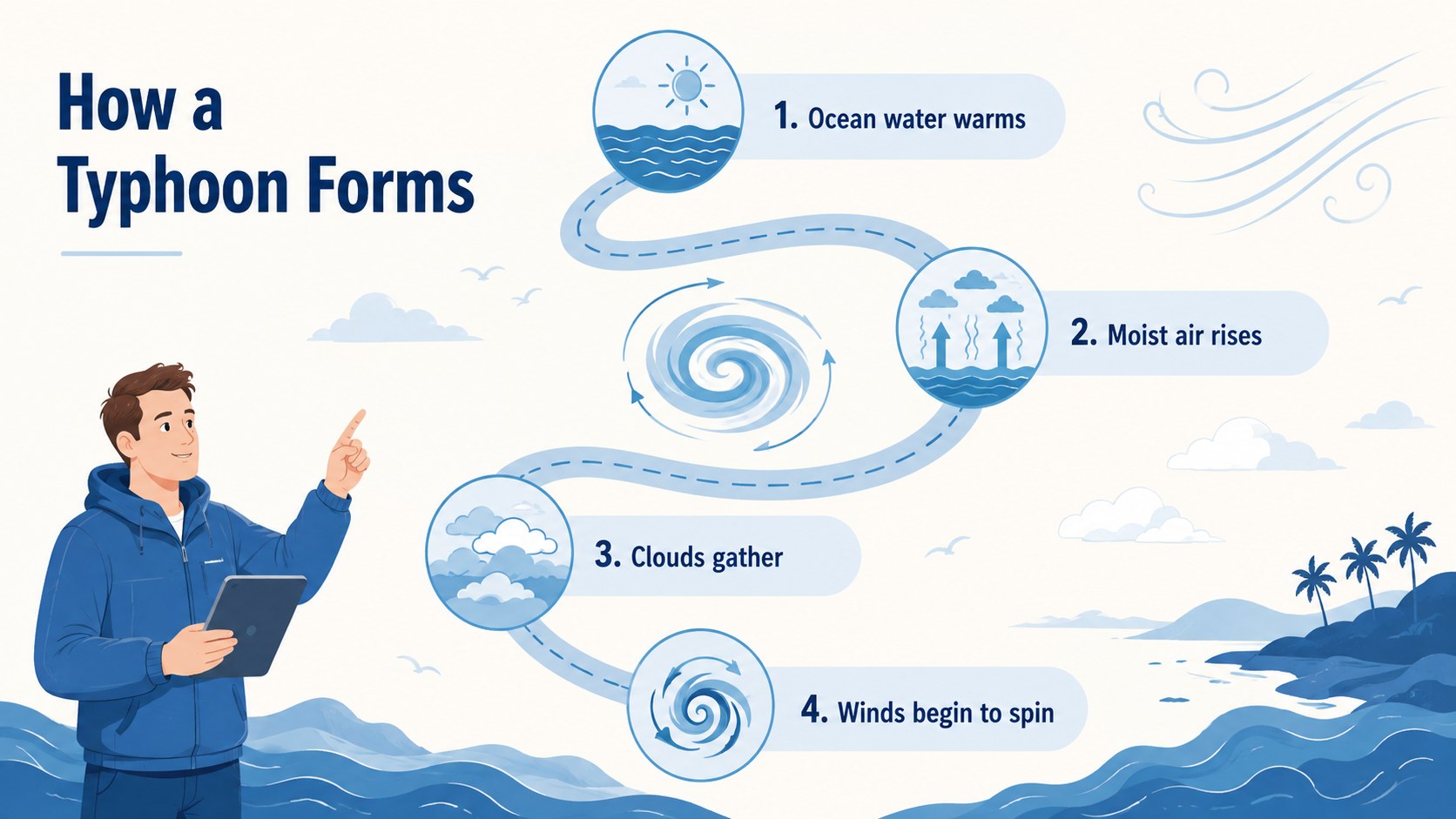
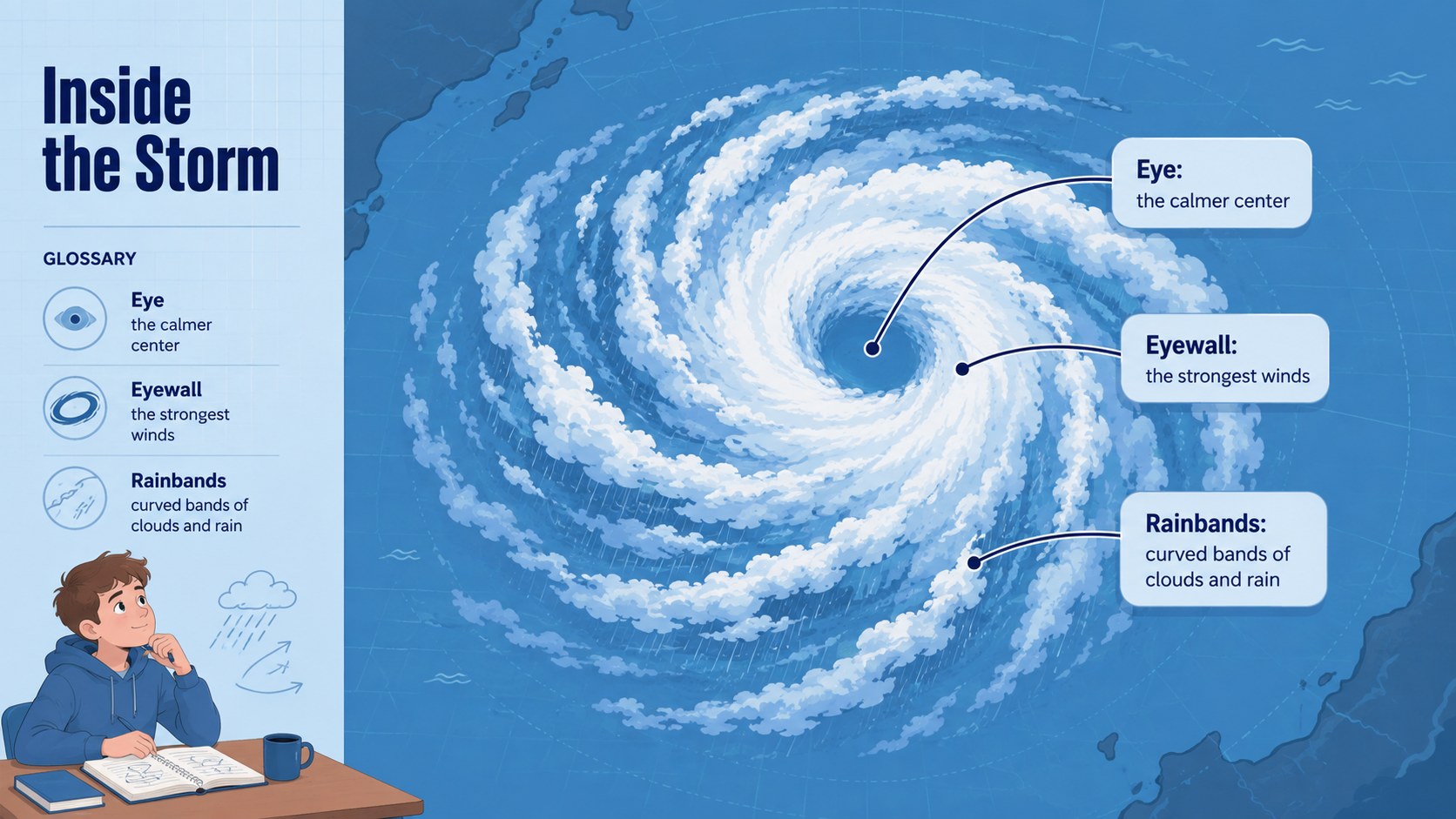
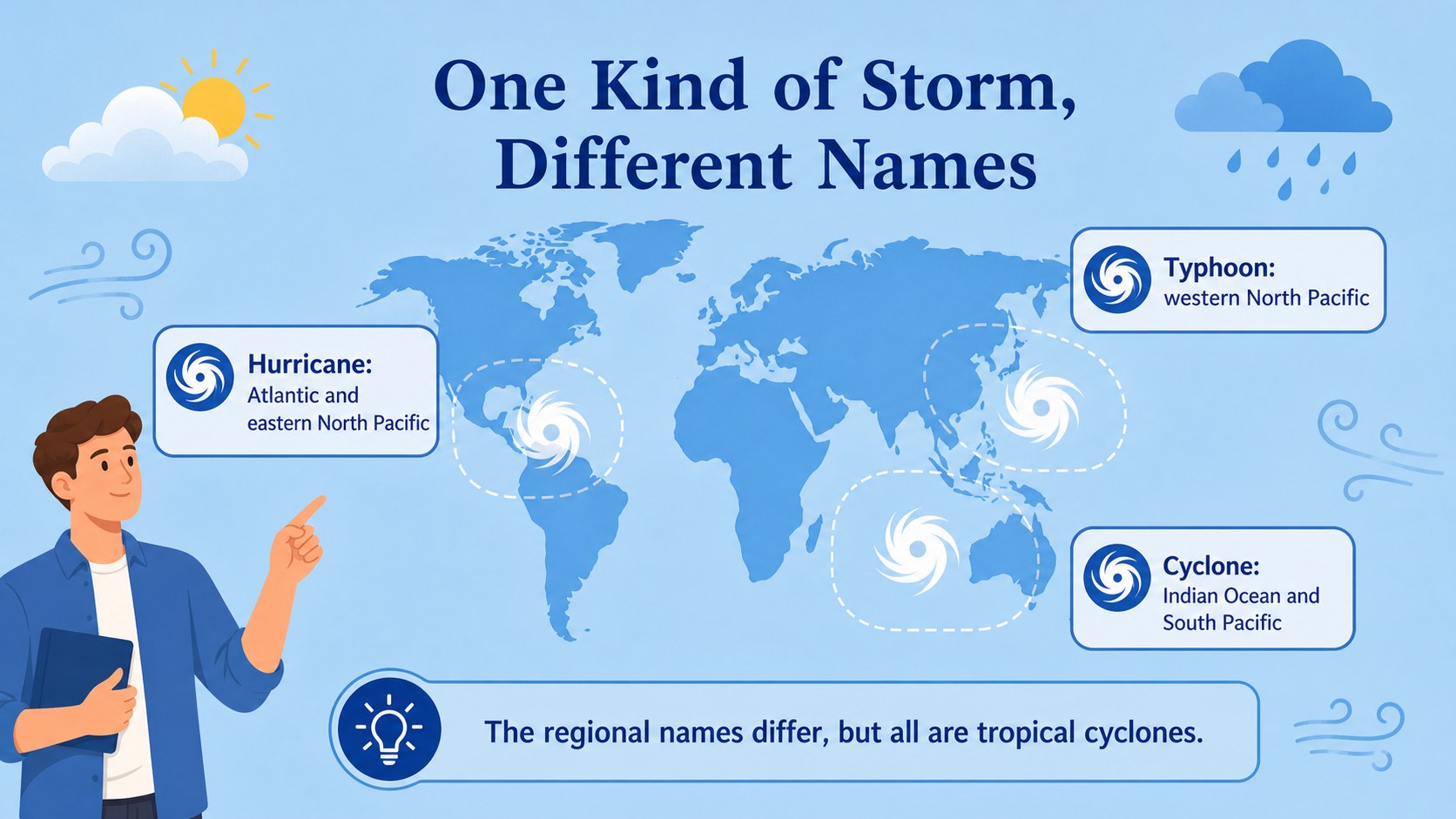
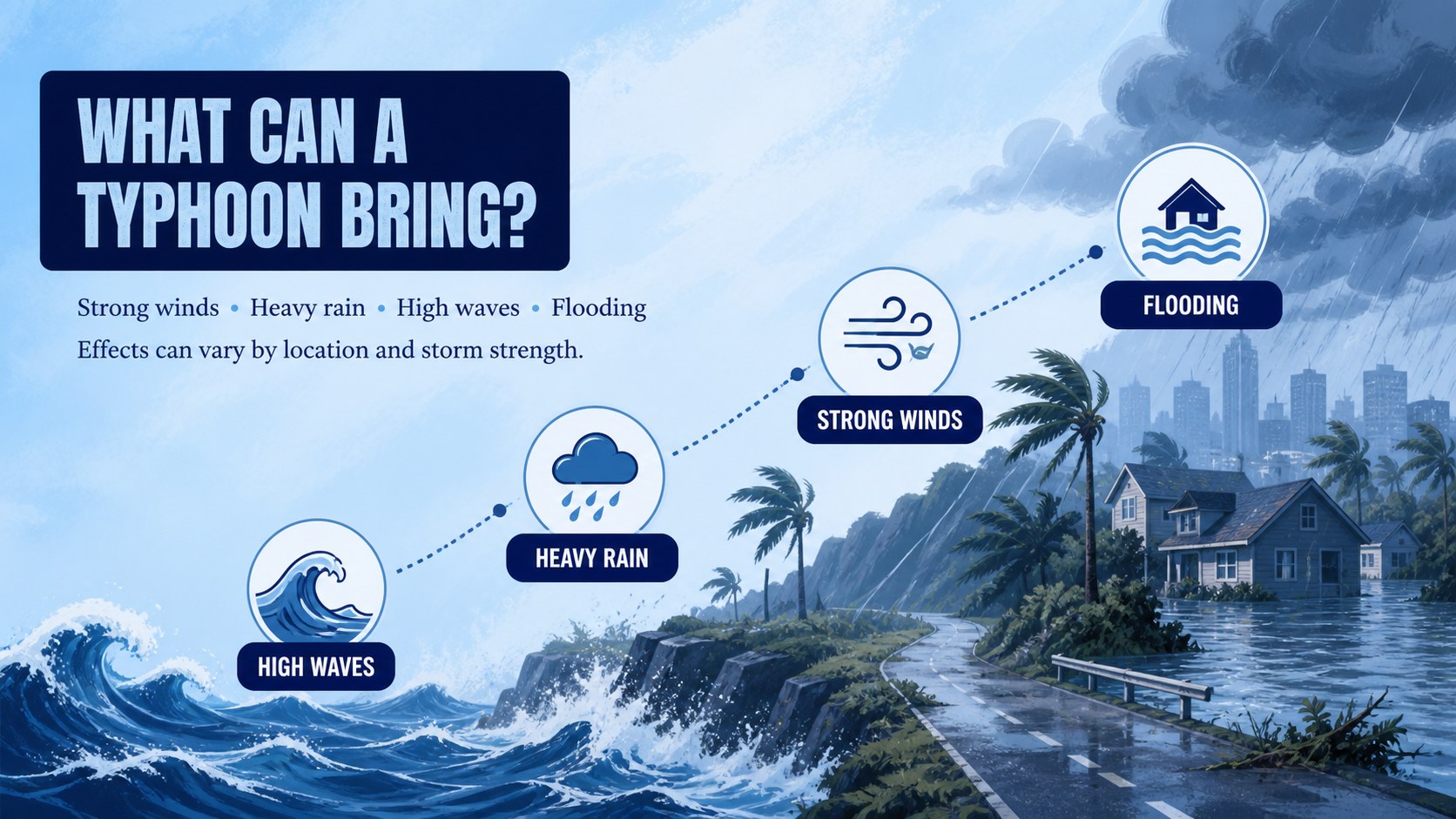
Design notes
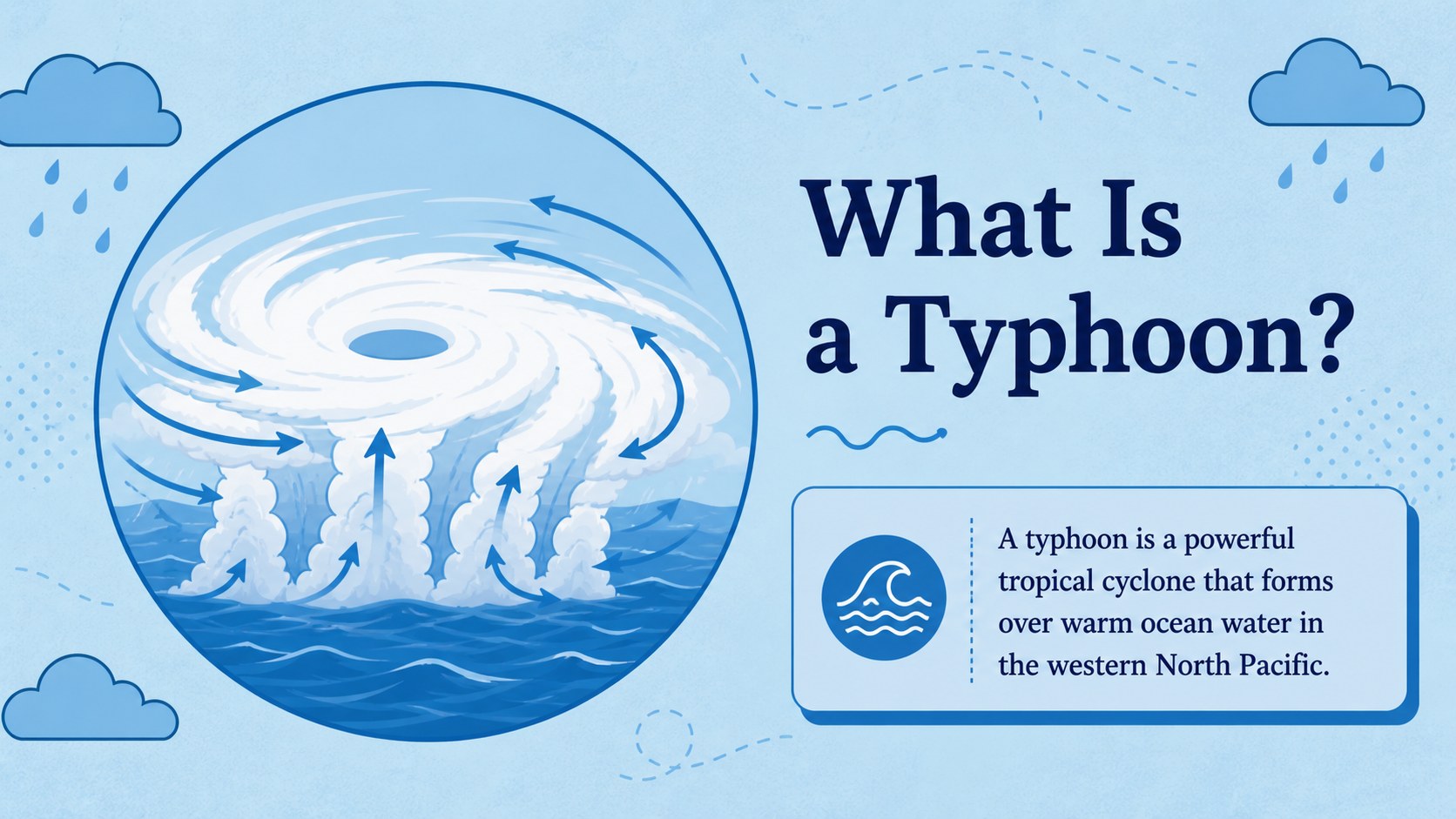
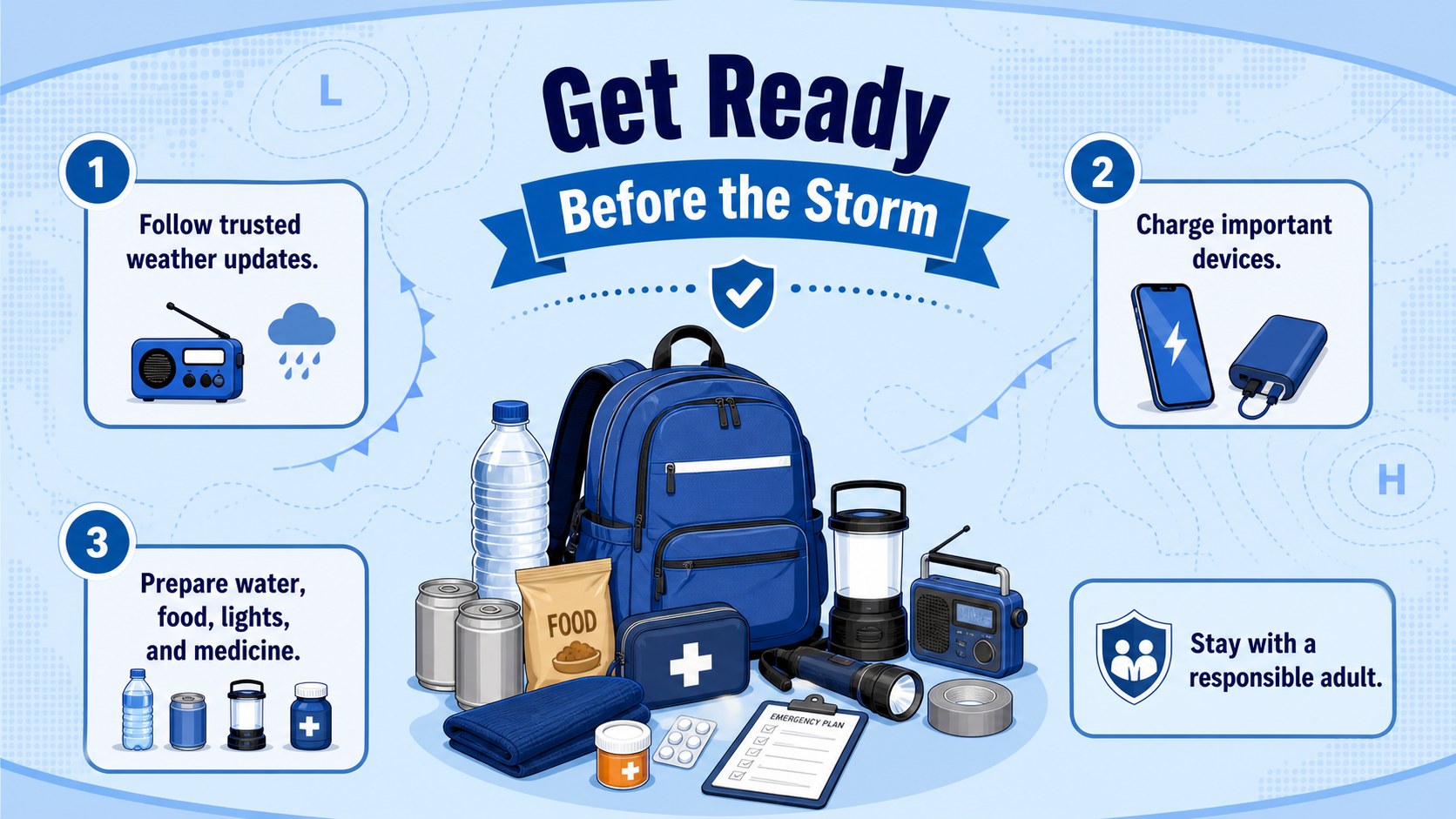
Typhoon Science Adventure Slides turn a complex weather topic into a clear, visual journey for elementary students. The blue illustrated design balances an energetic storm theme with simple layouts, helping teachers introduce tropical cyclones without overwhelming young learners. Use the deck as an elementary typhoon lesson presentation in PowerPoint or Google Slides.
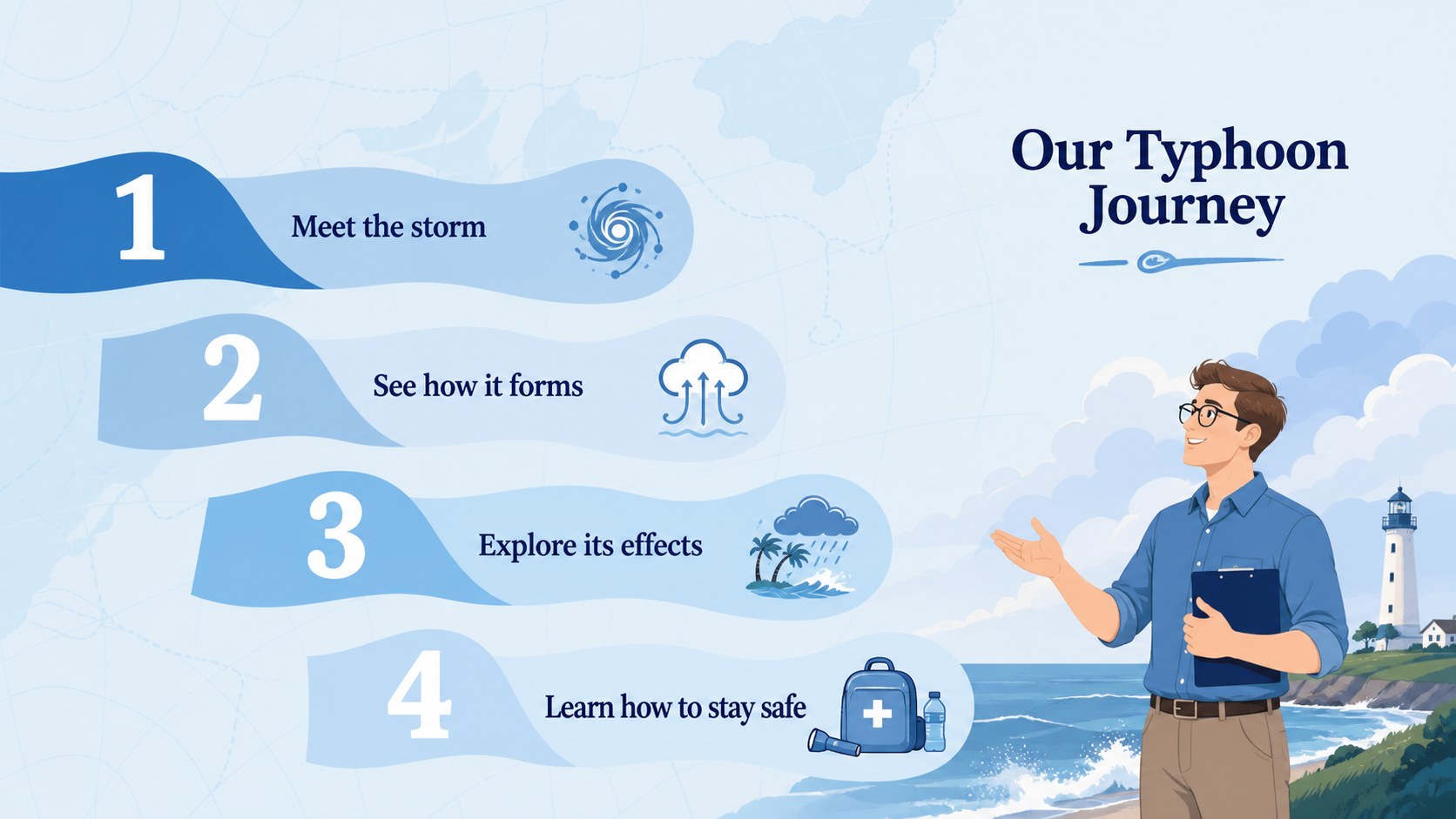
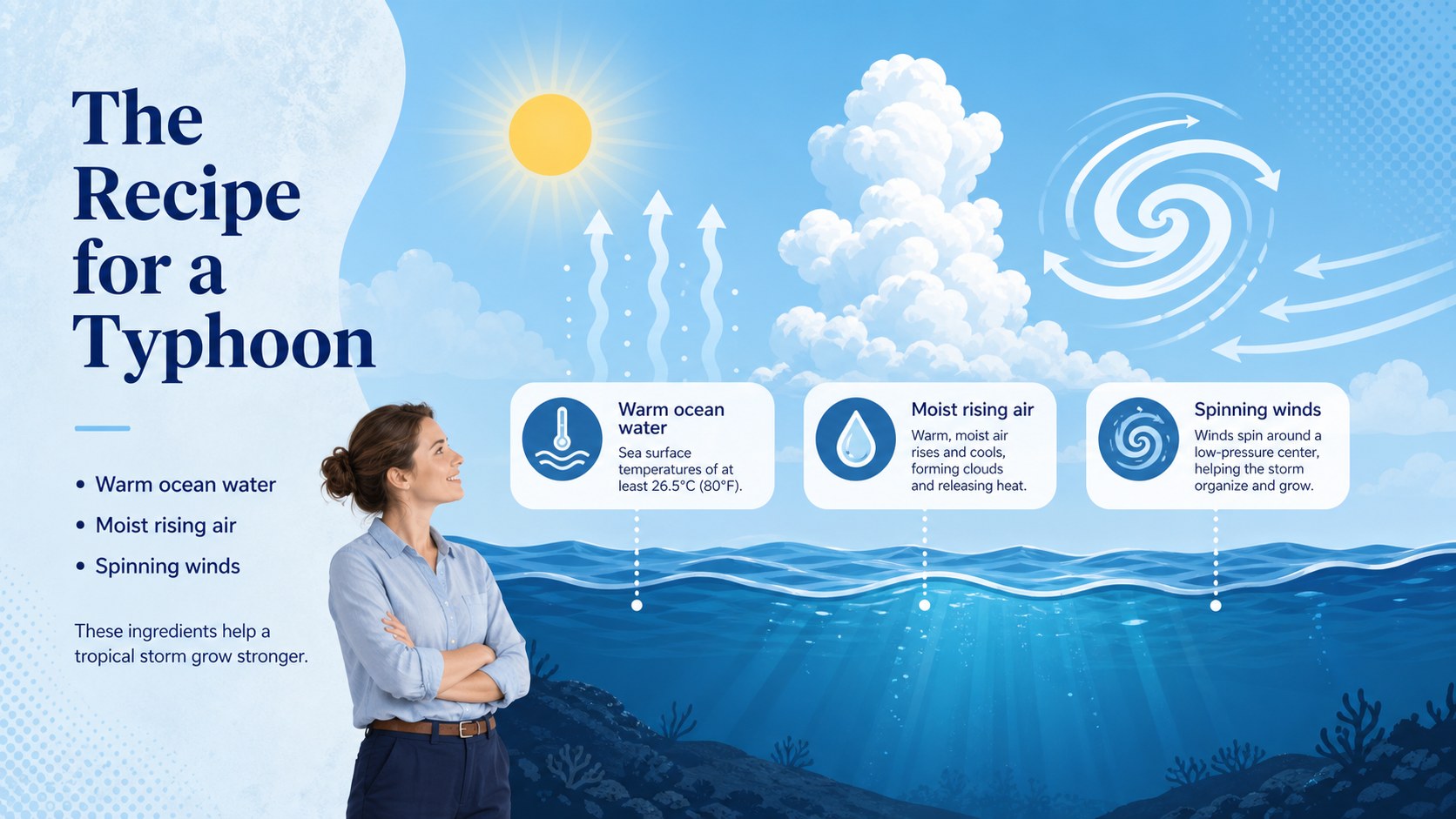
The presentation includes space for explaining how typhoons form, identifying storm parts, comparing weather conditions, and discussing where these systems occur. Dedicated layouts support vocabulary, safety steps, classroom questions, timelines, diagrams, quick facts, and review activities. Teachers can adapt the included prompts to create a tropical storm science deck that fits their curriculum, local context, and student reading level. Editable text, colors, illustrations, charts, and shapes make each slide easy to personalize.
Designed for elementary science teachers, homeschool educators, school clubs, and student project leaders, this illustrated typhoon education template works well for weather units, natural hazard discussions, emergency preparedness activities, or introductory climate lessons. Use the visual sequence for direct instruction, collaborative exploration, or a student-led report. The consistent blue palette, accessible typography, and playful educational graphics keep attention focused while supporting accurate, age-appropriate learning.
Perfect for: elementary weather science lesson; tropical cyclone unit introduction; storm safety classroom activity; student weather report; natural hazards discussion.
Frequently asked questions
Can I edit these typhoon lesson slides? Yes. You can change the wording, reorder slides, replace illustrations, and adjust colors to suit your students and curriculum.
Practical details
Yes. You can change the wording, reorder slides, replace illustrations, and adjust colors to suit your students and curriculum.
The template is designed for Microsoft PowerPoint and Google Slides. Both platforms support editing, presenting, and adding your own classroom materials.
Yes. Shorten the explanations for younger students or add scientific vocabulary, maps, and data for upper elementary classes. The layouts are flexible enough for both introductory and more detailed lessons.
Yes. Several layouts can present preparation steps, safe locations, emergency supplies, and class discussion prompts. Review the advice against current guidance from your local weather and emergency authorities before presenting.
Keep exploring
15Build an engaging World UFO Day session with this flying saucer history lesson deck, featuring retro green-and-brown slides for PowerPoint and Google Slides.
 15
15Plan a lively animal-learning journey with this jungle zoo adventure lesson deck, ready to customize in PowerPoint and Google Slides for young learners.
 16
16Turn environmental research into a clear story with a Watercolor Ecology Presentation Theme for PowerPoint and Google Slides in calming green and blue.
 16
16Build focused fashion, literature, and humanities presentations with the Red Triangle Editorial Theme, editable in PowerPoint and Google Slides.
 15
15Turn streaming stats, favorite tracks, and concert highlights into a bold annual listening recap slide deck for PowerPoint and Google Slides.
 15
15Turn highlights, milestones, and favorite moments into a colorful year in review slide deck with bold 3D graphics for PowerPoint and Google Slides.
 3
3Build a credible endorsement with Standout Colleague Recommendation Letter Slides, featuring colorful prompts for skills, achievements, and team impact.
 4
4Build clear beginner sessions with an ice hockey fundamentals training deck for coaches, PE teachers, and clubs, ready for PowerPoint and Google Slides.