
 15
15presentation
Flying Saucer History Lesson Deck
Build an engaging World UFO Day session with this flying saucer history lesson deck, featuring retro green-and-brown slides for PowerPoint and Google Slides.
Google SlidesPowerPoint
presentation · English
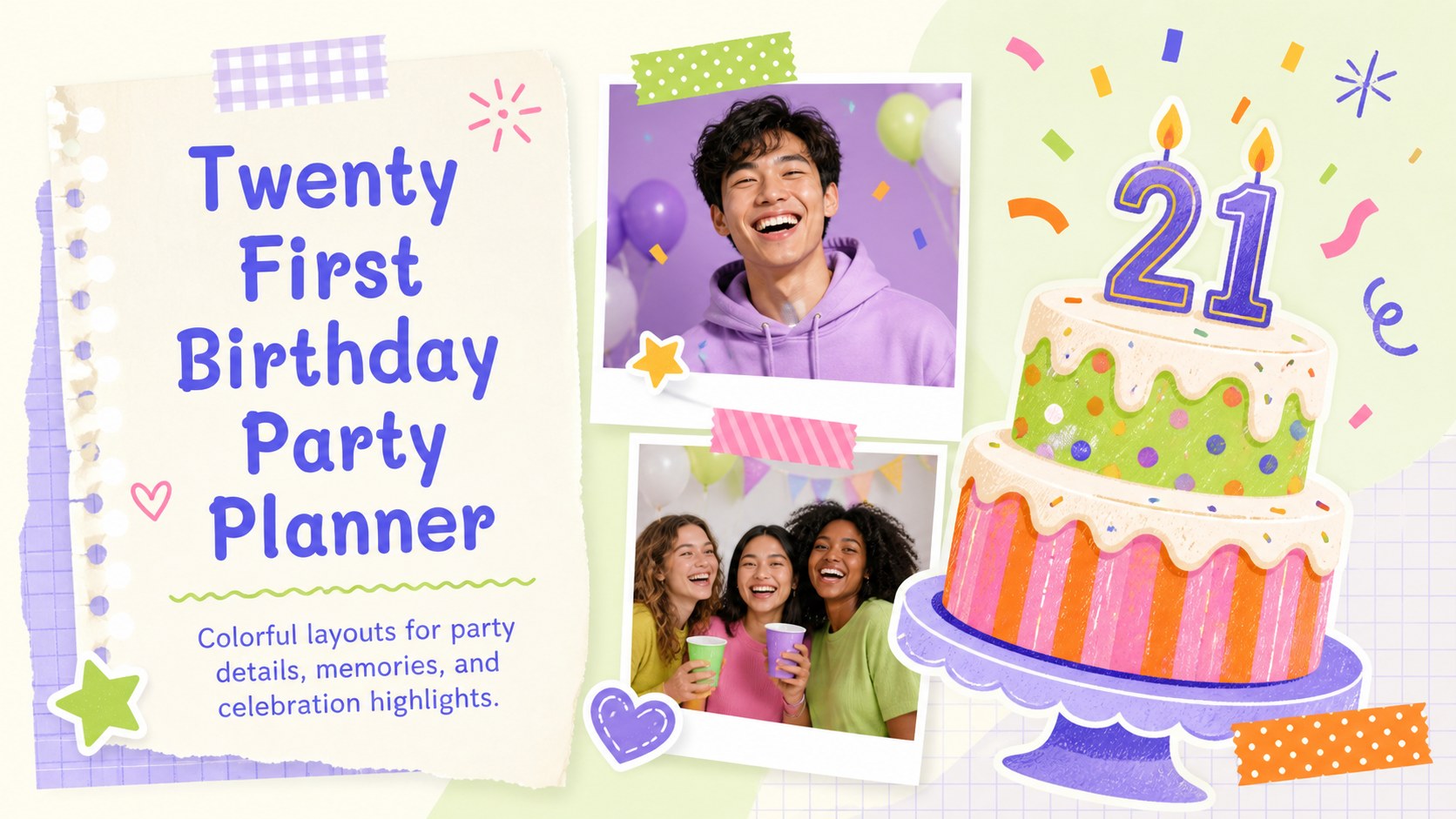
Use this twenty first birthday party planner for colorful scrapbook slides covering invitations, schedules, memories, games, and milestone celebrations.
Design notes
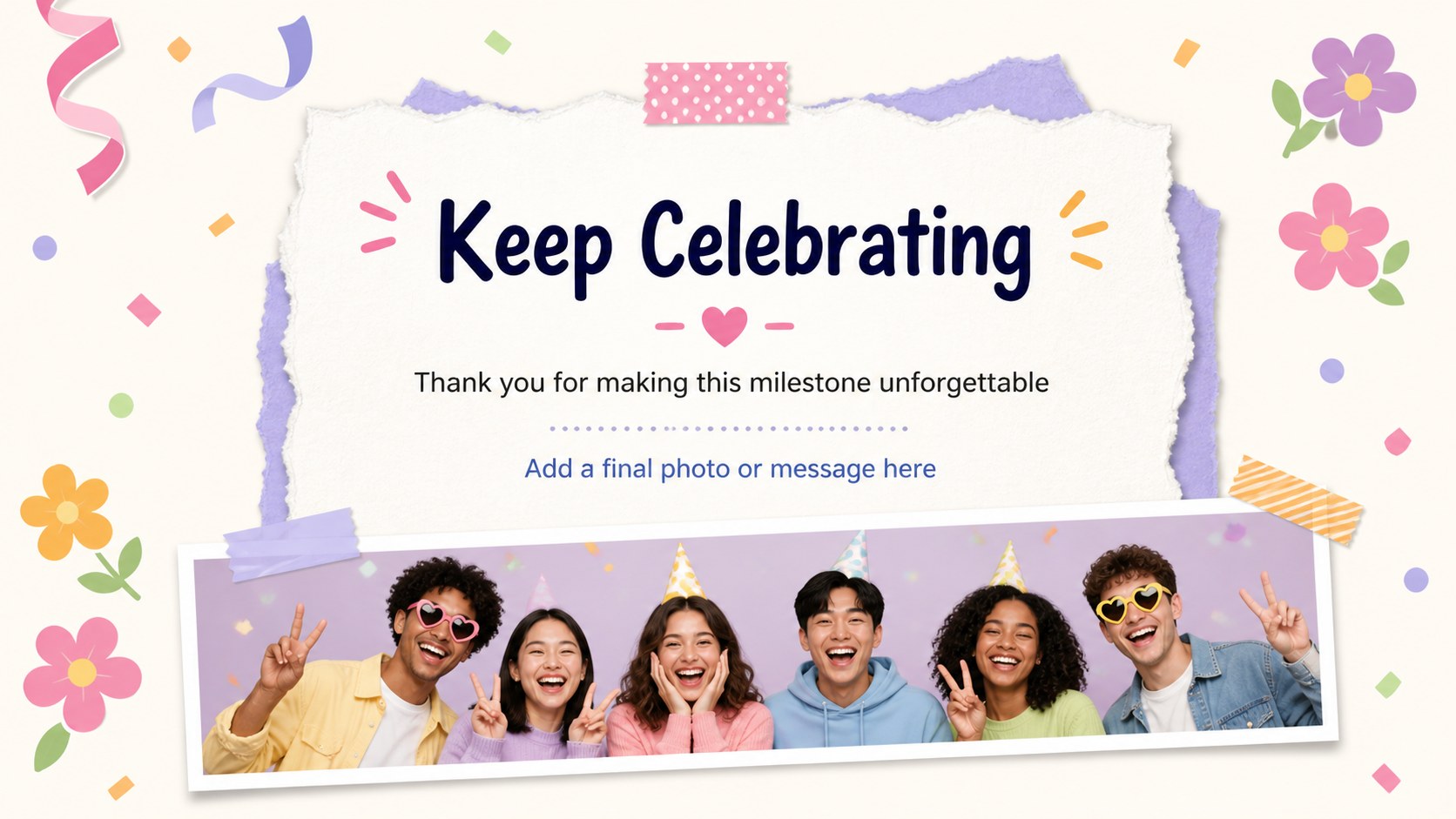
Make a memorable milestone feel personal with this twenty first birthday party planner, a bright and playful slide collection for organizing an unforgettable celebration. Its colorful scrapbook-inspired style combines cheerful illustrations, bold shapes, handwritten accents, and photo-friendly spaces while keeping every layout easy to adapt.
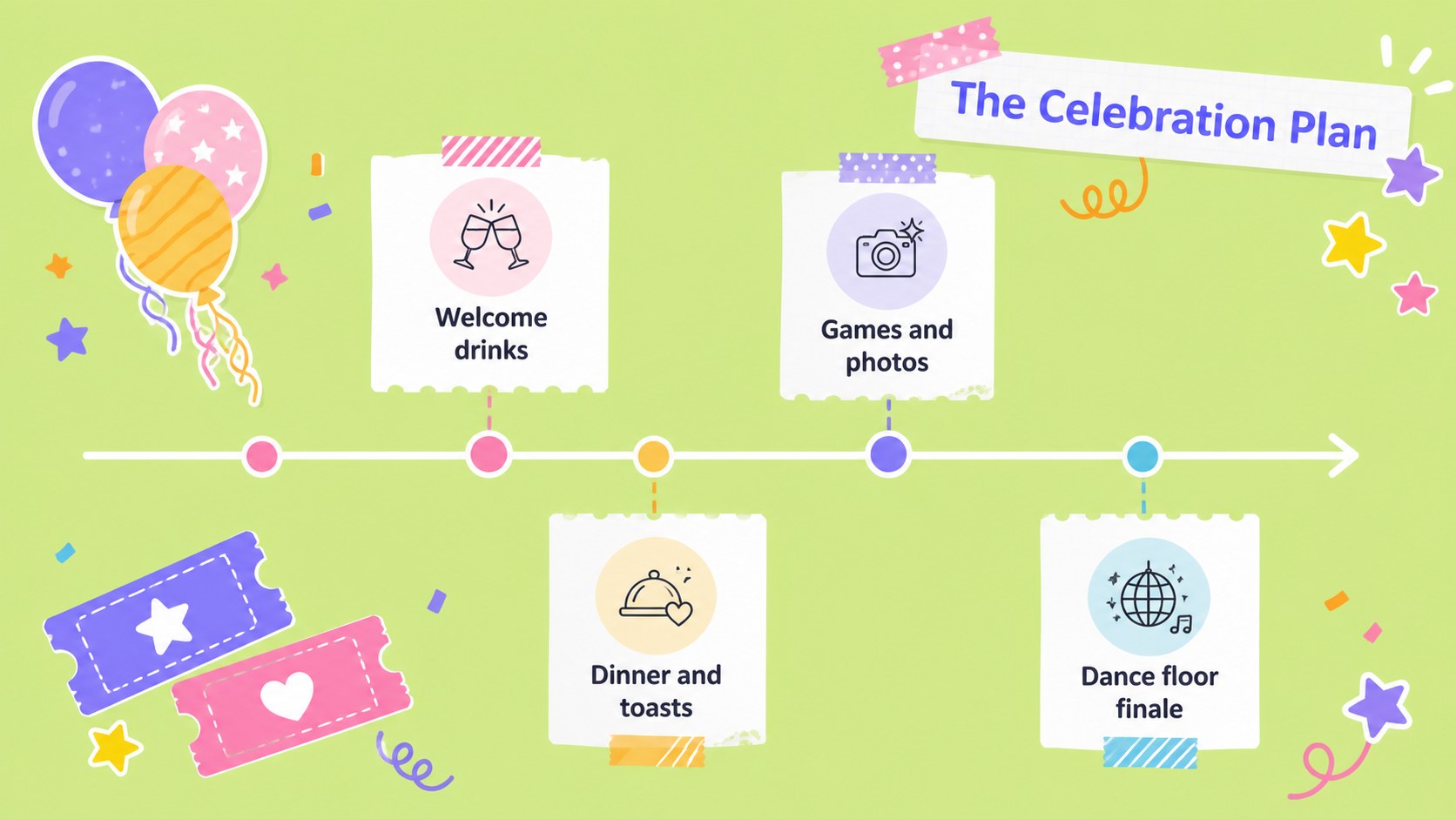
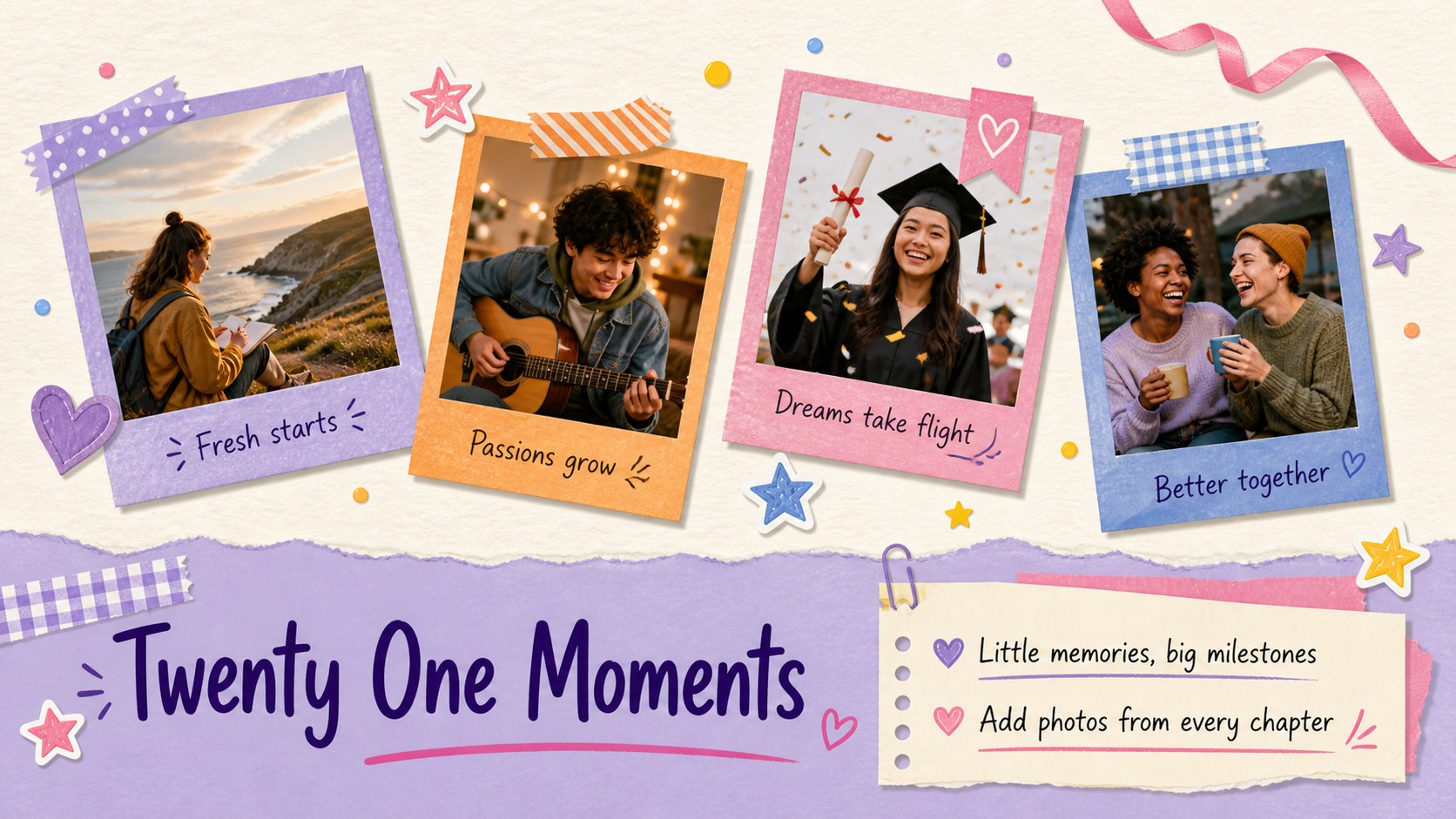
Inside, you’ll find flexible pages for an event overview, party schedule, guest list, activity ideas, favorite memories, photo collages, quotes, countdown moments, and a final thank-you message. Use the layouts to build a birthday itinerary, create a digital invitation, present a memory book, or share a post-party recap. The collection also includes editable charts, timelines, icon pages, decorative elements, and notes areas for coordinating details with friends and family.
This template suits anyone planning a twenty first birthday party, from the guest of honor and their relatives to friends organizing a surprise event. It works especially well for a colorful birthday slideshow, a milestone celebration mood board, or a social event presentation. Edit the text, images, colors, and arrangement in Google Slides or PowerPoint, then export the finished deck for screens, sharing, or printing.
Perfect for: surprise birthday planning; digital party invitation; birthday itinerary; memory book slideshow; post-party photo recap.
Frequently asked questions
Can I edit this birthday planner? Yes. The template is designed for as well as Google Slides and PowerPoint. Replace the sample wording, photos, icons, and decorative elements with your own content.
Practical details
Yes. The template is designed for as well as Google Slides and PowerPoint. Replace the sample wording, photos, icons, and decorative elements with your own content.
Use the layouts for an itinerary, guest list, activity schedule, quotes, memories, photo collages, and thank-you pages. You can also rearrange or duplicate slides to fit the celebration.
All major slide elements are editable, so you can adjust colors, typography, images, and graphics while preserving the scrapbook-inspired look. Add personal photos and matching party details for a more cohesive result.
Yes. Present it directly from Google Slides or PowerPoint, or export it as a PDF or image sequence. It can be used on a screen, shared with guests, or printed as part of a keepsake.
Keep exploring
15Build an engaging World UFO Day session with this flying saucer history lesson deck, featuring retro green-and-brown slides for PowerPoint and Google Slides.
 15
15Plan a lively animal-learning journey with this jungle zoo adventure lesson deck, ready to customize in PowerPoint and Google Slides for young learners.
 16
16Turn environmental research into a clear story with a Watercolor Ecology Presentation Theme for PowerPoint and Google Slides in calming green and blue.
 16
16Build focused fashion, literature, and humanities presentations with the Red Triangle Editorial Theme, editable in PowerPoint and Google Slides.
 15
15Turn streaming stats, favorite tracks, and concert highlights into a bold annual listening recap slide deck for PowerPoint and Google Slides.
 15
15Turn highlights, milestones, and favorite moments into a colorful year in review slide deck with bold 3D graphics for PowerPoint and Google Slides.
 3
3Build a credible endorsement with Standout Colleague Recommendation Letter Slides, featuring colorful prompts for skills, achievements, and team impact.
 4
4Build clear beginner sessions with an ice hockey fundamentals training deck for coaches, PE teachers, and clubs, ready for PowerPoint and Google Slides.