
 15
15presentation
Flying Saucer History Lesson Deck
Build an engaging World UFO Day session with this flying saucer history lesson deck, featuring retro green-and-brown slides for PowerPoint and Google Slides.
Google SlidesPowerPoint
presentation · English
Build clear evacuation guidance with Tsunami Readiness Infographic Slides for school lessons, community drills, and coastal awareness campaigns.
Design notes
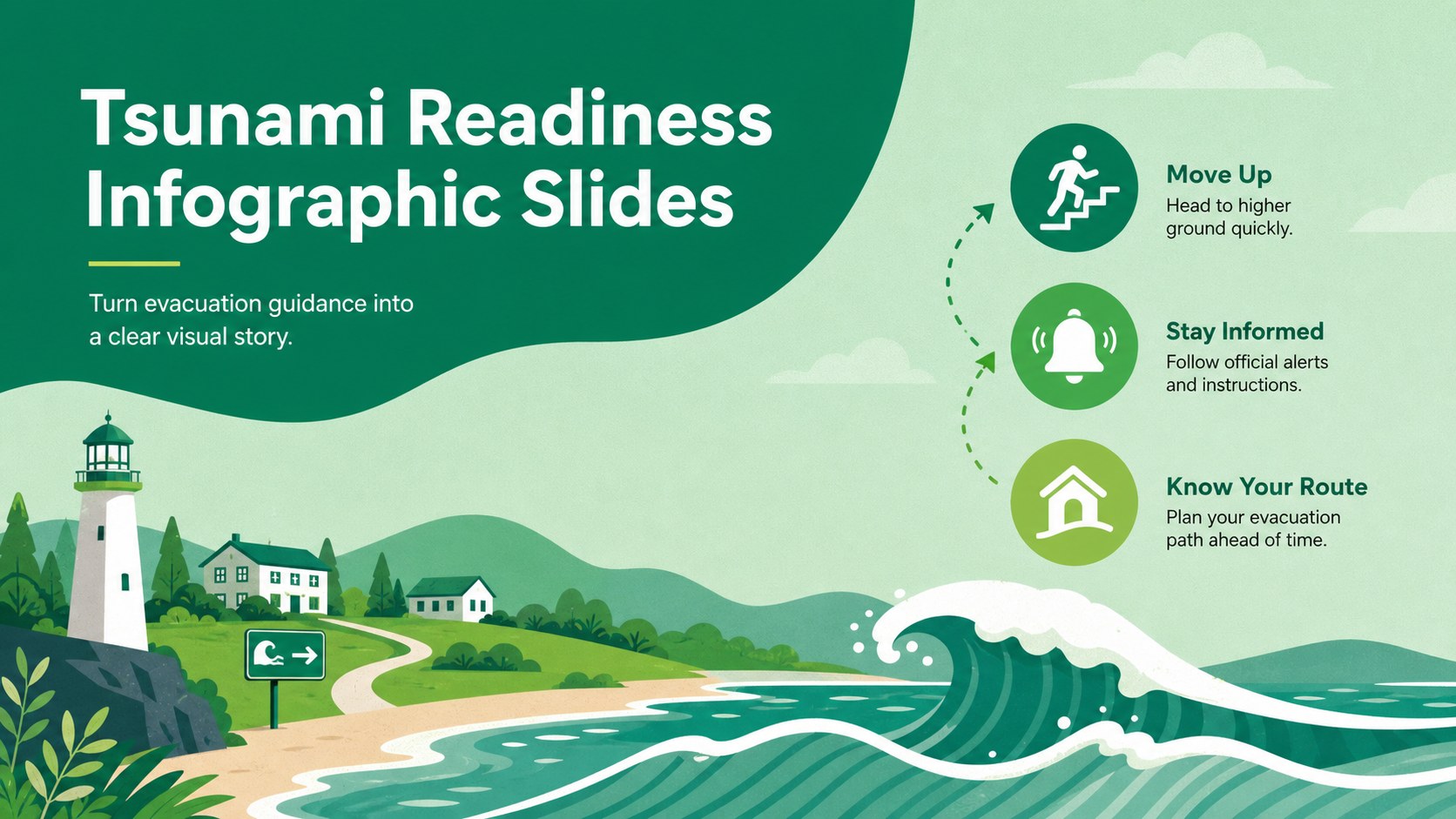
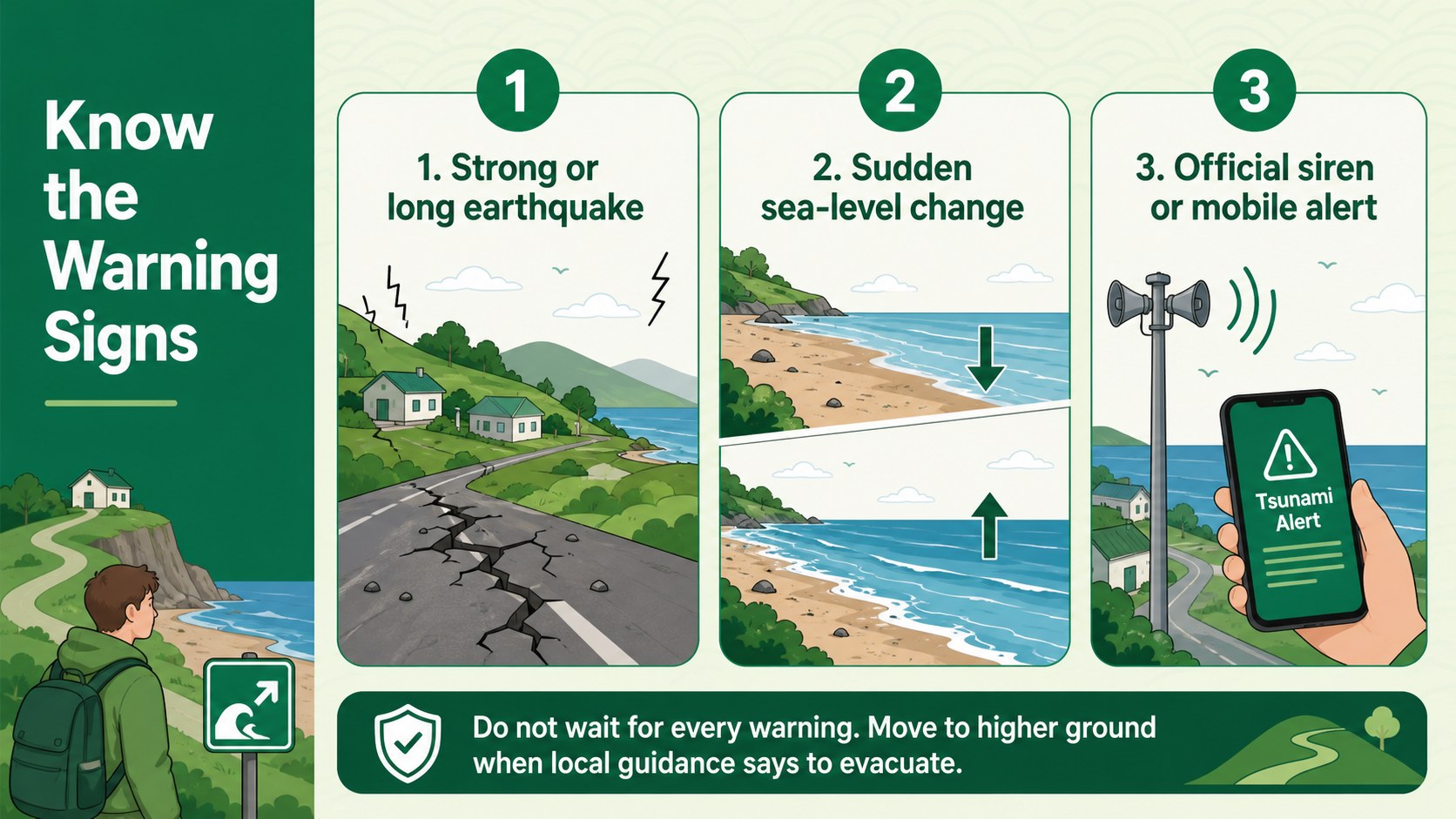
Tsunami Readiness Infographic Slides turn complex emergency instructions into concise, easy-to-scan visuals. Designed with a green palette, clean flat illustrations, and strong information hierarchy, this deck helps audiences recognize natural warning signs and understand when to move inland or reach higher ground. The layouts work equally well for projected presentations and printed educational materials.
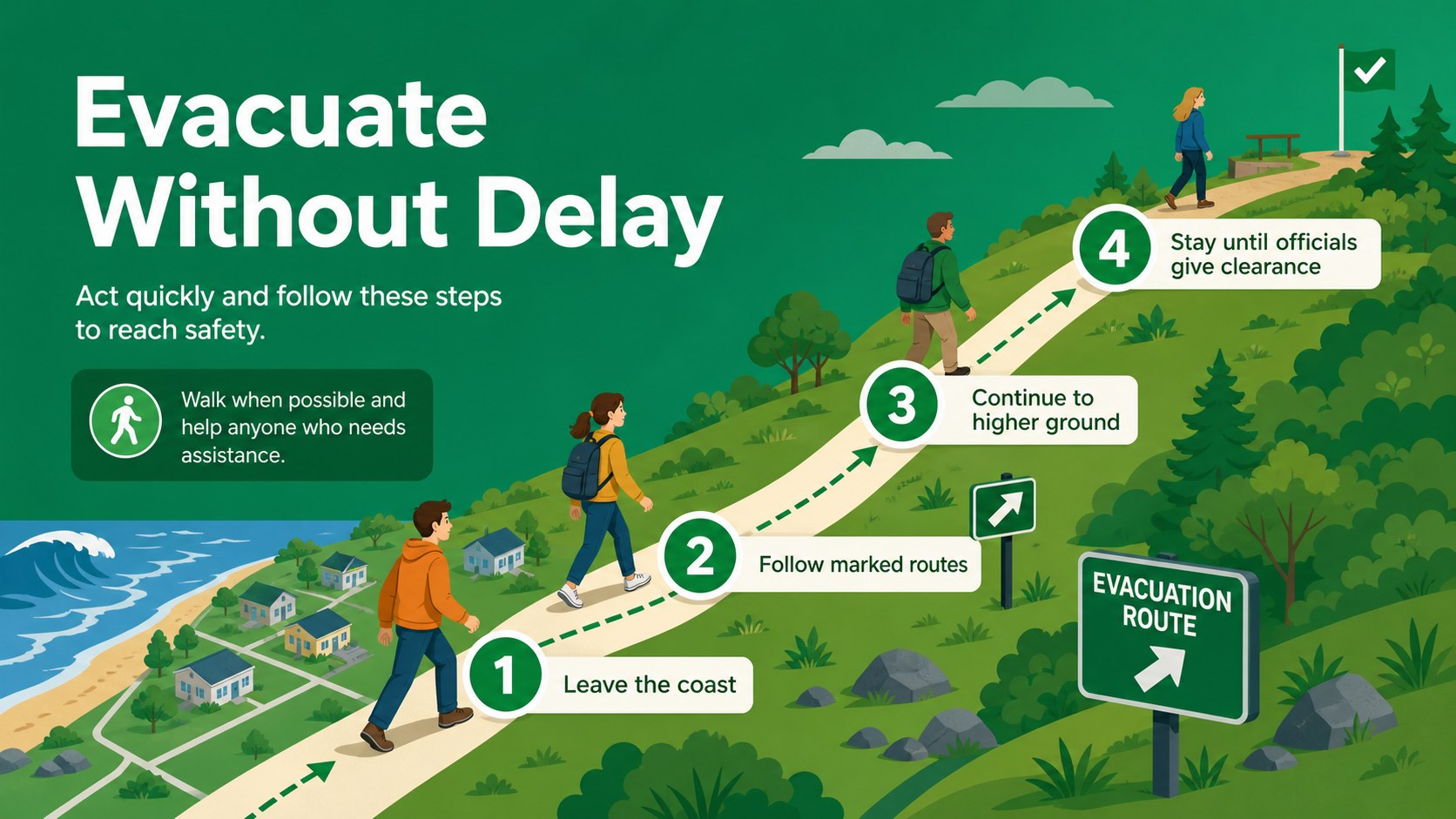
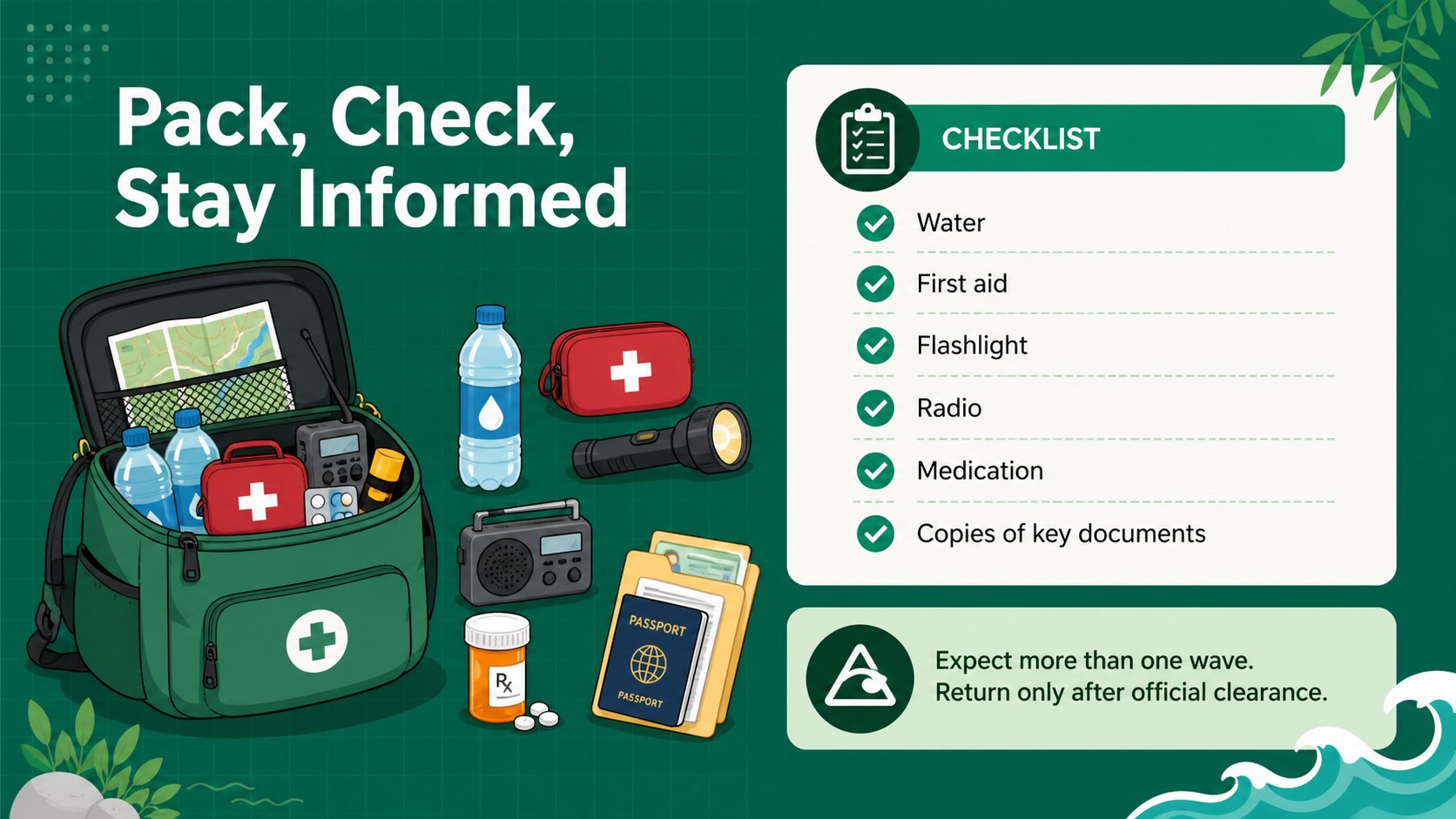
Inside, you will find a coordinated cover, a tsunami warning signs infographic, an evacuation action sequence, and an emergency supply checklist. Use the structured sections to explain earthquake cues, official alerts, evacuation zones, safe meeting points, and post-event precautions. Maps, icons, labels, and short text blocks can be adjusted to create a localized tsunami evacuation route presentation without overcrowding the message.
These slides are intended for teachers, students, emergency management teams, coastal businesses, local authorities, and nonprofit outreach groups. They can support geography lessons, school preparedness activities, neighborhood workshops, visitor briefings, and public information campaigns. The deck also serves as a practical school tsunami drill template or community tsunami response guide. Edit the wording, colors, symbols, and route details in PowerPoint or Google Slides, then present digitally or export the pages for posters and handouts. Always align emergency instructions with current guidance from the responsible local authorities.
Perfect for: school tsunami preparedness lesson; coastal community evacuation workshop; emergency response team briefing; visitor safety orientation; public awareness poster campaign.
Frequently asked questions
Can I customize the evacuation instructions for my area? Yes. Replace the sample routes, meeting points, alert details, and action steps with guidance from your local emergency authority. Maps, labels, icons, and colors are fully editable.
Practical details
Yes. Replace the sample routes, meeting points, alert details, and action steps with guidance from your local emergency authority. Maps, labels, icons, and colors are fully editable.
The template is designed for PowerPoint and Google Slides. Some font spacing or transitions may vary slightly between platforms, so review the final deck before presenting.
Yes. Export individual slides as PDF pages or images for classroom sheets, notice boards, and community handouts. Check that route labels and emergency contact details remain legible at the chosen print size.
Add the school's evacuation route, assembly area, attendance procedure, and staff responsibilities. Confirm every instruction with administrators and local emergency services before distributing the material.
Keep exploring
15Build an engaging World UFO Day session with this flying saucer history lesson deck, featuring retro green-and-brown slides for PowerPoint and Google Slides.
 15
15Plan a lively animal-learning journey with this jungle zoo adventure lesson deck, ready to customize in PowerPoint and Google Slides for young learners.
 16
16Turn environmental research into a clear story with a Watercolor Ecology Presentation Theme for PowerPoint and Google Slides in calming green and blue.
 16
16Build focused fashion, literature, and humanities presentations with the Red Triangle Editorial Theme, editable in PowerPoint and Google Slides.
 15
15Turn streaming stats, favorite tracks, and concert highlights into a bold annual listening recap slide deck for PowerPoint and Google Slides.
 15
15Turn highlights, milestones, and favorite moments into a colorful year in review slide deck with bold 3D graphics for PowerPoint and Google Slides.
 3
3Build a credible endorsement with Standout Colleague Recommendation Letter Slides, featuring colorful prompts for skills, achievements, and team impact.
 4
4Build clear beginner sessions with an ice hockey fundamentals training deck for coaches, PE teachers, and clubs, ready for PowerPoint and Google Slides.