
 15
15presentation
Flying Saucer History Lesson Deck
Build an engaging World UFO Day session with this flying saucer history lesson deck, featuring retro green-and-brown slides for PowerPoint and Google Slides.
Google SlidesPowerPoint
presentation · English
Pitch island escapes with a Hawaii tourism campaign deck featuring tropical blue illustrations and editable layouts for PowerPoint and Google Slides.
Design notes
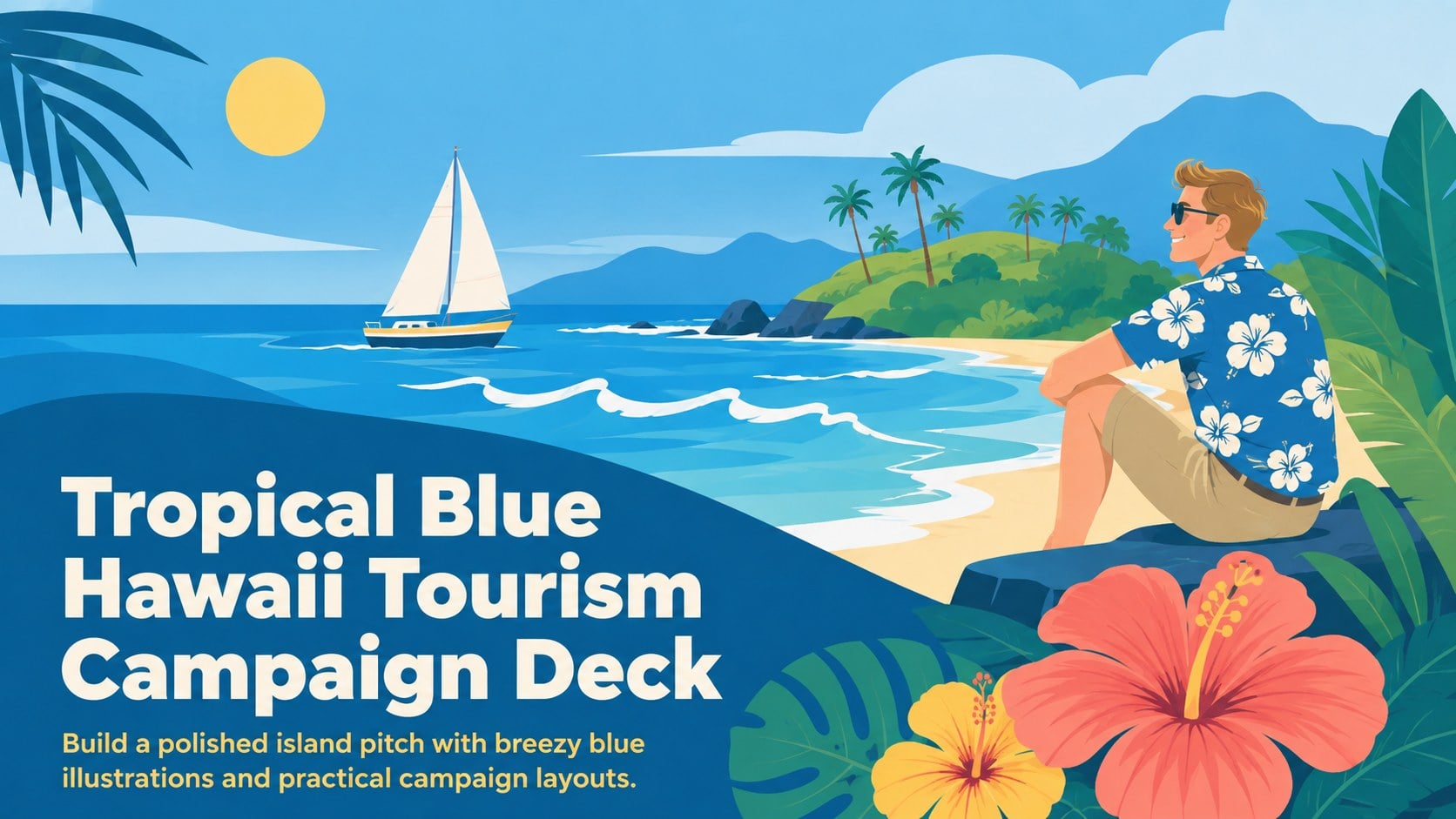
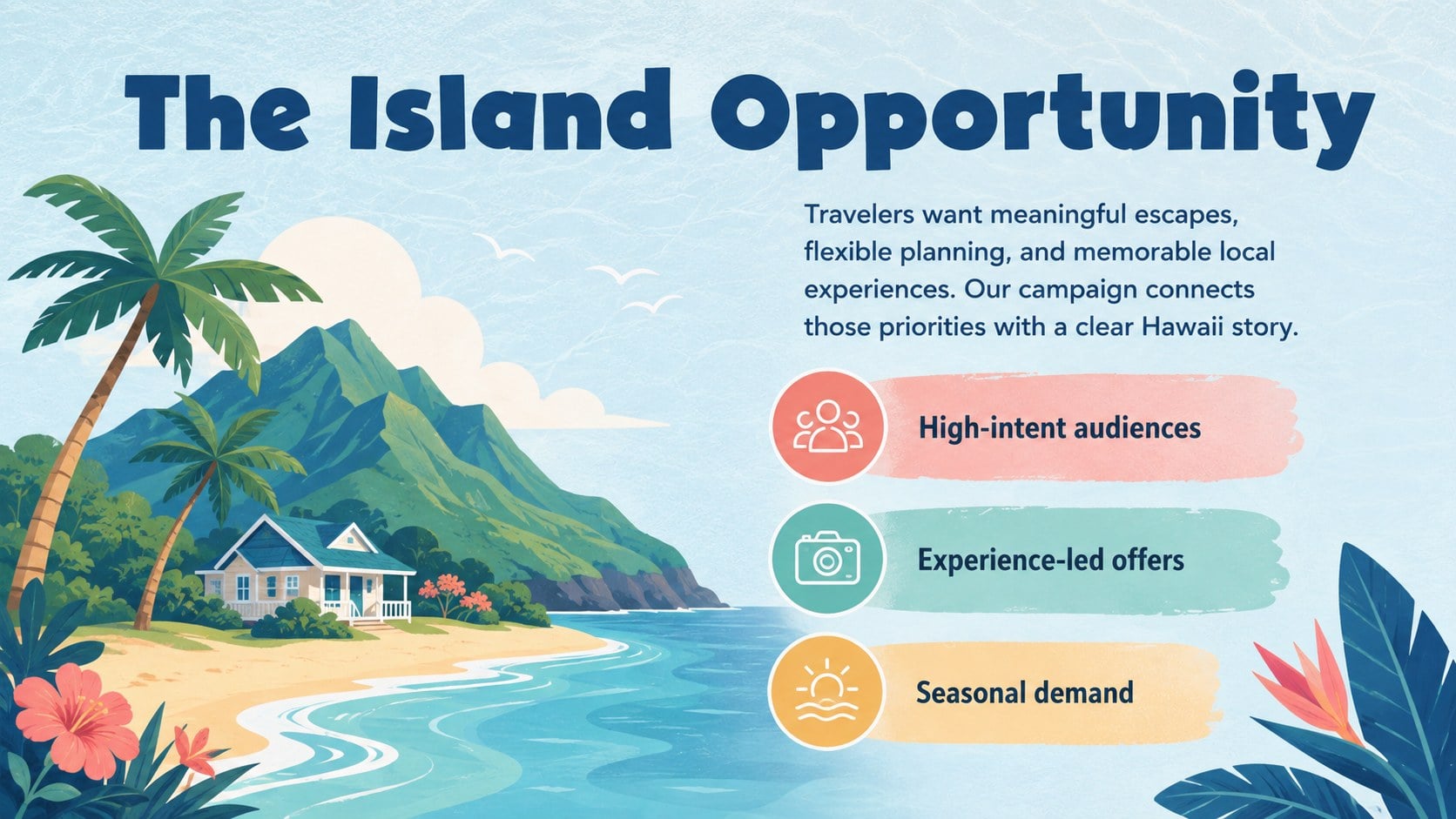
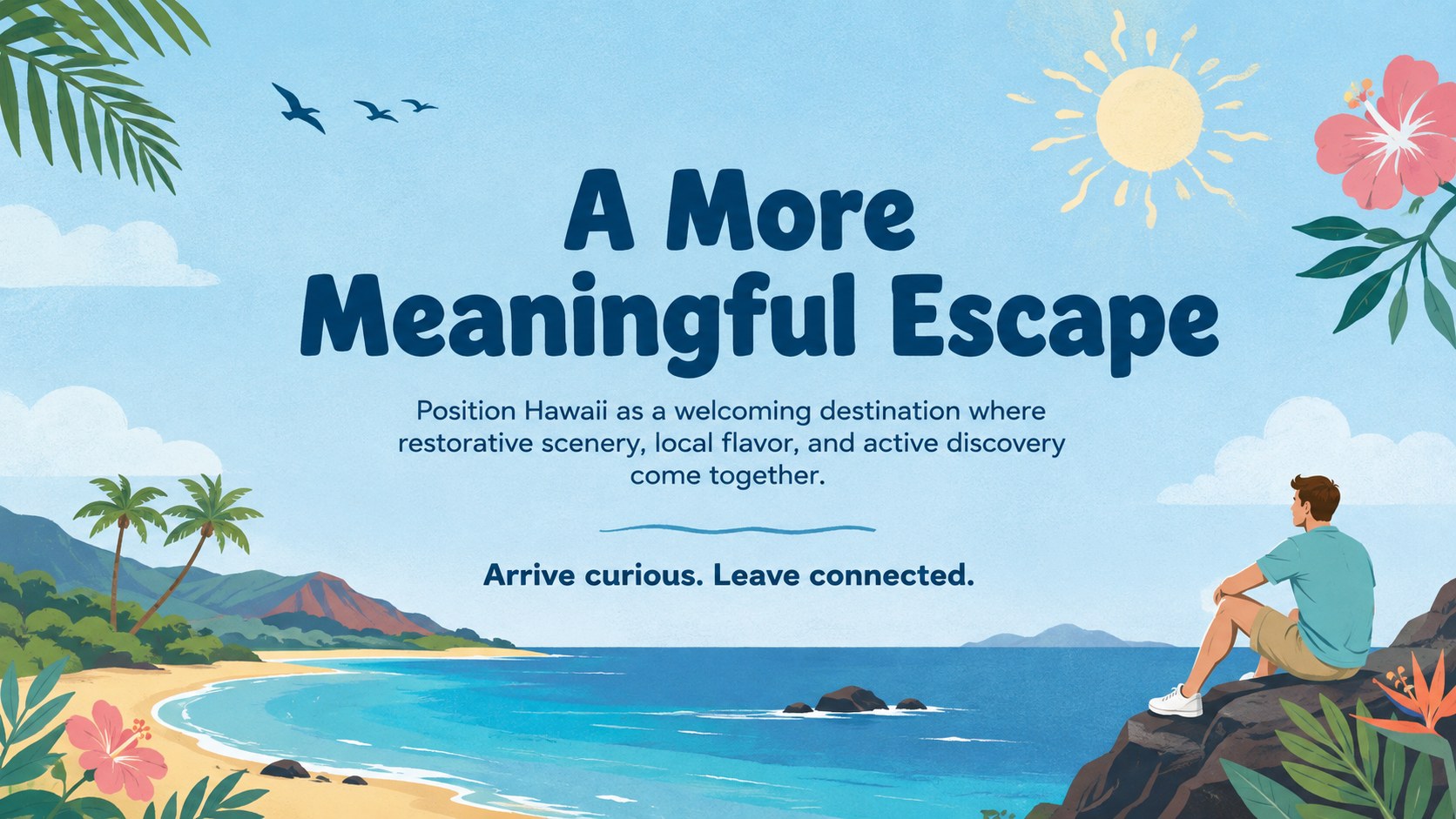
Turn destination ideas into a persuasive island story with this Tropical Blue Hawaii Tourism Campaign Deck. Designed around fresh ocean blues, colorful accents, and cheerful travel illustrations, the presentation gives campaigns a relaxed vacation mood while keeping the marketing message clear. Use it to introduce Hawaii experiences, position a hospitality offer, or pitch a seasonal tourism initiative.
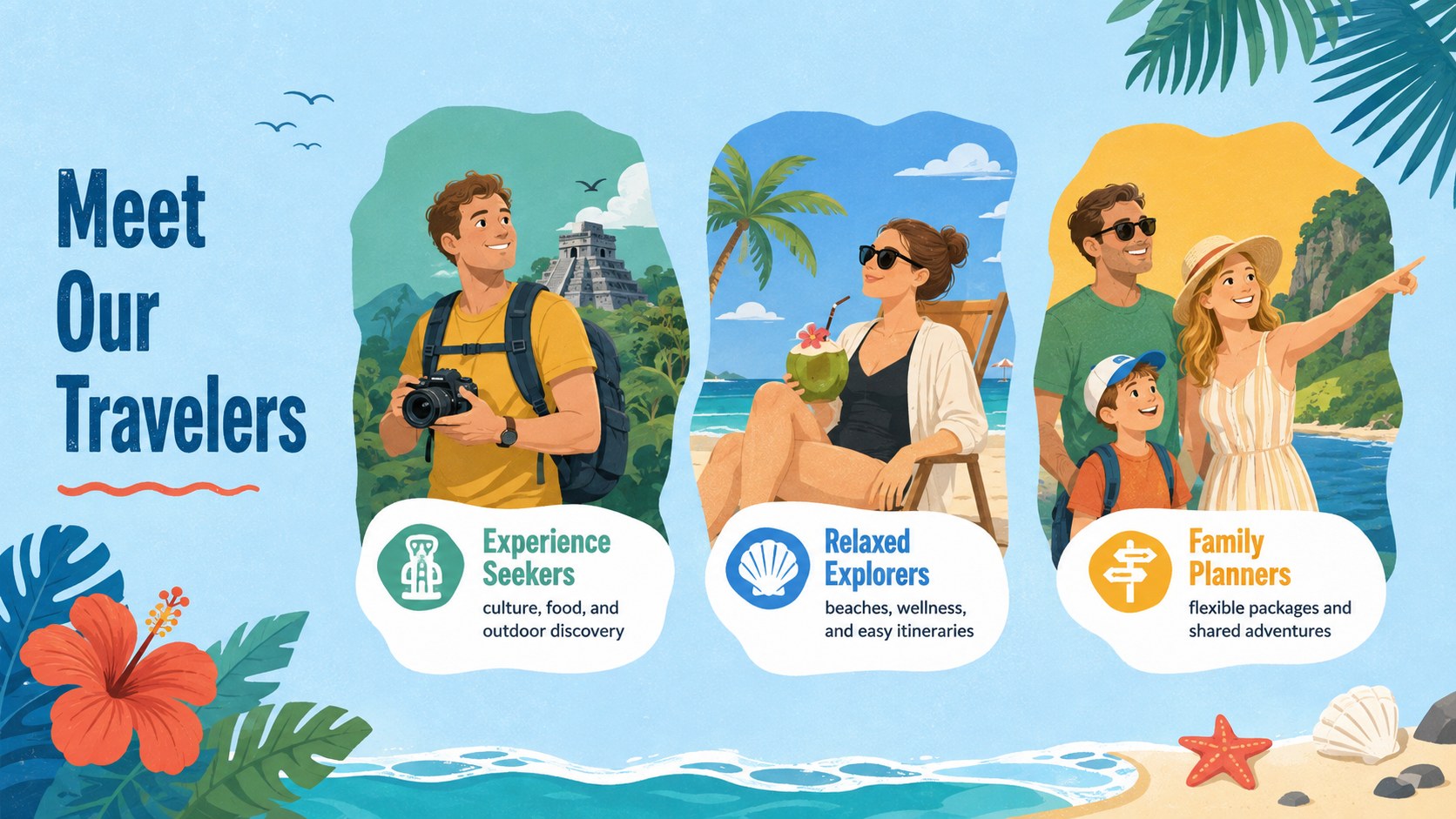
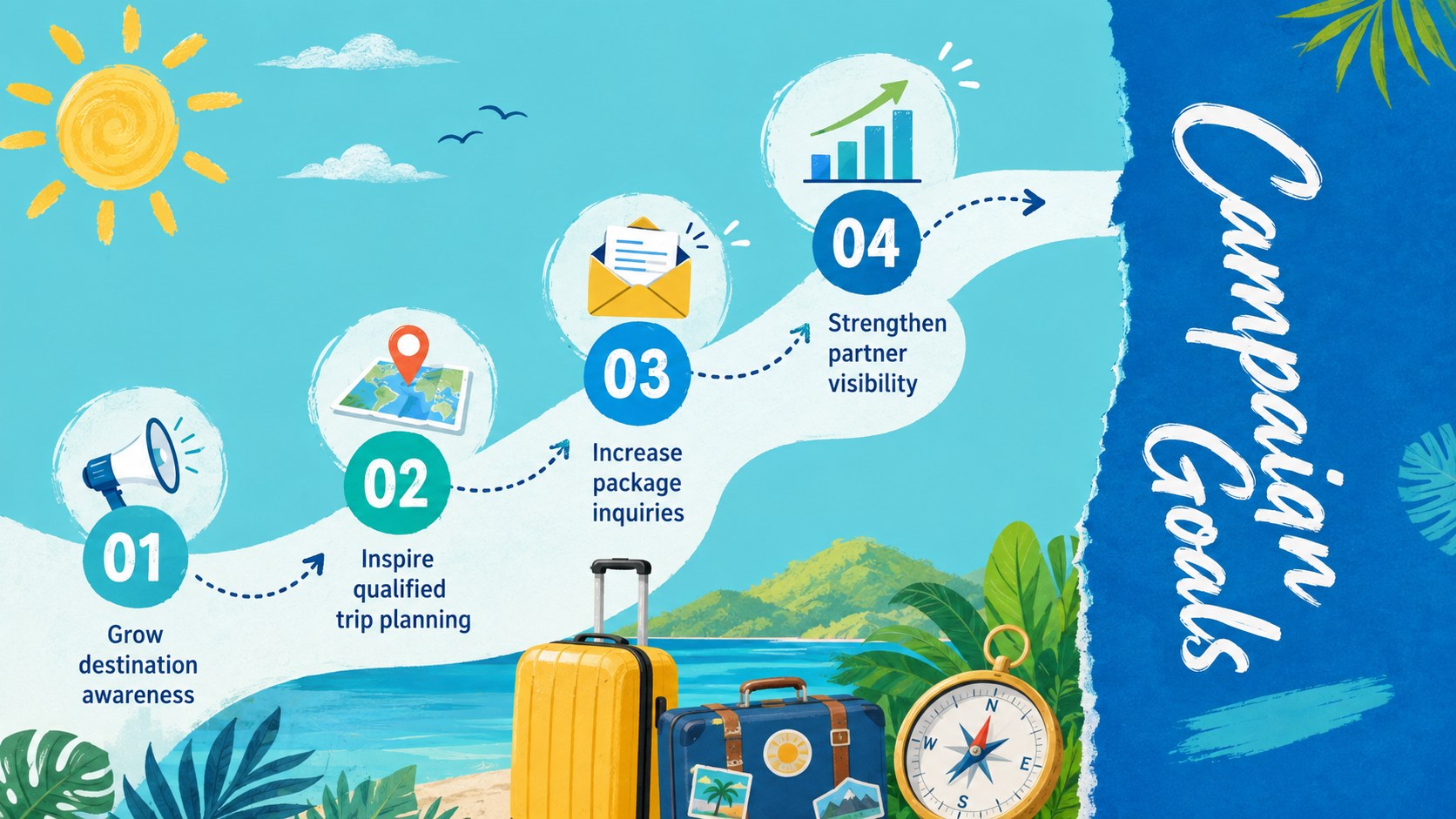
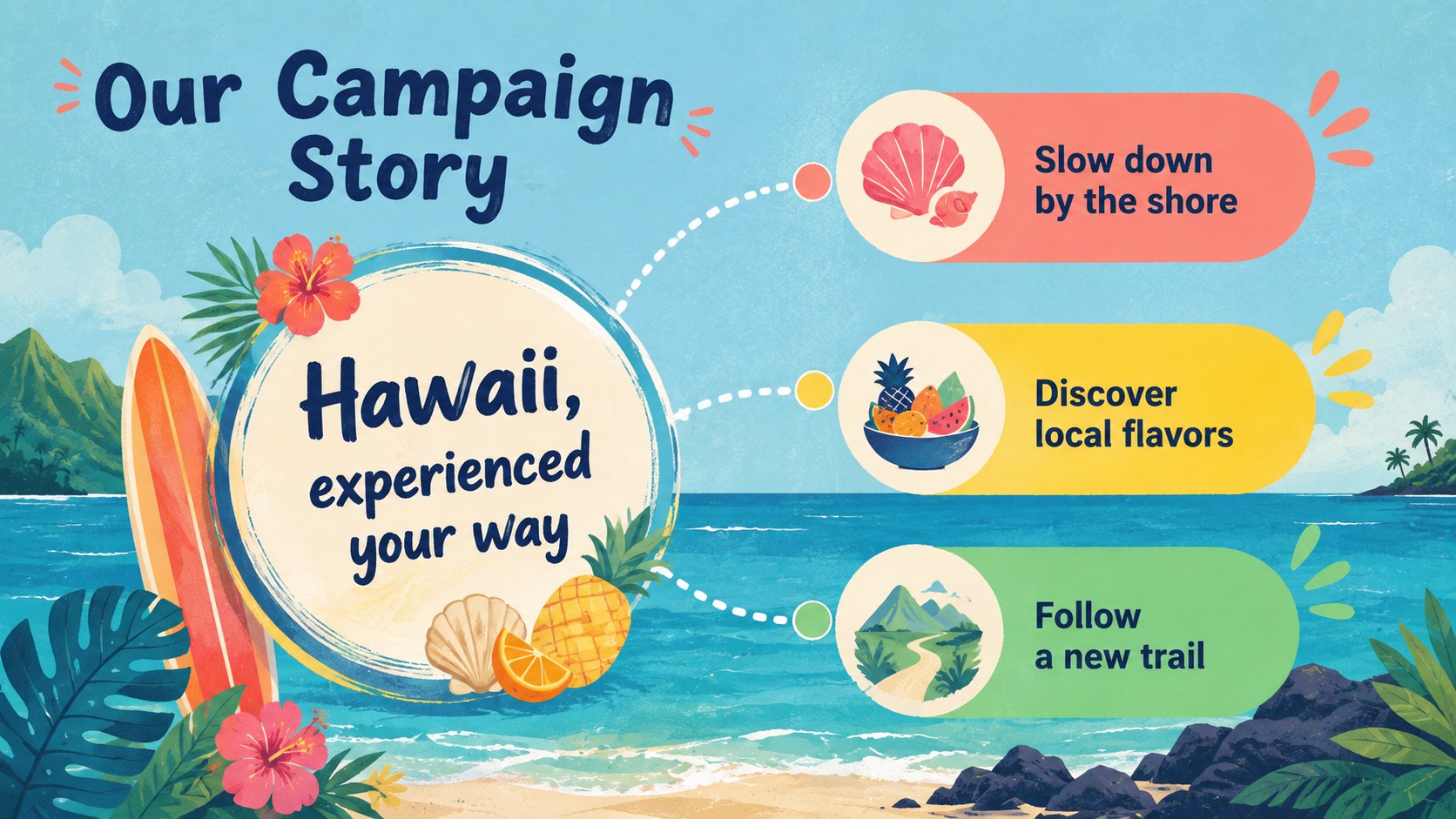
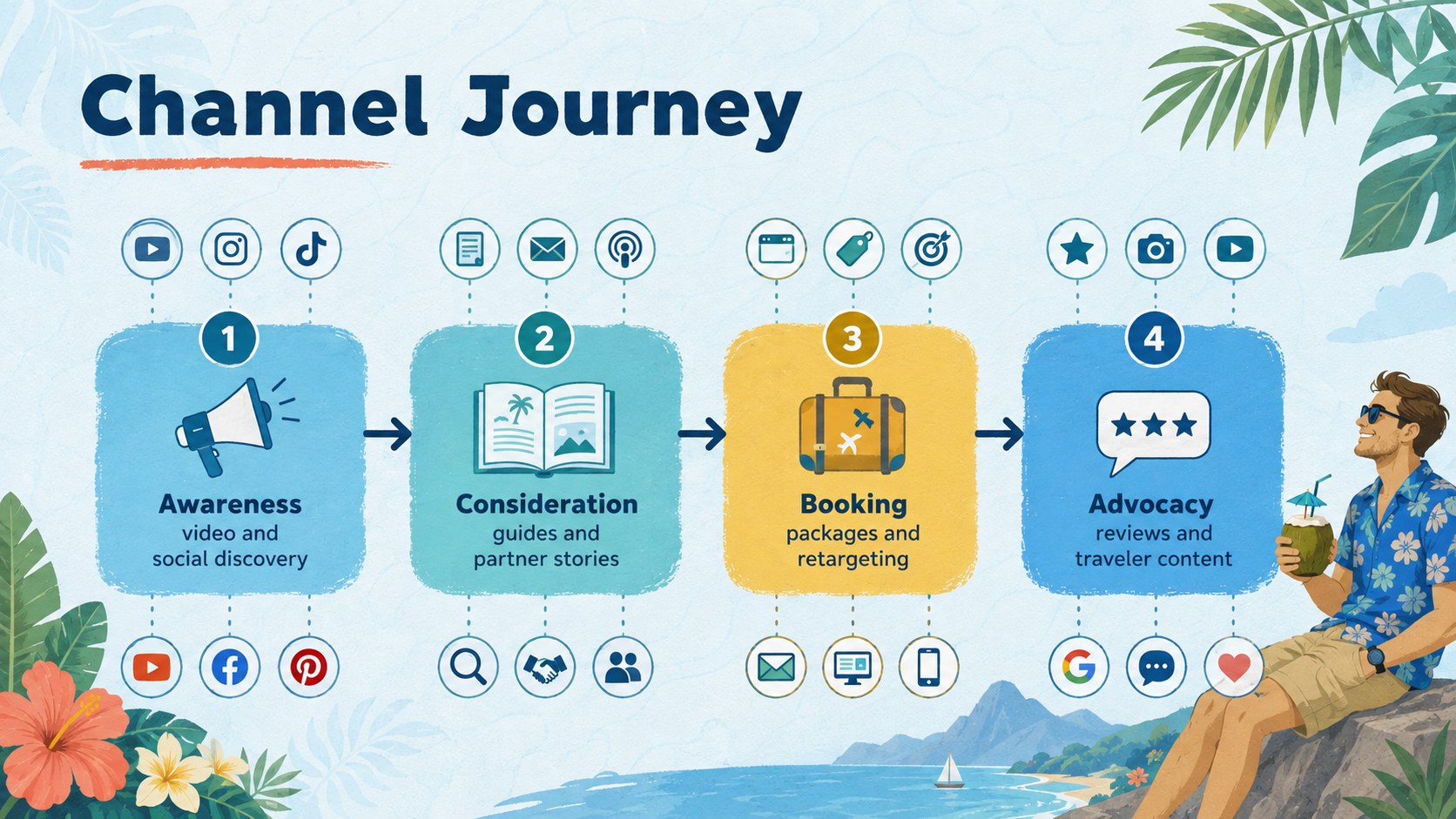
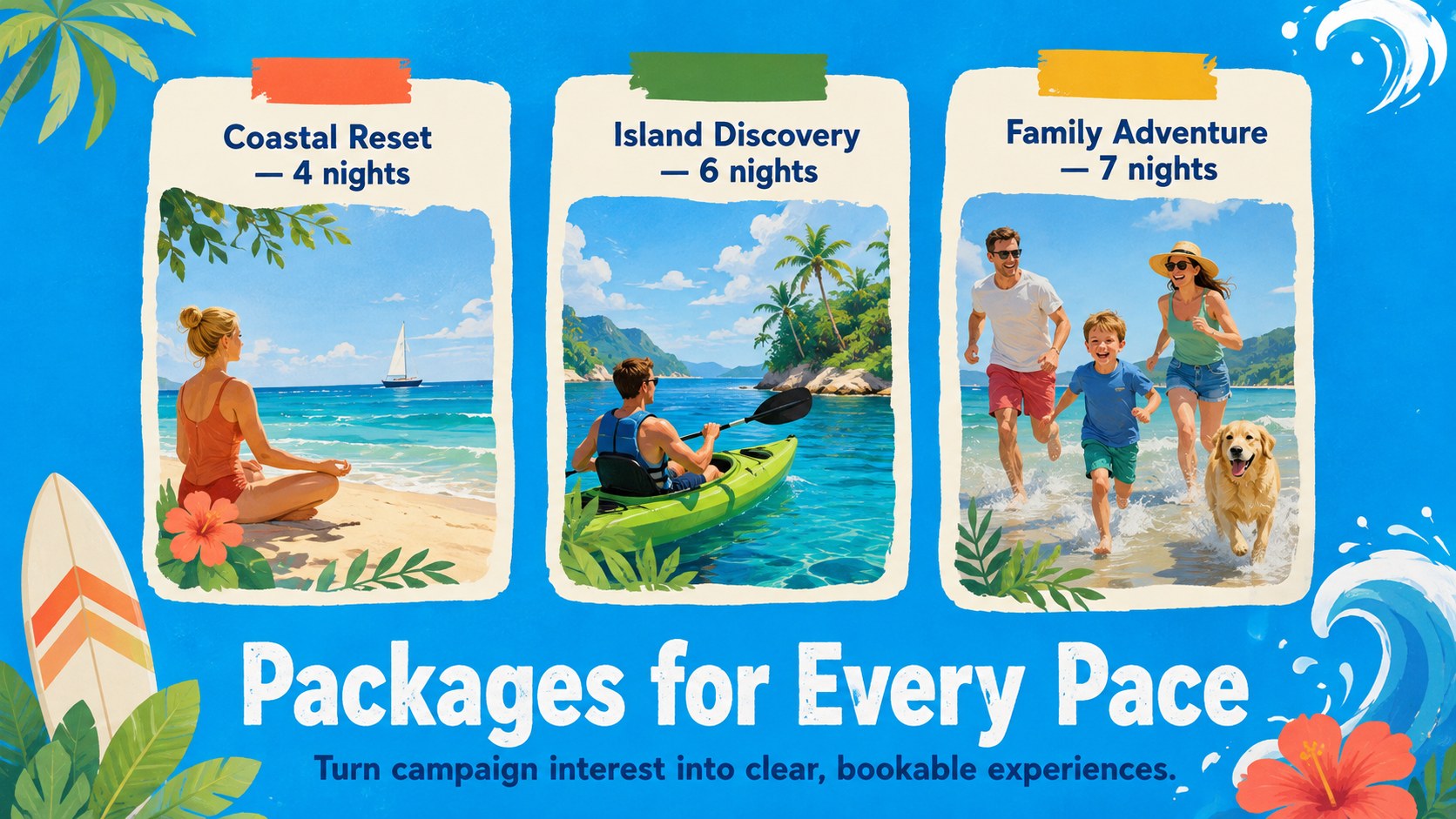
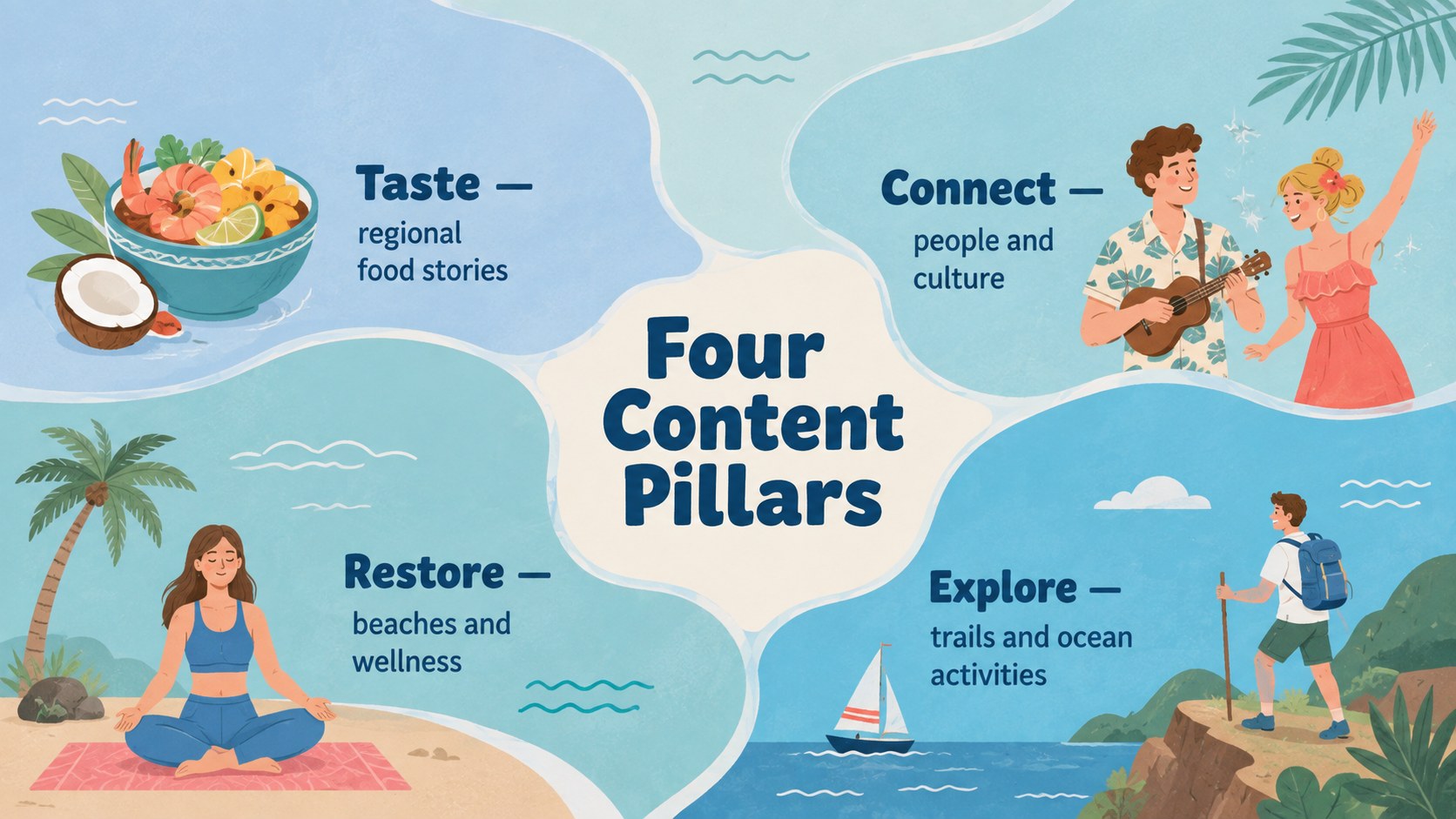
The deck includes layouts for campaign goals, traveler profiles, destination highlights, content pillars, promotional channels, package concepts, partnerships, rollout timing, and performance metrics. Visual storytelling areas make room for beaches, local experiences, accommodations, food, and outdoor activities without crowding the core strategy. Every element can be adjusted in PowerPoint or Google Slides, including text, colors, graphics, charts, and image placements.
This Hawaii tourism campaign deck works well as a Hawaii tourism promotion presentation for travel agencies, resort teams, destination marketers, tour operators, and hospitality consultants. It can also serve as a tropical travel marketing slide deck for client proposals or an island destination campaign template for internal planning. Adapt the messaging to a specific island, audience segment, travel season, or vacation package while preserving the inviting illustrated style and bright blue palette.
Perfect for: destination marketing proposal; resort campaign pitch; travel agency package launch; tour operator promotion; seasonal Hawaii campaign; hospitality partner briefing.
Frequently asked questions
Can I edit this deck in PowerPoint and Google Slides? Yes. The layouts are designed for editing in both PowerPoint and Google Slides, including the text, colors, illustrations, charts, and image areas. Some fonts or effects may render slightly differently between platforms.
Practical details
Yes. The layouts are designed for editing in both PowerPoint and Google Slides, including the text, colors, illustrations, charts, and image areas. Some fonts or effects may render slightly differently between platforms.
Yes. Replace the sample destination copy and visuals with material for Oahu, Maui, Kauai, Hawaii Island, or another specific location. The campaign structure also works for multi-island itineraries.
Apply your organization or client colors through the theme settings, then adjust individual accents where needed. Keep strong contrast between text and backgrounds so campaign details remain easy to read.
Yes. Use the image areas for licensed destination photography and replace sample metrics with your own research, budget, timeline, or performance figures. Confirm that you have permission to use all photos and logos you add.
Keep exploring
15Build an engaging World UFO Day session with this flying saucer history lesson deck, featuring retro green-and-brown slides for PowerPoint and Google Slides.
 15
15Plan a lively animal-learning journey with this jungle zoo adventure lesson deck, ready to customize in PowerPoint and Google Slides for young learners.
 16
16Turn environmental research into a clear story with a Watercolor Ecology Presentation Theme for PowerPoint and Google Slides in calming green and blue.
 16
16Build focused fashion, literature, and humanities presentations with the Red Triangle Editorial Theme, editable in PowerPoint and Google Slides.
 15
15Turn streaming stats, favorite tracks, and concert highlights into a bold annual listening recap slide deck for PowerPoint and Google Slides.
 15
15Turn highlights, milestones, and favorite moments into a colorful year in review slide deck with bold 3D graphics for PowerPoint and Google Slides.
 3
3Build a credible endorsement with Standout Colleague Recommendation Letter Slides, featuring colorful prompts for skills, achievements, and team impact.
 4
4Build clear beginner sessions with an ice hockey fundamentals training deck for coaches, PE teachers, and clubs, ready for PowerPoint and Google Slides.