
 15
15presentation
Flying Saucer History Lesson Deck
Build an engaging World UFO Day session with this flying saucer history lesson deck, featuring retro green-and-brown slides for PowerPoint and Google Slides.
Google SlidesPowerPoint
presentation · English
Teach roots, trunks, leaves, and major tree groups with a Tree Anatomy and Species Classroom Deck designed for editable PowerPoint and Google Slides lessons.
Design notes
Turn forest science into a visual classroom experience with the Tree Anatomy and Species Classroom Deck. Created for upper elementary and middle school learners, this illustrated presentation uses layered paper textures, botanical details, and a calm green-and-beige palette to make essential concepts easy to follow.
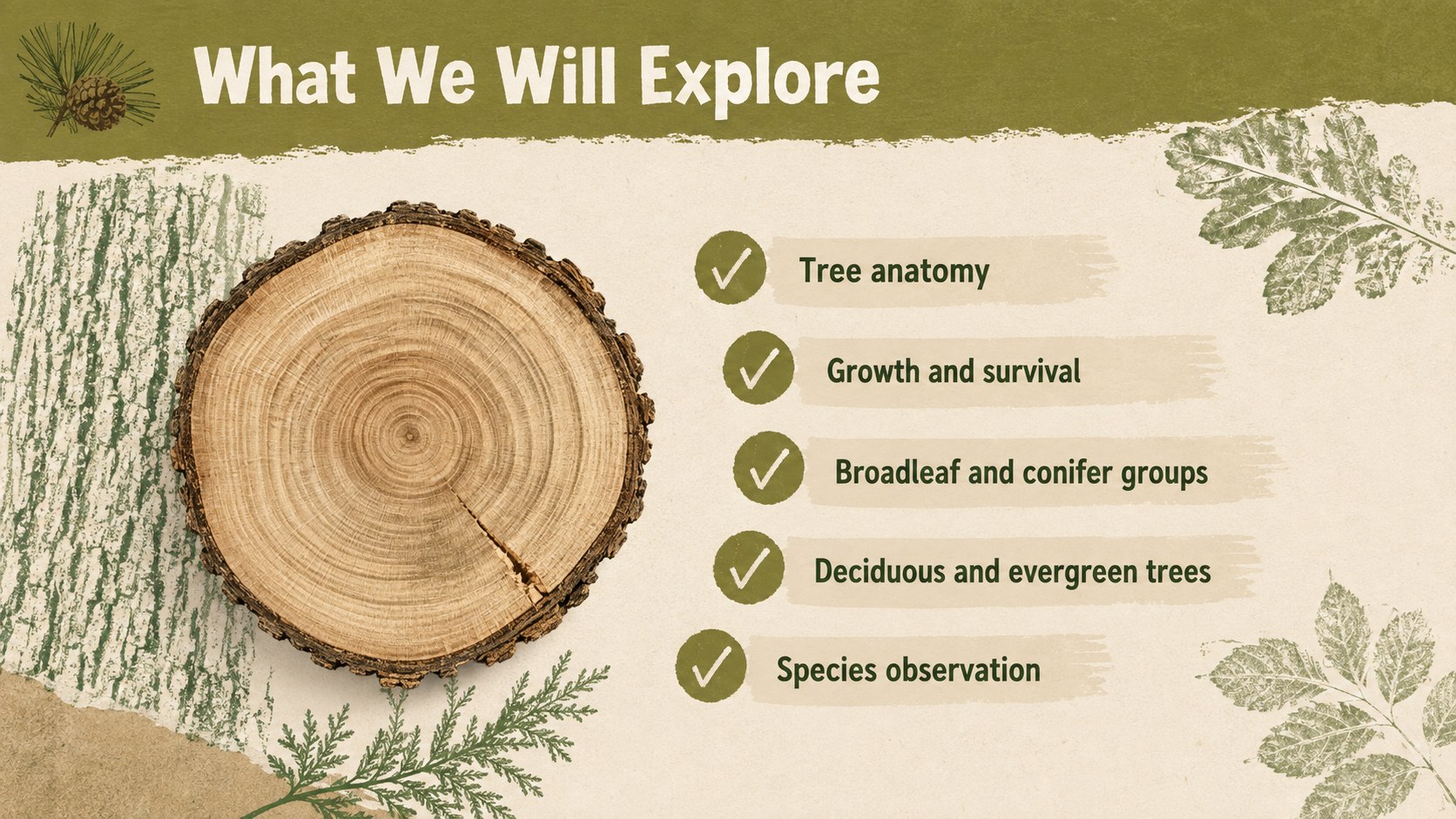
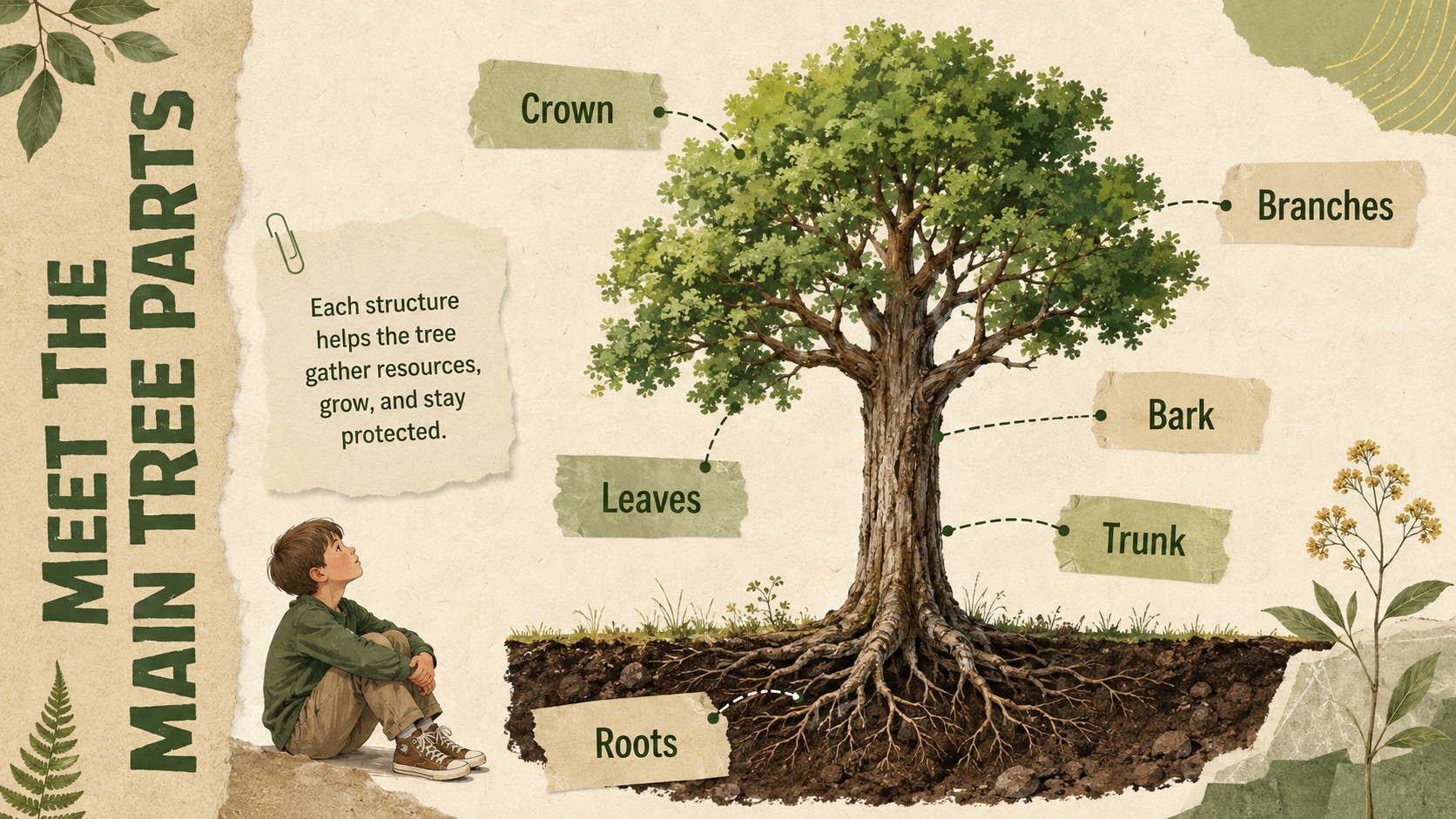
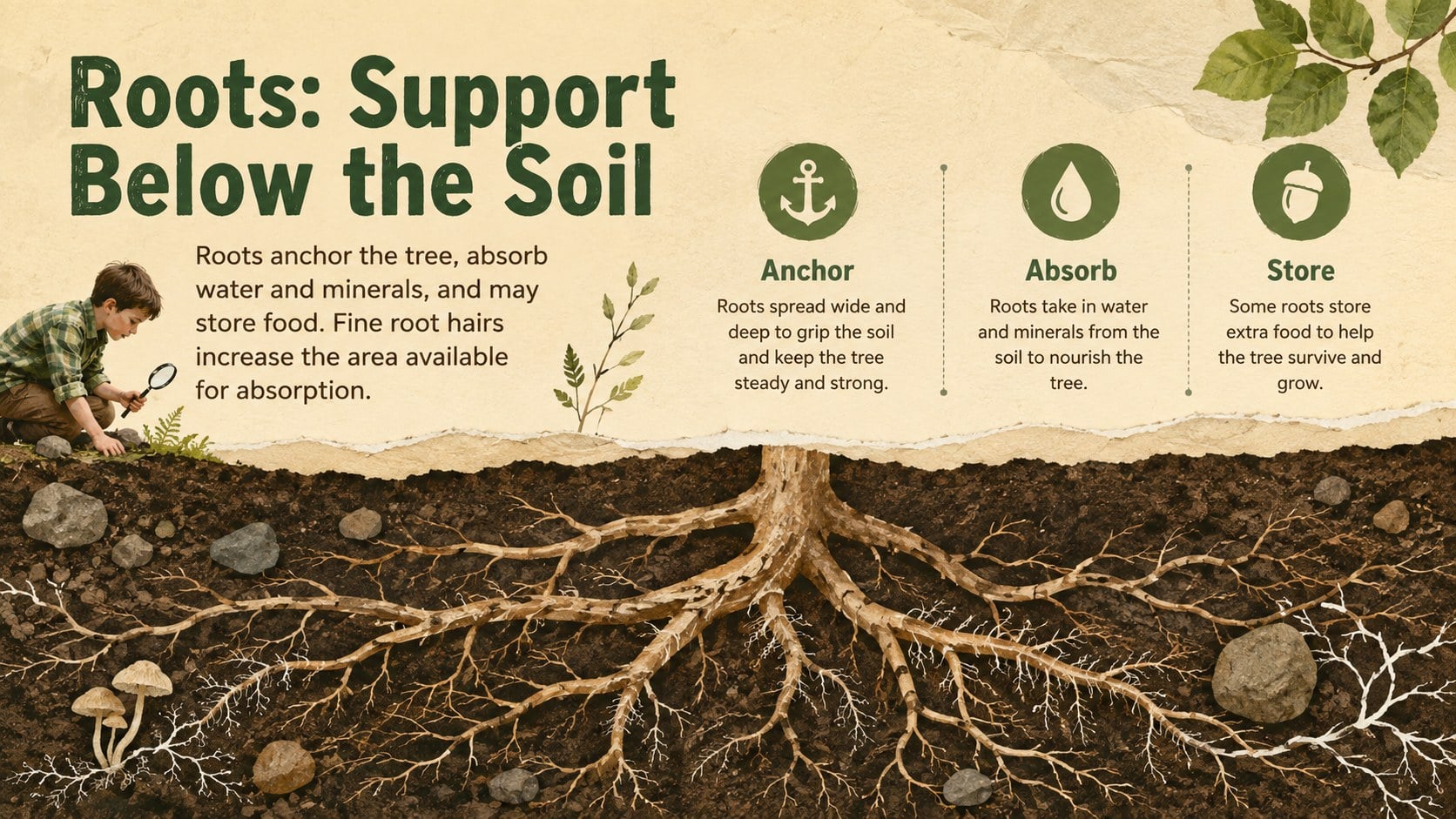
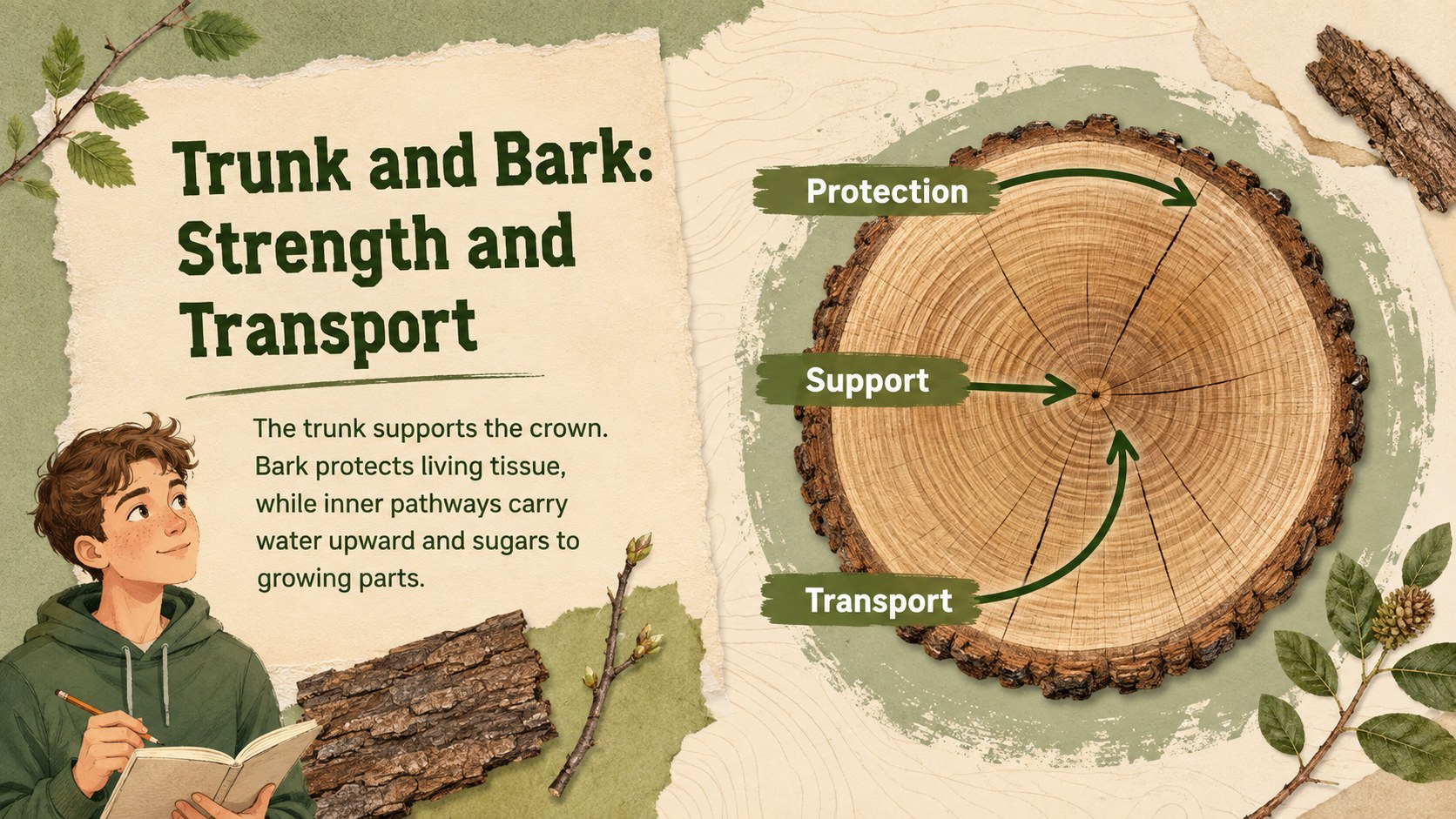
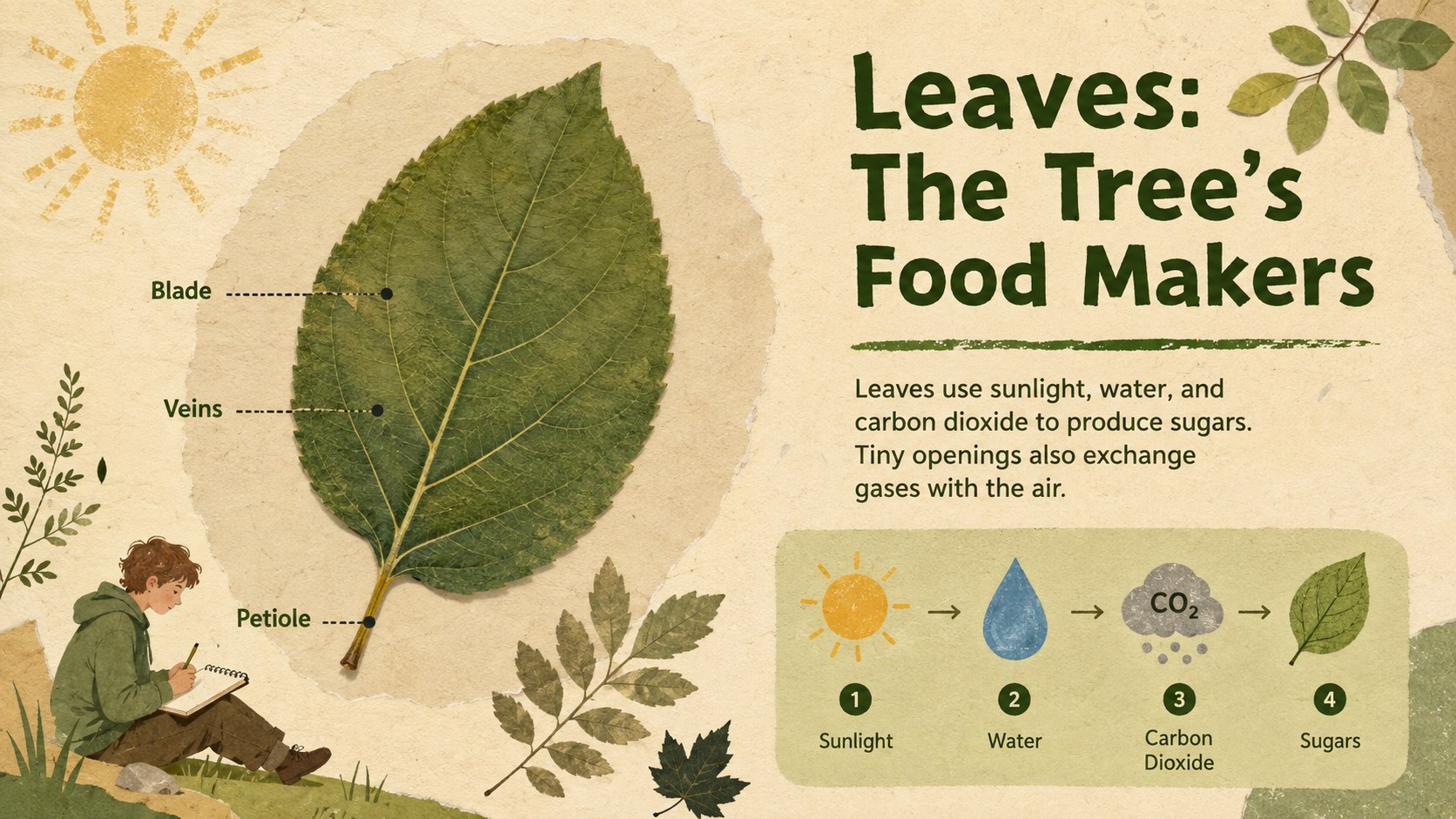
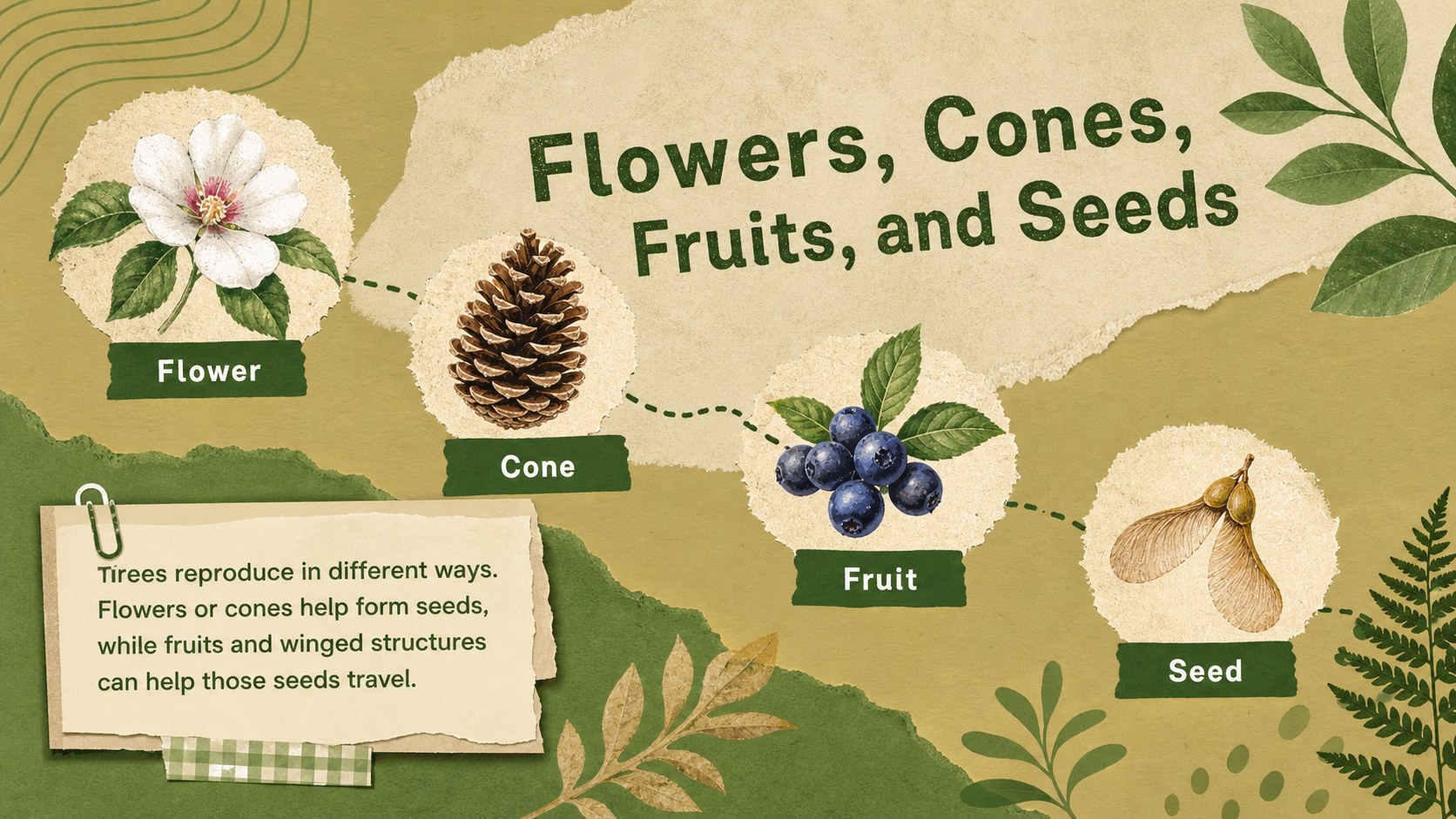
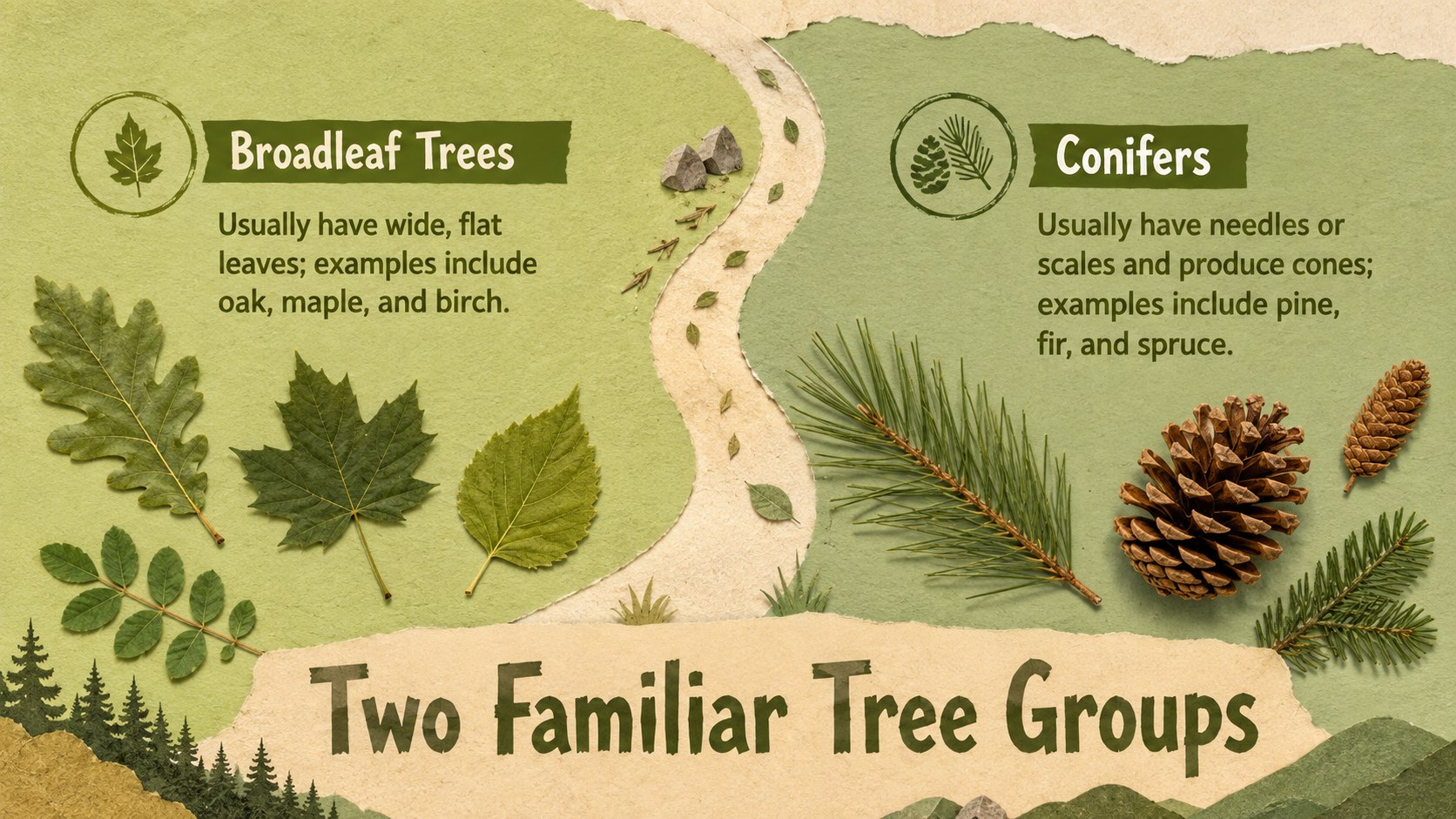
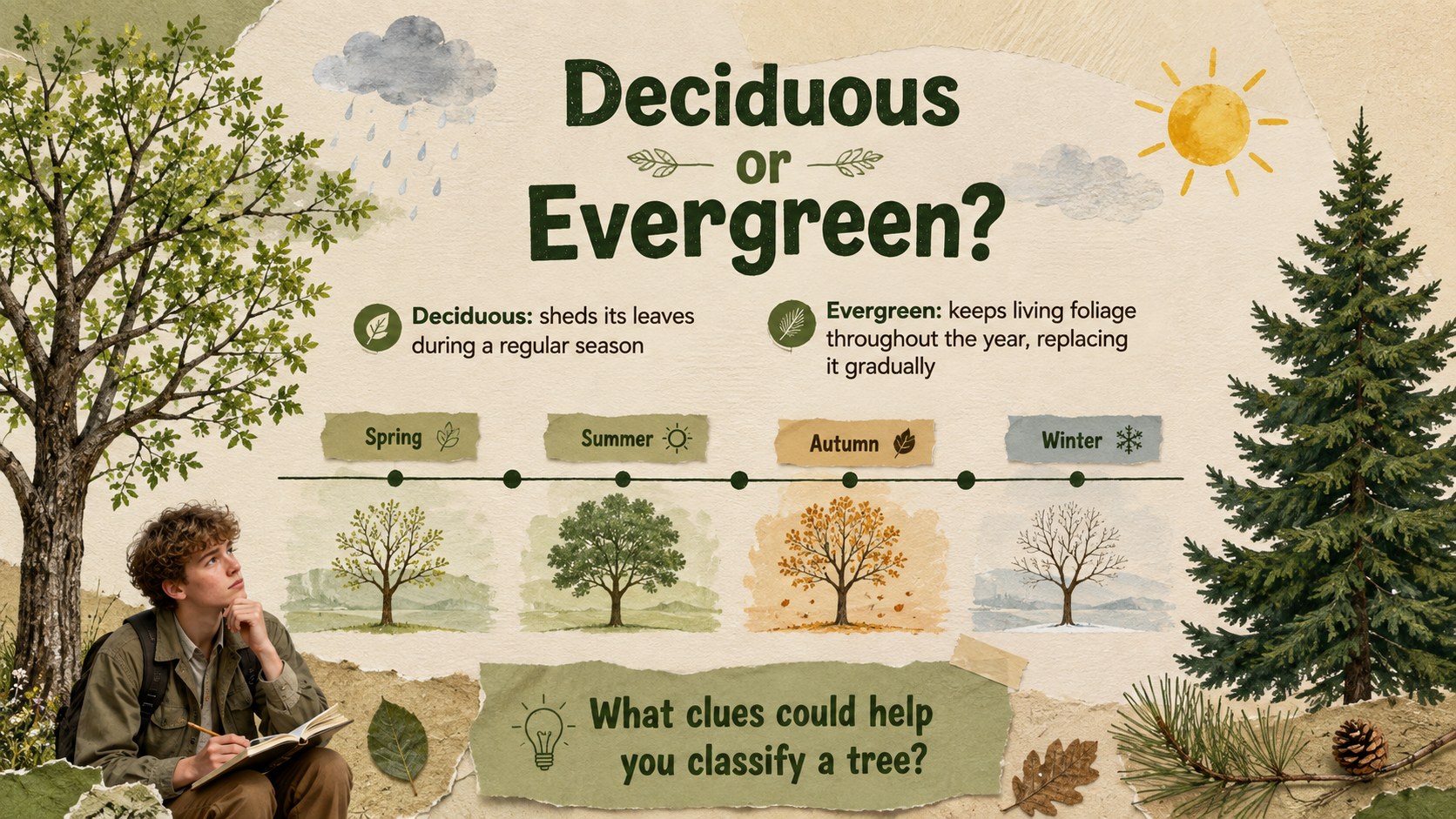
Inside, educators will find a clear overview of roots, trunks, branches, bark, leaves, flowers, fruits, and seeds. The sequence also compares broadleaf and conifer trees, introduces deciduous and evergreen groups, and provides recognizable examples for a tree species identification lesson. Simple diagrams, observation questions, and recap activities help students connect vocabulary with trees they may encounter outdoors.
Built as an elementary tree anatomy presentation, the deck works well for life science units, environmental education, woodland field-trip preparation, and nature club sessions. Teachers can also adapt it into a deciduous and evergreen teaching deck or use individual slides for art and research projects.
Every slide is editable in PowerPoint and Google Slides. Replace examples, adjust labels, add local species, or shorten the material for younger classes while preserving the cohesive scrapbook-inspired visual system.
Perfect for: elementary life science lesson; middle school botany unit; woodland field trip preparation; tree identification activity; environmental education workshop.
Frequently asked questions
Practical details
Yes. All headings, labels, shapes, and diagrams can be edited in PowerPoint or Google Slides. You can replace the examples with tree species found in your region.
The deck is designed for Microsoft PowerPoint and Google Slides. Font rendering, image placement, and spacing should be reviewed after importing between platforms.
Yes. Simplify the vocabulary and use the visual identification activities for younger pupils, or add taxonomy, photos, and research prompts for older students.
Yes. The slide sequence includes observation prompts, comparison tasks, a labeling activity, a species challenge, and a short knowledge check. Each activity can be customized or removed.
Keep exploring
15Build an engaging World UFO Day session with this flying saucer history lesson deck, featuring retro green-and-brown slides for PowerPoint and Google Slides.
 15
15Plan a lively animal-learning journey with this jungle zoo adventure lesson deck, ready to customize in PowerPoint and Google Slides for young learners.
 16
16Turn environmental research into a clear story with a Watercolor Ecology Presentation Theme for PowerPoint and Google Slides in calming green and blue.
 16
16Build focused fashion, literature, and humanities presentations with the Red Triangle Editorial Theme, editable in PowerPoint and Google Slides.
 15
15Turn streaming stats, favorite tracks, and concert highlights into a bold annual listening recap slide deck for PowerPoint and Google Slides.
 15
15Turn highlights, milestones, and favorite moments into a colorful year in review slide deck with bold 3D graphics for PowerPoint and Google Slides.
 3
3Build a credible endorsement with Standout Colleague Recommendation Letter Slides, featuring colorful prompts for skills, achievements, and team impact.
 4
4Build clear beginner sessions with an ice hockey fundamentals training deck for coaches, PE teachers, and clubs, ready for PowerPoint and Google Slides.