
 15
15presentation
Flying Saucer History Lesson Deck
Build an engaging World UFO Day session with this flying saucer history lesson deck, featuring retro green-and-brown slides for PowerPoint and Google Slides.
Google SlidesPowerPoint
presentation · English
Build client confidence with a Travel Coverage Pitch Deck that explains benefits, exclusions, pricing, and claims in editable beige and green slides.



Design notes
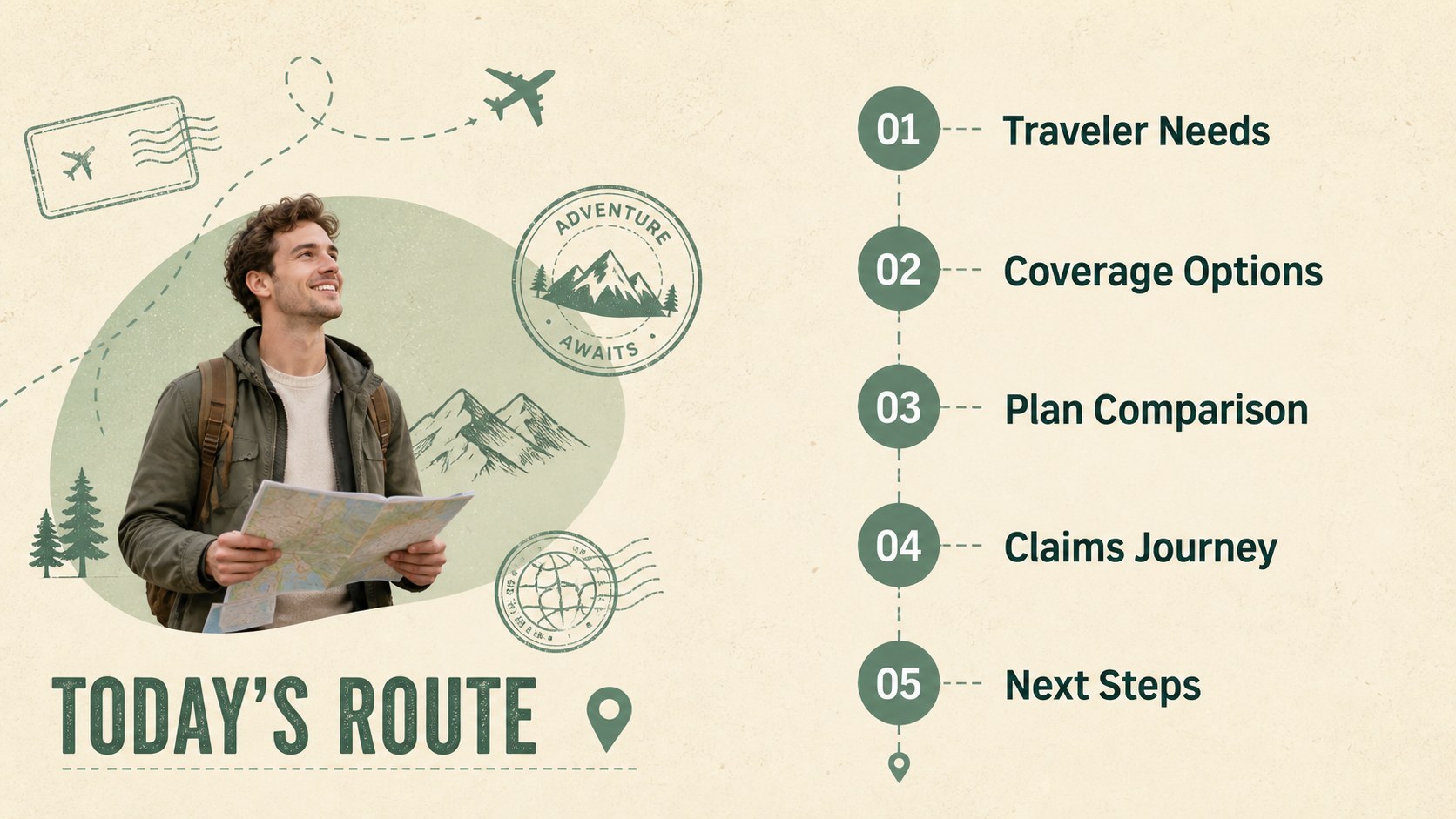
The Travel Coverage Pitch Deck turns detailed protection plans into an approachable visual story for clients, partners, and decision-makers. Its playful minimalist design combines calming beige and green tones with clean typography and original travel-inspired illustrations, helping important information feel clear without looking overly formal.
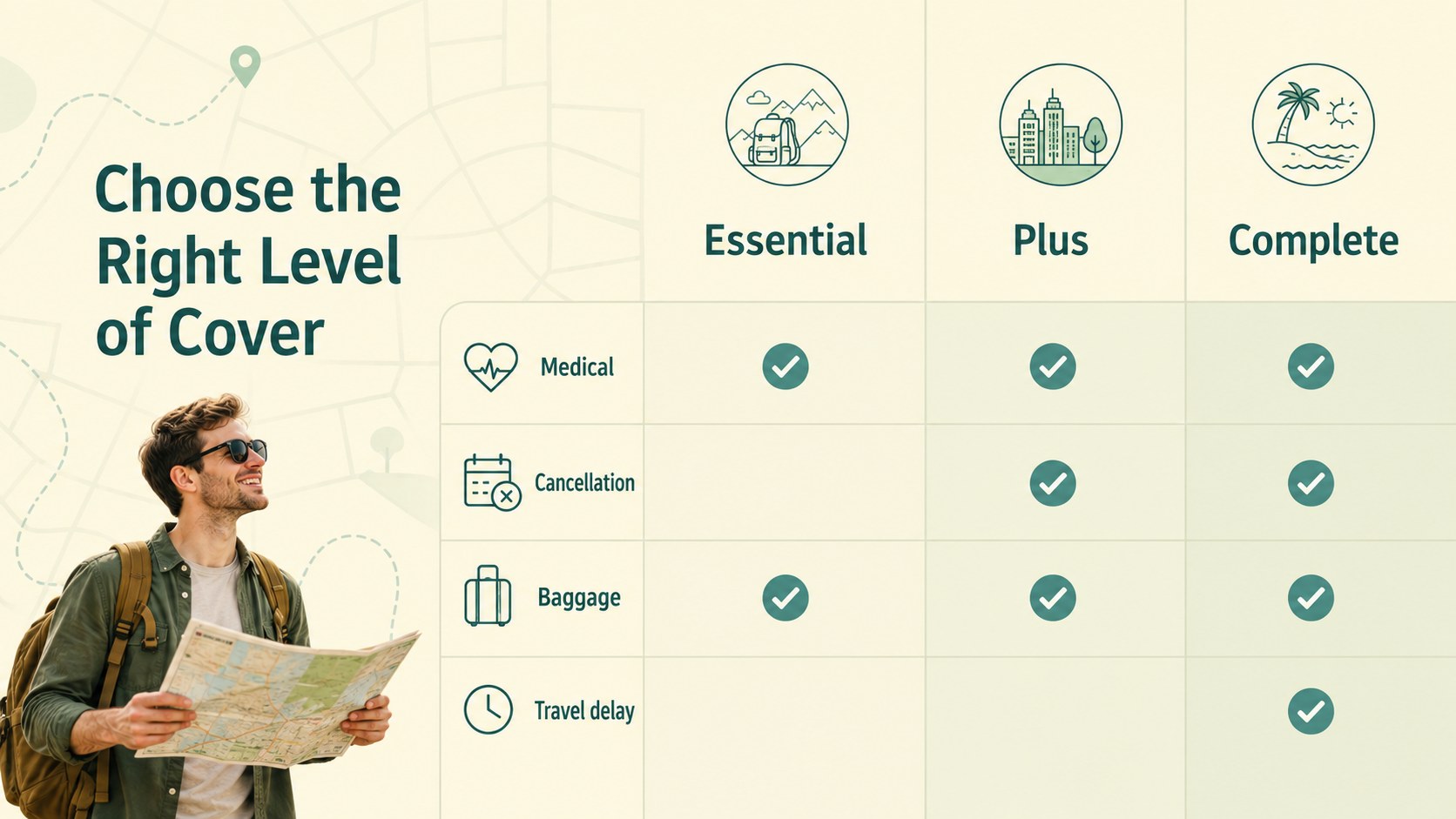
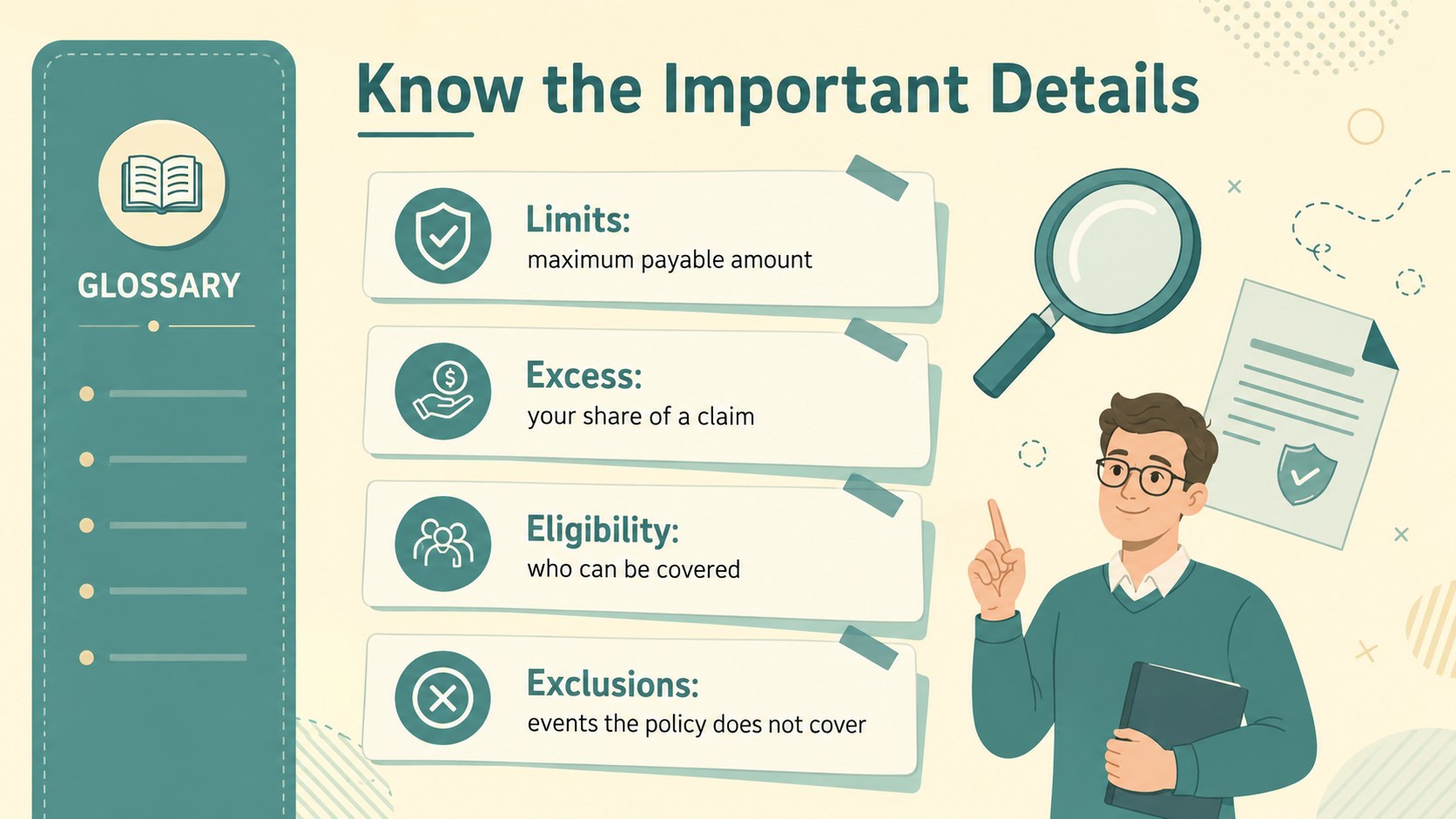
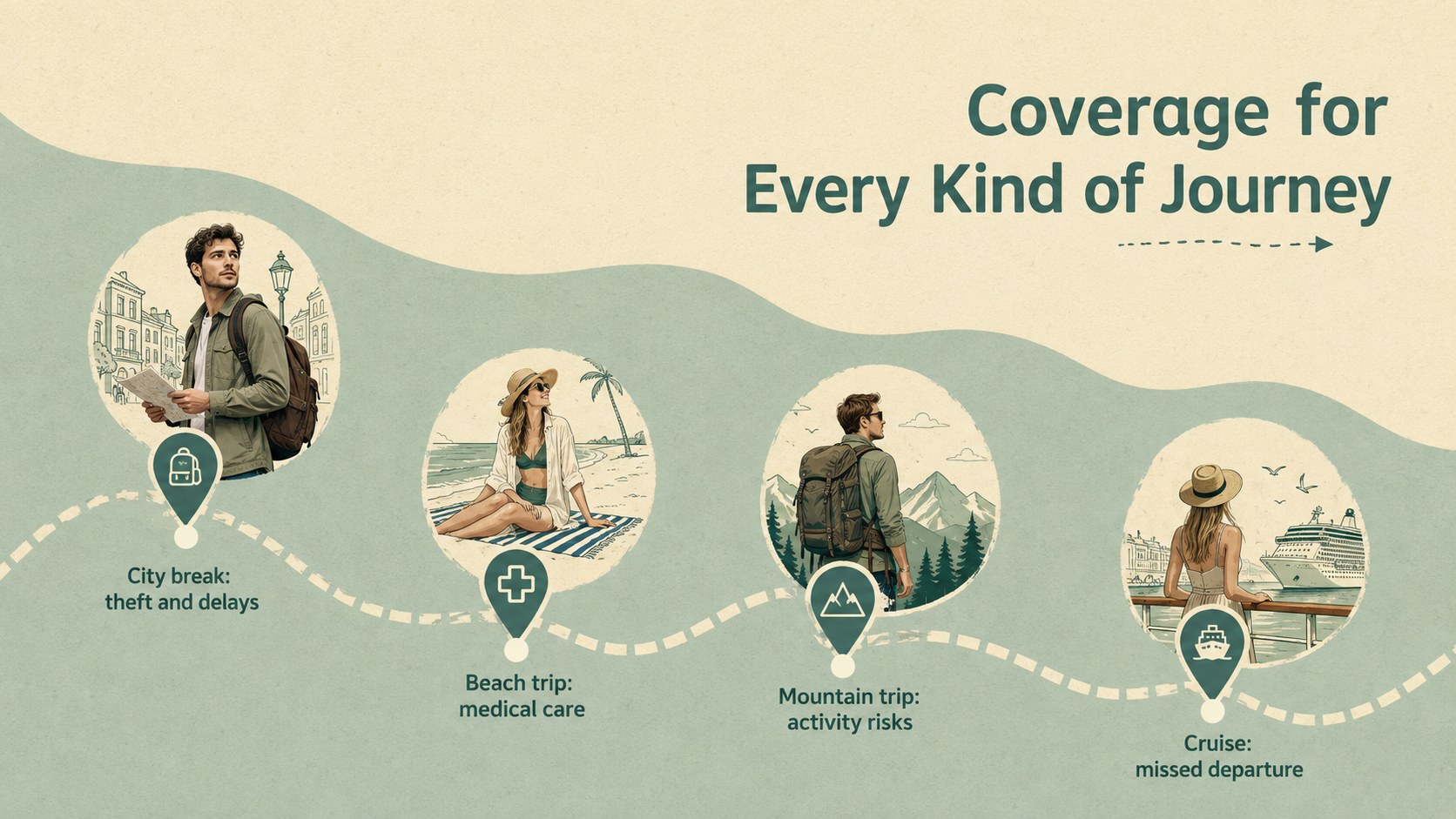
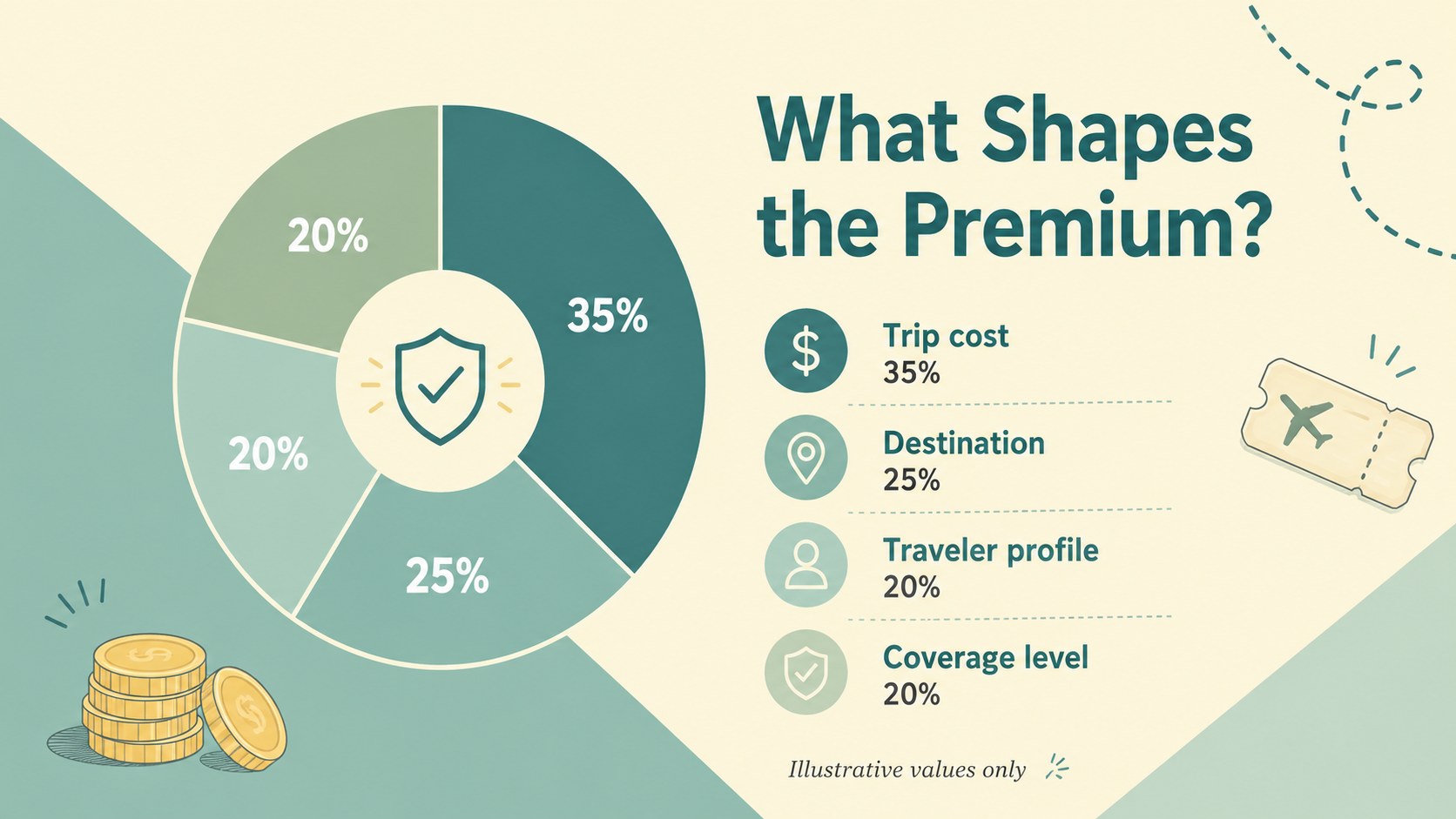
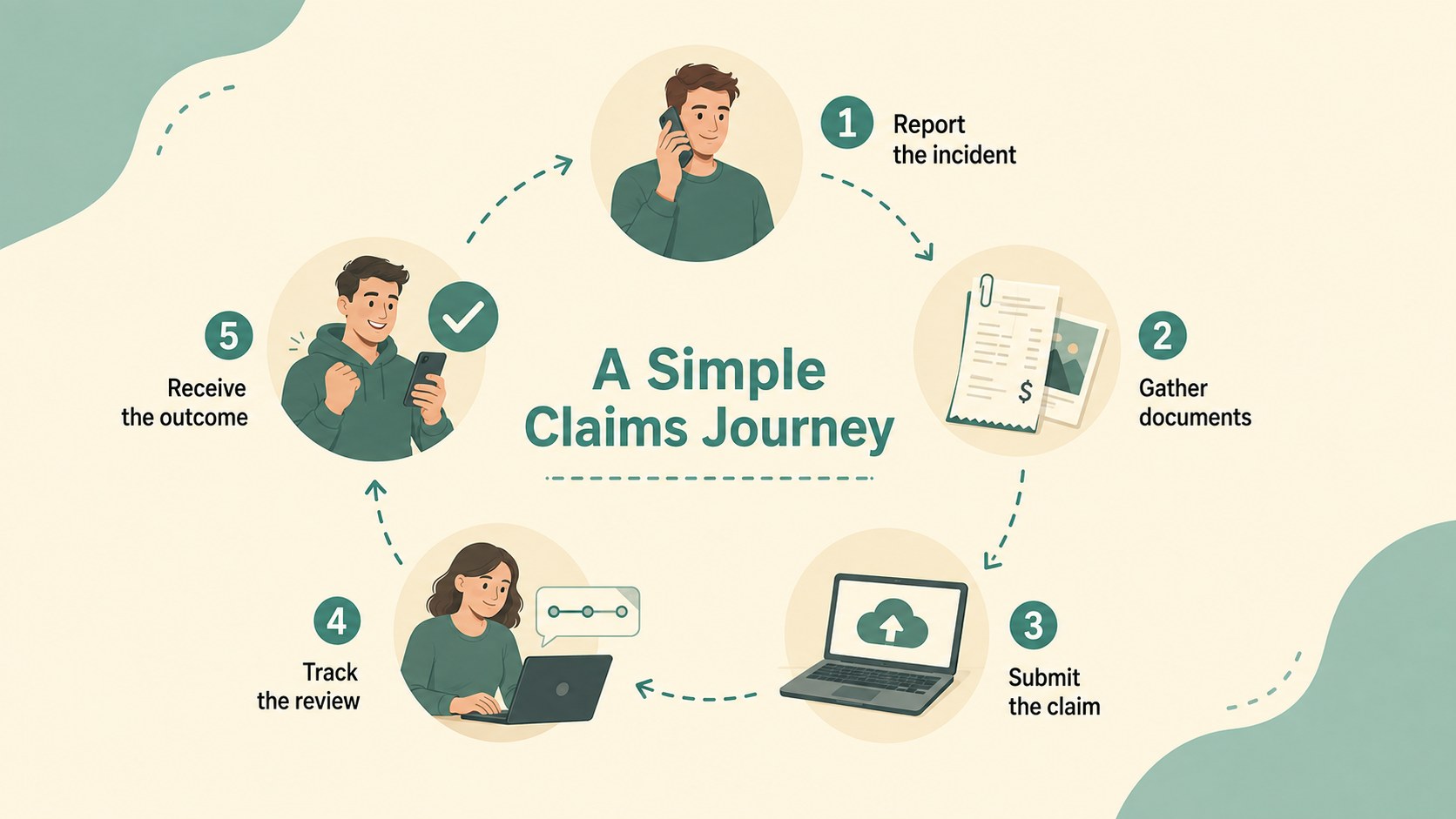
Use the 20 editable slides to introduce customer needs, explain plan benefits, compare coverage levels, clarify exclusions, outline pricing, and map the claims journey. Dedicated layouts support destination risk summaries, benefit comparisons, timelines, data highlights, customer profiles, and next steps. Together, these sections provide a practical travel insurance sales presentation that can be adapted for a single policy, a product portfolio, or a tailored client travel protection proposal.
The template is designed for insurance advisers, travel agencies, tour operators, brokers, hospitality teams, and product marketers. It also works well as a travel risk briefing template for internal training or partner meetings. Every slide can be customized in PowerPoint or Google Slides, including the text, colors, charts, icons, and images. Add your own policy wording, premiums, limits, contact details, and destination data while preserving the deck's friendly visual structure. Whether presenting in person or sharing the file afterward, the layout keeps essential coverage details organized and easy to scan.
Perfect for: client insurance proposal; travel agency sales meeting; policy benefits comparison; destination risk briefing; broker partner presentation; claims process training.
Frequently asked questions
Can I edit this deck in PowerPoint and Google Slides? Yes. The slides are designed for editing in both PowerPoint and Google Slides, including text, colors, images, charts, and layout elements. Some fonts may be substituted if they are not installed on your device.
Practical details
Yes. The slides are designed for editing in both PowerPoint and Google Slides, including text, colors, images, charts, and layout elements. Some fonts may be substituted if they are not installed on your device.
Replace the sample benefits, limits, exclusions, prices, and claims steps with your approved policy information. You can also add company contact details and licensed brand assets where appropriate.
Yes. Use the comparison and pricing layouts to place plan tiers side by side. Keep labels concise and verify every benefit, limit, and exclusion against the current policy documentation.
Yes. Travel agencies, brokers, tour operators, and hospitality teams can adapt the slides for customer consultations, partner meetings, or staff training. The modular layouts support both sales and educational presentations.
Keep exploring
15Build an engaging World UFO Day session with this flying saucer history lesson deck, featuring retro green-and-brown slides for PowerPoint and Google Slides.
 15
15Plan a lively animal-learning journey with this jungle zoo adventure lesson deck, ready to customize in PowerPoint and Google Slides for young learners.
 16
16Turn environmental research into a clear story with a Watercolor Ecology Presentation Theme for PowerPoint and Google Slides in calming green and blue.
 16
16Build focused fashion, literature, and humanities presentations with the Red Triangle Editorial Theme, editable in PowerPoint and Google Slides.
 15
15Turn streaming stats, favorite tracks, and concert highlights into a bold annual listening recap slide deck for PowerPoint and Google Slides.
 15
15Turn highlights, milestones, and favorite moments into a colorful year in review slide deck with bold 3D graphics for PowerPoint and Google Slides.
 3
3Build a credible endorsement with Standout Colleague Recommendation Letter Slides, featuring colorful prompts for skills, achievements, and team impact.
 4
4Build clear beginner sessions with an ice hockey fundamentals training deck for coaches, PE teachers, and clubs, ready for PowerPoint and Google Slides.