
 15
15presentation
Flying Saucer History Lesson Deck
Build an engaging World UFO Day session with this flying saucer history lesson deck, featuring retro green-and-brown slides for PowerPoint and Google Slides.
Google SlidesPowerPoint
presentation · English
Plan a memorable National Trails Day program with a trail stewardship event deck featuring editable maps, volunteer schedules, safety tips, and earthy…
Design notes
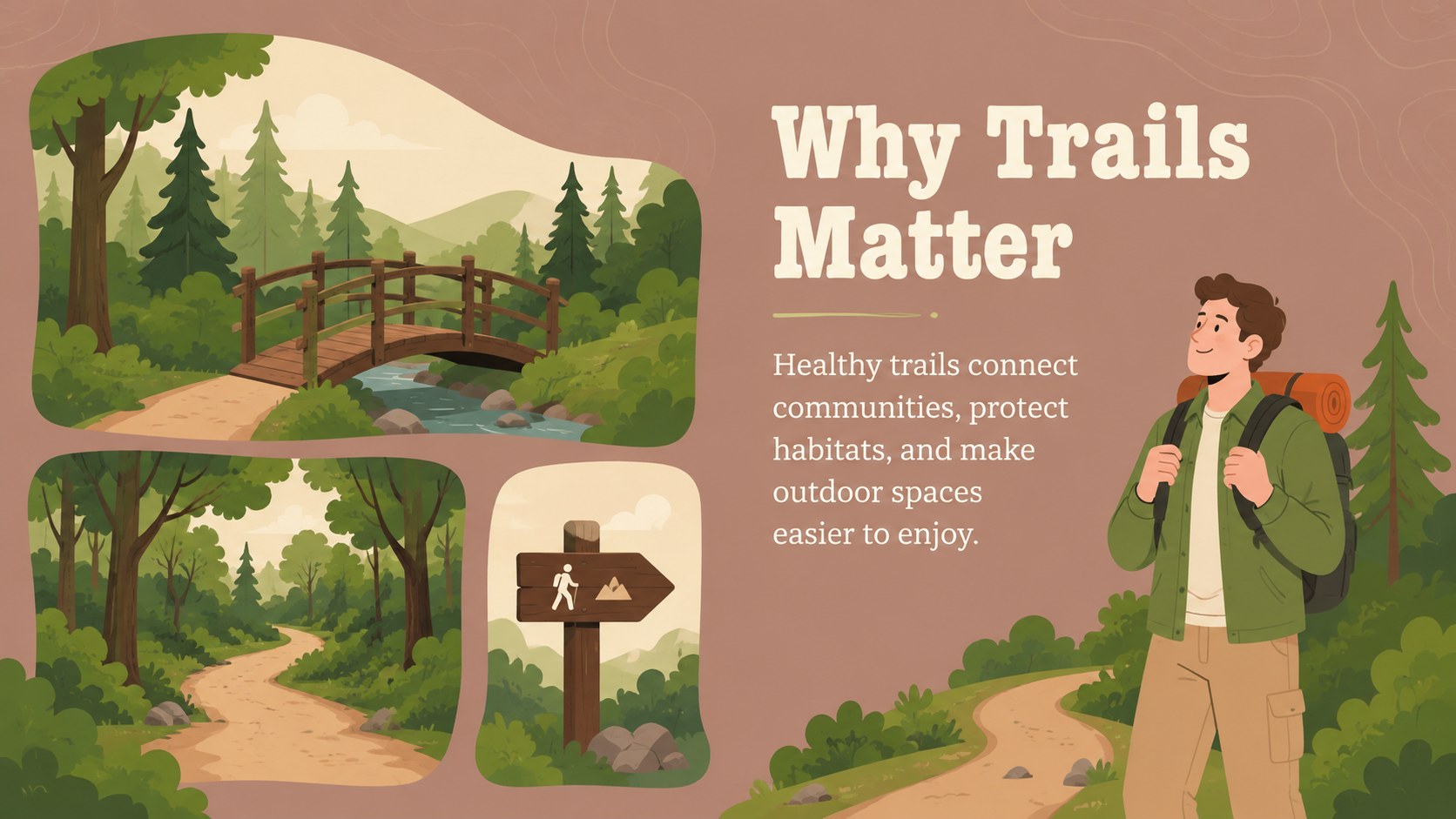
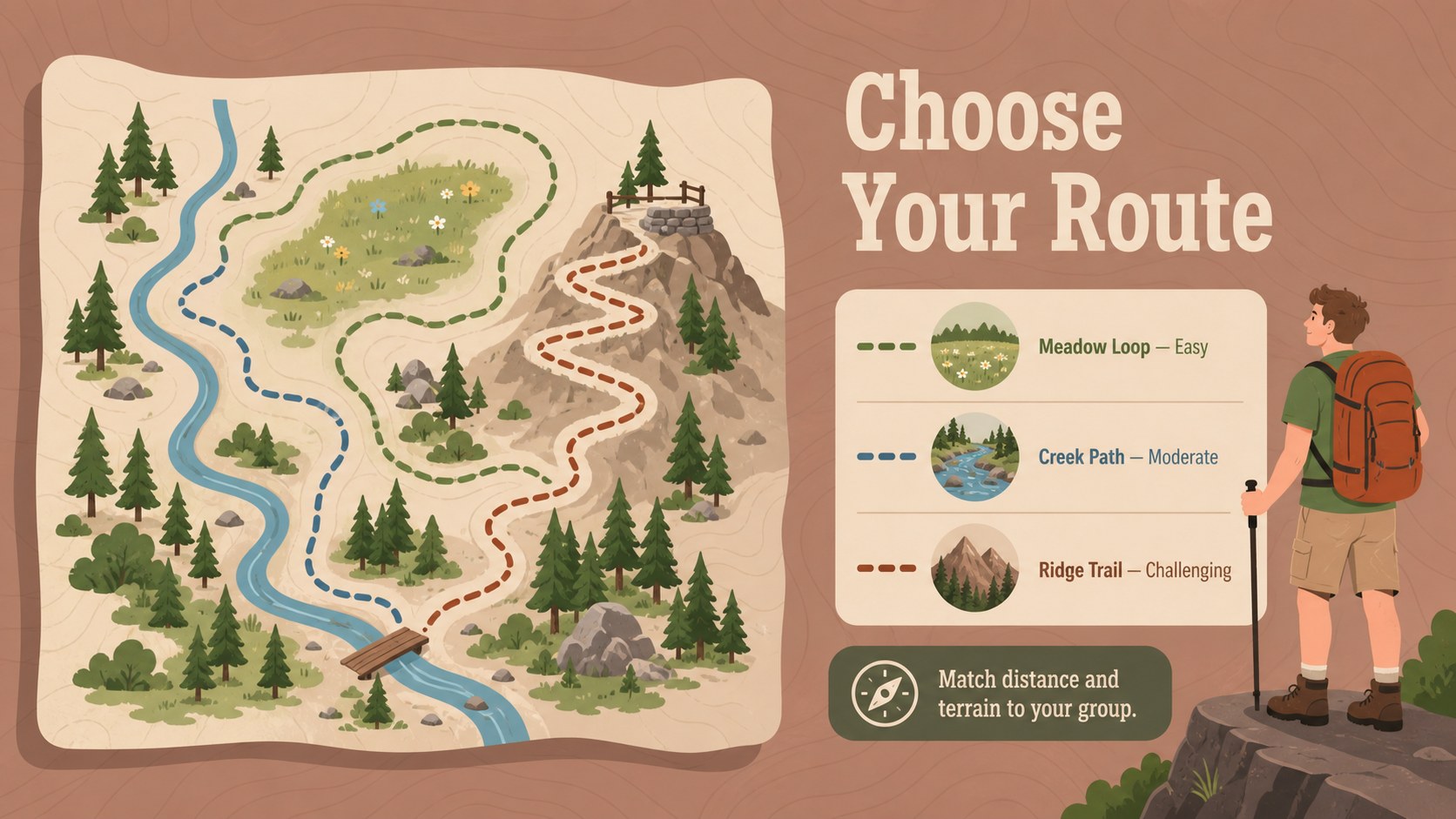
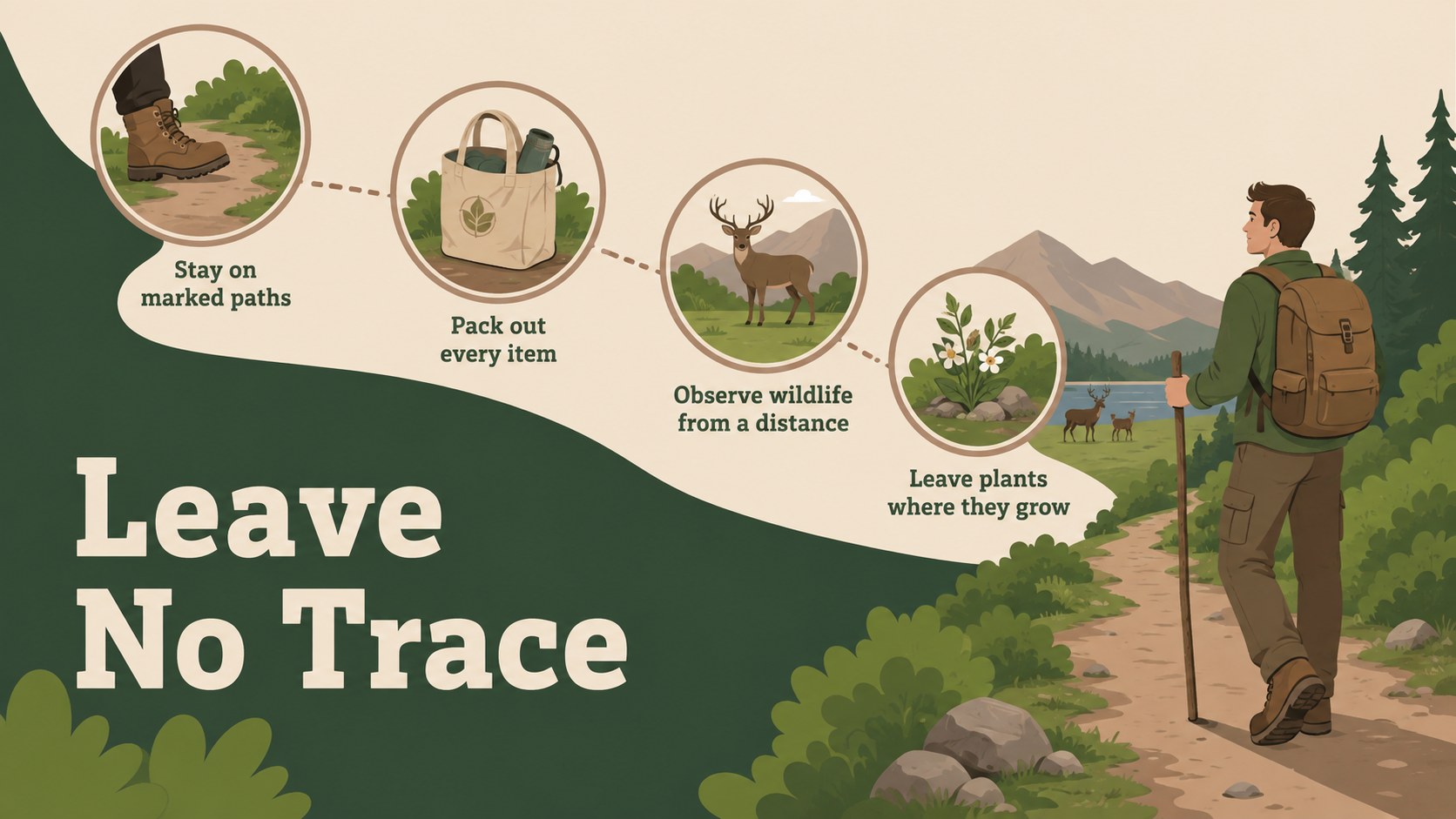
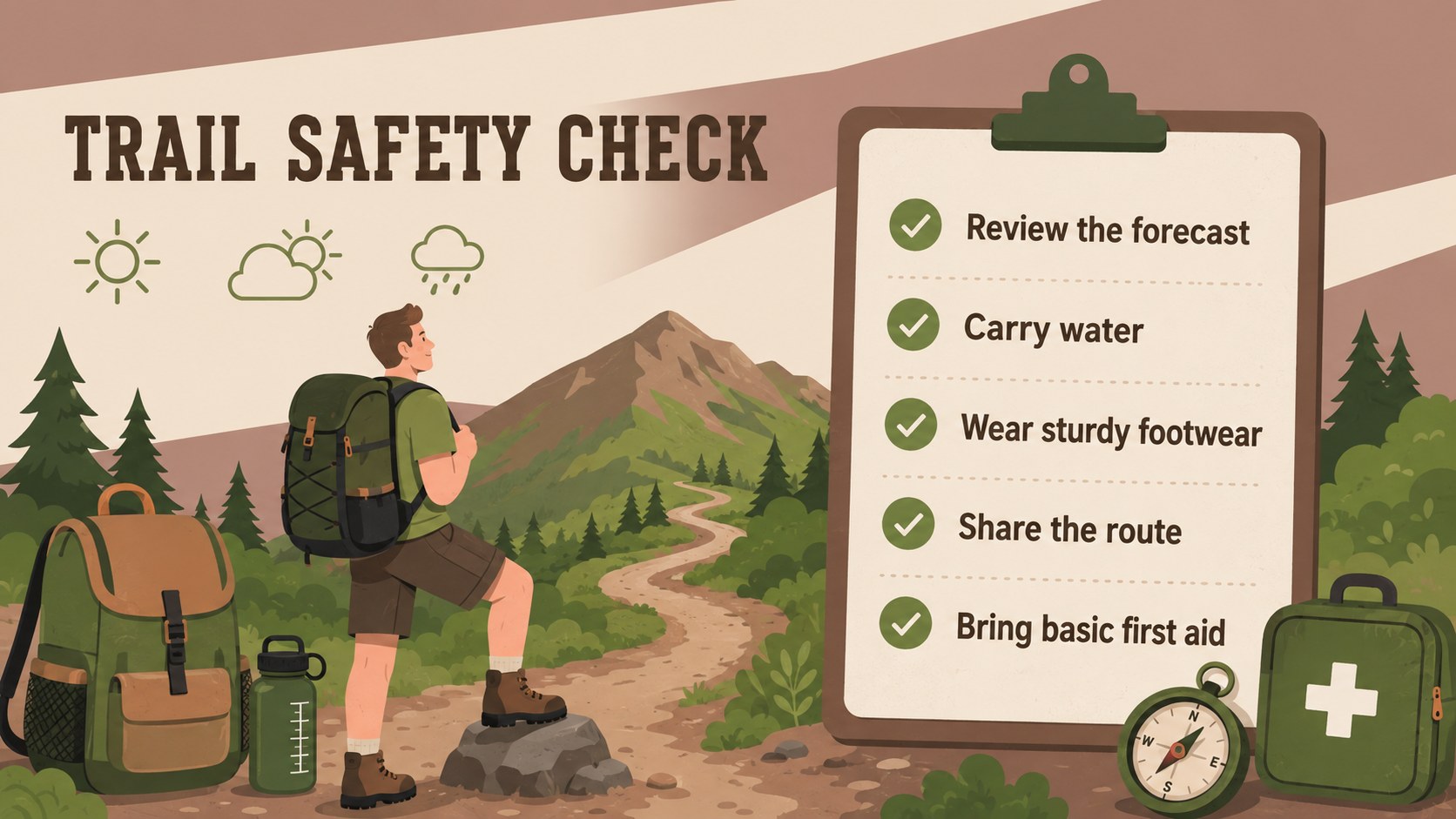
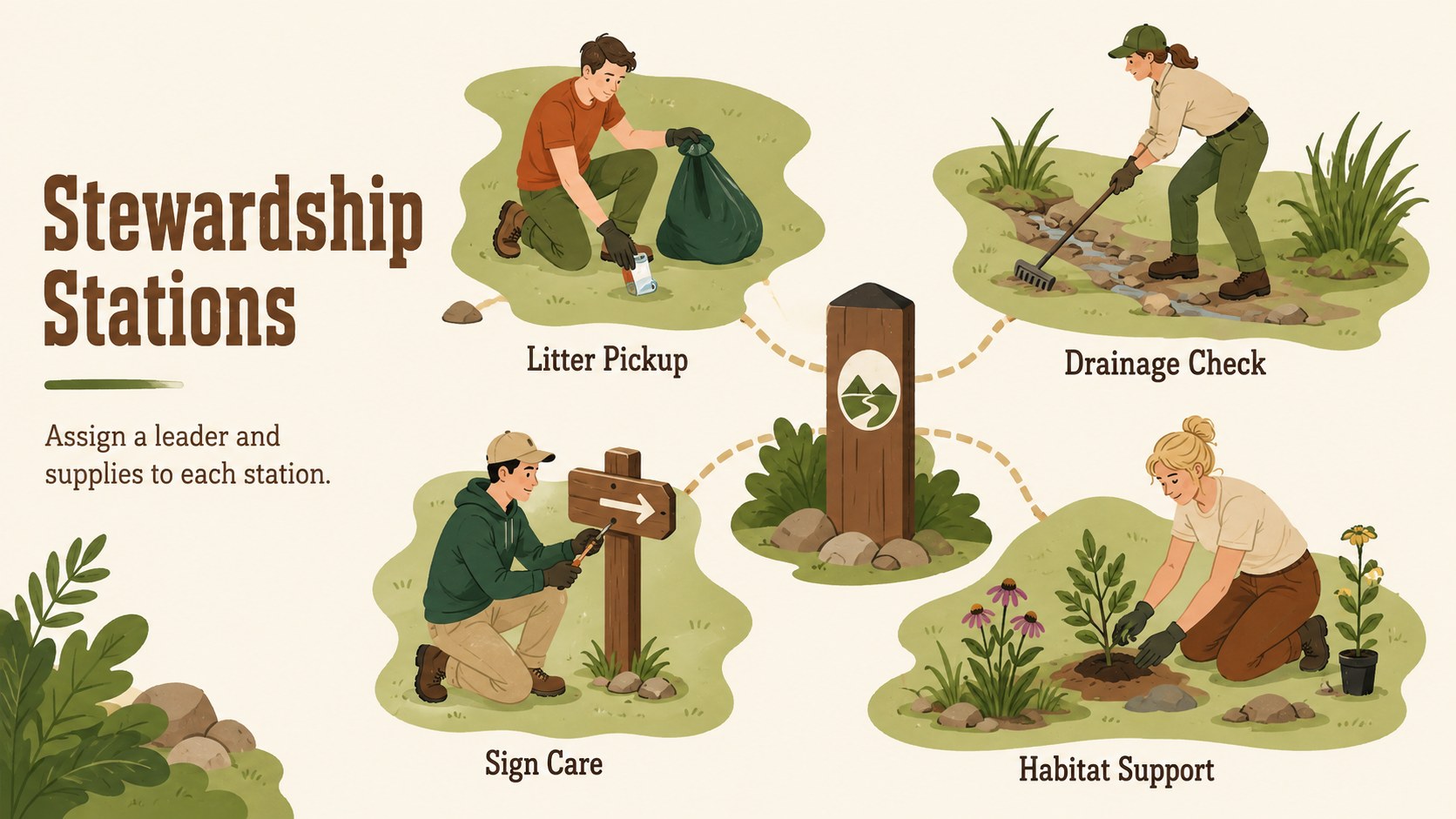
Bring your outdoor community together with a Trail Stewardship Event Deck created for National Trails Day programs, volunteer gatherings, and educational activities. Warm brown and leafy green tones give every slide a welcoming woodland character, while fresh illustrations evoke hiking paths, native plants, trail signs, and hands-on conservation work.
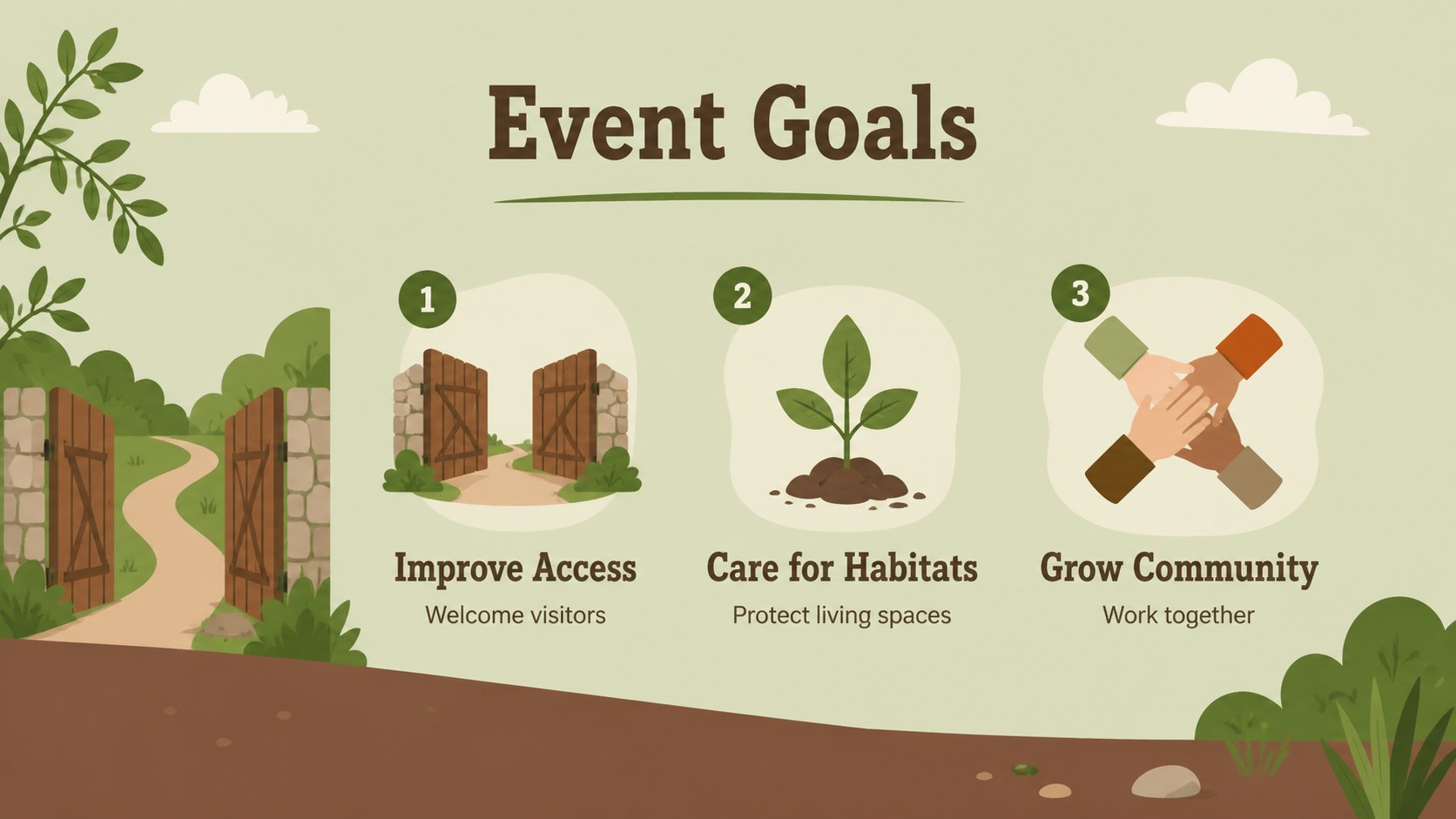
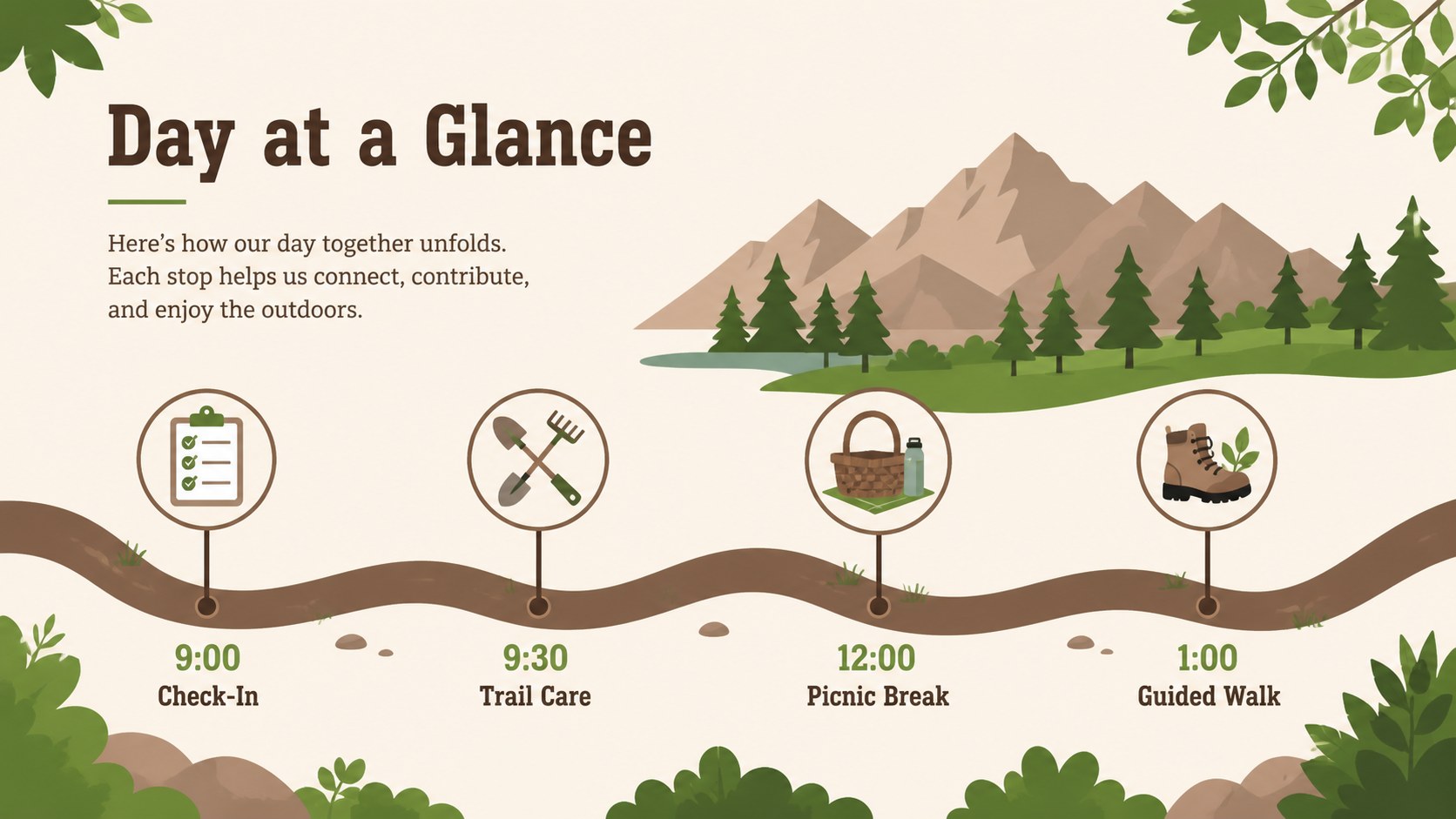
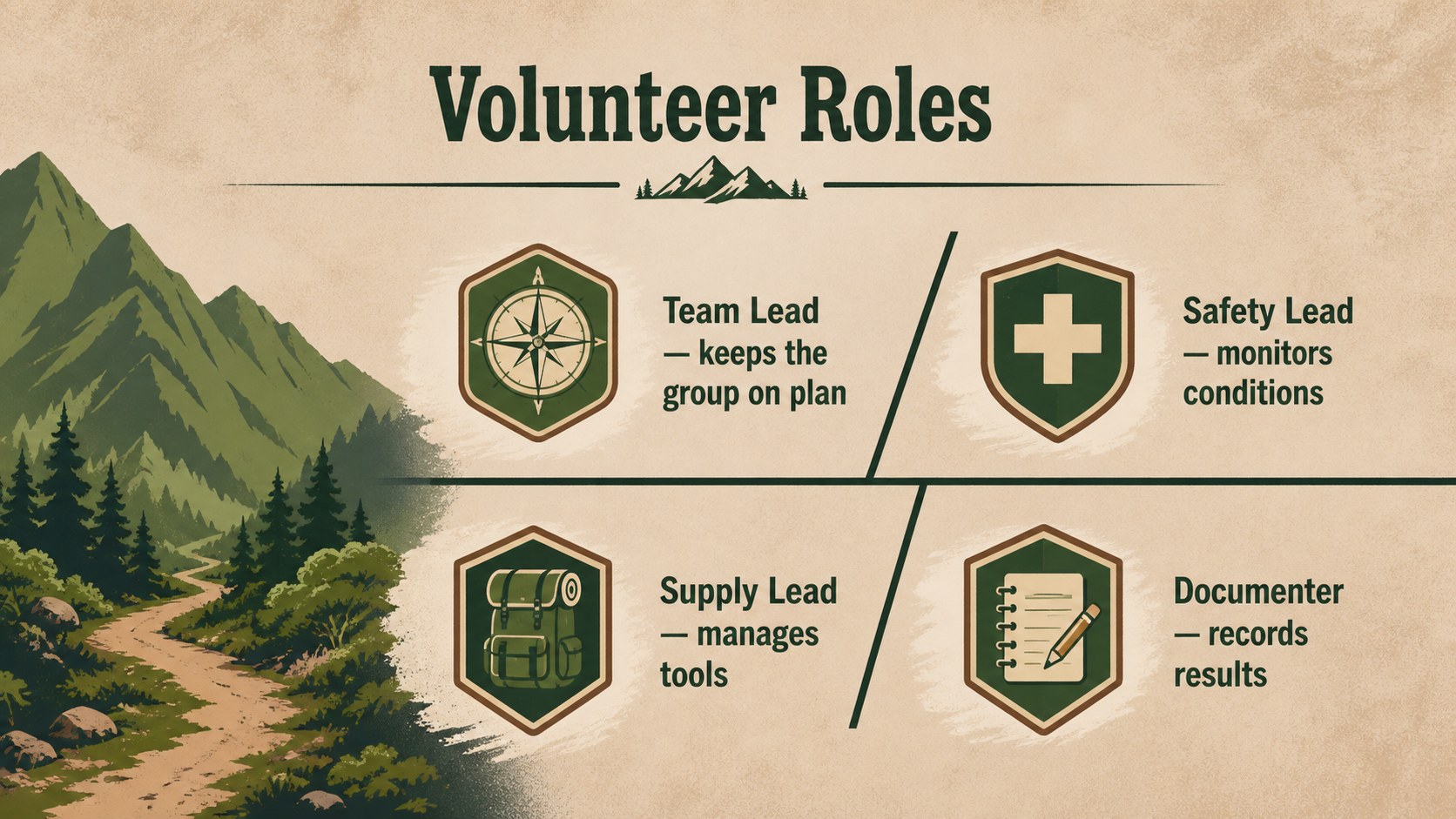
This editable national trails day event presentation includes layouts for event goals, route information, activity schedules, volunteer roles, equipment lists, hiking etiquette, habitat awareness, and safety reminders. Use the map-inspired pages to introduce local paths, then organize cleanup stations, guided walks, or family activities with practical planning slides. An impact summary and next-steps timeline make the deck equally useful as a trail stewardship volunteer presentation before or after the event.
Designed for park rangers, environmental educators, recreation departments, hiking clubs, nonprofits, and community organizers, the template works in PowerPoint and Google Slides. Every page uses a widescreen 16:9 format and can be adapted with your own locations, times, photographs, maps, and organization details. The flexible layouts can also become hiking safety workshop slides, a park cleanup briefing, or a classroom introduction to responsible outdoor recreation. Customize the typography and illustrations while retaining the grounded green-and-brown palette for a coherent, nature-focused presentation.
Perfect for: National Trails Day program; volunteer trail cleanup briefing; guided hiking event; park stewardship workshop; outdoor safety lesson.
Frequently asked questions
Can I edit this deck in PowerPoint and Google Slides? Yes. All slide text, colors, shapes, and layout elements can be edited in PowerPoint or Google Slides. You can also duplicate, remove, or reorder pages to match your event plan.
Practical details
Yes. All slide text, colors, shapes, and layout elements can be edited in PowerPoint or Google Slides. You can also duplicate, remove, or reorder pages to match your event plan.
Replace the sample route details with your trail name, meeting points, schedule, and safety information. Add local photographs or a properly licensed map while keeping labels large enough to read during a presentation.
Yes. The deck includes suitable layouts for volunteer roles, stewardship stations, equipment reminders, schedules, and impact reporting. Adjust the sections to reflect your cleanup tasks and local park guidelines.
Yes. Educators and park interpreters can adapt the trail etiquette, habitat, and safety pages for classroom lessons or guided walks. The illustrated style is approachable while remaining practical for mixed-age audiences.
Keep exploring
15Build an engaging World UFO Day session with this flying saucer history lesson deck, featuring retro green-and-brown slides for PowerPoint and Google Slides.
 15
15Plan a lively animal-learning journey with this jungle zoo adventure lesson deck, ready to customize in PowerPoint and Google Slides for young learners.
 16
16Turn environmental research into a clear story with a Watercolor Ecology Presentation Theme for PowerPoint and Google Slides in calming green and blue.
 16
16Build focused fashion, literature, and humanities presentations with the Red Triangle Editorial Theme, editable in PowerPoint and Google Slides.
 15
15Turn streaming stats, favorite tracks, and concert highlights into a bold annual listening recap slide deck for PowerPoint and Google Slides.
 15
15Turn highlights, milestones, and favorite moments into a colorful year in review slide deck with bold 3D graphics for PowerPoint and Google Slides.
 3
3Build a credible endorsement with Standout Colleague Recommendation Letter Slides, featuring colorful prompts for skills, achievements, and team impact.
 4
4Build clear beginner sessions with an ice hockey fundamentals training deck for coaches, PE teachers, and clubs, ready for PowerPoint and Google Slides.