
 15
15presentation
Flying Saucer History Lesson Deck
Build an engaging World UFO Day session with this flying saucer history lesson deck, featuring retro green-and-brown slides for PowerPoint and Google Slides.
Google SlidesPowerPoint
presentation · English
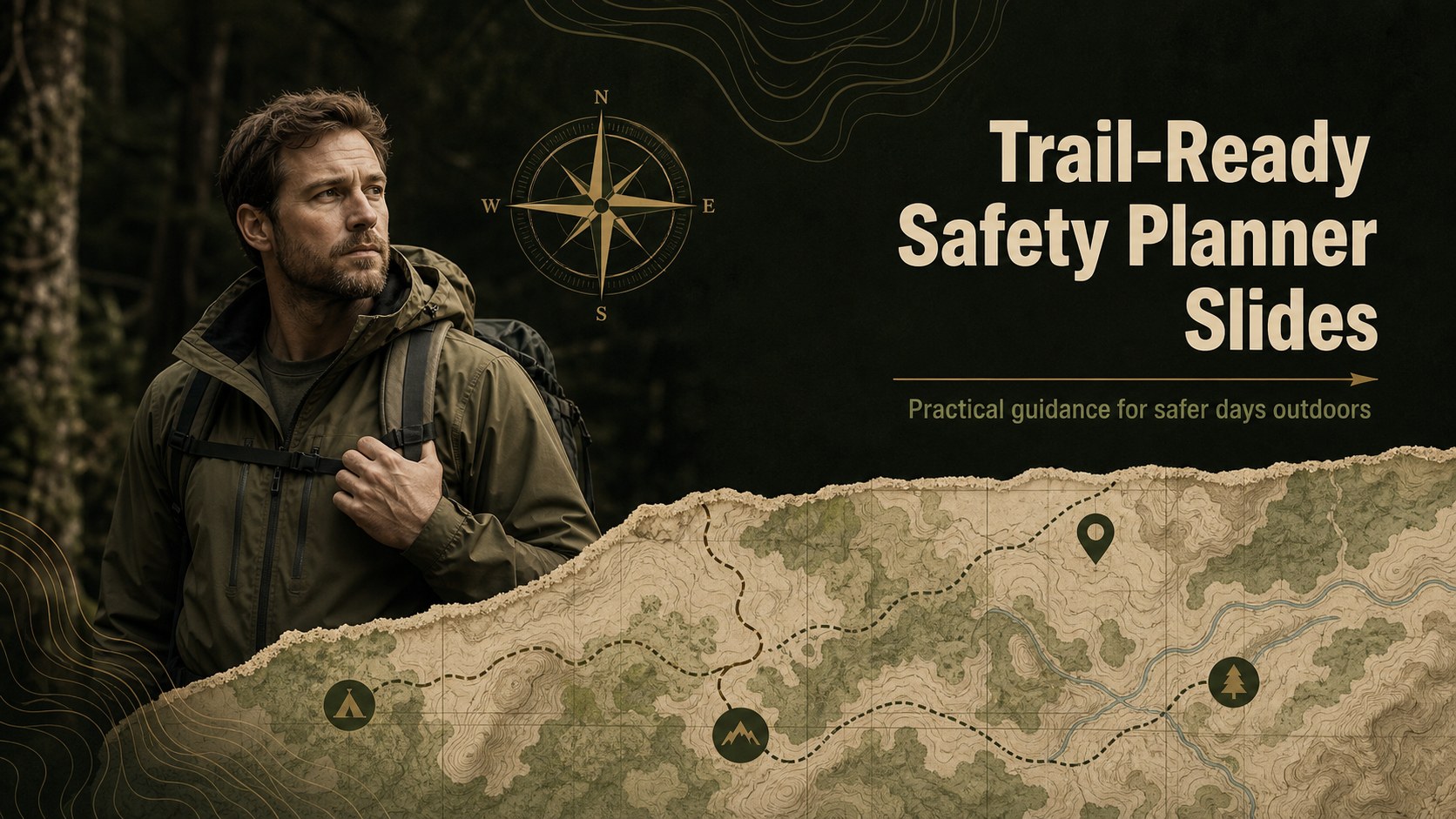
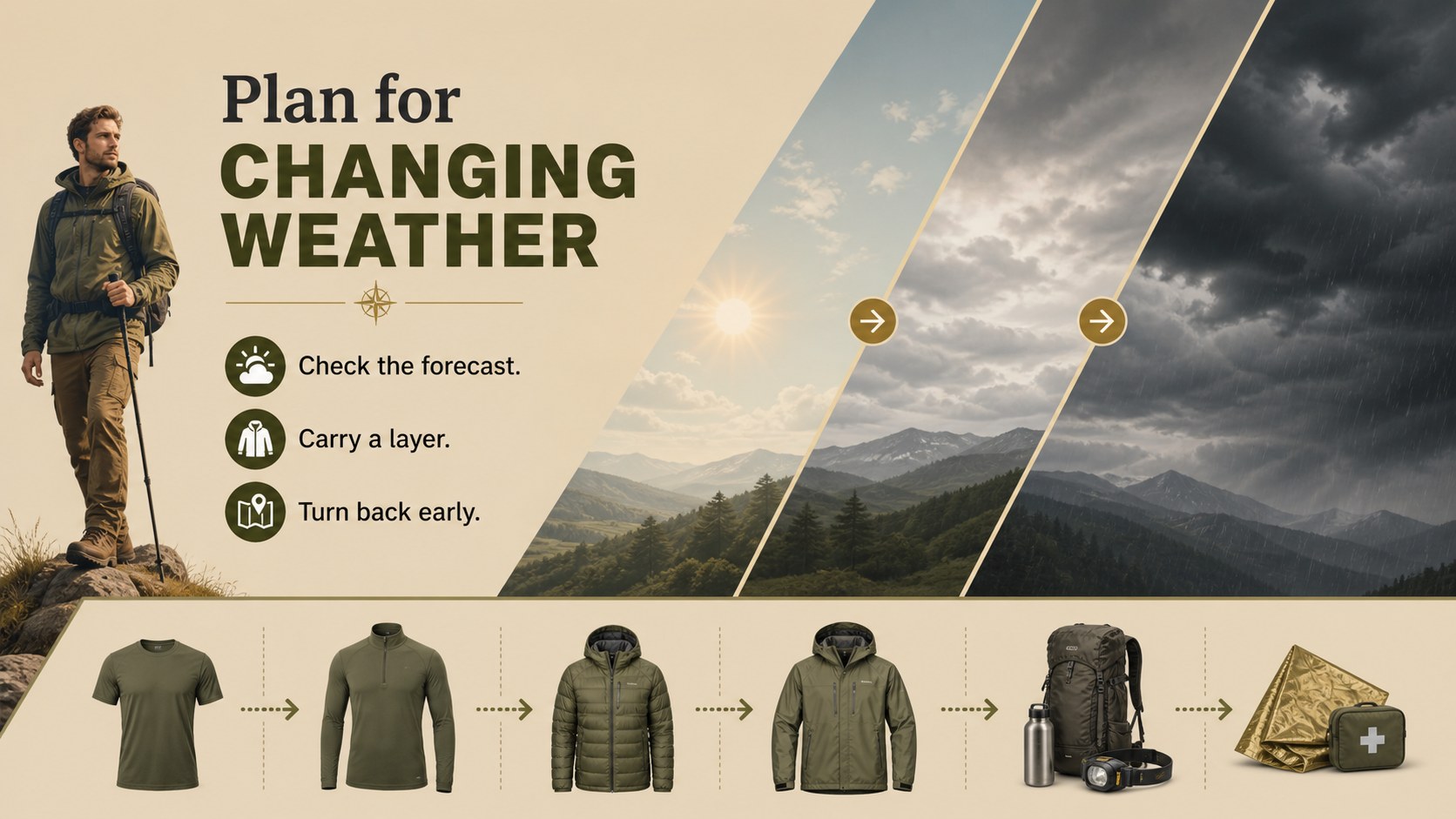
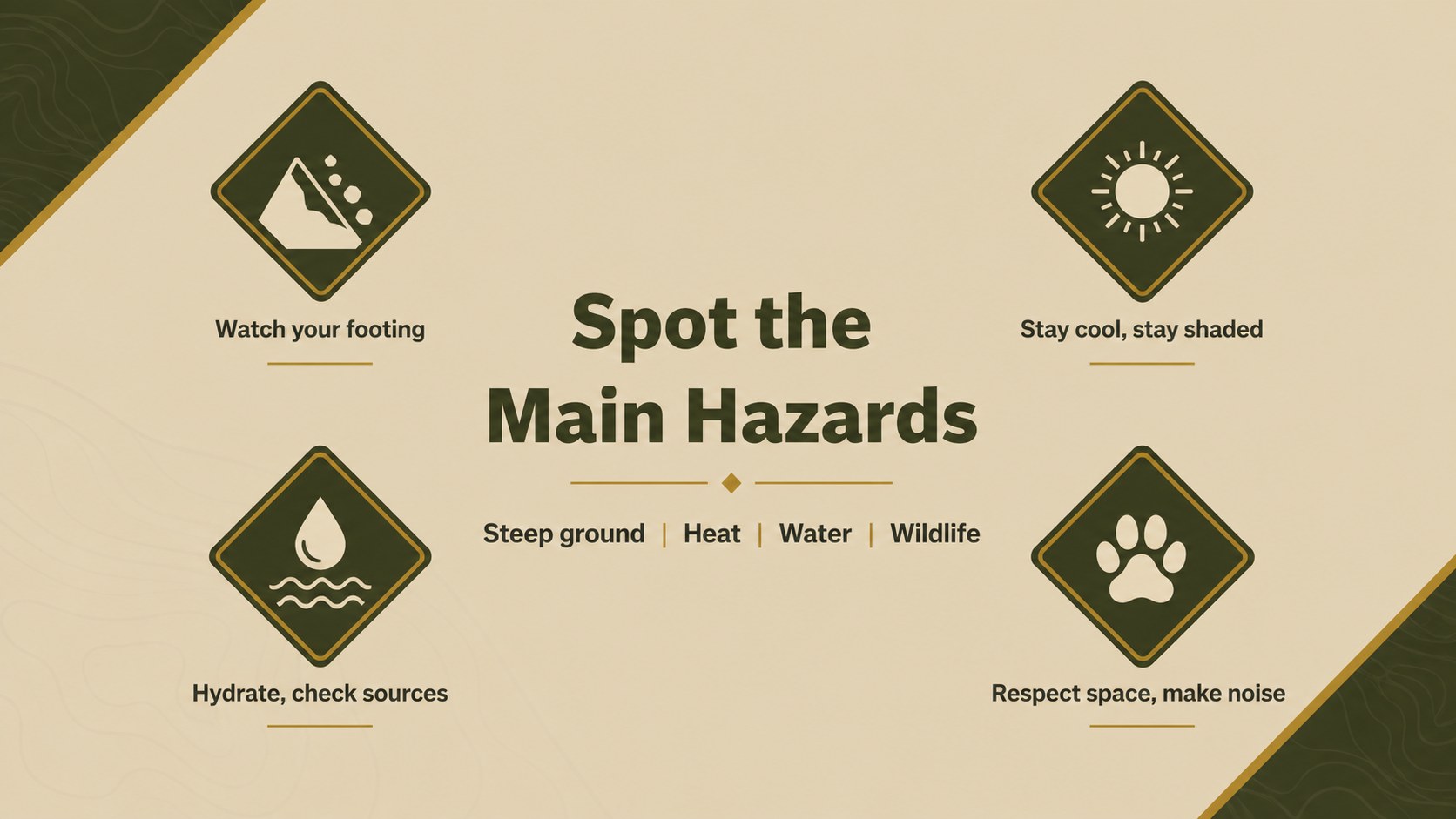
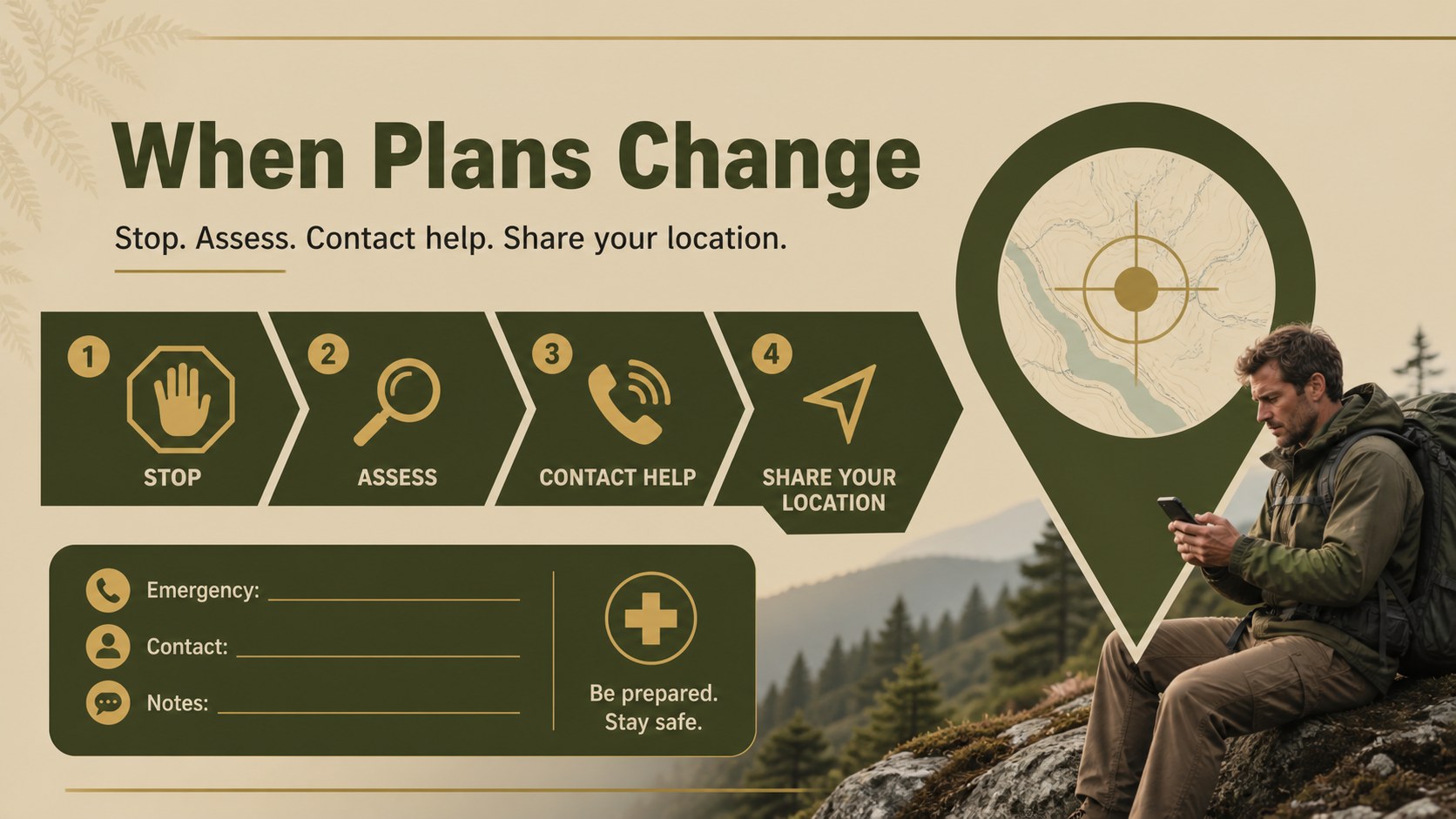
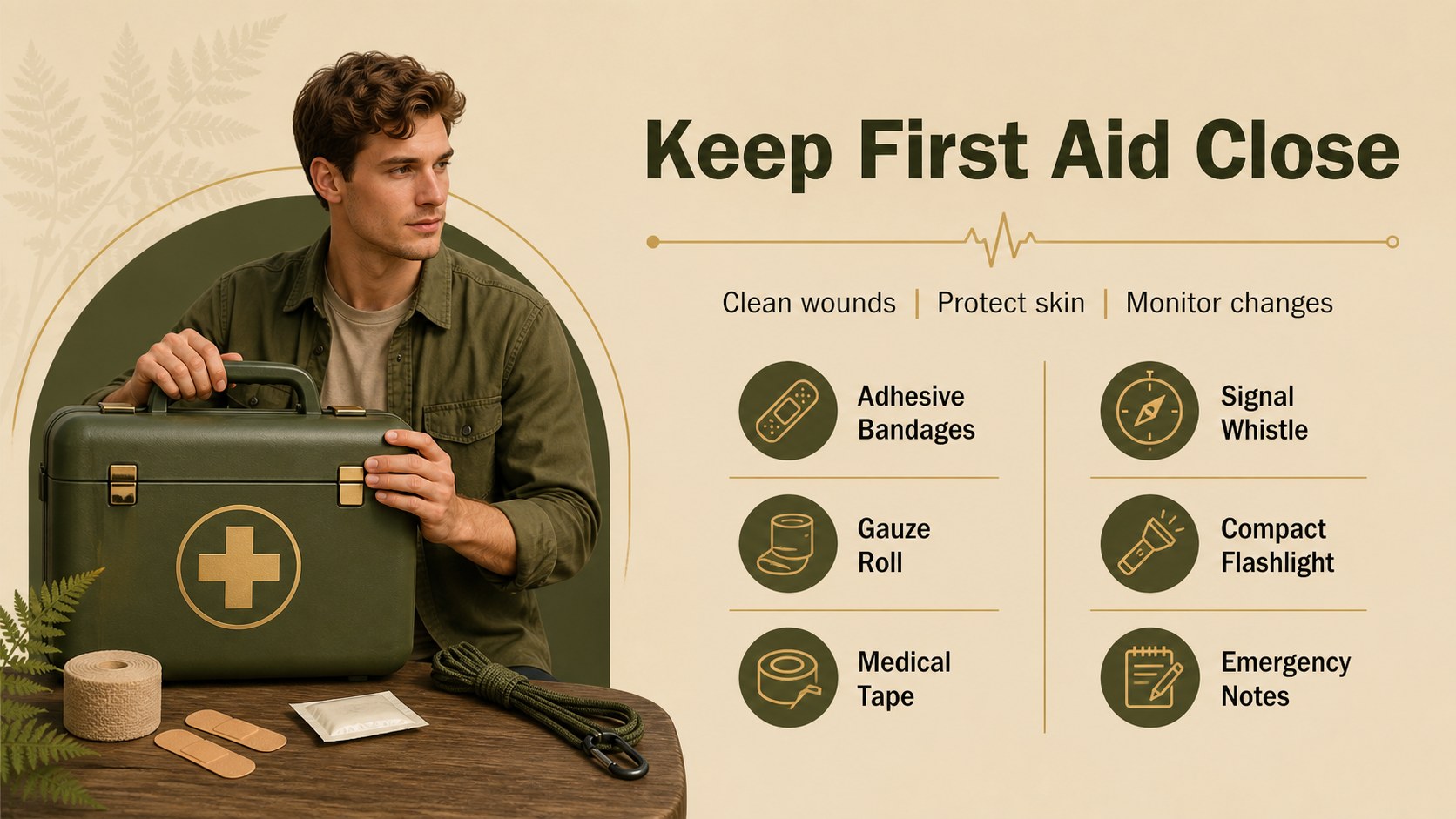
Build a clear trail safety planner slides deck for packing lists, route checks, and emergency advice with earthy beige and green layouts for PowerPoint.
Design notes
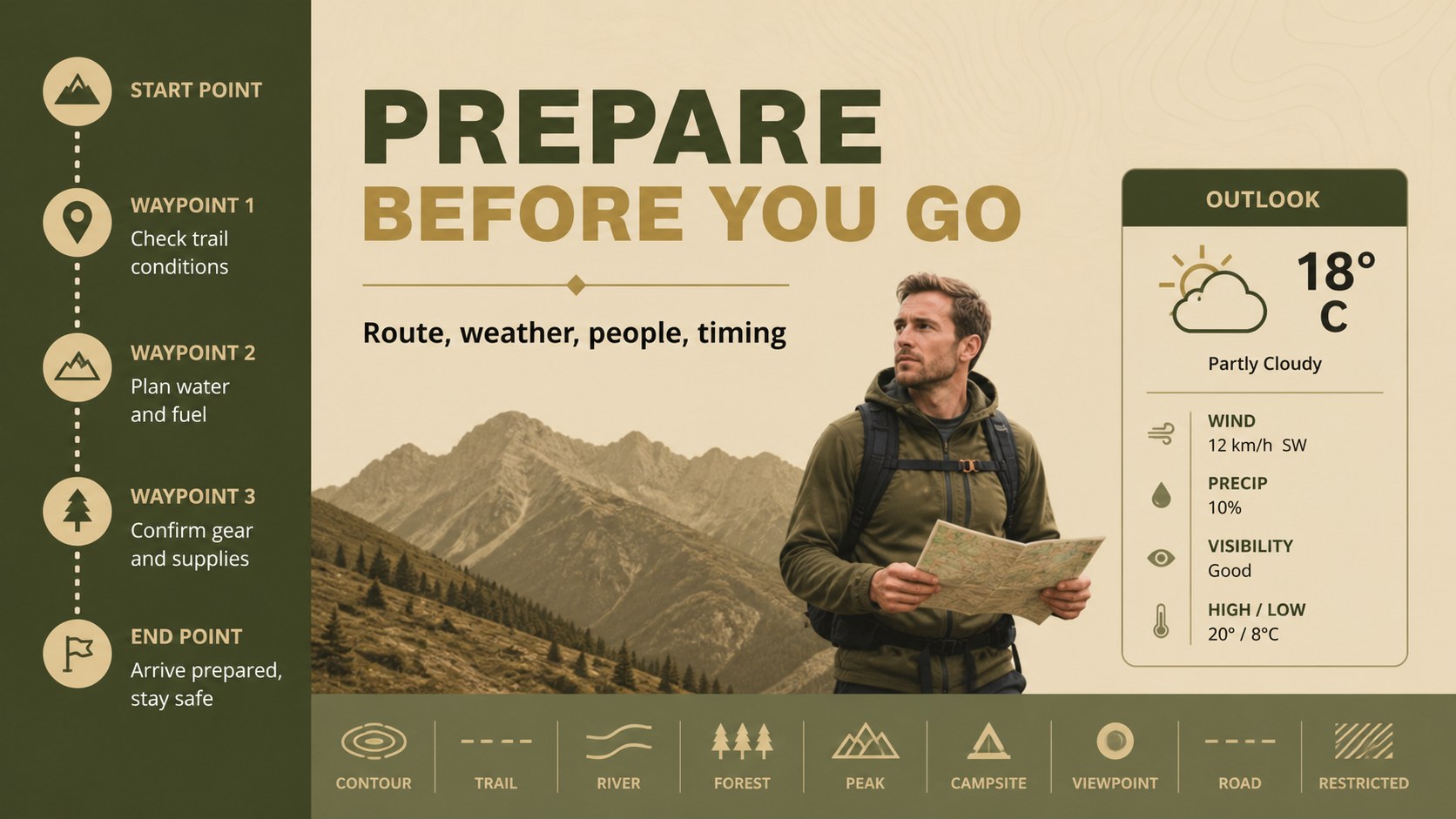
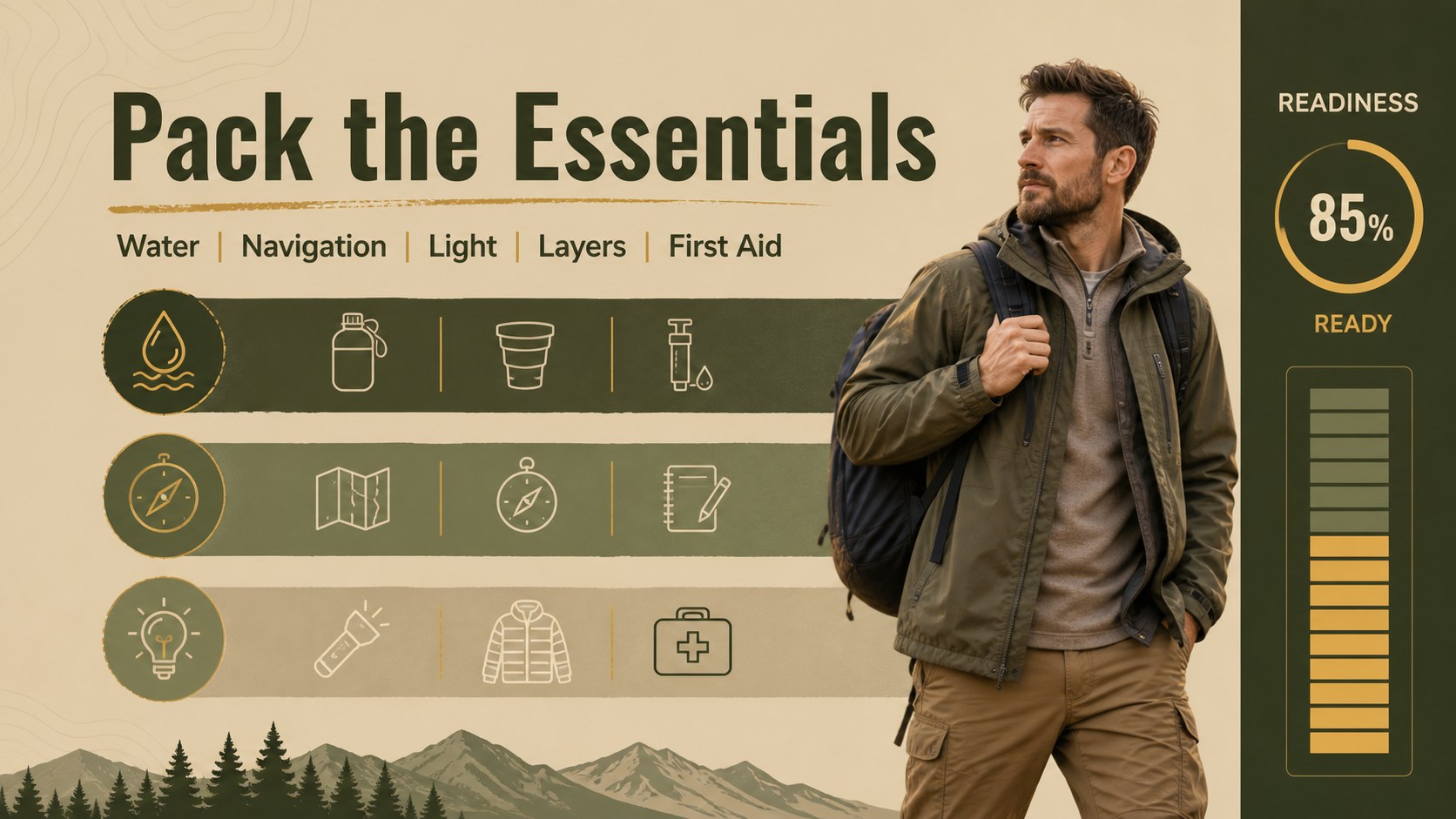
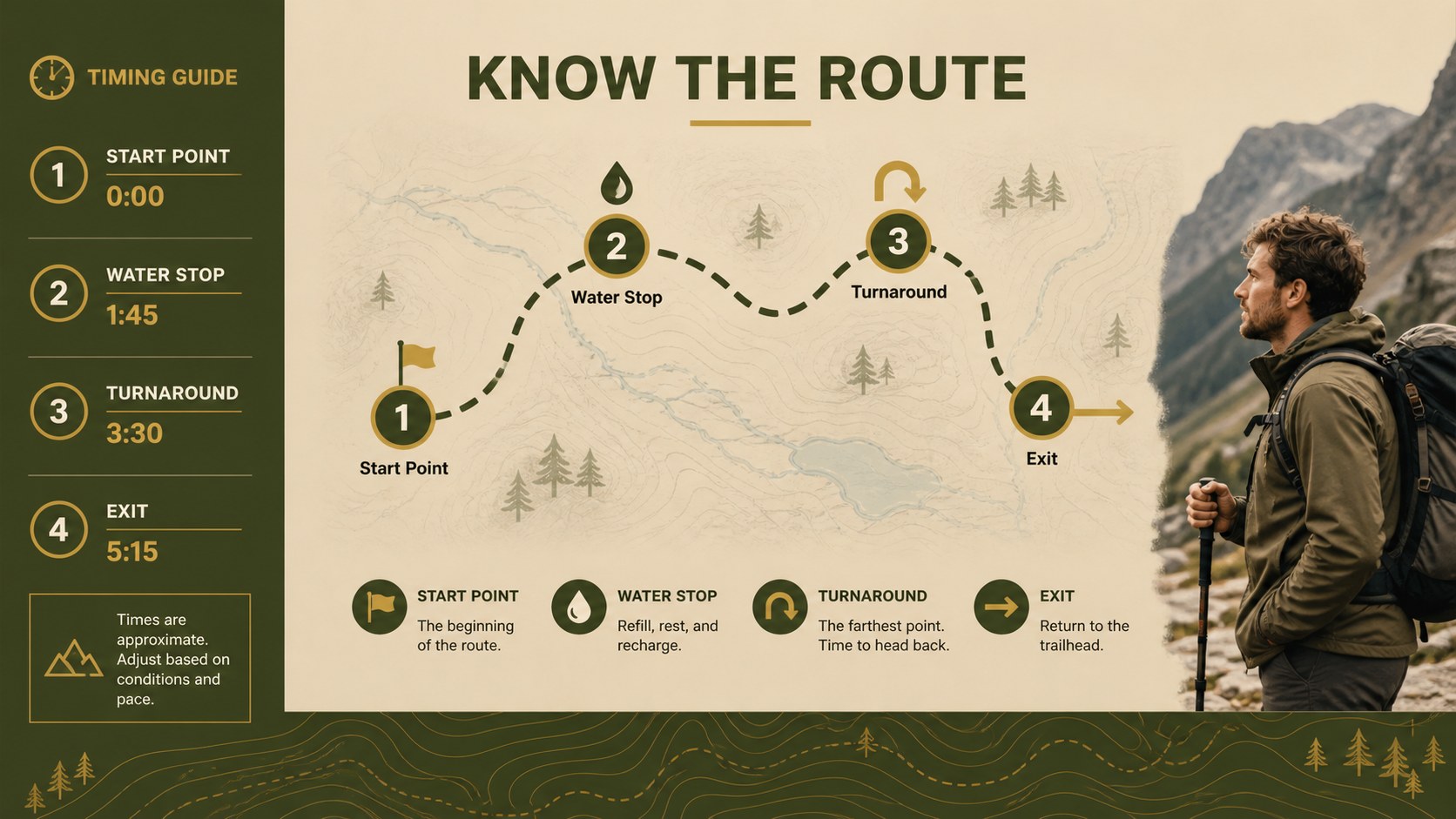
Prepare hikers for the unexpected with a trail safety planner slides deck built for practical instruction and outdoor storytelling. The earthy beige, green, black, and gold palette gives route guidance, packing details, and emergency procedures a calm, grounded presentation style. Use the layouts to turn scattered advice into a clear briefing that is easy to scan before heading outside.
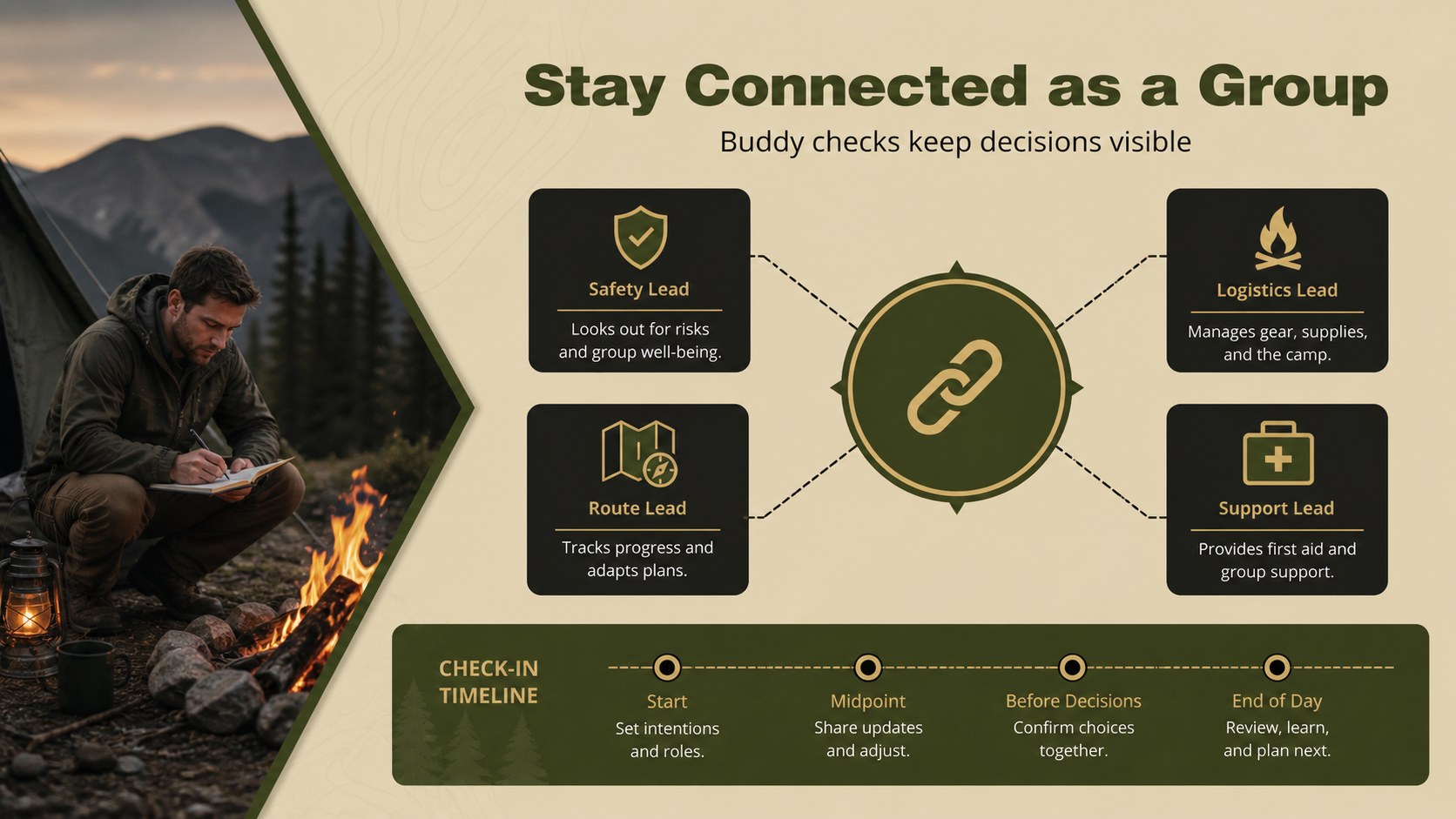
Inside, you will find 20 fully editable 16:9 slides for kit checklists, route planning, hazard awareness, weather preparation, first-aid guidance, and group communication. Add maps, nature photography, icons, diagrams, comparison tables, and simple charts to shape a polished outdoor safety presentation. Flexible text areas and image frames make it simple to adapt the deck for a hiking club or classroom.
This template is suited to outdoor educators, park staff, adventure bloggers, trip leaders, scout groups, and survival instructors. It works well for a wilderness preparedness presentation, a pre-trip safety briefing, or a beginner-friendly hiking workshop. Edit the files in PowerPoint or Google Slides, adjust the gold accents and typography, then share a focused plan that keeps every participant informed.
Perfect for: hiking club safety briefing; outdoor education lesson; scout group trip preparation; park ranger visitor briefing; adventure blog presentation; wilderness skills workshop.
Frequently asked questions
Can I edit these slides in PowerPoint? Yes. The presentation is designed for PowerPoint and includes editable text, shapes, image areas, charts, and layout elements. You can change the wording, colors, photos, and order of the slides to fit your route or audience.
Practical details
Yes. The presentation is designed for PowerPoint and includes editable text, shapes, image areas, charts, and layout elements. You can change the wording, colors, photos, and order of the slides to fit your route or audience.
Yes, you can open and edit the presentation in Google Slides. Review fonts and animations after importing, since some transitions or typefaces may be substituted by the platform.
Use it for packing lists, route checks, weather preparation, trail hazards, first aid, emergency contacts, and group communication. The layouts also support maps, comparison tables, timelines, and photo-led safety reminders.
Absolutely. Replace the sample imagery and rewrite every text area for your own trip, course, or organization. You can also adjust the gold accents and typography while keeping the calm outdoor visual direction.
Keep exploring
15Build an engaging World UFO Day session with this flying saucer history lesson deck, featuring retro green-and-brown slides for PowerPoint and Google Slides.
 15
15Plan a lively animal-learning journey with this jungle zoo adventure lesson deck, ready to customize in PowerPoint and Google Slides for young learners.
 16
16Turn environmental research into a clear story with a Watercolor Ecology Presentation Theme for PowerPoint and Google Slides in calming green and blue.
 16
16Build focused fashion, literature, and humanities presentations with the Red Triangle Editorial Theme, editable in PowerPoint and Google Slides.
 15
15Turn streaming stats, favorite tracks, and concert highlights into a bold annual listening recap slide deck for PowerPoint and Google Slides.
 15
15Turn highlights, milestones, and favorite moments into a colorful year in review slide deck with bold 3D graphics for PowerPoint and Google Slides.
 3
3Build a credible endorsement with Standout Colleague Recommendation Letter Slides, featuring colorful prompts for skills, achievements, and team impact.
 4
4Build clear beginner sessions with an ice hockey fundamentals training deck for coaches, PE teachers, and clubs, ready for PowerPoint and Google Slides.