
 15
15presentation
Flying Saucer History Lesson Deck
Build an engaging World UFO Day session with this flying saucer history lesson deck, featuring retro green-and-brown slides for PowerPoint and Google Slides.
Google SlidesPowerPoint
presentation · English
Support safer communities with a traffic safety awareness visual guide in bold orange, grey, and white, ready for PowerPoint and Google Slides.

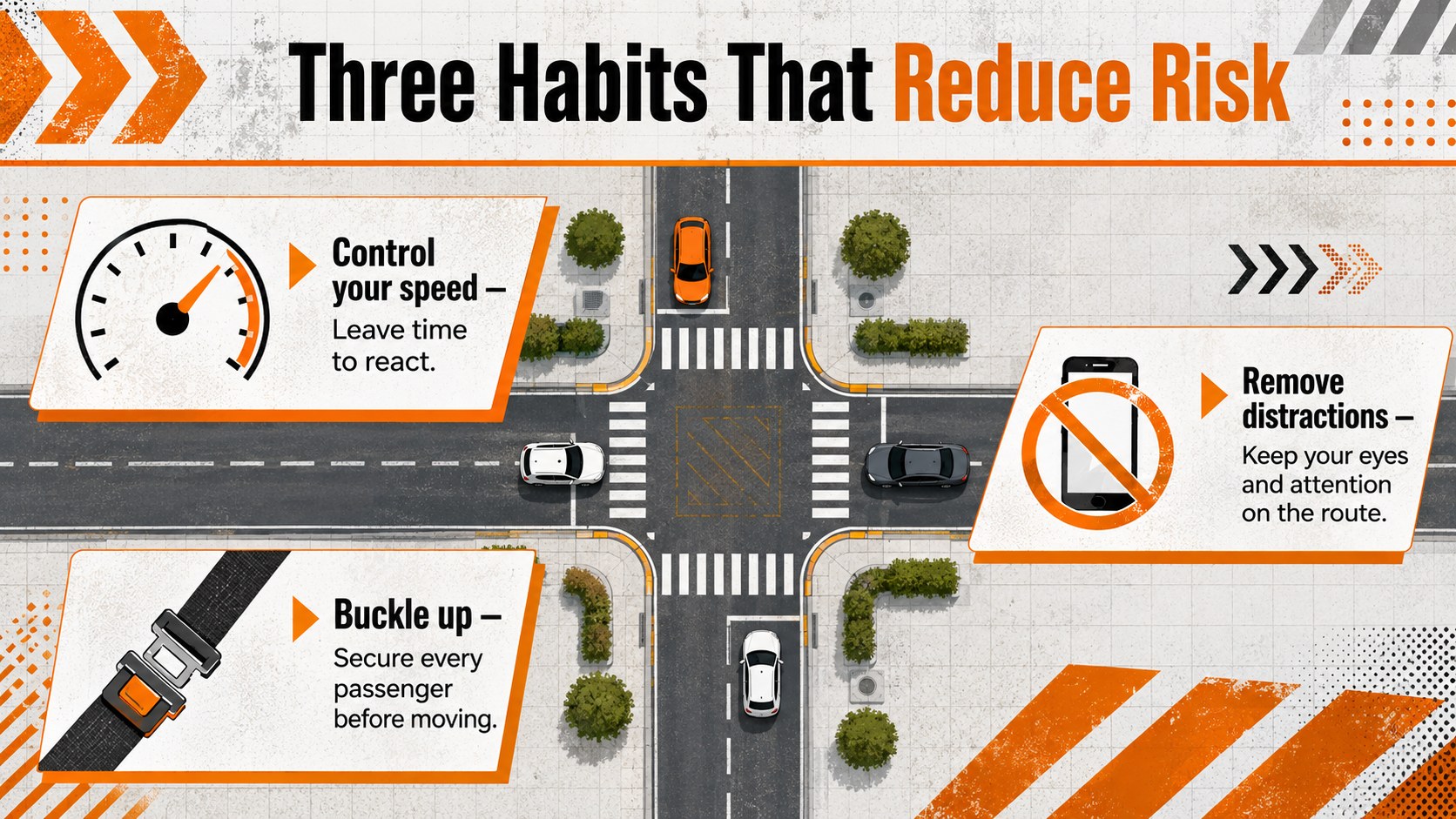
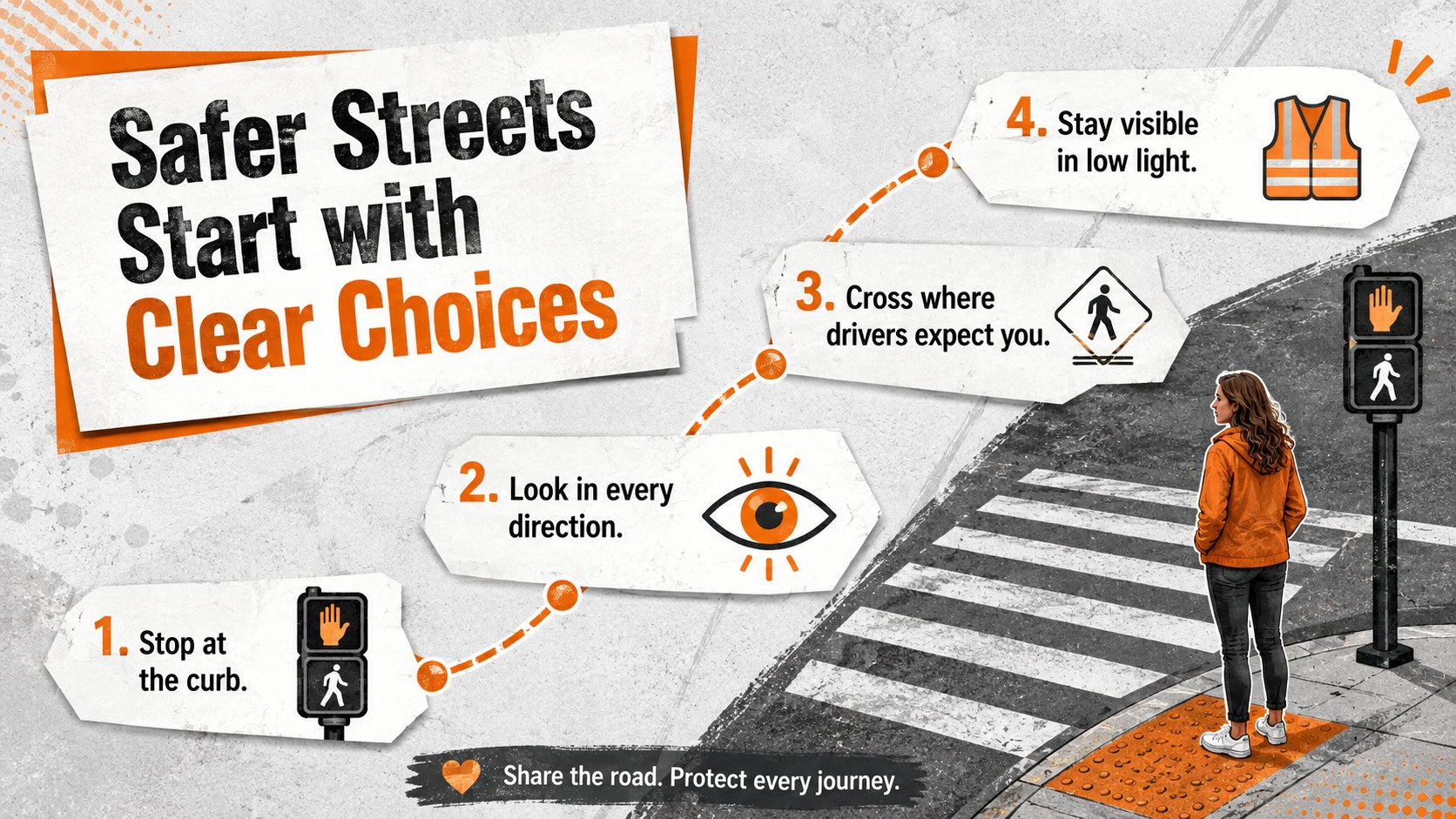
Design notes
The Traffic Safety Awareness Visual Guide turns important rules and risk-prevention messages into a clear, engaging presentation. Its bold orange, grey, and white design draws attention to key actions without making the information difficult to scan. Use it to explain responsible behavior for drivers, cyclists, and pedestrians in classrooms, training sessions, or public awareness events.
Inside, you will find three coordinated layouts covering core safety principles, high-risk behaviors, and practical prevention steps. Visual callouts, warning symbols, numbered sections, and concise text areas make the deck suitable as a pedestrian crossing safety presentation or a defensive driving classroom infographic. Every element can be edited in PowerPoint or Google Slides, including headlines, icons, colors, statistics, and supporting text. The 16:9 format works well on classroom screens, meeting-room displays, and virtual presentations.
This template is designed for driving instructors, teachers, local authorities, nonprofit organizations, emergency services, and workplace safety teams. It can support a community traffic awareness workshop, a school assembly, an employee travel briefing, or a campaign focused on reducing preventable incidents. Adapt the examples to local regulations, add verified regional statistics, and replace the sample guidance with audience-specific recommendations. The strong contrast and structured layouts keep the message readable while preserving an energetic, practical tone.
Perfect for: driver education lesson; community safety workshop; school traffic assembly; workplace travel briefing; pedestrian awareness campaign.
Frequently asked questions
Can I edit every part of the visual guide? Yes. You can change the wording, colors, icons, shapes, and data callouts to match your local safety guidance or campaign.
Practical details
Yes. You can change the wording, colors, icons, shapes, and data callouts to match your local safety guidance or campaign.
The template is designed for Microsoft PowerPoint and Google Slides. Both platforms support editing, presenting, and exporting the finished slides.
Yes. Shorten the safety messages, replace technical terms with age-appropriate language, and use familiar examples such as school crossings, bicycle helmets, and seat belts.
Replace sample figures with verified data from a trusted regional source. Check current local traffic laws before presenting any legal requirements or penalties.
Keep exploring
15Build an engaging World UFO Day session with this flying saucer history lesson deck, featuring retro green-and-brown slides for PowerPoint and Google Slides.
 15
15Plan a lively animal-learning journey with this jungle zoo adventure lesson deck, ready to customize in PowerPoint and Google Slides for young learners.
 16
16Turn environmental research into a clear story with a Watercolor Ecology Presentation Theme for PowerPoint and Google Slides in calming green and blue.
 16
16Build focused fashion, literature, and humanities presentations with the Red Triangle Editorial Theme, editable in PowerPoint and Google Slides.
 15
15Turn streaming stats, favorite tracks, and concert highlights into a bold annual listening recap slide deck for PowerPoint and Google Slides.
 15
15Turn highlights, milestones, and favorite moments into a colorful year in review slide deck with bold 3D graphics for PowerPoint and Google Slides.
 3
3Build a credible endorsement with Standout Colleague Recommendation Letter Slides, featuring colorful prompts for skills, achievements, and team impact.
 4
4Build clear beginner sessions with an ice hockey fundamentals training deck for coaches, PE teachers, and clubs, ready for PowerPoint and Google Slides.