
 15
15presentation
Flying Saucer History Lesson Deck
Build an engaging World UFO Day session with this flying saucer history lesson deck, featuring retro green-and-brown slides for PowerPoint and Google Slides.
Google SlidesPowerPoint
presentation · English
Turn research into a lender-ready story with this tractor dealership planning deck for PowerPoint and Google Slides in earthy green and brown.

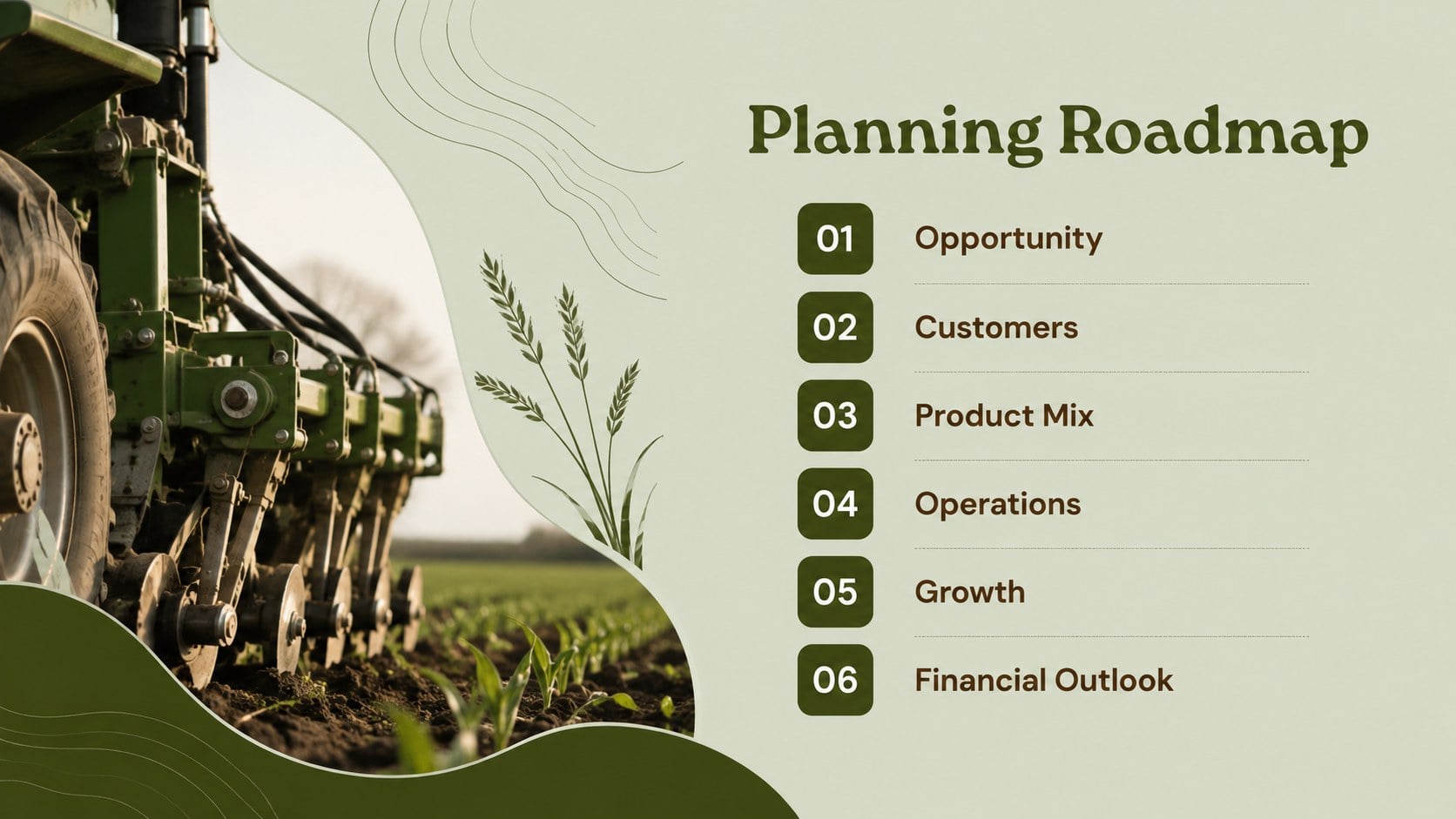
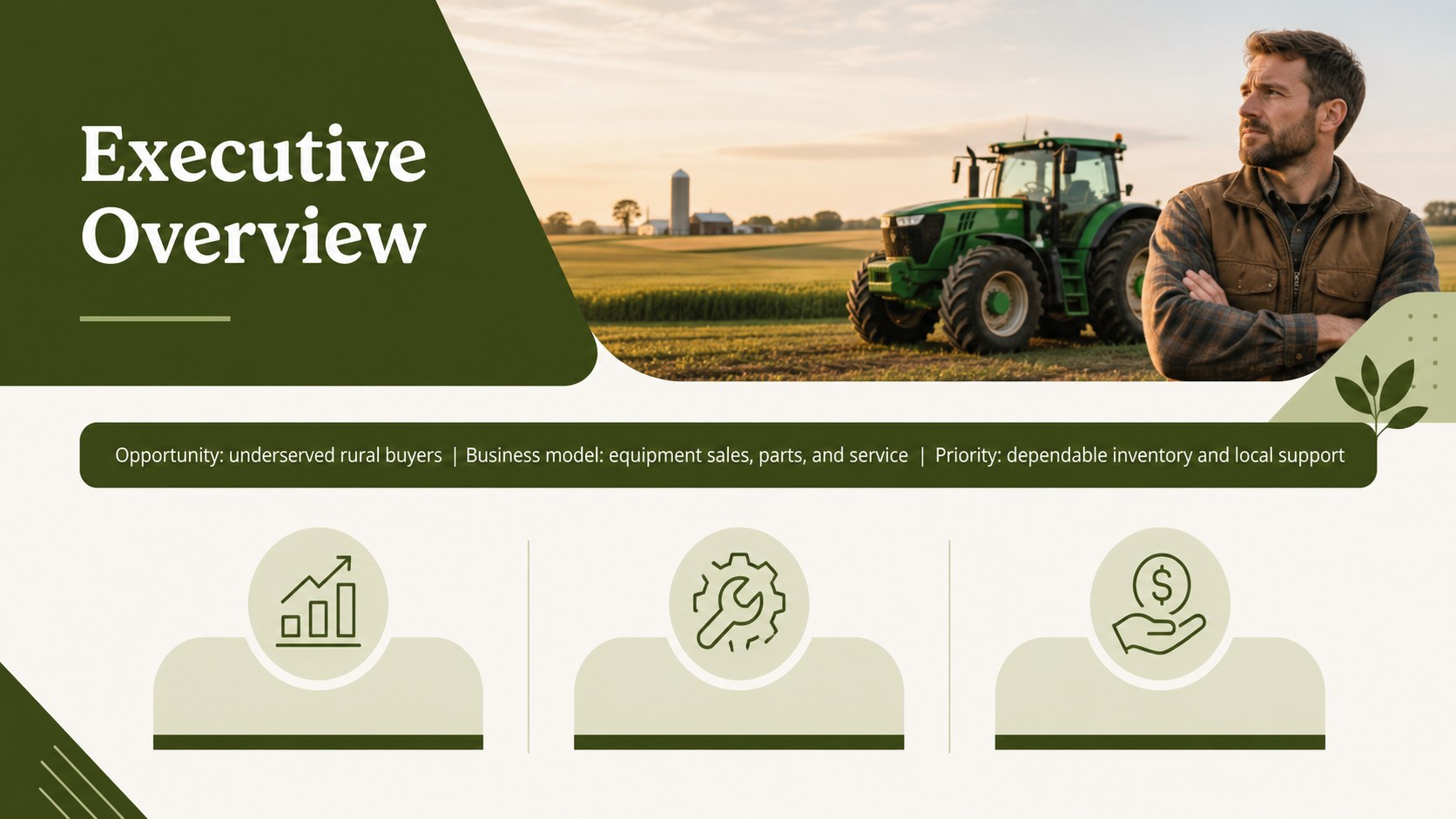
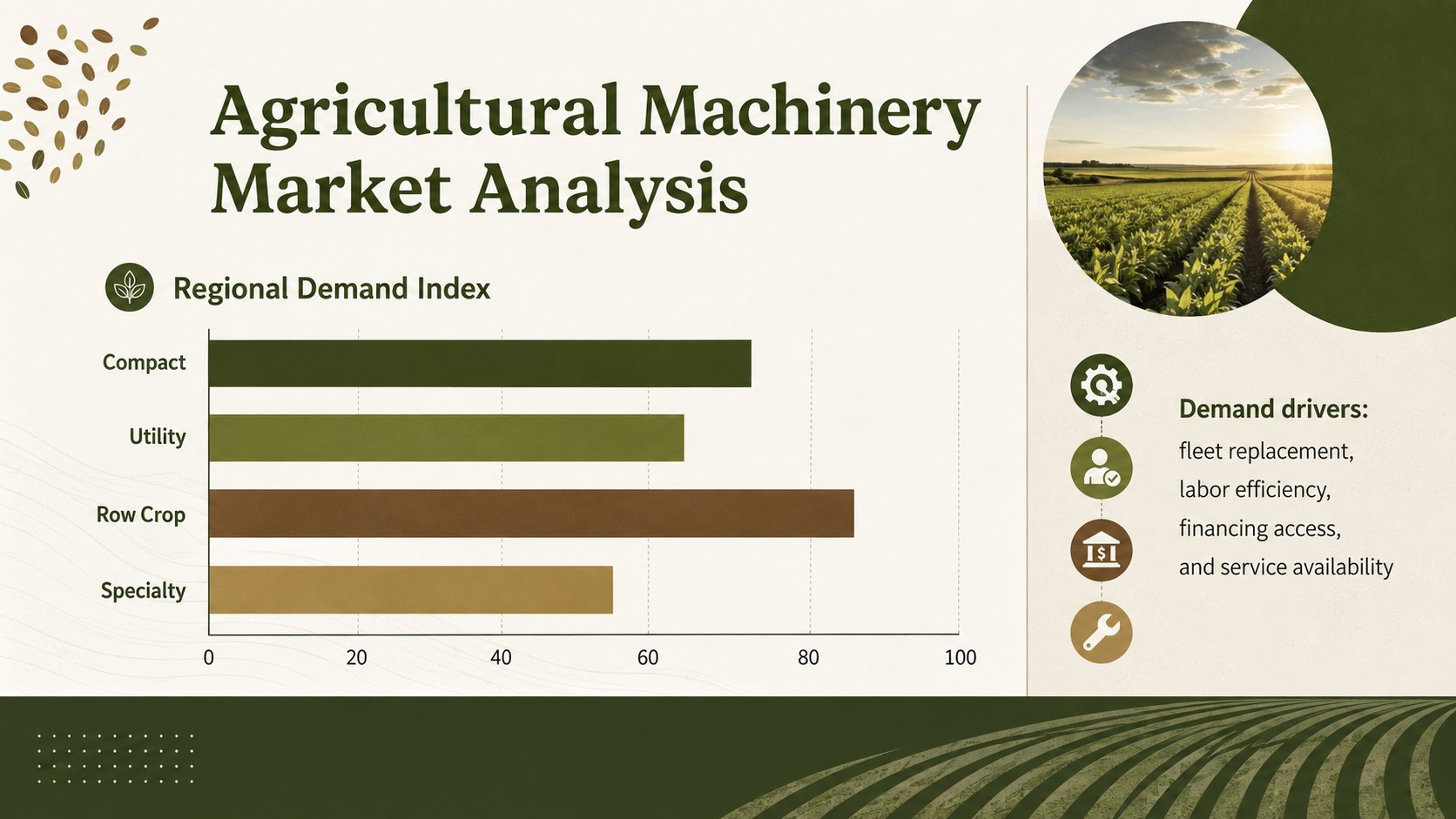
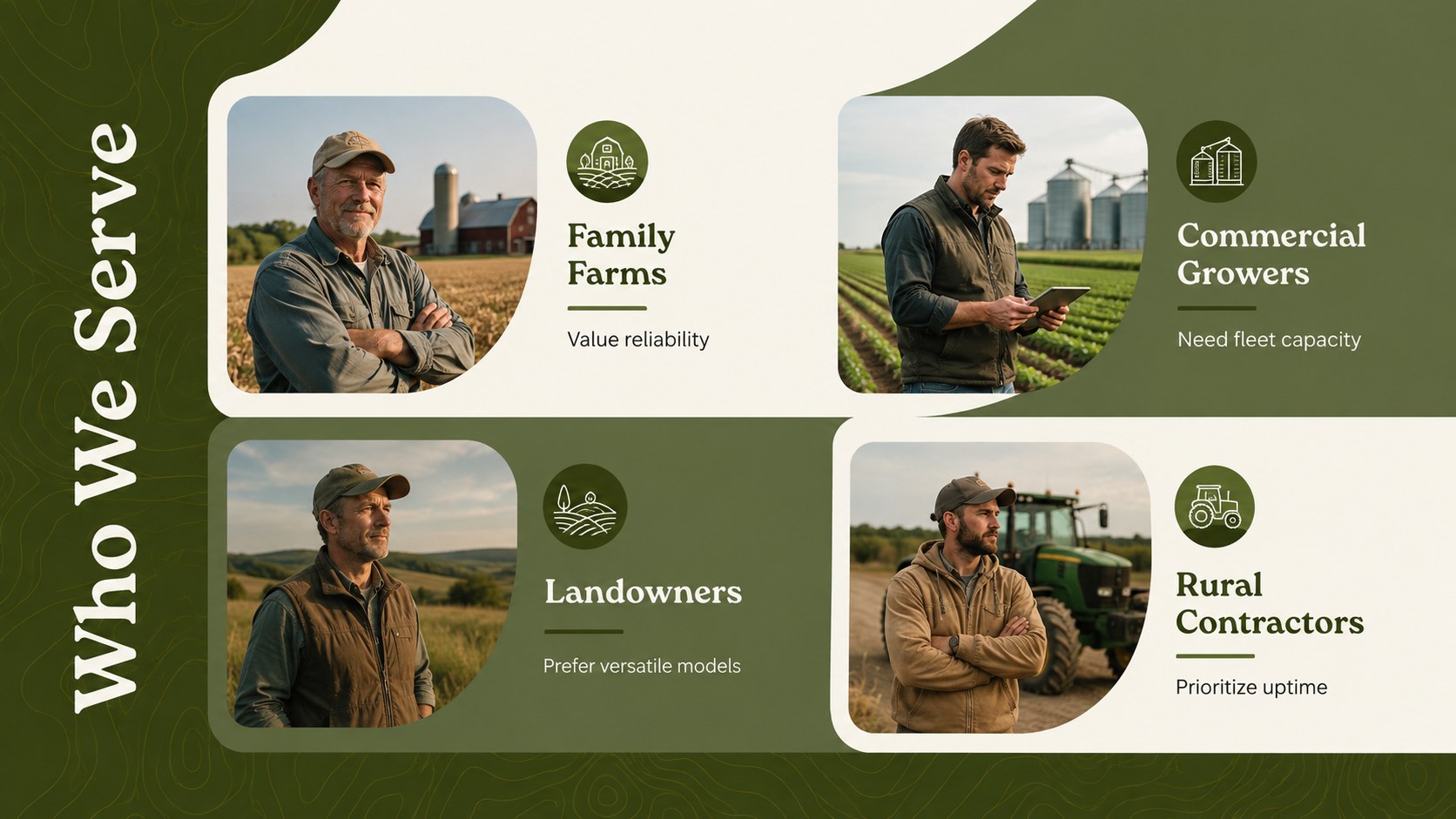
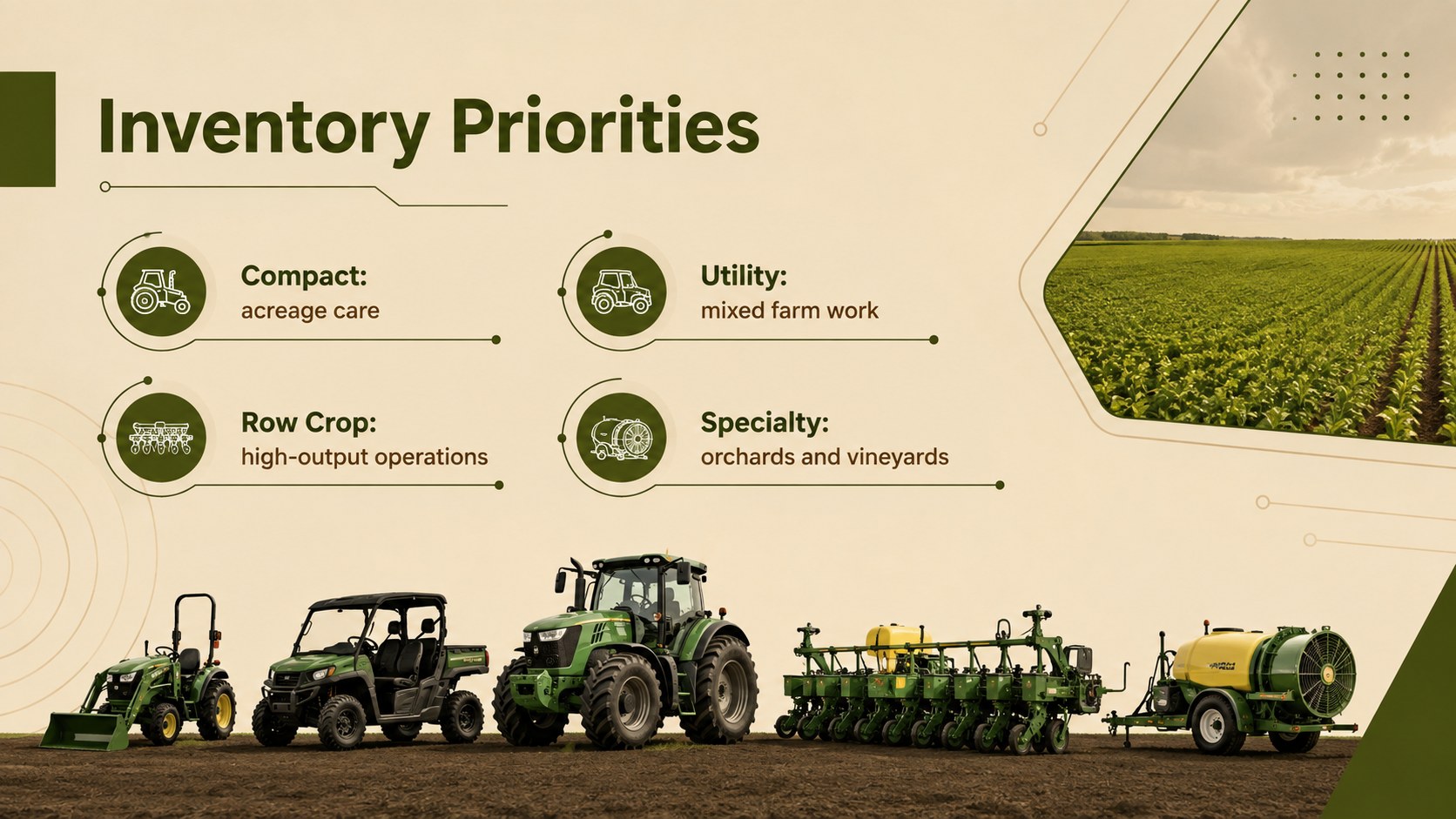
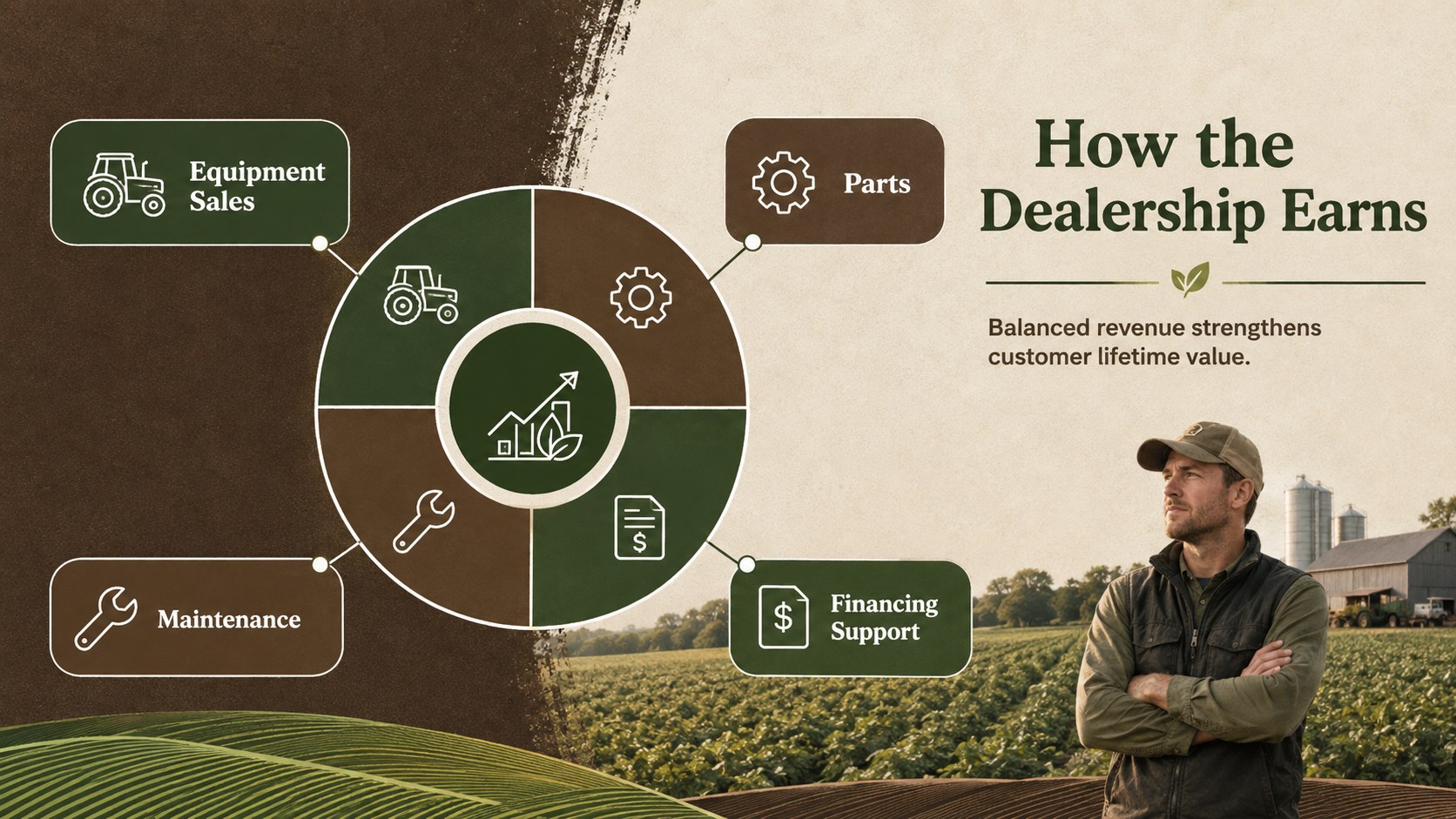
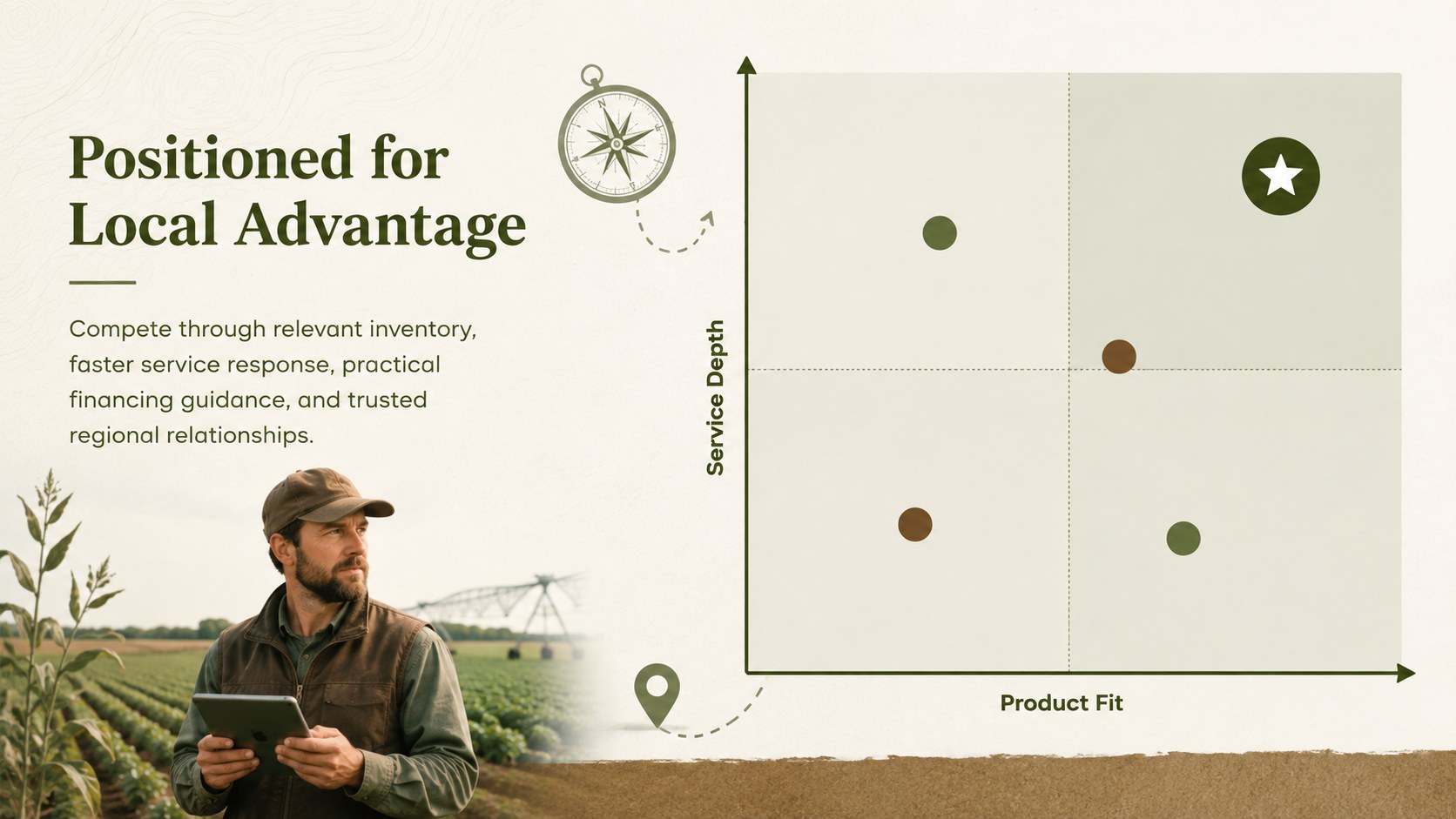

Design notes
Build a focused business case with the Tractor Dealership Planning Deck for Rural Markets, a professional presentation template designed for PowerPoint and Google Slides. Its restrained layouts, earthy green and brown palette, and agricultural visual details create a credible setting for discussing machinery sales without distracting from the numbers.
The deck provides adaptable sections for an executive overview, dealership concept, customer segments, agricultural machinery market analysis, product and service mix, competitive positioning, marketing channels, daily operations, staffing, milestones, and financial projections. Use the visual charts, comparison layouts, timelines, and KPI summaries to turn dealership research into a structured narrative. Every slide can be edited to match your inventory categories, territory, sales assumptions, service capacity, and funding requirements.
This template is suited to equipment entrepreneurs, established farm suppliers, rural business consultants, regional sales teams, and students developing an agribusiness proposal. It works especially well as a farm equipment sales presentation for lenders, partners, manufacturers, or internal decision-makers. Whether you are opening a new location, adding tractor lines to an existing dealership, or presenting a rural dealership growth strategy, the deck helps connect market opportunity with a practical route to revenue.
Perfect for: dealership lender presentation; farm equipment investor pitch; new territory expansion proposal; tractor inventory planning meeting; manufacturer partnership briefing.
Frequently asked questions
Can I edit this deck in PowerPoint and Google Slides? Yes. The layouts, text, colors, charts, and image areas can be customized in both PowerPoint and Google Slides. Font availability may vary by platform, so review typography after importing the file.
Practical details
Yes. The layouts, text, colors, charts, and image areas can be customized in both PowerPoint and Google Slides. Font availability may vary by platform, so review typography after importing the file.
Yes. Replace the tractor-specific copy and visuals with content for harvesters, implements, irrigation systems, parts, rentals, or maintenance services. The planning structure remains useful for most agricultural machinery dealerships.
Update the sample categories with your expected unit sales, service revenue, inventory costs, staffing expenses, and financing assumptions. Clearly label projections and cite the source or date of any market figures.
Yes. Add your logo, preferred typefaces, photography, and brand colors through the theme or master layout tools. Maintain strong contrast if you replace the original earthy green and brown palette.
Keep exploring
15Build an engaging World UFO Day session with this flying saucer history lesson deck, featuring retro green-and-brown slides for PowerPoint and Google Slides.
 15
15Plan a lively animal-learning journey with this jungle zoo adventure lesson deck, ready to customize in PowerPoint and Google Slides for young learners.
 16
16Turn environmental research into a clear story with a Watercolor Ecology Presentation Theme for PowerPoint and Google Slides in calming green and blue.
 16
16Build focused fashion, literature, and humanities presentations with the Red Triangle Editorial Theme, editable in PowerPoint and Google Slides.
 15
15Turn streaming stats, favorite tracks, and concert highlights into a bold annual listening recap slide deck for PowerPoint and Google Slides.
 15
15Turn highlights, milestones, and favorite moments into a colorful year in review slide deck with bold 3D graphics for PowerPoint and Google Slides.
 3
3Build a credible endorsement with Standout Colleague Recommendation Letter Slides, featuring colorful prompts for skills, achievements, and team impact.
 4
4Build clear beginner sessions with an ice hockey fundamentals training deck for coaches, PE teachers, and clubs, ready for PowerPoint and Google Slides.