
 15
15presentation
Flying Saucer History Lesson Deck
Build an engaging World UFO Day session with this flying saucer history lesson deck, featuring retro green-and-brown slides for PowerPoint and Google Slides.
Google SlidesPowerPoint
presentation · English
Build clear three step project status slides with a blue-purple glassmorphism layout for weekly updates, sprint reviews, team reports, and stakeholder…
Design notes
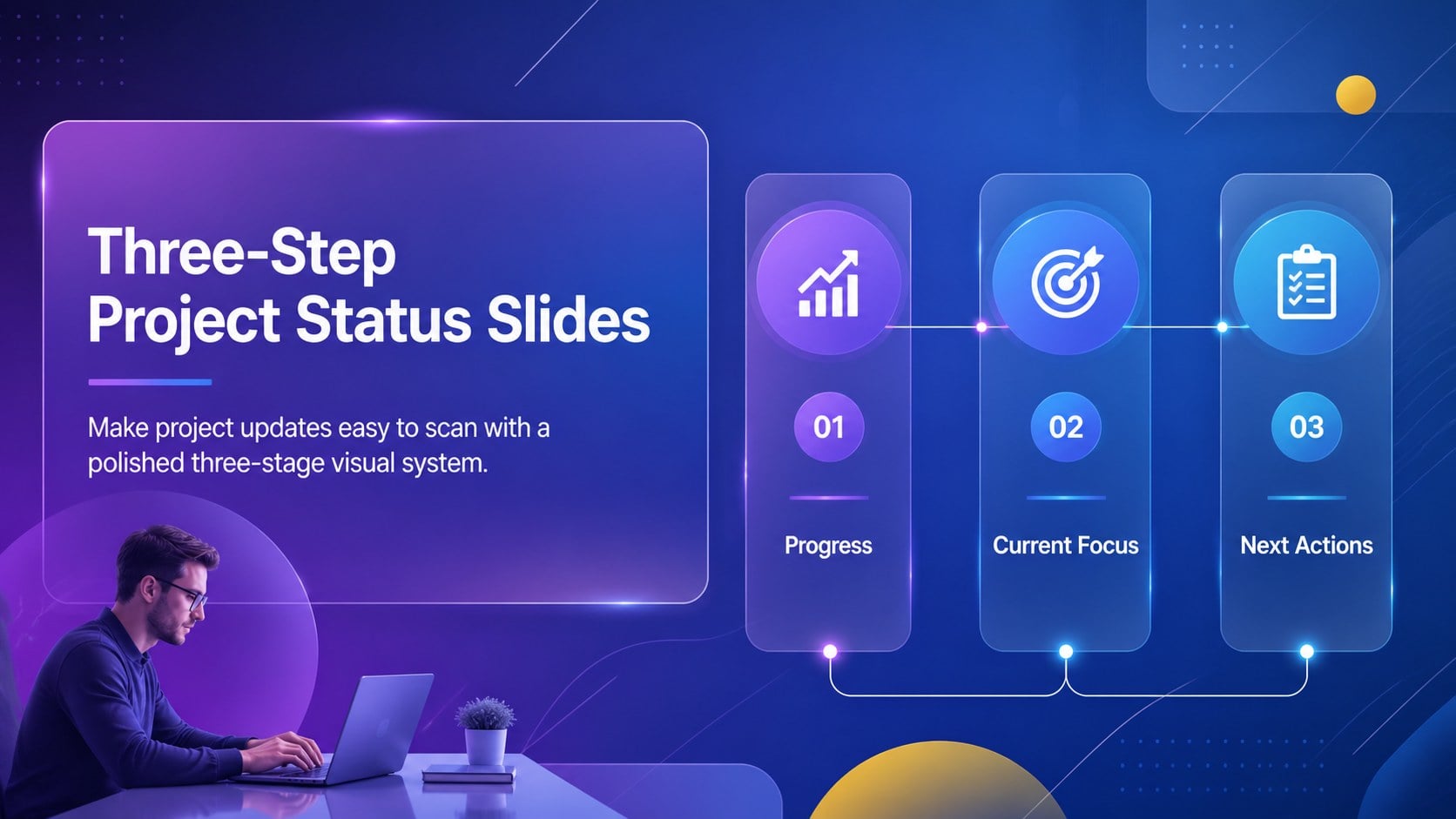
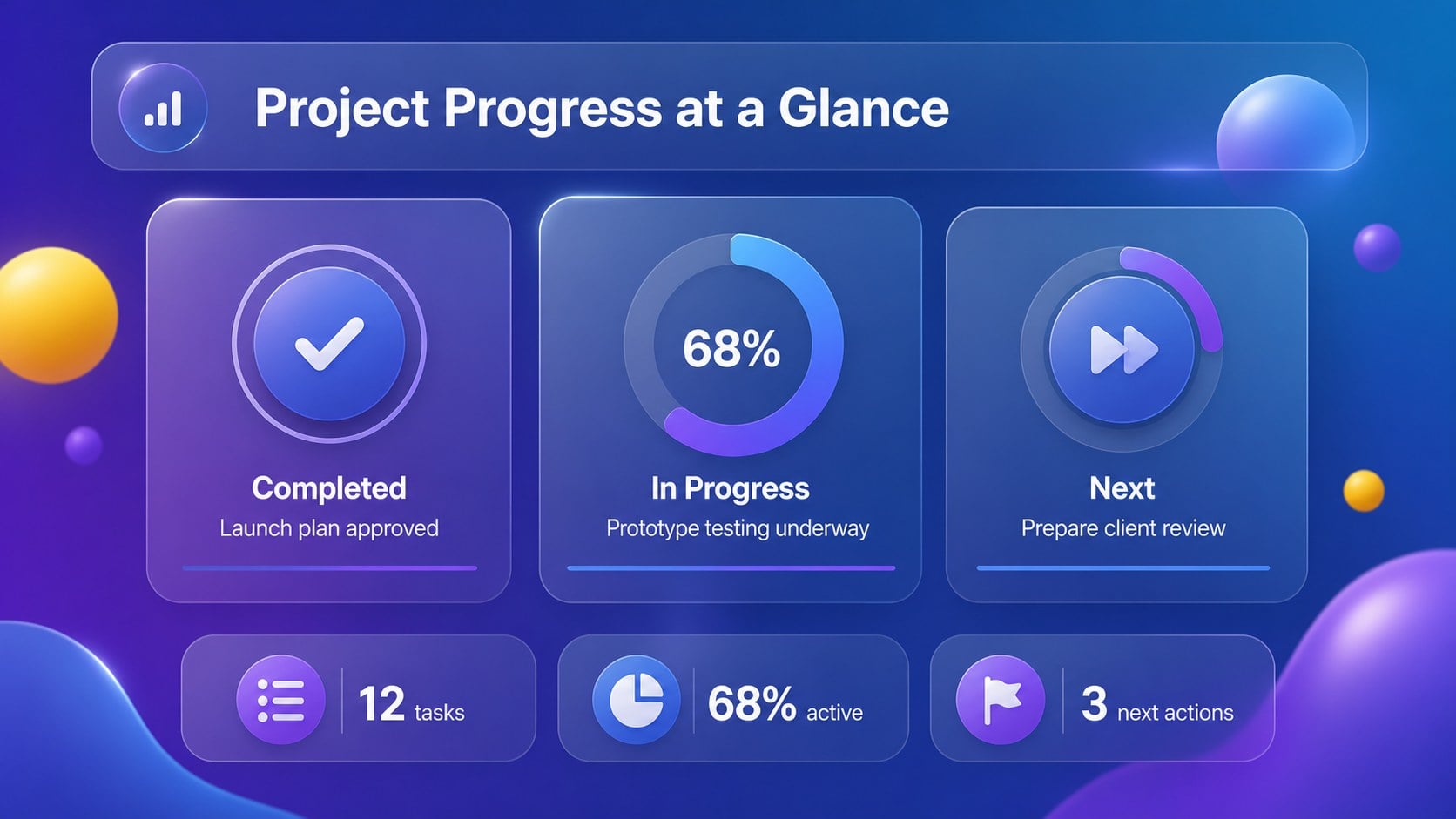
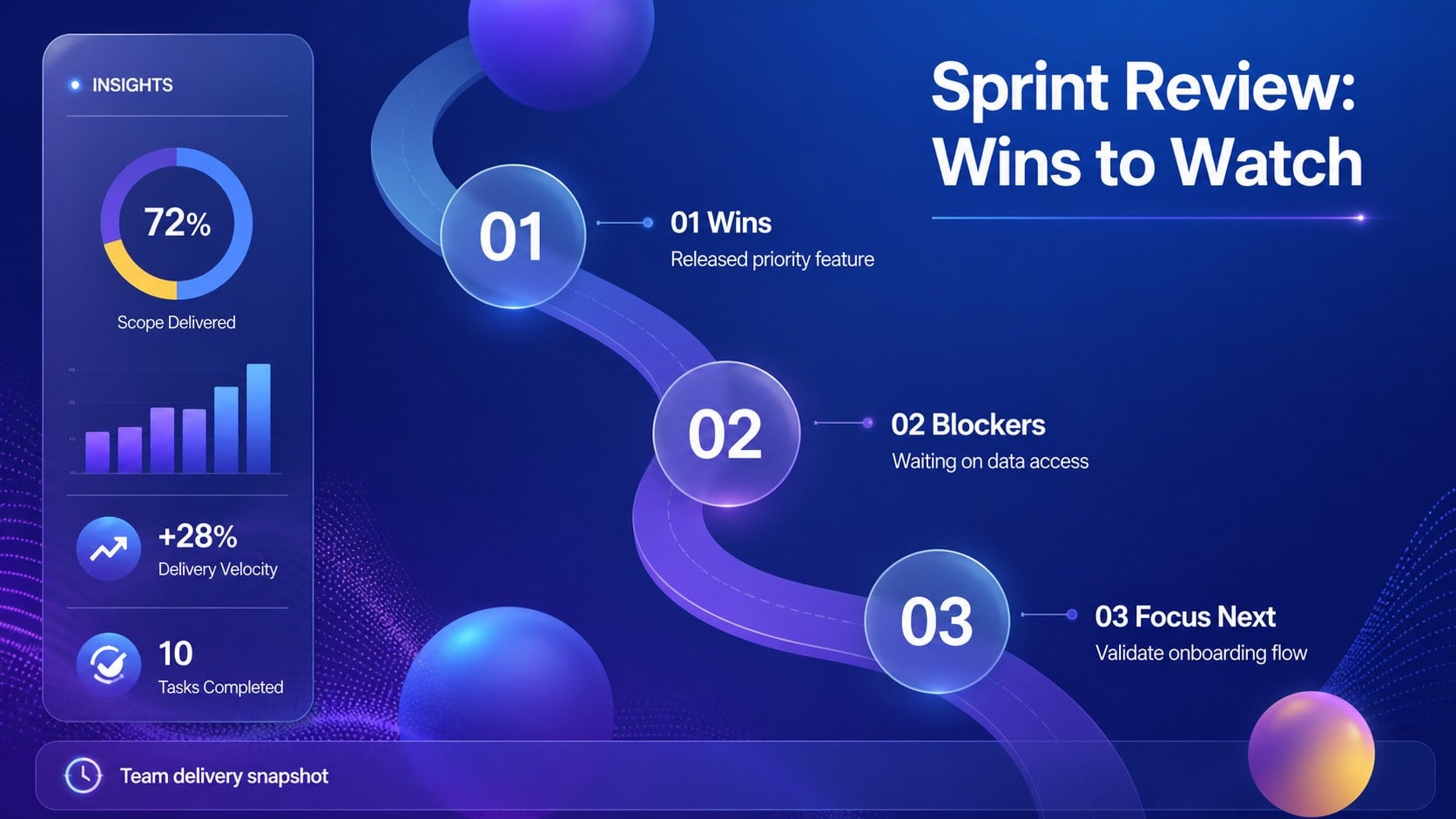
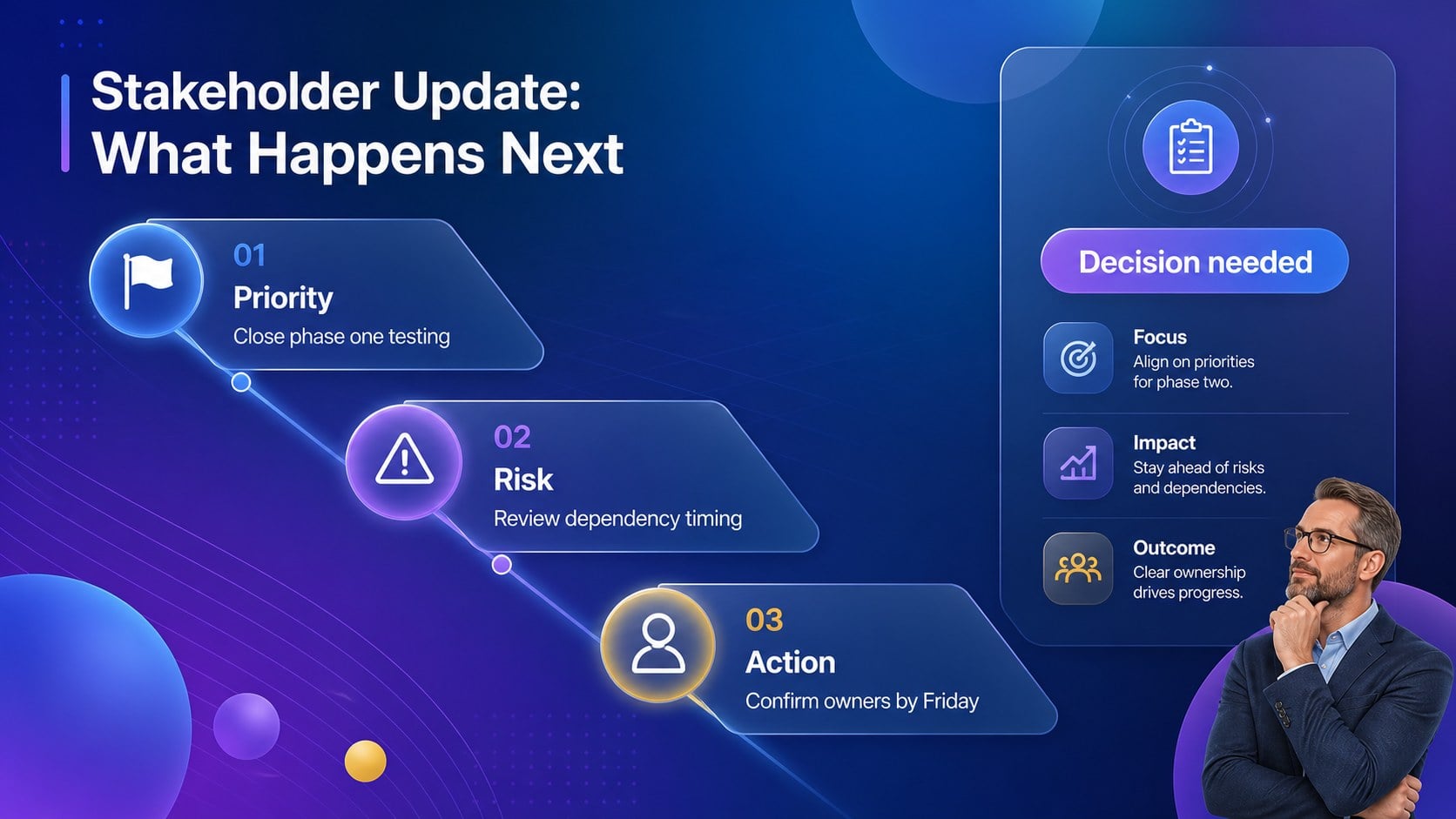
Three step project status slides give teams a structured way to explain where work stands, what has changed, and what happens next. This blue-purple glassmorphism presentation theme turns complex project information into a clean visual sequence that is easy to follow during meetings and easy to revisit afterward.
The template includes six editable 16:9 infographic layouts for project updates, sprint reviews, weekly reports, workflow summaries, and stakeholder briefings. Rearrange the three status stages to show completed work, current priorities, and upcoming actions. Replace the sample labels, icons, metrics, and supporting notes to match your timeline, KPIs, team responsibilities, or delivery milestones. Duplicate layouts when you need to compare departments, workstreams, or reporting periods.
Designed for business teams, project managers, operations leads, consultants, and startup founders, this deck works well for both quick check-ins and formal presentations. Every element can be edited in PowerPoint or Google Slides, including text, colors, shapes, icons, and diagrams. The cool blue and purple palette, translucent panels, and subtle glass-inspired depth create a modern look without distracting from the information. Use these three step project status slides as a practical foundation for consistent project communication across your organization.
Perfect for: weekly project status meeting; startup investor progress update; agile sprint review; department workflow briefing; stakeholder delivery report.
Frequently asked questions
Can I edit this template in PowerPoint? Yes. The layouts are designed for PowerPoint editing, including text, shapes, colors, icons, and diagrams. You can also duplicate slides to expand the deck for longer reports.
Practical details
Yes. The layouts are designed for PowerPoint editing, including text, shapes, colors, icons, and diagrams. You can also duplicate slides to expand the deck for longer reports.
Yes, the presentation can be used in Google Slides. Import the PowerPoint file, then adjust any fonts or visual elements if your workspace substitutes unavailable typefaces.
Yes. Rename each stage to fit your reporting method, such as Done, In Progress, and Next; Planned, Active, and Complete; or Risk, Response, and Resolution. Labels, icons, metrics, and supporting copy are editable.
Yes. Duplicate a layout for separate departments, workstreams, or reporting periods. You can also modify the blue-purple palette to align with your organization while retaining the glass-inspired visual system.
Keep exploring
15Build an engaging World UFO Day session with this flying saucer history lesson deck, featuring retro green-and-brown slides for PowerPoint and Google Slides.
 15
15Plan a lively animal-learning journey with this jungle zoo adventure lesson deck, ready to customize in PowerPoint and Google Slides for young learners.
 16
16Turn environmental research into a clear story with a Watercolor Ecology Presentation Theme for PowerPoint and Google Slides in calming green and blue.
 16
16Build focused fashion, literature, and humanities presentations with the Red Triangle Editorial Theme, editable in PowerPoint and Google Slides.
 15
15Turn streaming stats, favorite tracks, and concert highlights into a bold annual listening recap slide deck for PowerPoint and Google Slides.
 15
15Turn highlights, milestones, and favorite moments into a colorful year in review slide deck with bold 3D graphics for PowerPoint and Google Slides.
 3
3Build a credible endorsement with Standout Colleague Recommendation Letter Slides, featuring colorful prompts for skills, achievements, and team impact.
 4
4Build clear beginner sessions with an ice hockey fundamentals training deck for coaches, PE teachers, and clubs, ready for PowerPoint and Google Slides.