
 15
15presentation
Flying Saucer History Lesson Deck
Build an engaging World UFO Day session with this flying saucer history lesson deck, featuring retro green-and-brown slides for PowerPoint and Google Slides.
Google SlidesPowerPoint
presentation · English
Build a polished thirtieth birthday slideshow template for photos, party details, memories, and milestone messages in blue and gray across three platforms.

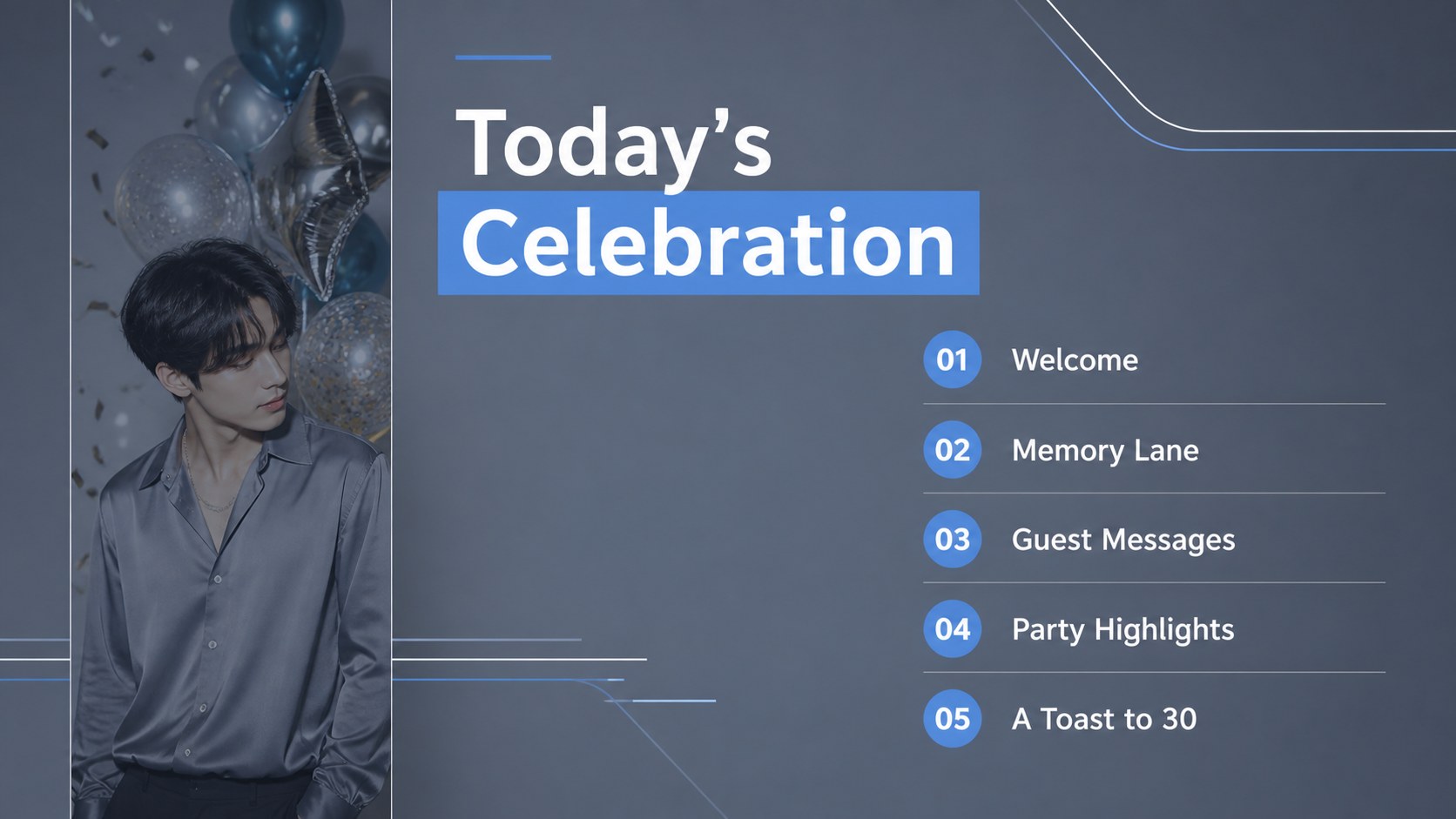
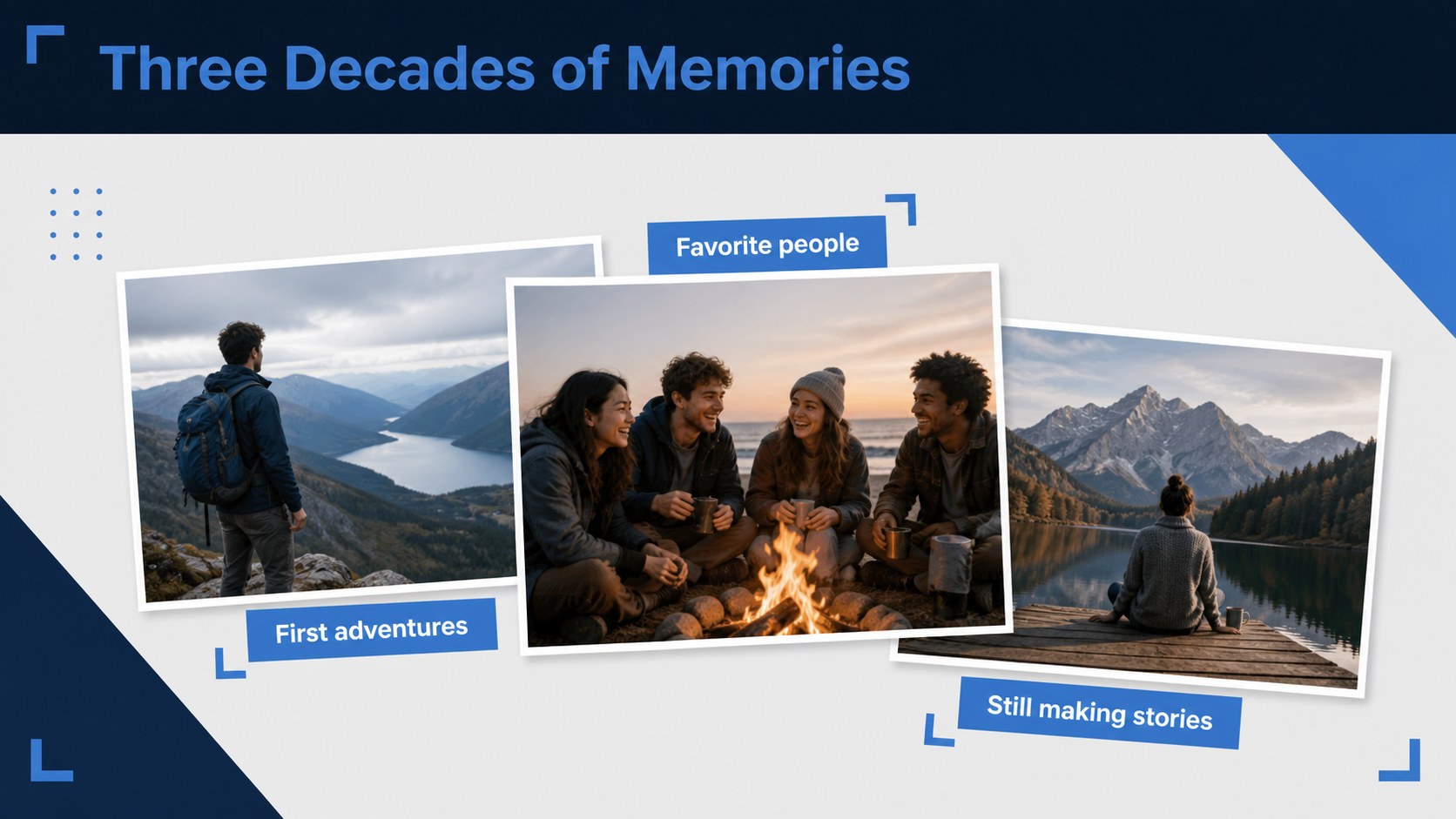
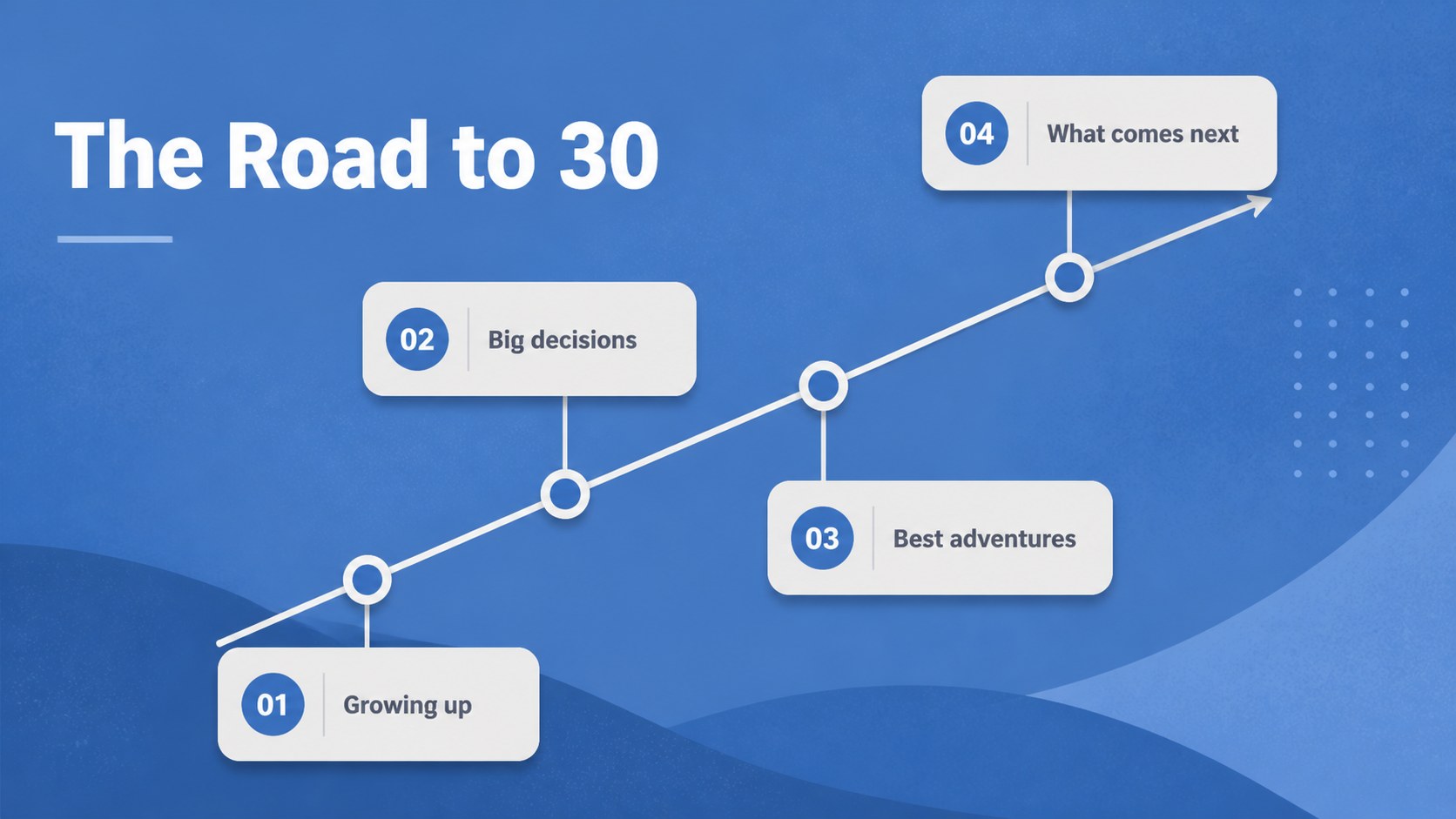
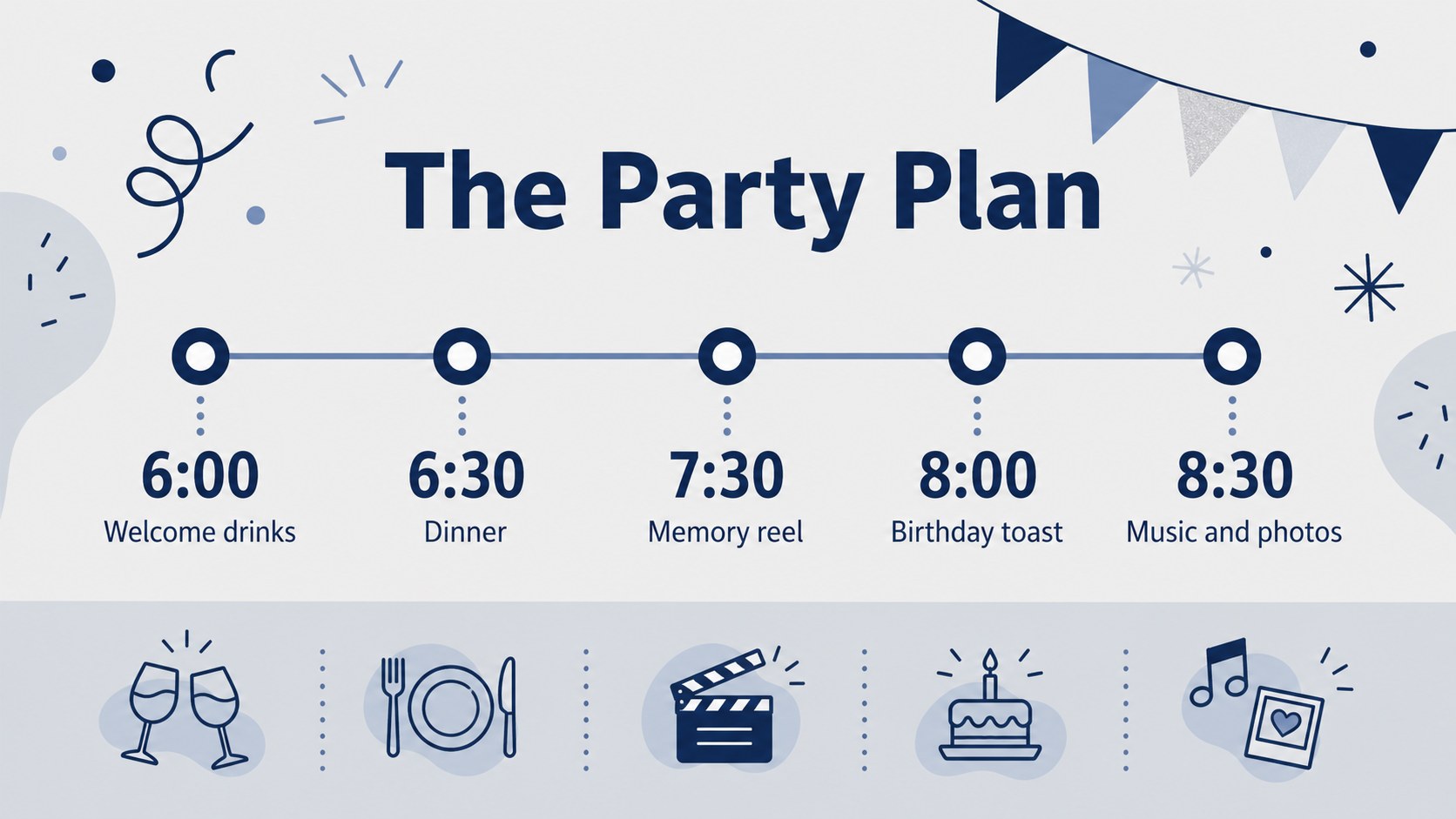
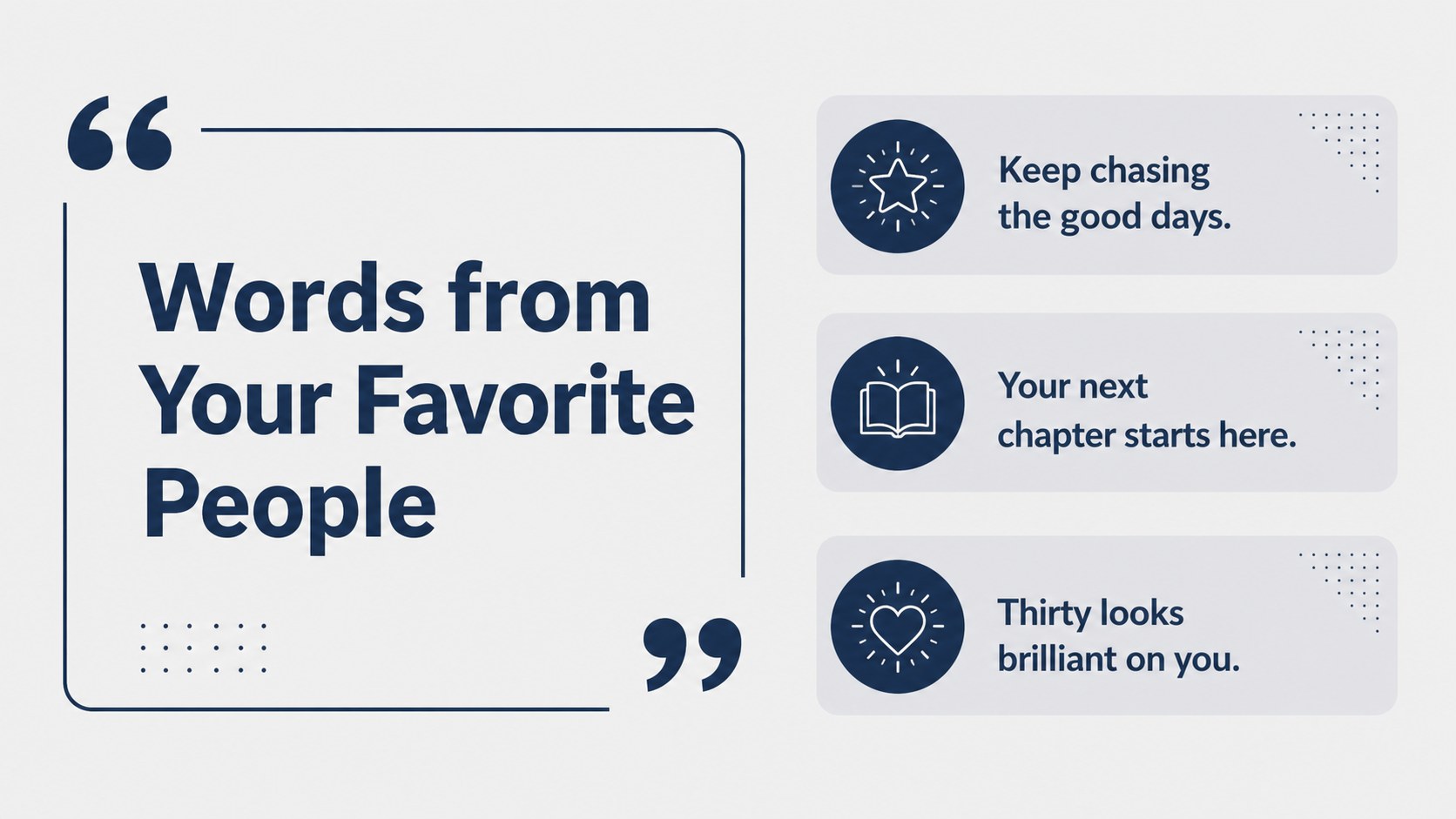

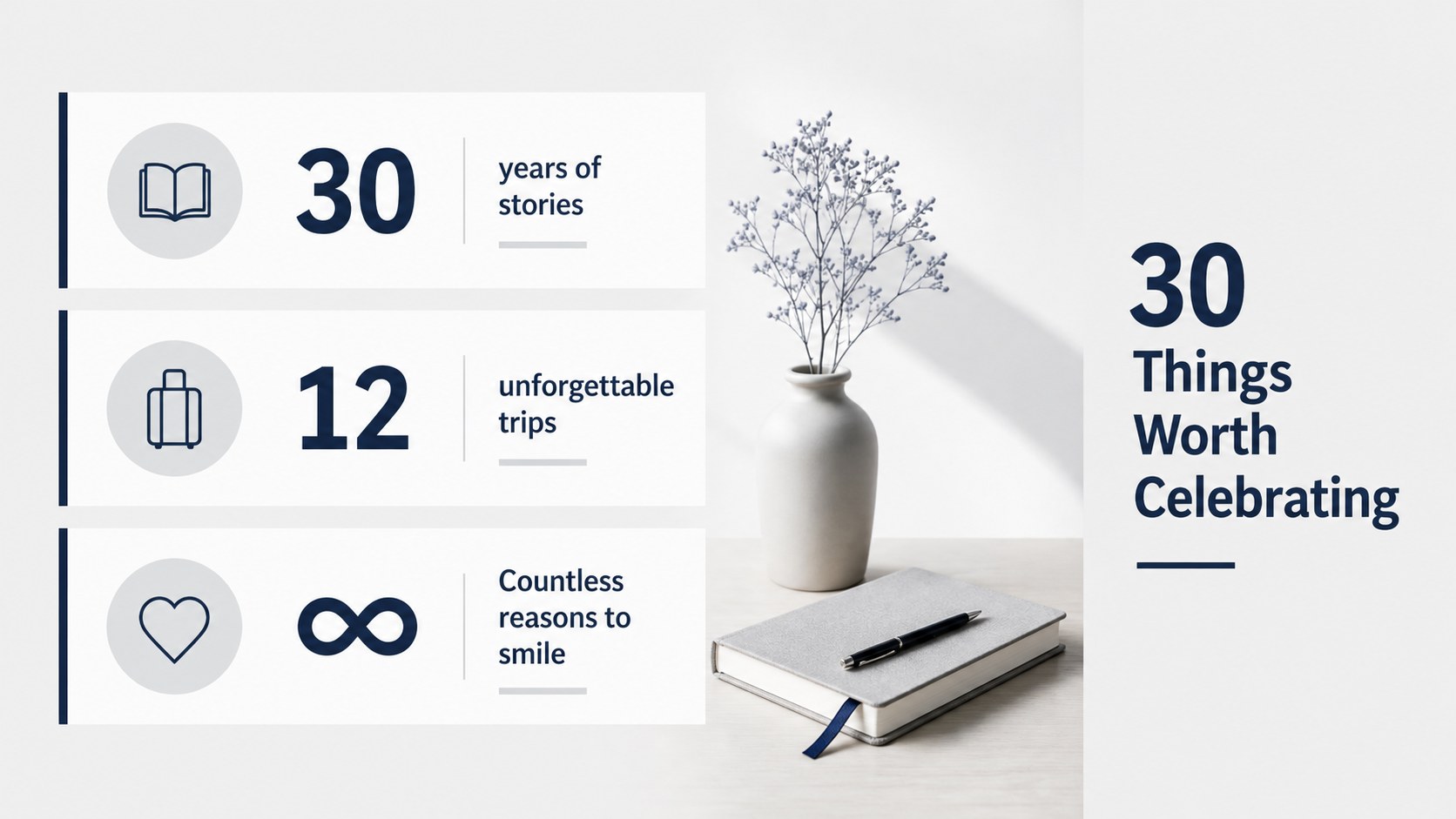
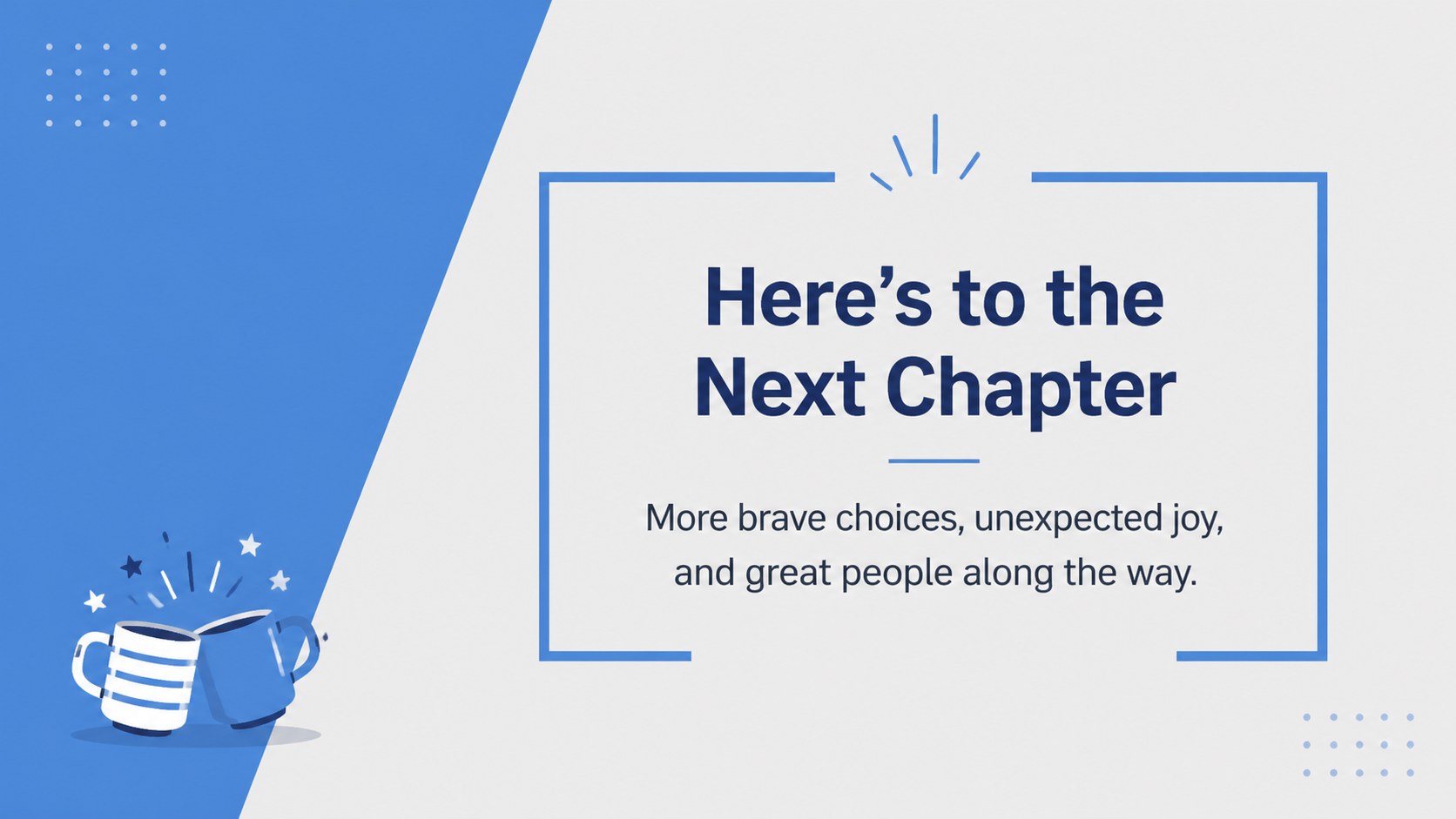
Design notes
Create a memorable milestone celebration with this thirtieth birthday slideshow template. Its blue and gray palette gives the design a mature, modern feel while leaving plenty of room for personal photos, playful captions, and heartfelt messages. Use the deck for a family gathering, dinner party, office celebration, or a digital keepsake shared with friends.
Inside, you’ll find more than 25 flexible layouts for opening remarks, event schedules, photo highlights, guest notes, quote pages, timelines, and closing thank-you messages. The structure also works well for 30th birthday slideshow ideas, including a year-by-year memory sequence or a visual story of the guest of honor. Replace the sample wording, upload images, adjust colors, and rearrange elements to create an editable birthday photo slideshow that feels personal.
The template is available for Google Slides and PowerPoint, so individuals, event hosts, family members, and workplace teams can collaborate in the tool they already use. Built-in icons, charts, shapes, image areas, and simple transitions make customization straightforward. It is also a practical birthday slideshow template for users who want a polished result without designing every page from scratch.
Perfect for: family milestone birthday party; office birthday celebration; birthday dinner photo tribute; friend group memory slideshow; surprise party presentation.
Frequently asked questions
Can I edit this birthday slideshow in Google Slides? Yes. The template is designed for Google Slides and can be customized with your own text, photos, colors, icons, and layouts. You can also share the file with collaborators while planning the celebration.
Practical details
Yes. The template is designed for Google Slides and can be customized with your own text, photos, colors, icons, and layouts. You can also share the file with collaborators while planning the celebration.
Yes, versions are available for PowerPoint as well as Google Slides. Choose the platform that best fits your workflow, then replace the sample content with your own celebration details.
You can add a party schedule, guest messages, milestone memories, favorite photos, quotes, and a closing thank-you page. The flexible layouts also support a year-by-year timeline or a short tribute from multiple guests.
Yes. The blue and gray palette can be adjusted to match the party colors while preserving the template’s clean, mature style. Backgrounds, fonts, icons, photos, and decorative elements can all be modified.
Keep exploring
15Build an engaging World UFO Day session with this flying saucer history lesson deck, featuring retro green-and-brown slides for PowerPoint and Google Slides.
 15
15Plan a lively animal-learning journey with this jungle zoo adventure lesson deck, ready to customize in PowerPoint and Google Slides for young learners.
 16
16Turn environmental research into a clear story with a Watercolor Ecology Presentation Theme for PowerPoint and Google Slides in calming green and blue.
 16
16Build focused fashion, literature, and humanities presentations with the Red Triangle Editorial Theme, editable in PowerPoint and Google Slides.
 15
15Turn streaming stats, favorite tracks, and concert highlights into a bold annual listening recap slide deck for PowerPoint and Google Slides.
 15
15Turn highlights, milestones, and favorite moments into a colorful year in review slide deck with bold 3D graphics for PowerPoint and Google Slides.
 3
3Build a credible endorsement with Standout Colleague Recommendation Letter Slides, featuring colorful prompts for skills, achievements, and team impact.
 4
4Build clear beginner sessions with an ice hockey fundamentals training deck for coaches, PE teachers, and clubs, ready for PowerPoint and Google Slides.