
 15
15presentation
Flying Saucer History Lesson Deck
Build an engaging World UFO Day session with this flying saucer history lesson deck, featuring retro green-and-brown slides for PowerPoint and Google Slides.
Google SlidesPowerPoint
presentation · English
Build a clearer science class with the Thermal Energy Classroom Deck for Eighth Grade, featuring editable visuals for PowerPoint and Google Slides.
Design notes
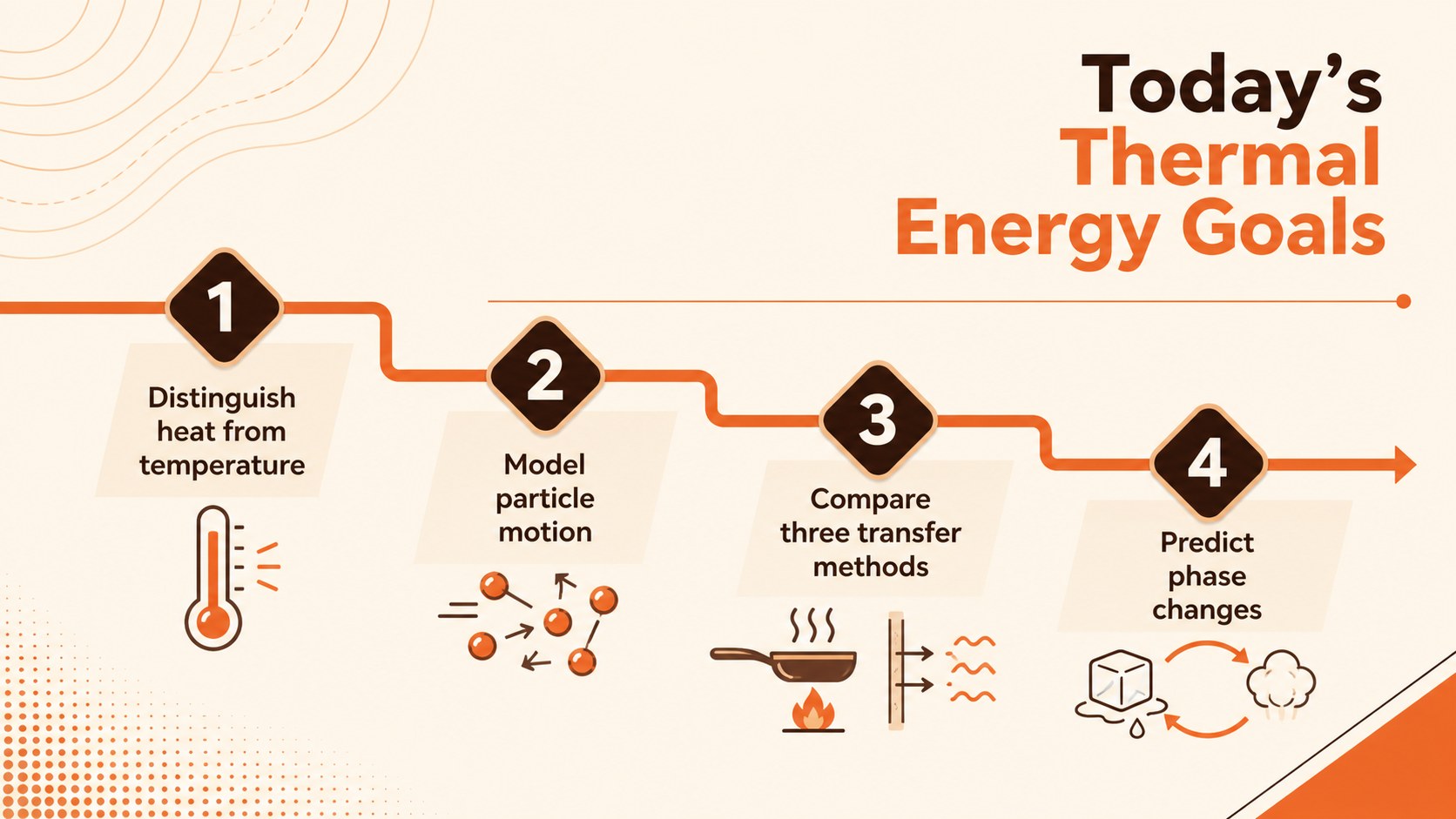
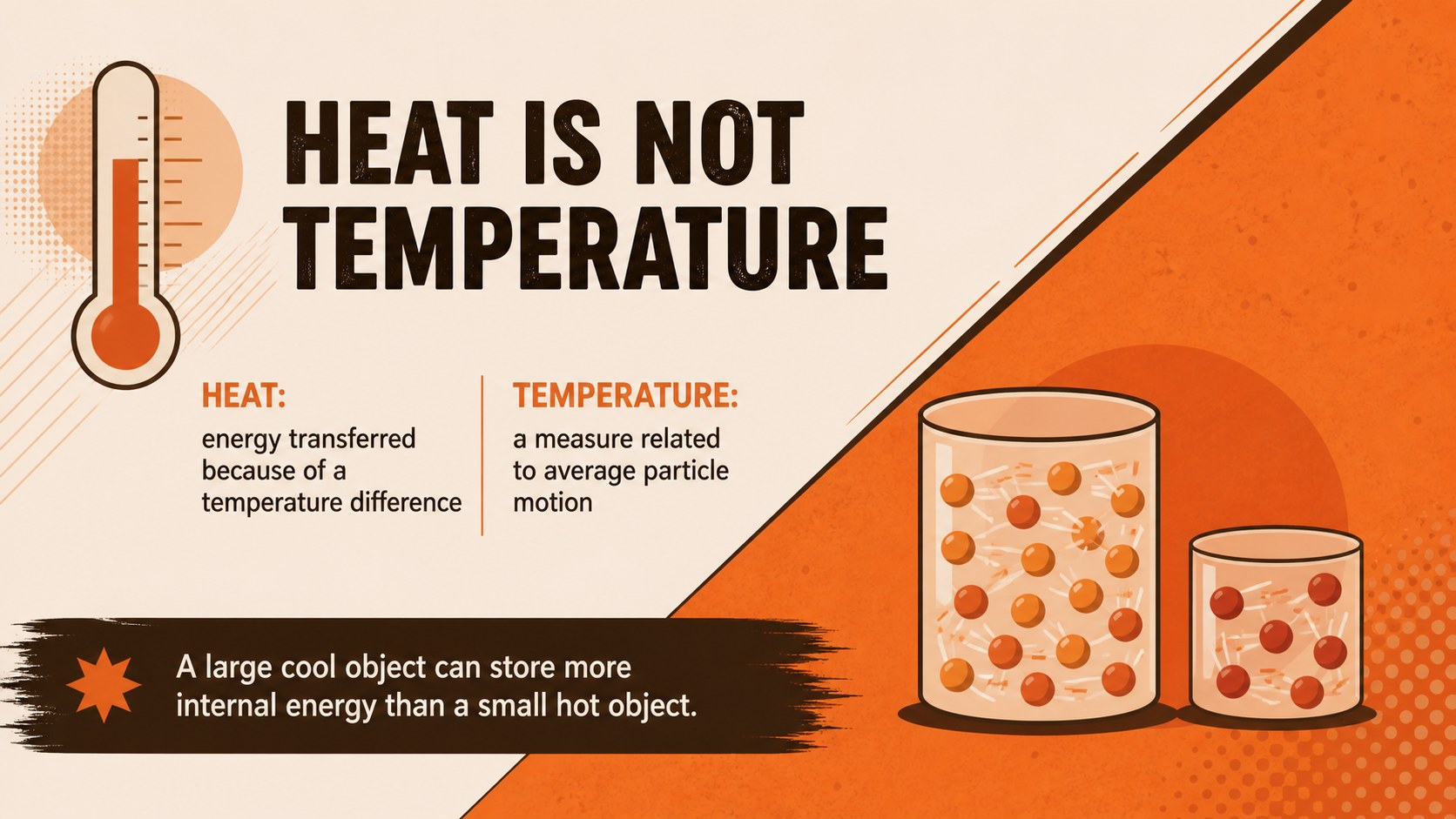
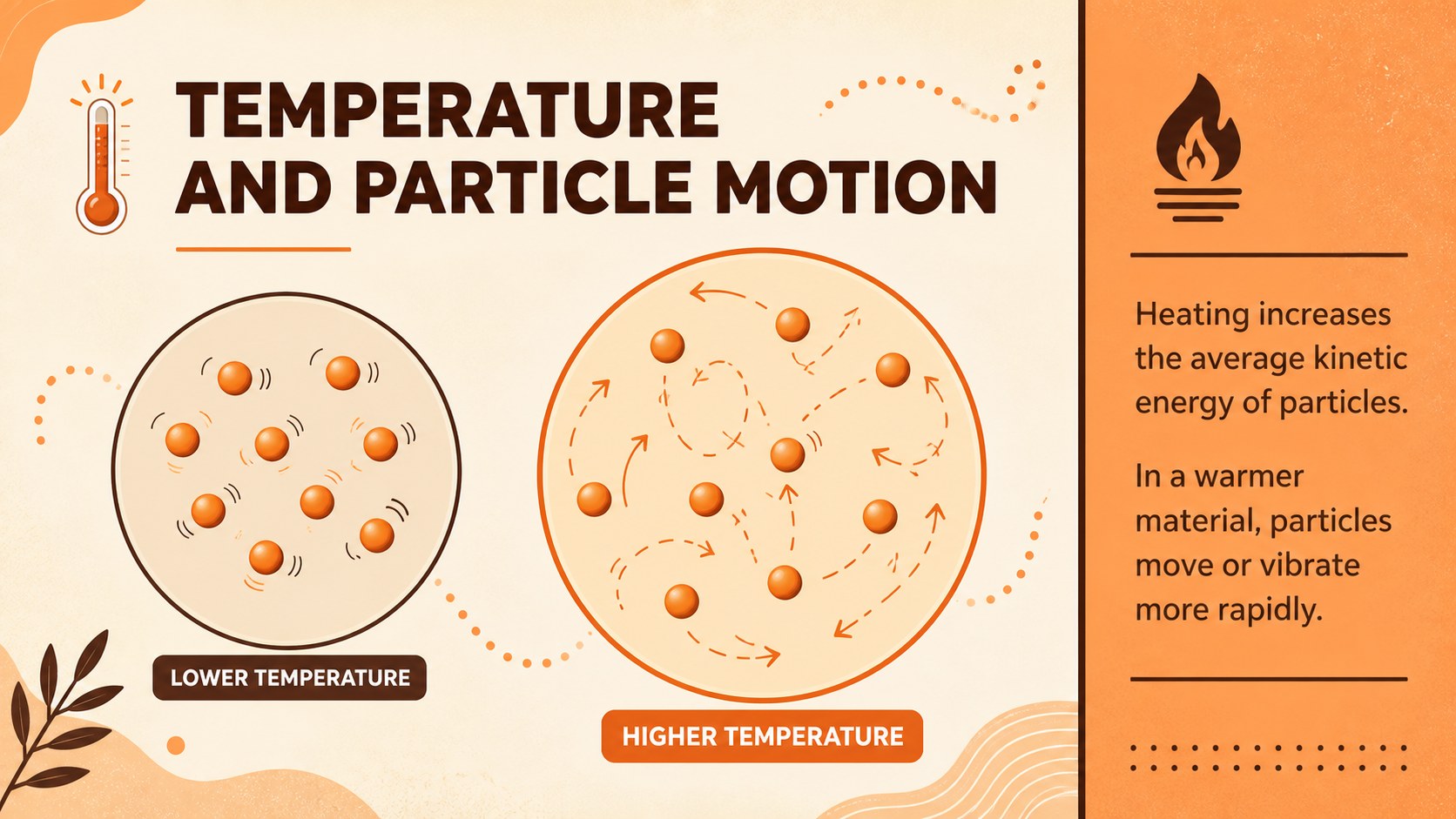
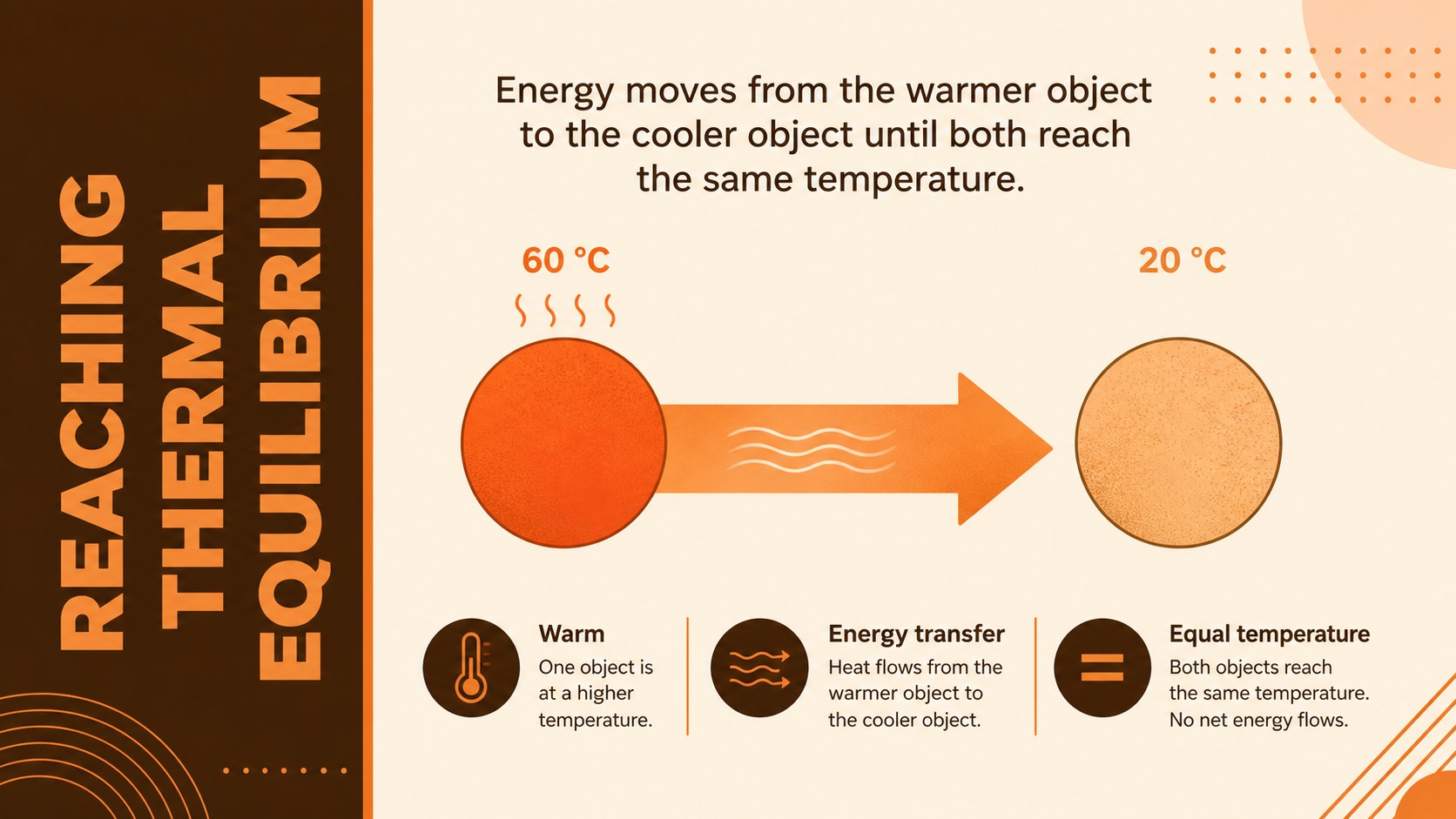
The Thermal Energy Classroom Deck for Eighth Grade turns an abstract physics unit into a clear visual sequence. Designed for middle school science instruction, it introduces the difference between heat and temperature before connecting both ideas to particle motion, thermal equilibrium, and energy transfer. A modern geometric design in orange and brown keeps the material lively without distracting from the lesson.
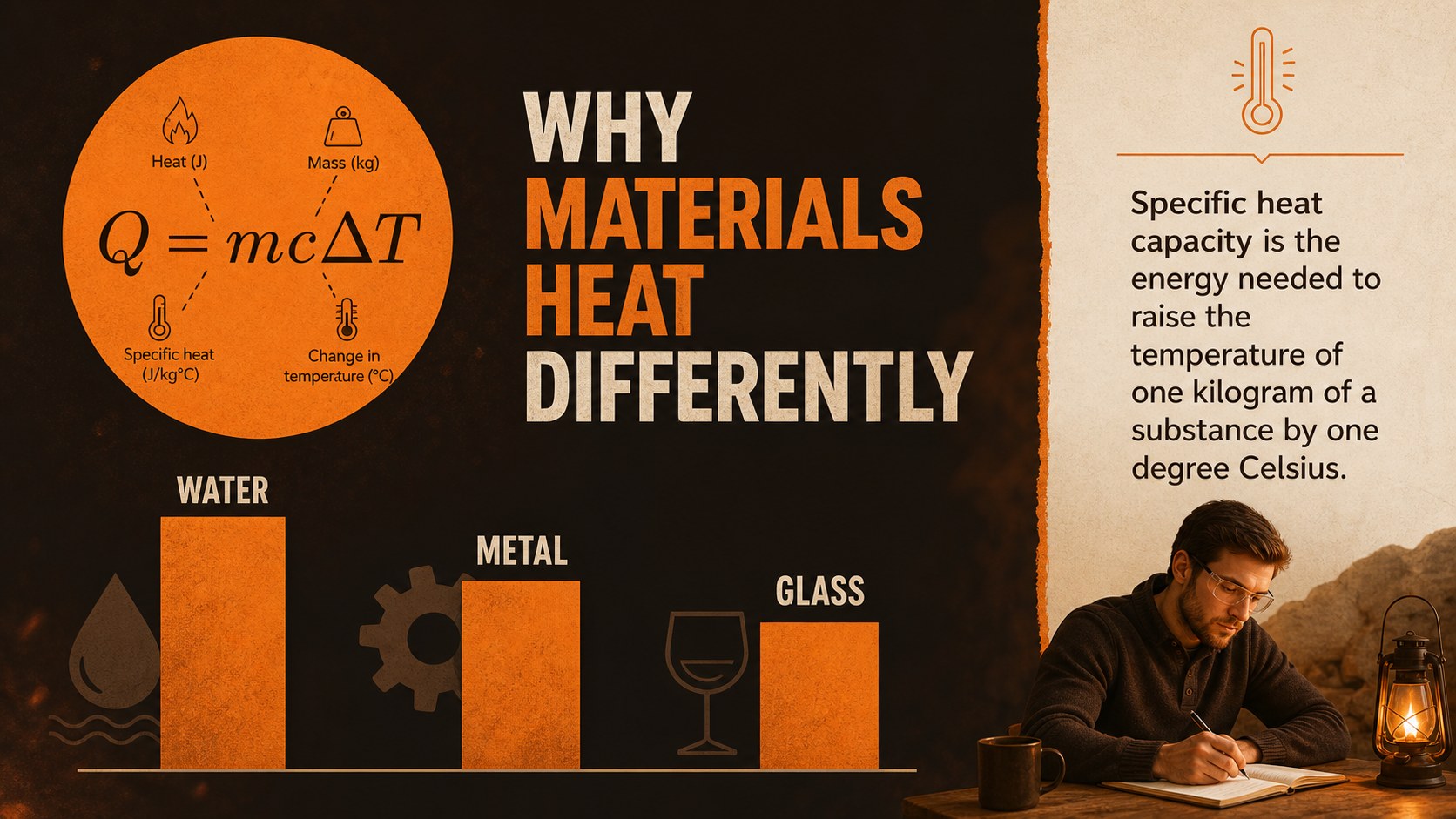
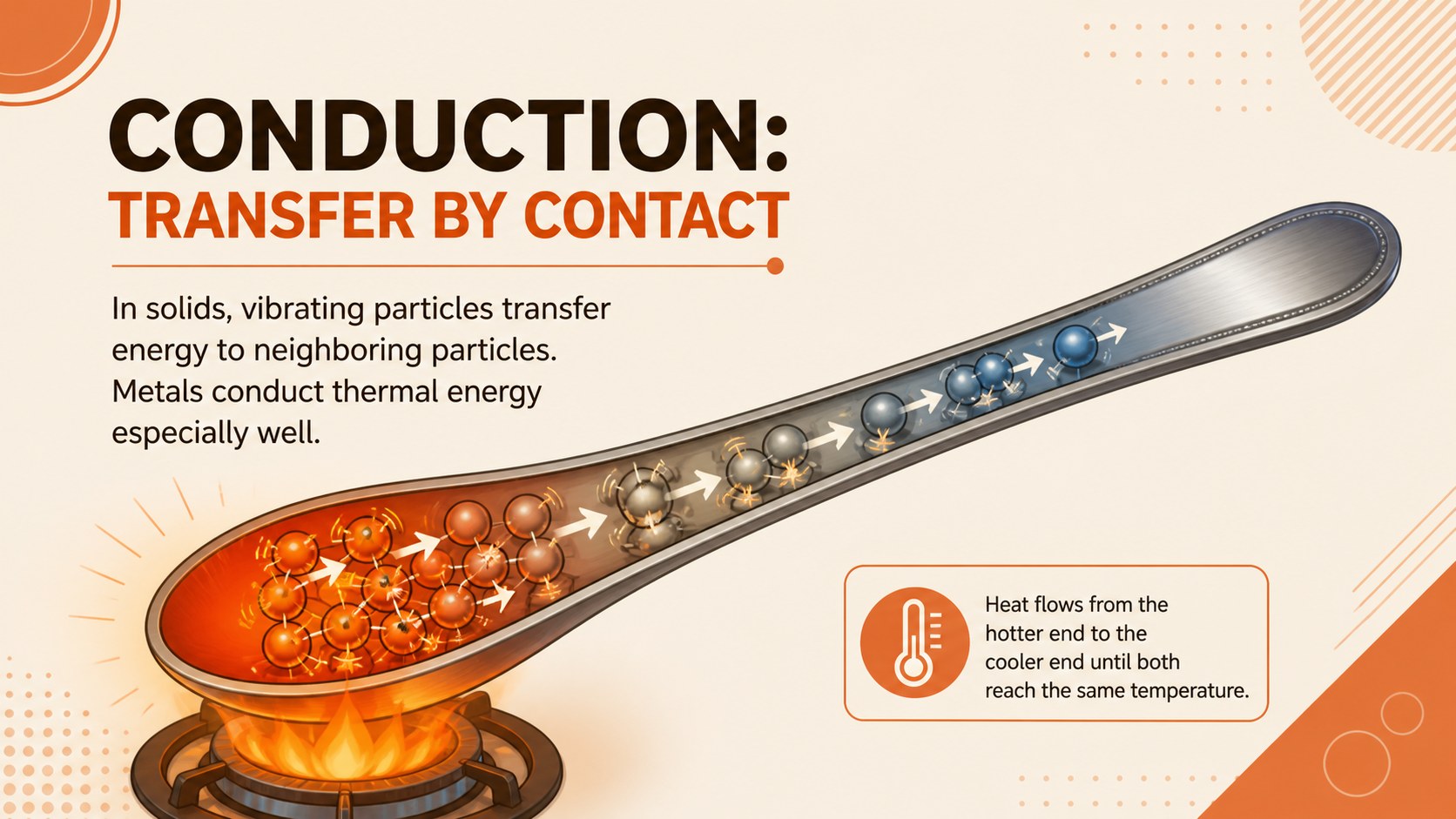
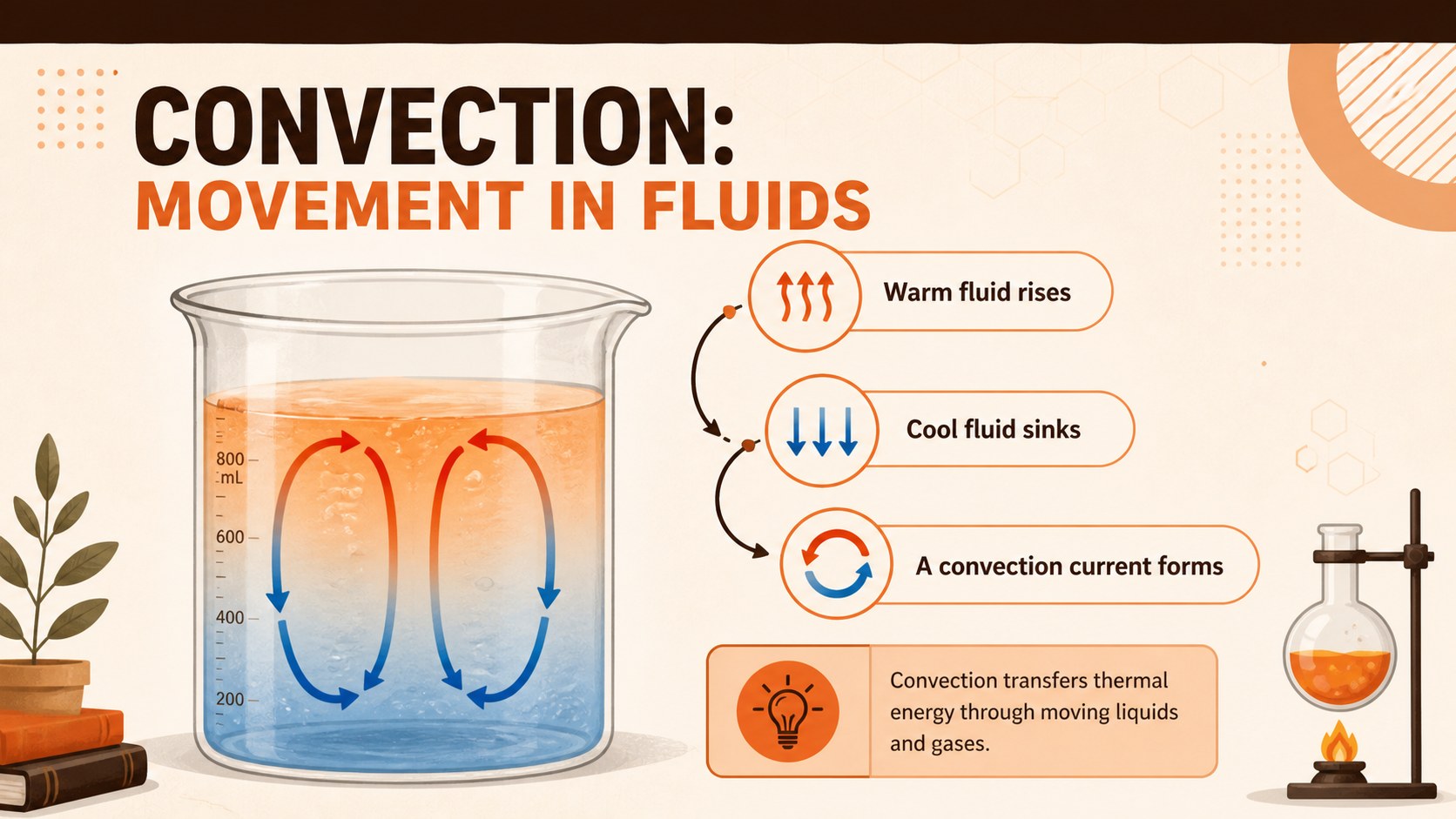
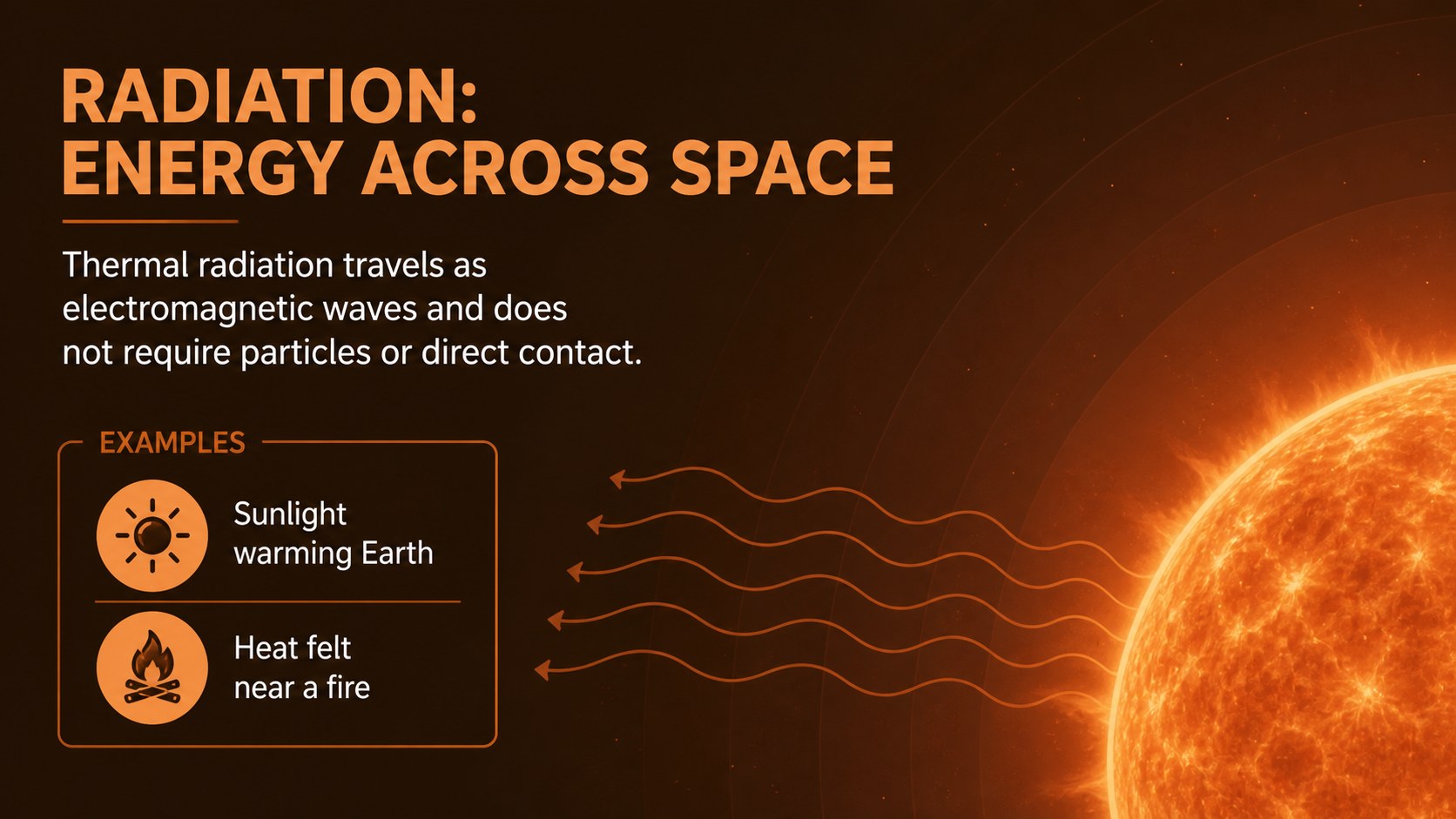
Inside are 15 editable 16:9 slides covering conduction, convection, radiation, specific heat capacity, phase changes, heating curves, and practical calculations. Teachers can use the deck as an eighth grade heat transfer presentation or adapt individual pages for a particle motion temperature lesson. Diagrams, comparison layouts, experiment steps, review questions, and an exit ticket provide a balanced mix of explanation and participation.
This specific heat capacity classroom lesson is suited to whole-class teaching, guided notes, science revision, intervention sessions, and independent study. Every page can be customized in PowerPoint or Google Slides, allowing educators to change terminology, add local examples, simplify calculations, or extend activities for advanced learners. The organized progression saves planning time while helping students explain how thermal energy moves, predict changes of state, and distinguish temperature readings from stored internal energy.
Perfect for: middle school physics lesson; heat transfer unit introduction; guided science notes; thermal energy revision class; laboratory activity briefing; end-of-unit assessment review.
Frequently asked questions
Which presentation platforms support this template? The deck is designed for PowerPoint and Google Slides. Its widescreen 16:9 format is suitable for classroom projectors, interactive displays, and online lessons.
Practical details
The deck is designed for PowerPoint and Google Slides. Its widescreen 16:9 format is suitable for classroom projectors, interactive displays, and online lessons.
Yes. Teachers can edit the terminology, examples, questions, diagrams, and calculation steps to match local standards or student ability levels.
Yes. It includes an experiment-planning slide, comparison tasks, calculation practice, review questions, and an exit ticket alongside the instructional content.
Yes. Colors, fonts, shapes, icons, and page layouts are editable in both supported platforms. You can also add a school logo after downloading, although the supplied template contains no branding.
Keep exploring
15Build an engaging World UFO Day session with this flying saucer history lesson deck, featuring retro green-and-brown slides for PowerPoint and Google Slides.
 15
15Plan a lively animal-learning journey with this jungle zoo adventure lesson deck, ready to customize in PowerPoint and Google Slides for young learners.
 16
16Turn environmental research into a clear story with a Watercolor Ecology Presentation Theme for PowerPoint and Google Slides in calming green and blue.
 16
16Build focused fashion, literature, and humanities presentations with the Red Triangle Editorial Theme, editable in PowerPoint and Google Slides.
 15
15Turn streaming stats, favorite tracks, and concert highlights into a bold annual listening recap slide deck for PowerPoint and Google Slides.
 15
15Turn highlights, milestones, and favorite moments into a colorful year in review slide deck with bold 3D graphics for PowerPoint and Google Slides.
 3
3Build a credible endorsement with Standout Colleague Recommendation Letter Slides, featuring colorful prompts for skills, achievements, and team impact.
 4
4Build clear beginner sessions with an ice hockey fundamentals training deck for coaches, PE teachers, and clubs, ready for PowerPoint and Google Slides.