
 15
15presentation
Flying Saucer History Lesson Deck
Build an engaging World UFO Day session with this flying saucer history lesson deck, featuring retro green-and-brown slides for PowerPoint and Google Slides.
Google SlidesPowerPoint
presentation · English
Build practical health literacy with this teen fitness and wellbeing lesson, featuring colorful illustrated slides on movement, recovery, and daily habits.
Design notes
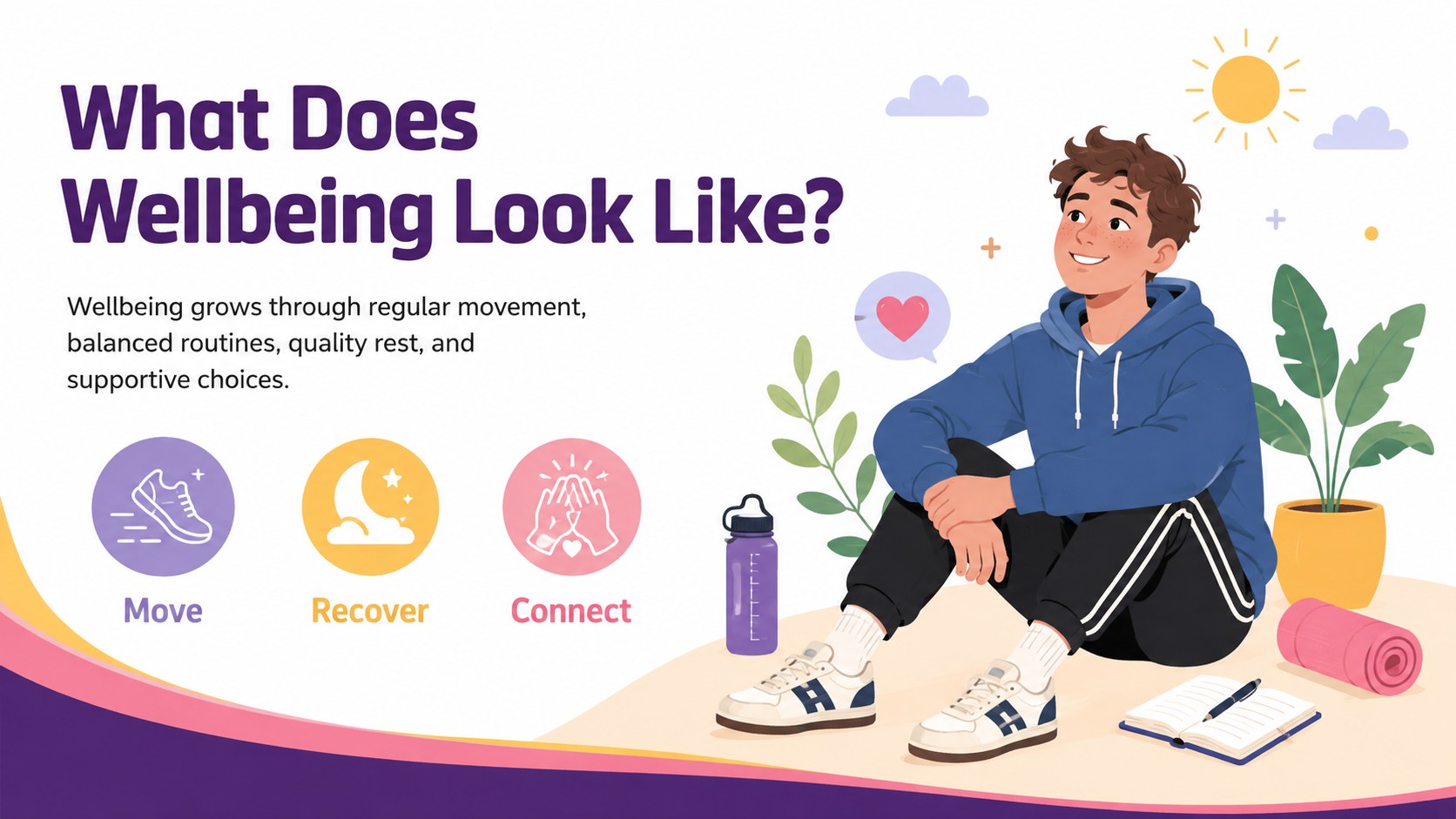
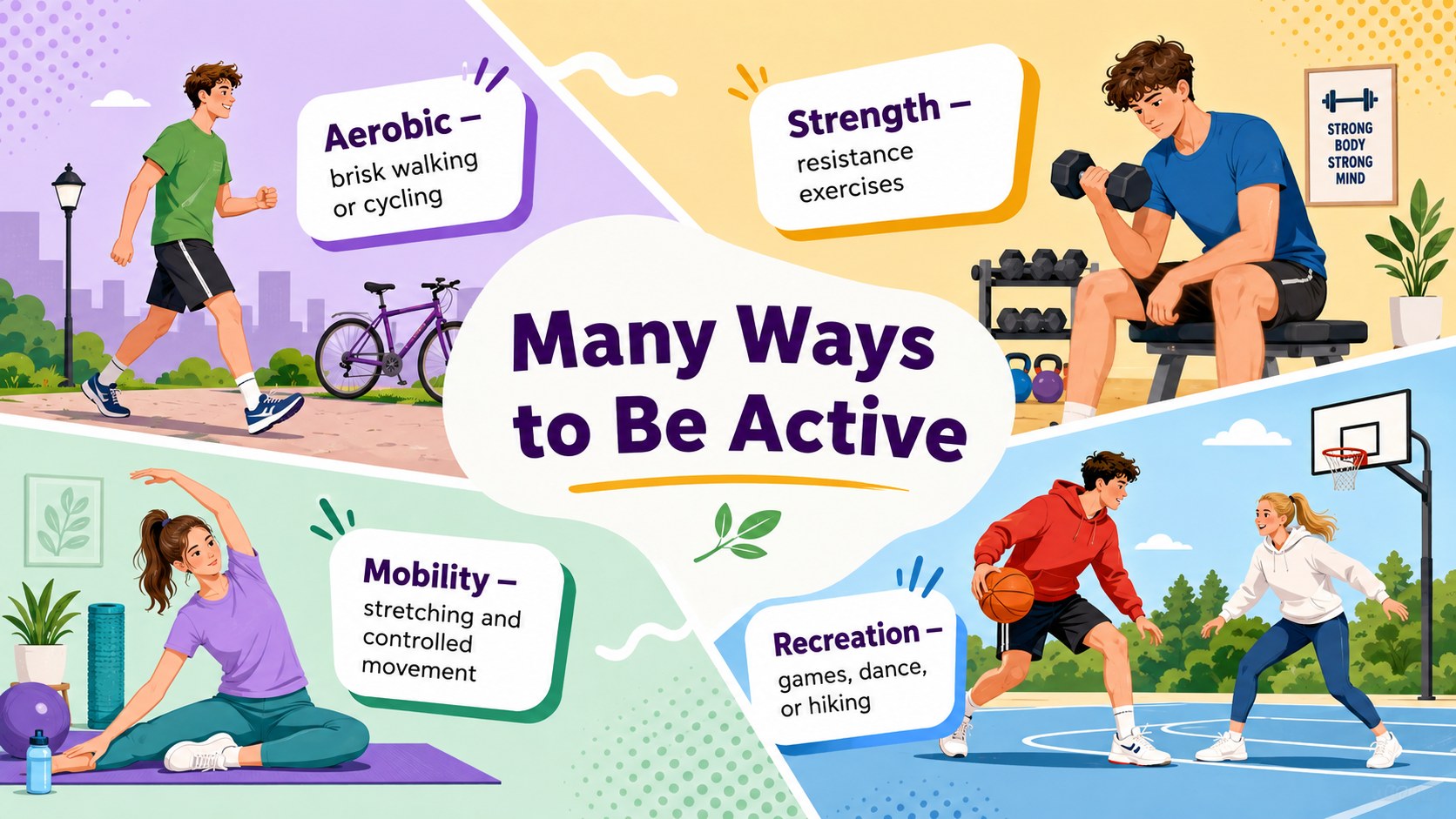
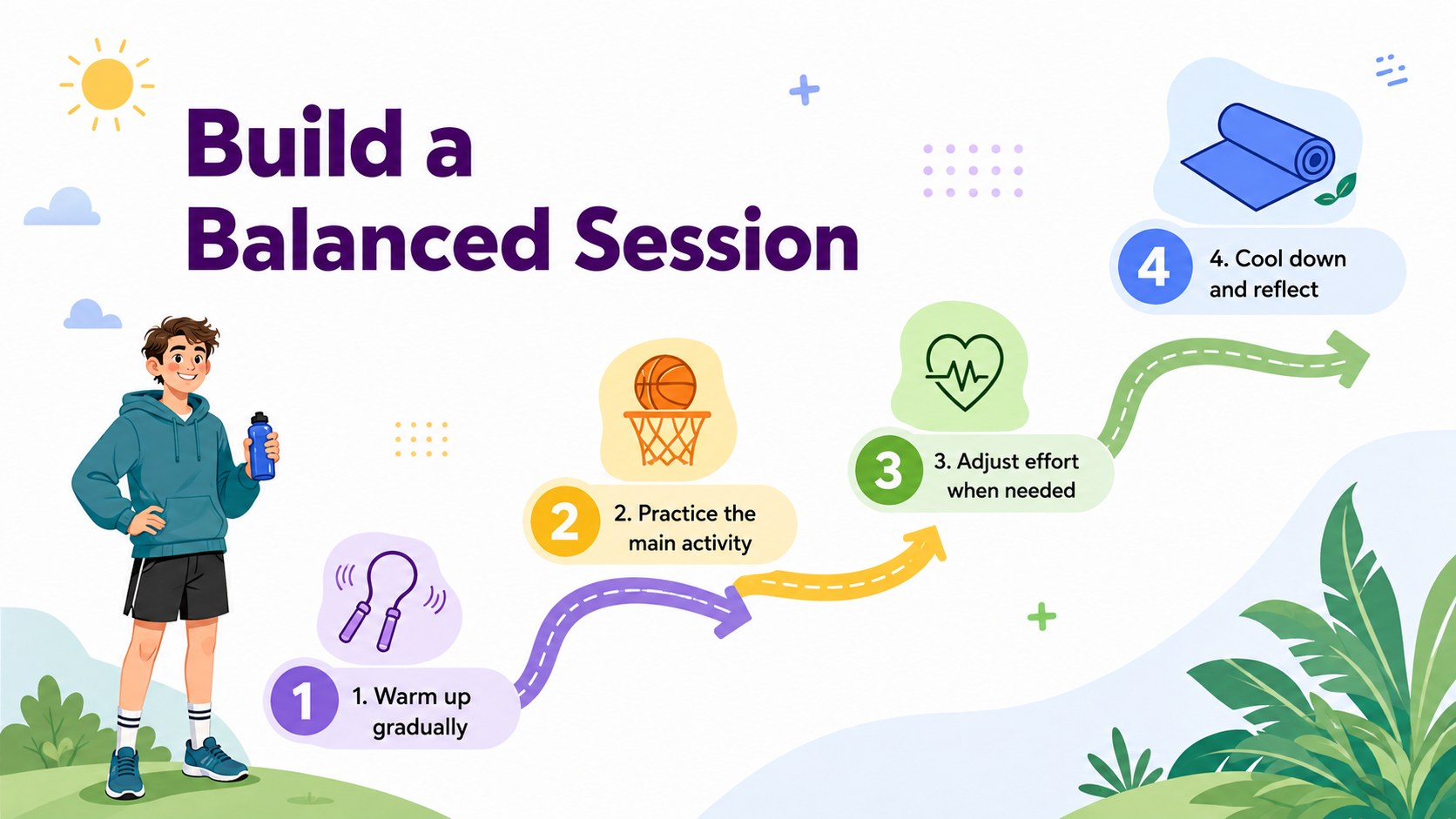
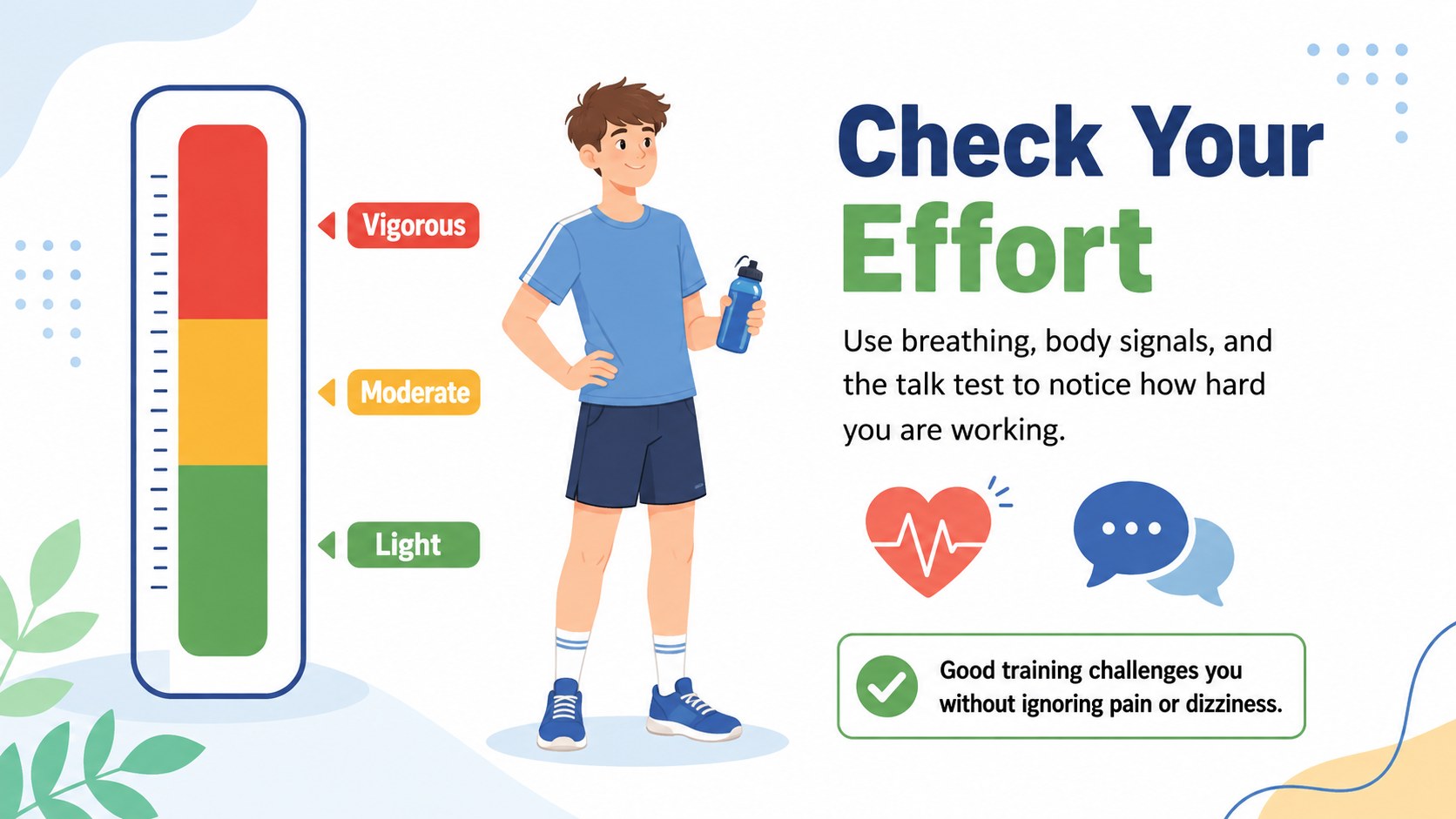
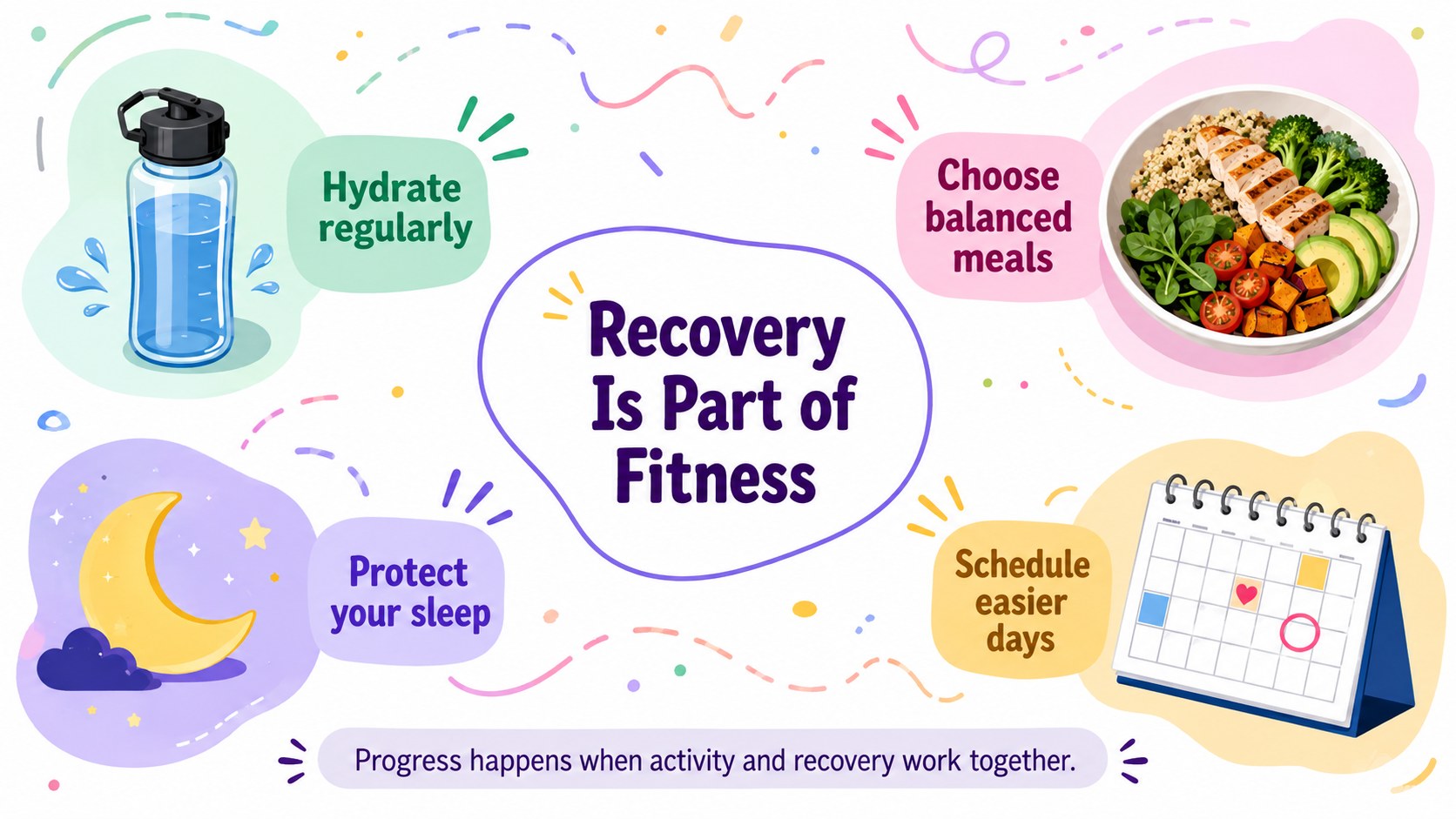
Help students connect physical activity with everyday health through this teen fitness and wellbeing lesson. Designed for Grade 10 learners, the deck uses cheerful illustrations, a bright white background, and colorful accents to make important concepts approachable without losing educational clarity. Teachers can introduce fitness components, discuss balanced routines, and encourage students to reflect on habits that support long-term wellbeing.
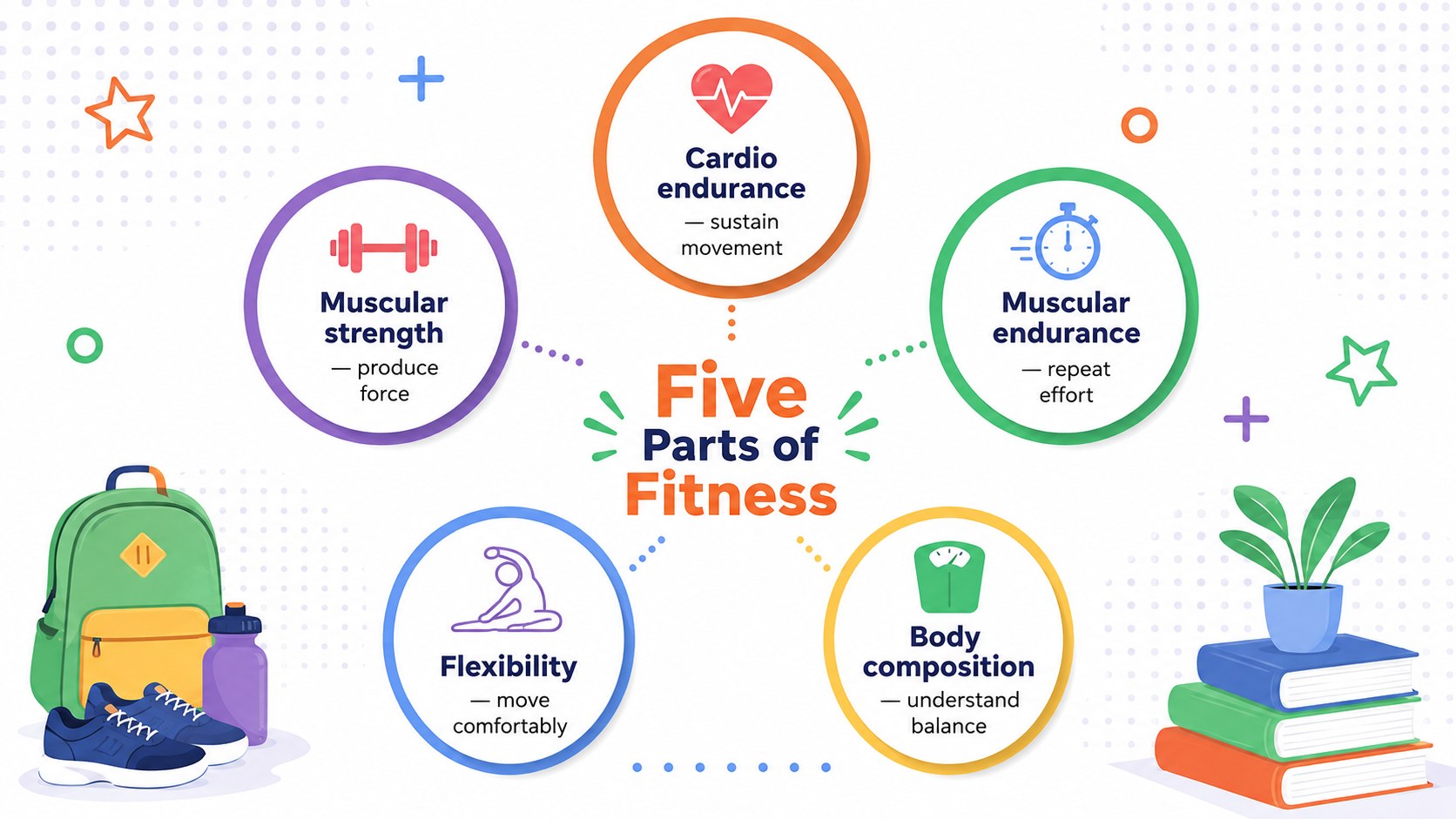
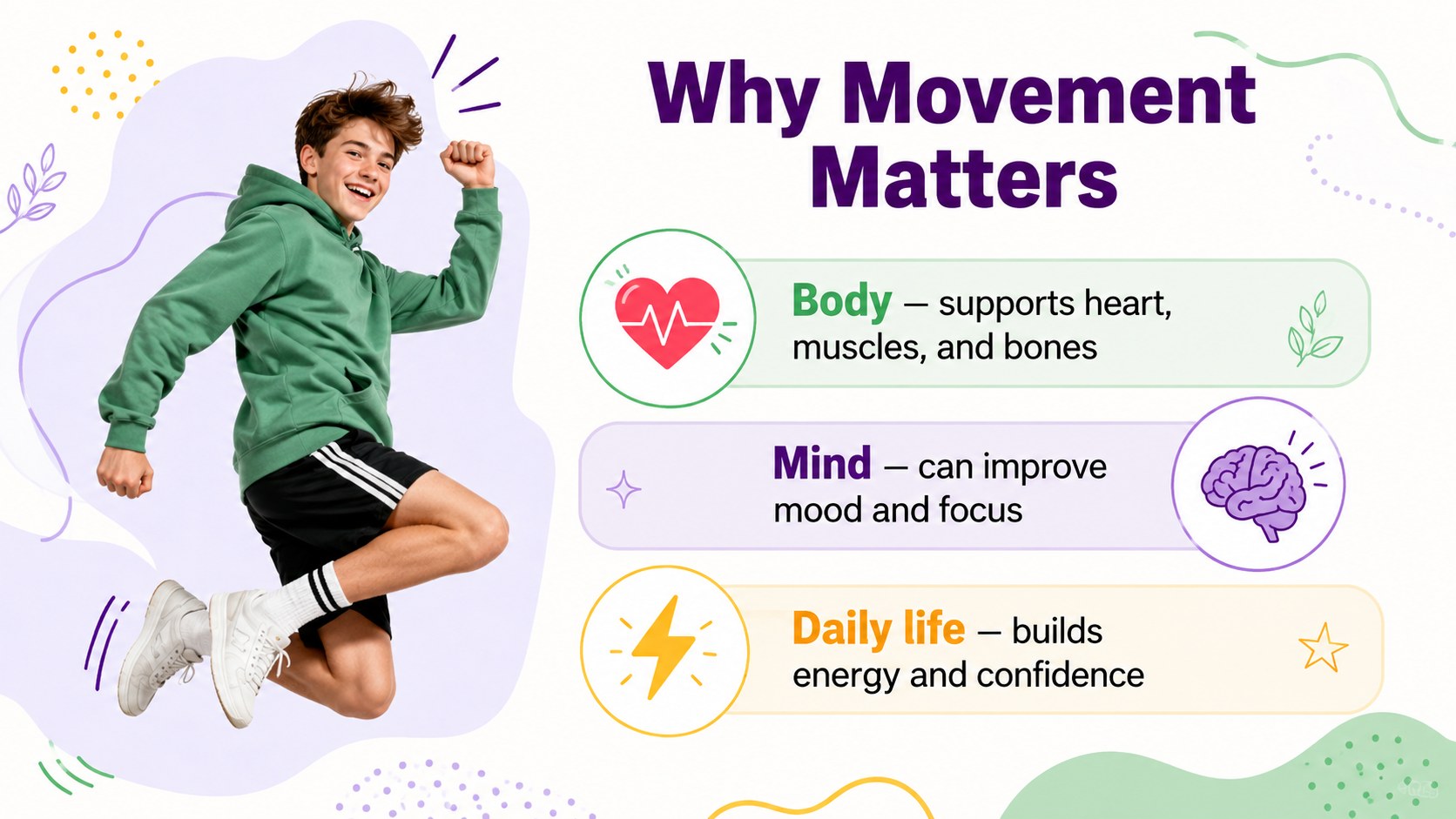
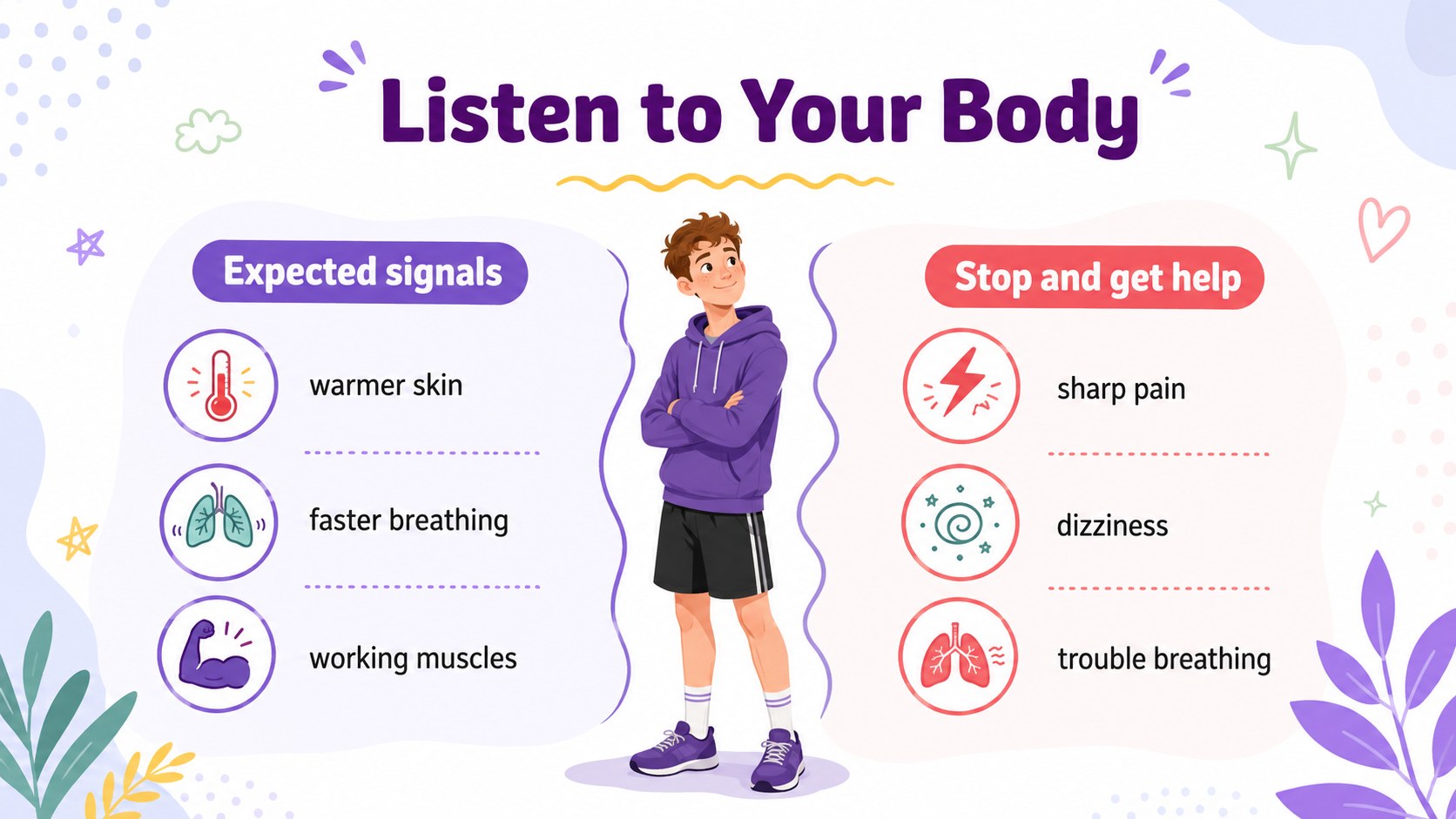
The presentation includes 15 adaptable slides covering fitness foundations, the benefits of movement, strength, endurance, flexibility, healthy routines, recovery, hydration, sleep, personal goal setting, and a final knowledge check. A weekly activity planning slide and simple self-assessment prompts make it useful as a high school wellness lesson presentation or an illustrated physical activity classroom deck. The varied layouts support direct instruction, group discussion, and independent reflection.
Created for health educators, physical education teachers, school counselors, and youth program leaders, this Grade 10 fitness education slide deck works well for a full lesson, a wellbeing workshop, or a short classroom review. Edit the wording, colors, examples, and activities in PowerPoint or Google Slides to match your curriculum and student needs. The clean 16:9 format is ready for classroom screens, online teaching, or printed lesson handouts.
Perfect for: Grade 10 health lesson; physical education classroom discussion; student wellbeing workshop; healthy habits review; weekly fitness planning; youth activity program.
Frequently asked questions
Can I edit these slides for a different grade level? Yes. Change the terminology, examples, activity targets, and discussion questions to suit younger or older students. All text and visual elements can be adapted to your curriculum.
Practical details
Yes. Change the terminology, examples, activity targets, and discussion questions to suit younger or older students. All text and visual elements can be adapted to your curriculum.
The template is designed for PowerPoint and Google Slides. Some fonts, transitions, or element positions may require minor adjustments when moving between platforms.
Yes. You can replace illustrations, update accent colors, and revise the white-and-colorful visual system while keeping the layouts consistent. Use accessible contrast when changing text or background colors.
Yes. It contains reflection prompts, a weekly activity planner, goal-setting tasks, discussion questions, and a short knowledge check. Teachers can use them individually or combine them into a complete lesson.
Keep exploring
15Build an engaging World UFO Day session with this flying saucer history lesson deck, featuring retro green-and-brown slides for PowerPoint and Google Slides.
 15
15Plan a lively animal-learning journey with this jungle zoo adventure lesson deck, ready to customize in PowerPoint and Google Slides for young learners.
 16
16Turn environmental research into a clear story with a Watercolor Ecology Presentation Theme for PowerPoint and Google Slides in calming green and blue.
 16
16Build focused fashion, literature, and humanities presentations with the Red Triangle Editorial Theme, editable in PowerPoint and Google Slides.
 15
15Turn streaming stats, favorite tracks, and concert highlights into a bold annual listening recap slide deck for PowerPoint and Google Slides.
 15
15Turn highlights, milestones, and favorite moments into a colorful year in review slide deck with bold 3D graphics for PowerPoint and Google Slides.
 3
3Build a credible endorsement with Standout Colleague Recommendation Letter Slides, featuring colorful prompts for skills, achievements, and team impact.
 4
4Build clear beginner sessions with an ice hockey fundamentals training deck for coaches, PE teachers, and clubs, ready for PowerPoint and Google Slides.