
 15
15presentation
Flying Saucer History Lesson Deck
Build an engaging World UFO Day session with this flying saucer history lesson deck, featuring retro green-and-brown slides for PowerPoint and Google Slides.
Google SlidesPowerPoint
presentation · English
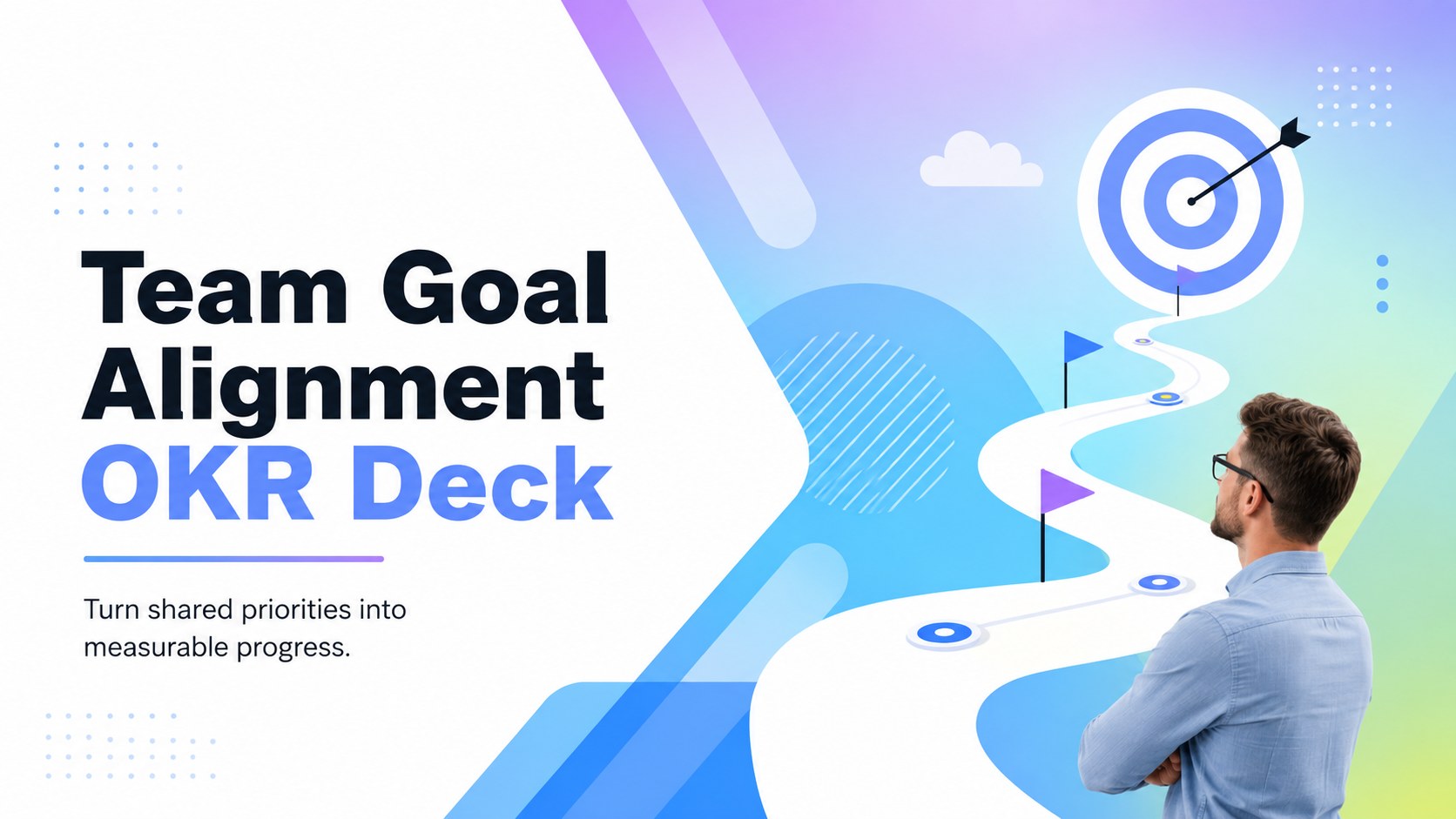
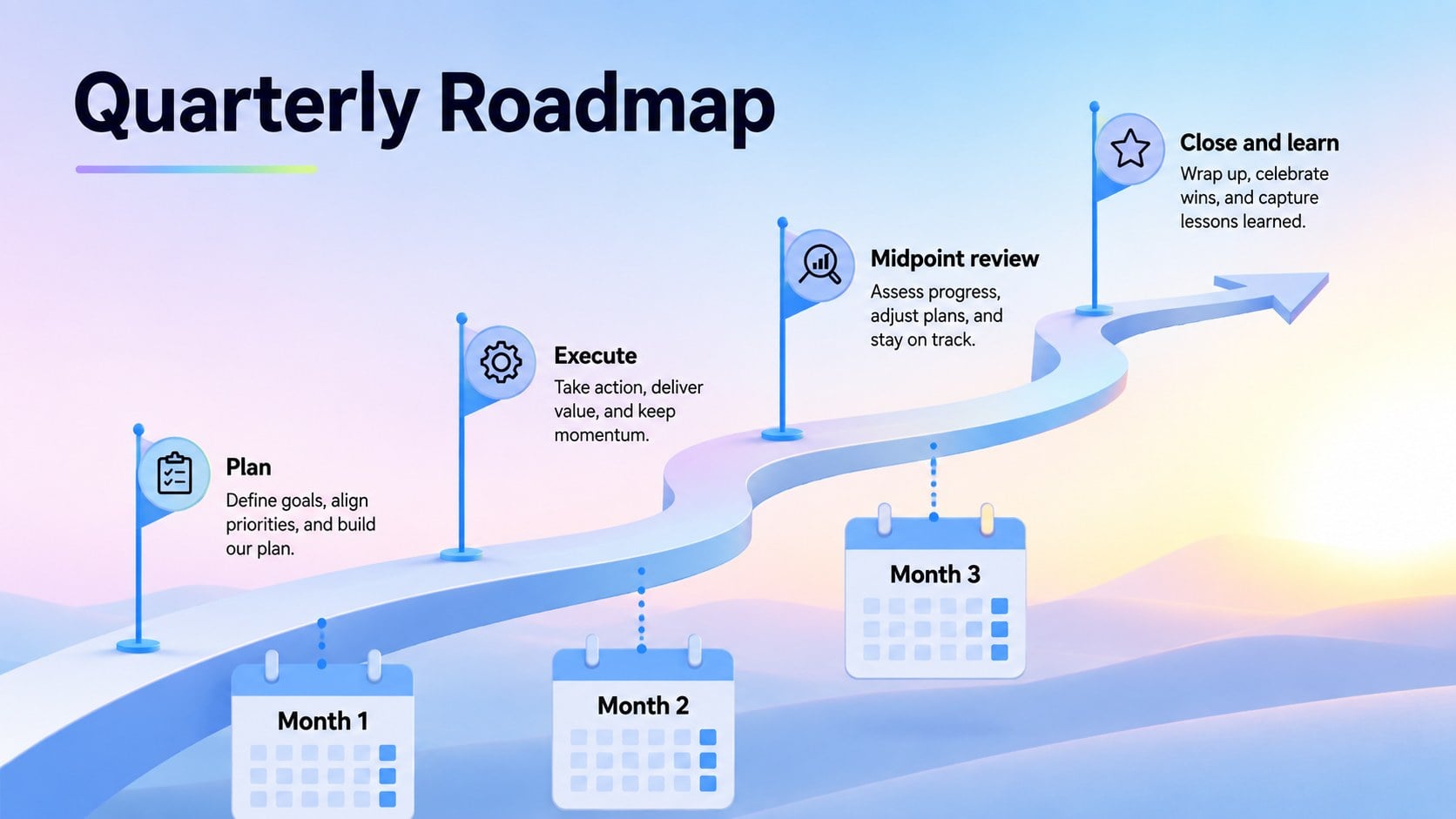
Turn quarterly planning into clear action with a team goal alignment OKR deck featuring pastel gradients, editable scorecards, timelines, and review slides.
Design notes
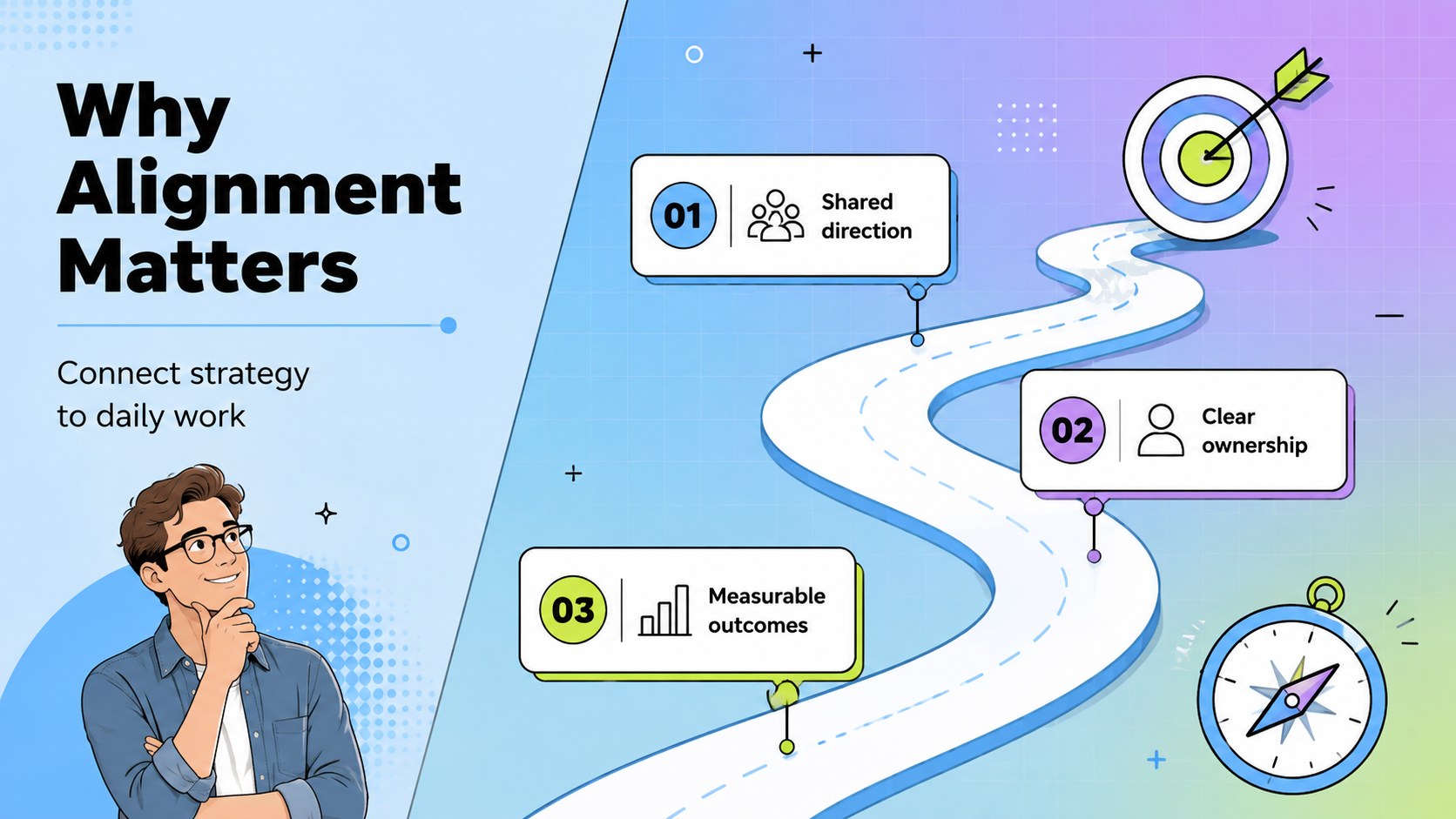
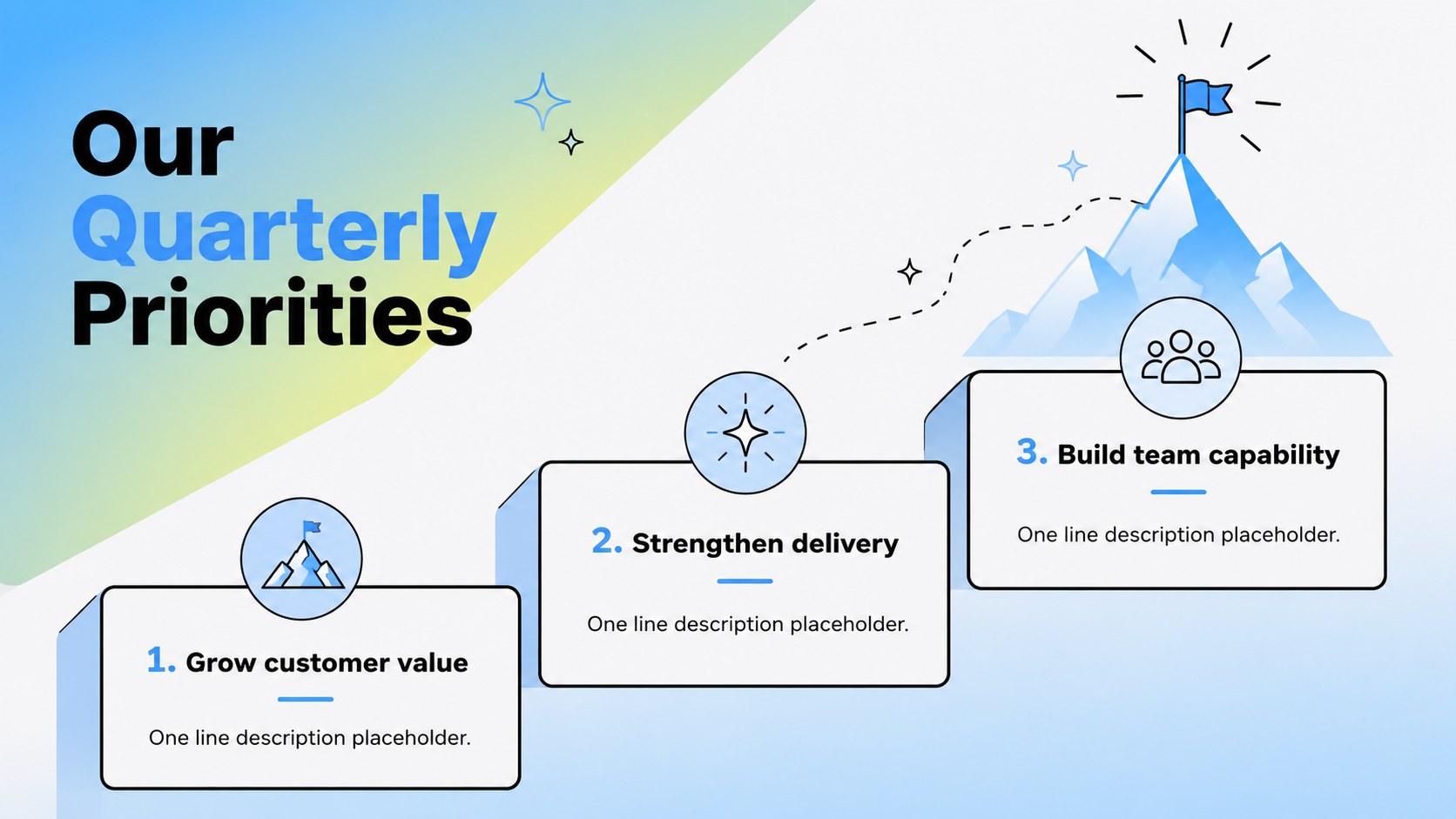
Turn strategy into coordinated action with this team goal alignment OKR deck for PowerPoint and Google Slides. Its playful pastel gradients, bold typography, and clean business layouts give teams an approachable way to explain ambitious objectives without losing sight of measurable outcomes.
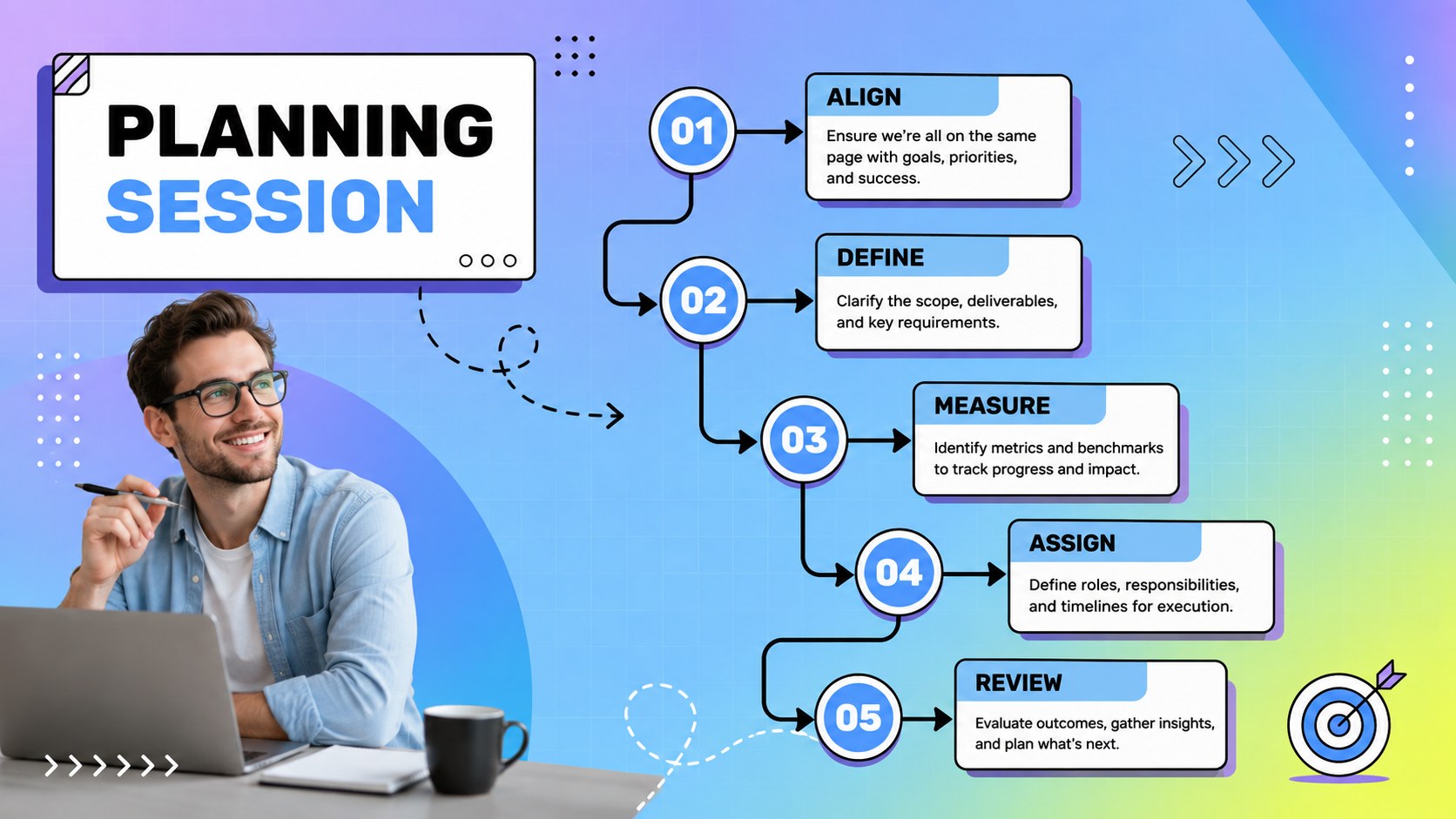
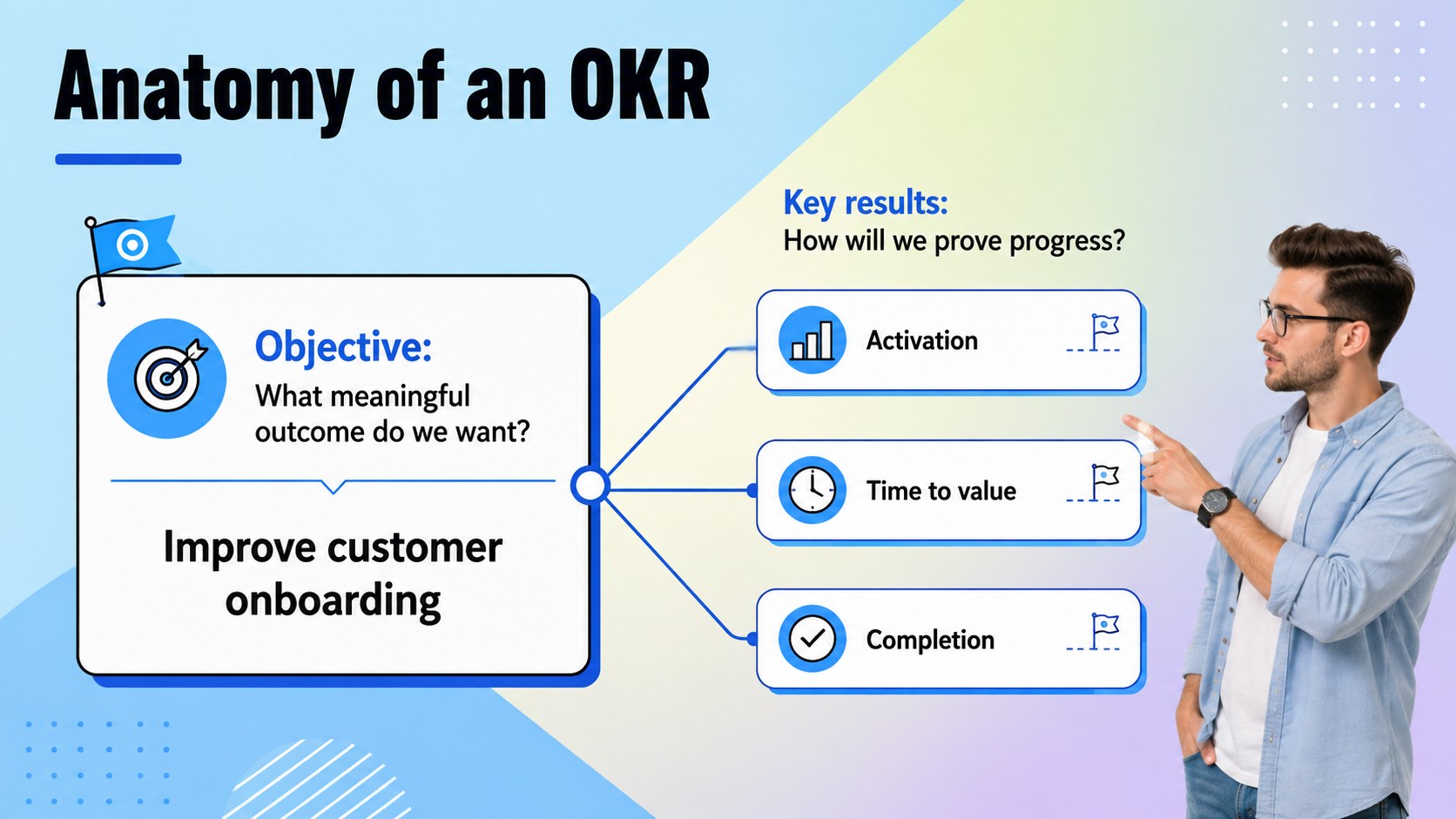
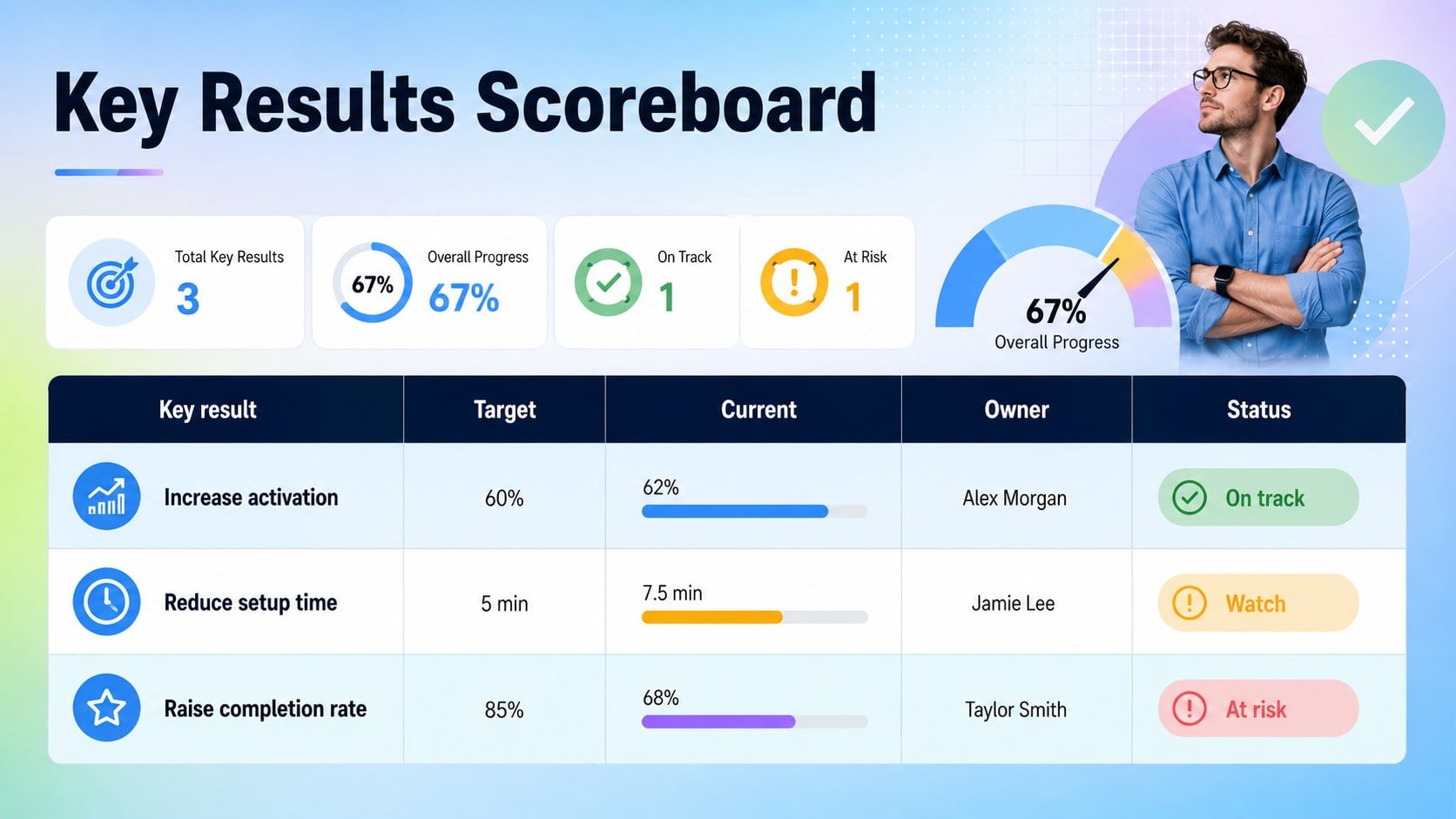
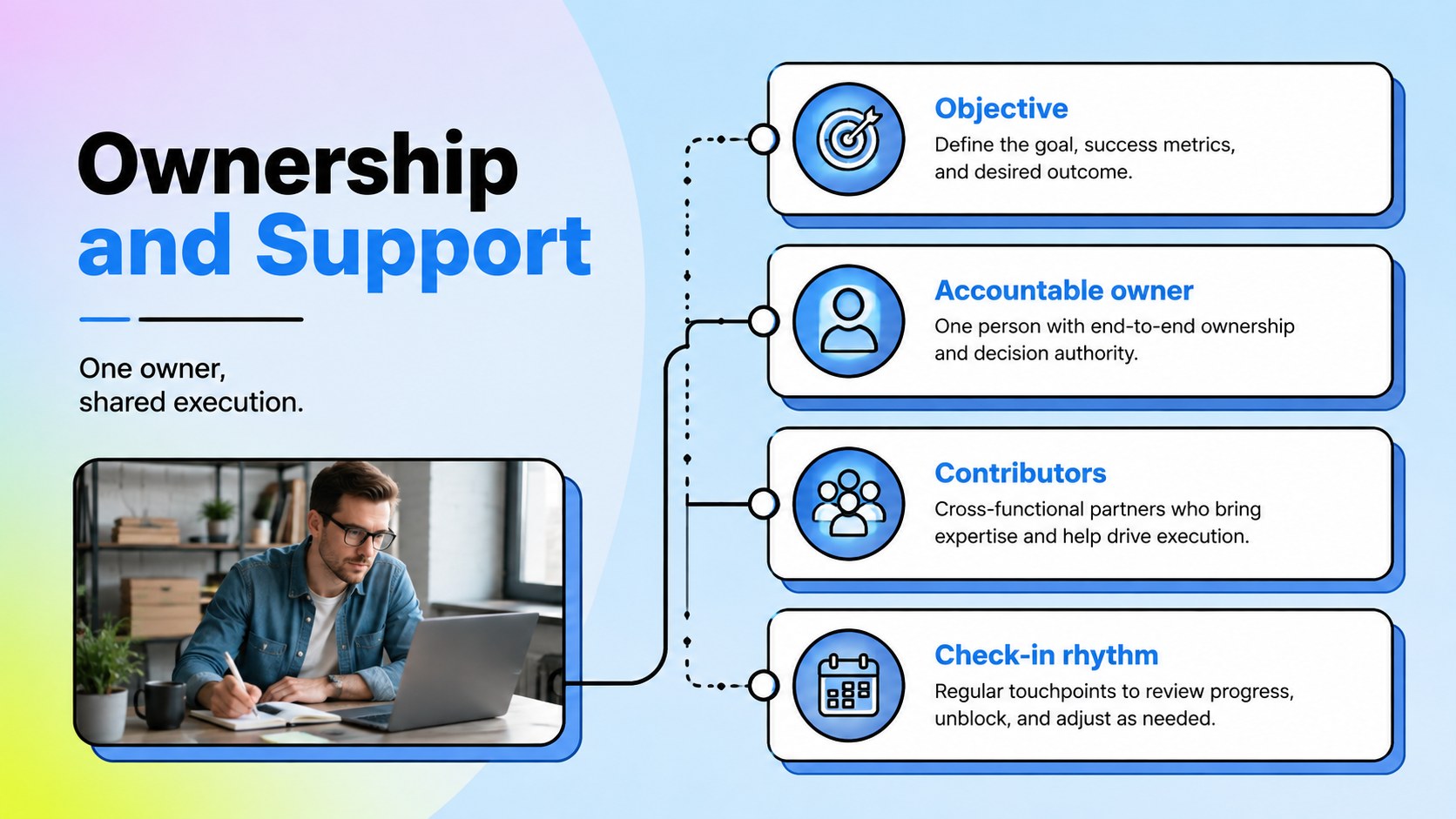
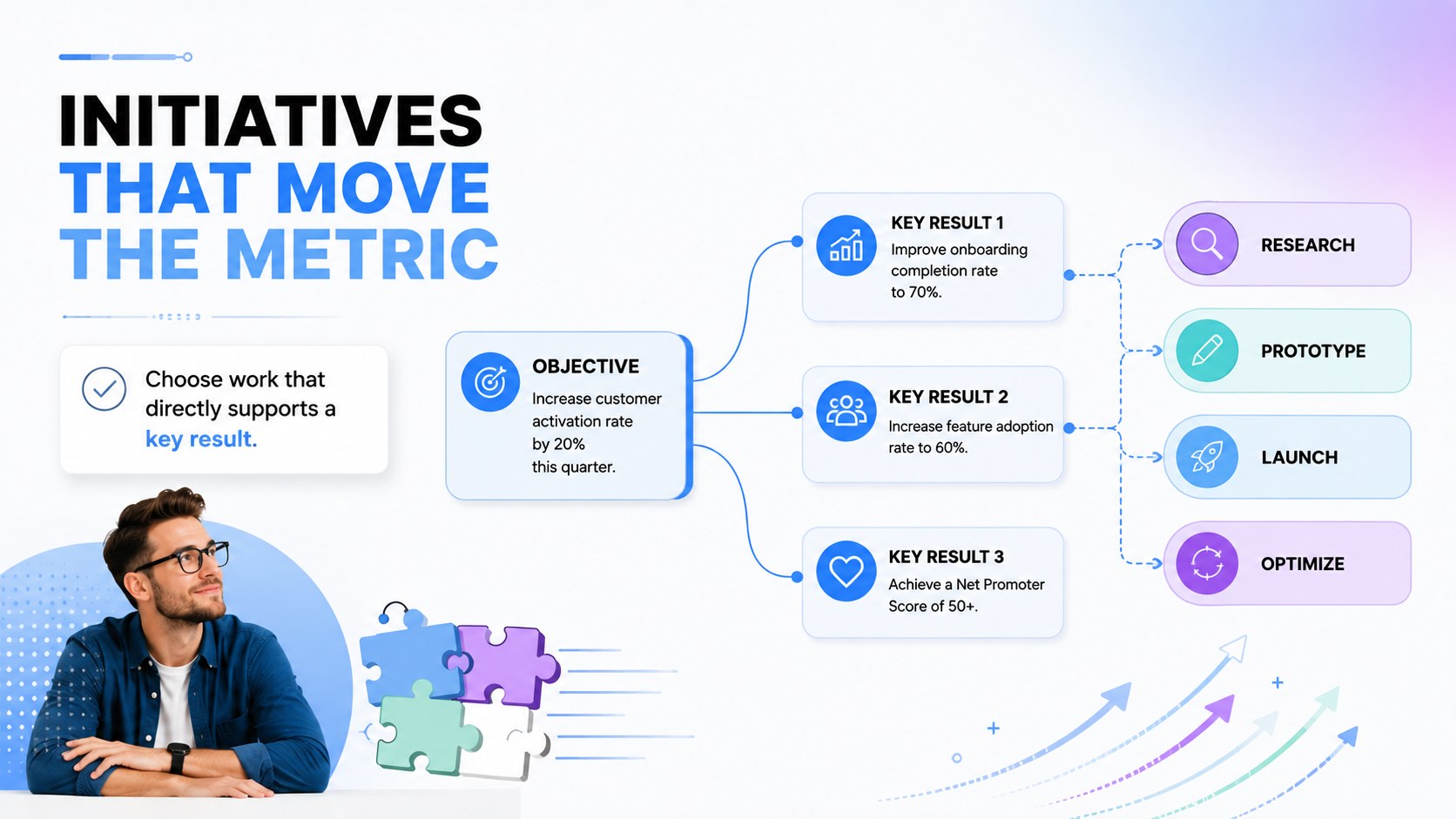
The deck includes an OKR overview, planning agenda, objective framework, key results scorecard, ownership matrix, initiative map, quarterly timeline, progress dashboard, check-in format, risk review, and next-step summary. Use the editable OKR planning presentation to replace sample targets with your own metrics, adjust status indicators, and organize priorities by department or project. Quarterly objective tracking slides make it easy to compare targets with current results, while the key results progress dashboard turns updates into a concise visual story.
This template is designed for managers, startup leaders, operations teams, HR partners, consultants, and project owners who run planning workshops or recurring performance discussions. It works equally well for company-wide goal setting, department reviews, leadership briefings, and team retrospectives. Every slide uses a 16:9 format and can be customized with your organization’s wording, colors, charts, and data in PowerPoint or Google Slides.
Perfect for: quarterly OKR planning workshop; department goal alignment meeting; leadership performance review; startup strategy session; weekly progress check-in; project objective briefing.
Frequently asked questions
Can I edit every element in this OKR deck? Yes. Text, colors, charts, status labels, shapes, and metric fields can be adjusted to match your objectives and reporting process.
Practical details
Yes. Text, colors, charts, status labels, shapes, and metric fields can be adjusted to match your objectives and reporting process.
The template is designed for PowerPoint and Google Slides. Some fonts, transitions, or chart styling may vary slightly between the two platforms.
Yes. Rename the objective and key result fields, replace the sample metrics, and reorganize the scorecards to support KPIs, SMART goals, or team milestones.
Enter each target, current value, owner, and status before a review meeting. Update the visual indicators regularly so stakeholders can identify progress, risks, and priorities quickly.
Keep exploring
15Build an engaging World UFO Day session with this flying saucer history lesson deck, featuring retro green-and-brown slides for PowerPoint and Google Slides.
 15
15Plan a lively animal-learning journey with this jungle zoo adventure lesson deck, ready to customize in PowerPoint and Google Slides for young learners.
 16
16Turn environmental research into a clear story with a Watercolor Ecology Presentation Theme for PowerPoint and Google Slides in calming green and blue.
 16
16Build focused fashion, literature, and humanities presentations with the Red Triangle Editorial Theme, editable in PowerPoint and Google Slides.
 15
15Turn streaming stats, favorite tracks, and concert highlights into a bold annual listening recap slide deck for PowerPoint and Google Slides.
 15
15Turn highlights, milestones, and favorite moments into a colorful year in review slide deck with bold 3D graphics for PowerPoint and Google Slides.
 3
3Build a credible endorsement with Standout Colleague Recommendation Letter Slides, featuring colorful prompts for skills, achievements, and team impact.
 4
4Build clear beginner sessions with an ice hockey fundamentals training deck for coaches, PE teachers, and clubs, ready for PowerPoint and Google Slides.