
 15
15presentation
Flying Saucer History Lesson Deck
Build an engaging World UFO Day session with this flying saucer history lesson deck, featuring retro green-and-brown slides for PowerPoint and Google Slides.
Google SlidesPowerPoint
presentation · English
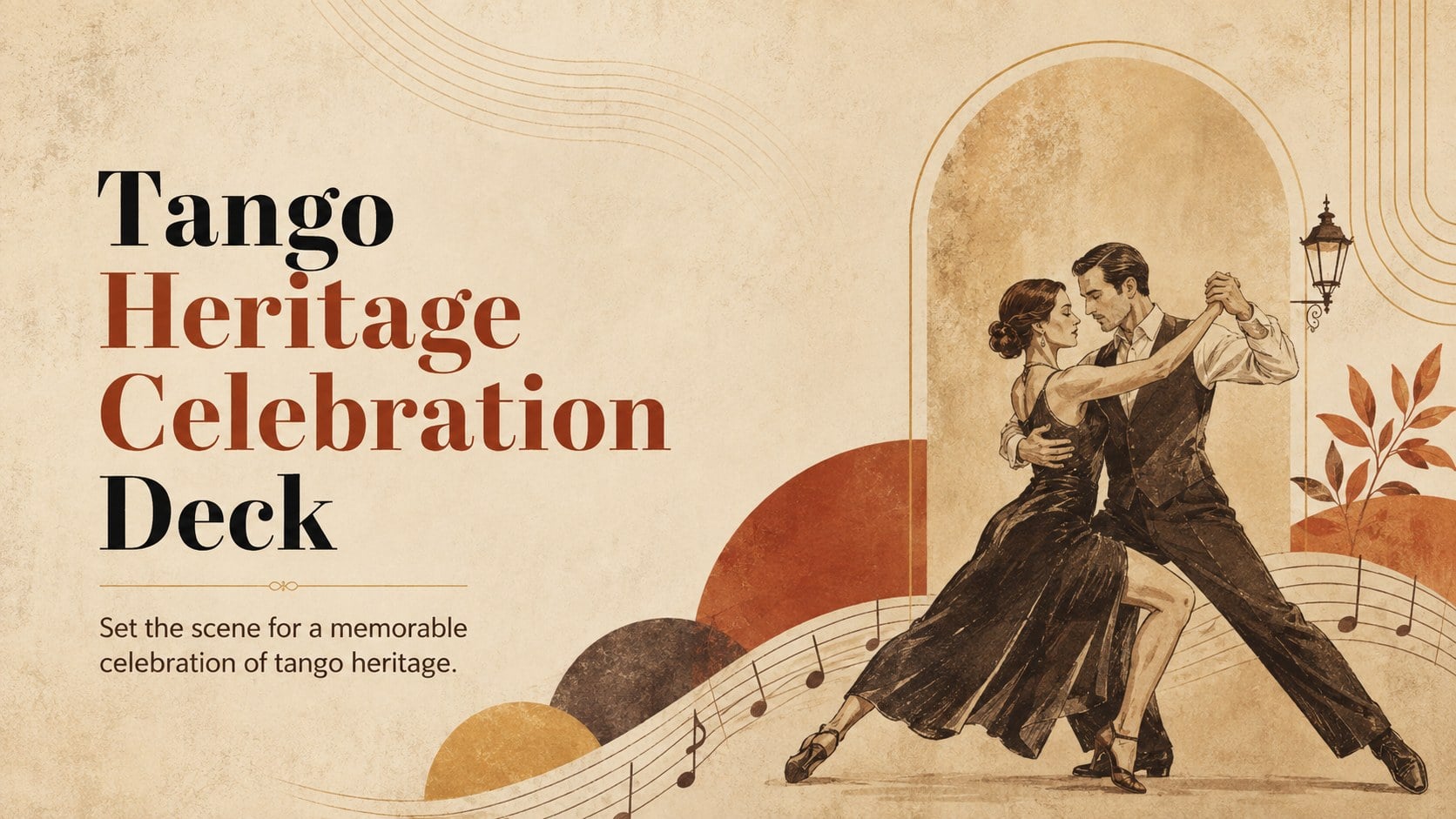
Use this tango heritage celebration deck to shape a memorable cultural program with warm beige vintage visuals for PowerPoint and Google Slides.
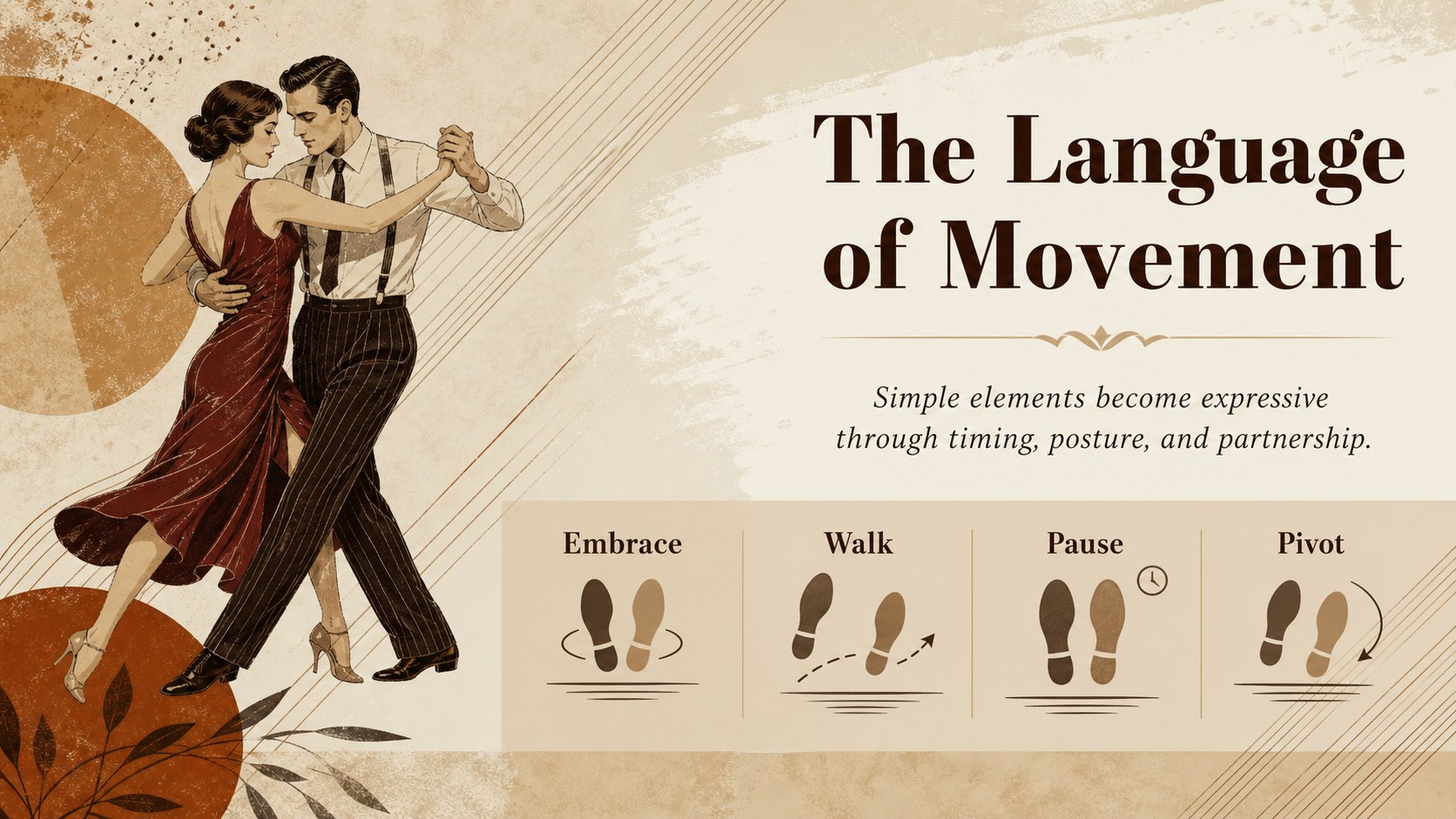
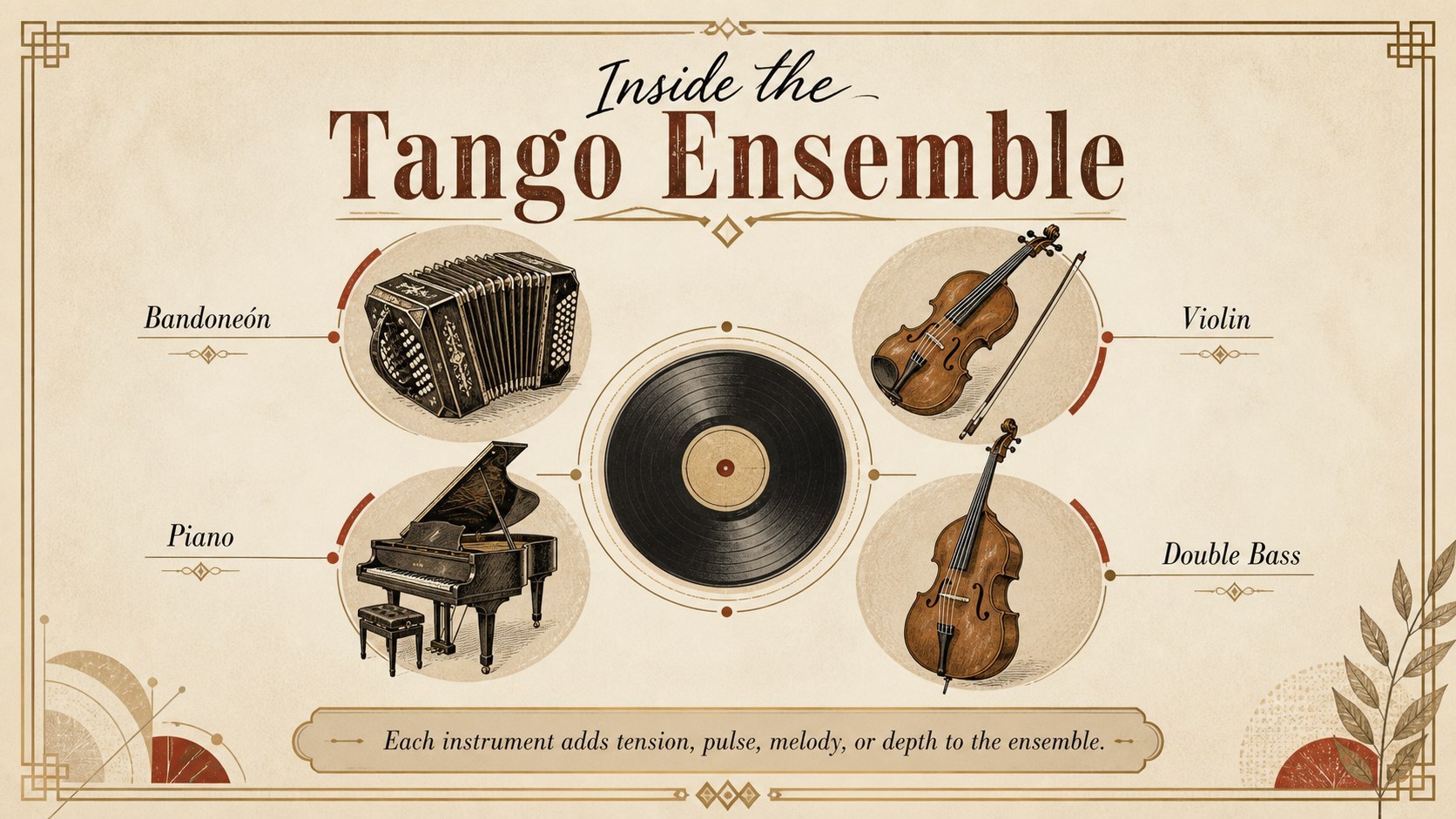
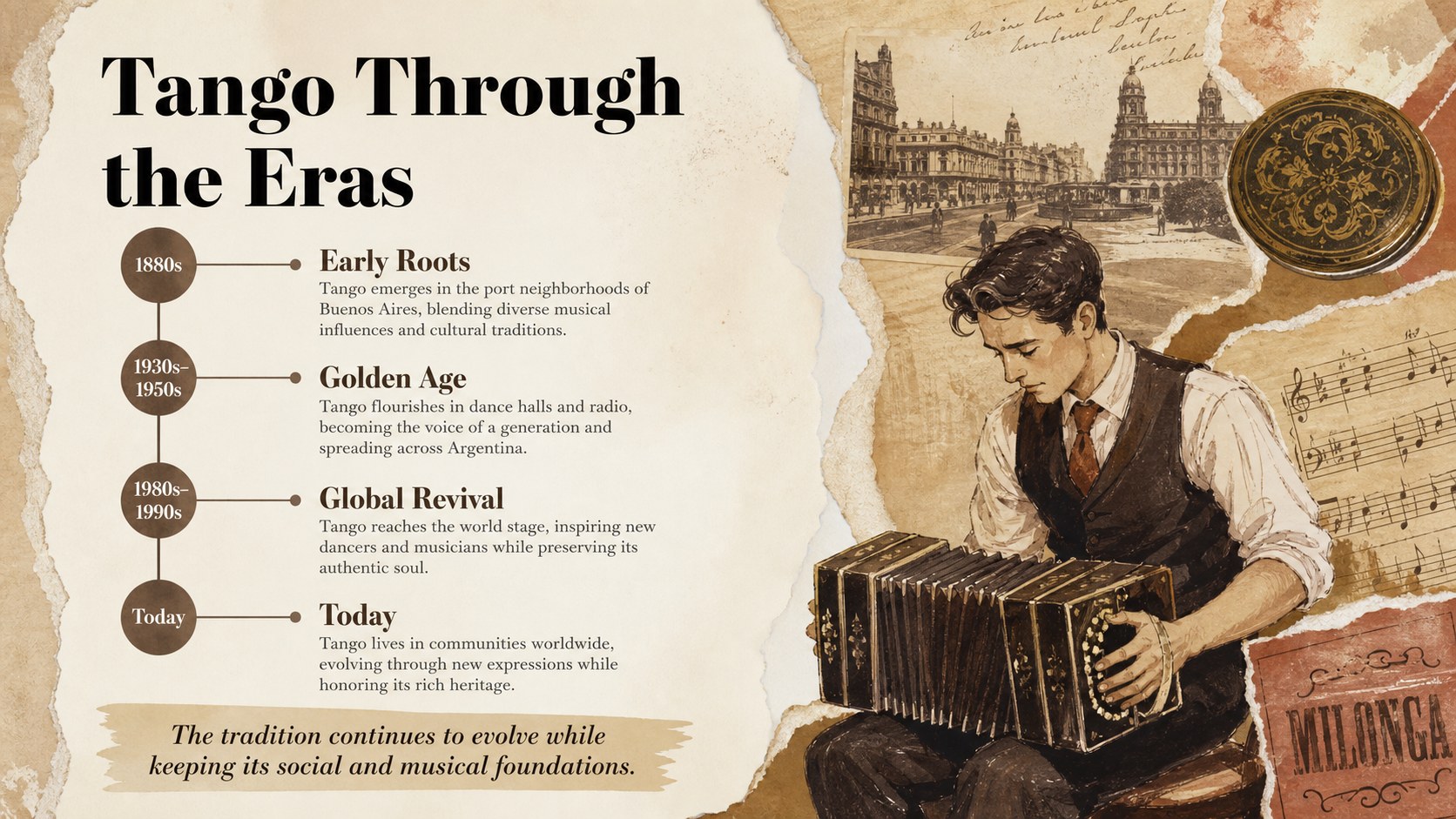
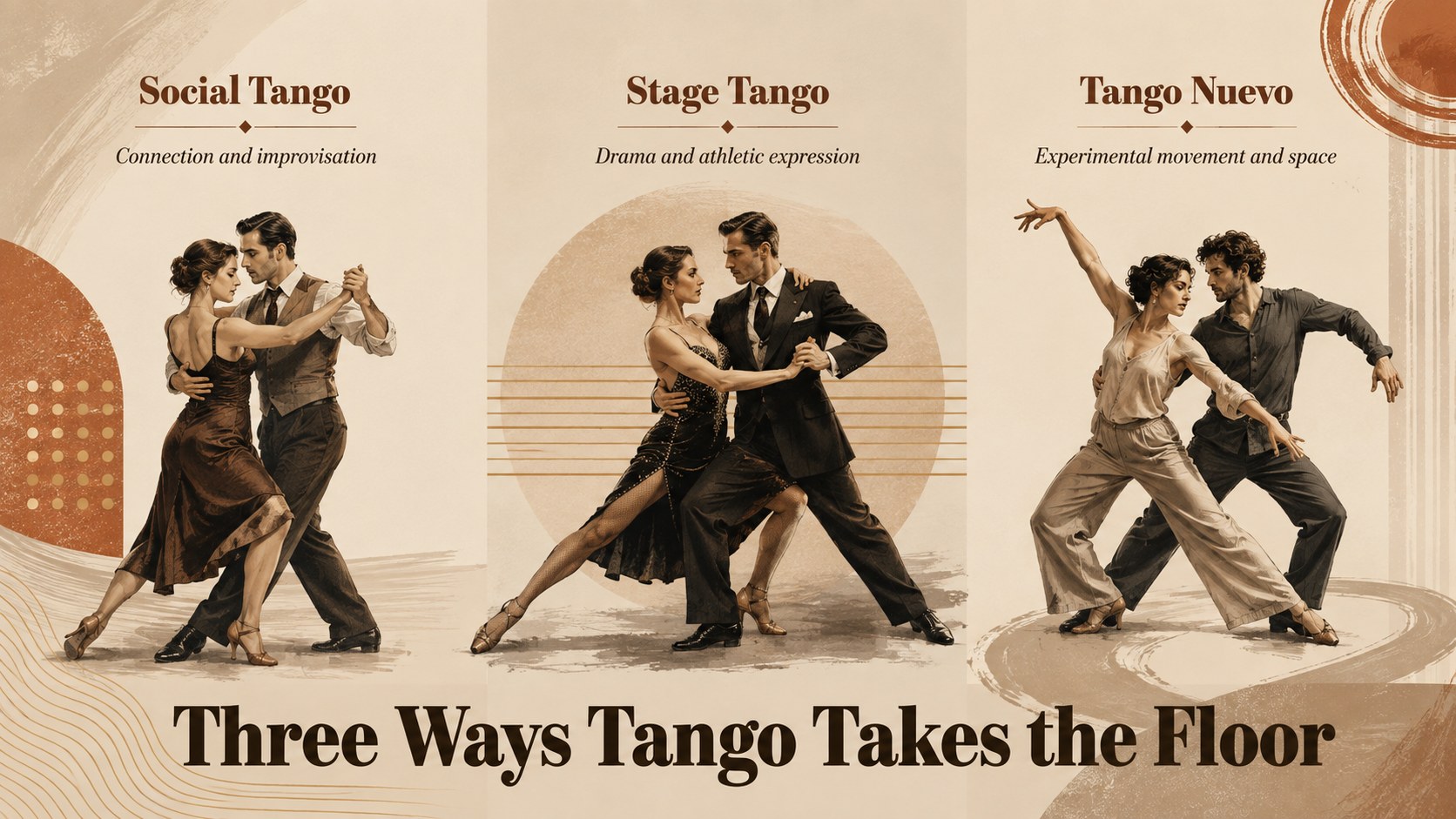
Design notes
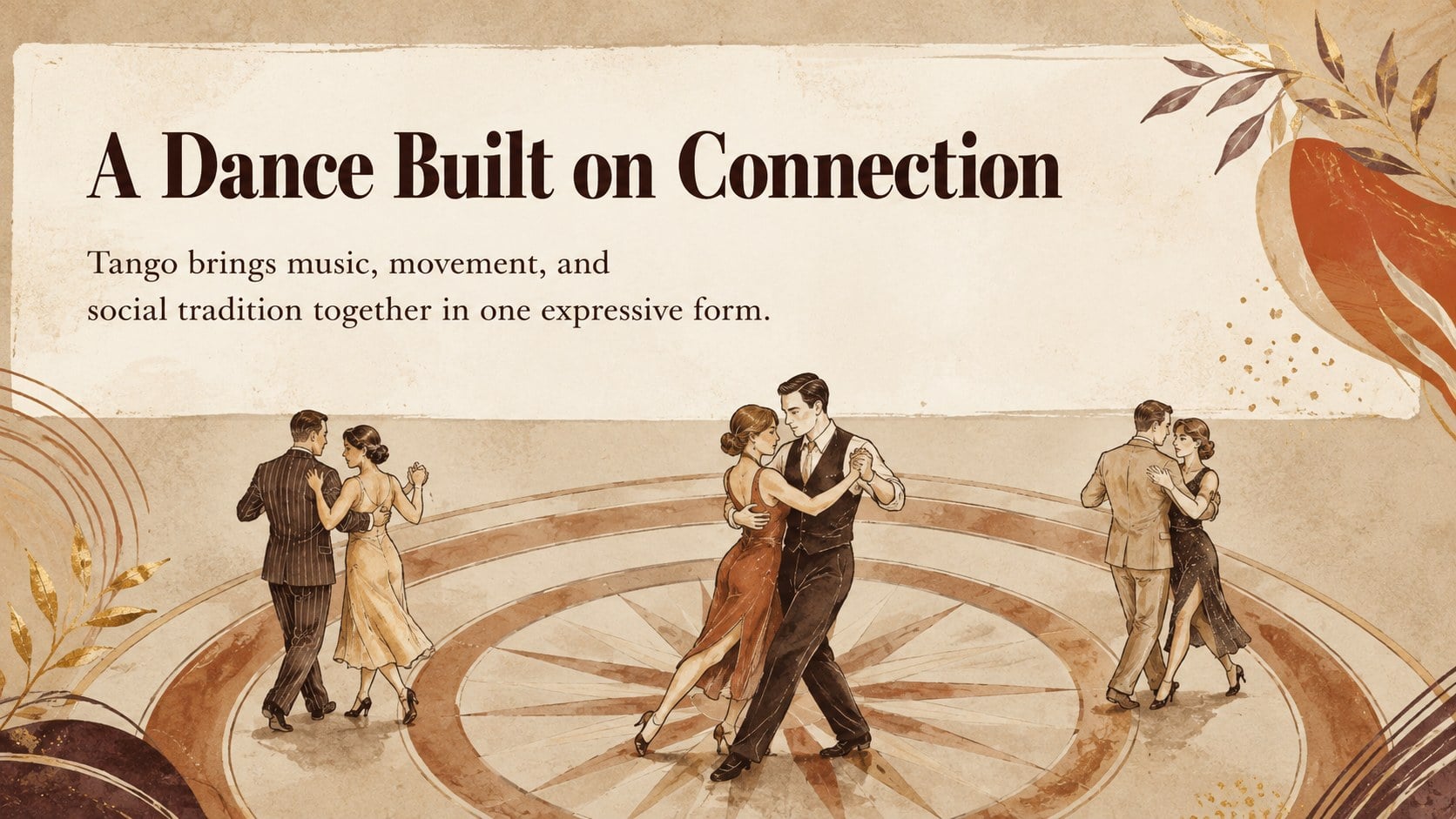
Turn a lesson, community gathering, or cultural program into an engaging journey through Argentina's most iconic dance. This tango heritage celebration deck pairs expressive storytelling with warm beige and brown artwork, aged-paper textures, and elegant vintage typography. Its inviting visual language suits both knowledgeable tango enthusiasts and audiences discovering the tradition for the first time.
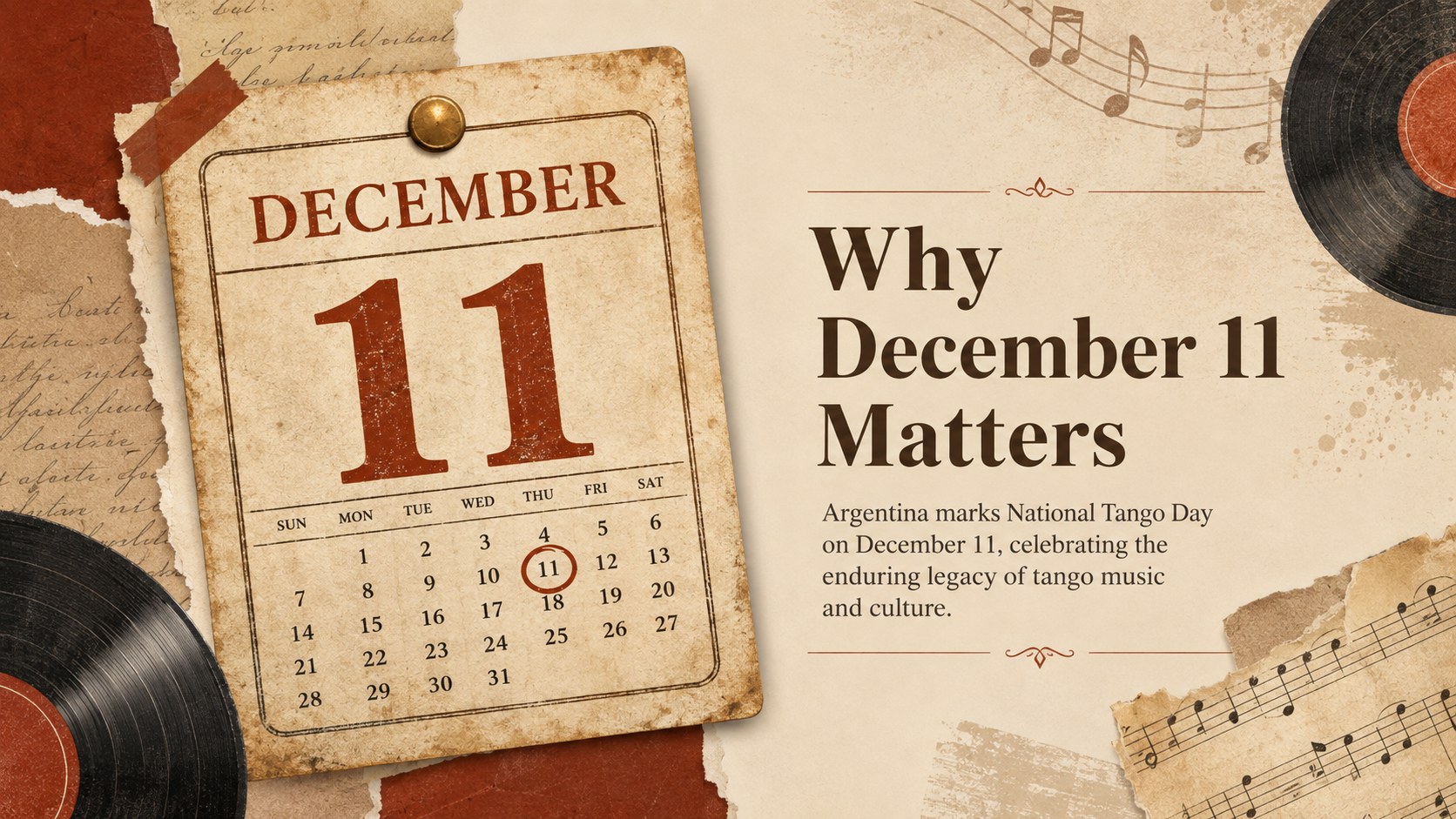
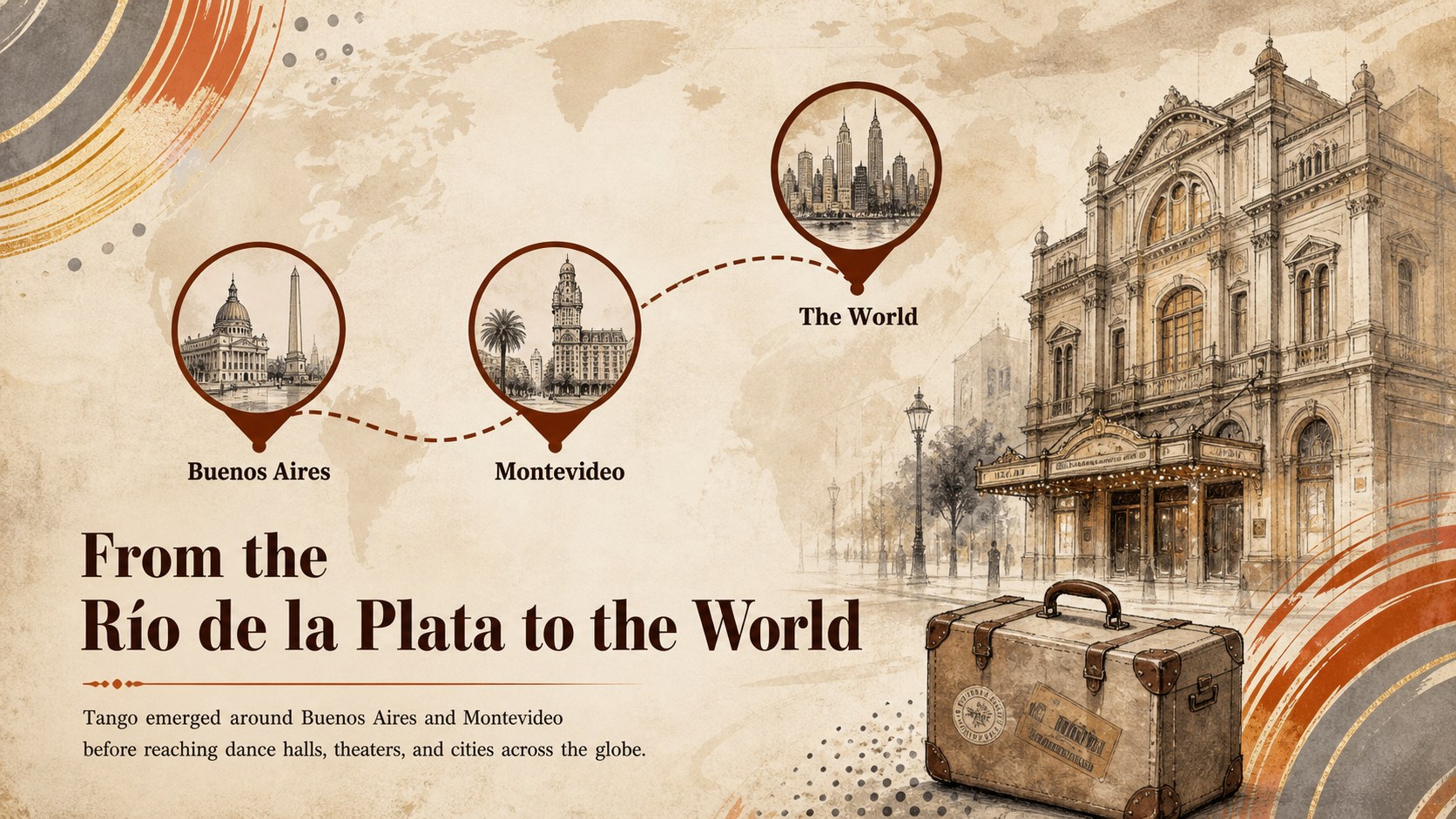
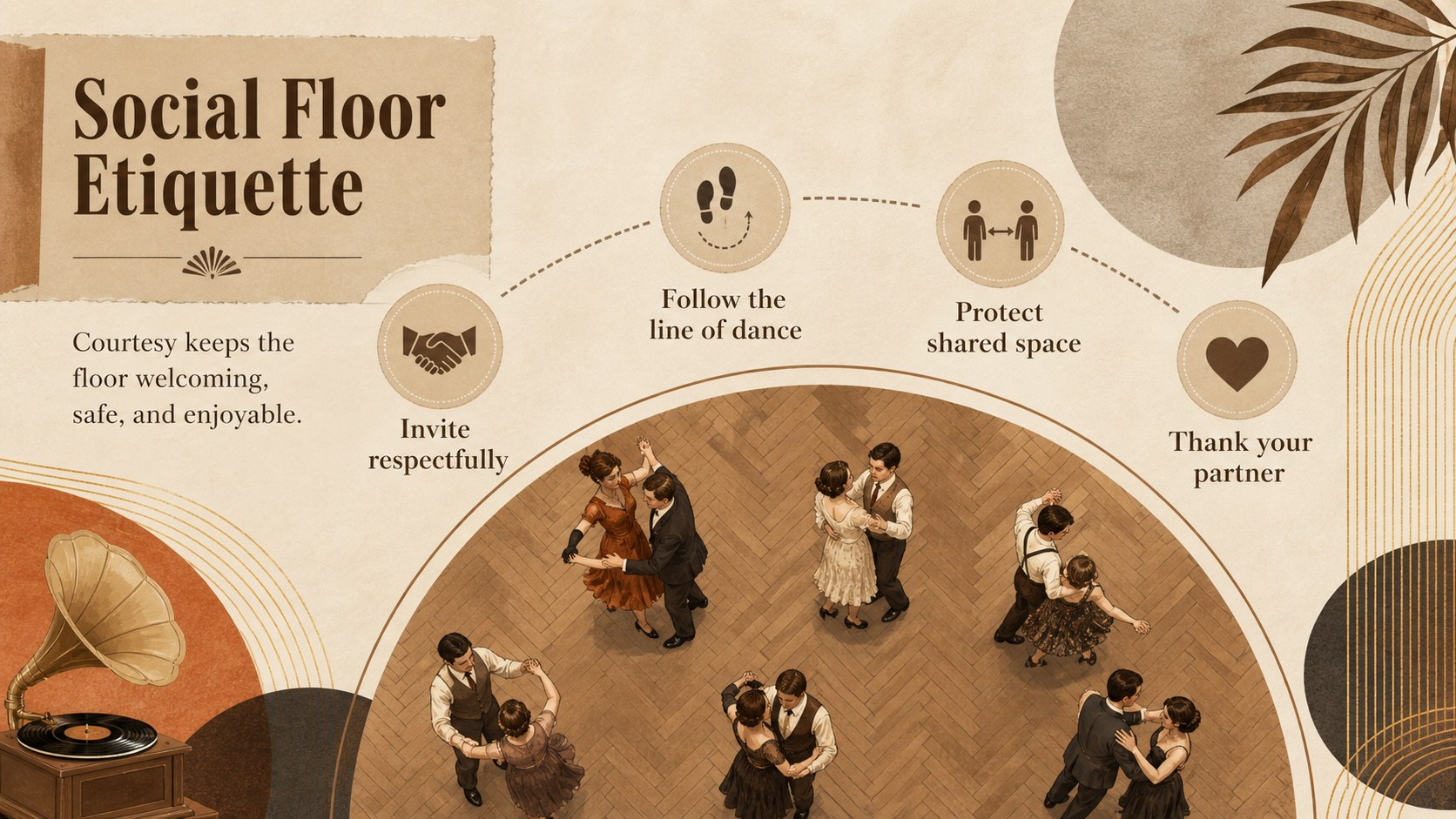
Inside, you will find adaptable layouts for tango's origins, the meaning of December 11, musical instruments, essential movements, social etiquette, notable eras, and the dance's international influence. Timeline, comparison, quote, event agenda, listening guide, and activity pages make this a versatile vintage tango history presentation. Use the layouts together as a complete narrative or select individual pages to create a concise tango event program template.
The deck is designed for teachers, dance instructors, cultural organizations, event hosts, students, and music historians. Every slide can be edited in PowerPoint or Google Slides, including headings, colors, illustrations, charts, and supporting text. The Argentine dance culture slides use a balanced 16:9 format that works well on classroom screens, venue projectors, and virtual presentations. Add local event details, historical research, performance photographs, or discussion prompts while preserving the refined illustrated style.
Perfect for: National Tango Day program; dance history classroom lesson; tango studio workshop; Argentine culture presentation; community dance celebration.
Frequently asked questions
Can I edit the deck in PowerPoint and Google Slides? Yes. The text, colors, layout elements, and supporting graphics can be customized in PowerPoint or Google Slides.
Practical details
Yes. The text, colors, layout elements, and supporting graphics can be customized in PowerPoint or Google Slides.
Yes. Replace the sample copy with lesson notes, performer details, schedules, venue information, or discussion questions while retaining the vintage design.
The slides use a widescreen 16:9 format. This ratio is suitable for classroom displays, modern projectors, online meetings, and venue screens.
Adjust the beige, brown, cream, and muted accent colors through the theme or individual object controls. You can also add photographs, logos, or event colors without changing the underlying layouts.
Keep exploring
15Build an engaging World UFO Day session with this flying saucer history lesson deck, featuring retro green-and-brown slides for PowerPoint and Google Slides.
 15
15Plan a lively animal-learning journey with this jungle zoo adventure lesson deck, ready to customize in PowerPoint and Google Slides for young learners.
 16
16Turn environmental research into a clear story with a Watercolor Ecology Presentation Theme for PowerPoint and Google Slides in calming green and blue.
 16
16Build focused fashion, literature, and humanities presentations with the Red Triangle Editorial Theme, editable in PowerPoint and Google Slides.
 15
15Turn streaming stats, favorite tracks, and concert highlights into a bold annual listening recap slide deck for PowerPoint and Google Slides.
 15
15Turn highlights, milestones, and favorite moments into a colorful year in review slide deck with bold 3D graphics for PowerPoint and Google Slides.
 3
3Build a credible endorsement with Standout Colleague Recommendation Letter Slides, featuring colorful prompts for skills, achievements, and team impact.
 4
4Build clear beginner sessions with an ice hockey fundamentals training deck for coaches, PE teachers, and clubs, ready for PowerPoint and Google Slides.