
 15
15presentation
Flying Saucer History Lesson Deck
Build an engaging World UFO Day session with this flying saucer history lesson deck, featuring retro green-and-brown slides for PowerPoint and Google Slides.
Google SlidesPowerPoint
presentation · English
Build clear briefings with a tactical unit insignia reference deck for ranks, formations, and map symbols, editable in PowerPoint and Google Slides.
Design notes
The Tactical Unit Insignia Reference Deck gives instructors, analysts, and defense professionals a structured way to explain organizational markings and tactical symbols. Its restrained brown, black, and gold palette pairs a polished corporate look with subtle map-inspired details, helping technical material remain readable and focused.
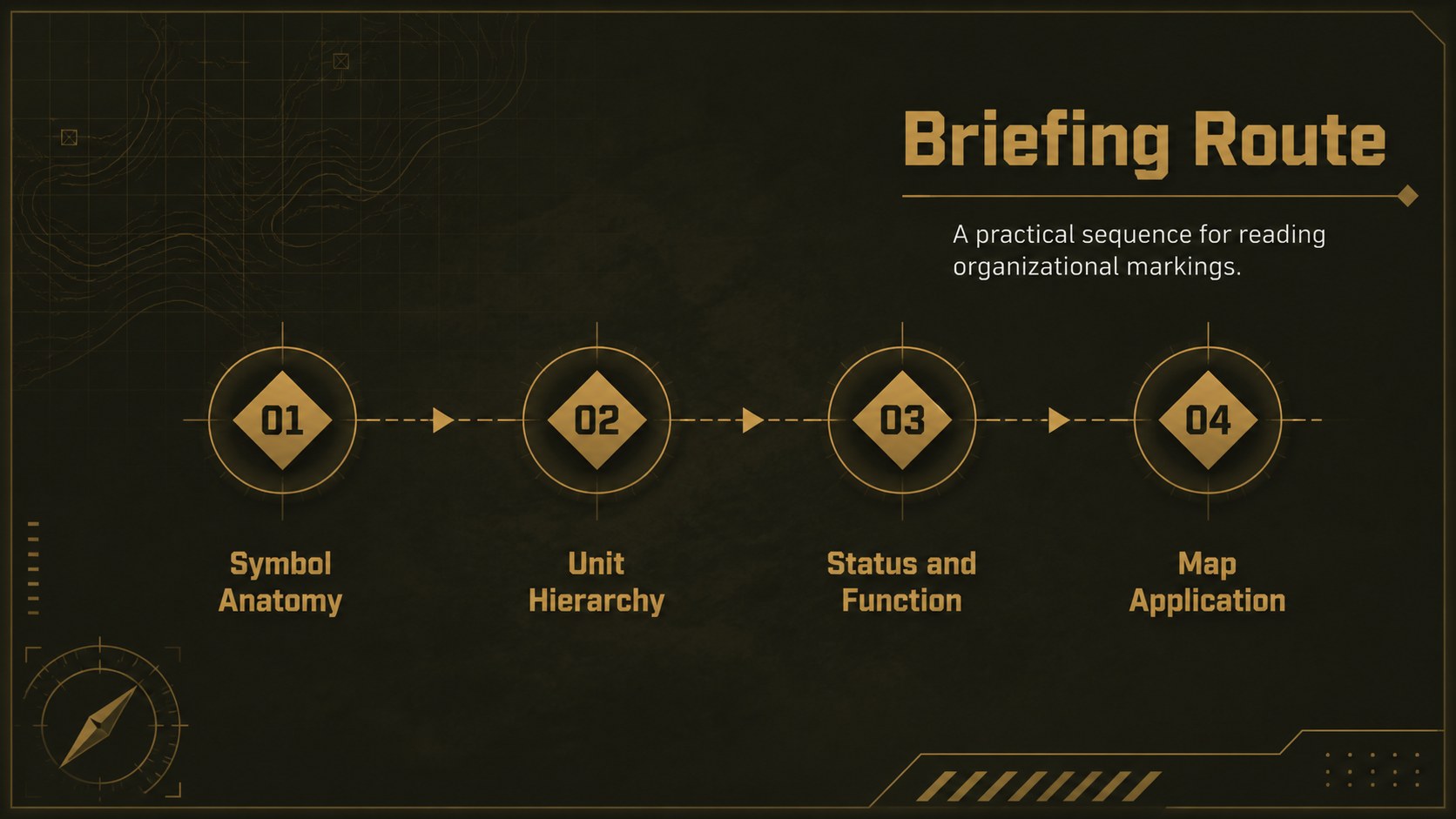
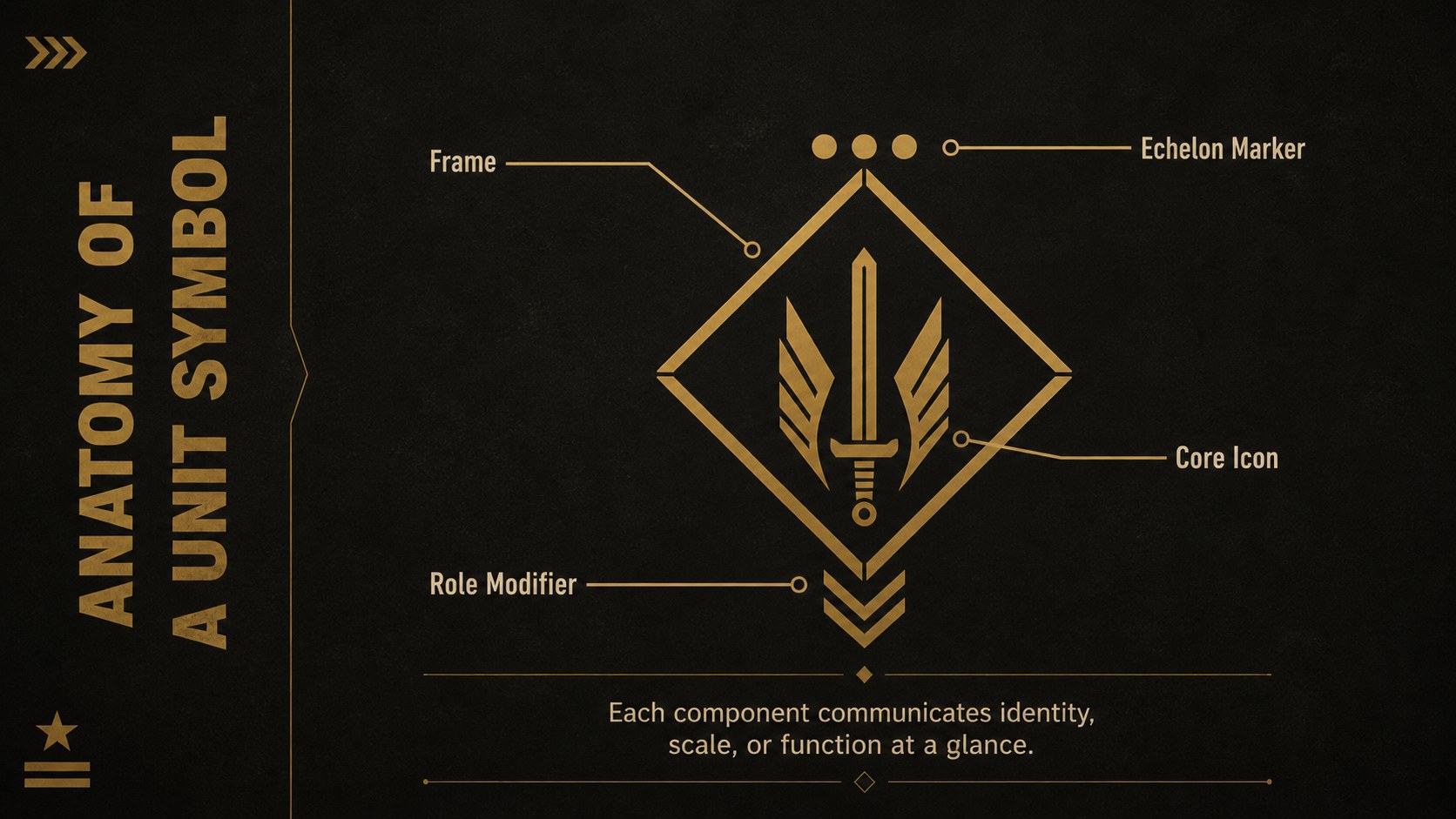
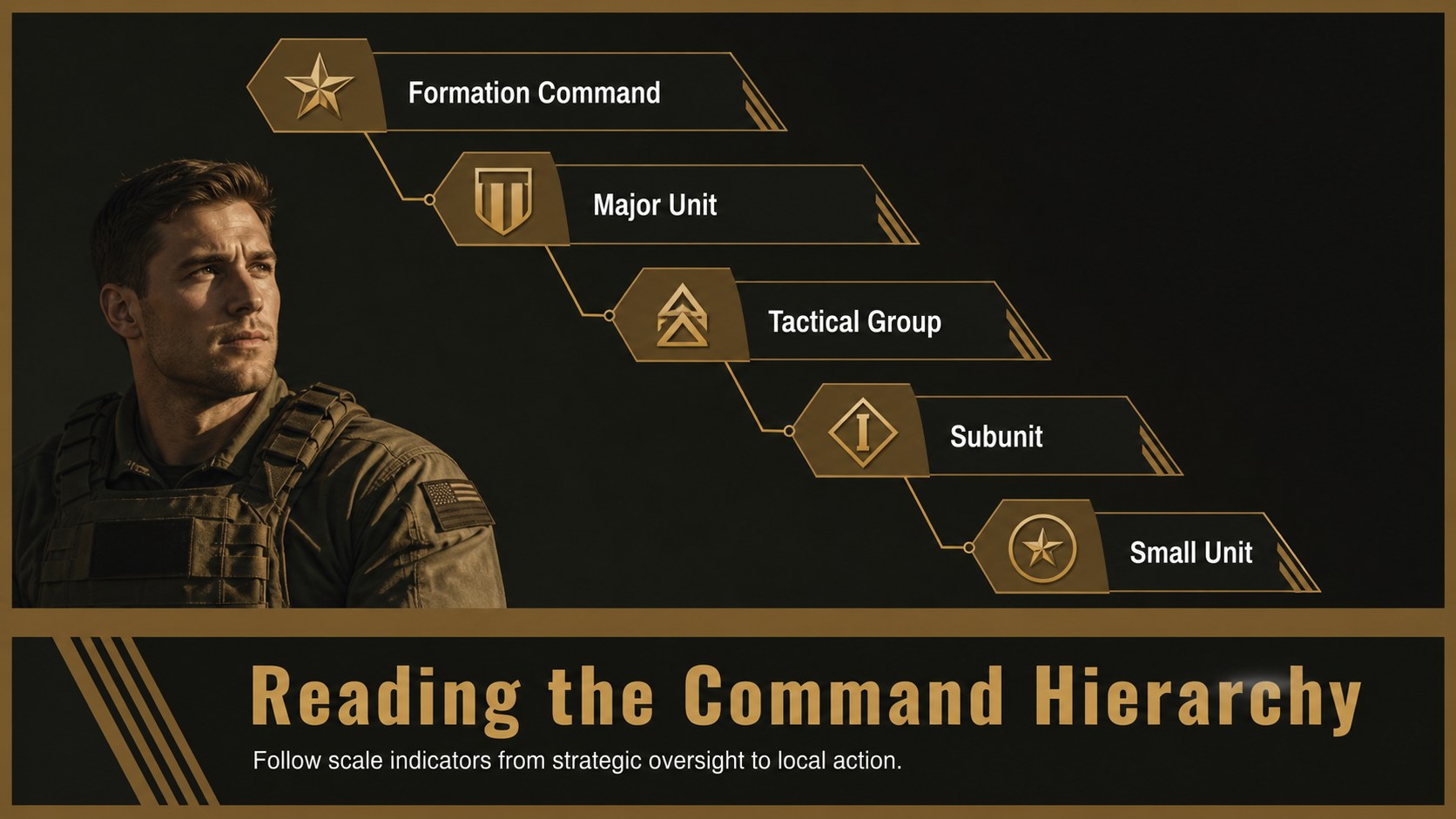
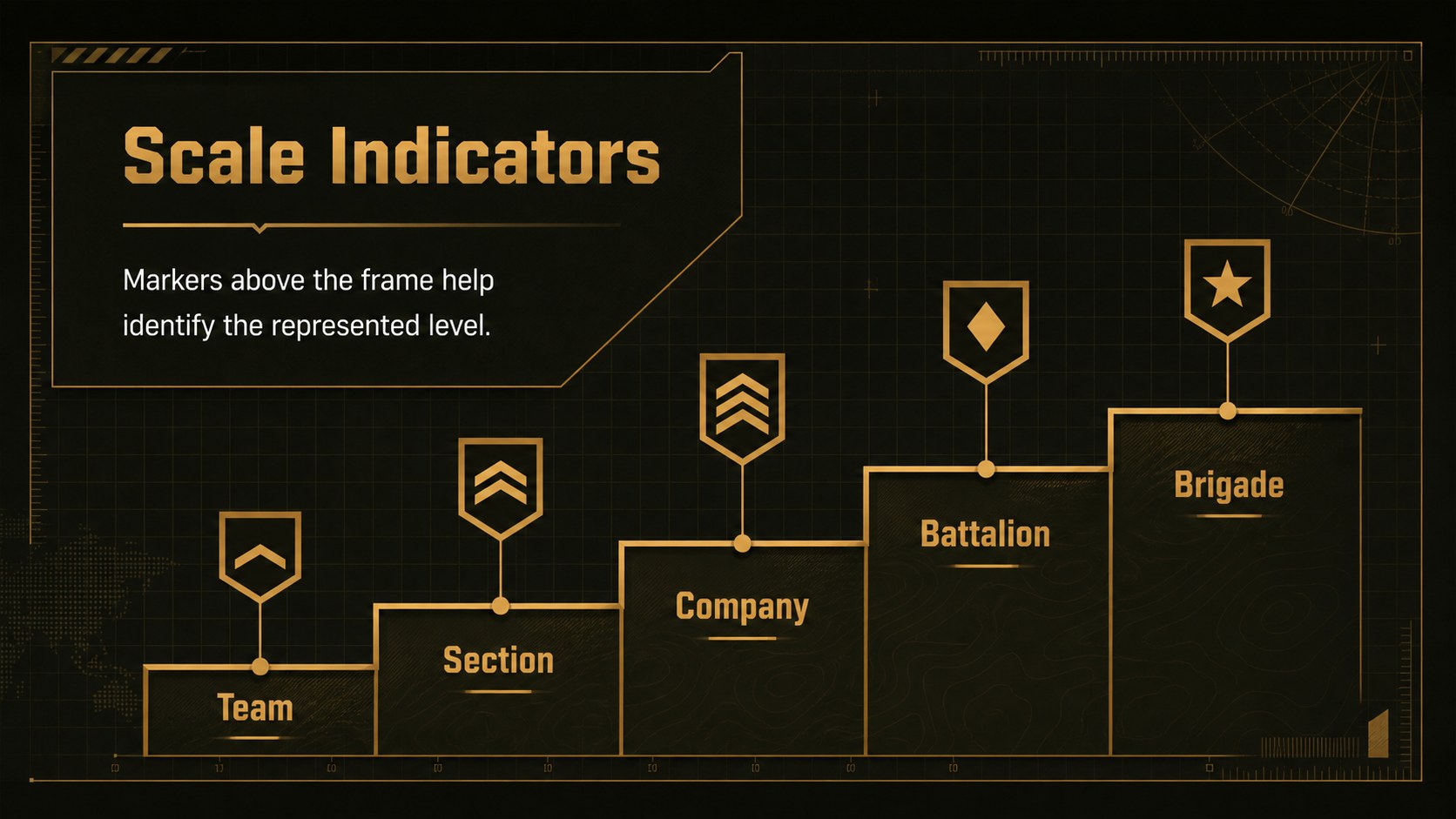
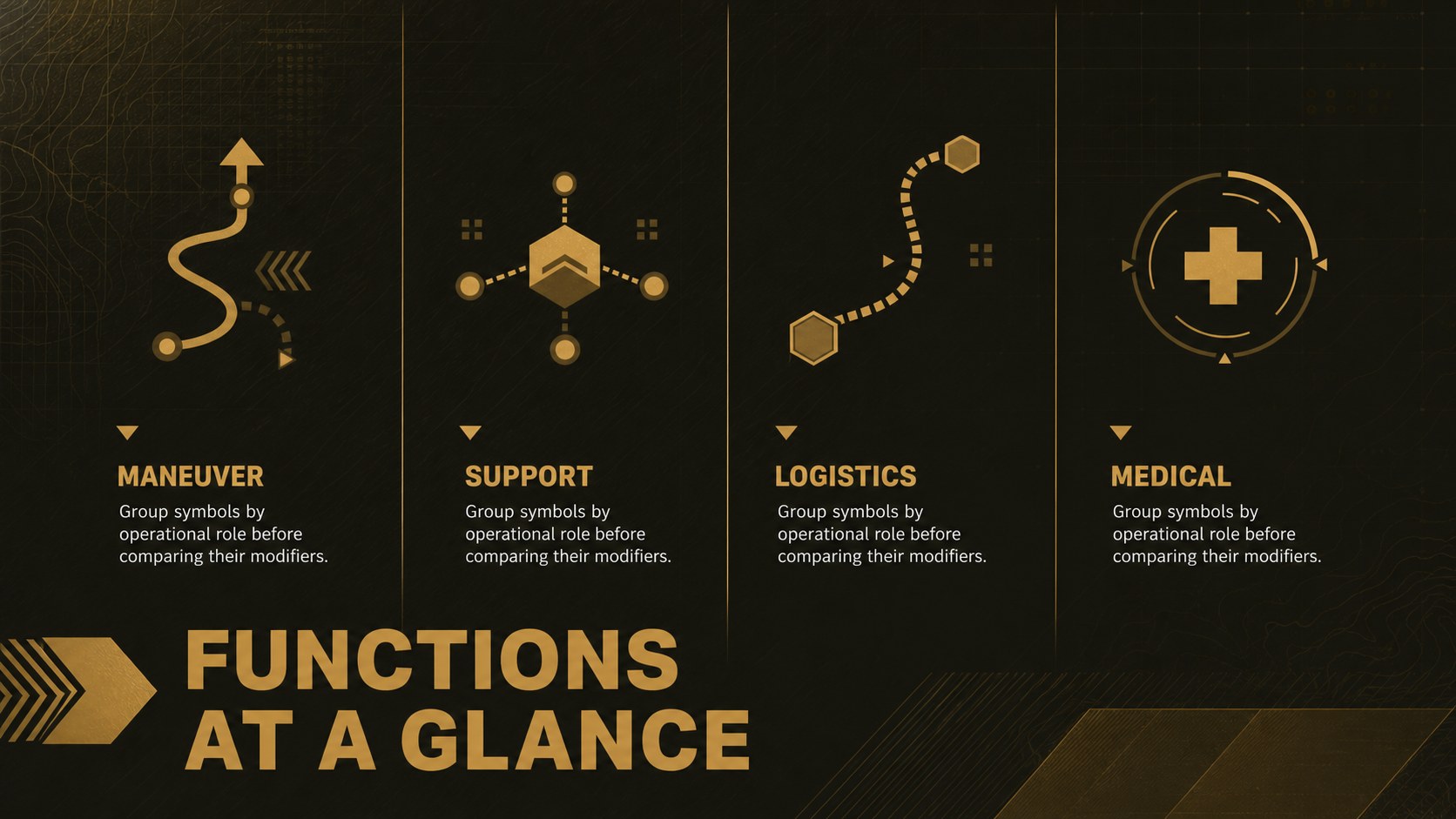
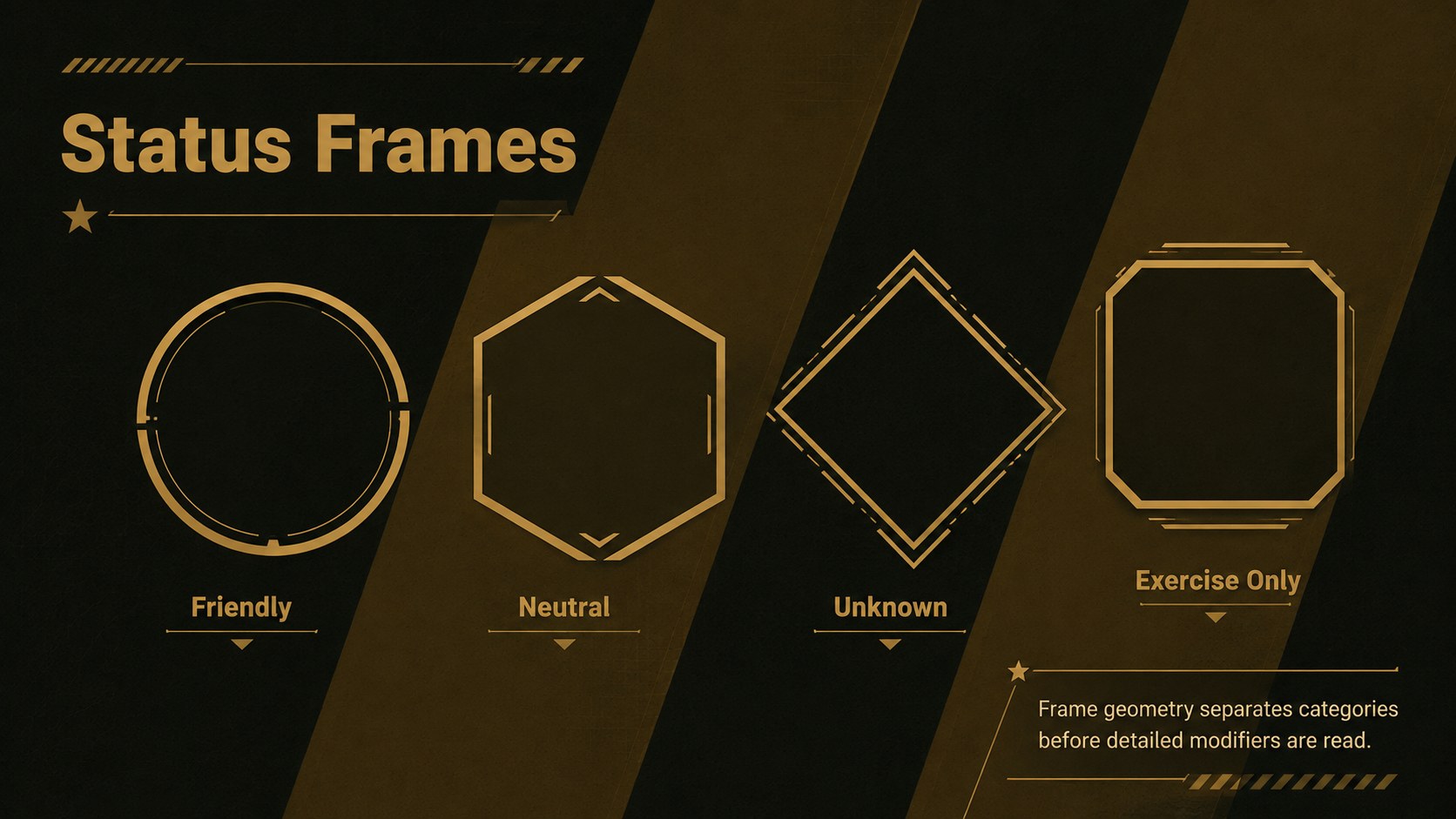
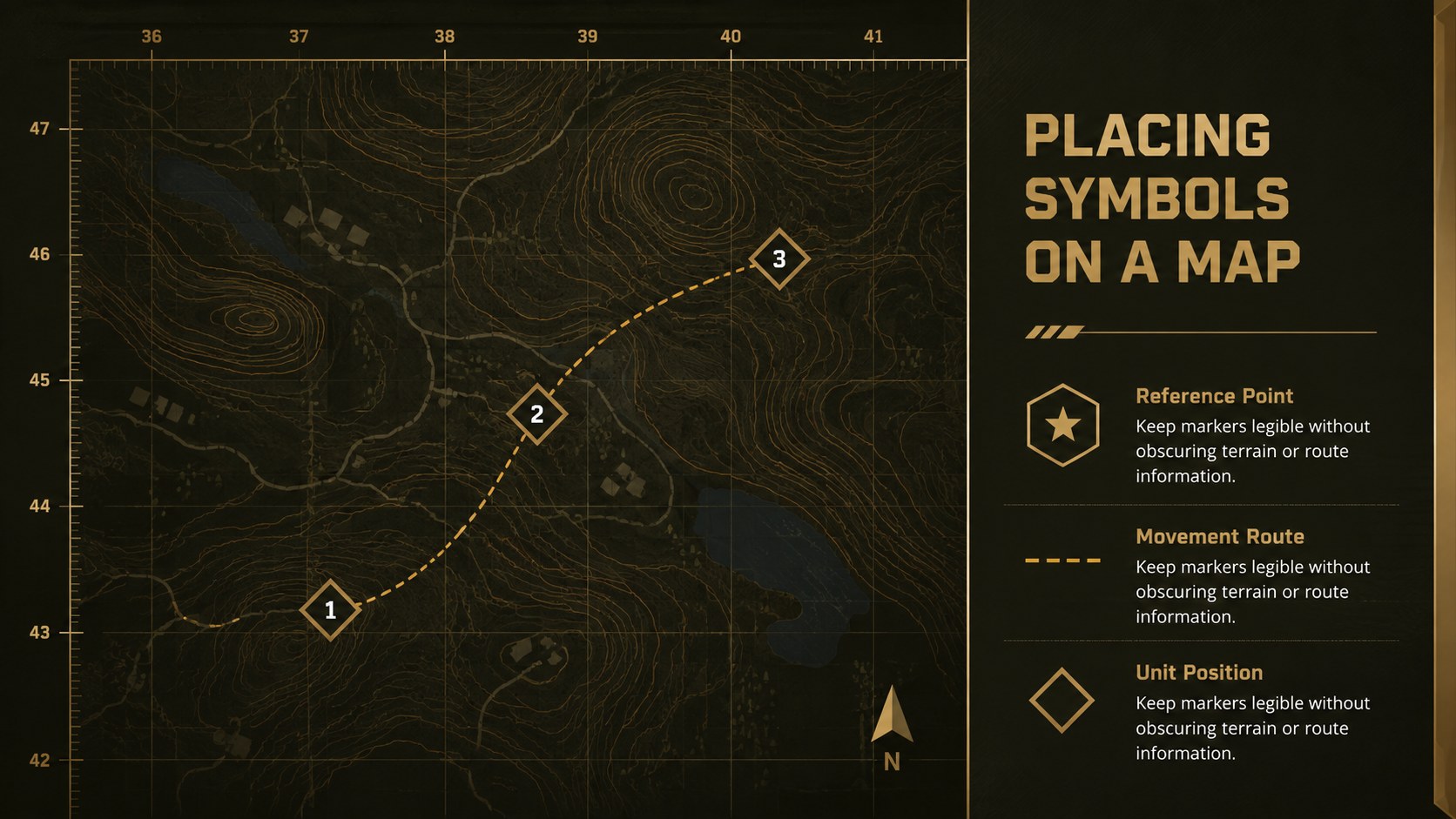
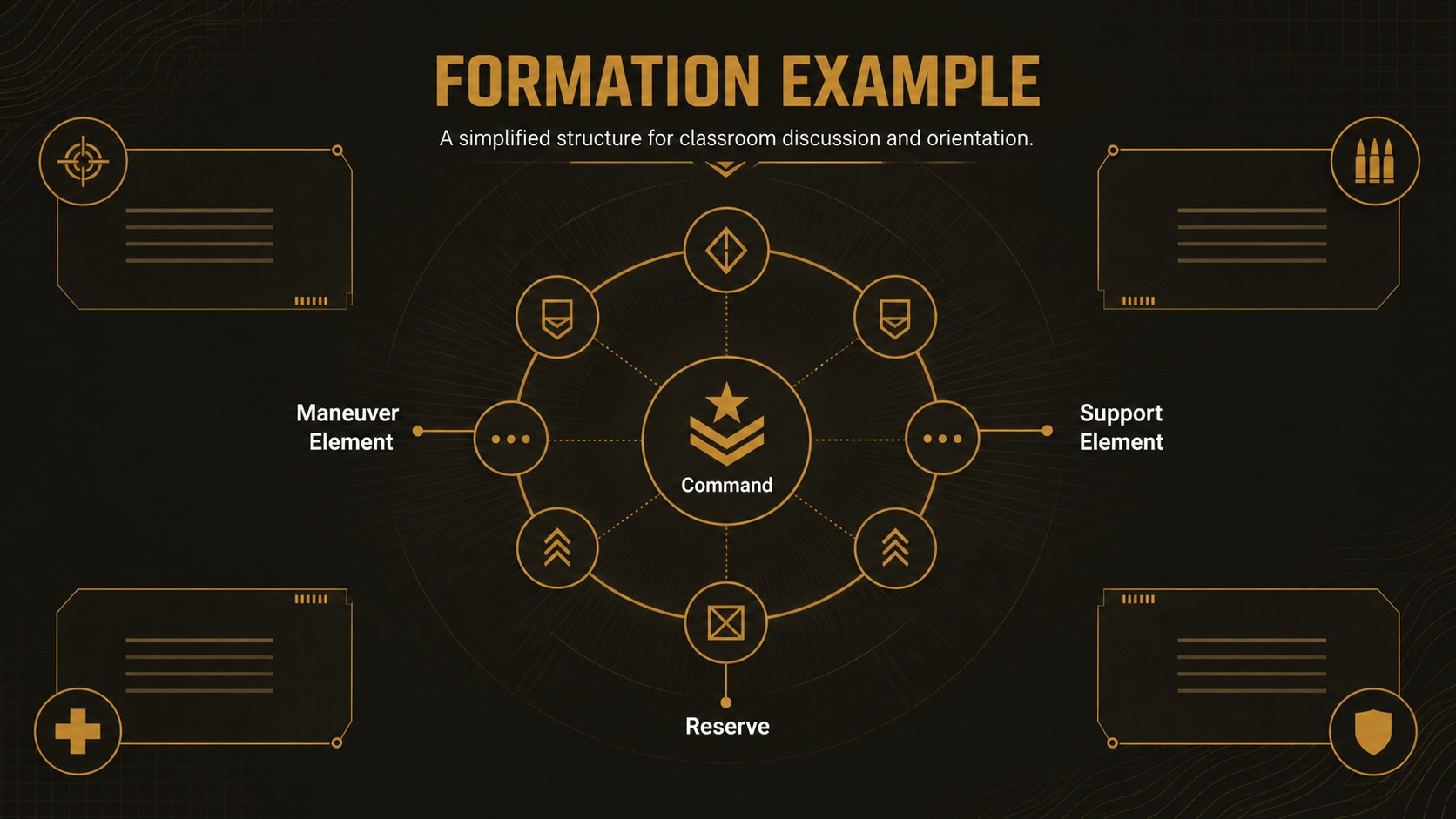
Inside, you will find 15 customizable layouts for introducing symbol anatomy, distinguishing command levels, comparing unit sizes, organizing branch categories, and demonstrating map placement. The deck also includes a briefing agenda, hierarchy diagram, comparison table, practical reading sequence, scenario layout, legend, checklist, and closing summary. Use it as a military map symbol presentation template or adapt individual pages for reference materials and classroom exercises.
This design works well for professional development, military history courses, staff orientation, museum education, and public safety instruction. It can also serve as an army organizational symbols PowerPoint resource or a command structure briefing template. Replace the sample wording, adjust the diagrams, recolor accents, and add approved insignia or historical examples directly in PowerPoint or Google Slides.
Every slide uses a widescreen 16:9 format with clear typography, disciplined spacing, and flexible content areas. The visual system supports concise explanations without crowding the page, making the template practical for both live presentations and exported reference documents.
Perfect for: unit symbology training; command structure briefing; military history lesson; staff orientation session; map legend workshop.
Frequently asked questions
Practical details
Yes. The labels, colors, shapes, diagrams, and sample symbols are designed for customization. Replace them with approved organizational markings or create simplified examples for instruction.
The deck is compatible with PowerPoint and Google Slides. Some fonts, transitions, or spacing may vary slightly between platforms, so review the final presentation before delivery.
Yes. The comparison, timeline, hierarchy, and reference layouts can present insignia from different periods or organizations. Add dates and source notes when using archival material.
Edit the theme colors to replace the brown, black, and gold accents across the deck. Maintain strong contrast between backgrounds, labels, and symbols to keep technical diagrams readable.
Keep exploring
15Build an engaging World UFO Day session with this flying saucer history lesson deck, featuring retro green-and-brown slides for PowerPoint and Google Slides.
 15
15Plan a lively animal-learning journey with this jungle zoo adventure lesson deck, ready to customize in PowerPoint and Google Slides for young learners.
 16
16Turn environmental research into a clear story with a Watercolor Ecology Presentation Theme for PowerPoint and Google Slides in calming green and blue.
 16
16Build focused fashion, literature, and humanities presentations with the Red Triangle Editorial Theme, editable in PowerPoint and Google Slides.
 15
15Turn streaming stats, favorite tracks, and concert highlights into a bold annual listening recap slide deck for PowerPoint and Google Slides.
 15
15Turn highlights, milestones, and favorite moments into a colorful year in review slide deck with bold 3D graphics for PowerPoint and Google Slides.
 3
3Build a credible endorsement with Standout Colleague Recommendation Letter Slides, featuring colorful prompts for skills, achievements, and team impact.
 4
4Build clear beginner sessions with an ice hockey fundamentals training deck for coaches, PE teachers, and clubs, ready for PowerPoint and Google Slides.