
 15
15presentation
Flying Saucer History Lesson Deck
Build an engaging World UFO Day session with this flying saucer history lesson deck, featuring retro green-and-brown slides for PowerPoint and Google Slides.
Google SlidesPowerPoint
presentation · English
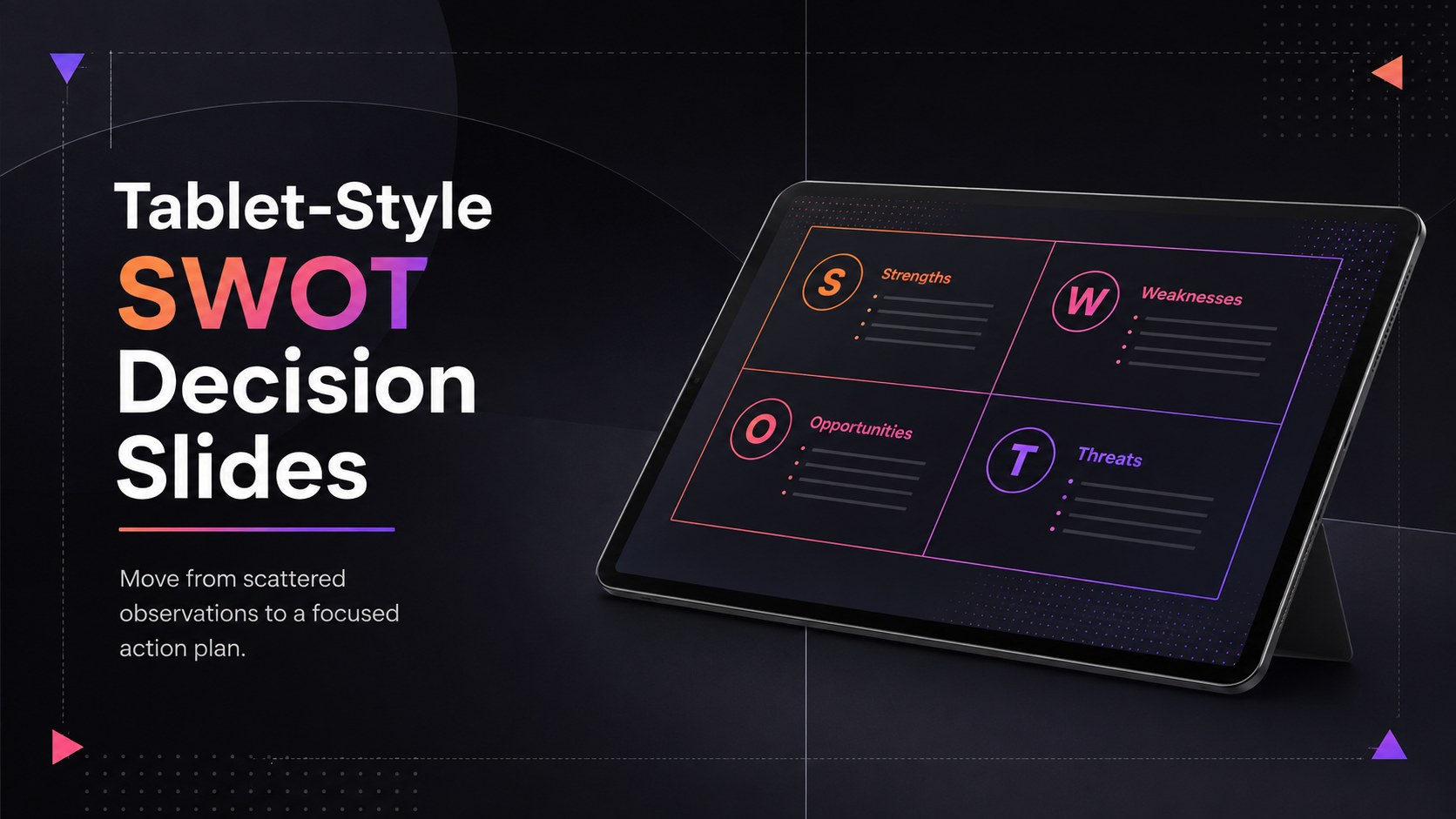
Make strategic choices easier with Tablet-Style SWOT Decision Slides, offering seven editable black-gradient layouts for PowerPoint and Google Slides.

Design notes
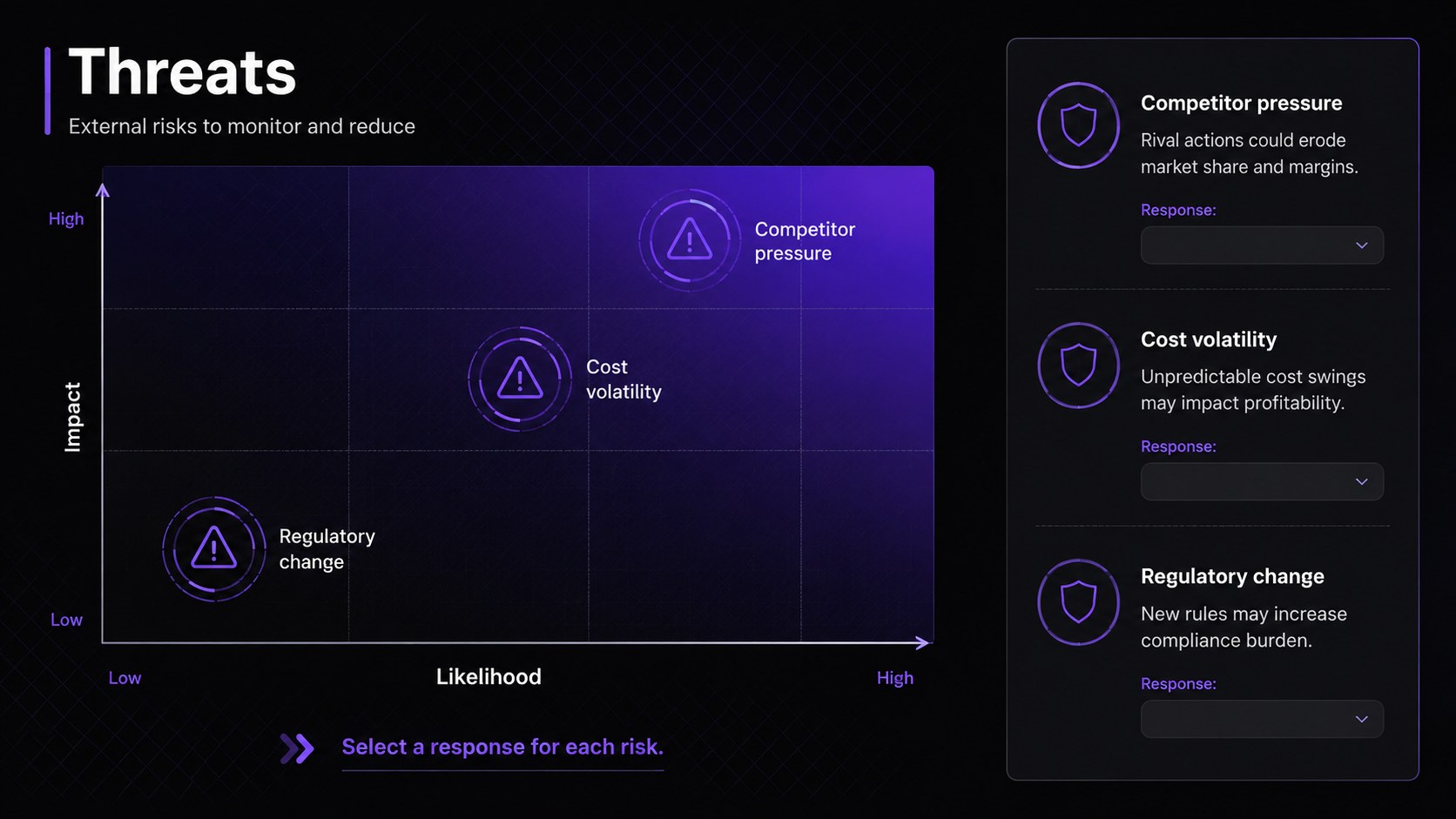
Tablet-Style SWOT Decision Slides turn strategic observations into a concise visual story that teams can evaluate and act on. A polished black-gradient palette, translucent interface details, and tablet-inspired framing give the presentation a modern corporate character without distracting from the analysis. Use it to organize strengths, weaknesses, opportunities, and threats before moving directly into priorities and recommended actions.
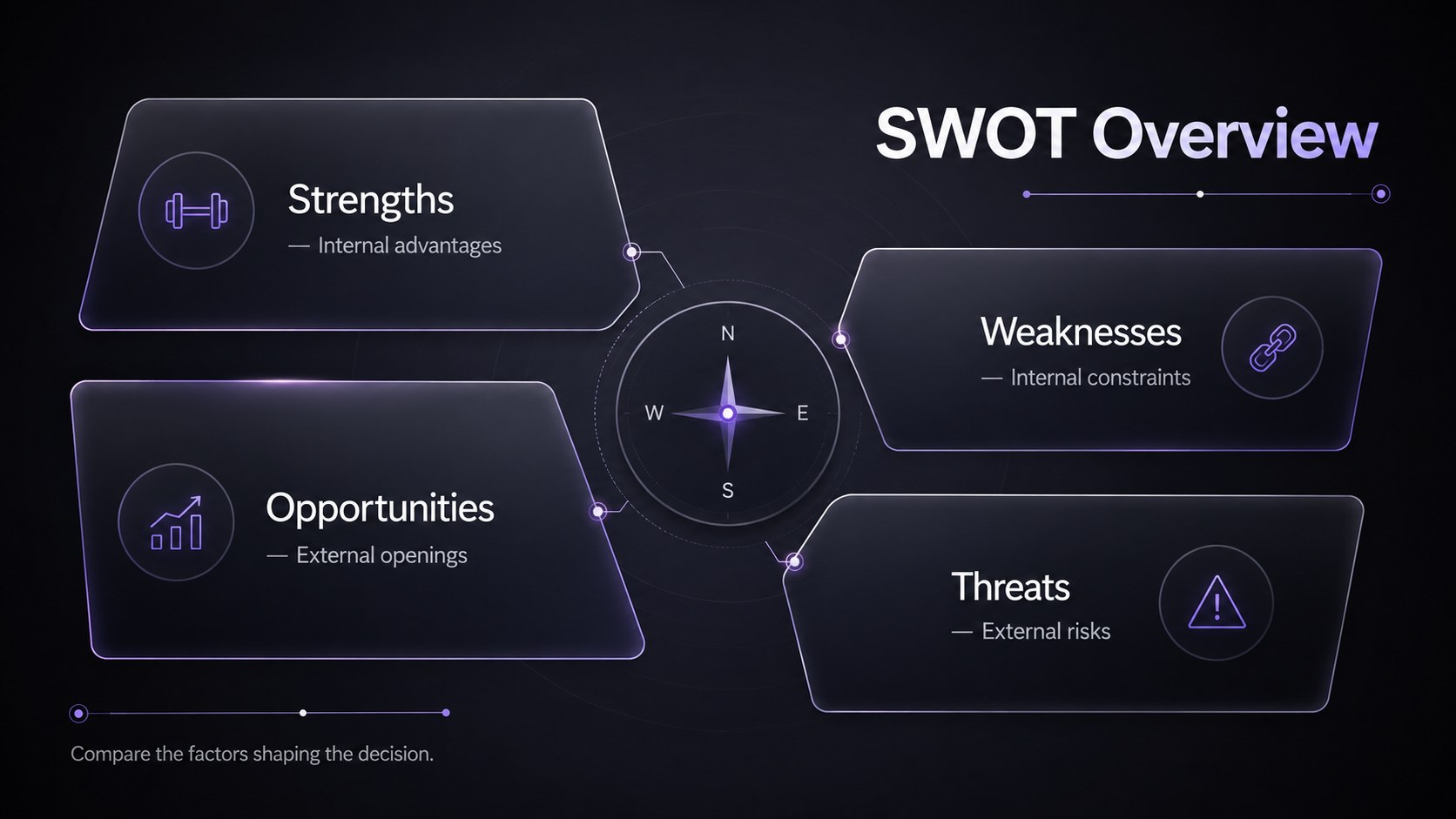
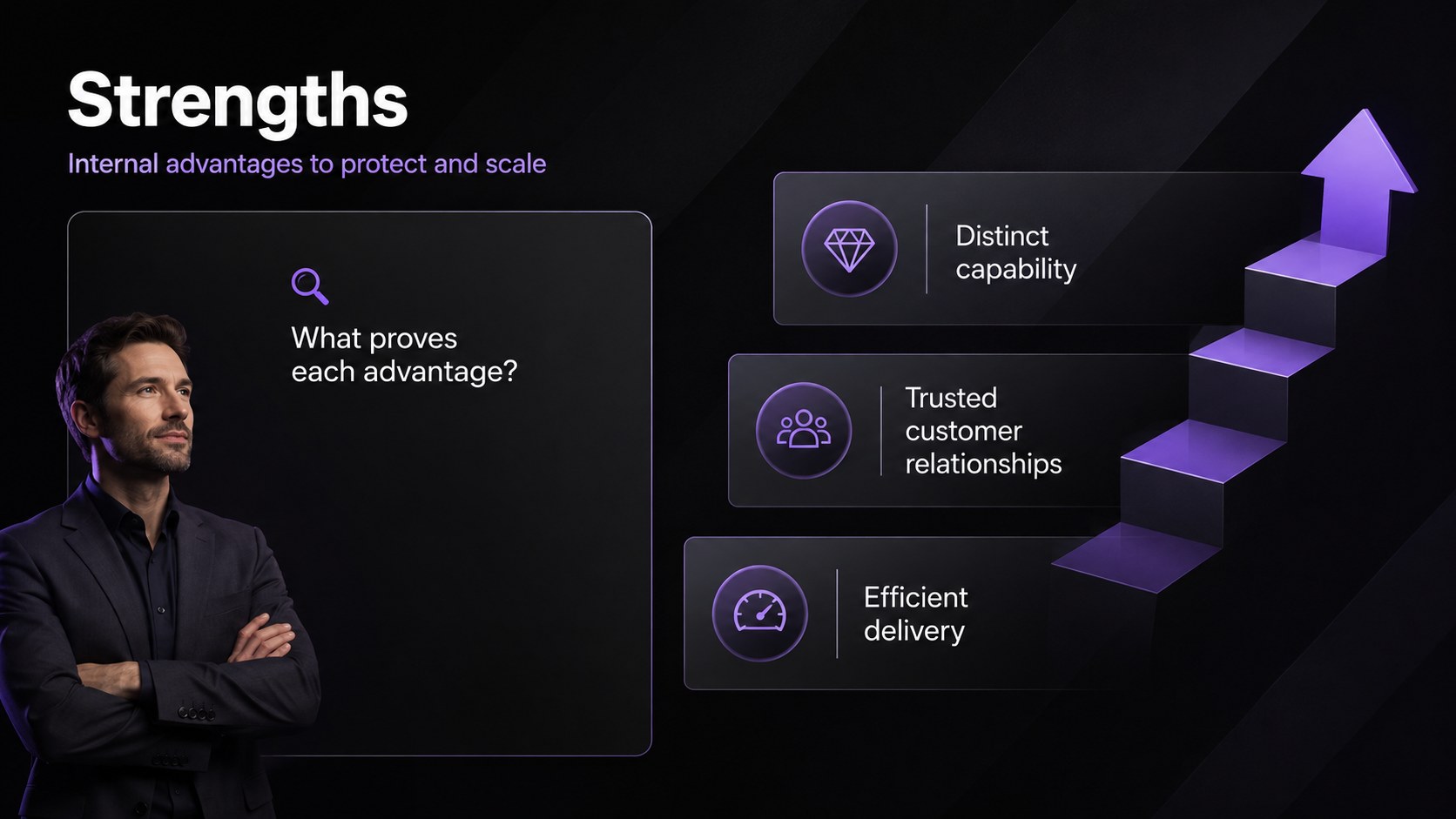
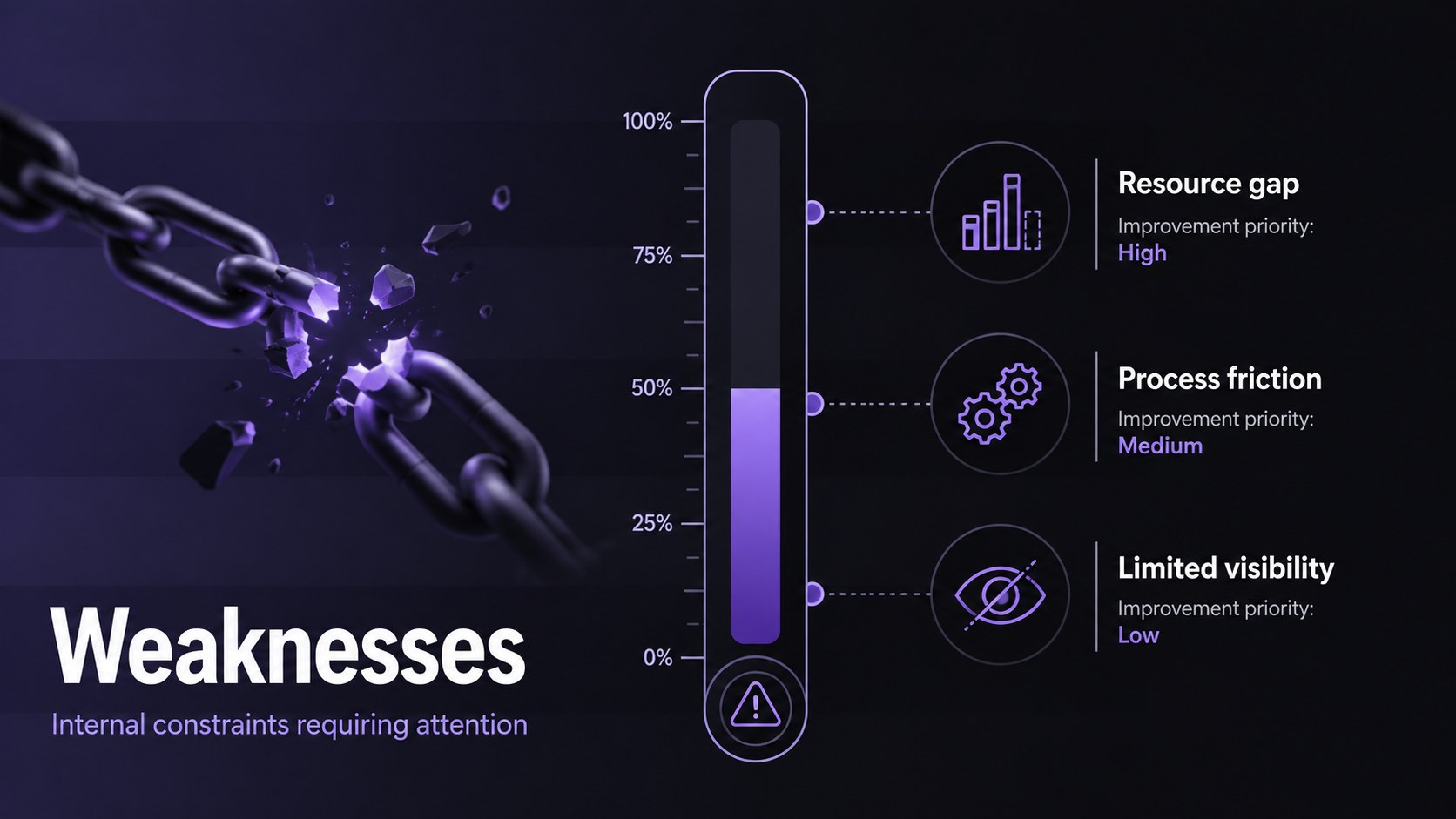
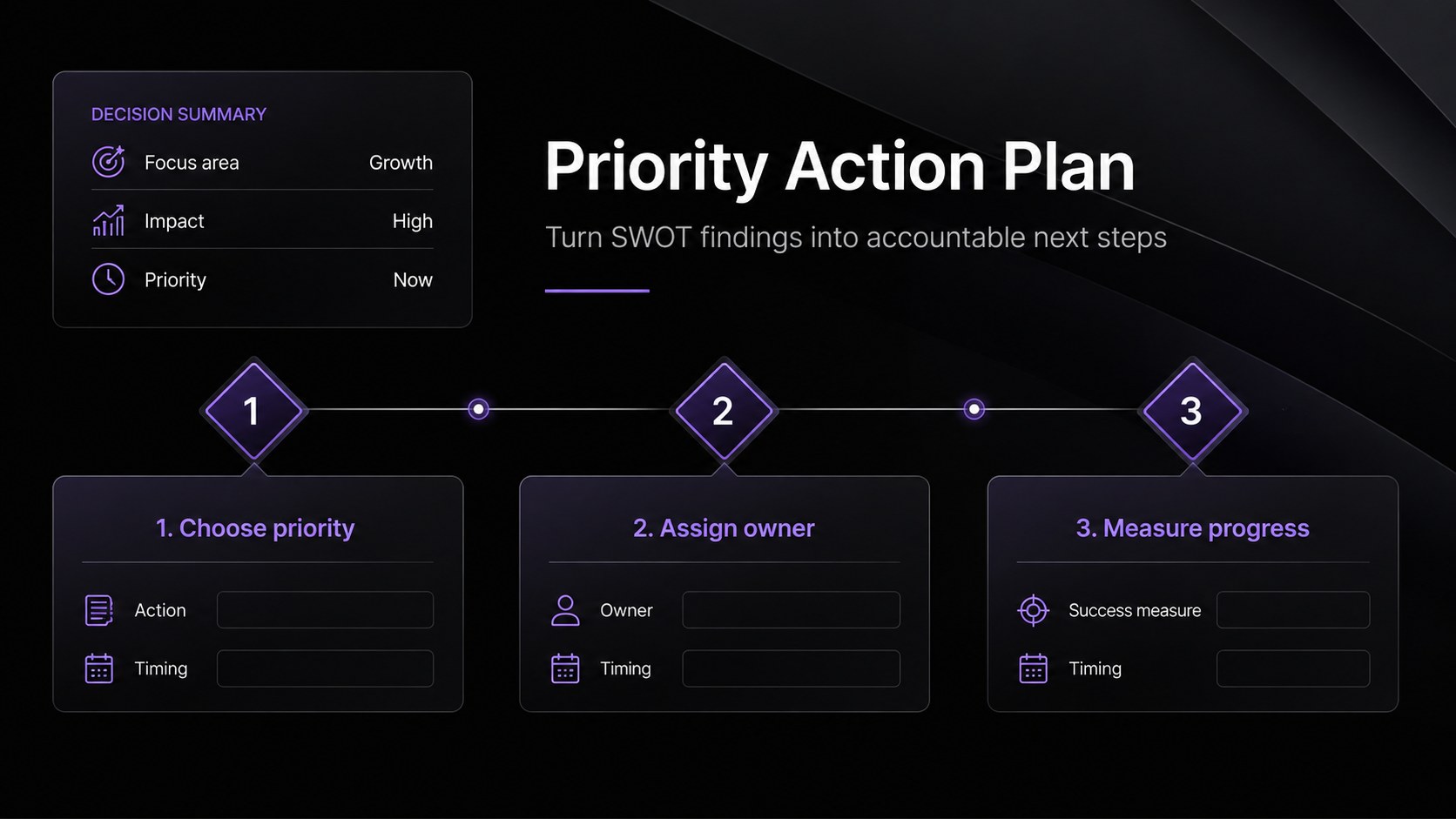
The seven-slide deck includes a streamlined cover, a complete four-quadrant overview, focused layouts for each SWOT category, and a final action-planning page. Every layout is editable, allowing you to adjust headings, colors, examples, icons, and supporting data. The structure works as an editable SWOT matrix for PowerPoint or a Google Slides SWOT planning template, depending on how your team prefers to collaborate. Clear information hierarchy and restrained visual elements also make it a useful modern dark SWOT slide template for executive meetings.
These Tablet-Style SWOT Decision Slides are designed for business professionals, consultants, founders, project managers, marketing teams, and students presenting strategic recommendations. Apply them to competitive reviews, product planning, market entry discussions, operational assessments, or quarterly strategy sessions. The layouts help presenters separate internal conditions from external forces, identify the most important findings, and conclude with specific owners, priorities, and next steps.
Perfect for: quarterly strategy review; new product assessment; market entry planning; competitor analysis workshop; operational risk meeting.
Frequently asked questions
Can I edit every part of the SWOT layouts? Yes. You can replace the sample text, resize sections, change the black-gradient accents, and customize icons or data points to match your analysis.
Practical details
Yes. You can replace the sample text, resize sections, change the black-gradient accents, and customize icons or data points to match your analysis.
The deck is designed for PowerPoint and Google Slides. Fonts, shapes, text boxes, and core layout elements remain editable on both platforms.
Yes. Replace the accent colors, typography, and visual elements with your organization's brand system while preserving the clear SWOT structure.
Yes. Teams can use the overview slide to collect findings and the final action-plan layout to assign priorities, owners, and next steps during a workshop.
Keep exploring
15Build an engaging World UFO Day session with this flying saucer history lesson deck, featuring retro green-and-brown slides for PowerPoint and Google Slides.
 15
15Plan a lively animal-learning journey with this jungle zoo adventure lesson deck, ready to customize in PowerPoint and Google Slides for young learners.
 16
16Turn environmental research into a clear story with a Watercolor Ecology Presentation Theme for PowerPoint and Google Slides in calming green and blue.
 16
16Build focused fashion, literature, and humanities presentations with the Red Triangle Editorial Theme, editable in PowerPoint and Google Slides.
 15
15Turn streaming stats, favorite tracks, and concert highlights into a bold annual listening recap slide deck for PowerPoint and Google Slides.
 15
15Turn highlights, milestones, and favorite moments into a colorful year in review slide deck with bold 3D graphics for PowerPoint and Google Slides.
 3
3Build a credible endorsement with Standout Colleague Recommendation Letter Slides, featuring colorful prompts for skills, achievements, and team impact.
 4
4Build clear beginner sessions with an ice hockey fundamentals training deck for coaches, PE teachers, and clubs, ready for PowerPoint and Google Slides.