
 15
15presentation
Flying Saucer History Lesson Deck
Build an engaging World UFO Day session with this flying saucer history lesson deck, featuring retro green-and-brown slides for PowerPoint and Google Slides.
Google SlidesPowerPoint
presentation · English
Plan a memorable concert or school program with a swing night event deck in orange and black, featuring editable slides for schedules, artists, tickets, and…
Design notes
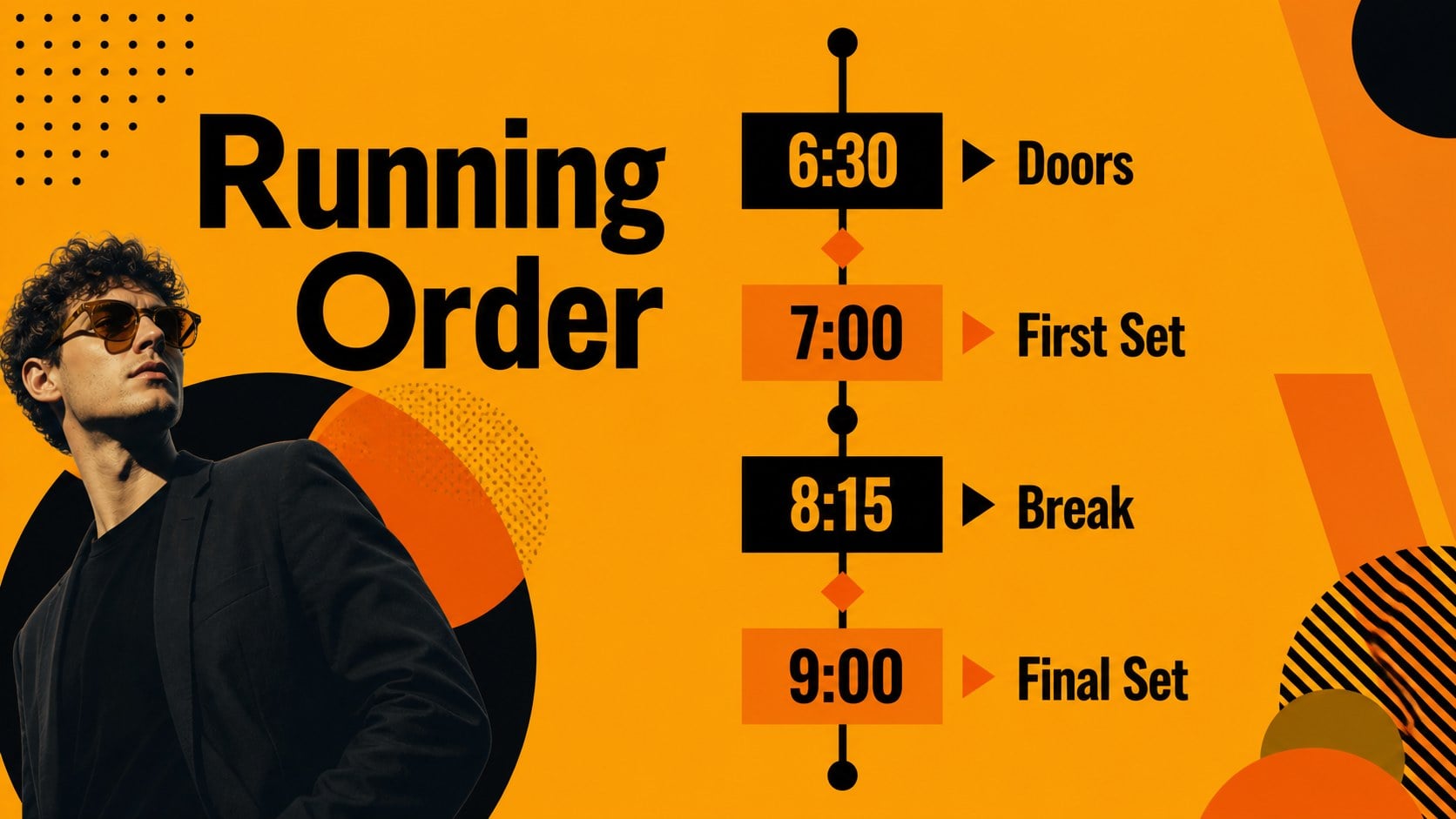
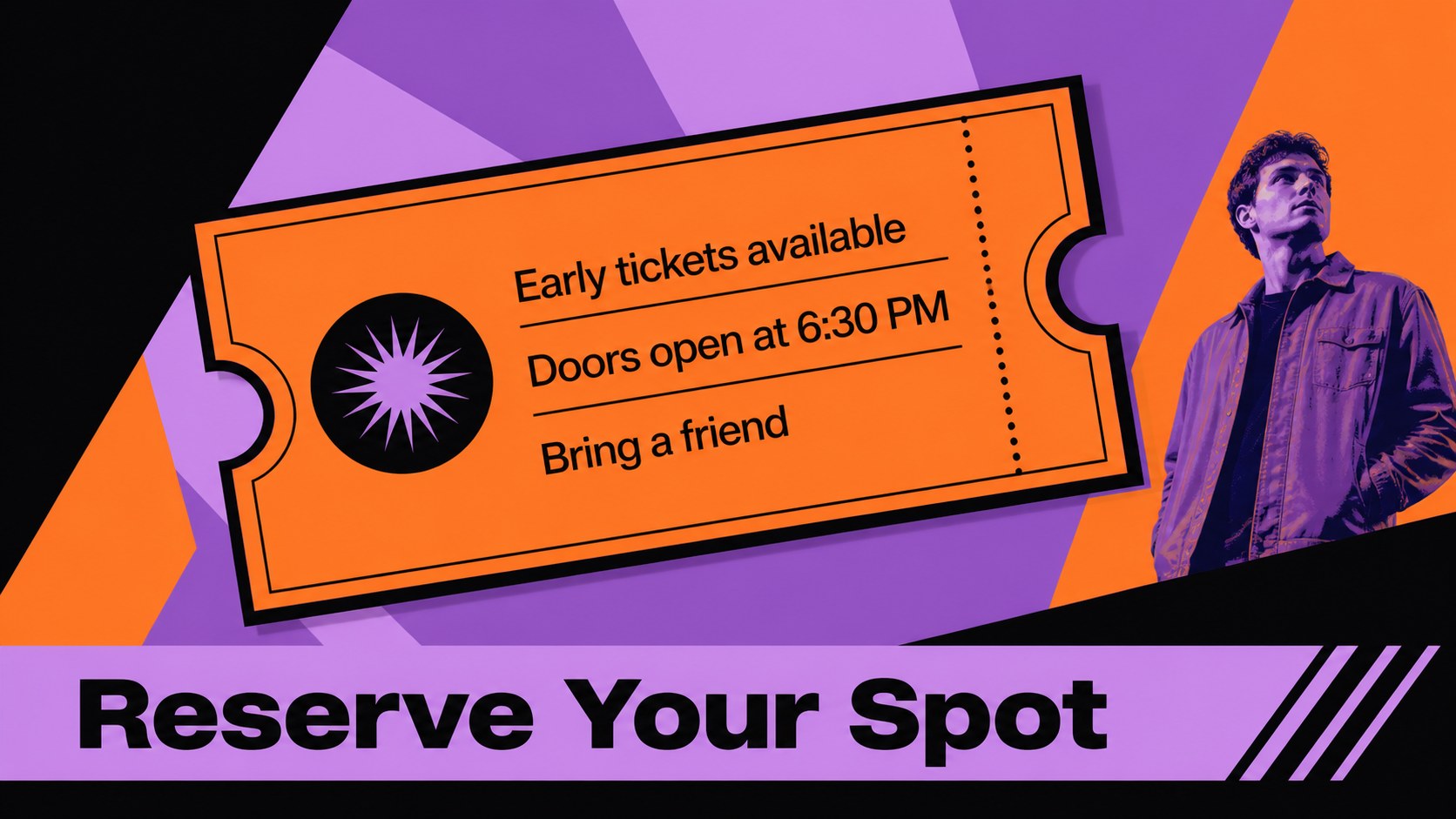
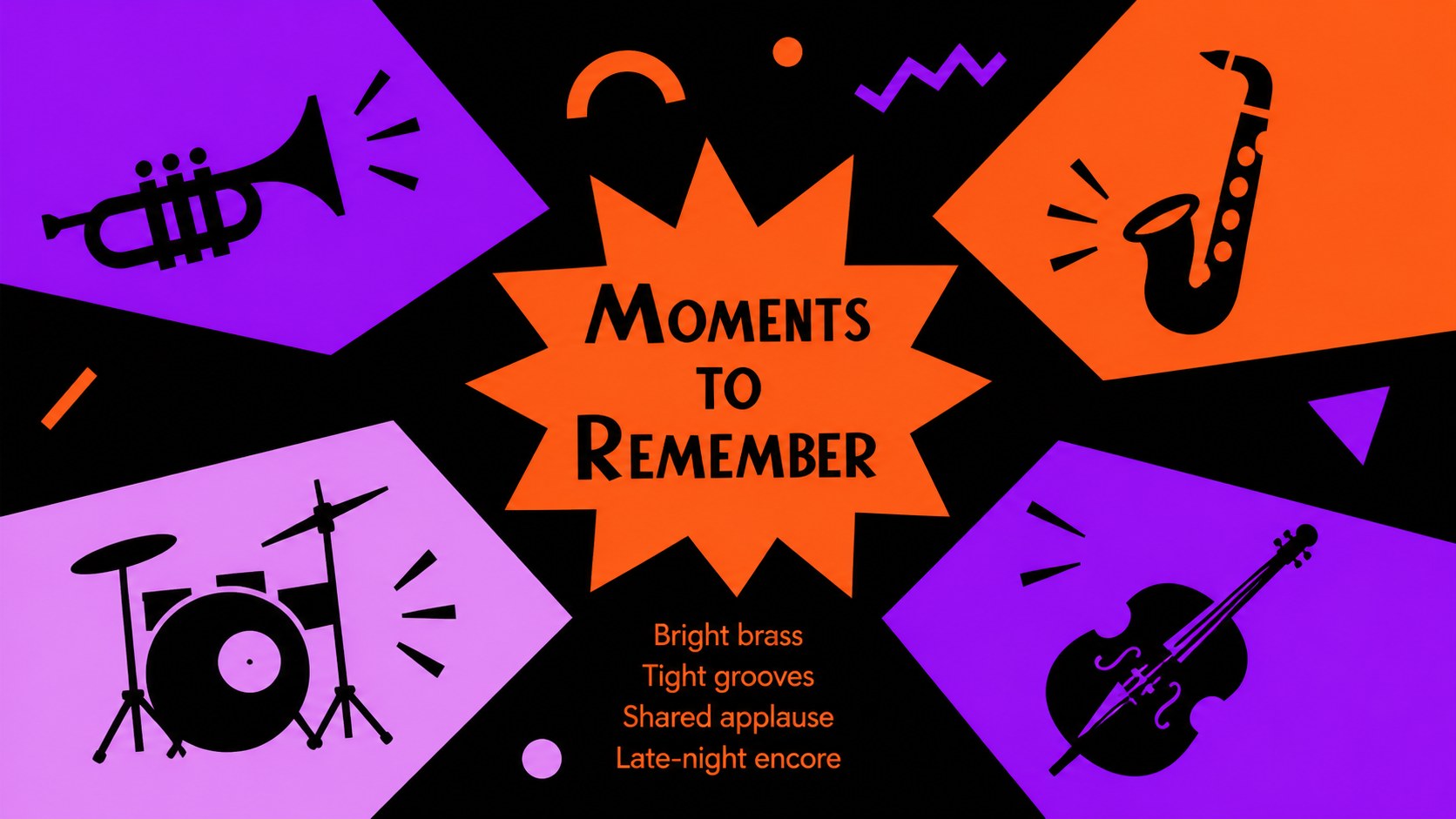
Bring rhythm and energy to your next event announcement with this swing night event deck. Its bold orange, black, and multicolor palette pairs expressive typography with playful geometric accents, giving concert details a memorable stage presence. Use it to introduce performers, share a running order, promote ticket information, or build excitement for a themed evening of live music.
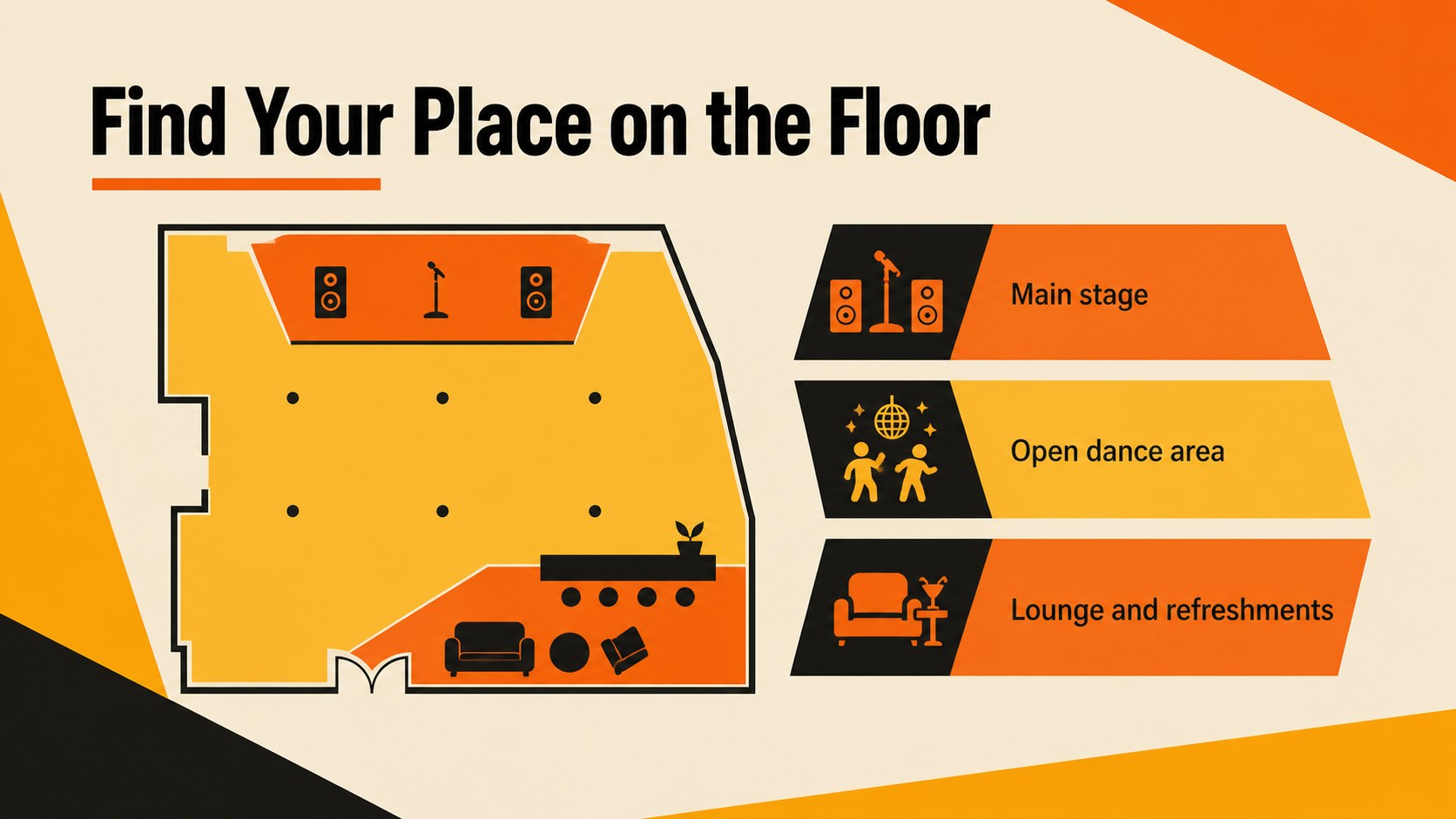
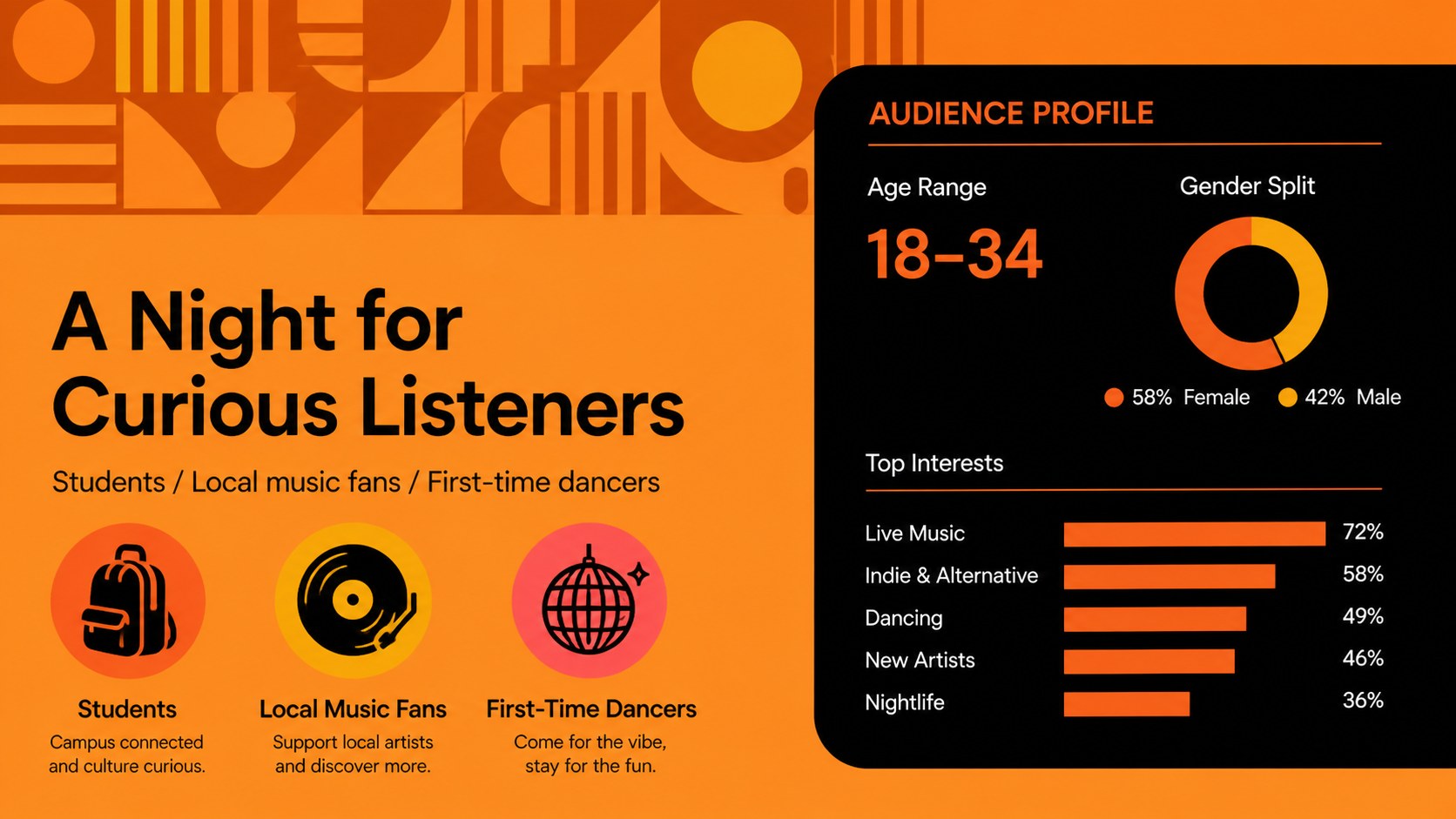
Inside, you’ll find more than 25 editable presentation layouts for event promotion, including a cover, agenda, artist profiles, schedule slides, venue information, sponsor sections, data visuals, quote layouts, and a closing call to action. The design works especially well for a live music event presentation, school performance announcement, community arts program, or creative agency campaign. Charts, frames, lines, shapes, and animation-ready layouts make it easy to adapt the deck to your message while preserving its punchy visual rhythm.
The template is suitable for event planners, musicians, educators, nonprofit teams, marketers, and tourism organizations. Edit it in PowerPoint or Google Slides, replace the sample copy and imagery, and tailor the colors or fonts to match your event identity. Use the deck for internal planning, public promotion, sponsor outreach, or a polished presentation on event day.
Perfect for: concert promotion; school music program; community arts event; artist lineup announcement; sponsor pitch; venue event briefing.
Frequently asked questions
Can I edit this deck in PowerPoint? Yes. The presentation is designed for PowerPoint and can be customized with your own text, images, fonts, colors, and event details. You can also adjust or remove individual shapes and layouts.
Practical details
Yes. The presentation is designed for PowerPoint and can be customized with your own text, images, fonts, colors, and event details. You can also adjust or remove individual shapes and layouts.
Yes, you can open and edit the template in Google Slides. Replace the sample content with your performers, schedule, venue information, ticket details, and promotional messaging.
It suits concerts, swing nights, school performances, community arts programs, nonprofit fundraisers, and creative event campaigns. The layouts can support both public-facing promotion and internal planning.
Yes. The orange and black palette defines the visual direction, but the editable elements allow you to introduce brand colors or adjust contrast. Keep the bold typography and graphic shapes to preserve the deck’s energetic character.
Keep exploring
15Build an engaging World UFO Day session with this flying saucer history lesson deck, featuring retro green-and-brown slides for PowerPoint and Google Slides.
 15
15Plan a lively animal-learning journey with this jungle zoo adventure lesson deck, ready to customize in PowerPoint and Google Slides for young learners.
 16
16Turn environmental research into a clear story with a Watercolor Ecology Presentation Theme for PowerPoint and Google Slides in calming green and blue.
 16
16Build focused fashion, literature, and humanities presentations with the Red Triangle Editorial Theme, editable in PowerPoint and Google Slides.
 15
15Turn streaming stats, favorite tracks, and concert highlights into a bold annual listening recap slide deck for PowerPoint and Google Slides.
 15
15Turn highlights, milestones, and favorite moments into a colorful year in review slide deck with bold 3D graphics for PowerPoint and Google Slides.
 3
3Build a credible endorsement with Standout Colleague Recommendation Letter Slides, featuring colorful prompts for skills, achievements, and team impact.
 4
4Build clear beginner sessions with an ice hockey fundamentals training deck for coaches, PE teachers, and clubs, ready for PowerPoint and Google Slides.