
 15
15presentation
Flying Saucer History Lesson Deck
Build an engaging World UFO Day session with this flying saucer history lesson deck, featuring retro green-and-brown slides for PowerPoint and Google Slides.
Google SlidesPowerPoint
presentation · English
Organize safer, clearer pool sessions with the Swim Coaching Workshop Deck, a crisp blue-and-white template for PowerPoint and Google Slides instructors.
Design notes
The Swim Coaching Workshop Deck gives aquatic instructors a structured way to present skills, safety guidance, and lesson activities. Its restrained blue-and-white design keeps information clear while reflecting the calm, focused atmosphere of the pool. Use it as a PowerPoint deck for swimming instructors or edit it online with Google Slides.
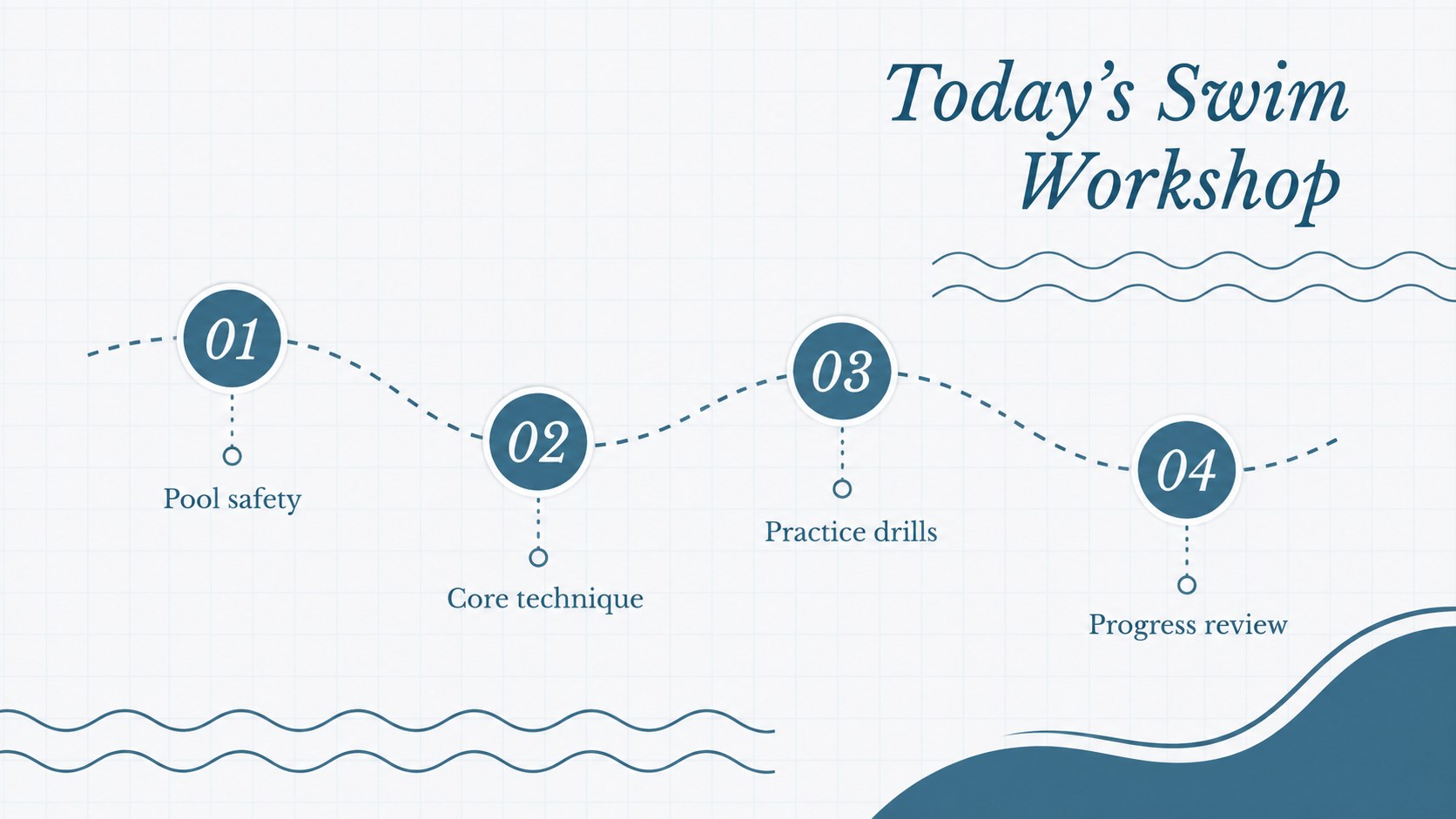
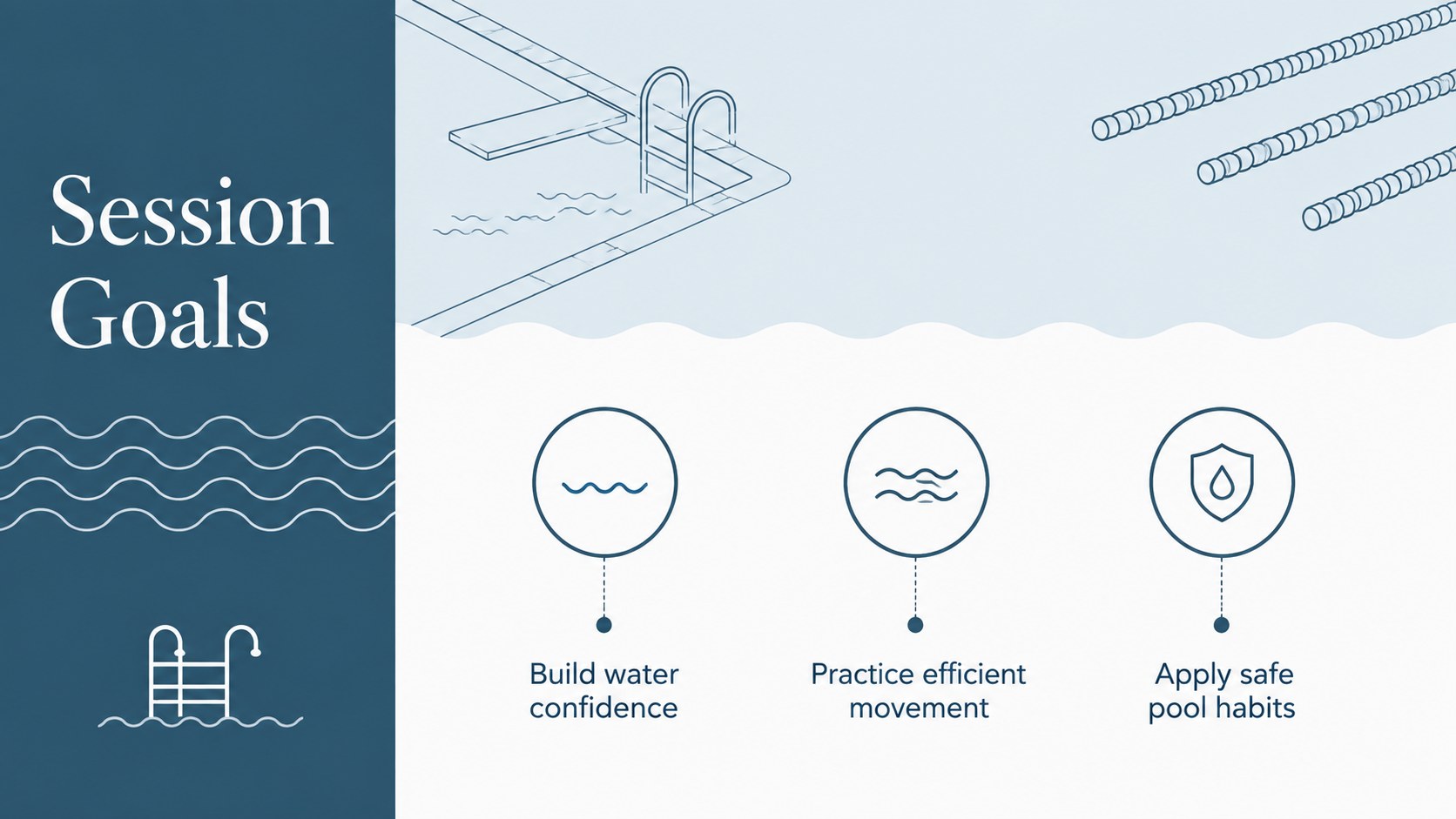
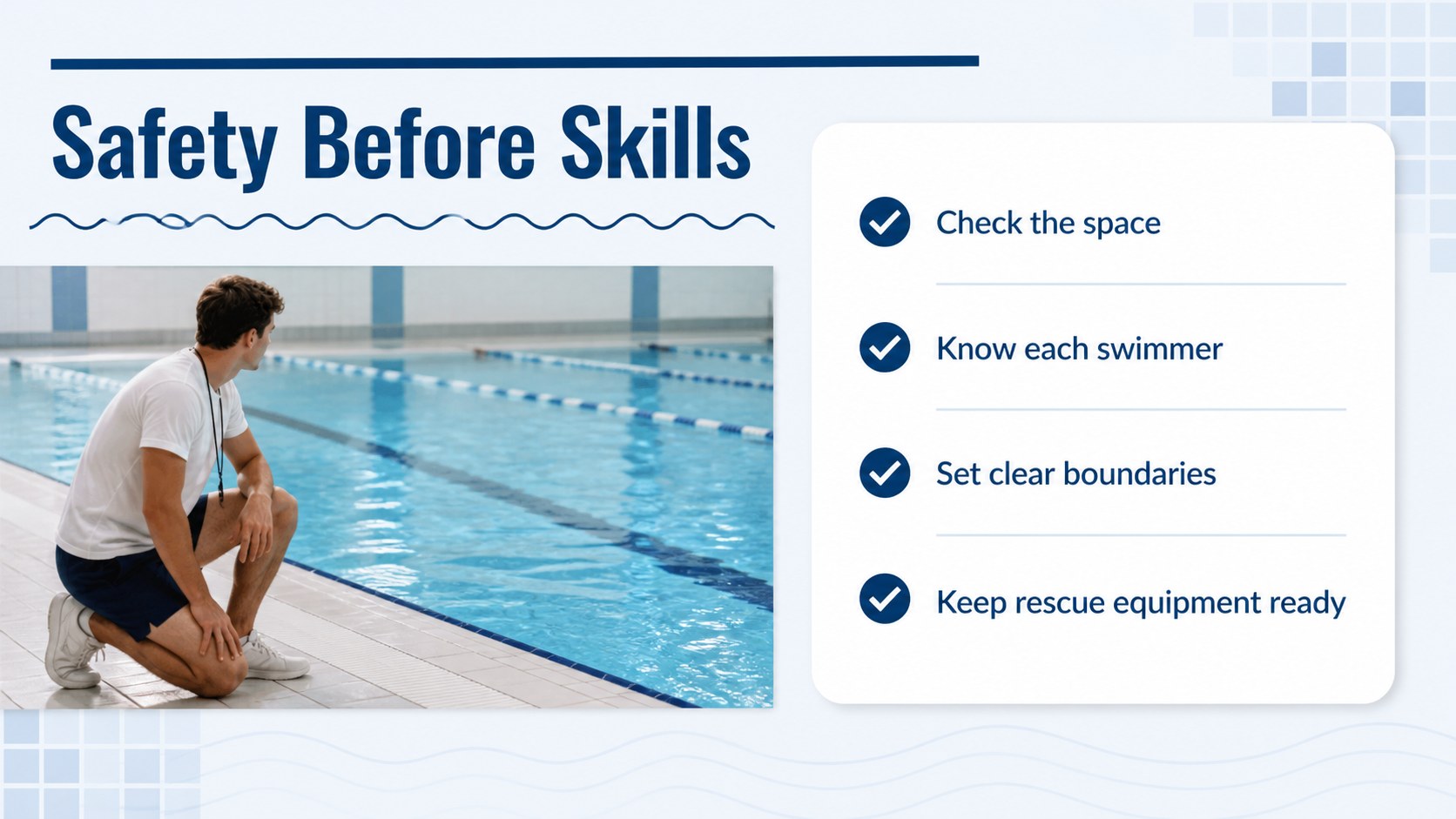
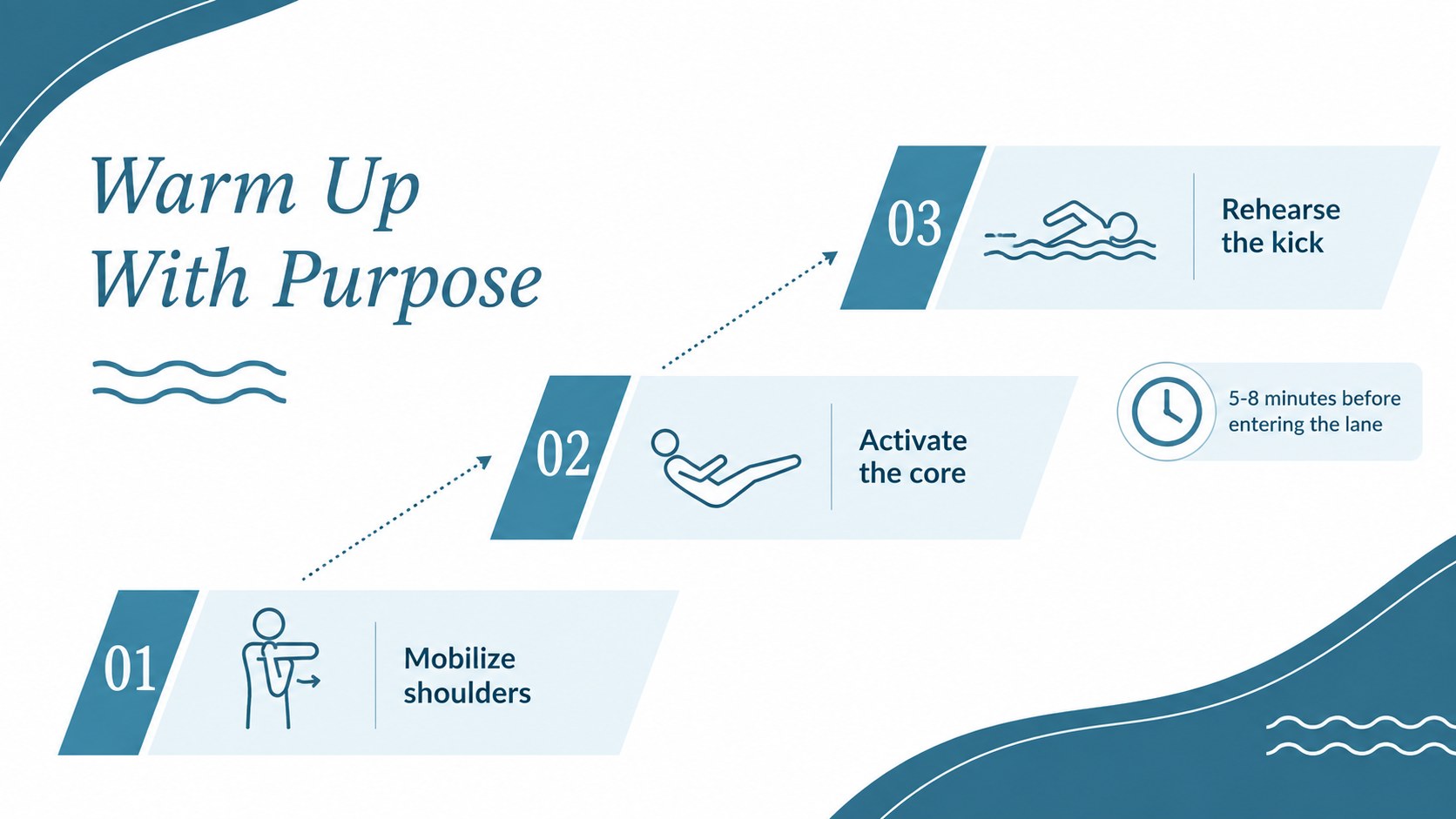
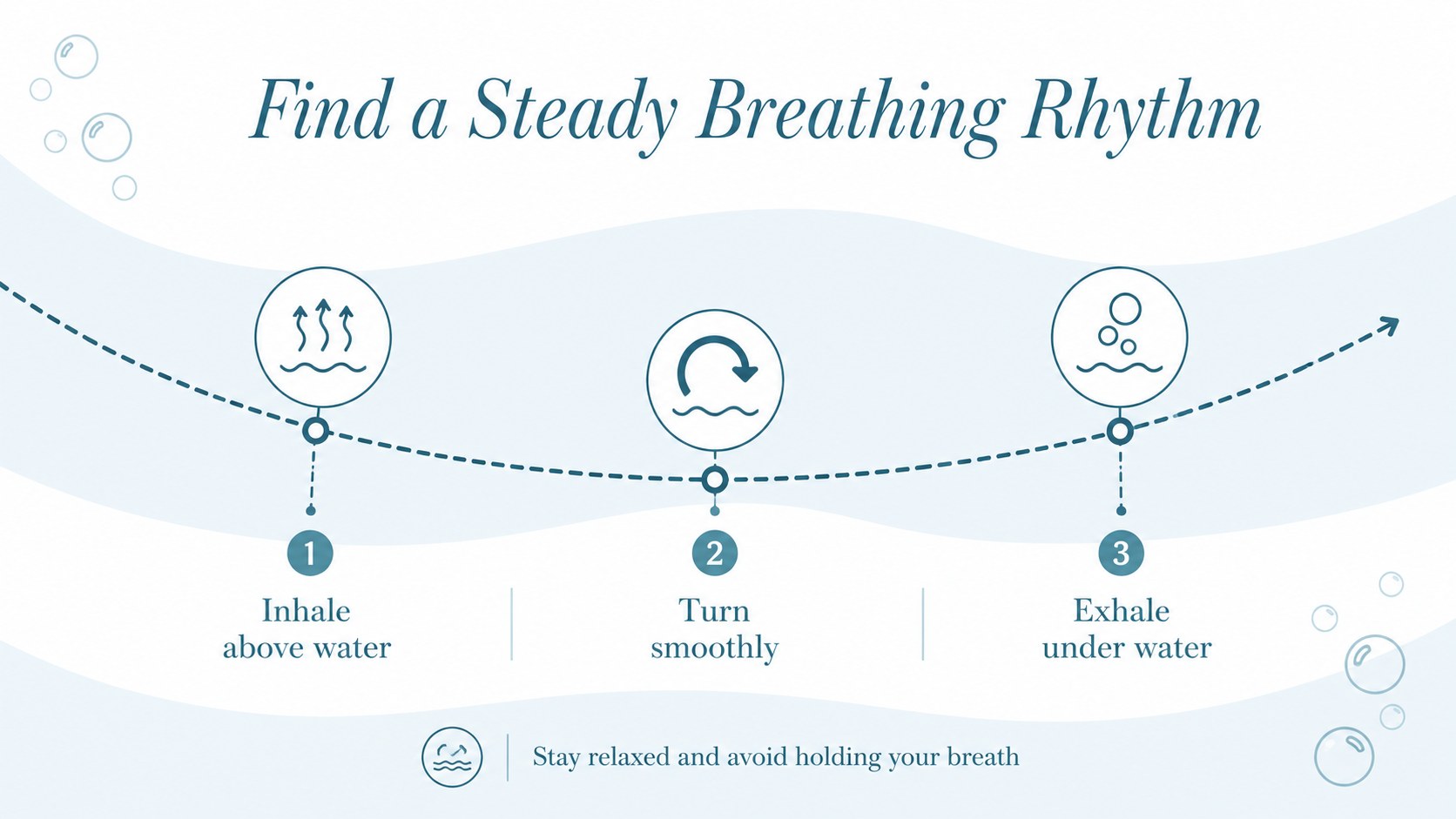
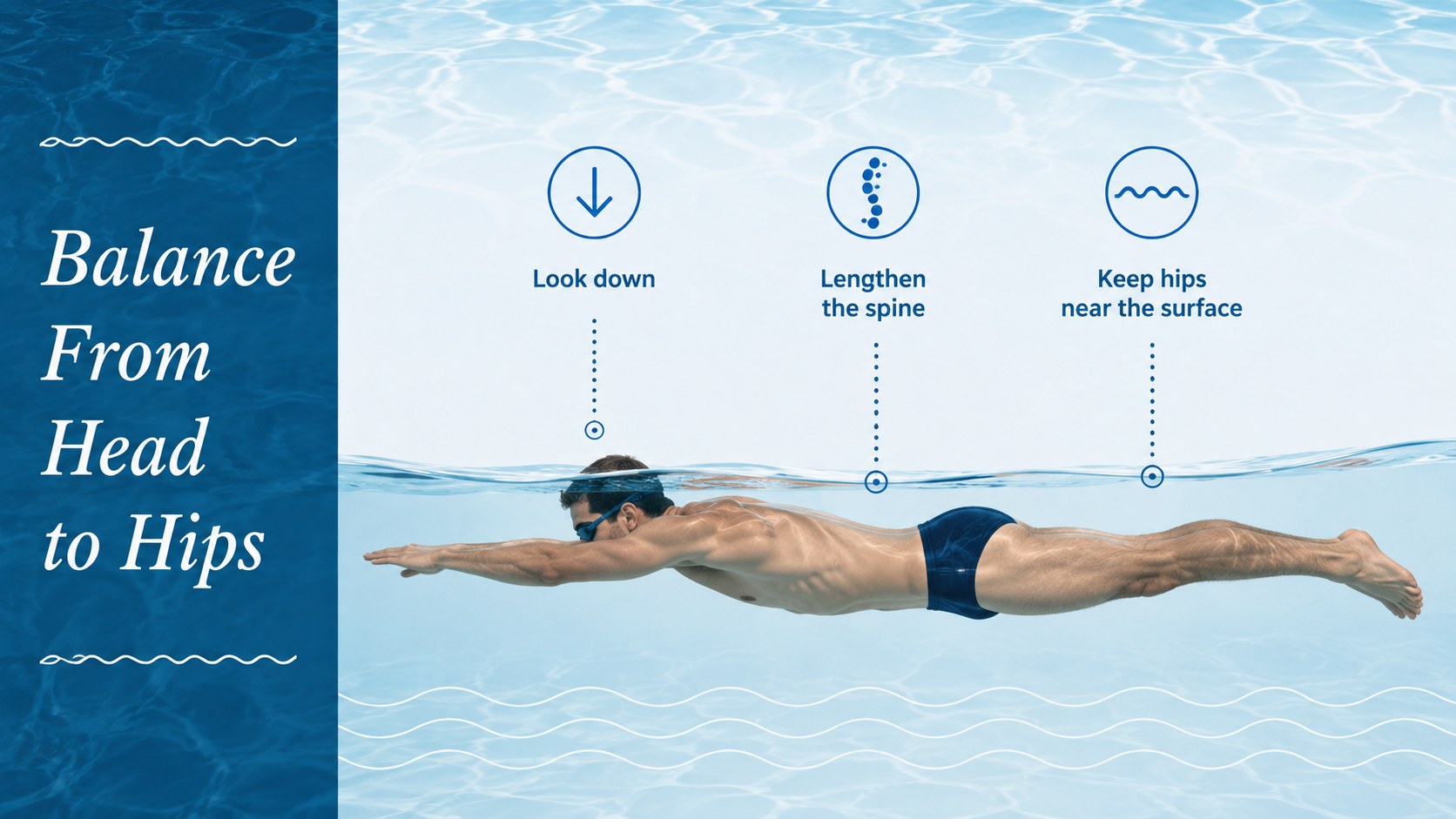
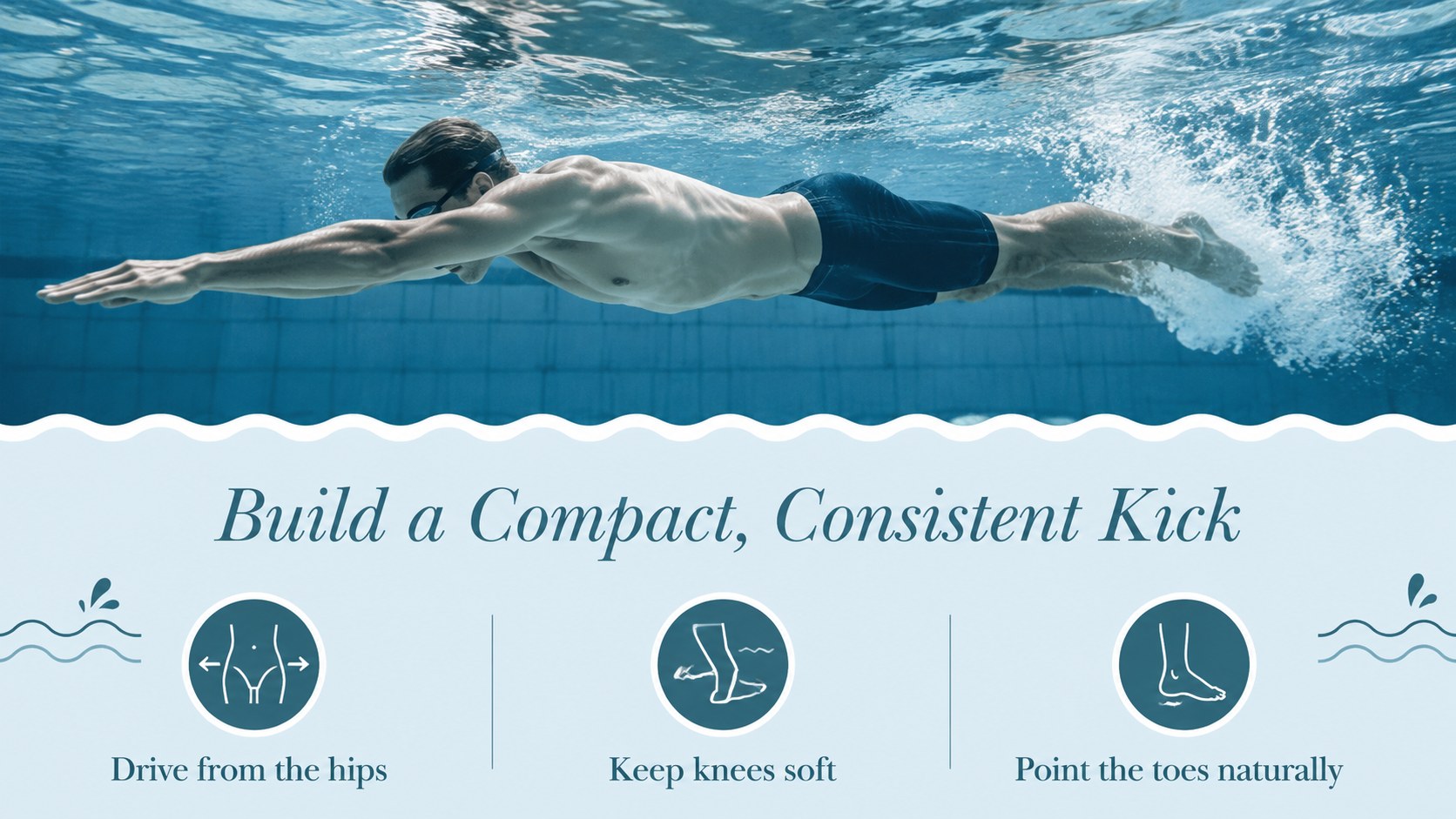
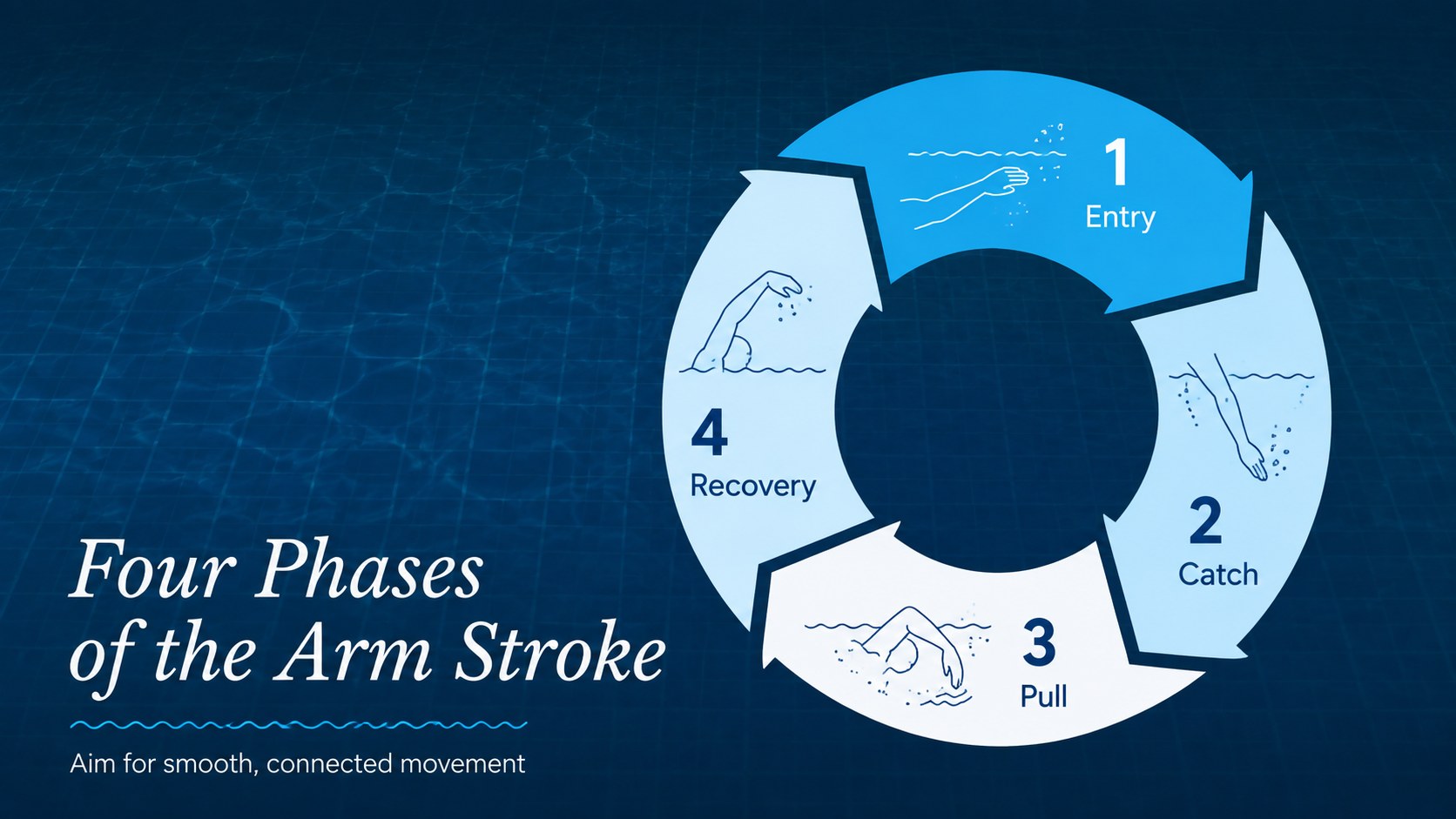
Inside, you will find layouts for workshop goals, pool rules, warm-ups, breathing technique, body position, kicking, arm movement, drill stations, and learner feedback. A visual progress chart and session timeline help turn the template into a practical swim class planning slide deck. Flexible text areas, photo spaces, diagrams, tables, and section dividers make it easy to adapt the material for different ability levels without overcrowding the slides.
This blue and white swim coaching template is designed for swimming teachers, sports educators, aquatic center staff, personal trainers, and community program leaders. It works equally well for beginner lessons, instructor training, safety briefings, and seasonal course planning. Customize the wording, colors, images, and activity sequence in PowerPoint or Google Slides, then present on screen or export the finished deck for sharing. The result is a polished pool safety workshop presentation that supports confident instruction and gives learners a clear view of each skill progression.
Perfect for: beginner swimming class; aquatic instructor training; pool safety briefing; swim technique workshop; community sports program.
Frequently asked questions
Can I edit this swim coaching deck in PowerPoint? Yes. Open the presentation in PowerPoint to change the lesson text, images, colors, diagrams, and activity order. The layouts can also be duplicated or removed to match the length of your workshop.
Practical details
Yes. Open the presentation in PowerPoint to change the lesson text, images, colors, diagrams, and activity order. The layouts can also be duplicated or removed to match the length of your workshop.
Yes. Upload the presentation to Google Drive and open it with Google Slides for browser-based editing and collaboration. Review fonts and image placement after import in case your account substitutes an unavailable typeface.
Yes. Replace the sample drills and progression stages with activities for children, adult beginners, competitive swimmers, or instructor development. You can also add skill-specific photos and adjust the progress chart to suit your assessment method.
Use the theme or master-slide controls in PowerPoint or Google Slides to update colors and typography consistently. Keep strong contrast between text and backgrounds so safety instructions remain easy to read near the pool.
Keep exploring
15Build an engaging World UFO Day session with this flying saucer history lesson deck, featuring retro green-and-brown slides for PowerPoint and Google Slides.
 15
15Plan a lively animal-learning journey with this jungle zoo adventure lesson deck, ready to customize in PowerPoint and Google Slides for young learners.
 16
16Turn environmental research into a clear story with a Watercolor Ecology Presentation Theme for PowerPoint and Google Slides in calming green and blue.
 16
16Build focused fashion, literature, and humanities presentations with the Red Triangle Editorial Theme, editable in PowerPoint and Google Slides.
 15
15Turn streaming stats, favorite tracks, and concert highlights into a bold annual listening recap slide deck for PowerPoint and Google Slides.
 15
15Turn highlights, milestones, and favorite moments into a colorful year in review slide deck with bold 3D graphics for PowerPoint and Google Slides.
 3
3Build a credible endorsement with Standout Colleague Recommendation Letter Slides, featuring colorful prompts for skills, achievements, and team impact.
 4
4Build clear beginner sessions with an ice hockey fundamentals training deck for coaches, PE teachers, and clubs, ready for PowerPoint and Google Slides.