
 15
15presentation
Flying Saucer History Lesson Deck
Build an engaging World UFO Day session with this flying saucer history lesson deck, featuring retro green-and-brown slides for PowerPoint and Google Slides.
Google SlidesPowerPoint
presentation · English
Run a lively team face-off with this Survey Showdown Quiz Game Deck, featuring editable green answer boards for PowerPoint and Google Slides.
Design notes
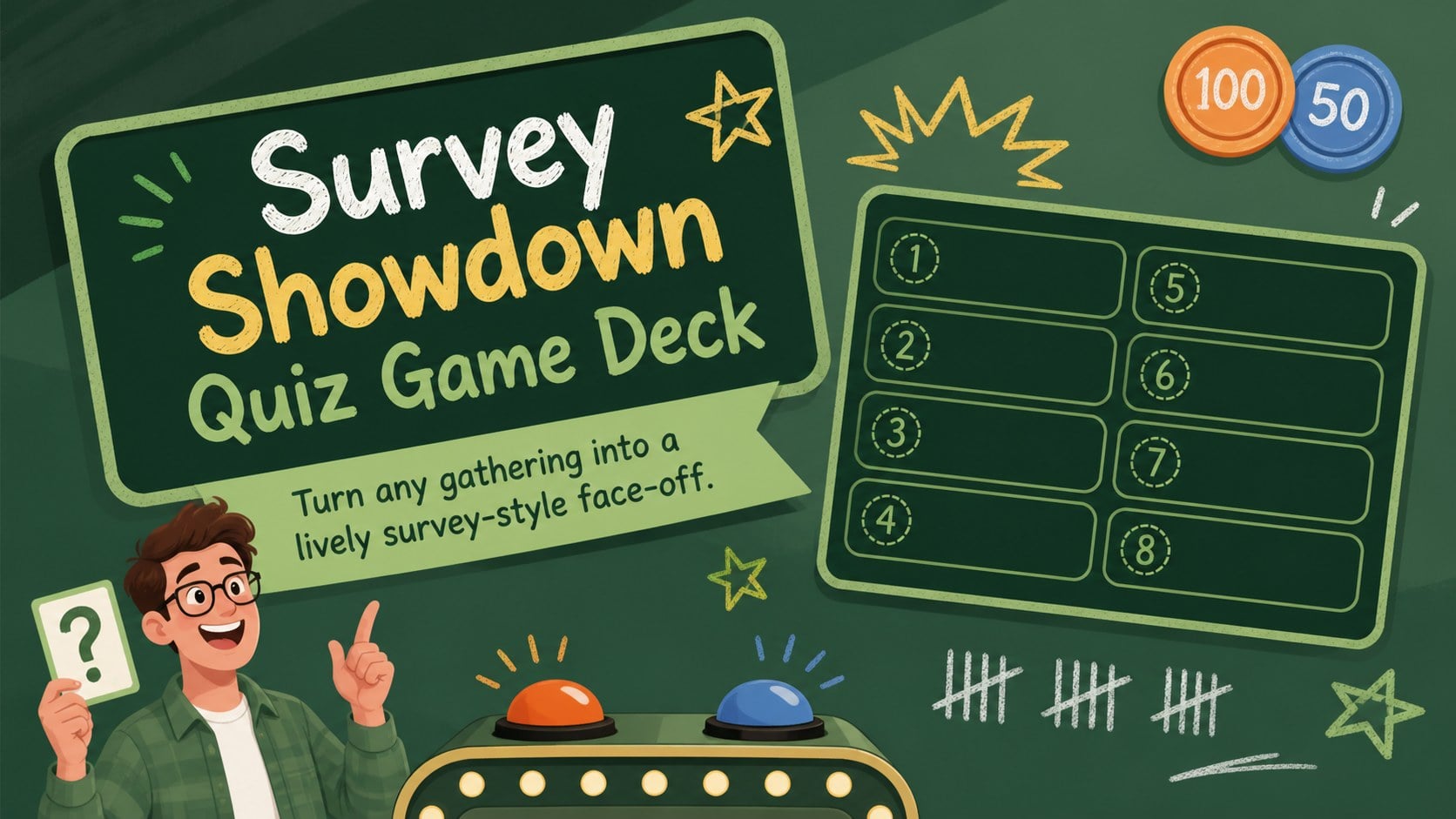
Bring game-show energy to your next gathering with the survey showdown quiz game deck. Its bright green palette, hand-drawn details, and playful answer panels create a welcoming setup for friendly competition. Add your own survey questions, reveal popular responses one at a time, and keep players focused as each round unfolds.
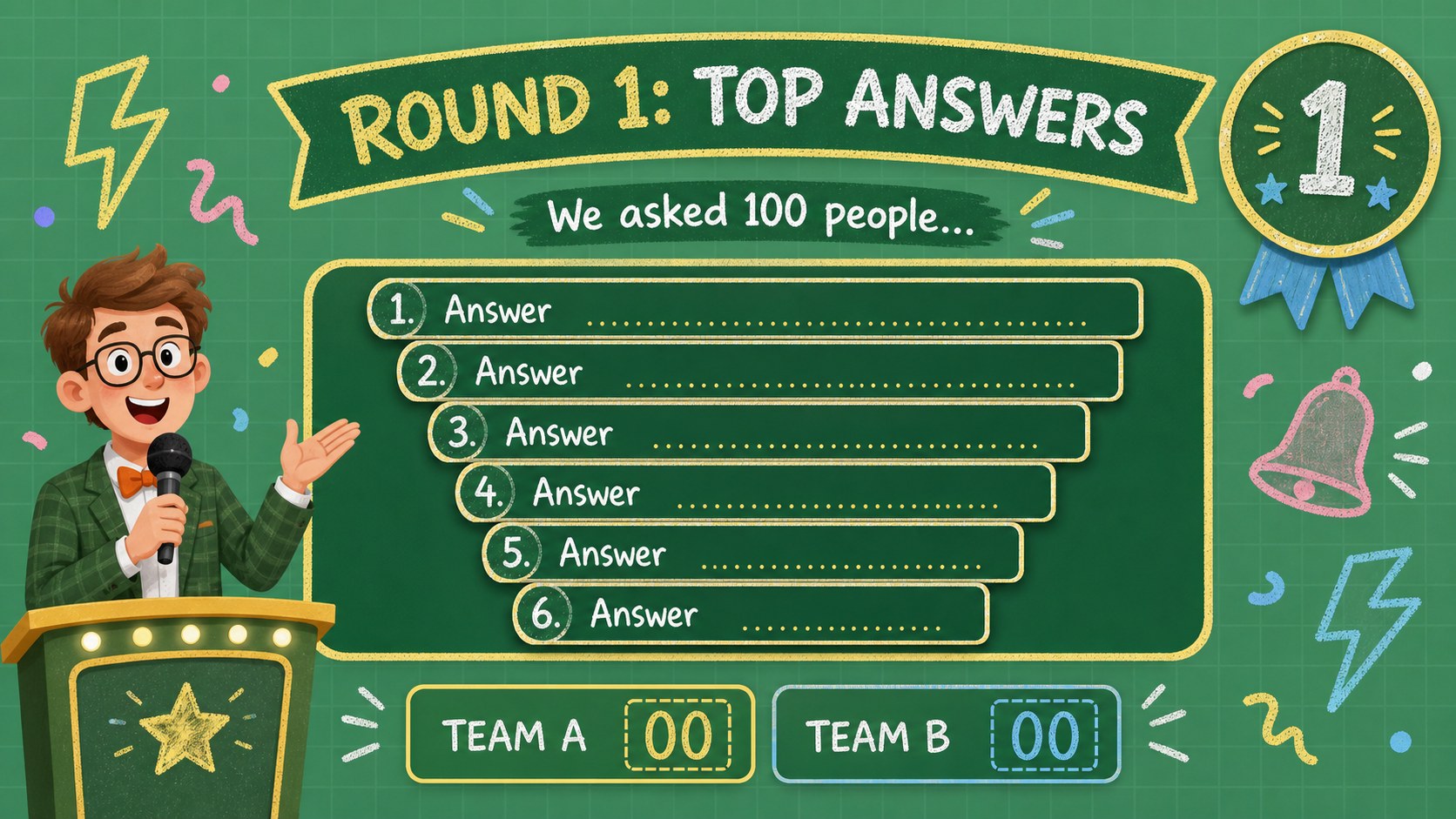
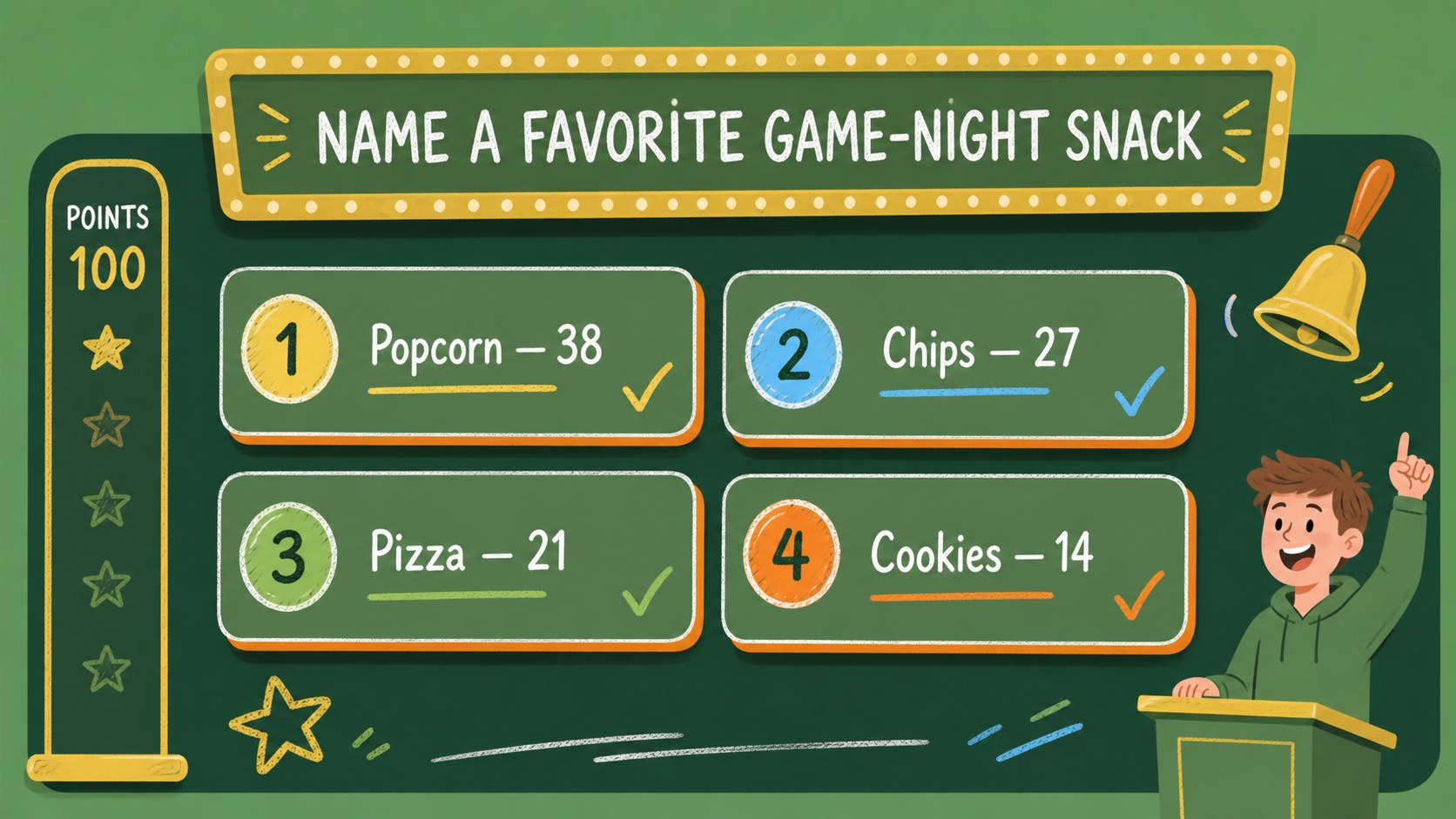
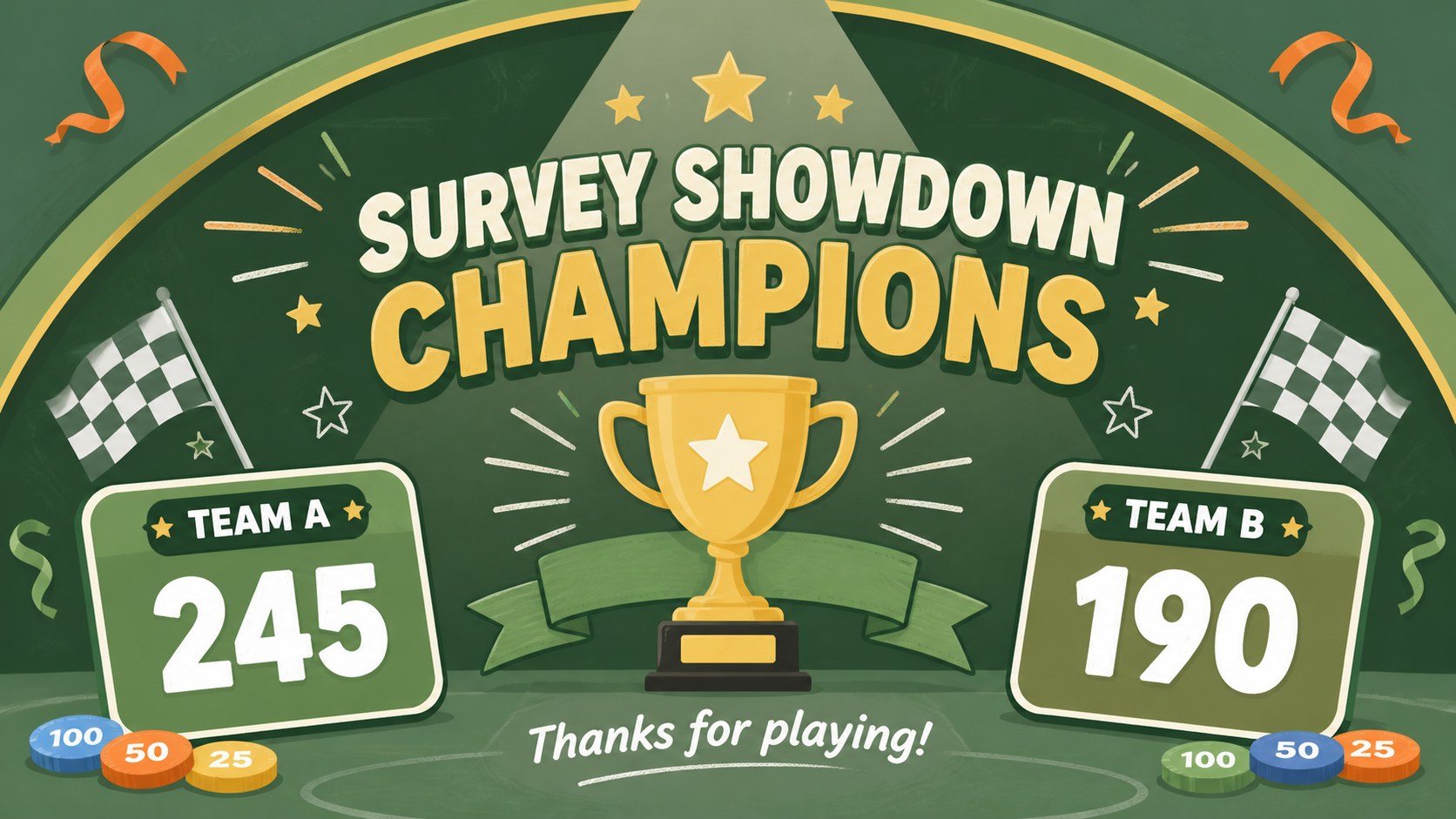
Inside are four coordinated 16:9 layouts: an opening screen, a ranked response board, a question-and-answer reveal, and a final scoreboard. The customizable answer reveal board gives you space for prompts, numbered responses, points, and round details. Edit the wording, colors, score values, and team names in PowerPoint or Google Slides, then use simple transitions or animations to control when each answer appears.
This deck works for hosts planning family game nights, teachers seeking classroom quiz show slides, and organizers building a team trivia game PowerPoint for clubs or workplace socials. The illustrated chalkboard-inspired look feels lighthearted and kid friendly while remaining clear enough for projection in classrooms, community halls, or living rooms. Adapt the questions to school subjects, pop culture, holiday gatherings, icebreakers, or custom audience surveys for a complete quiz experience.
Perfect for: family game night; classroom review competition; workplace team social; youth group quiz; community trivia event.
Frequently asked questions
Can I replace the sample questions and answers? Yes. Every prompt, response, point value, and team label can be replaced with your own content. You can also duplicate answer rows or rearrange them to suit each round.
Practical details
Yes. Every prompt, response, point value, and team label can be replaced with your own content. You can also duplicate answer rows or rearrange them to suit each round.
The deck is designed for Microsoft PowerPoint and Google Slides. Text, colors, shapes, and layout elements remain editable in both platforms.
Apply entrance animations to the response rows and set them to appear on click. During the game, advance through the answers in the order chosen by the host.
Yes. Change the background shade, typefaces, decorative illustrations, and answer-panel colors while keeping the structured game-board layout. For clear projection, maintain strong contrast between the text and background.
Keep exploring
15Build an engaging World UFO Day session with this flying saucer history lesson deck, featuring retro green-and-brown slides for PowerPoint and Google Slides.
 15
15Plan a lively animal-learning journey with this jungle zoo adventure lesson deck, ready to customize in PowerPoint and Google Slides for young learners.
 16
16Turn environmental research into a clear story with a Watercolor Ecology Presentation Theme for PowerPoint and Google Slides in calming green and blue.
 16
16Build focused fashion, literature, and humanities presentations with the Red Triangle Editorial Theme, editable in PowerPoint and Google Slides.
 15
15Turn streaming stats, favorite tracks, and concert highlights into a bold annual listening recap slide deck for PowerPoint and Google Slides.
 15
15Turn highlights, milestones, and favorite moments into a colorful year in review slide deck with bold 3D graphics for PowerPoint and Google Slides.
 3
3Build a credible endorsement with Standout Colleague Recommendation Letter Slides, featuring colorful prompts for skills, achievements, and team impact.
 4
4Build clear beginner sessions with an ice hockey fundamentals training deck for coaches, PE teachers, and clubs, ready for PowerPoint and Google Slides.