
 15
15presentation
Flying Saucer History Lesson Deck
Build an engaging World UFO Day session with this flying saucer history lesson deck, featuring retro green-and-brown slides for PowerPoint and Google Slides.
Google SlidesPowerPoint
presentation · English
Build an art history lesson with the Surrealism Classroom Introduction Deck, using bold green-and-black layouts for PowerPoint and Google Slides.
Design notes
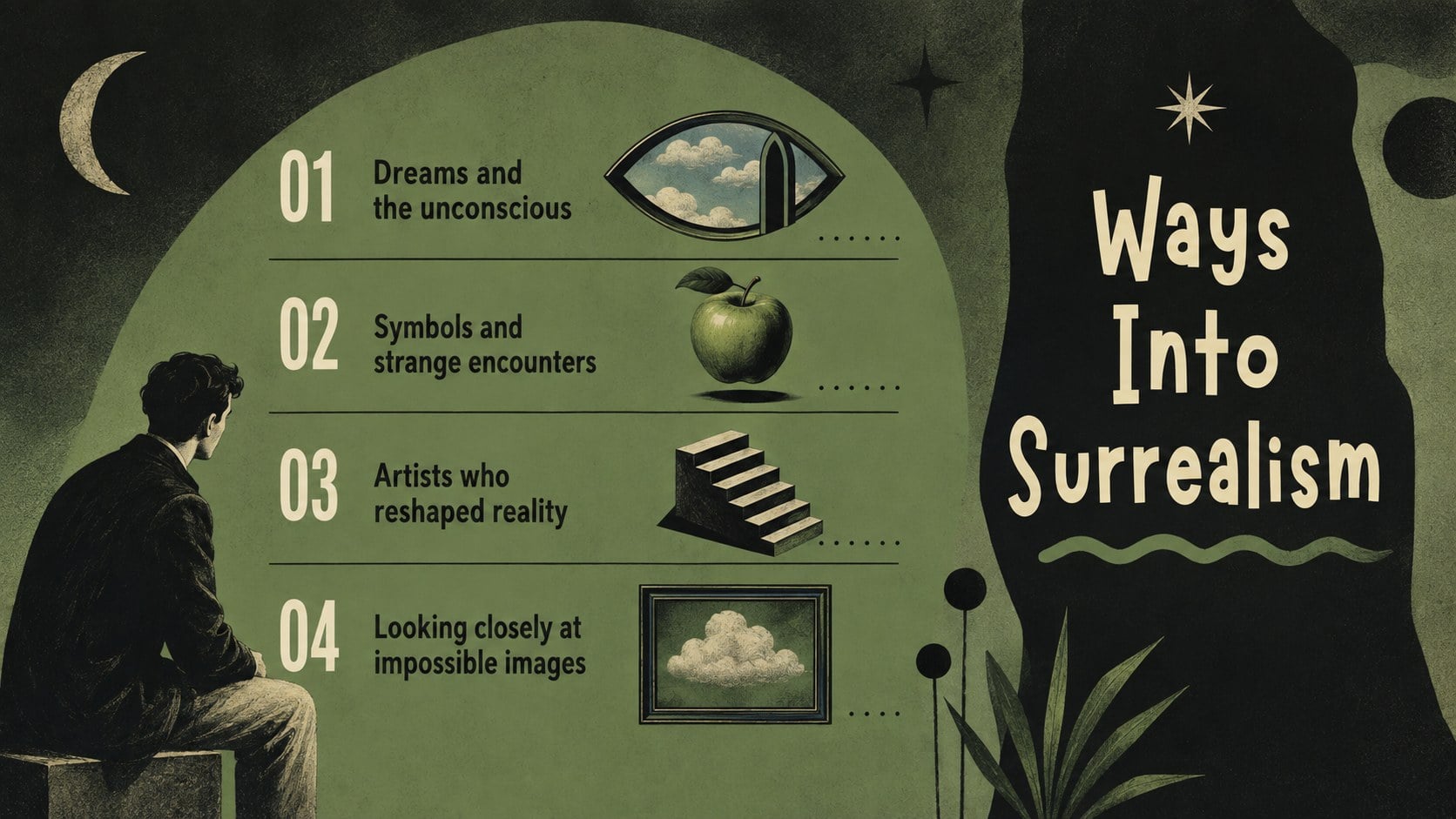
The Surrealism Classroom Introduction Deck gives educators a visually striking way to introduce one of modern art's most imaginative movements. Its bold green-and-black design combines abstract illustrations, unexpected shapes, and expressive typography to support lessons about dreams, symbolism, creative rebellion, and the unconscious mind. Use it as a surrealism lesson presentation for high school, college seminars, museum workshops, or independent study.
Inside, you will find more than 25 editable layouts for movement overviews, key characteristics, artist profiles, artwork analysis, discussion prompts, timelines, group activities, and closing reflections. The abstract surrealist art history slides can be adapted with your own images, quotations, vocabulary, and curriculum-specific questions. Charts, frames, shapes, and visual dividers help organize information without losing the deck's experimental character.
Teachers, lecturers, art students, and workshop leaders can customize the presentation in PowerPoint or Google Slides. Change the text, fonts, colors, and image placements, then add transitions or speaker notes as needed. The deck also works as a dream imagery classroom discussion deck for comparing interpretations, developing visual literacy, or planning an original surrealist composition. Present it in class, share it for self-paced learning, or reuse selected layouts for student projects and exhibition introductions.
Perfect for: high school art history lesson; college surrealism seminar; visual artwork analysis; museum education workshop; student composition project.
Frequently asked questions
Which presentation platforms support this deck? The deck is designed for PowerPoint and Google Slides. Upload or open the file in your preferred platform to edit, present, and share it.
Practical details
The deck is designed for PowerPoint and Google Slides. Upload or open the file in your preferred platform to edit, present, and share it.
Yes. You can replace images, rewrite every text block, adjust fonts, and reorganize the layouts to match your curriculum or student level.
Yes. The colors are editable, although retaining strong contrast will preserve the template's dramatic surrealist character. You can also apply school colors or tones sampled from featured artworks.
The layouts work especially well for secondary school, college, and adult education. Teachers can simplify the terminology for younger learners or add deeper historical and critical context for advanced classes.
Keep exploring
15Build an engaging World UFO Day session with this flying saucer history lesson deck, featuring retro green-and-brown slides for PowerPoint and Google Slides.
 15
15Plan a lively animal-learning journey with this jungle zoo adventure lesson deck, ready to customize in PowerPoint and Google Slides for young learners.
 16
16Turn environmental research into a clear story with a Watercolor Ecology Presentation Theme for PowerPoint and Google Slides in calming green and blue.
 16
16Build focused fashion, literature, and humanities presentations with the Red Triangle Editorial Theme, editable in PowerPoint and Google Slides.
 15
15Turn streaming stats, favorite tracks, and concert highlights into a bold annual listening recap slide deck for PowerPoint and Google Slides.
 15
15Turn highlights, milestones, and favorite moments into a colorful year in review slide deck with bold 3D graphics for PowerPoint and Google Slides.
 3
3Build a credible endorsement with Standout Colleague Recommendation Letter Slides, featuring colorful prompts for skills, achievements, and team impact.
 4
4Build clear beginner sessions with an ice hockey fundamentals training deck for coaches, PE teachers, and clubs, ready for PowerPoint and Google Slides.