
 15
15presentation
Flying Saucer History Lesson Deck
Build an engaging World UFO Day session with this flying saucer history lesson deck, featuring retro green-and-brown slides for PowerPoint and Google Slides.
Google SlidesPowerPoint
presentation · English
Build a memorable substance awareness transformation deck with editable grey and orange slides for classroom discussions, prevention lessons, and visual…

Design notes
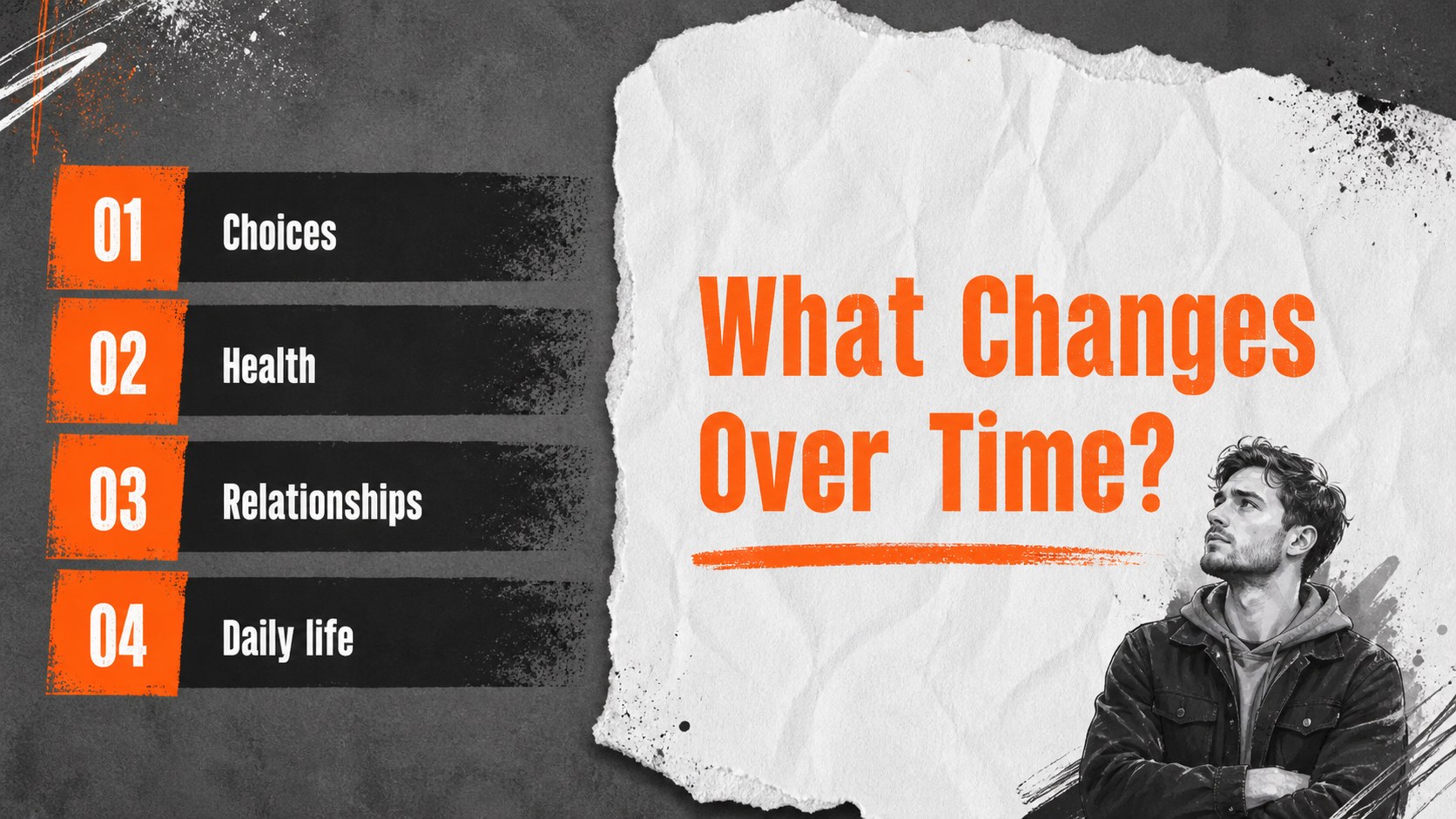
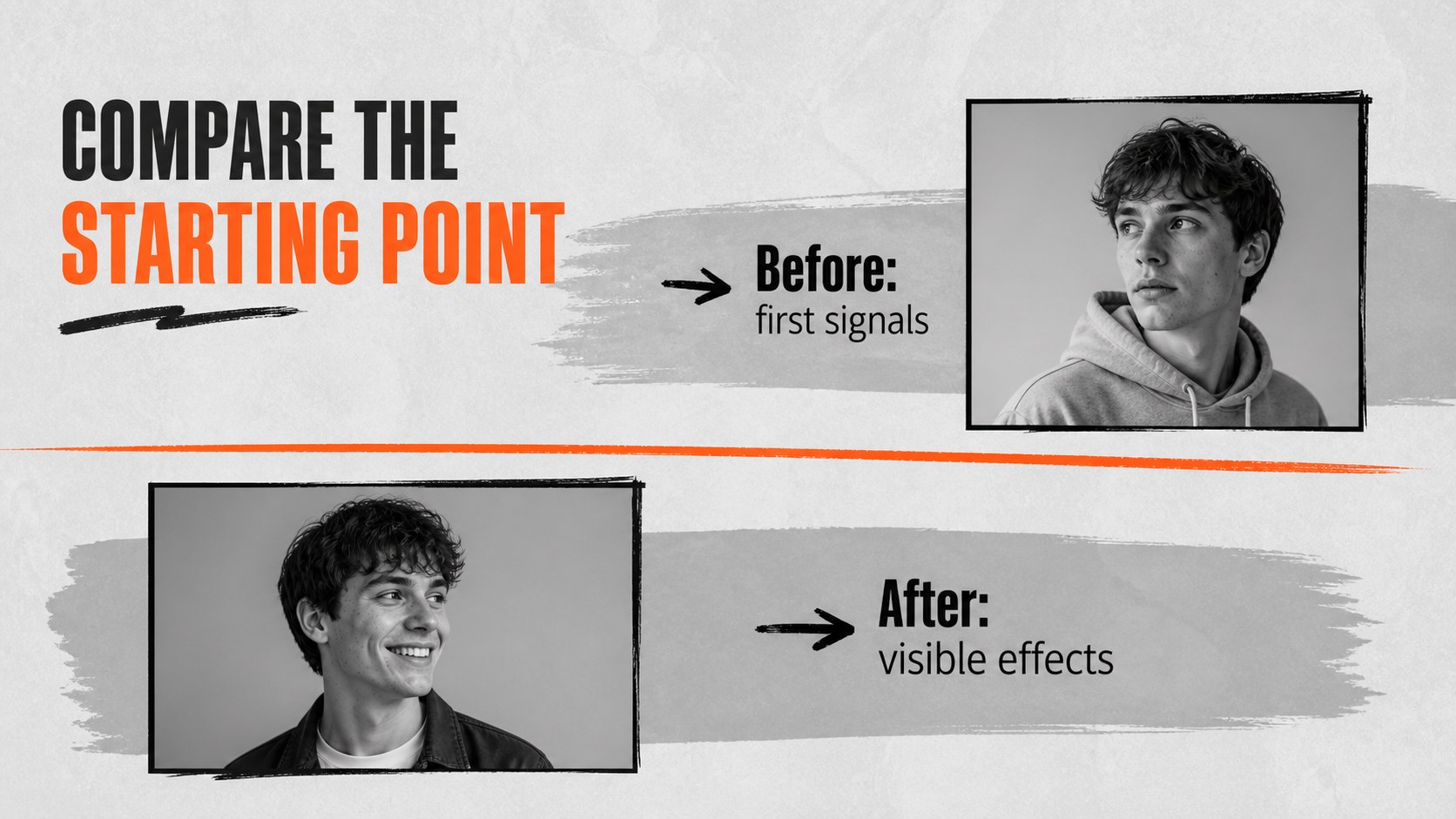
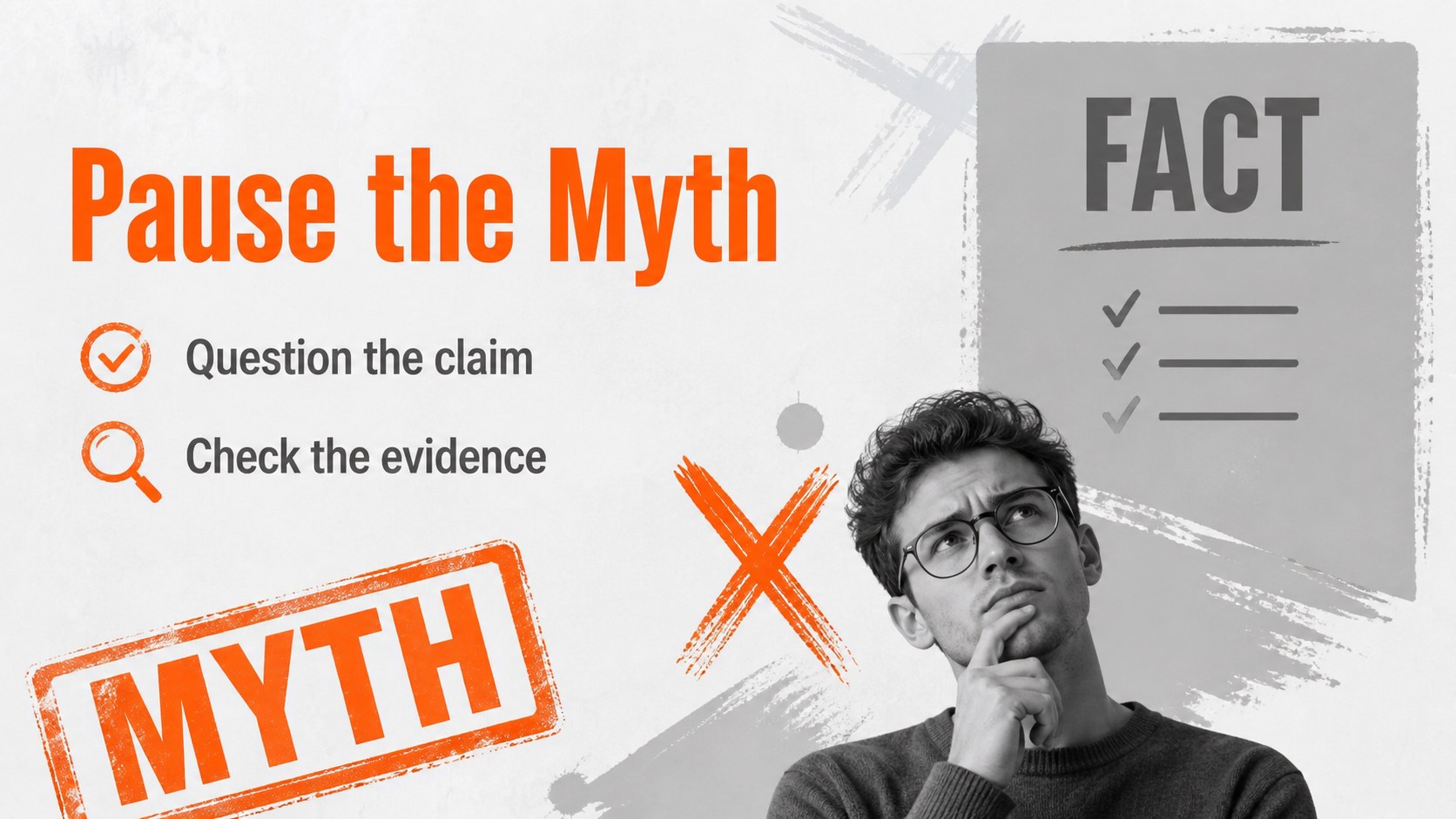
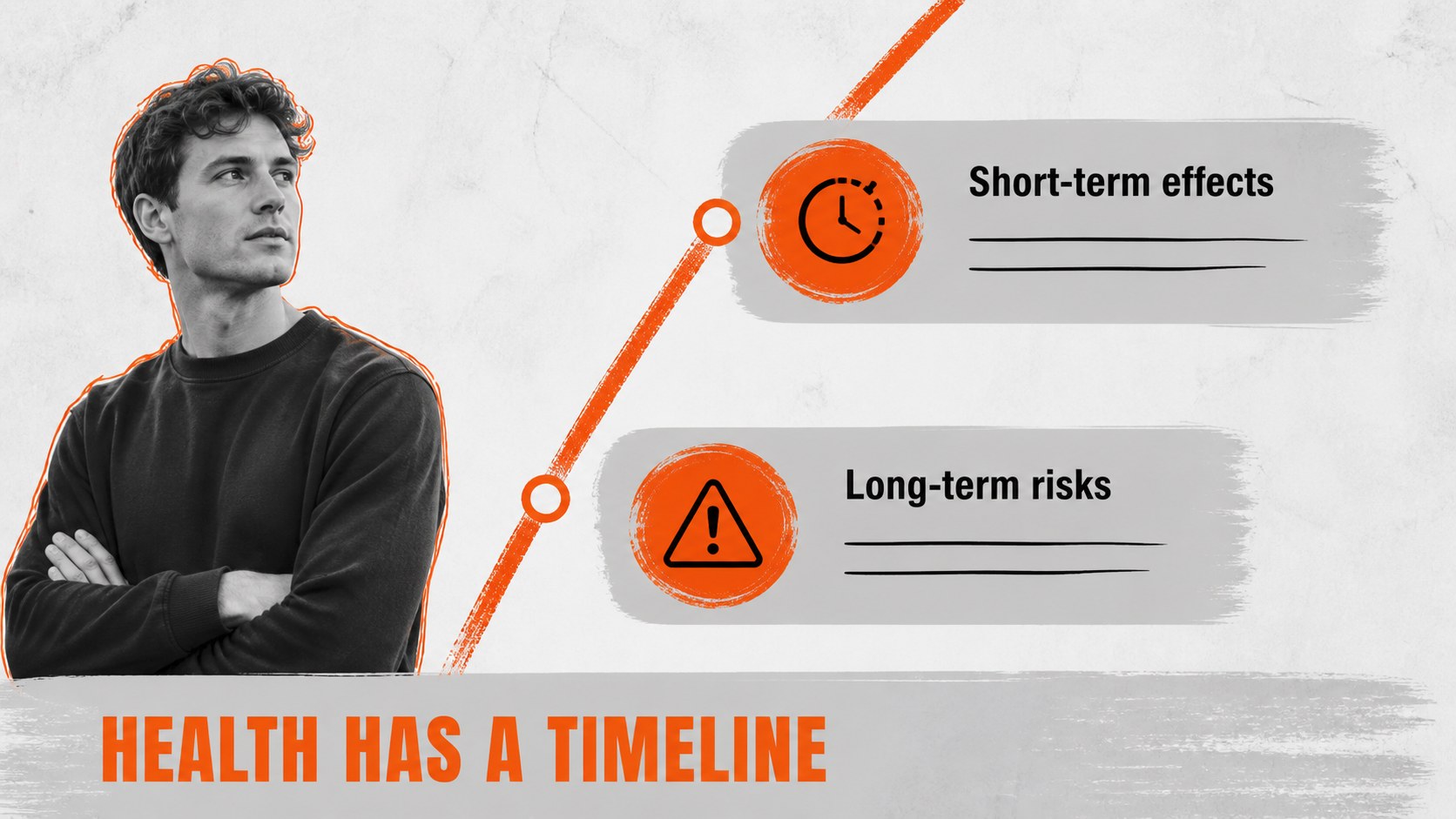
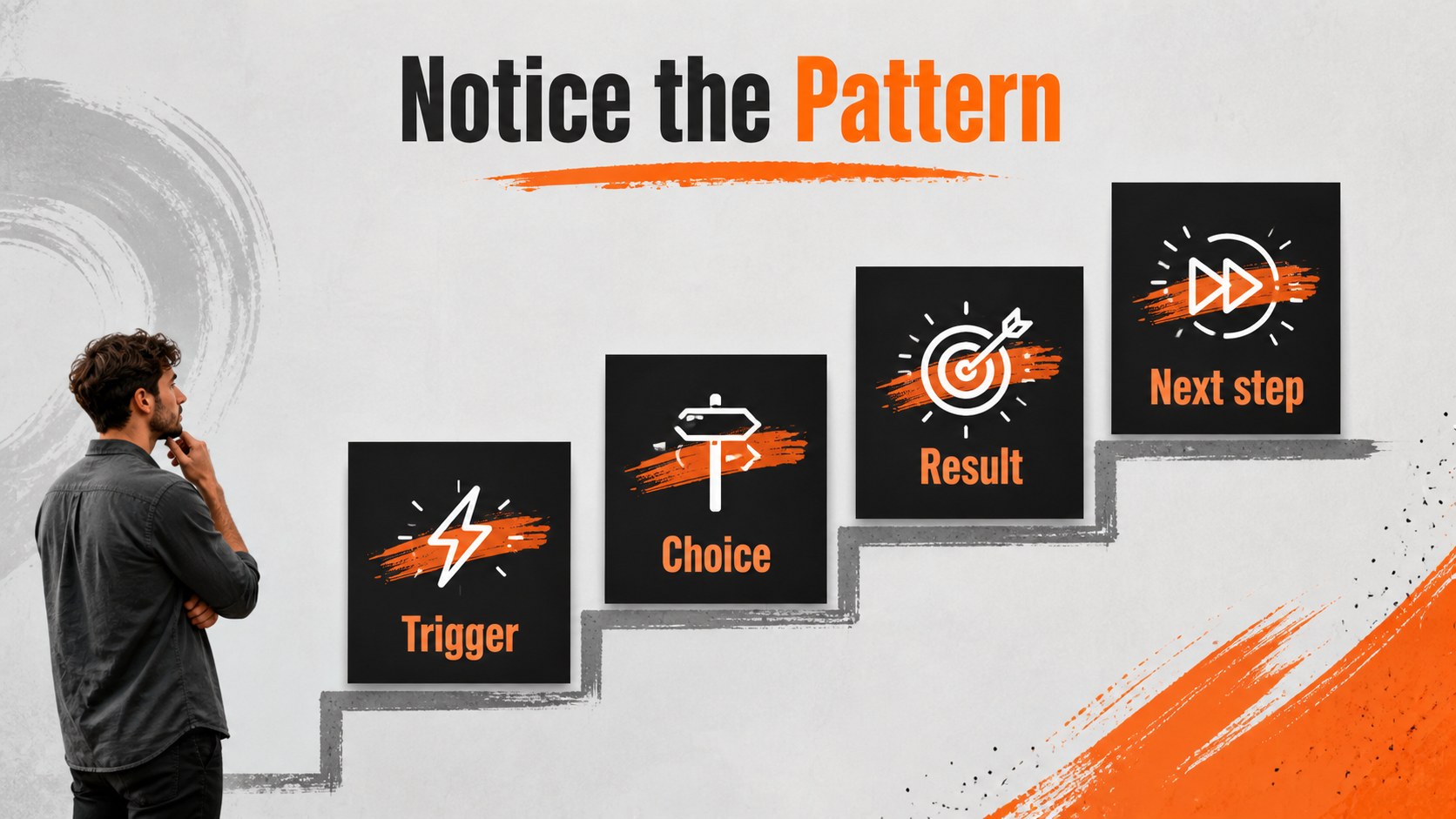
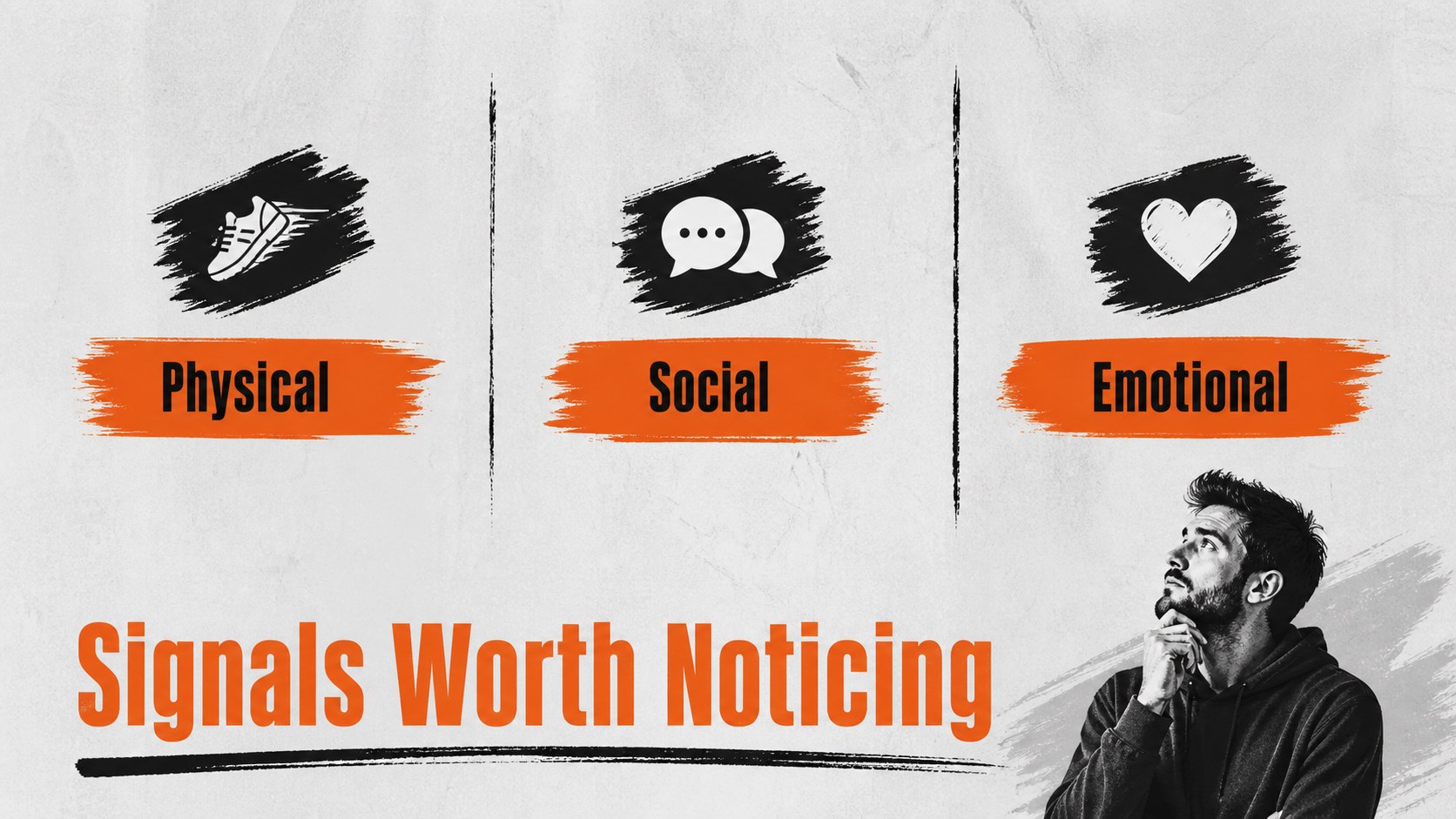
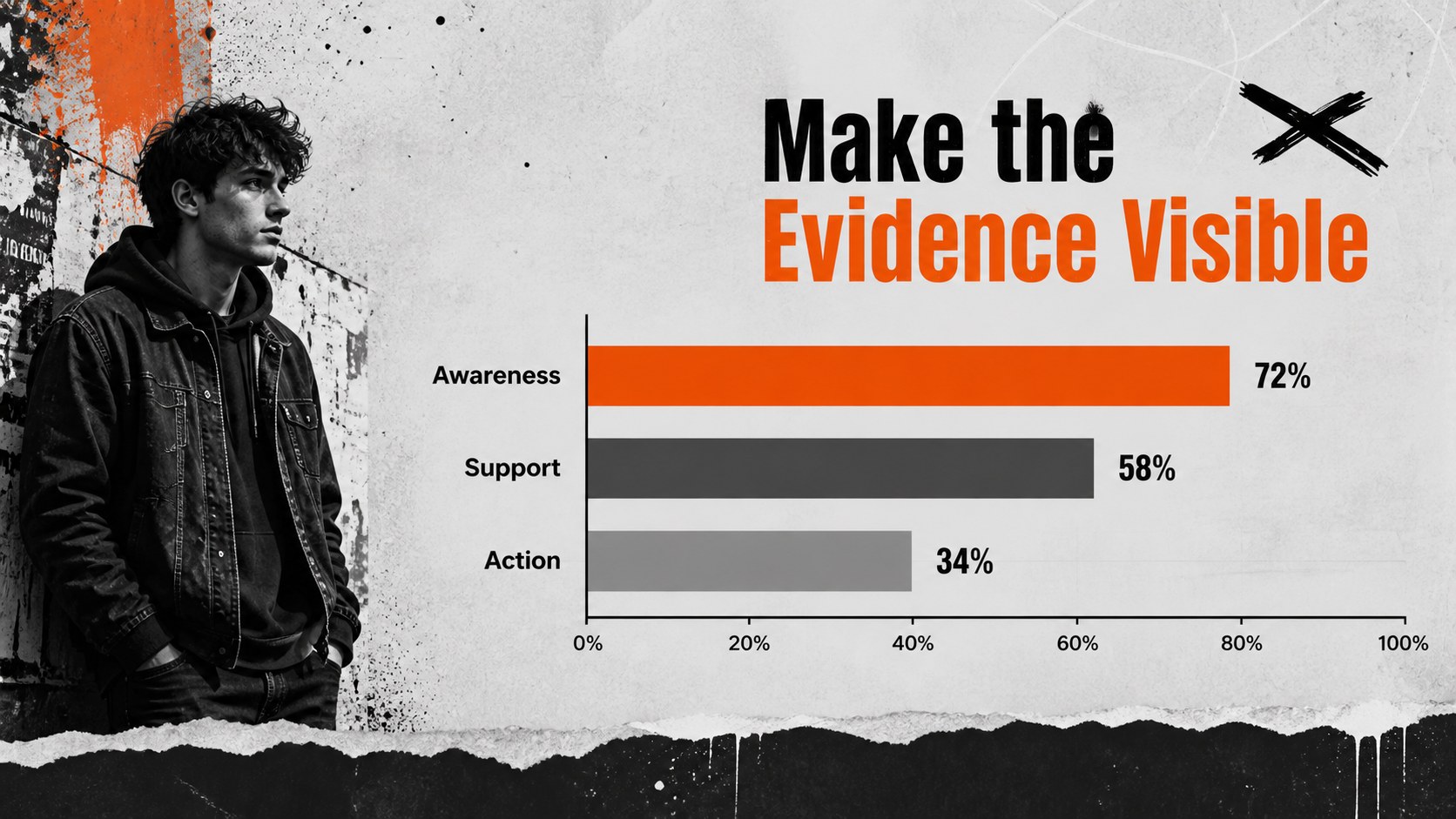
Substance Awareness Transformation Deck gives educators, students, and community presenters a distinctive way to discuss how substance use can affect choices, health, relationships, and daily life. Its grey and orange creative direction combines rough paper textures, painted accents, warning-inspired details, and light meme-style humor without losing sight of the subject’s seriousness. Use the layouts for before-and-after comparisons, myth-versus-fact activities, prevention messaging, or a visual discussion about behavior and consequences.
Inside, you’ll find 20 editable 16:9 slides with comparison panels, statement layouts, image frames, charts, quote pages, timelines, and closing discussion prompts. The deck works well for a classroom substance abuse presentation, a school prevention campaign, or a student health awareness project. Typography uses Anton and Open Sans for strong headlines and readable supporting copy. makes it simple to change colors, replace images, add icons, animate selected elements, and collaborate with a group. You can also export the finished presentation to PowerPoint or Google Slides. The layouts are flexible enough for public health workshops, counseling resources, peer education, and presentations that need a direct but approachable visual voice.
Perfect for: classroom prevention lesson; student health awareness project; school drug prevention campaign; public health workshop; peer education discussion.
Frequently asked questions
Can I edit this deck? Yes. The layouts, text, colors, images, charts, and decorative elements can be adjusted. Replace the sample content with age-appropriate information for your audience.
Can I use the presentation in PowerPoint or Google Slides? Yes. After customizing the design, export it as a PowerPoint file or send a copy to Google Drive for use in Google Slides. Some -only animations or assets may change during export.
Practical details
Yes. The layouts, text, colors, images, charts, and decorative elements can be adjusted. Replace the sample content with age-appropriate information for your audience.
Yes. After customizing the design, export it as a PowerPoint file or send a copy to Google Drive for use in Google Slides. Some -only animations or assets may change during export.
Yes. Its comparison and discussion layouts suit prevention lessons, health classes, and student projects. Review every statement and image before presenting so the material matches your school policies and student age group.
Yes. ’s color controls let you replace the grey backgrounds, orange highlights, and accent elements while preserving the layout. Keep strong contrast between headlines and backgrounds for accessible viewing.
Keep exploring
15Build an engaging World UFO Day session with this flying saucer history lesson deck, featuring retro green-and-brown slides for PowerPoint and Google Slides.
 15
15Plan a lively animal-learning journey with this jungle zoo adventure lesson deck, ready to customize in PowerPoint and Google Slides for young learners.
 16
16Turn environmental research into a clear story with a Watercolor Ecology Presentation Theme for PowerPoint and Google Slides in calming green and blue.
 16
16Build focused fashion, literature, and humanities presentations with the Red Triangle Editorial Theme, editable in PowerPoint and Google Slides.
 15
15Turn streaming stats, favorite tracks, and concert highlights into a bold annual listening recap slide deck for PowerPoint and Google Slides.
 15
15Turn highlights, milestones, and favorite moments into a colorful year in review slide deck with bold 3D graphics for PowerPoint and Google Slides.
 3
3Build a credible endorsement with Standout Colleague Recommendation Letter Slides, featuring colorful prompts for skills, achievements, and team impact.
 4
4Build clear beginner sessions with an ice hockey fundamentals training deck for coaches, PE teachers, and clubs, ready for PowerPoint and Google Slides.