
 15
15presentation
Flying Saucer History Lesson Deck
Build an engaging World UFO Day session with this flying saucer history lesson deck, featuring retro green-and-brown slides for PowerPoint and Google Slides.
Google SlidesPowerPoint
presentation · English
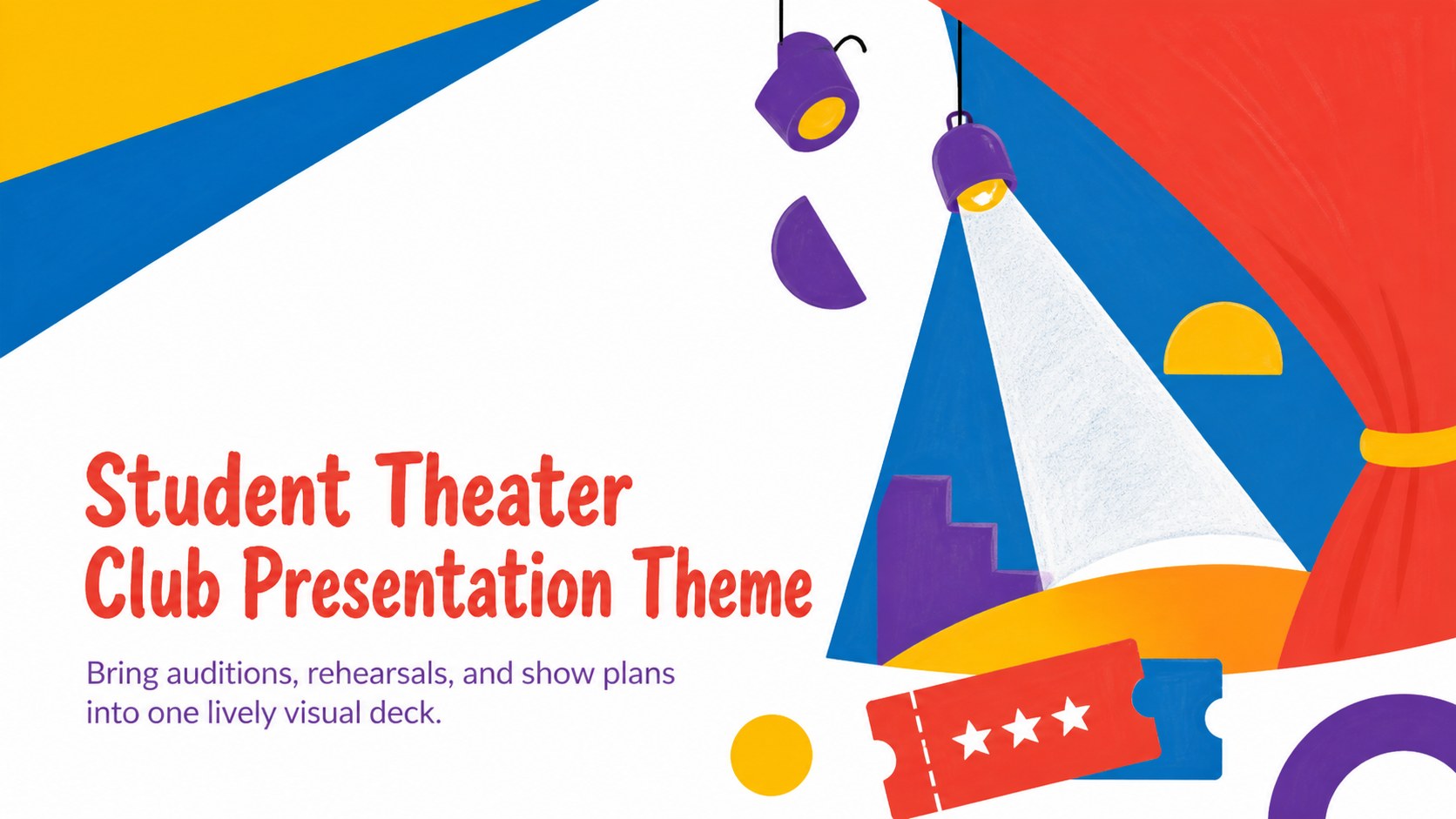
Plan auditions, rehearsals, and performances with a student theater club presentation theme featuring lively layouts for PowerPoint and Google Slides.
Design notes
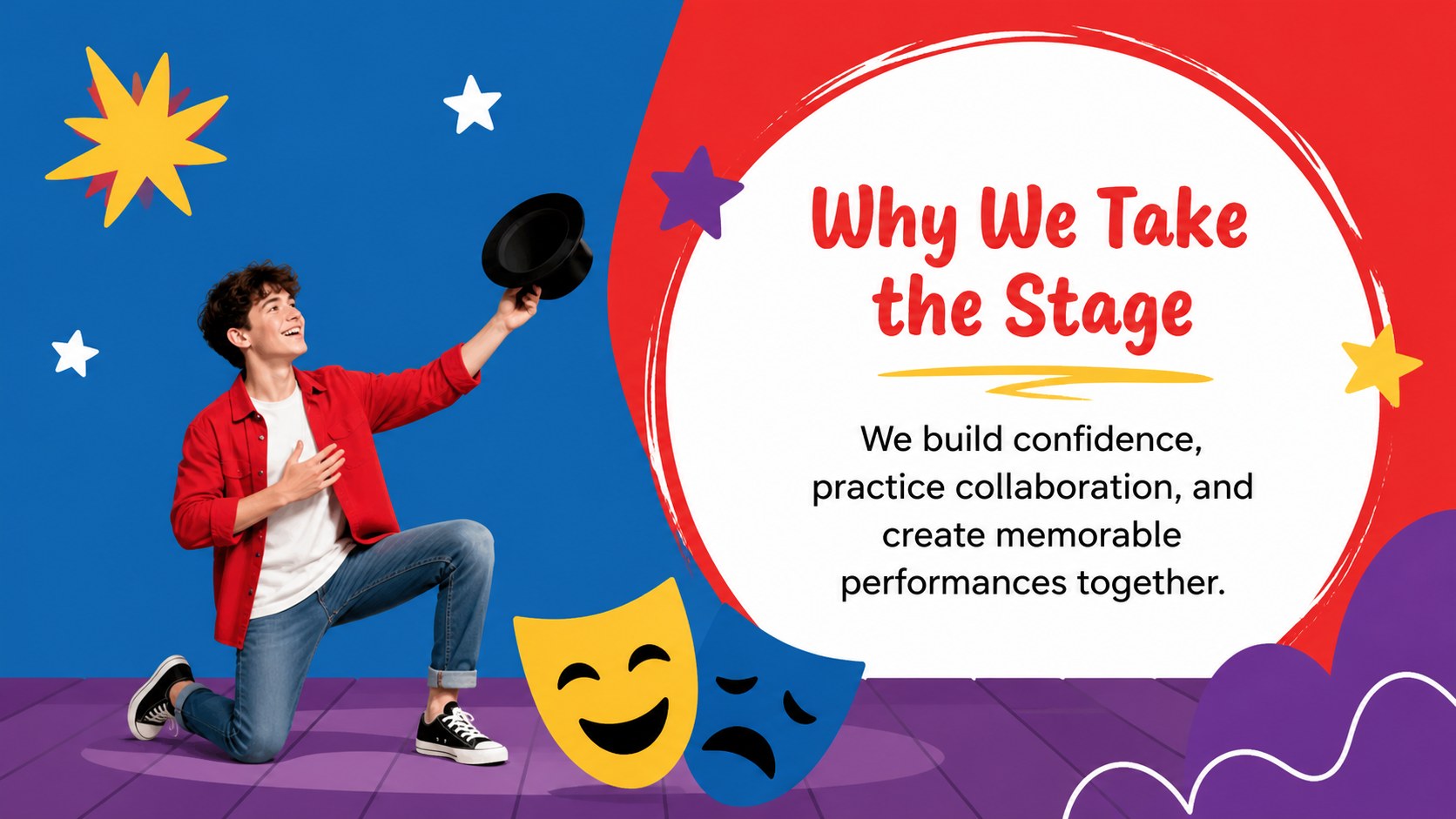
Turn theater activities into a clear, energetic story with this student theater club presentation theme. Bold geometric patterns, playful shapes, and a vivid red, yellow, blue, purple, and white palette create a stage-ready look without distracting from schedules, announcements, or creative ideas. Every layout is designed for easy reading during club meetings and classroom presentations.
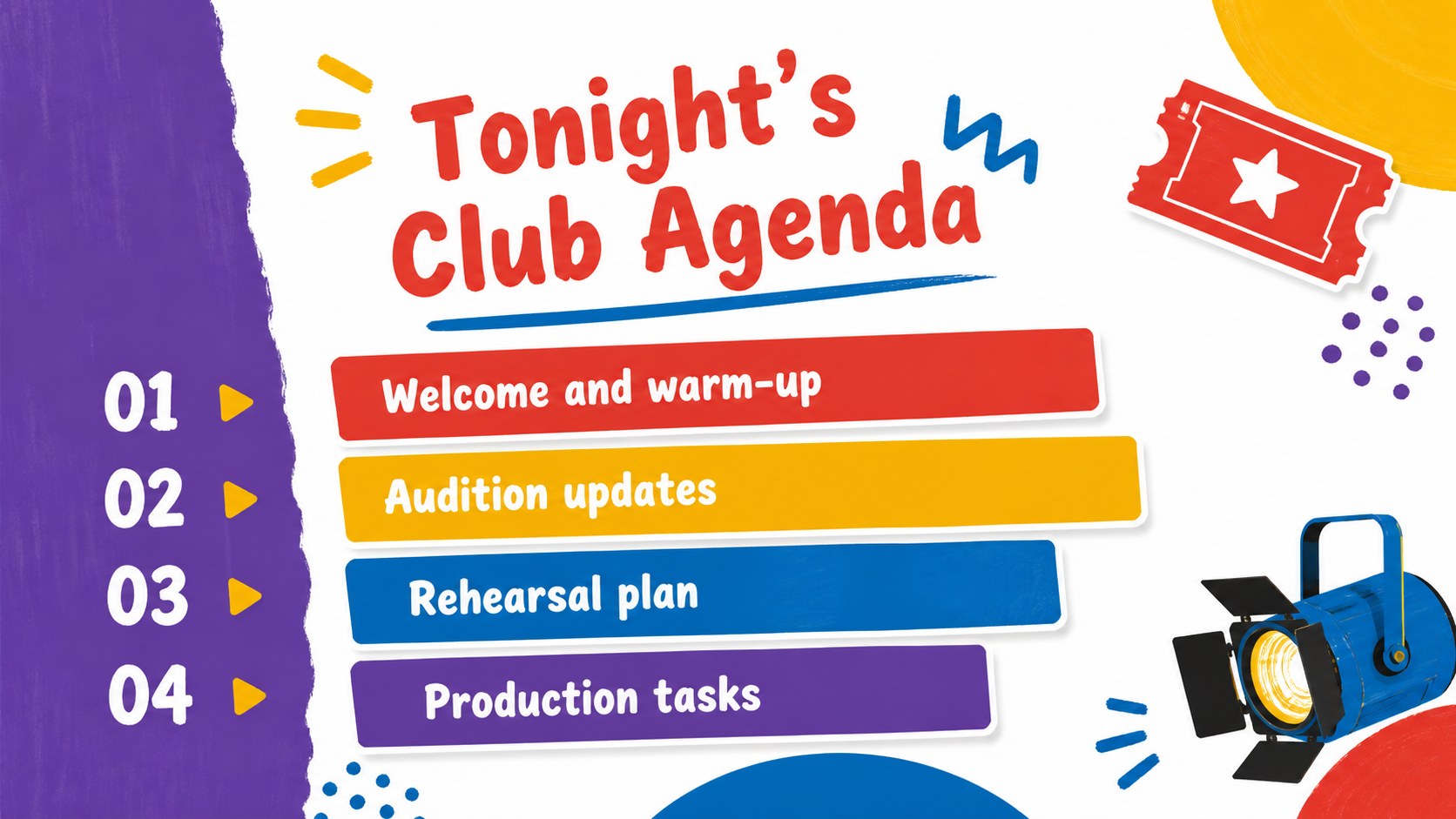
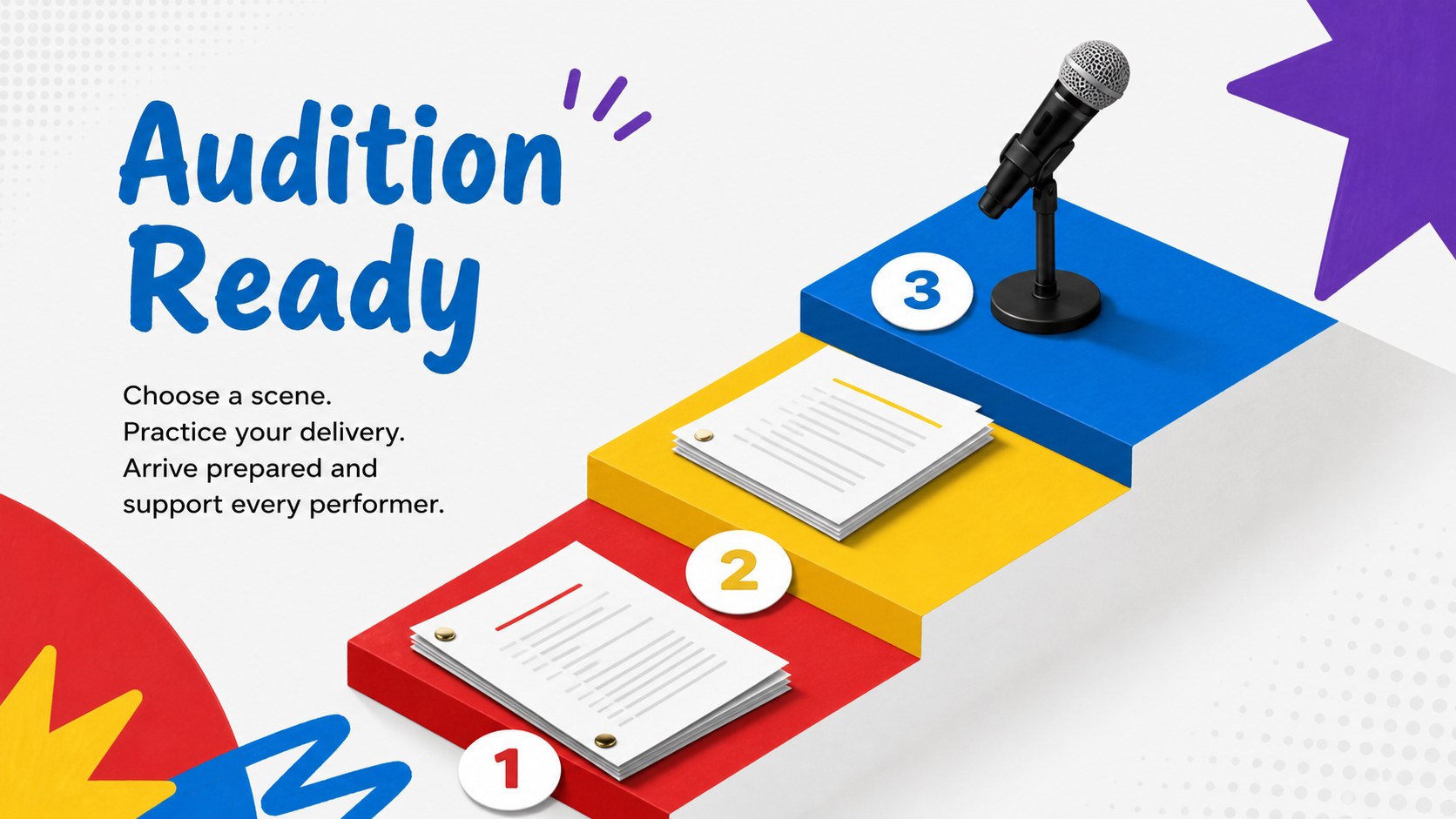
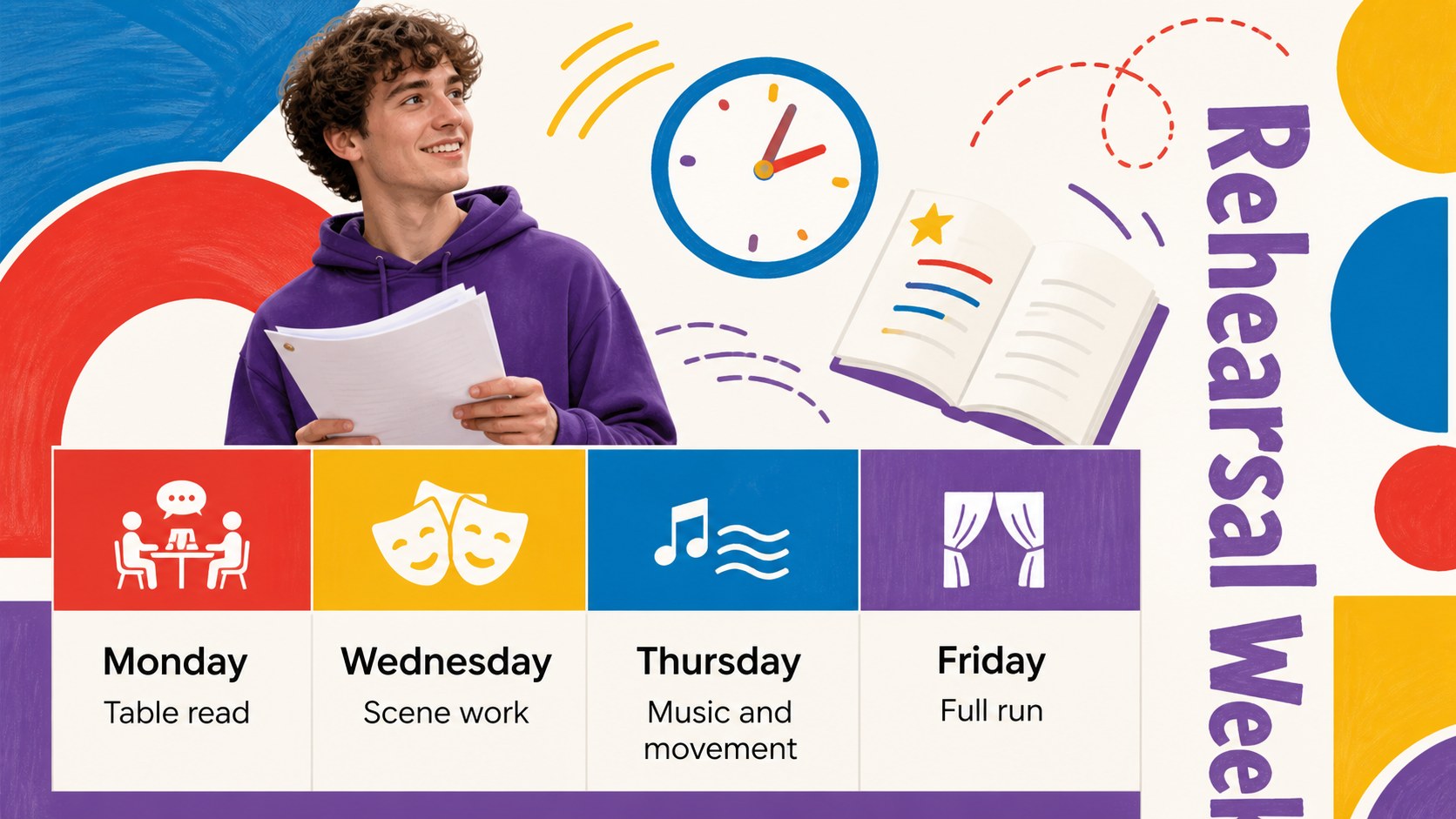
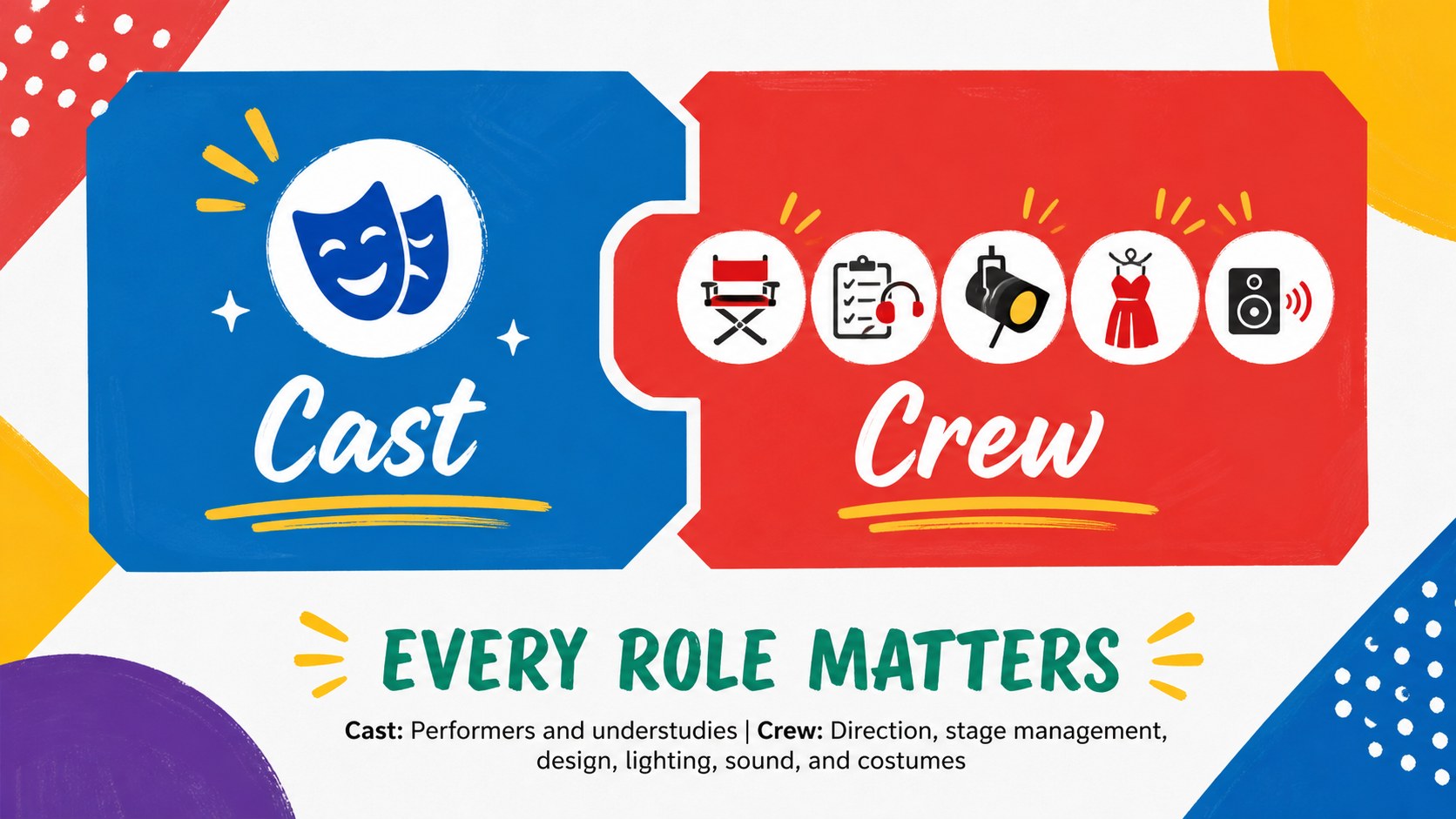
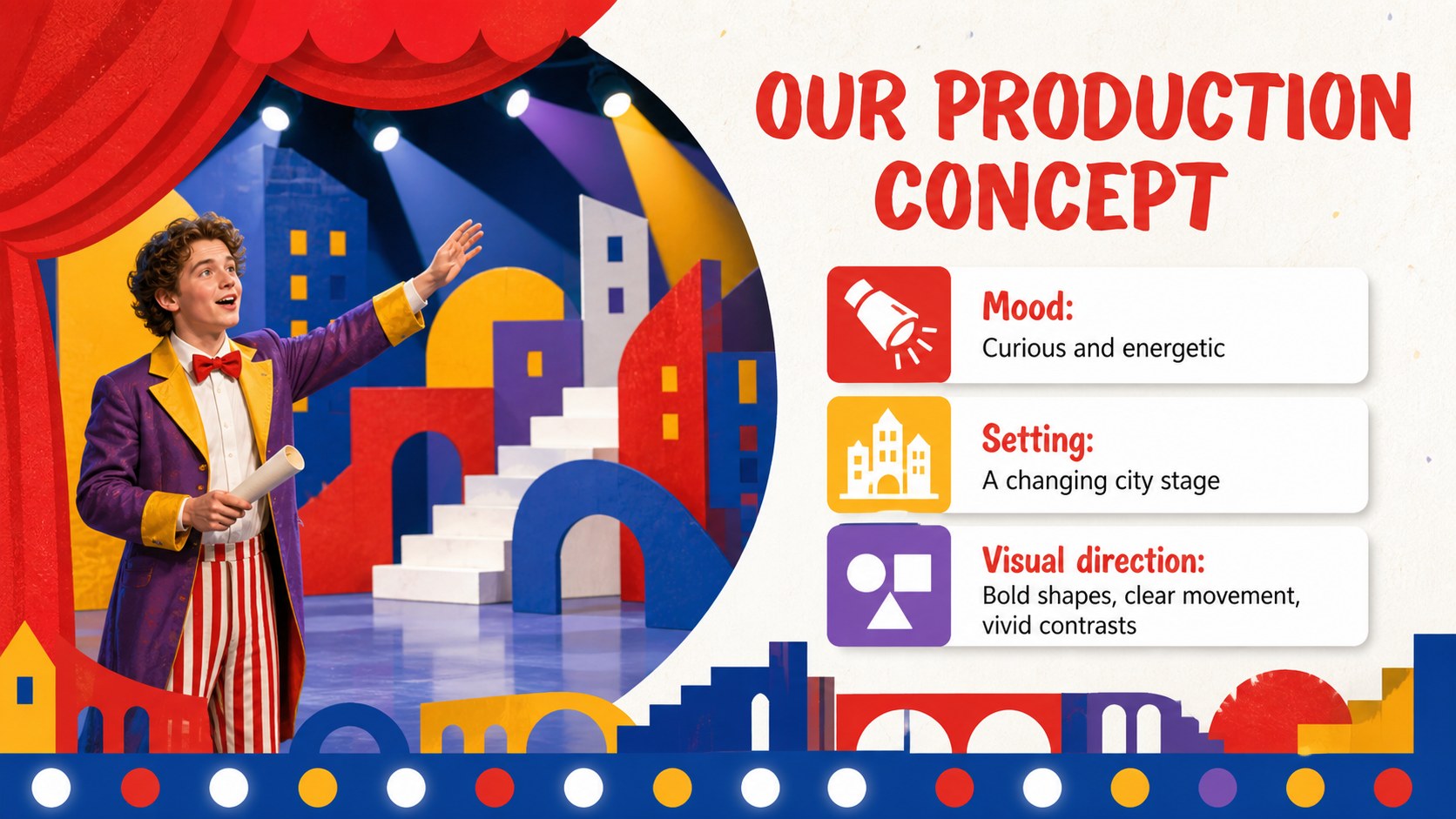
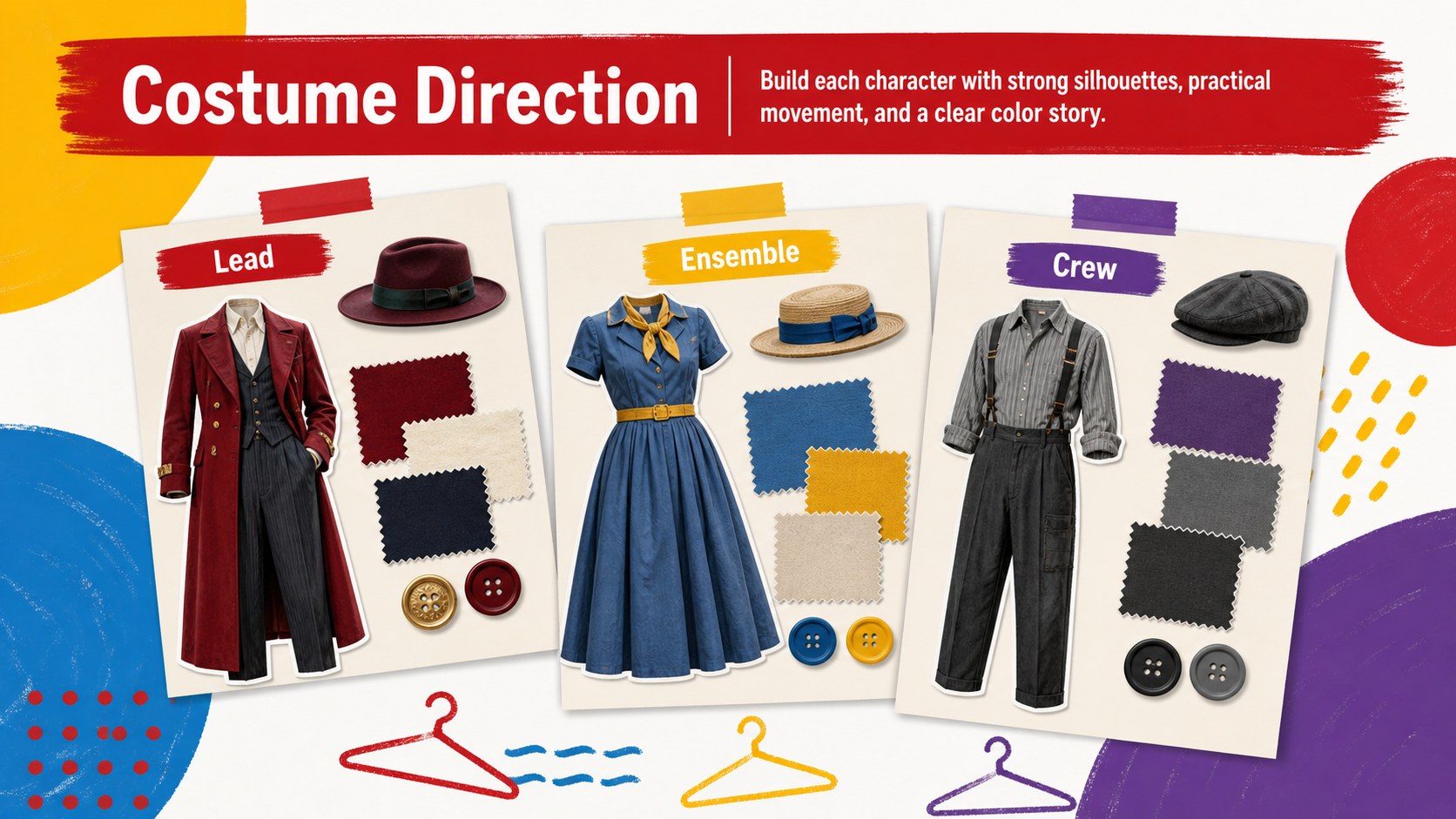
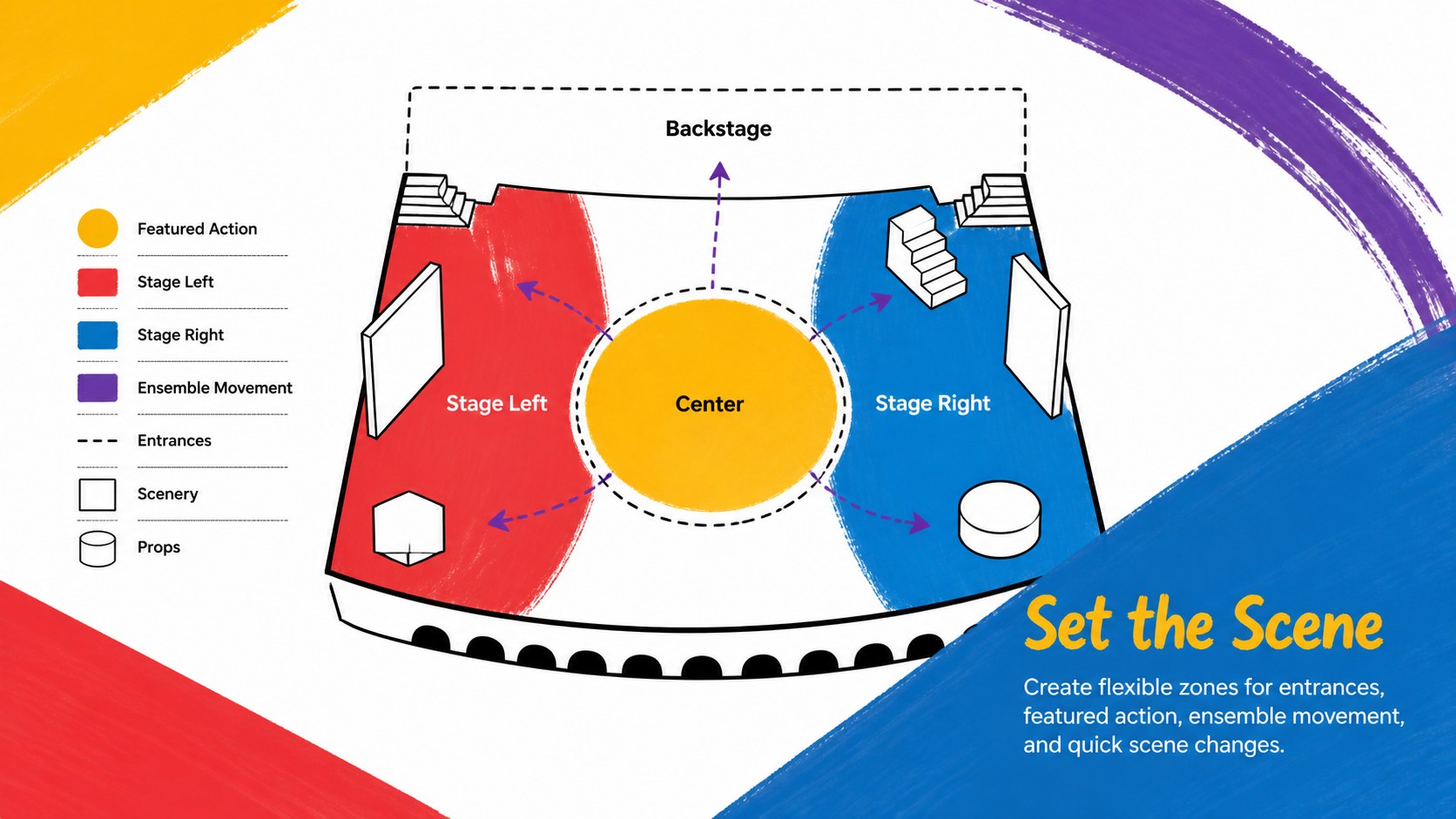
The deck includes sections for a club introduction, meeting agenda, production concept, cast and crew roles, audition details, rehearsal planning, costume ideas, set design, promotional activities, milestones, and closing notes. Flexible content layouts also support quizzes, timelines, image galleries, and progress updates. Use the drama club meeting slides as a complete presentation or select individual pages for weekly announcements.
This school theater rehearsal presentation works well for student leaders, drama teachers, performing arts coordinators, and after-school program organizers. Customize the wording, colors, photos, and shapes in PowerPoint or Google Slides to match a specific production or school identity. The colorful theater club slides can support new-member orientation, audition briefings, rehearsal check-ins, production proposals, and end-of-season showcases while keeping the atmosphere friendly, imaginative, and organized.
Perfect for: drama club orientation; student audition briefing; weekly rehearsal meeting; school play proposal; cast and crew introduction; end-of-season showcase.
Frequently asked questions
Can I edit the slides in PowerPoint and Google Slides? Yes. The layouts, text, colors, shapes, and image areas can be edited in PowerPoint or Google Slides. Some fonts or transitions may vary slightly between the two platforms.
Practical details
Yes. The layouts, text, colors, shapes, and image areas can be edited in PowerPoint or Google Slides. Some fonts or transitions may vary slightly between the two platforms.
Replace the sample copy with your play title, cast details, rehearsal dates, and production goals. You can also add performance photos and adjust accent colors while retaining the geometric visual system.
Yes. Teachers can use it for instruction, auditions, and production planning, while student officers can prepare announcements, meeting agendas, and progress reports. The layouts are structured to support short or detailed presentations.
Yes. Duplicate useful layouts, delete sections you do not need, or change the order to match your club meeting. The deck remains visually consistent when individual slides are reused.
Keep exploring
15Build an engaging World UFO Day session with this flying saucer history lesson deck, featuring retro green-and-brown slides for PowerPoint and Google Slides.
 15
15Plan a lively animal-learning journey with this jungle zoo adventure lesson deck, ready to customize in PowerPoint and Google Slides for young learners.
 16
16Turn environmental research into a clear story with a Watercolor Ecology Presentation Theme for PowerPoint and Google Slides in calming green and blue.
 16
16Build focused fashion, literature, and humanities presentations with the Red Triangle Editorial Theme, editable in PowerPoint and Google Slides.
 15
15Turn streaming stats, favorite tracks, and concert highlights into a bold annual listening recap slide deck for PowerPoint and Google Slides.
 15
15Turn highlights, milestones, and favorite moments into a colorful year in review slide deck with bold 3D graphics for PowerPoint and Google Slides.
 3
3Build a credible endorsement with Standout Colleague Recommendation Letter Slides, featuring colorful prompts for skills, achievements, and team impact.
 4
4Build clear beginner sessions with an ice hockey fundamentals training deck for coaches, PE teachers, and clubs, ready for PowerPoint and Google Slides.