
 15
15presentation
Flying Saucer History Lesson Deck
Build an engaging World UFO Day session with this flying saucer history lesson deck, featuring retro green-and-brown slides for PowerPoint and Google Slides.
Google SlidesPowerPoint
document · English
Turn class projects into vivid visual stories with a student photo narrative deck featuring bold PowerPoint and Google Slides layouts, ready to edit.

Design notes
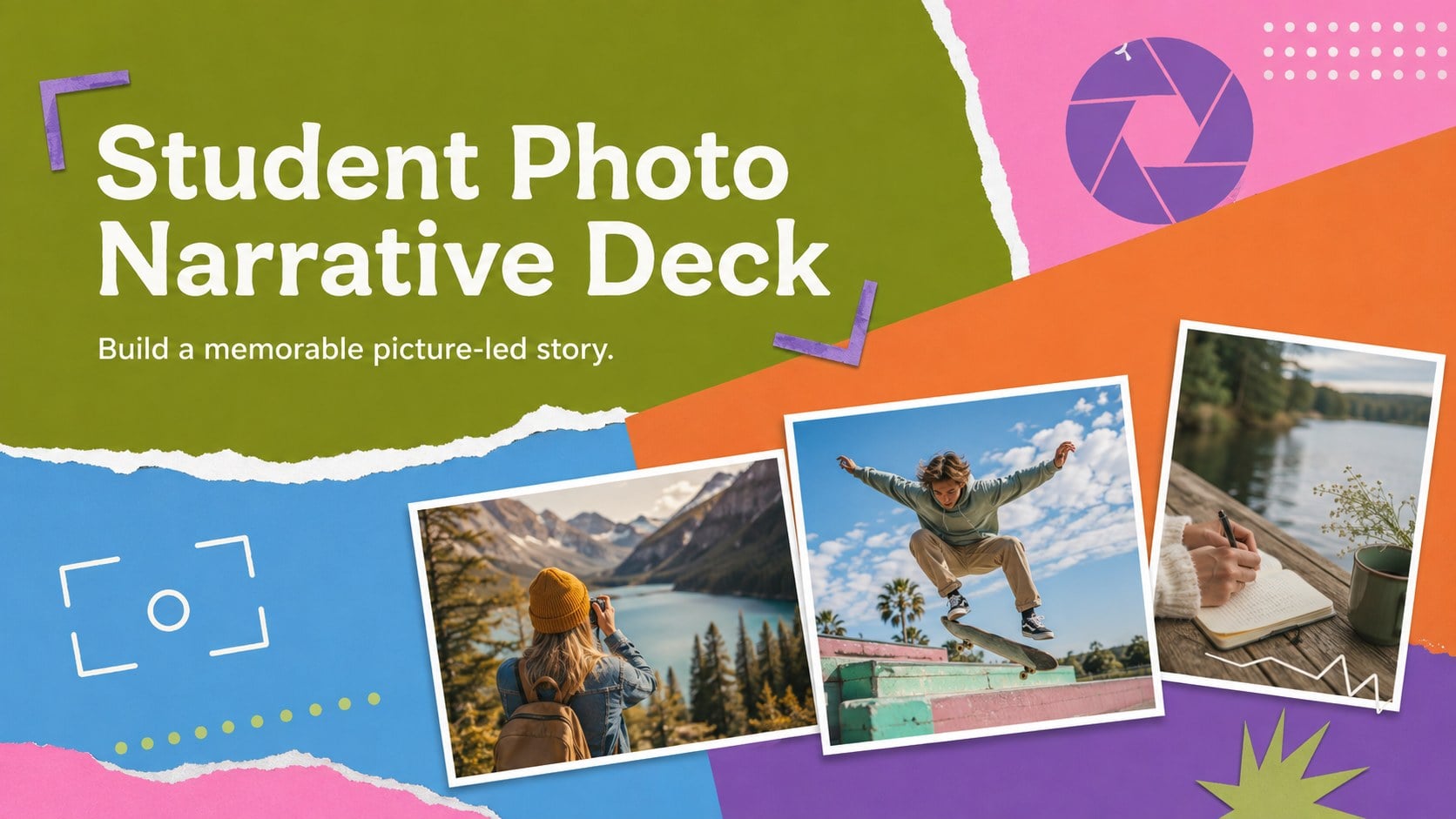
Images often reveal details that words alone can miss. This student photo narrative deck helps learners shape photographs, captions, and reflections into a clear sequence for classroom presentation. Its energetic mix of green, blue, orange, pink, and purple creates a playful visual rhythm while leaving plenty of room for each photograph to remain the focus.
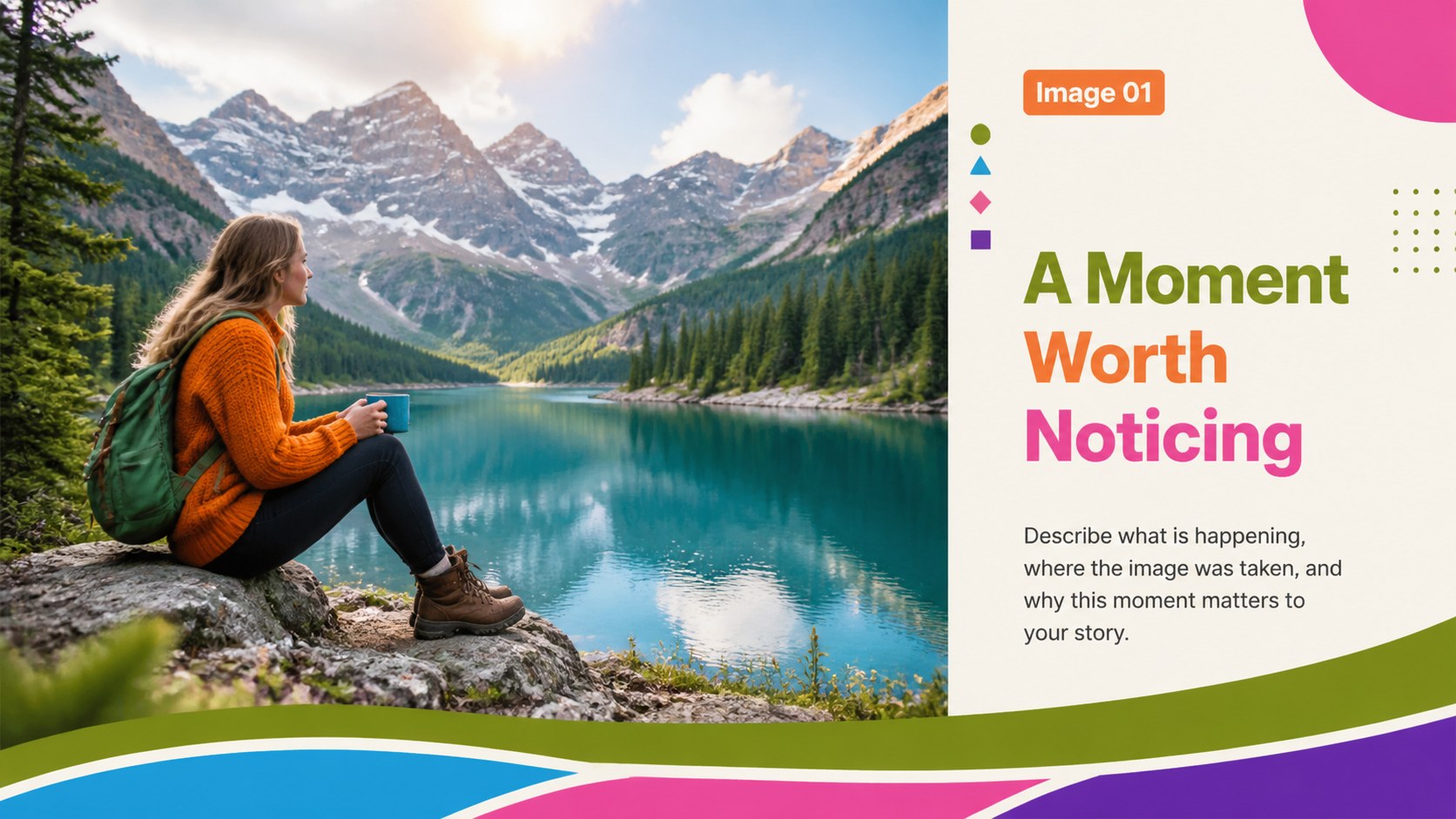
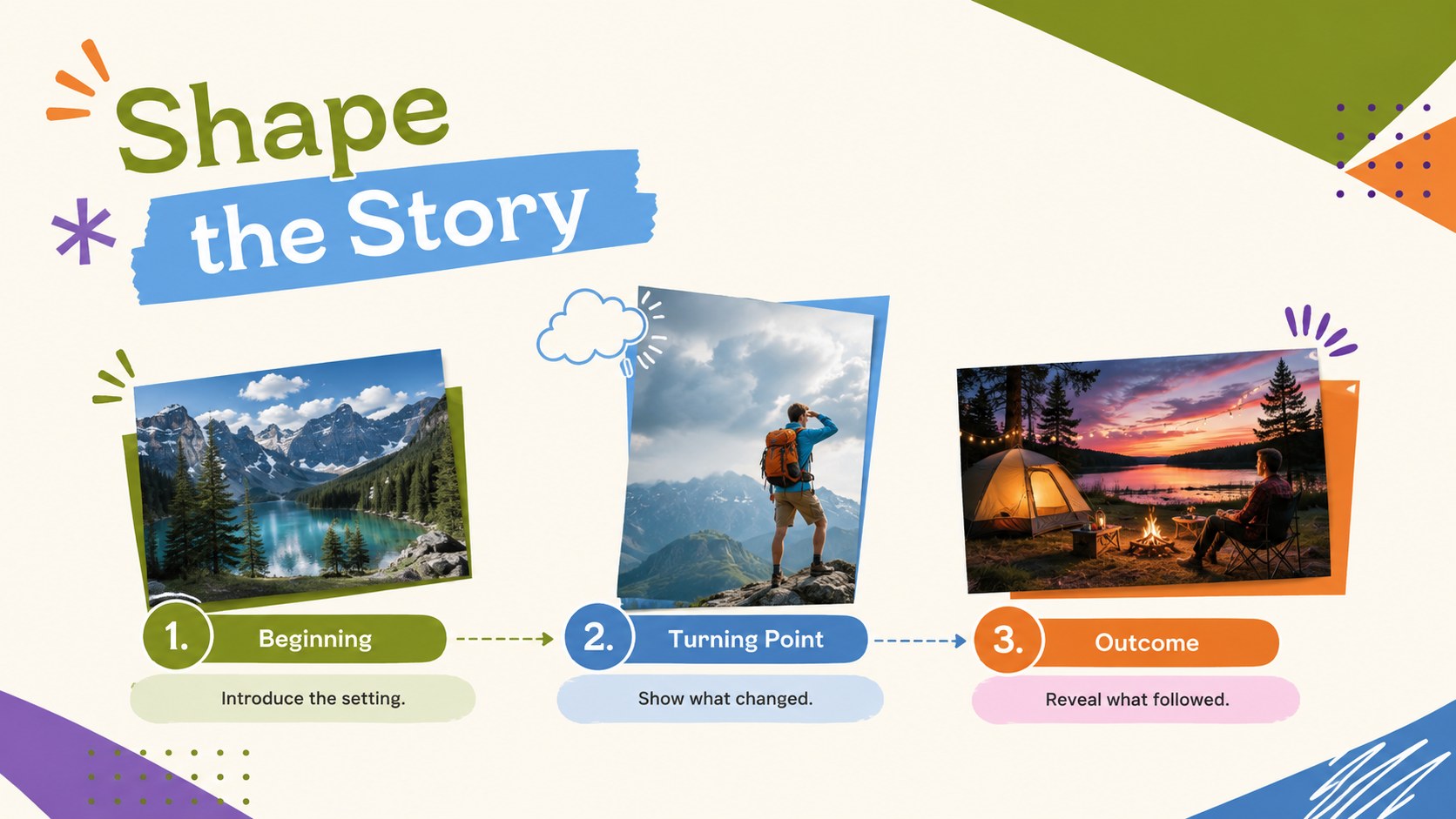
The deck includes a bold opening cover, an image-and-caption story page, a three-part narrative sequence, and a closing reflection layout. Flexible placeholders support portraits, documentary images, landscapes, artwork, or original photography. Students can adjust colors, reorder sections, crop pictures, and revise text in PowerPoint or Google Slides. The structured layouts also make this a practical visual essay slideshow layout for assignments that need a strong beginning, development, and conclusion.
Created for students, teachers, photography clubs, and young storytellers, the template works well for personal narratives, community observations, travel journals, and school photojournalism presentations. It can also serve as a classroom photography project slides resource when learners need to explain context, identify meaningful details, or connect several images around one theme. Use the prompts as a starting point, then personalize every page with original visuals and a distinct point of view.
Perfect for: personal photo essay assignment; school photojournalism project; community observation story; travel journal presentation; photography club showcase.
Frequently asked questions
Can I edit this deck in PowerPoint and Google Slides? Yes. Every slide can be edited in PowerPoint or Google Slides, including the text, colors, image placement, and page order. Use the platform's standard sharing tools when collaborating with classmates or teachers.
Practical details
Yes. Every slide can be edited in PowerPoint or Google Slides, including the text, colors, image placement, and page order. Use the platform's standard sharing tools when collaborating with classmates or teachers.
Select an image placeholder and insert your own photograph, then crop or reposition it to fit the layout. High-resolution landscape and portrait images will produce the clearest results.
Yes. The green, blue, orange, pink, and purple palette can be changed through the theme or individual shape controls. Keep strong contrast between captions and backgrounds so every story remains easy to read.
A focused photo narrative usually includes an opening image, a logical visual sequence, concise captions, and a final reflection. Students should choose original photographs that contribute meaning rather than repeating the written text.
Keep exploring
15Build an engaging World UFO Day session with this flying saucer history lesson deck, featuring retro green-and-brown slides for PowerPoint and Google Slides.
 15
15Plan a lively animal-learning journey with this jungle zoo adventure lesson deck, ready to customize in PowerPoint and Google Slides for young learners.
 16
16Turn environmental research into a clear story with a Watercolor Ecology Presentation Theme for PowerPoint and Google Slides in calming green and blue.
 16
16Build focused fashion, literature, and humanities presentations with the Red Triangle Editorial Theme, editable in PowerPoint and Google Slides.
 15
15Turn streaming stats, favorite tracks, and concert highlights into a bold annual listening recap slide deck for PowerPoint and Google Slides.
 15
15Turn highlights, milestones, and favorite moments into a colorful year in review slide deck with bold 3D graphics for PowerPoint and Google Slides.
 3
3Build a credible endorsement with Standout Colleague Recommendation Letter Slides, featuring colorful prompts for skills, achievements, and team impact.
 4
4Build clear beginner sessions with an ice hockey fundamentals training deck for coaches, PE teachers, and clubs, ready for PowerPoint and Google Slides.