
 15
15presentation
Flying Saucer History Lesson Deck
Build an engaging World UFO Day session with this flying saucer history lesson deck, featuring retro green-and-brown slides for PowerPoint and Google Slides.
Google SlidesPowerPoint
presentation · English
Build alignment faster with a strategy mapping presentation that organizes goals, initiatives, milestones, and KPIs for PowerPoint and Google Slides.

Design notes
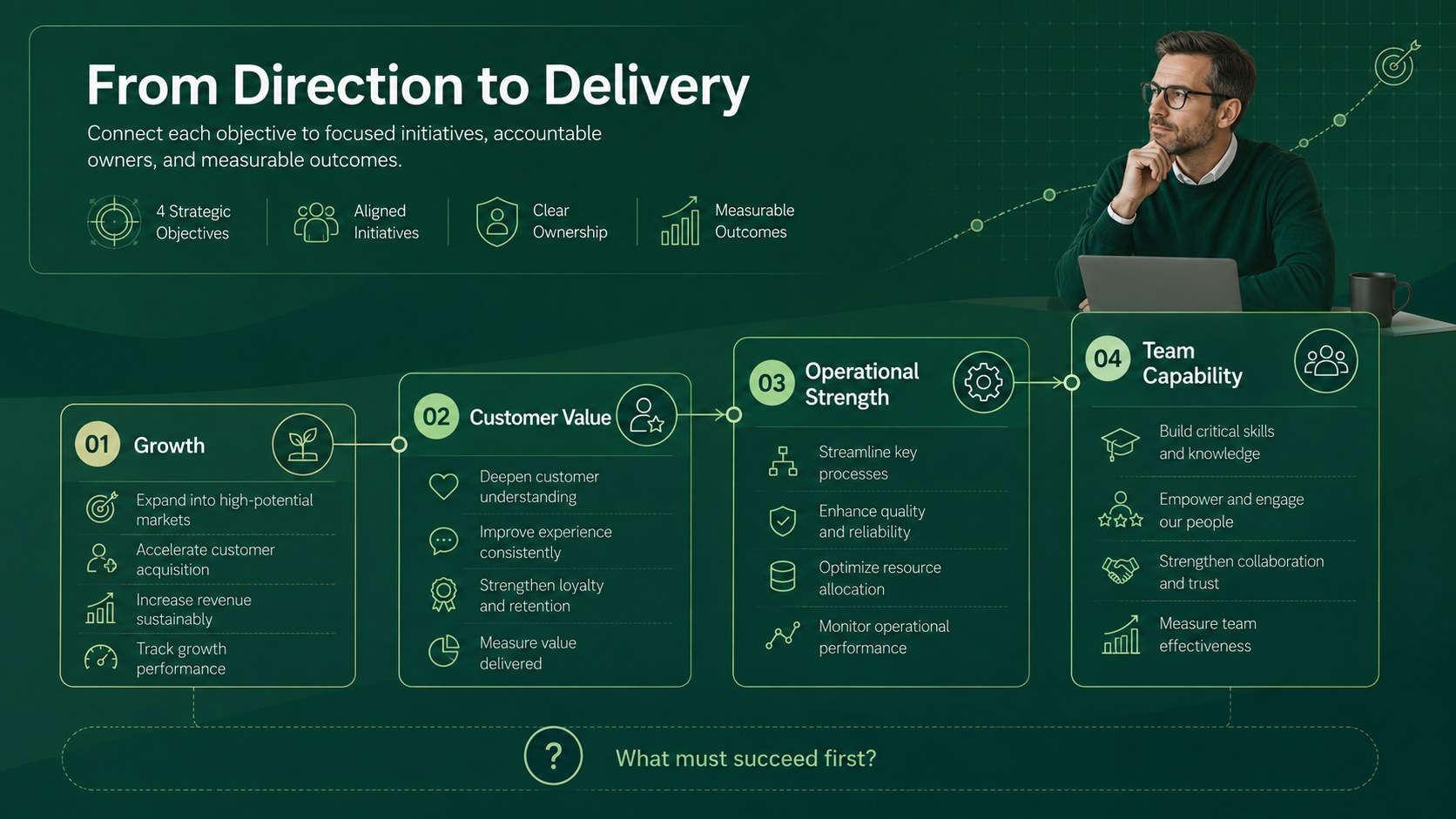
A strategy mapping presentation gives leadership teams a focused way to connect long-term direction with the work happening now. Built around a crisp modern layout and a fresh green palette, this deck turns priorities, milestones, and measures into a visual story that is easy to scan, discuss, and refine. Use it as a business strategy mapping slides resource for workshops, annual planning, or executive reviews.
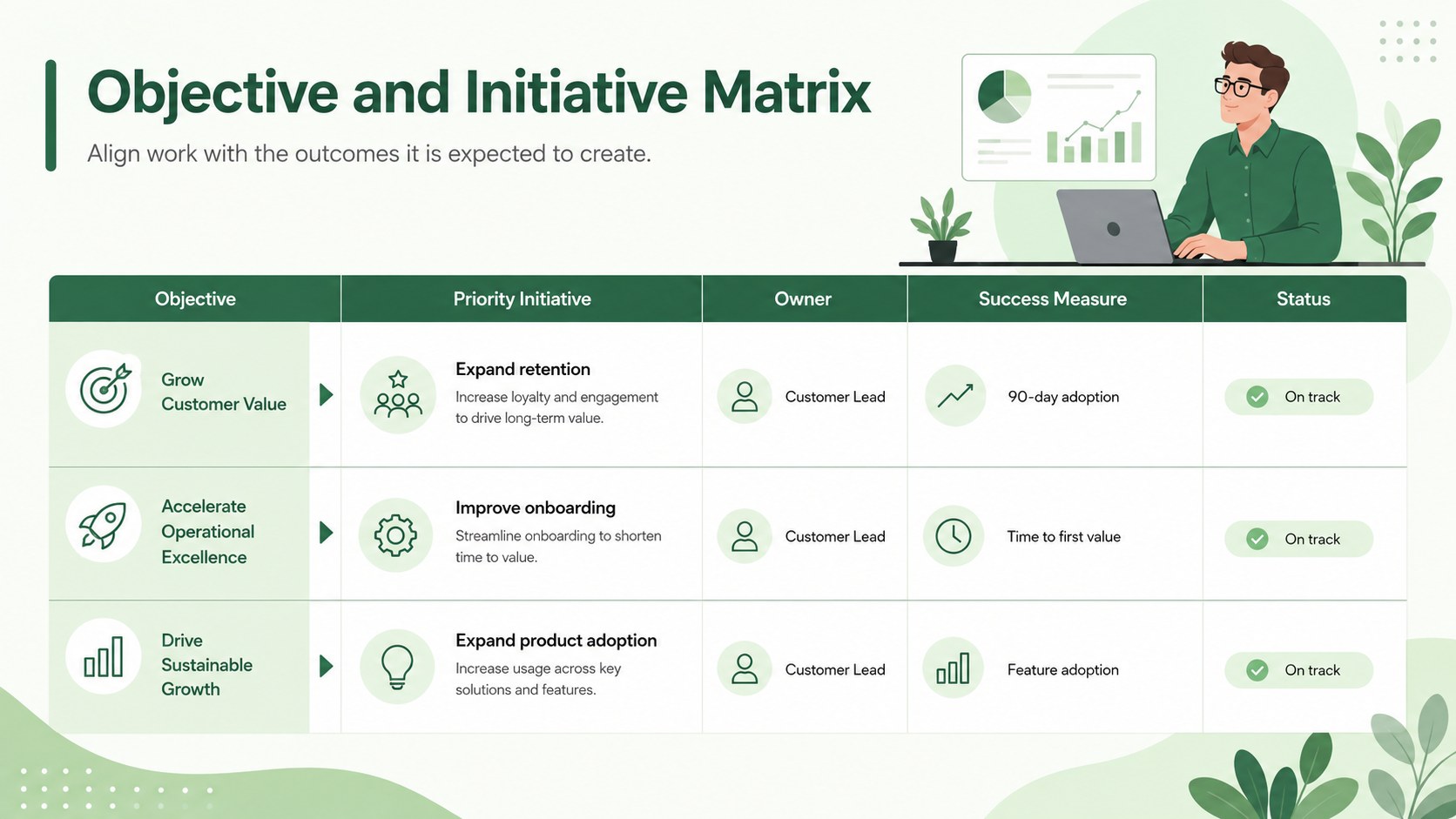
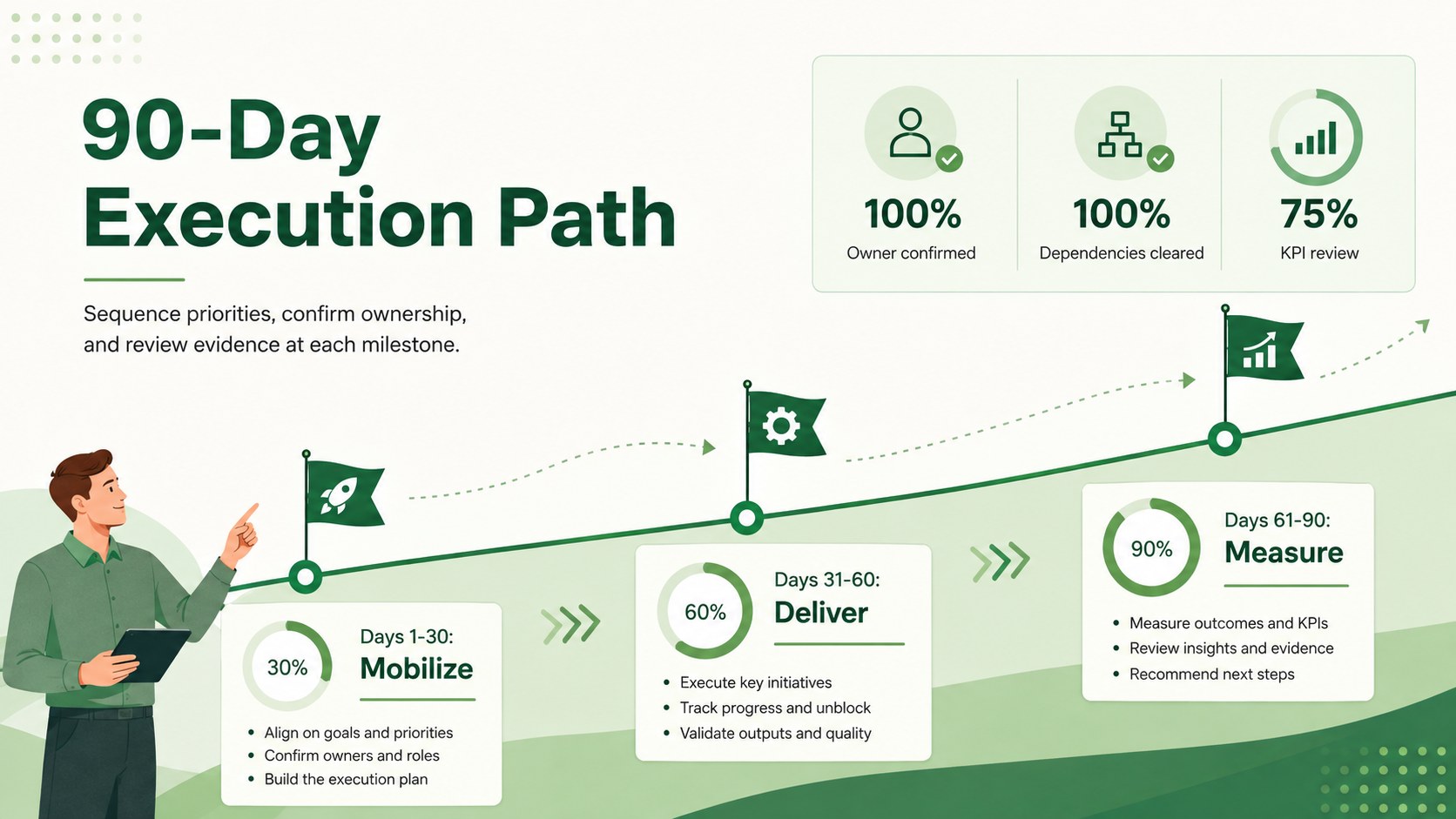
Inside, you will find a strategy overview, objective pillars, an initiative-to-goal matrix, a phased execution timeline, KPI scorecards, ownership fields, risk notes, and next-step prompts. Flexible charts, icons, shapes, and section layouts help you tailor the narrative without rebuilding the structure. Every page can be edited in PowerPoint or Google Slides, so colors, type, labels, data, and sequencing can match your organization.
The template is designed for founders, department heads, consultants, project leads, and operations teams that need a practical leadership planning presentation rather than a dense planning document. It works equally well for a company-wide direction meeting, a client strategy session, or a quarterly progress review. Adapt the included strategy execution timeline slides to clarify dependencies, assign accountable owners, and show when results should be measured. The result is a polished, professional deck that keeps goals, initiatives, and evidence visibly connected from discussion through delivery.
Perfect for: annual leadership planning; executive strategy workshop; quarterly progress review; client strategy session; department goal alignment.
Frequently asked questions
Can I edit every element in this strategy deck? Yes. Text, colors, icons, charts, shapes, and section order can be customized to reflect your goals, terminology, and visual identity.
Practical details
Yes. Text, colors, icons, charts, shapes, and section order can be customized to reflect your goals, terminology, and visual identity.
The template is designed for Microsoft PowerPoint and Google Slides. Both platforms support editing, presenting, and sharing the completed deck.
Replace the sample objectives, initiatives, owners, dates, and KPI labels with your own planning data. You can also remove unused sections or duplicate layouts for additional departments and workstreams.
Yes. The roadmap, KPI, ownership, and milestone layouts can be updated for monthly or quarterly reviews while preserving a consistent strategic narrative.
Keep exploring
15Build an engaging World UFO Day session with this flying saucer history lesson deck, featuring retro green-and-brown slides for PowerPoint and Google Slides.
 15
15Plan a lively animal-learning journey with this jungle zoo adventure lesson deck, ready to customize in PowerPoint and Google Slides for young learners.
 16
16Turn environmental research into a clear story with a Watercolor Ecology Presentation Theme for PowerPoint and Google Slides in calming green and blue.
 16
16Build focused fashion, literature, and humanities presentations with the Red Triangle Editorial Theme, editable in PowerPoint and Google Slides.
 15
15Turn streaming stats, favorite tracks, and concert highlights into a bold annual listening recap slide deck for PowerPoint and Google Slides.
 15
15Turn highlights, milestones, and favorite moments into a colorful year in review slide deck with bold 3D graphics for PowerPoint and Google Slides.
 3
3Build a credible endorsement with Standout Colleague Recommendation Letter Slides, featuring colorful prompts for skills, achievements, and team impact.
 4
4Build clear beginner sessions with an ice hockey fundamentals training deck for coaches, PE teachers, and clubs, ready for PowerPoint and Google Slides.