
 15
15presentation
Flying Saucer History Lesson Deck
Build an engaging World UFO Day session with this flying saucer history lesson deck, featuring retro green-and-brown slides for PowerPoint and Google Slides.
Google SlidesPowerPoint
presentation · English
Turn complex findings into clear decisions with Strategic Compass SWOT Slides, a colorful modern deck for workshops, reviews, and stakeholder meetings.

Design notes
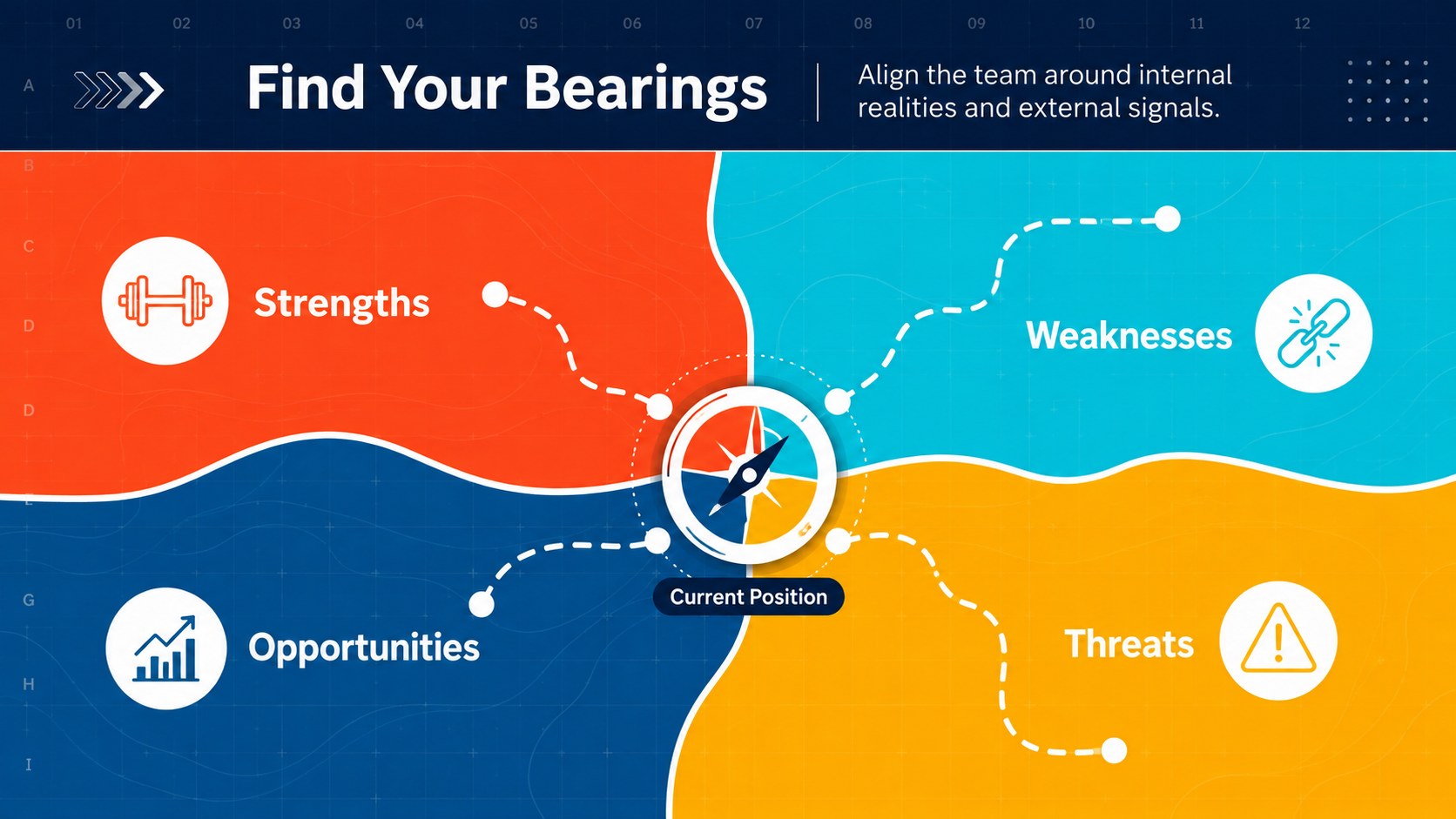
Strategic Compass SWOT Slides give teams a clear visual framework for evaluating strengths, weaknesses, opportunities, and threats. Inspired by maps and directional cues, this colorful modern SWOT analysis presentation helps audiences see where an organization stands, what may influence its progress, and which direction deserves attention next.
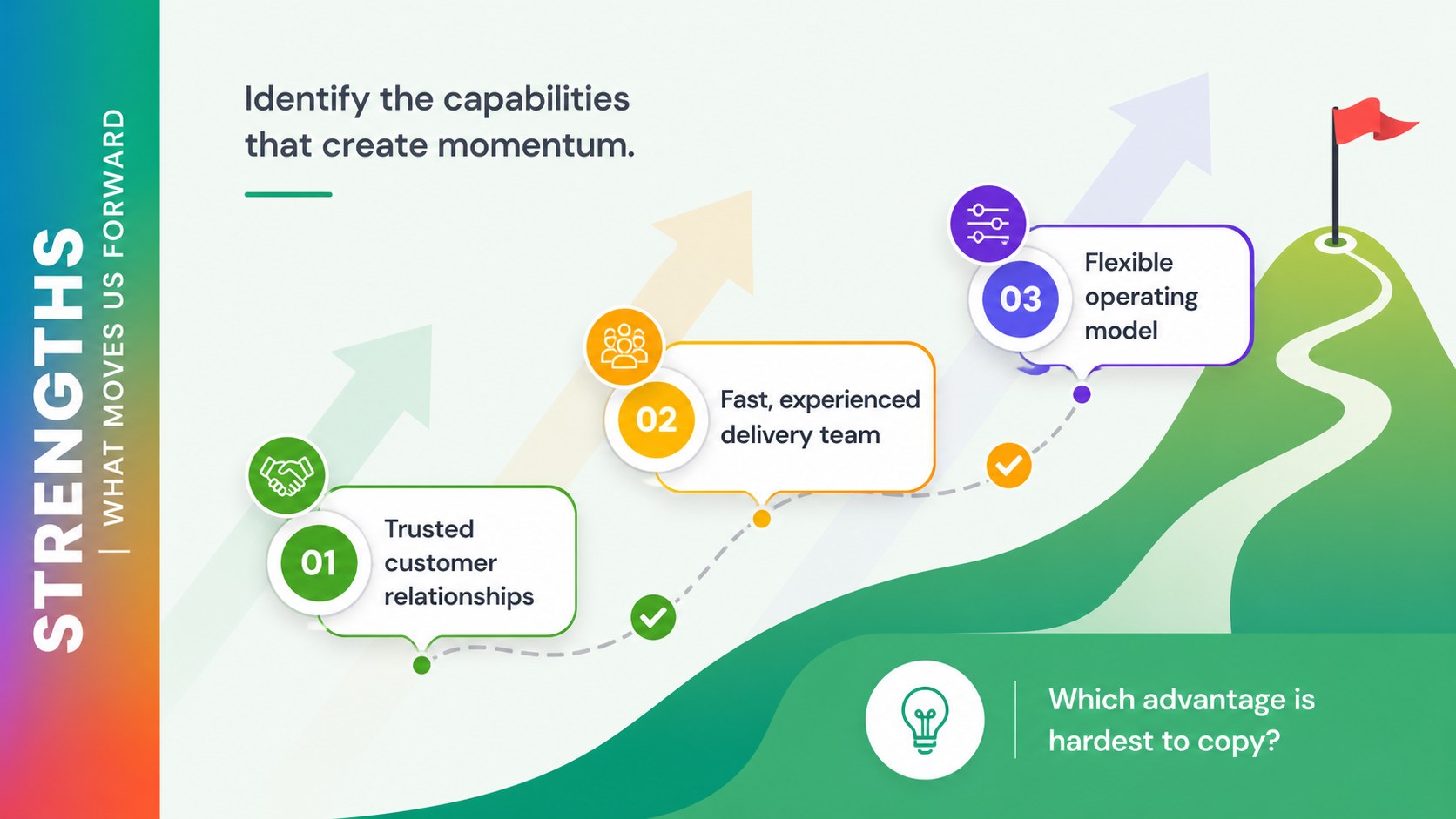
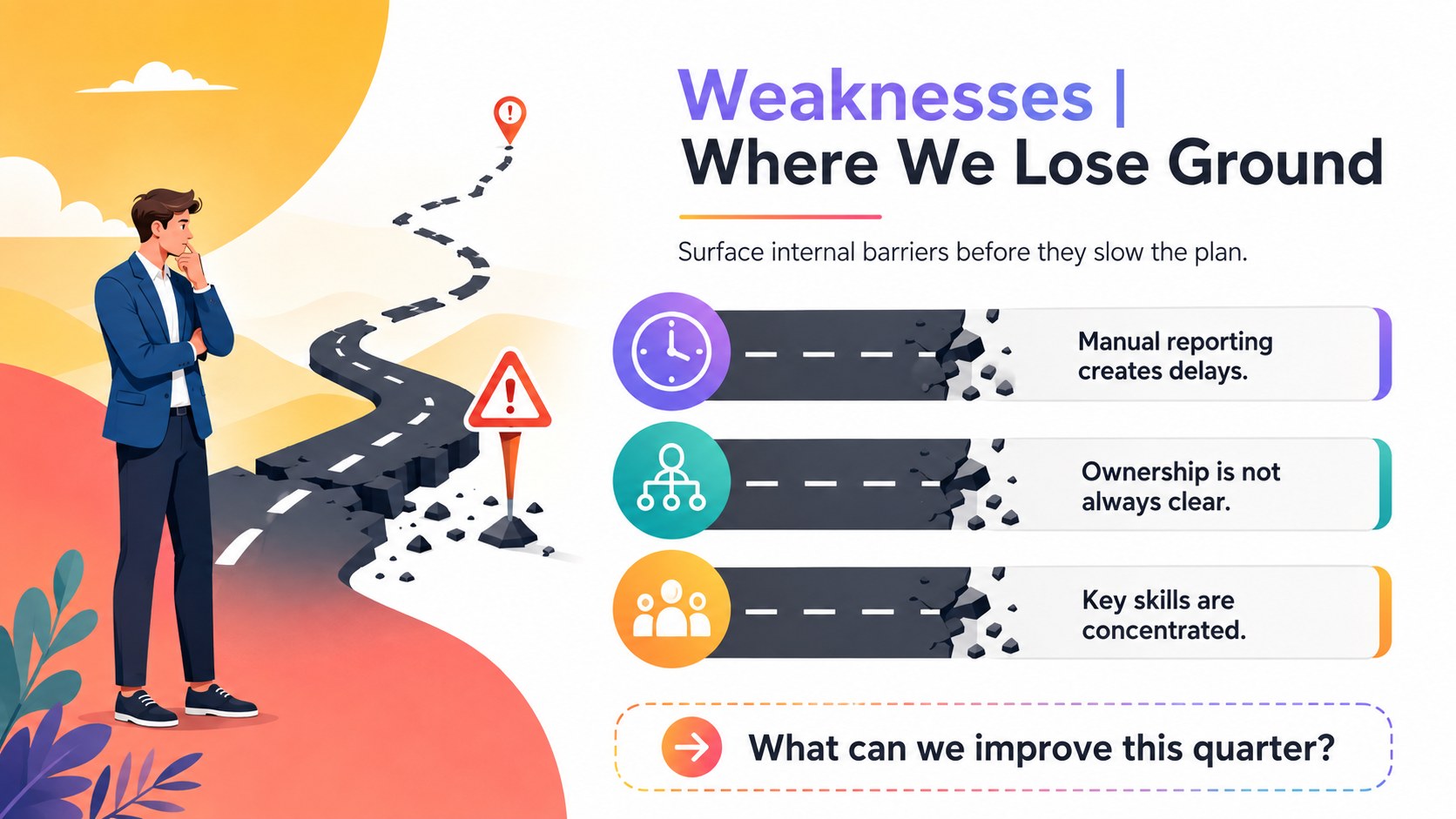
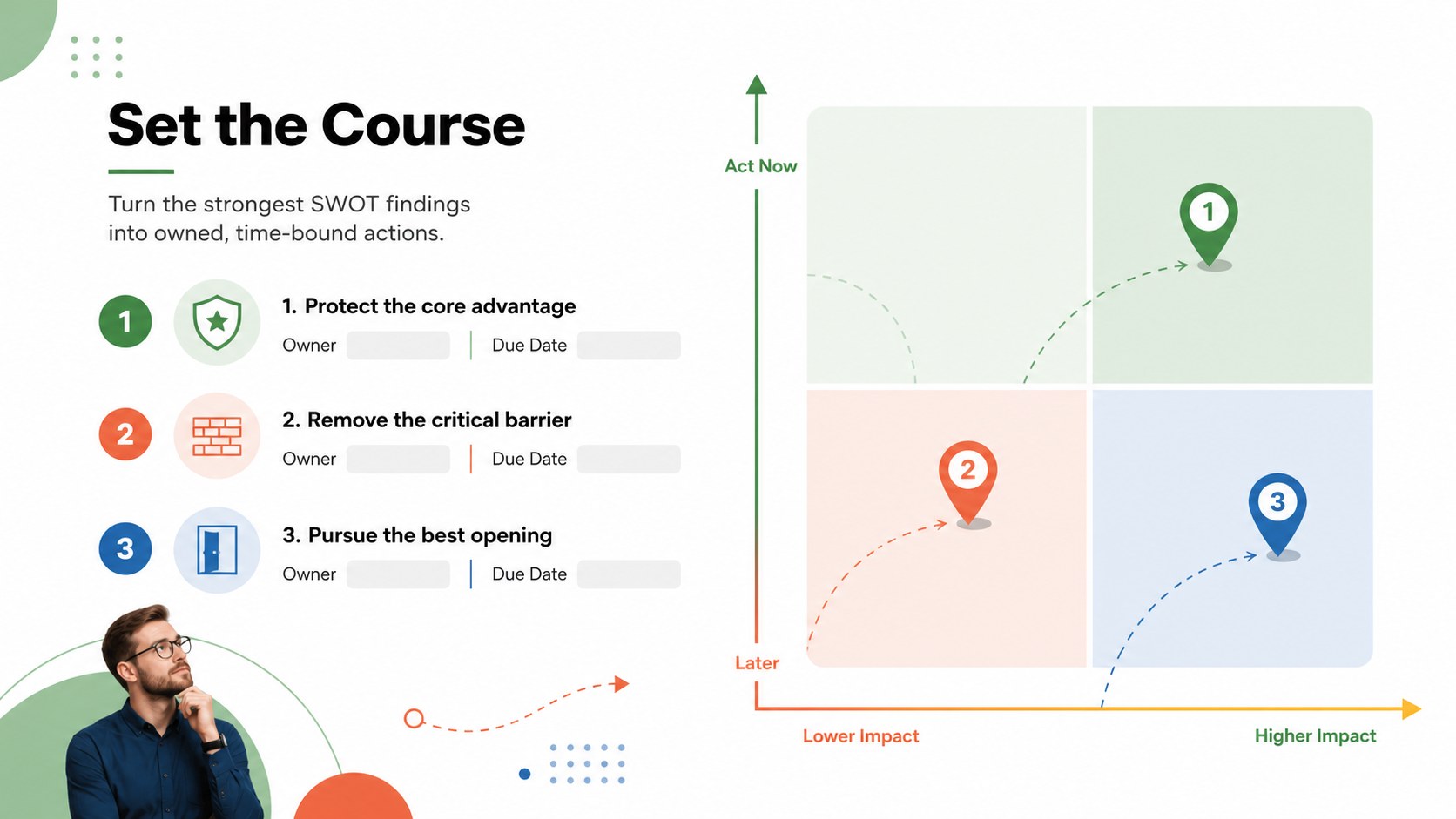
Inside are six coordinated 16:9 layouts covering the opening message, analysis overview, internal strengths, internal weaknesses, external factors, and an action-priority matrix. Distinct color coding makes the four SWOT categories easy to scan, while concise text areas leave room for evidence, observations, and recommendations. Every element can be edited in PowerPoint or Google Slides, including headings, colors, shapes, charts, and supporting notes.
Use this SWOT workshop slide deck for leadership retreats, quarterly business reviews, product planning, market entry discussions, nonprofit strategy sessions, or classroom case studies. The colorful business strategy slides support both live collaboration and polished stakeholder reporting. Replace the sample prompts with your own findings, assign owners to priority actions, and finish with a practical roadmap that connects analysis to decisions. The modern design stays professional without feeling overly formal, making it suitable for consultants, founders, managers, educators, and project teams.
Perfect for: executive strategy workshop; quarterly business review; new market assessment; product planning session; nonprofit leadership retreat; classroom business case.
Frequently asked questions
Can I edit every part of the SWOT framework? Yes. You can change the category labels, text, colors, shapes, icons, and priority markers to reflect your analysis.
Practical details
Yes. You can change the category labels, text, colors, shapes, icons, and priority markers to reflect your analysis.
The slides are designed for PowerPoint and Google Slides. Both platforms support editing, presenting, and team review workflows.
Replace the sample statements with concise findings supported by evidence or team input. Keep each point focused on one issue, then rank the items by urgency or potential impact.
Yes. Use the category slides to collect ideas during discussion, then move the strongest findings into the final action-priority matrix.
Keep exploring
15Build an engaging World UFO Day session with this flying saucer history lesson deck, featuring retro green-and-brown slides for PowerPoint and Google Slides.
 15
15Plan a lively animal-learning journey with this jungle zoo adventure lesson deck, ready to customize in PowerPoint and Google Slides for young learners.
 16
16Turn environmental research into a clear story with a Watercolor Ecology Presentation Theme for PowerPoint and Google Slides in calming green and blue.
 16
16Build focused fashion, literature, and humanities presentations with the Red Triangle Editorial Theme, editable in PowerPoint and Google Slides.
 15
15Turn streaming stats, favorite tracks, and concert highlights into a bold annual listening recap slide deck for PowerPoint and Google Slides.
 15
15Turn highlights, milestones, and favorite moments into a colorful year in review slide deck with bold 3D graphics for PowerPoint and Google Slides.
 3
3Build a credible endorsement with Standout Colleague Recommendation Letter Slides, featuring colorful prompts for skills, achievements, and team impact.
 4
4Build clear beginner sessions with an ice hockey fundamentals training deck for coaches, PE teachers, and clubs, ready for PowerPoint and Google Slides.