
 4
4document
Clinical Wound Evaluation Slides for Nurses
Document wound findings, treatment decisions, and healing progress with clinical wound evaluation slides for nurses in PowerPoint and Google Slides.
Google Docs
document · English
Build focused customer growth plans with a strategic account planning deck for PowerPoint and Google Slides, with goals, risks, actions, and pipeline views.

Design notes
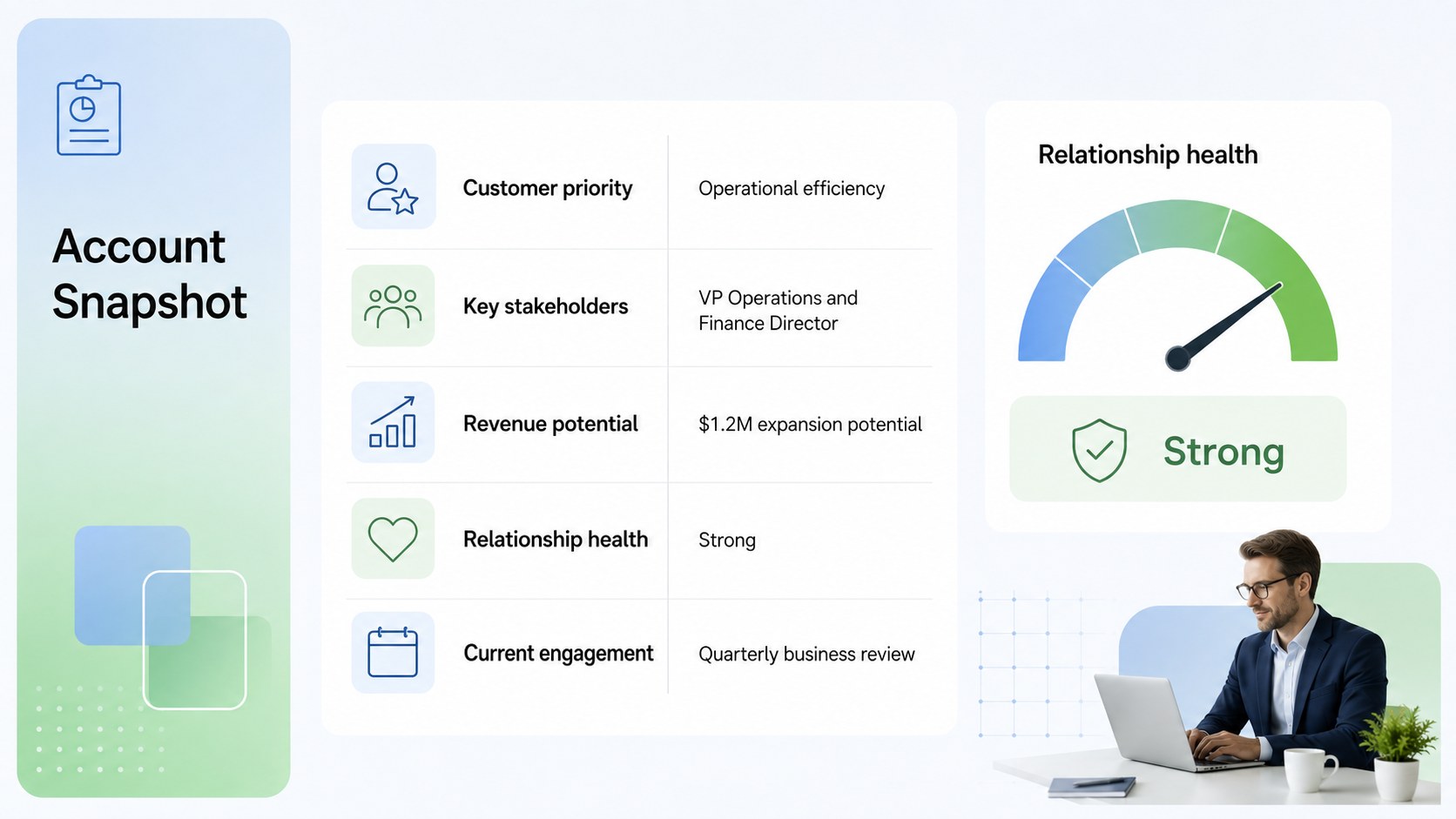
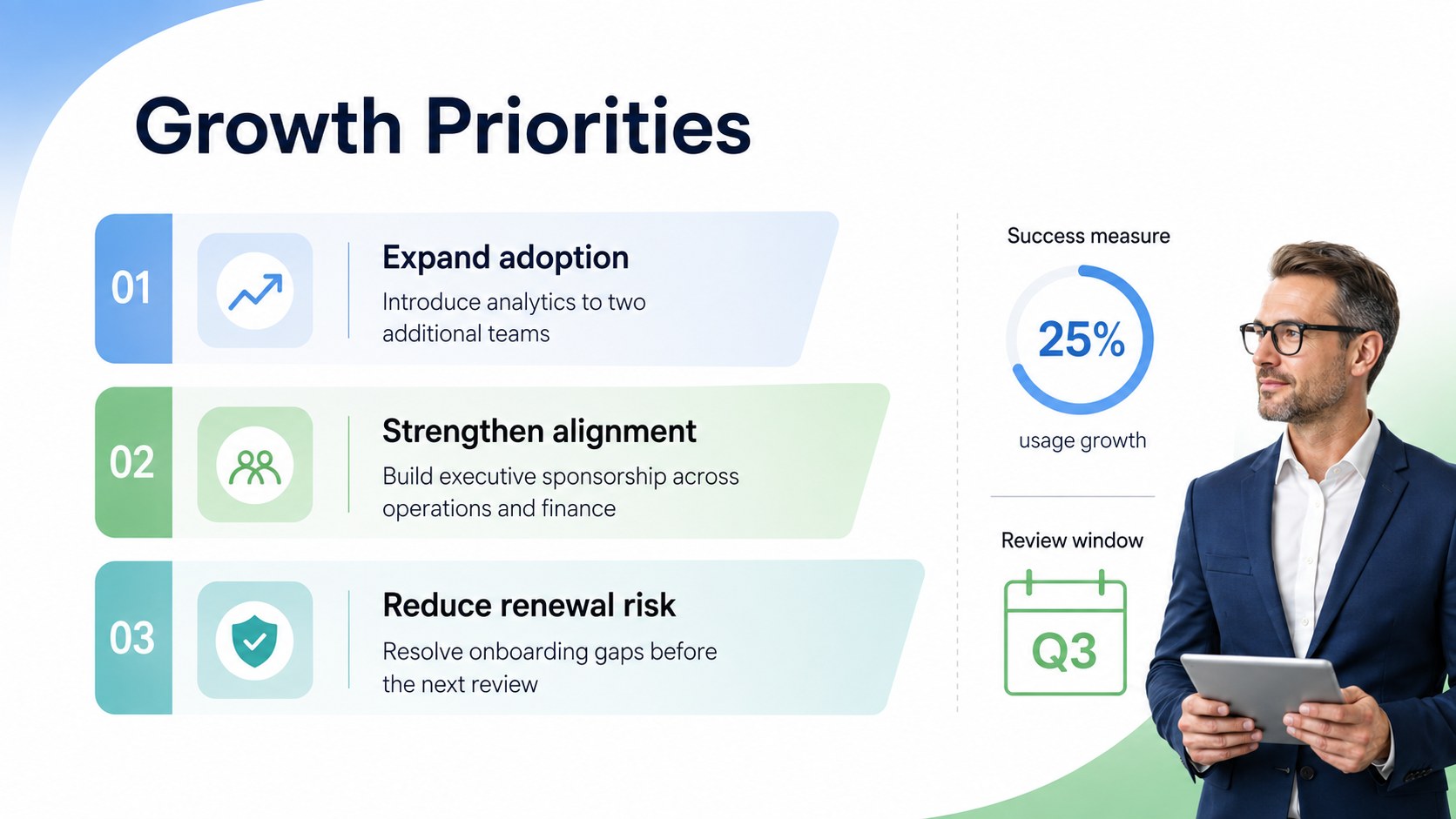
Turn customer research, sales activity, and revenue goals into a clear strategy with this strategic account planning deck. Its structured layouts help teams see where an account stands, identify opportunities, and agree on the next actions without crowding meetings with unnecessary detail. A minimal blue and green gradient style keeps every page polished, modern, and easy to scan.
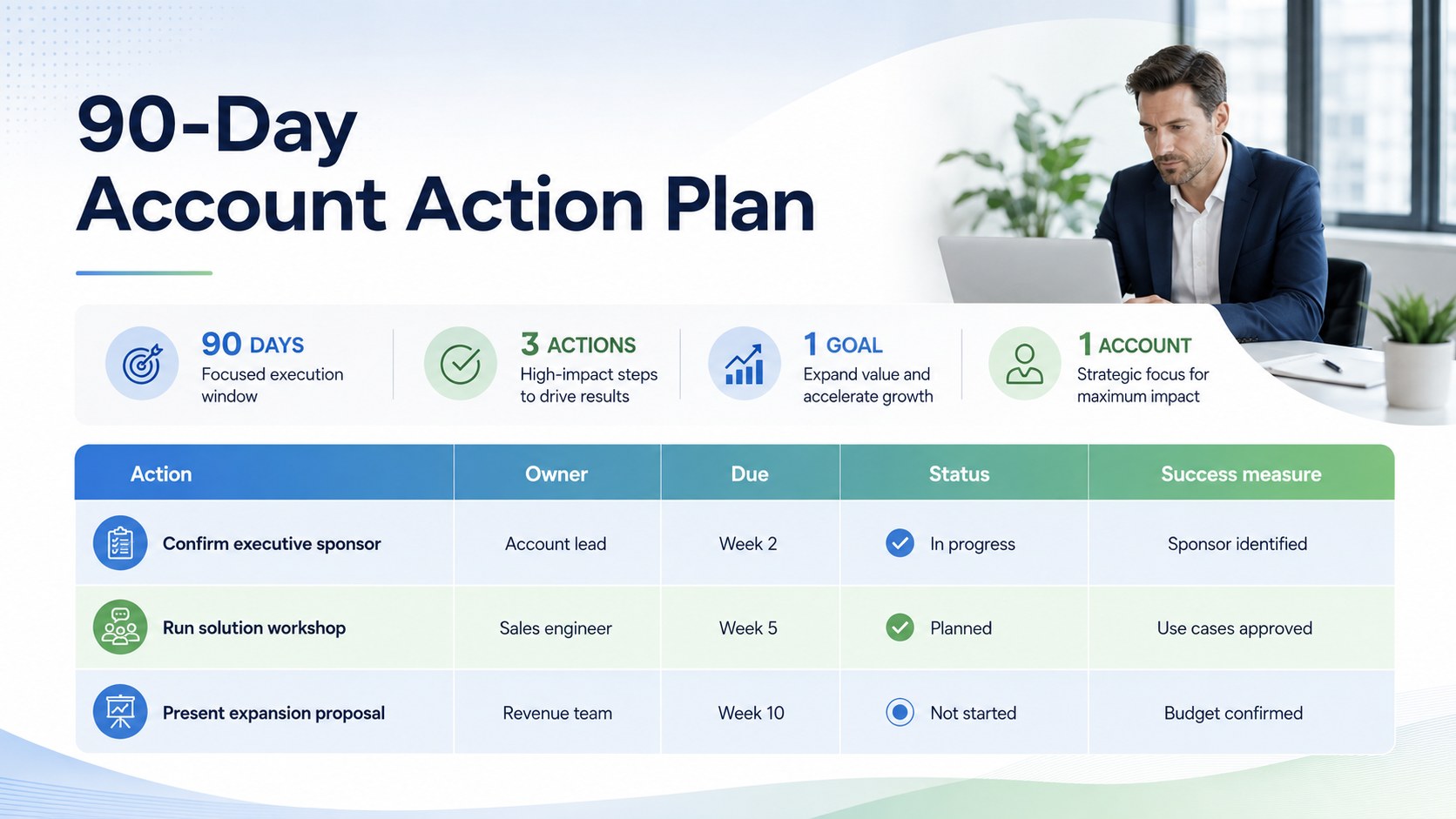
The deck includes an account overview, stakeholder map, customer needs summary, growth objectives, opportunity pipeline, risk assessment, meeting notes, and an action plan with owners and deadlines. Use it as a key account growth plan presentation for leadership discussions or adapt the layouts into customer expansion strategy slides for internal planning sessions. Tables, status indicators, concise text areas, and simple charts make complex account information easier to present.
This template is designed for account executives, sales managers, customer success leaders, startup revenue teams, and business development professionals. It works especially well for quarterly account reviews, strategic customer meetings, pipeline planning, and cross-functional handoffs. Edit the slides in PowerPoint or Google Slides, replace the sample content, adjust colors and fonts to match your organization, and reorganize sections around your sales process. The flexible structure supports both detailed account preparation and concise executive updates.
Perfect for: quarterly account review; enterprise customer planning; customer expansion workshop; sales leadership update; pipeline risk assessment; cross-functional account handoff.
Frequently asked questions
Can I edit this deck in PowerPoint and Google Slides? Yes. All slide text, colors, shapes, tables, and charts can be edited in PowerPoint or Google Slides. You can also duplicate or remove sections to fit the complexity of each account.
Practical details
Yes. All slide text, colors, shapes, tables, and charts can be edited in PowerPoint or Google Slides. You can also duplicate or remove sections to fit the complexity of each account.
Replace the sample customer details and rename stages, priorities, or status labels to match your workflow. Apply your brand fonts and colors while retaining the blue and green palette as optional accent colors.
Gather the account profile, stakeholder roles, current pipeline, customer objectives, known risks, and recent meeting notes. Having owners and target dates ready will make the action plan immediately useful.
Yes. The concise overview, opportunity, risk, and action layouts are designed for fast decision-making. Detailed slides can be moved to the end when presenting a shorter leadership update.
Keep exploring
4Document wound findings, treatment decisions, and healing progress with clinical wound evaluation slides for nurses in PowerPoint and Google Slides.
 4
4Turn recurring updates into clear decisions with a weekly operations status briefing for PowerPoint and Google Slides, covering progress, risks, and priorities.
 4
4Turn recurring check-ins into focused decisions with a weekly leadership update deck for KPIs, priorities, blockers, owners, and next actions.
 4
4Use veterinary surgery consent form slides to explain procedures, anesthesia, risks, costs, and emergency decisions clearly before client approval.
 4
4Organize objectives, activities, and daily notes with this weekly classroom planner for teachers, editable in PowerPoint and Google Slides for easy prep.
 4
4Create colorful vocabulary assessment slides for lively word checks, review games, and classroom practice in PowerPoint or Google Slides. Easy to personalize.
 4
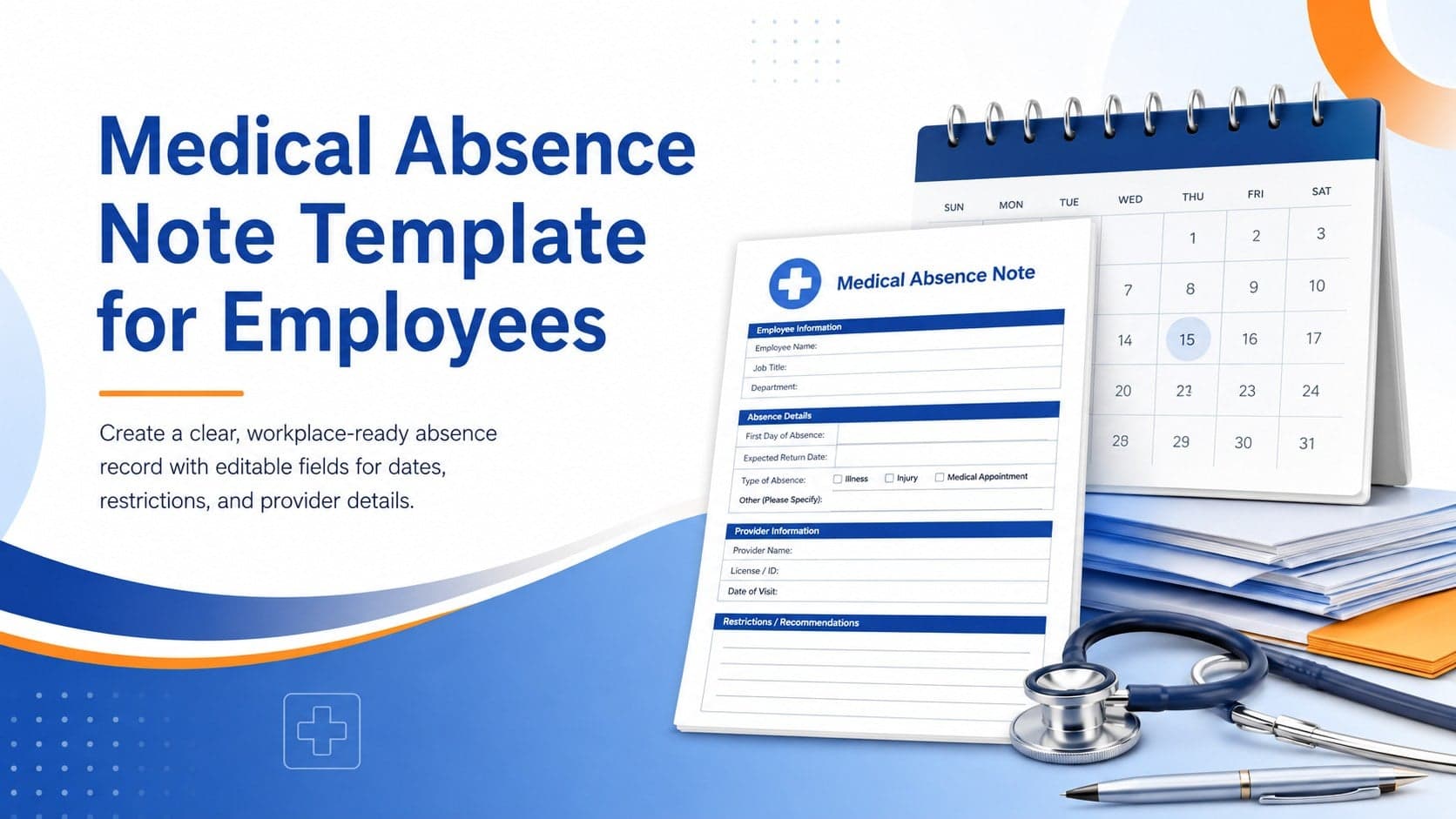
4Prepare a clear medical absence note template for employee records, with editable fields and polished blue-orange slides for PowerPoint and Google Slides.
 4
4Prepare pet owners for treatment with a veterinary procedure authorization form covering risks, medication, contacts, and approval details.