
 15
15presentation
Flying Saucer History Lesson Deck
Build an engaging World UFO Day session with this flying saucer history lesson deck, featuring retro green-and-brown slides for PowerPoint and Google Slides.
Google SlidesPowerPoint
presentation · English
Make statistics concrete with Statistics Sampling Classroom Slides, a purple illustrated deck for teaching samples, bias, charts, and data displays.
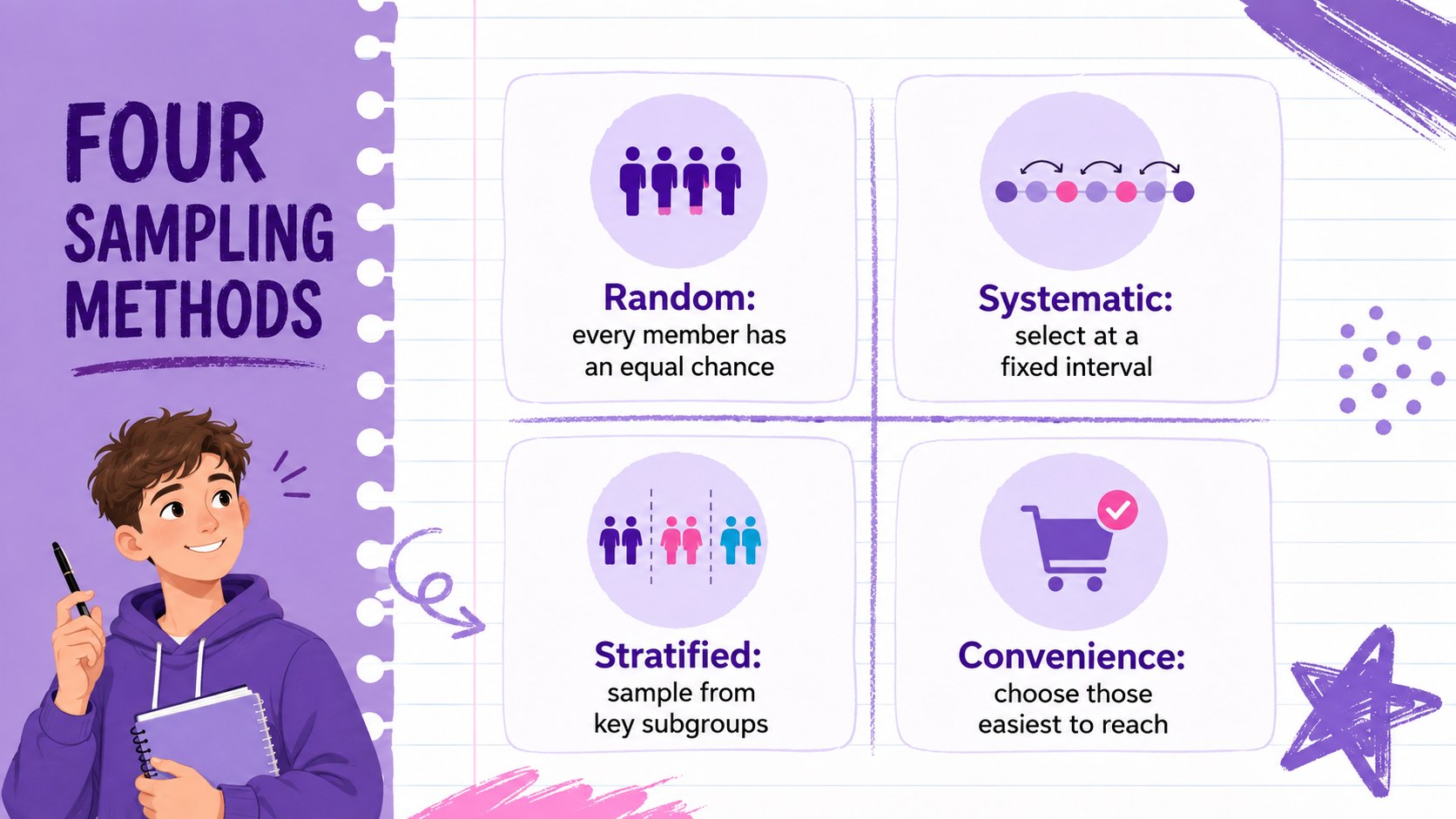
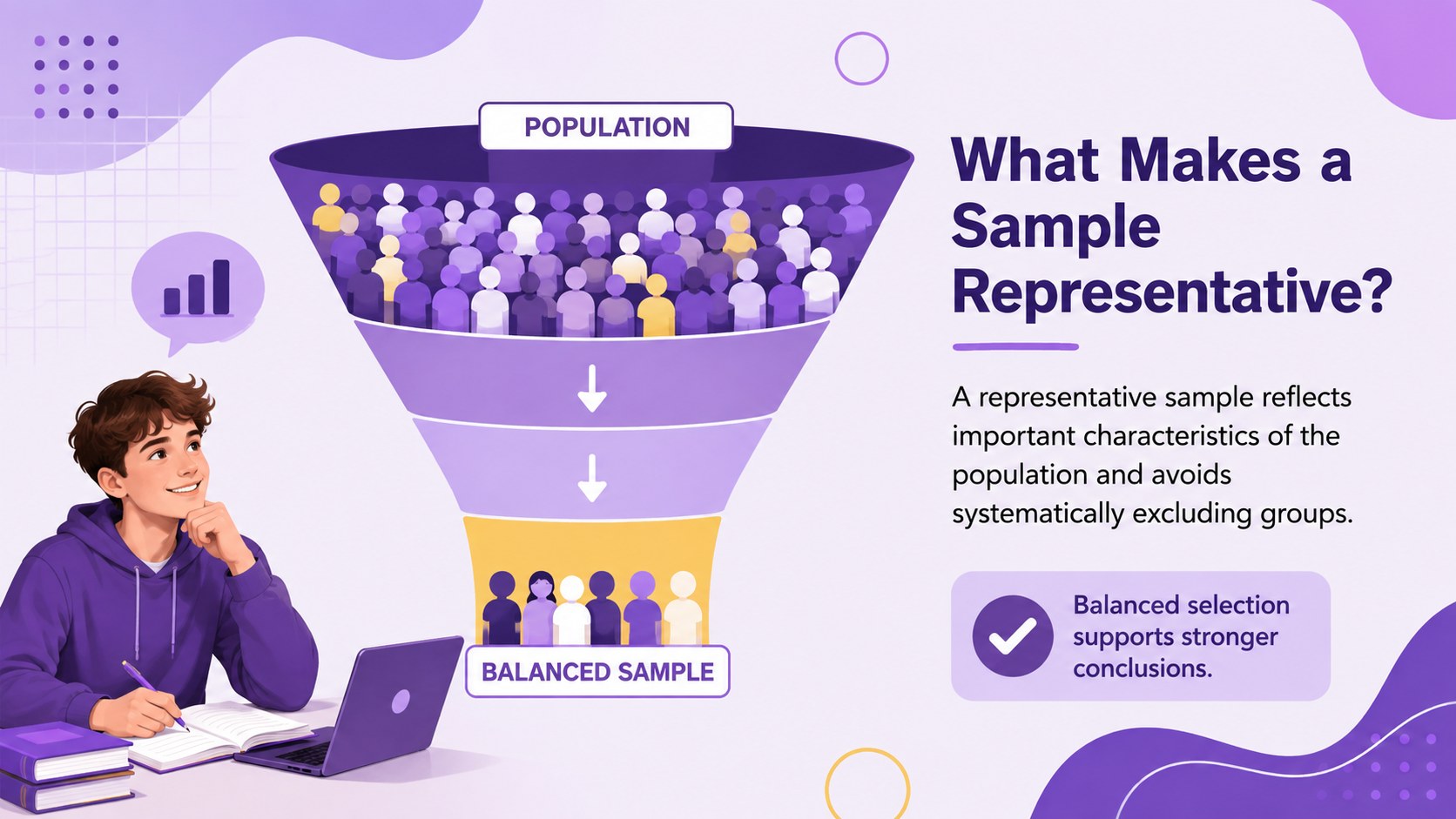
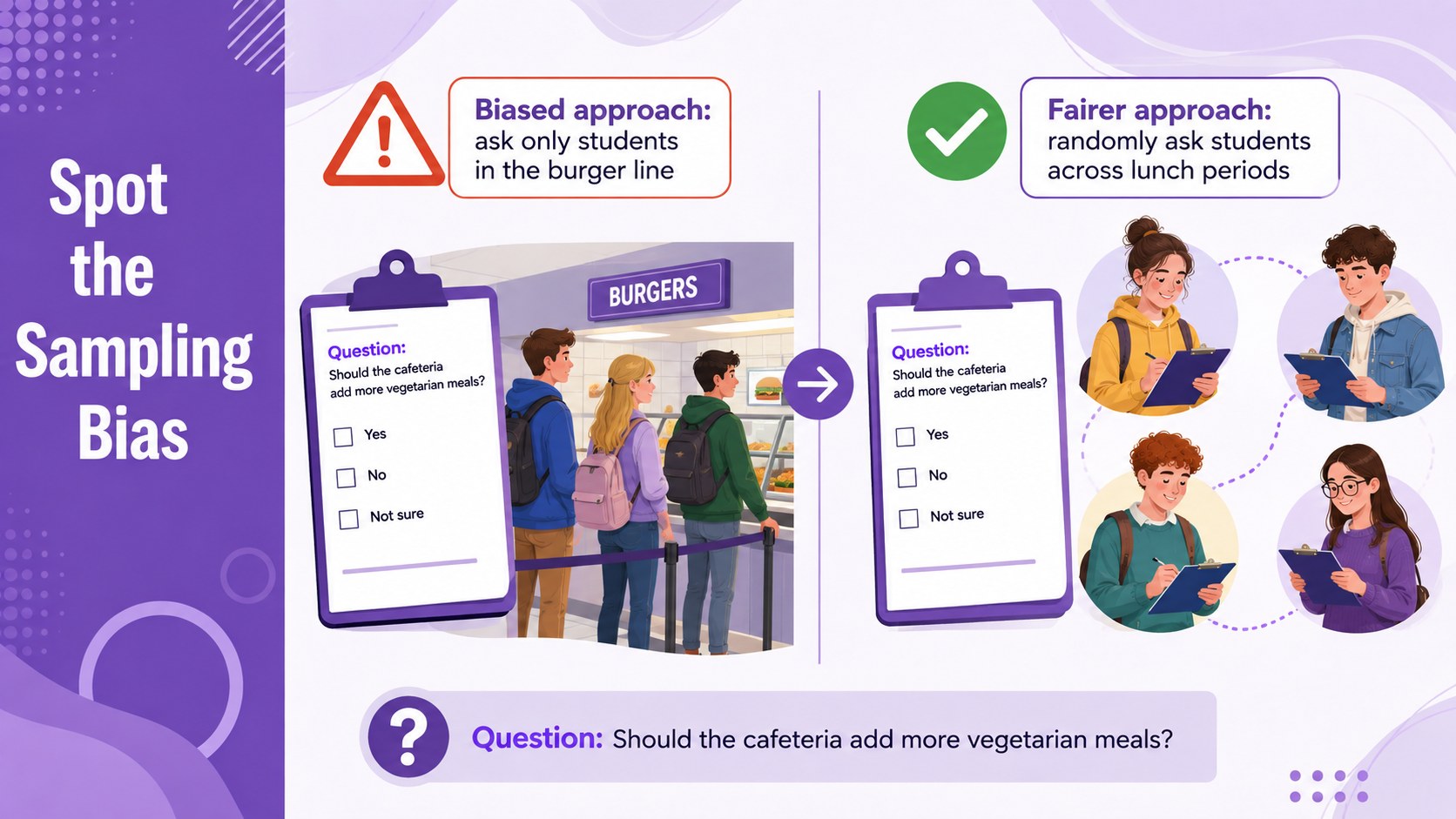
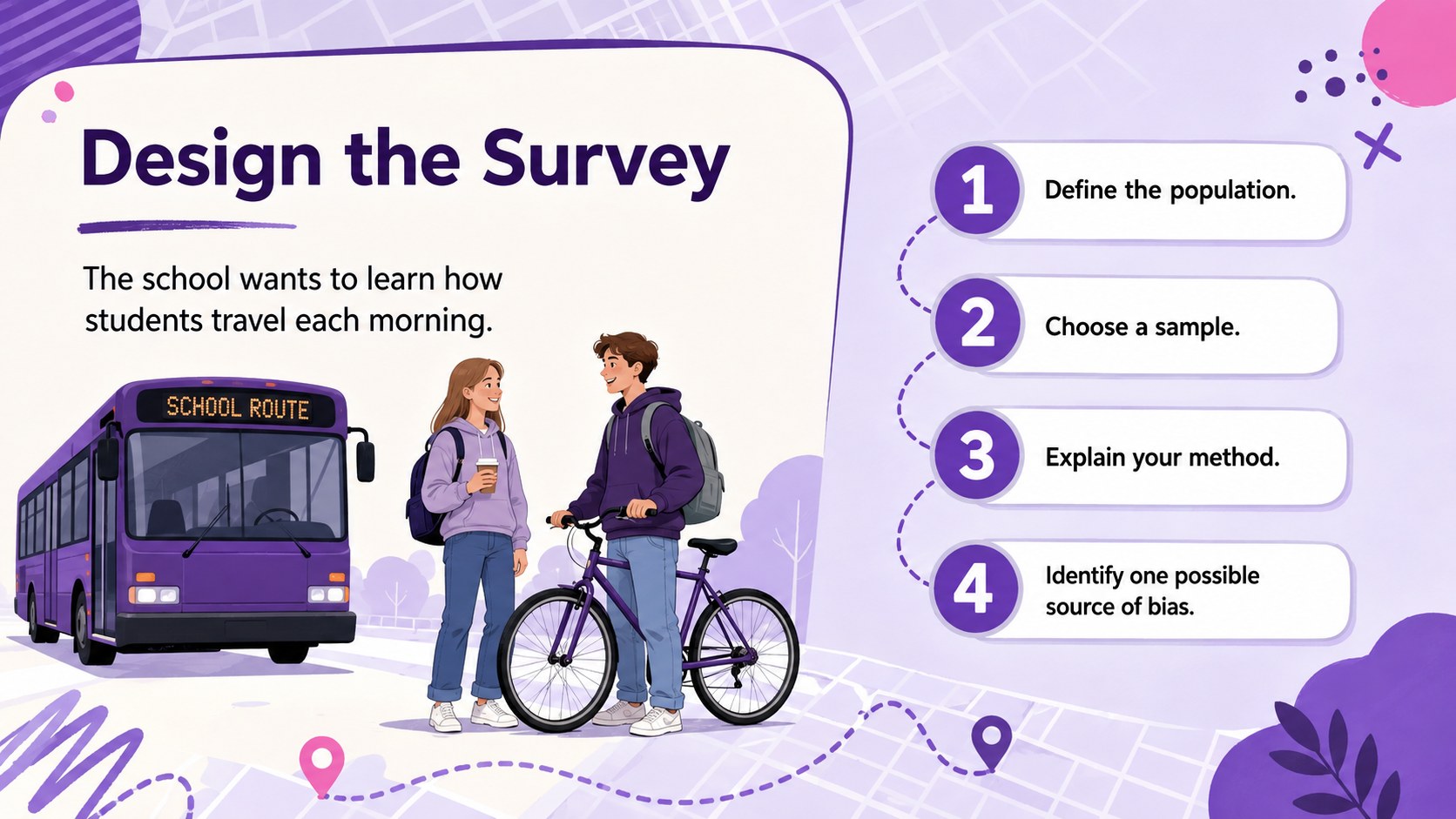
Design notes
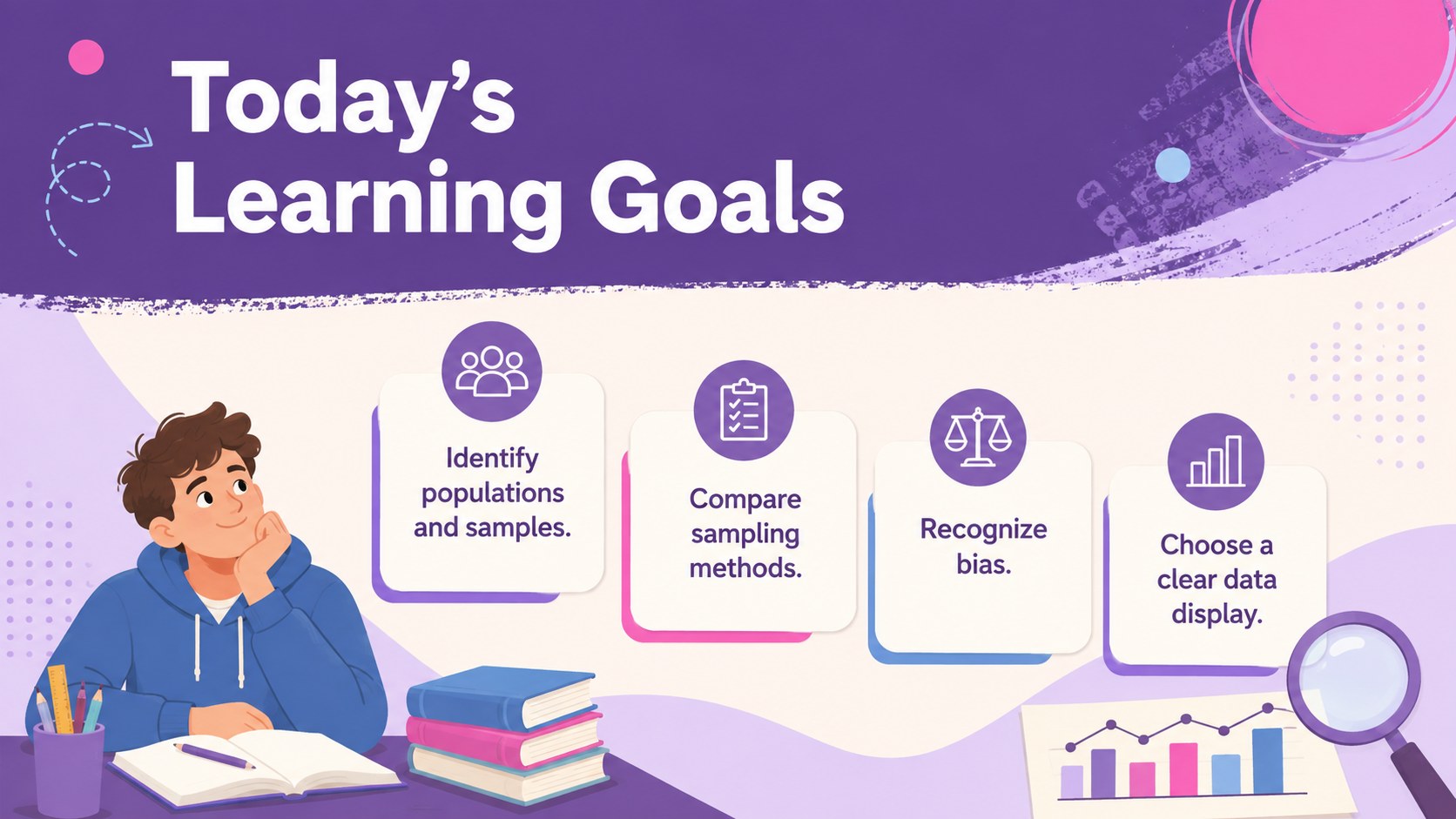
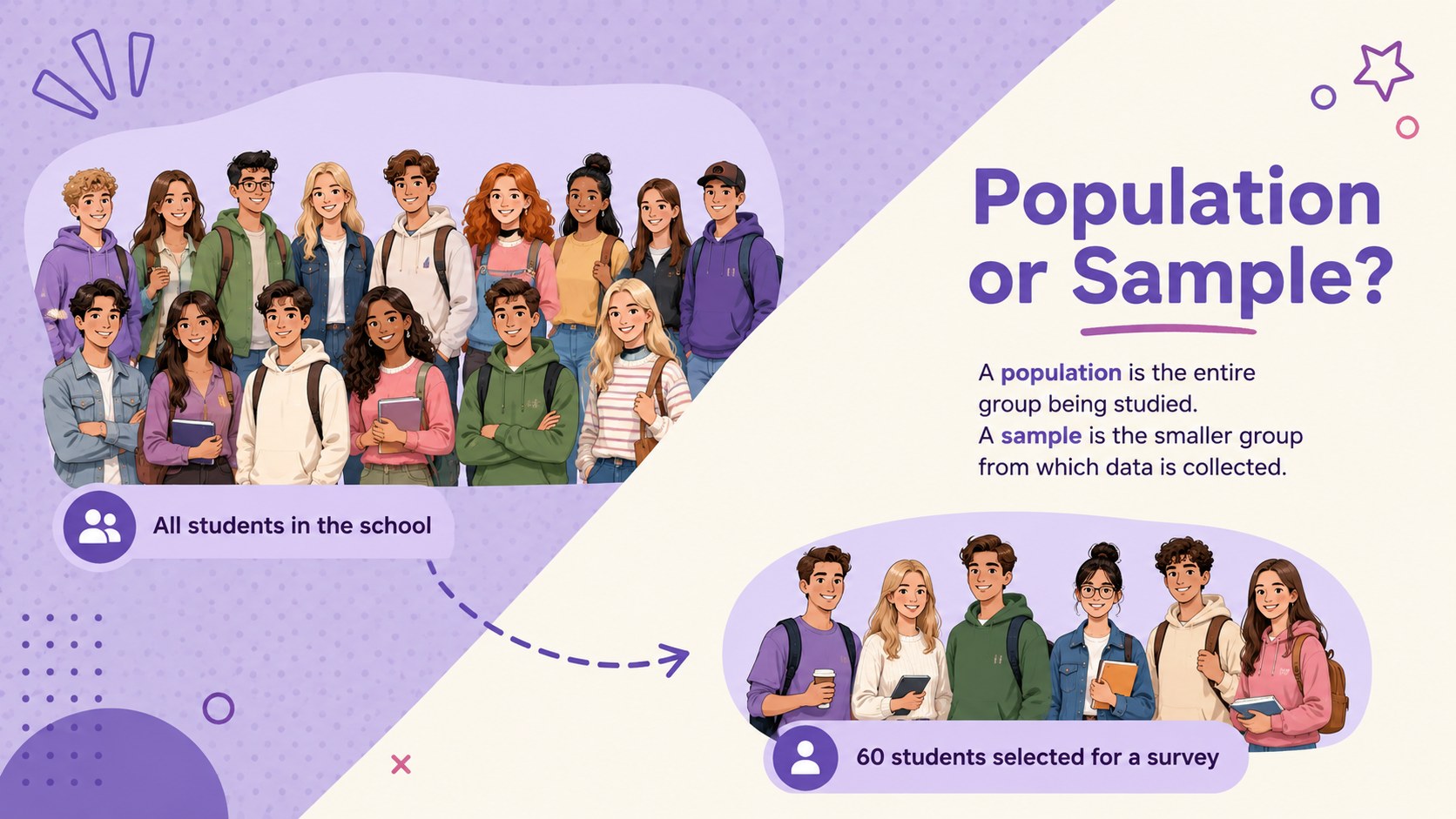
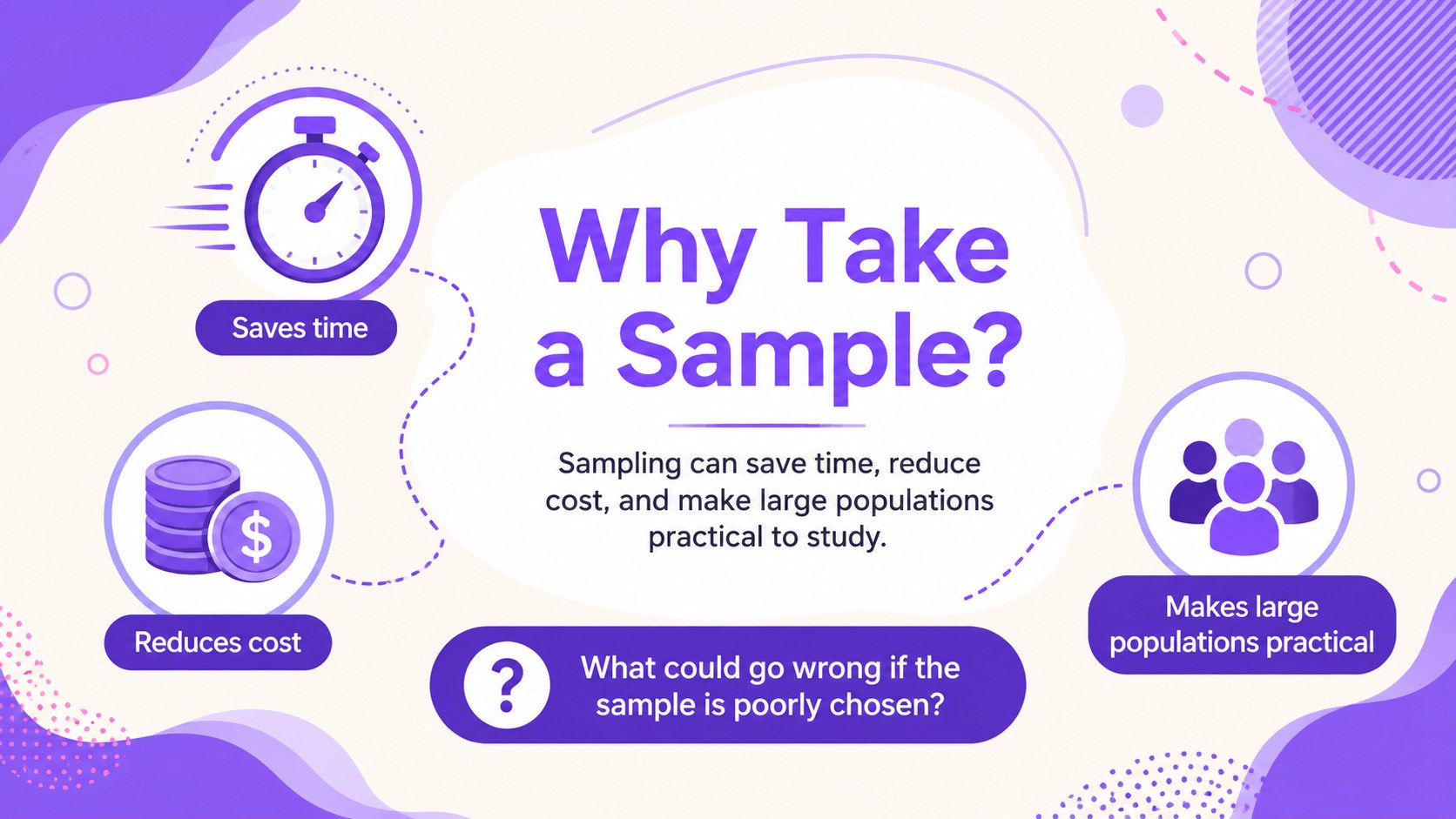
Statistics Sampling Classroom Slides turns an abstract statistics unit into a clear, visual learning sequence for secondary students. The purple illustrated design supports direct instruction while keeping definitions, examples, and questions easy to scan. Teachers can introduce populations and samples, compare collection methods, explain representative data, and show how bias affects conclusions.
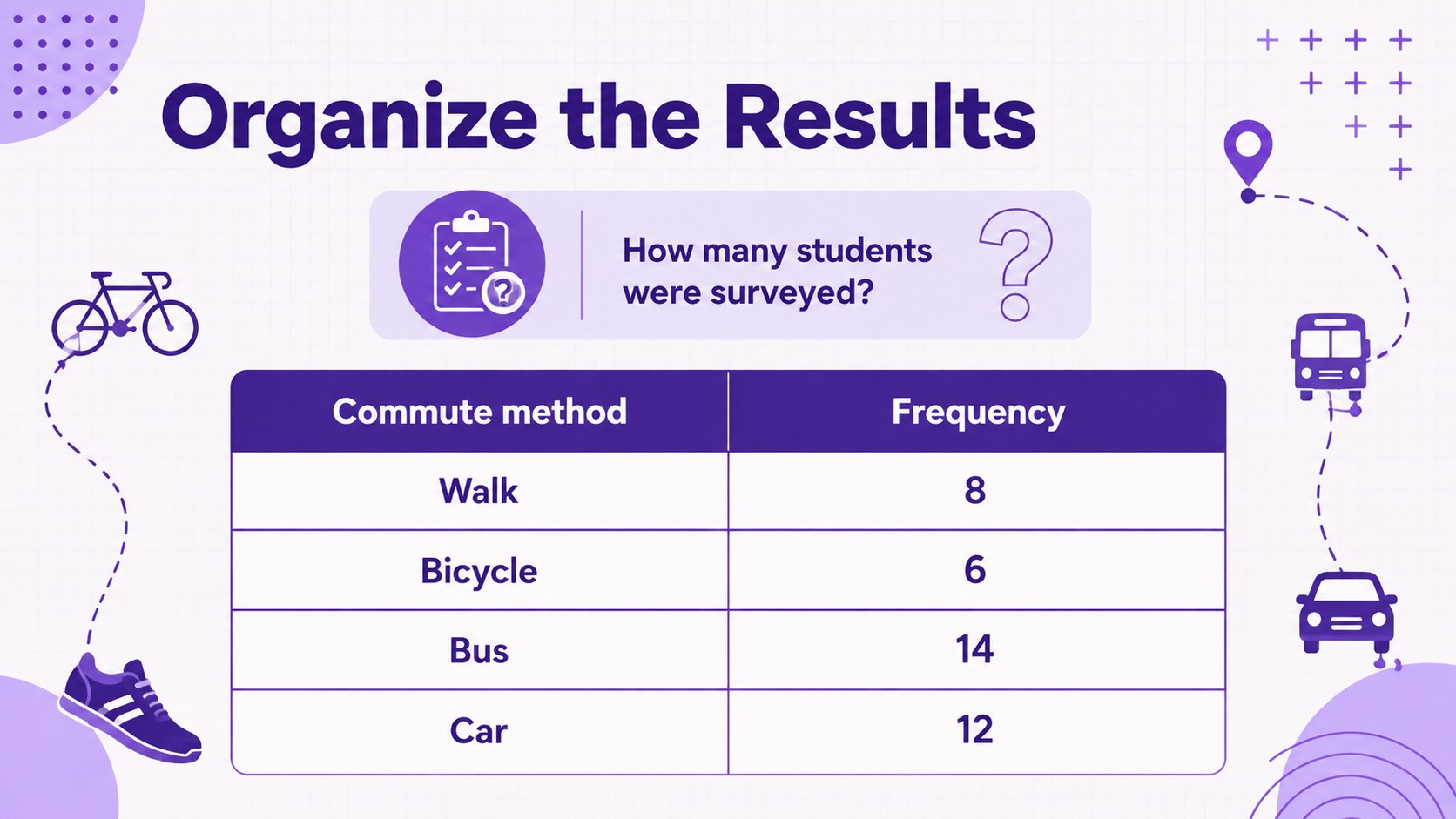
The deck includes lesson objectives, sampling scenarios, classroom discussion prompts, data tables, chart examples, group tasks, and an exit check. Use it as a high school statistics sampling presentation or adapt individual pages for a data displays classroom activity. Editable layouts provide space for bar charts, histograms, survey results, and worked examples without crowding the lesson.
Designed for high school mathematics teachers, tutors, and homeschool instructors, this sampling bias lesson for secondary students works for a full class period, review session, or small-group investigation. Every slide can be customized in PowerPoint or Google Slides, allowing educators to replace datasets, adjust questions, change illustrations, or match local curriculum requirements. The consistent purple palette and lively classroom graphics maintain an upbeat academic tone while helping students distinguish reliable samples from misleading evidence.
Perfect for: high school statistics lesson; sampling methods review; survey bias discussion; data visualization activity; small-group statistics investigation.
Frequently asked questions
Can I edit the lesson examples and datasets? Yes. All text, tables, charts, colors, and graphic elements can be adjusted so you can use class survey results or curriculum-specific examples.
Practical details
Yes. All text, tables, charts, colors, and graphic elements can be adjusted so you can use class survey results or curriculum-specific examples.
The template is designed for PowerPoint and Google Slides. Layouts remain editable in both platforms, although minor font or animation differences may occur.
Yes. Replace the theme colors to match your school branding, subject area, or accessibility requirements while retaining the structured lesson layouts.
Yes. Simplify definitions for introductory classes or extend the scenarios with calculations and written justification for advanced students.
Keep exploring
15Build an engaging World UFO Day session with this flying saucer history lesson deck, featuring retro green-and-brown slides for PowerPoint and Google Slides.
 15
15Plan a lively animal-learning journey with this jungle zoo adventure lesson deck, ready to customize in PowerPoint and Google Slides for young learners.
 16
16Turn environmental research into a clear story with a Watercolor Ecology Presentation Theme for PowerPoint and Google Slides in calming green and blue.
 16
16Build focused fashion, literature, and humanities presentations with the Red Triangle Editorial Theme, editable in PowerPoint and Google Slides.
 15
15Turn streaming stats, favorite tracks, and concert highlights into a bold annual listening recap slide deck for PowerPoint and Google Slides.
 15
15Turn highlights, milestones, and favorite moments into a colorful year in review slide deck with bold 3D graphics for PowerPoint and Google Slides.
 3
3Build a credible endorsement with Standout Colleague Recommendation Letter Slides, featuring colorful prompts for skills, achievements, and team impact.
 4
4Build clear beginner sessions with an ice hockey fundamentals training deck for coaches, PE teachers, and clubs, ready for PowerPoint and Google Slides.