
 15
15presentation
Flying Saucer History Lesson Deck
Build an engaging World UFO Day session with this flying saucer history lesson deck, featuring retro green-and-brown slides for PowerPoint and Google Slides.
Google SlidesPowerPoint
presentation · English
Run focused planning sessions with this Spring Strategy Meeting Deck, featuring editable pink, grey, and geometric layouts for PowerPoint and Google Slides.

Design notes
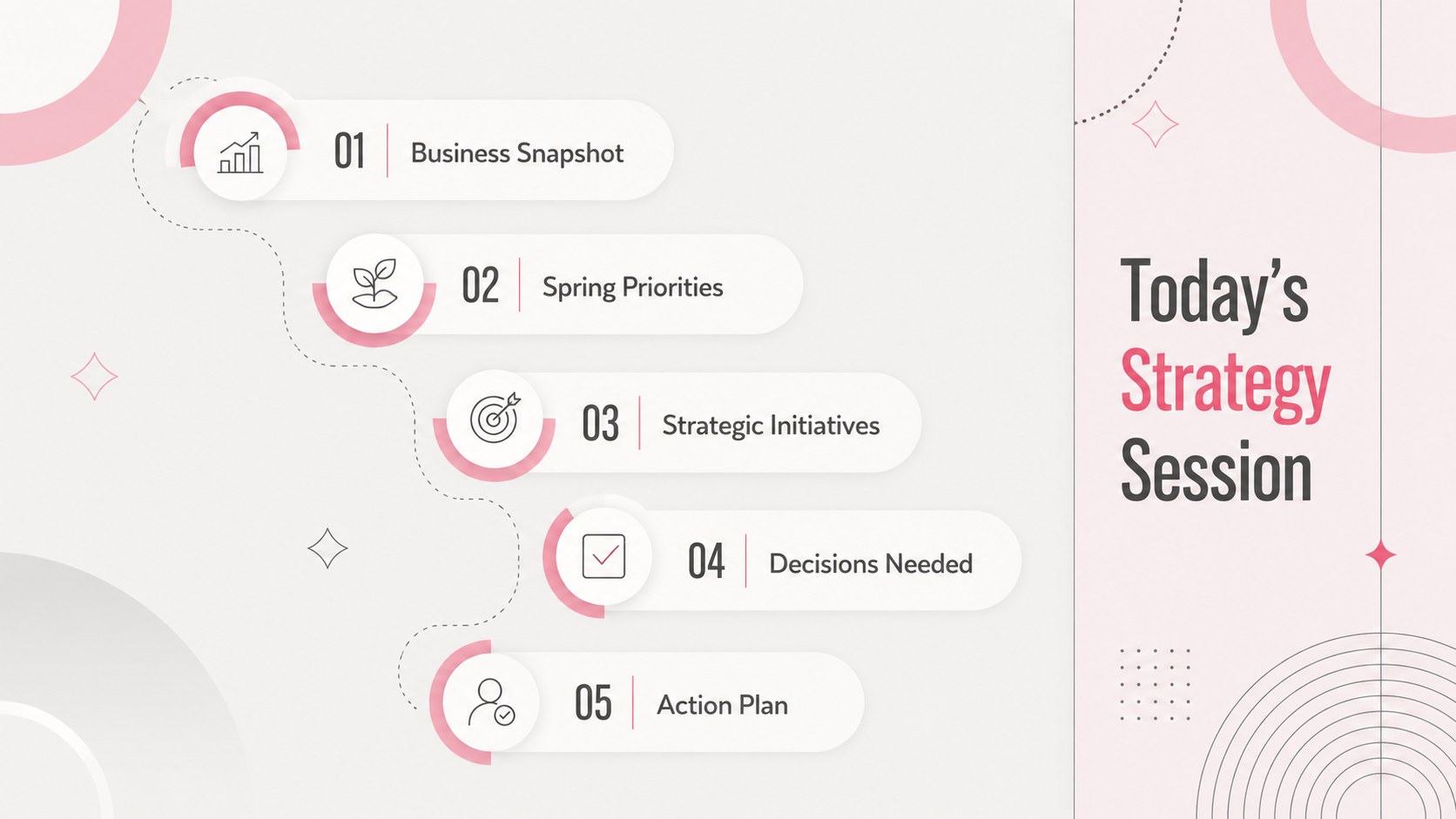
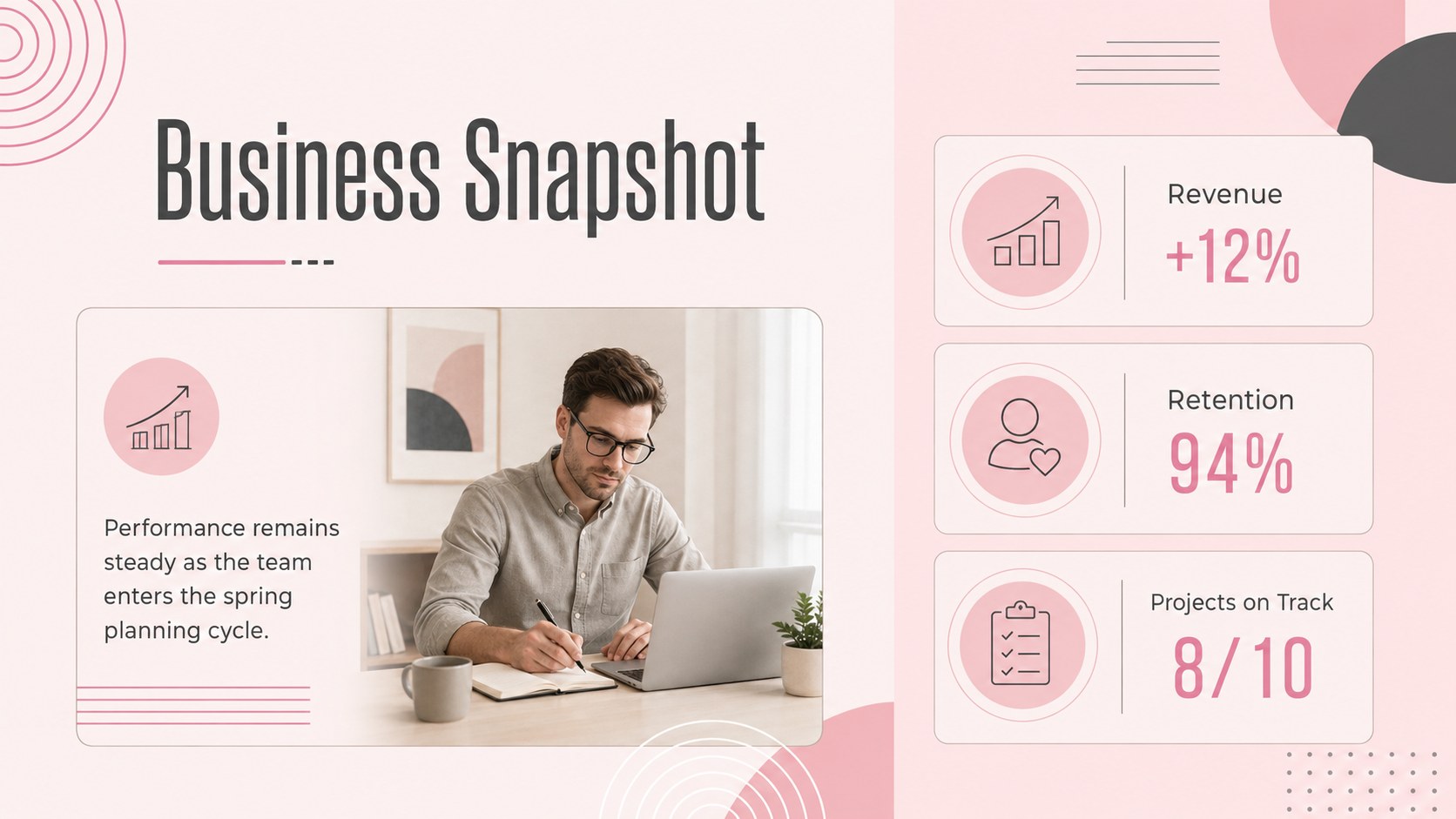
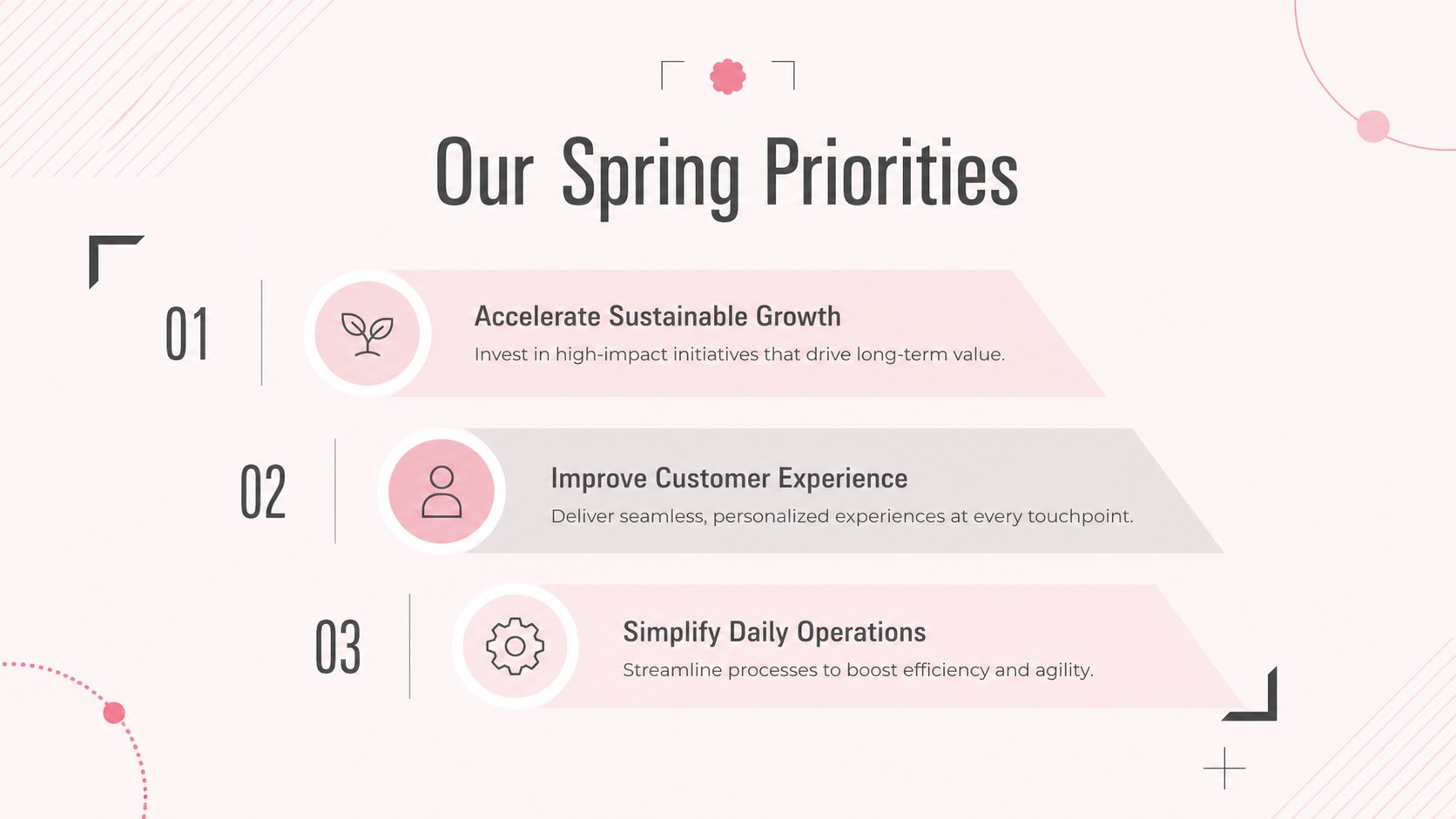
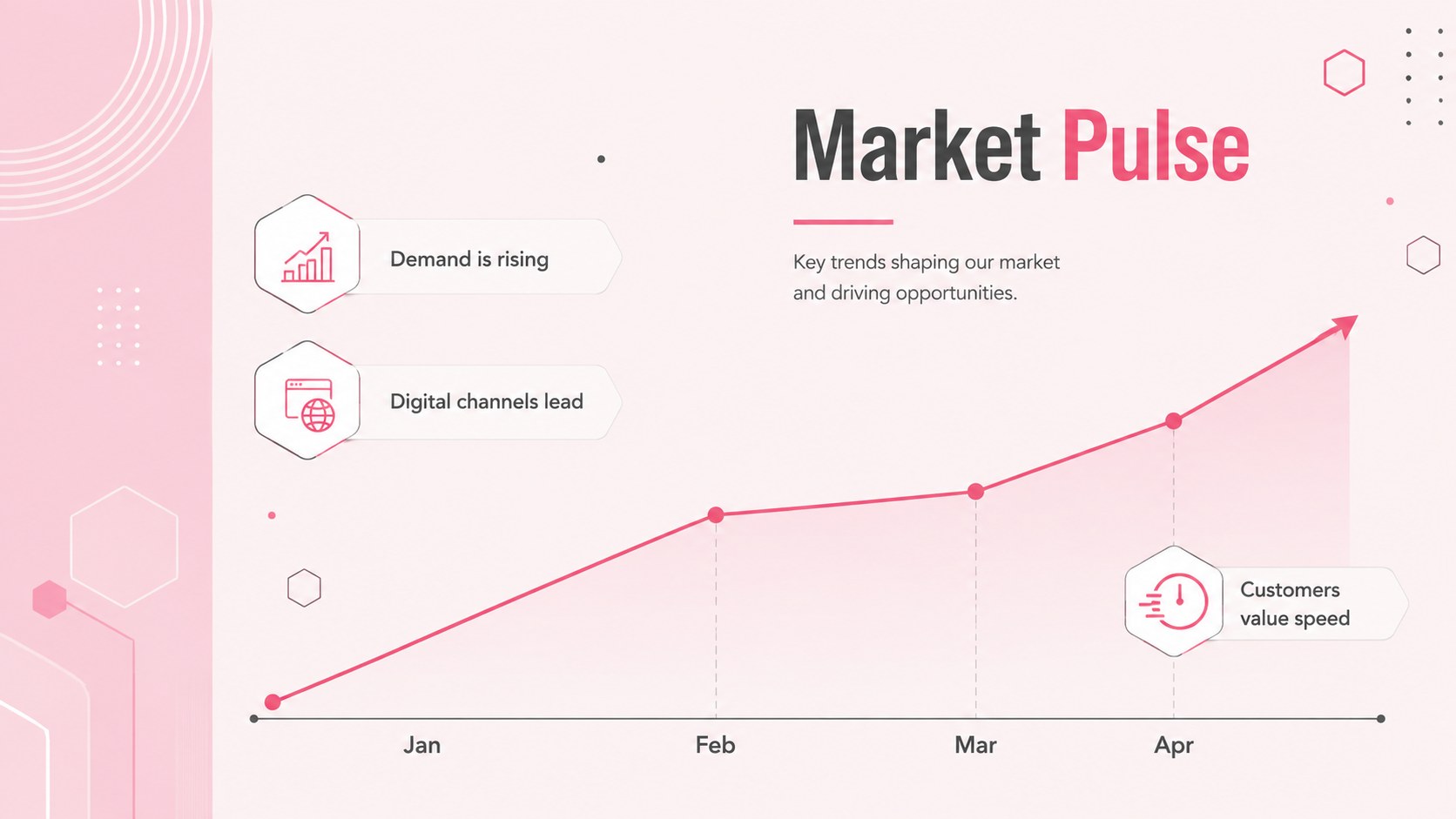
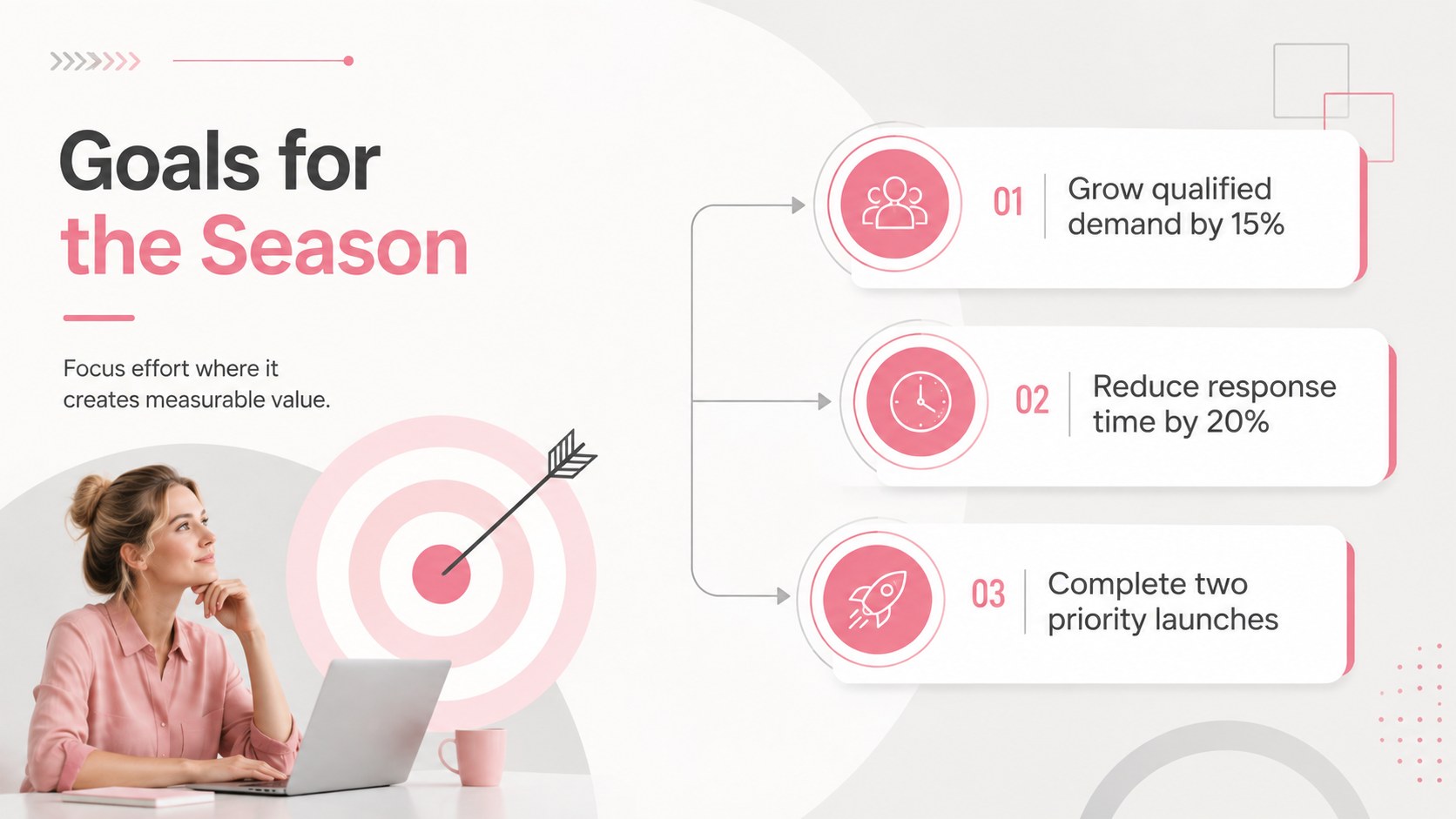
Give seasonal planning a clear direction with the Spring Strategy Meeting Deck, a modern presentation for productive discussions and confident decision-making. Its pastel pink and grey palette, crisp typography, and abstract geometric details create a professional look that feels fresh without distracting from your message. Use these spring strategy meeting slides to guide conversations, clarify priorities, and keep stakeholders aligned.
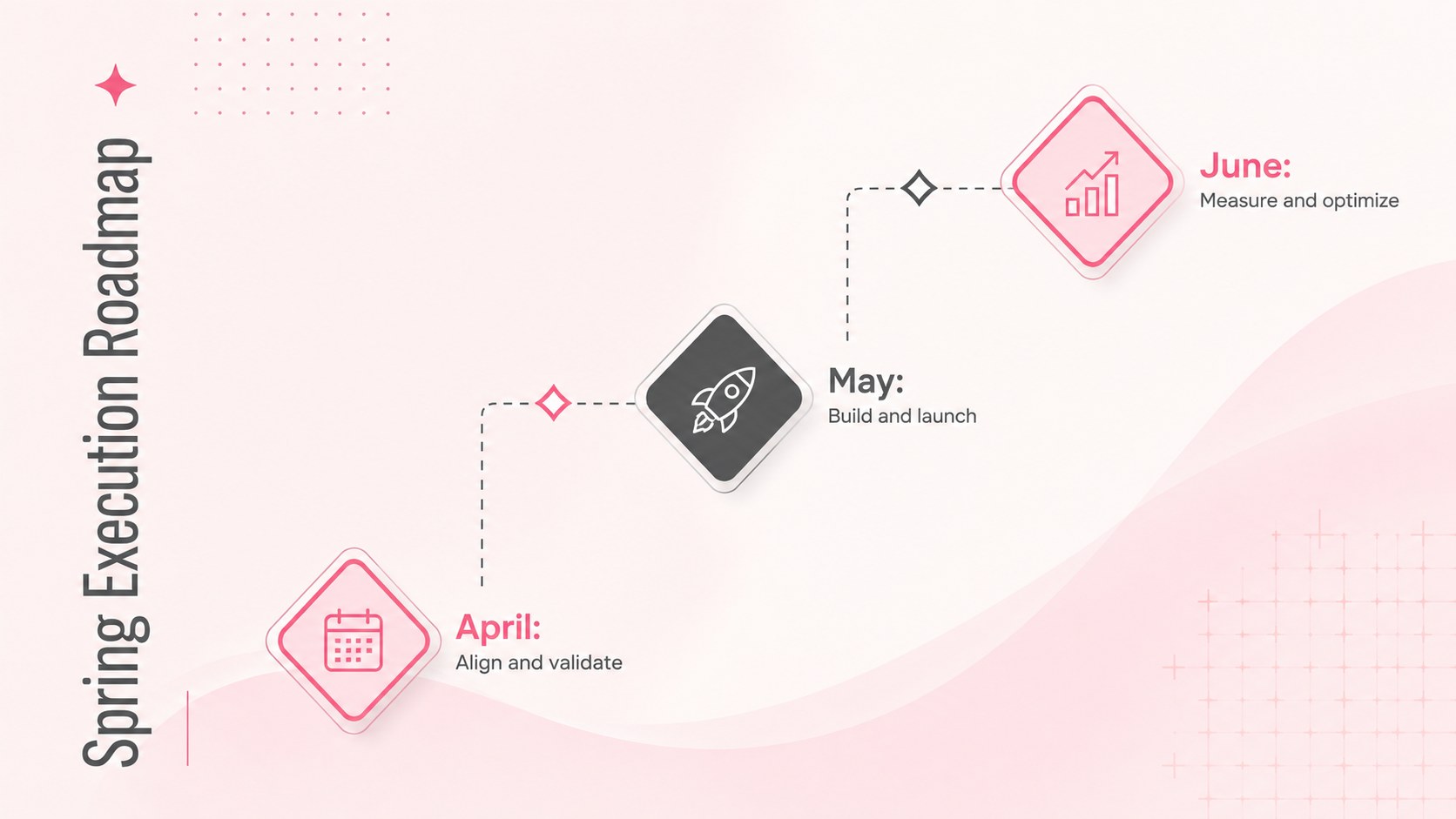
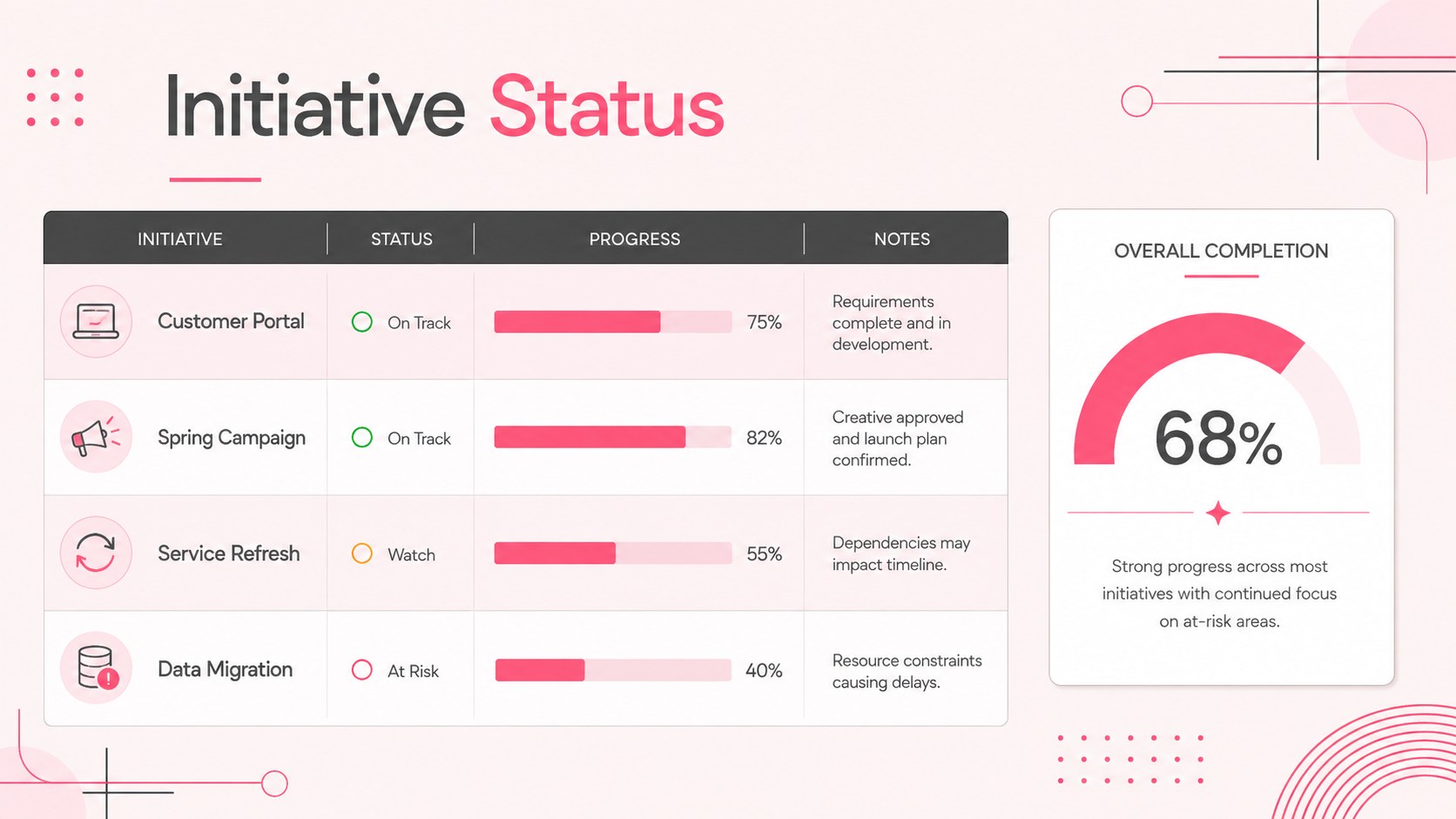
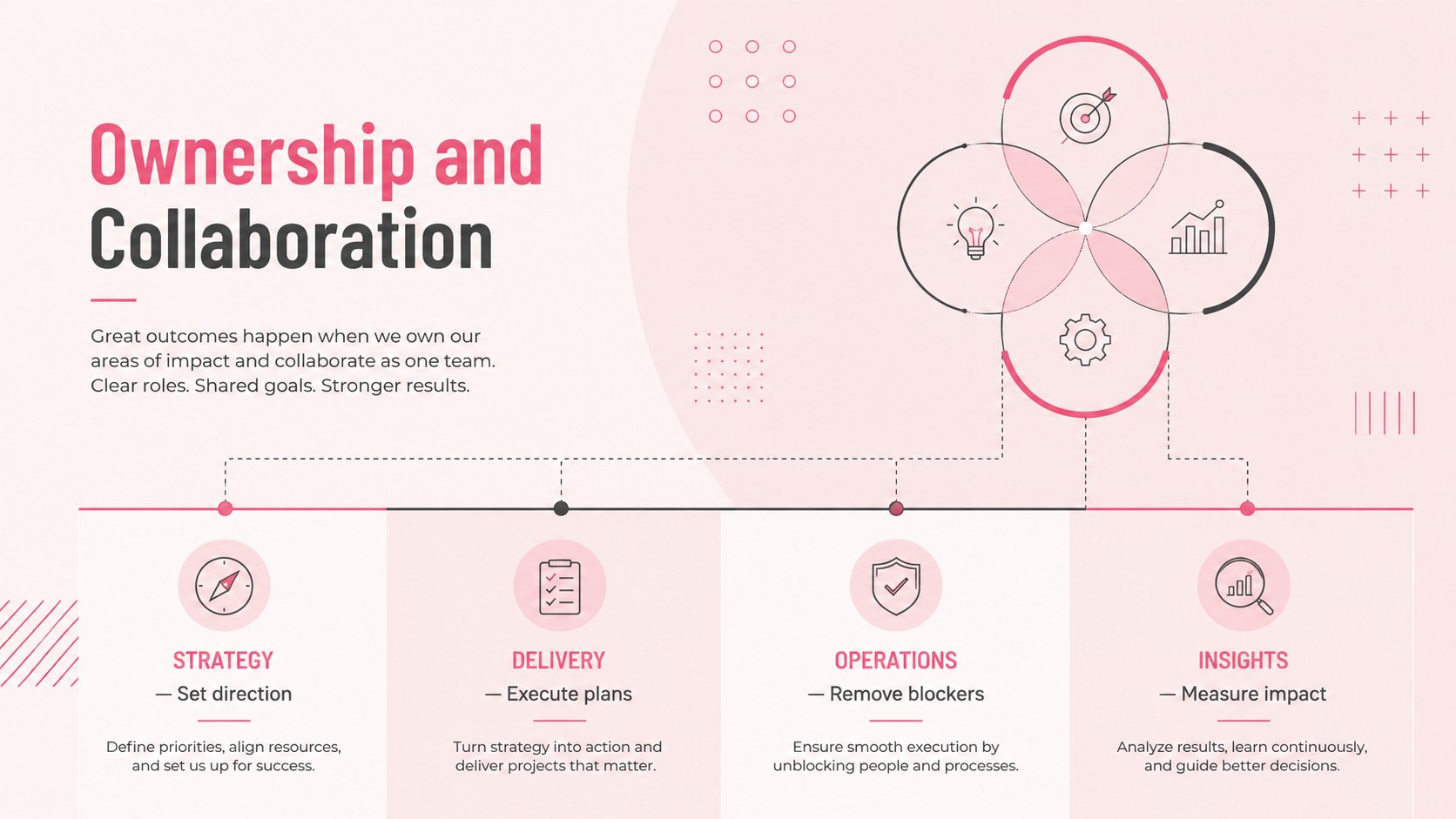
The deck includes layouts for an agenda, business priorities, performance figures, market insights, strategic goals, project timelines, team responsibilities, risks, decisions, and next steps. Editable charts, tables, diagrams, and text areas make it easy to adapt the presentation to your organization. This pink geometric business presentation works equally well for data-led updates and collaborative workshops, while the consistent visual system helps every section feel connected.
Designed for managers, consultants, project leads, operations teams, and small business owners, this seasonal corporate planning deck supports quarterly reviews, leadership meetings, campaign planning, and internal strategy sessions. Customize the colors, fonts, wording, and visual elements in PowerPoint or Google Slides, then present in a widescreen 16:9 format. Whether you are setting spring objectives or reviewing current initiatives, the flexible layouts help turn complex information into a focused, practical meeting narrative.
Perfect for: spring quarterly review; leadership strategy session; department planning workshop; project status meeting; seasonal campaign briefing.
Frequently asked questions
Which presentation platforms are supported? The deck is designed for Microsoft PowerPoint and Google Slides. Its widescreen layouts, text areas, and visual elements can be edited in either platform.
Practical details
The deck is designed for Microsoft PowerPoint and Google Slides. Its widescreen layouts, text areas, and visual elements can be edited in either platform.
Yes. Change the theme colors, fonts, backgrounds, and geometric accents to match your company identity or meeting topic.
Yes. The charts, tables, timelines, diagrams, and text placeholders are structured for straightforward editing with your own figures and labels.
It works well for quarterly reviews, strategy workshops, team planning sessions, project updates, and campaign briefings. The slide sequence can be shortened or reordered for different agendas.
Keep exploring
15Build an engaging World UFO Day session with this flying saucer history lesson deck, featuring retro green-and-brown slides for PowerPoint and Google Slides.
 15
15Plan a lively animal-learning journey with this jungle zoo adventure lesson deck, ready to customize in PowerPoint and Google Slides for young learners.
 16
16Turn environmental research into a clear story with a Watercolor Ecology Presentation Theme for PowerPoint and Google Slides in calming green and blue.
 16
16Build focused fashion, literature, and humanities presentations with the Red Triangle Editorial Theme, editable in PowerPoint and Google Slides.
 15
15Turn streaming stats, favorite tracks, and concert highlights into a bold annual listening recap slide deck for PowerPoint and Google Slides.
 15
15Turn highlights, milestones, and favorite moments into a colorful year in review slide deck with bold 3D graphics for PowerPoint and Google Slides.
 3
3Build a credible endorsement with Standout Colleague Recommendation Letter Slides, featuring colorful prompts for skills, achievements, and team impact.
 4
4Build clear beginner sessions with an ice hockey fundamentals training deck for coaches, PE teachers, and clubs, ready for PowerPoint and Google Slides.