
 15
15presentation
Flying Saucer History Lesson Deck
Build an engaging World UFO Day session with this flying saucer history lesson deck, featuring retro green-and-brown slides for PowerPoint and Google Slides.
Google SlidesPowerPoint
presentation · English
Build a refined tasting story with a sommelier wine collection lookbook for PowerPoint and Google Slides, featuring editable red-and-beige vintage layouts.
Design notes
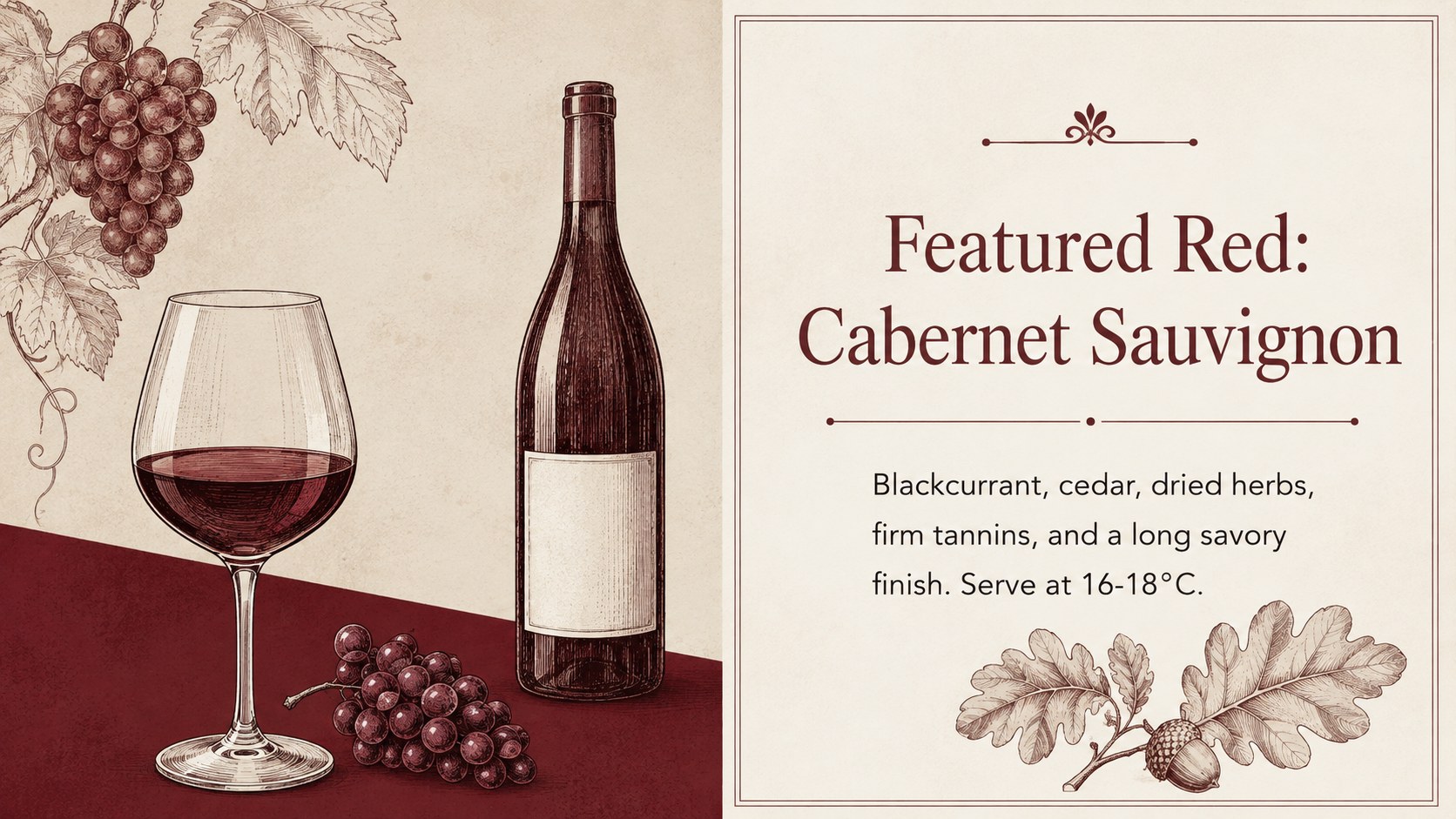
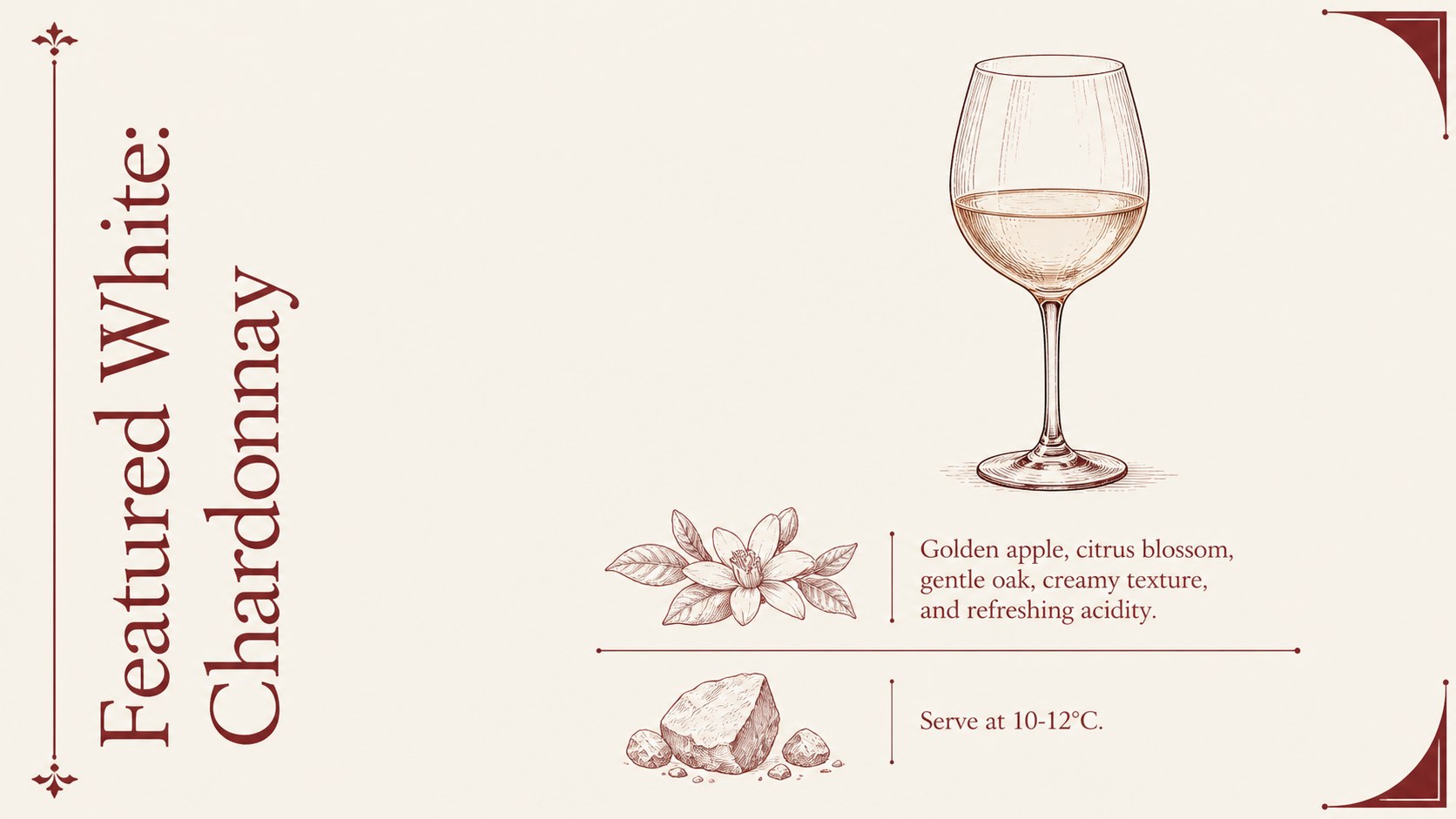
The Sommelier Wine Collection Lookbook turns bottle details, tasting notes, and pairing ideas into a refined visual narrative. Designed in an elegant red-and-beige palette, it combines hand-drawn vineyard motifs with restrained typography and generous spacing. Use it as a wine menu presentation template for tastings, hospitality meetings, winery promotions, or curated retail selections.
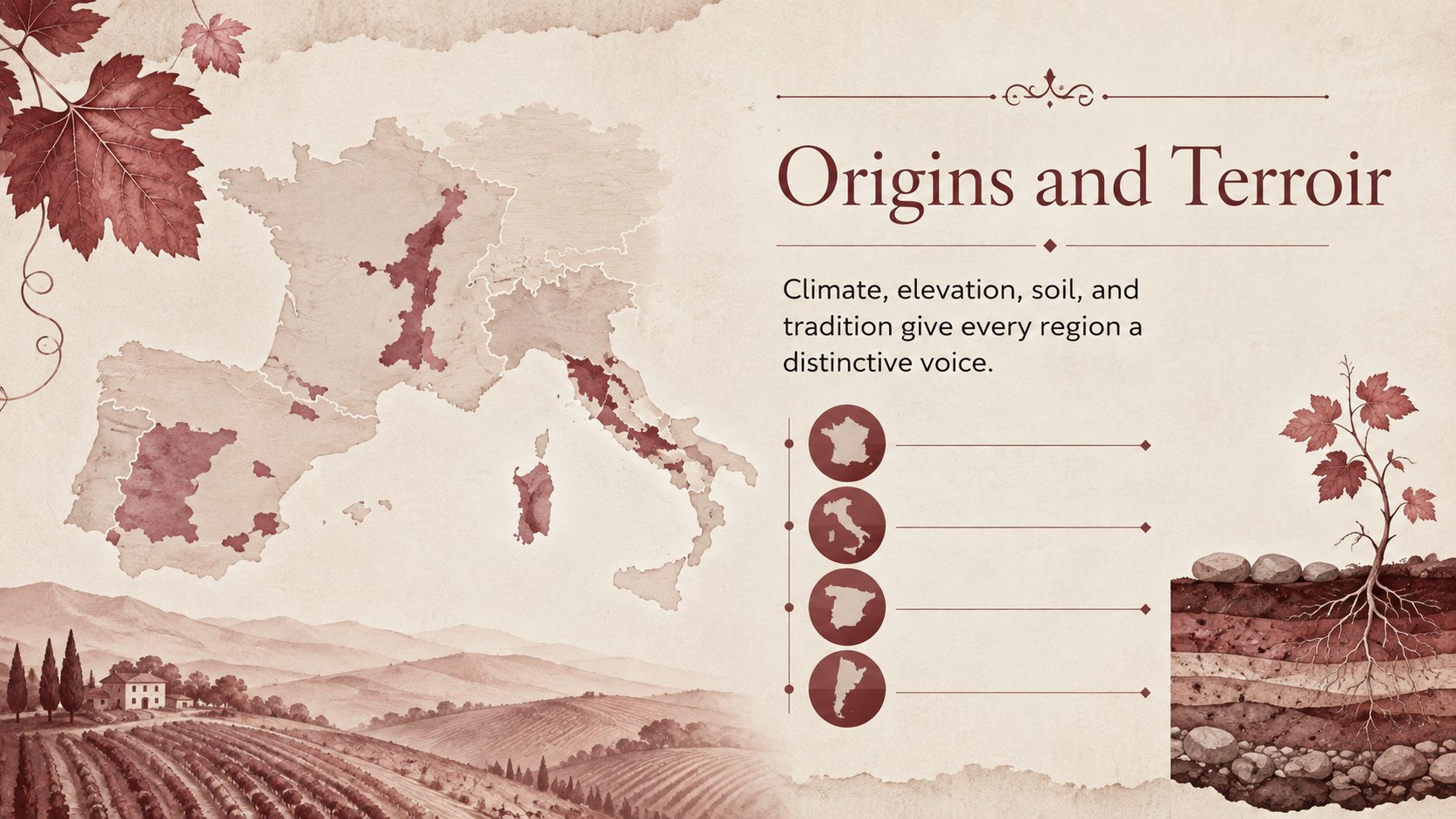
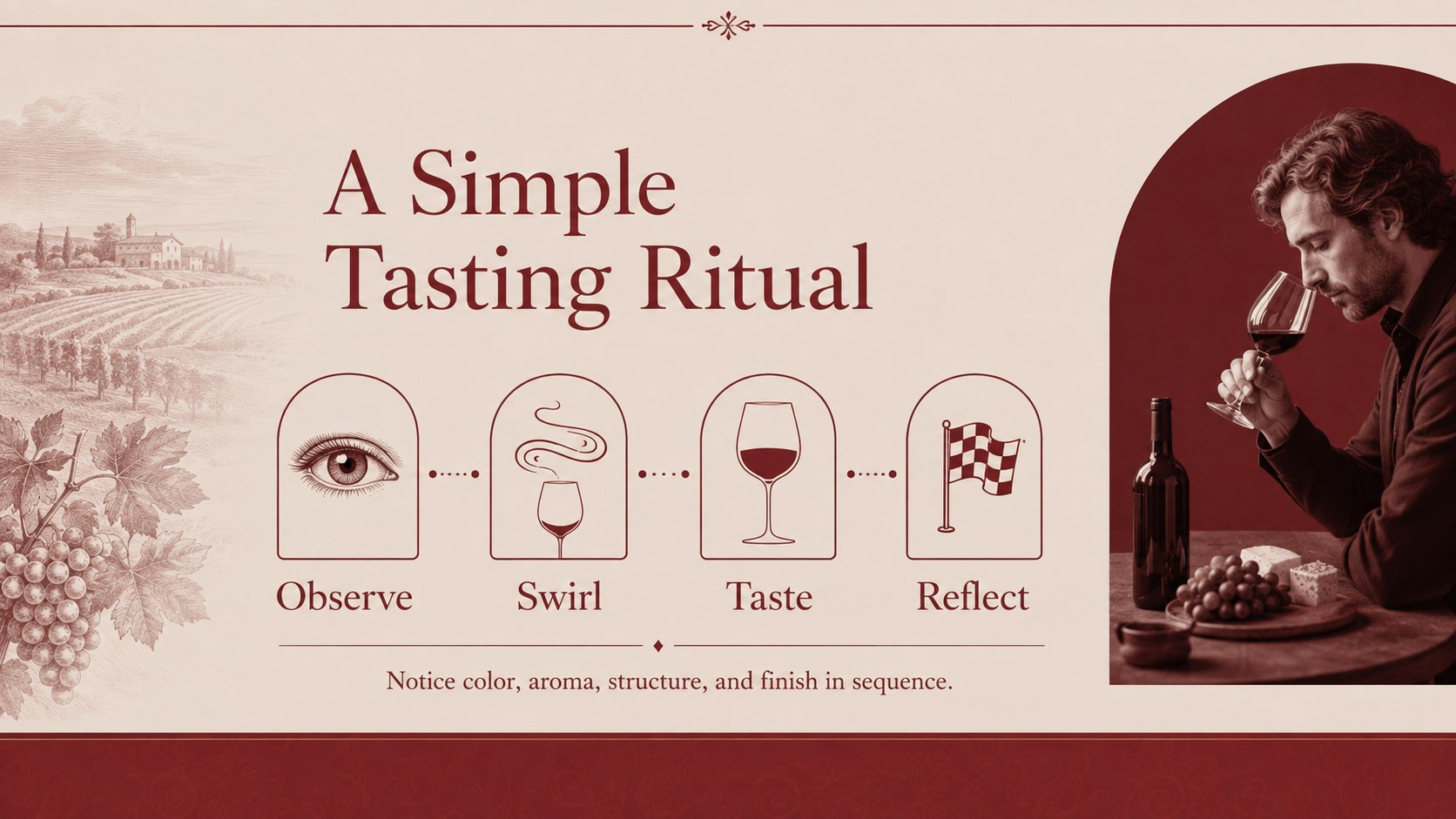
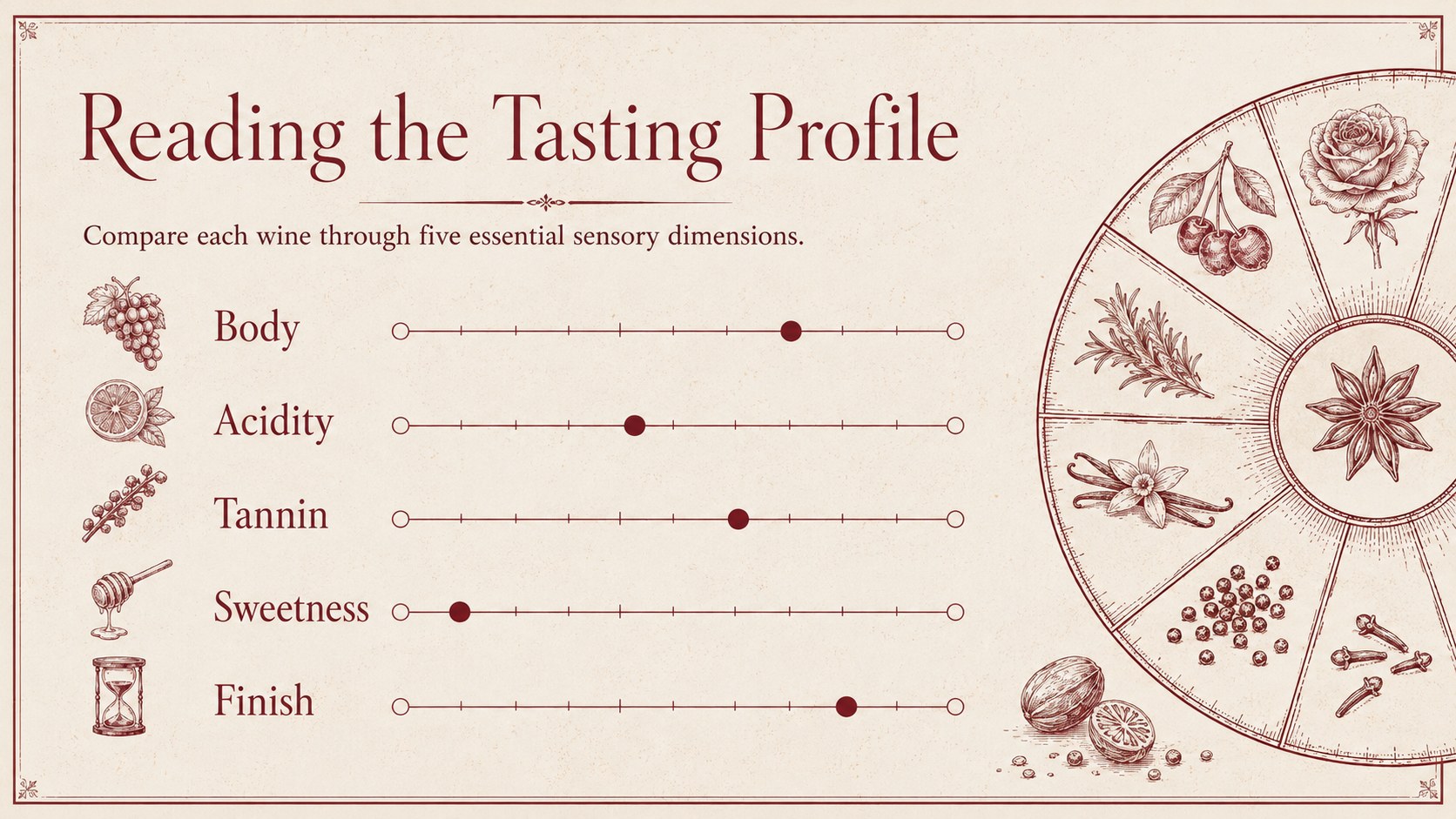
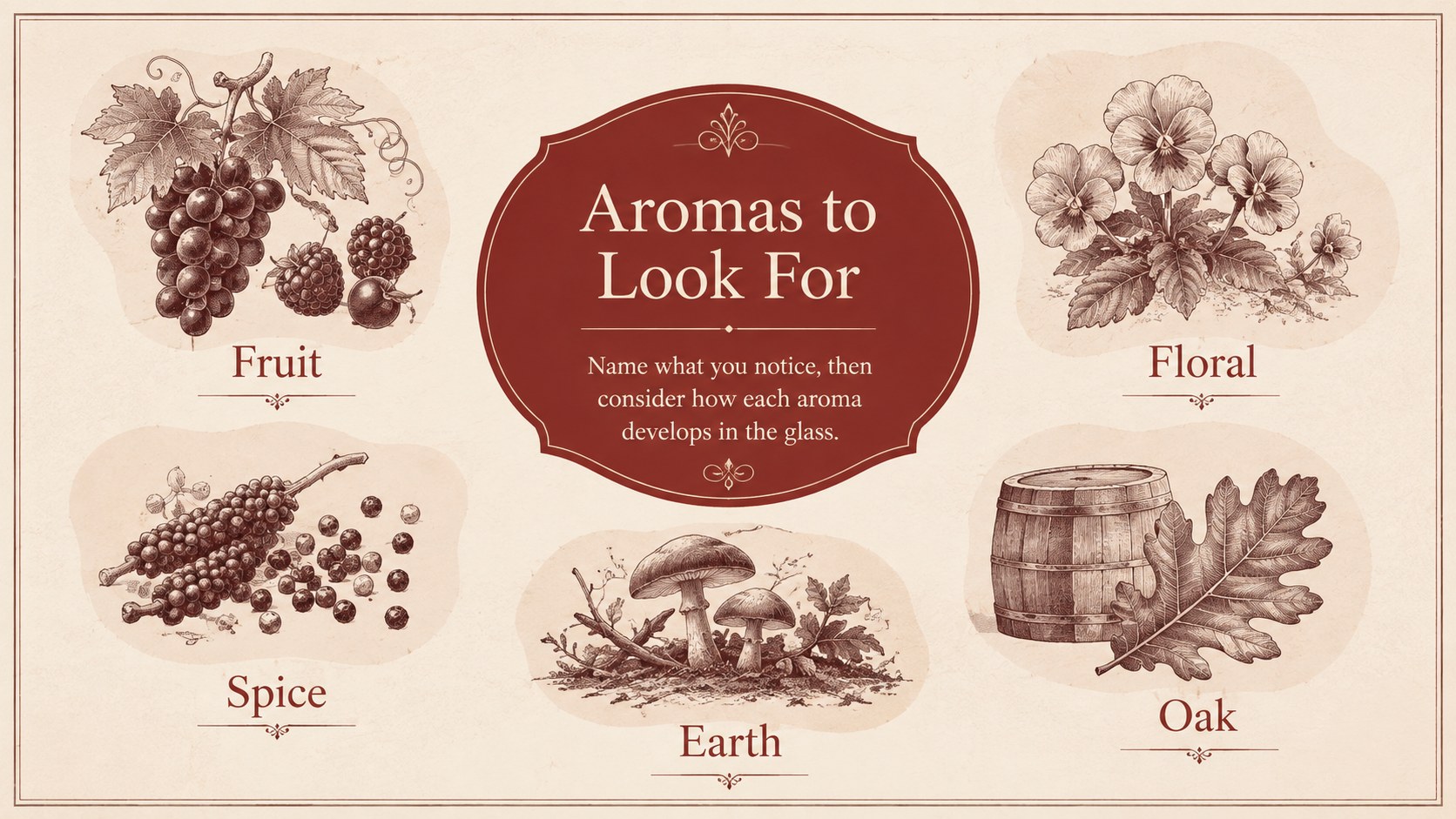
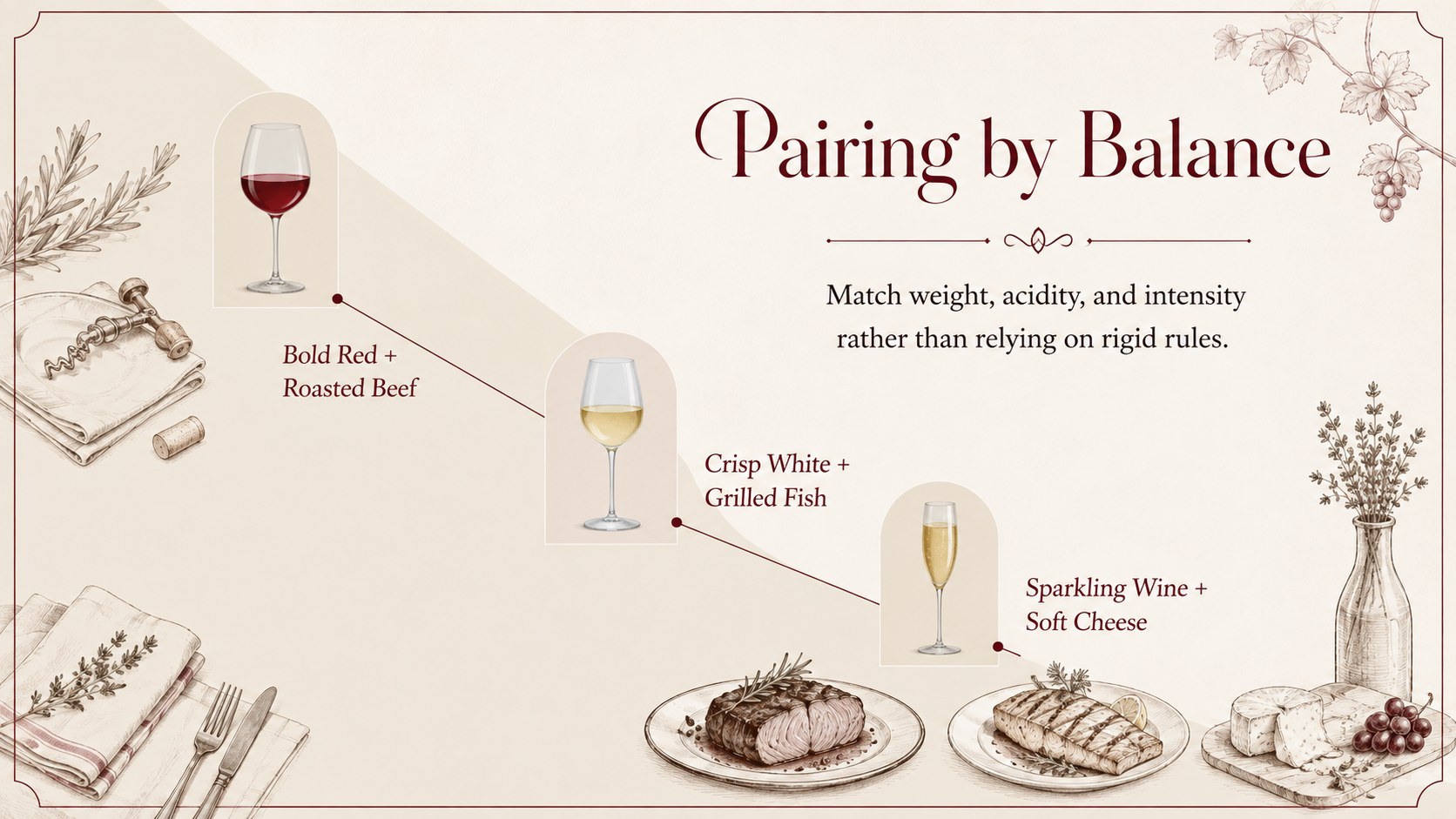
Inside, you will find adaptable layouts for collection introductions, regional profiles, grape varieties, aroma notes, flavor scales, food pairings, vintage comparisons, bottle highlights, pricing, and event details. Visual charts and structured text areas help guests understand each selection without overwhelming them. The deck also works as a sommelier tasting notes deck or a restaurant wine list slideshow when you need more context than a printed menu can provide.
This template is made for sommeliers, restaurant teams, vineyard representatives, wine retailers, event planners, and hospitality marketers. Replace the sample wording, adjust the tasting scales, add bottle photography, and apply your preferred type treatments directly in PowerPoint or Google Slides. The layouts can support an intimate guided flight, a seasonal cellar release, a distributor presentation, or an educational introduction to wine regions. Every slide is organized for straightforward editing while preserving the quiet, classic character of the design.
Perfect for: guided wine tasting; restaurant wine list briefing; winery collection launch; wine retailer sales presentation; private wine flight event; sommelier training session.
Frequently asked questions
Can I edit this lookbook in PowerPoint and Google Slides? Yes. The slide layouts, text, colors, and visual elements can be customized in PowerPoint or Google Slides. Some font spacing or animations may need minor adjustment when switching between platforms.
Practical details
Yes. The slide layouts, text, colors, and visual elements can be customized in PowerPoint or Google Slides. Some font spacing or animations may need minor adjustment when switching between platforms.
Yes. Replace the sample visuals with bottle labels, vineyard images, or product photography, then update the prepared text areas with your own notes. The layouts are structured to accommodate vintage, region, grape, aroma, and pairing details.
Group selections by region, grape, style, or course, and use the comparison slides for tasting profiles and prices. You can duplicate bottle layouts to expand the list while retaining a consistent visual system.
Yes. Update the theme colors in PowerPoint or Google Slides to match a winery, restaurant, retailer, or event identity. Keep sufficient contrast between text and backgrounds so tasting details remain easy to read.
Keep exploring
15Build an engaging World UFO Day session with this flying saucer history lesson deck, featuring retro green-and-brown slides for PowerPoint and Google Slides.
 15
15Plan a lively animal-learning journey with this jungle zoo adventure lesson deck, ready to customize in PowerPoint and Google Slides for young learners.
 16
16Turn environmental research into a clear story with a Watercolor Ecology Presentation Theme for PowerPoint and Google Slides in calming green and blue.
 16
16Build focused fashion, literature, and humanities presentations with the Red Triangle Editorial Theme, editable in PowerPoint and Google Slides.
 15
15Turn streaming stats, favorite tracks, and concert highlights into a bold annual listening recap slide deck for PowerPoint and Google Slides.
 15
15Turn highlights, milestones, and favorite moments into a colorful year in review slide deck with bold 3D graphics for PowerPoint and Google Slides.
 3
3Build a credible endorsement with Standout Colleague Recommendation Letter Slides, featuring colorful prompts for skills, achievements, and team impact.
 4
4Build clear beginner sessions with an ice hockey fundamentals training deck for coaches, PE teachers, and clubs, ready for PowerPoint and Google Slides.