
 15
15presentation
Flying Saucer History Lesson Deck
Build an engaging World UFO Day session with this flying saucer history lesson deck, featuring retro green-and-brown slides for PowerPoint and Google Slides.
Google SlidesPowerPoint
presentation · English
Map symptoms, evidence, and corrective actions with a software incident diagnosis infographic deck for clear PowerPoint and Google Slides briefings.
Design notes
Turn complex technical failures into an investigation stakeholders can follow with this software incident diagnosis infographic deck. Its dark blue, glitch-inspired design gives engineering findings a focused, contemporary setting while keeping symptoms, evidence, causes, and next steps easy to scan. Use it to replace dense incident notes with a structured visual narrative for technical and nontechnical audiences.
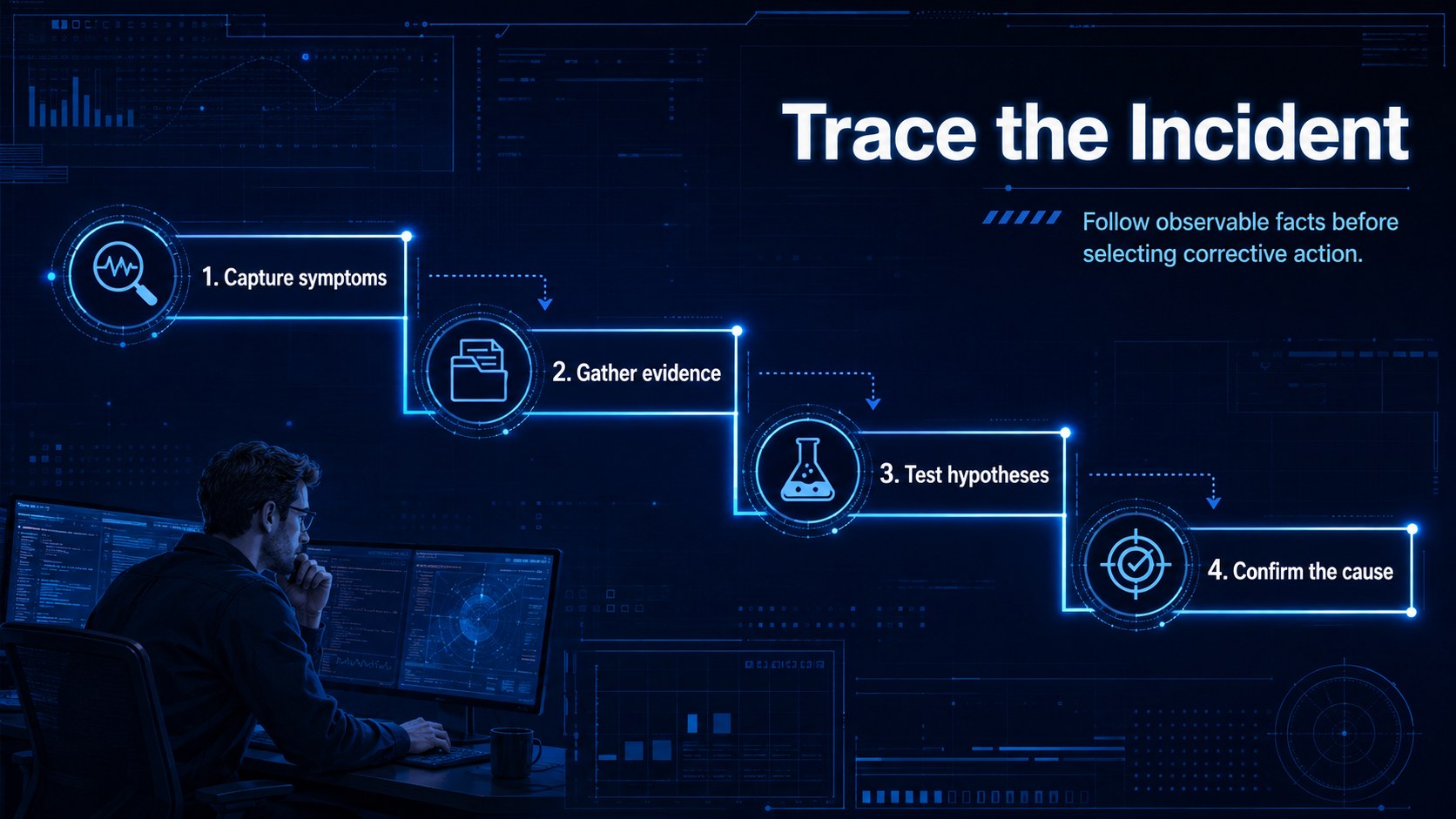
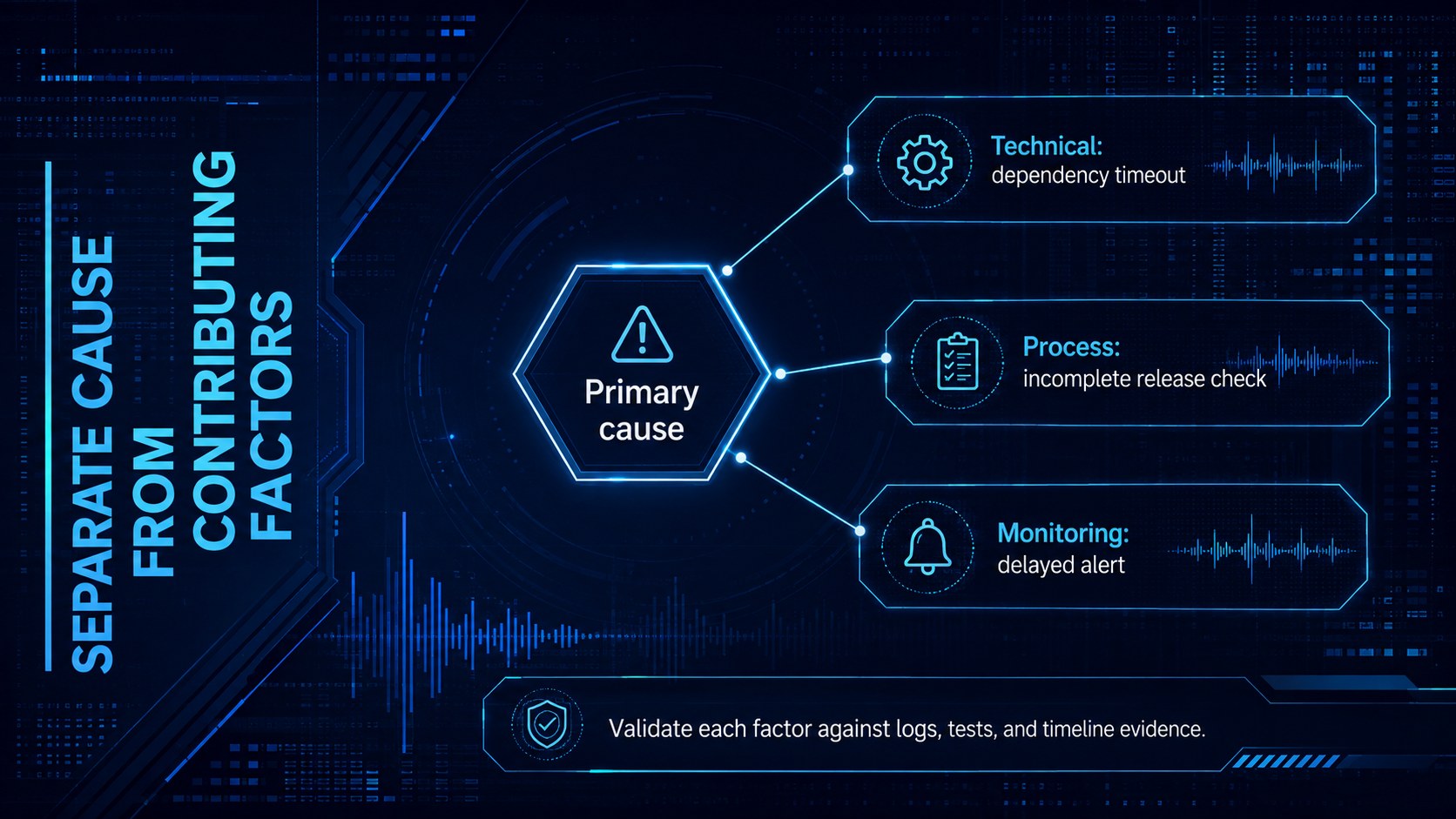
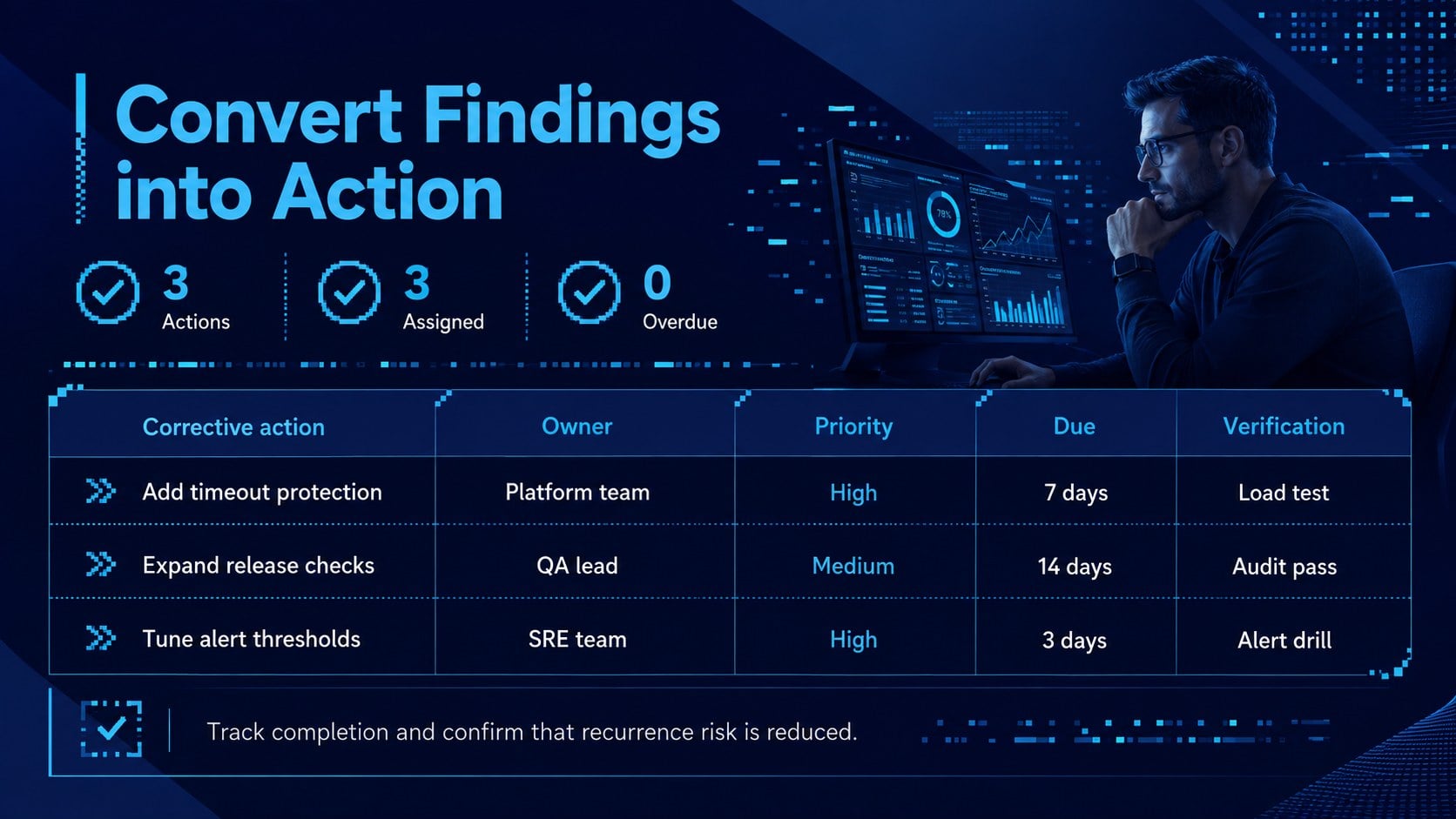
The deck includes four editable 16:9 infographic layouts: an opening summary, an incident investigation flowchart, a software failure analysis diagram, and a corrective action planning slide. Flexible text areas, connectors, timelines, icons, and data callouts help you document what happened, test assumptions, distinguish contributing factors from the primary cause, and assign preventive work. The layouts also support a root cause analysis presentation or a concise post incident review slide deck without forcing every investigation into the same framework.
Designed for software engineers, SRE teams, IT operations leads, security analysts, project managers, and technology consultants, the template works well for outage reviews, defect investigations, reliability meetings, client updates, and internal audits. Every element can be customized in PowerPoint or Google Slides, including the blue palette, Roboto typography, diagrams, labels, and severity indicators. Adapt the examples to your own systems, add supporting metrics, and create a polished record that connects technical evidence to practical corrective action.
Perfect for: system outage review; software defect investigation; engineering postmortem meeting; client incident briefing; corrective action planning.
Frequently asked questions
Can I edit every part of the incident diagrams? Yes. Text, connectors, shapes, icons, labels, and color accents are editable, so you can map the investigation to your systems and terminology.
Practical details
Yes. Text, connectors, shapes, icons, labels, and color accents are editable, so you can map the investigation to your systems and terminology.
The deck is designed for PowerPoint and Google Slides. Minor spacing or font adjustments may be needed when moving a presentation between platforms.
Replace the sample labels with your incident timeline, observed symptoms, evidence, contributing factors, and assigned actions. You can also add severity levels, owners, deadlines, and operational metrics.
Yes. The visual hierarchy separates findings from technical detail, making the investigation easier to present to executives, clients, and cross-functional teams.
Keep exploring
15Build an engaging World UFO Day session with this flying saucer history lesson deck, featuring retro green-and-brown slides for PowerPoint and Google Slides.
 15
15Plan a lively animal-learning journey with this jungle zoo adventure lesson deck, ready to customize in PowerPoint and Google Slides for young learners.
 16
16Turn environmental research into a clear story with a Watercolor Ecology Presentation Theme for PowerPoint and Google Slides in calming green and blue.
 16
16Build focused fashion, literature, and humanities presentations with the Red Triangle Editorial Theme, editable in PowerPoint and Google Slides.
 15
15Turn streaming stats, favorite tracks, and concert highlights into a bold annual listening recap slide deck for PowerPoint and Google Slides.
 15
15Turn highlights, milestones, and favorite moments into a colorful year in review slide deck with bold 3D graphics for PowerPoint and Google Slides.
 3
3Build a credible endorsement with Standout Colleague Recommendation Letter Slides, featuring colorful prompts for skills, achievements, and team impact.
 4
4Build clear beginner sessions with an ice hockey fundamentals training deck for coaches, PE teachers, and clubs, ready for PowerPoint and Google Slides.