
 15
15presentation
Flying Saucer History Lesson Deck
Build an engaging World UFO Day session with this flying saucer history lesson deck, featuring retro green-and-brown slides for PowerPoint and Google Slides.
Google SlidesPowerPoint
presentation · English
Coordinate ideas, owners, content, and launch dates with a social campaign event planner designed for polished PowerPoint and Google Slides teamwork.

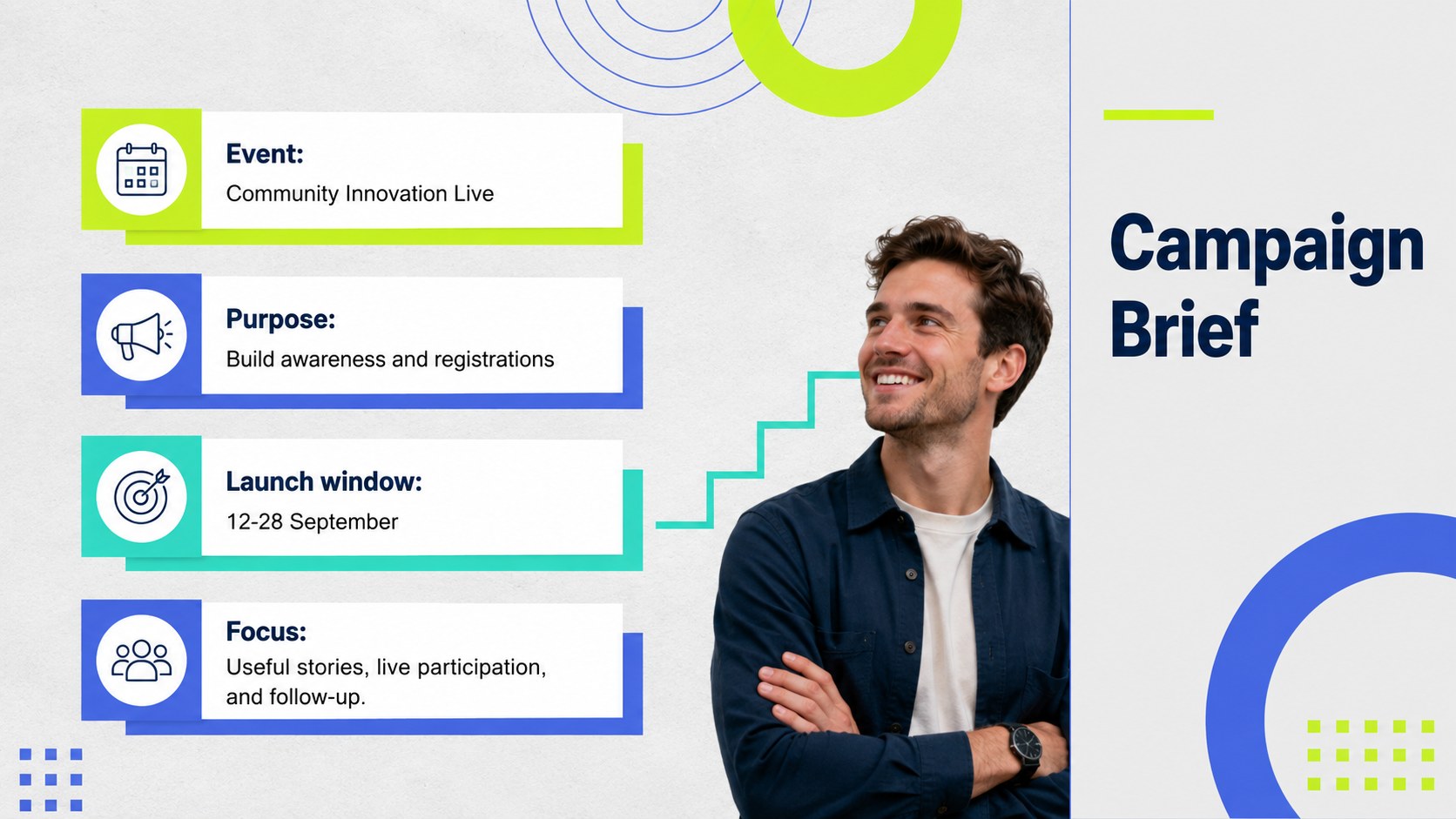
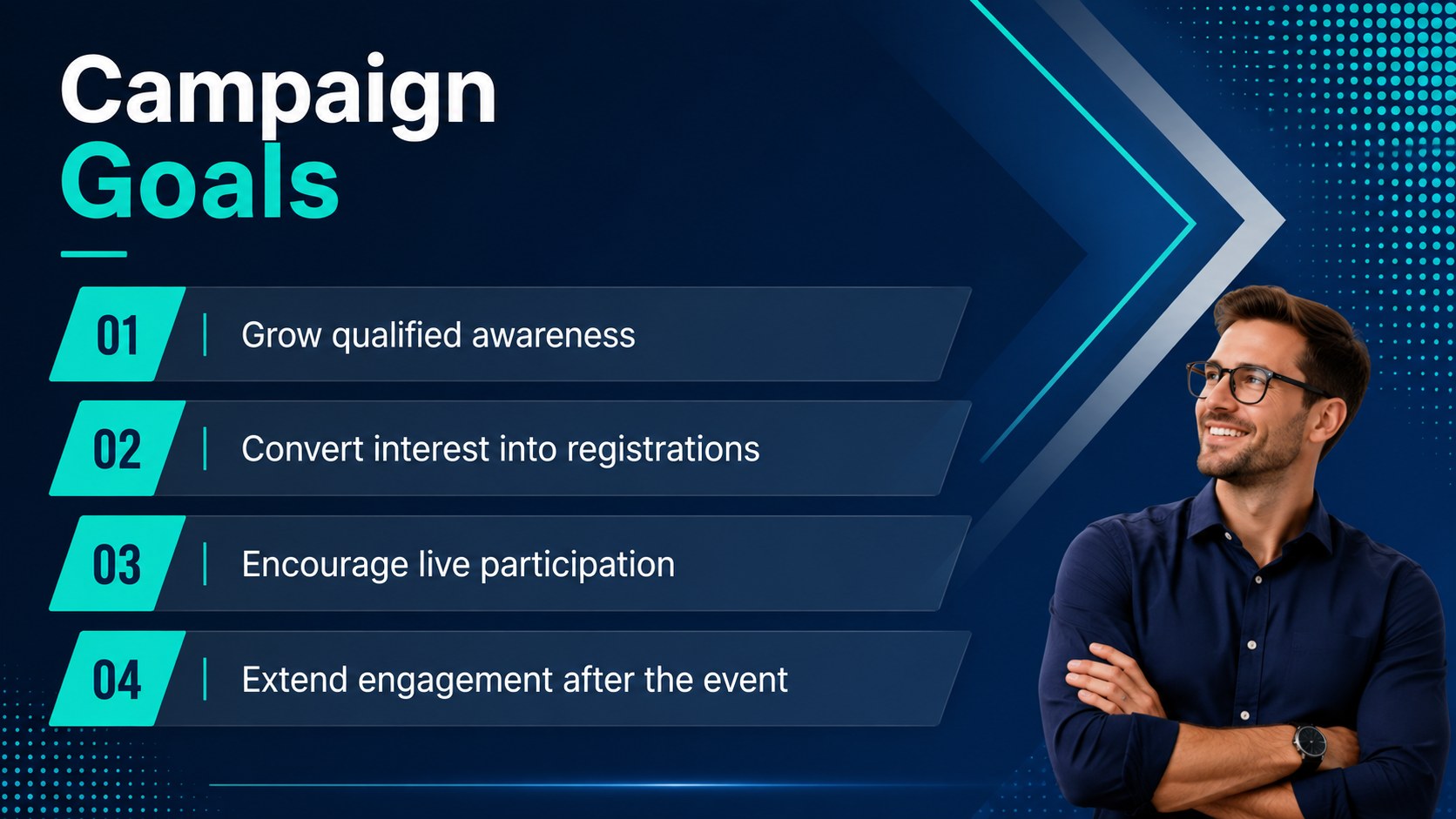


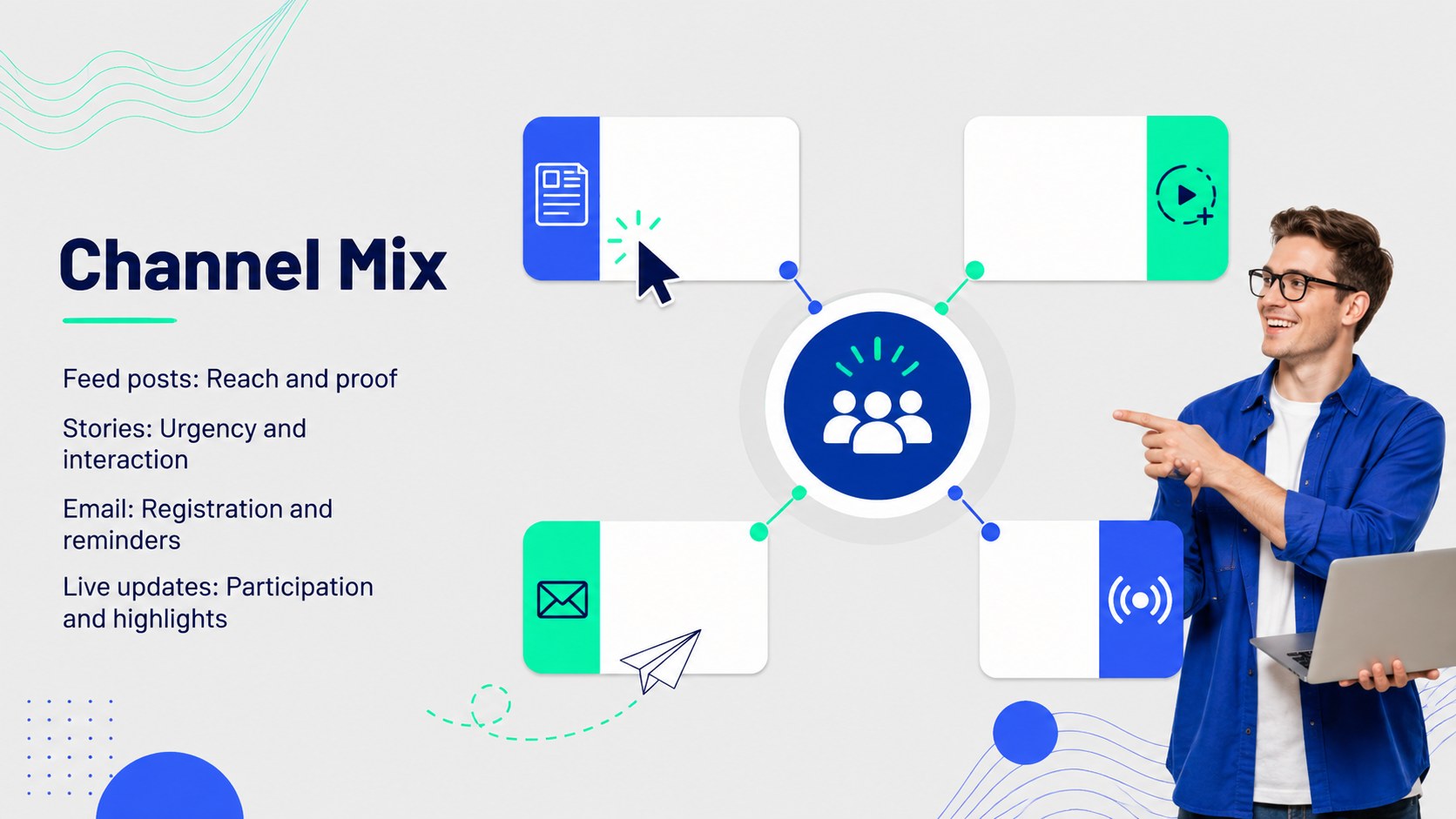

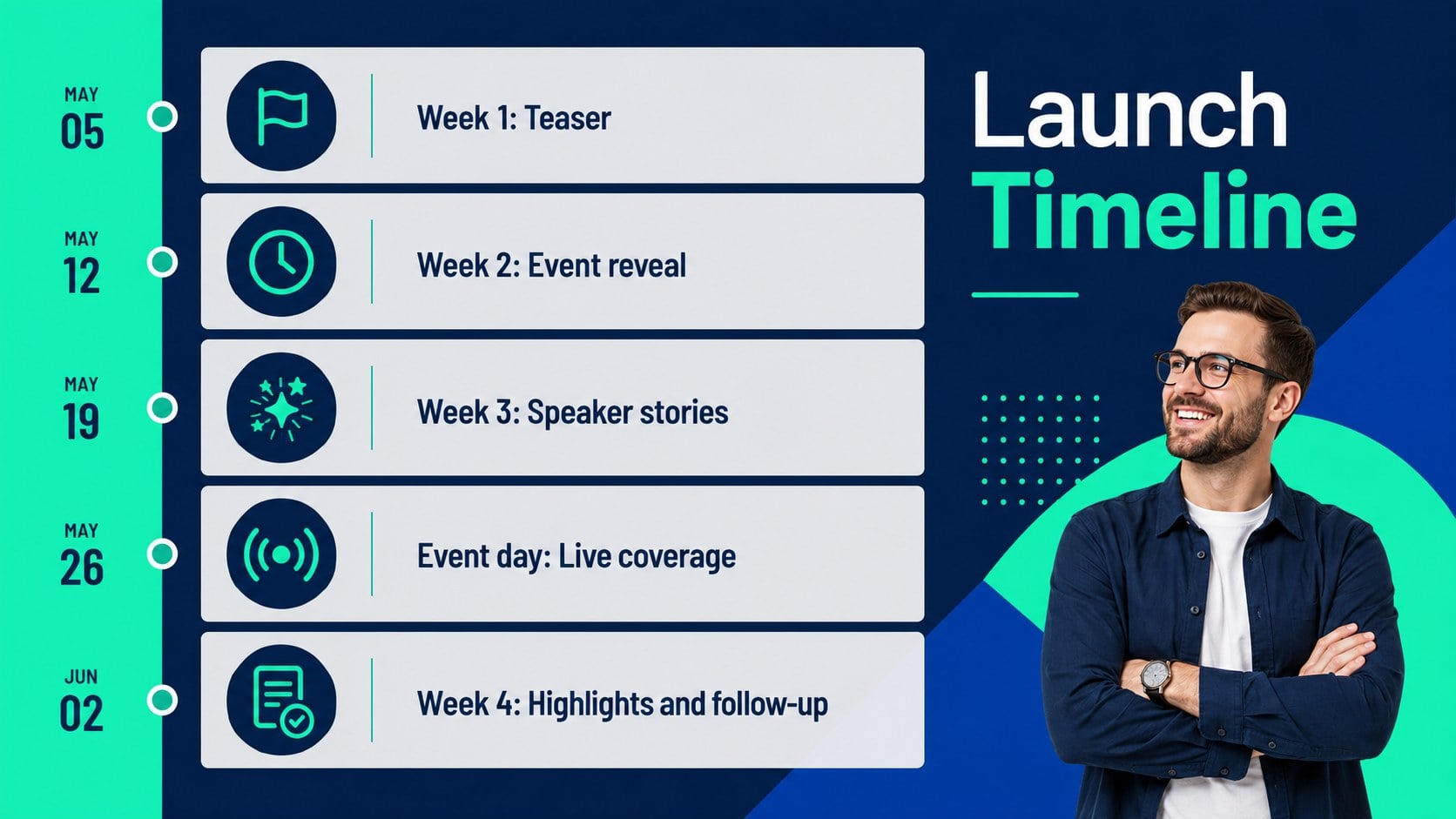

Design notes
Bring structure to every promotion with a social campaign event planner designed for creative teams, marketing departments, agencies, and event organizers. Its crisp geometric style combines deep blue, neon green, and cool grey for a modern look that keeps plans energetic without sacrificing readability.
The deck covers campaign objectives, audience profiles, content themes, channel selection, event journeys, publishing dates, ownership, asset reviews, risks, and performance reporting. Use the social campaign launch timeline template to sequence announcements, reminders, live coverage, and follow-up content. An event content approval presentation layout helps stakeholders review copy and visuals, while the social media event metrics dashboard turns reach, engagement, registrations, and conversions into an accessible summary.
Flexible charts, calendars, comparison layouts, checklists, and team pages make the presentation suitable for virtual launches, community activations, conferences, livestreams, and branded social gatherings. Replace the sample wording, adjust the Barlow typography, recolor shapes, and add your own photography, video links, or campaign graphics. All layouts are editable in PowerPoint and Google Slides, making it straightforward to collaborate with colleagues, brief partners, and present a complete promotional plan from kickoff through post-event analysis.
Perfect for: virtual event promotion plan; product launch social rollout; conference content calendar; community activation briefing; livestream campaign coordination; post-event performance review.
Frequently asked questions
Which presentation platforms support this deck? The layouts are designed for PowerPoint and Google Slides. Text, shapes, charts, colors, and image placeholders can be edited in either platform.
Practical details
The layouts are designed for PowerPoint and Google Slides. Text, shapes, charts, colors, and image placeholders can be edited in either platform.
Yes. Duplicate or rename the channel sections for the networks in your campaign, then assign distinct content, dates, owners, and metrics to each one.
Update the theme colors, Barlow font, photographs, icons, and geometric accents through the standard editing tools. Maintain strong contrast between the blue, neon green, and grey elements for consistent readability.
Yes. It includes layouts for goals, audiences, campaign phases, calendars, responsibilities, approvals, performance metrics, risks, and post-event findings.
Keep exploring
15Build an engaging World UFO Day session with this flying saucer history lesson deck, featuring retro green-and-brown slides for PowerPoint and Google Slides.
 15
15Plan a lively animal-learning journey with this jungle zoo adventure lesson deck, ready to customize in PowerPoint and Google Slides for young learners.
 16
16Turn environmental research into a clear story with a Watercolor Ecology Presentation Theme for PowerPoint and Google Slides in calming green and blue.
 16
16Build focused fashion, literature, and humanities presentations with the Red Triangle Editorial Theme, editable in PowerPoint and Google Slides.
 15
15Turn streaming stats, favorite tracks, and concert highlights into a bold annual listening recap slide deck for PowerPoint and Google Slides.
 15
15Turn highlights, milestones, and favorite moments into a colorful year in review slide deck with bold 3D graphics for PowerPoint and Google Slides.
 3
3Build a credible endorsement with Standout Colleague Recommendation Letter Slides, featuring colorful prompts for skills, achievements, and team impact.
 4
4Build clear beginner sessions with an ice hockey fundamentals training deck for coaches, PE teachers, and clubs, ready for PowerPoint and Google Slides.