
 15
15presentation
Flying Saucer History Lesson Deck
Build an engaging World UFO Day session with this flying saucer history lesson deck, featuring retro green-and-brown slides for PowerPoint and Google Slides.
Google SlidesPowerPoint
presentation · English
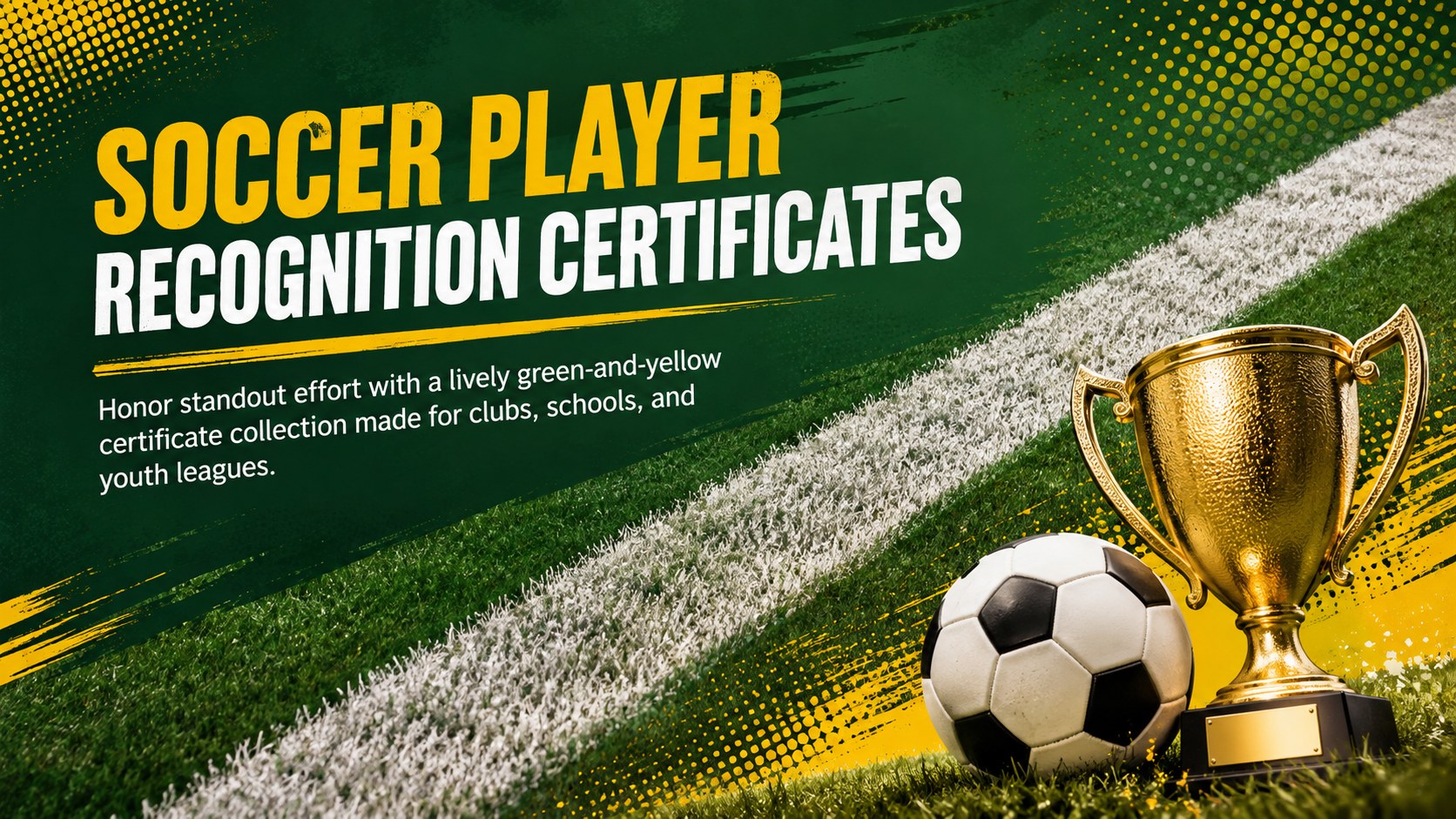
Celebrate team milestones with soccer player recognition certificates in a bold green-and-yellow pack, ready to edit, present, and print for any club.


Design notes
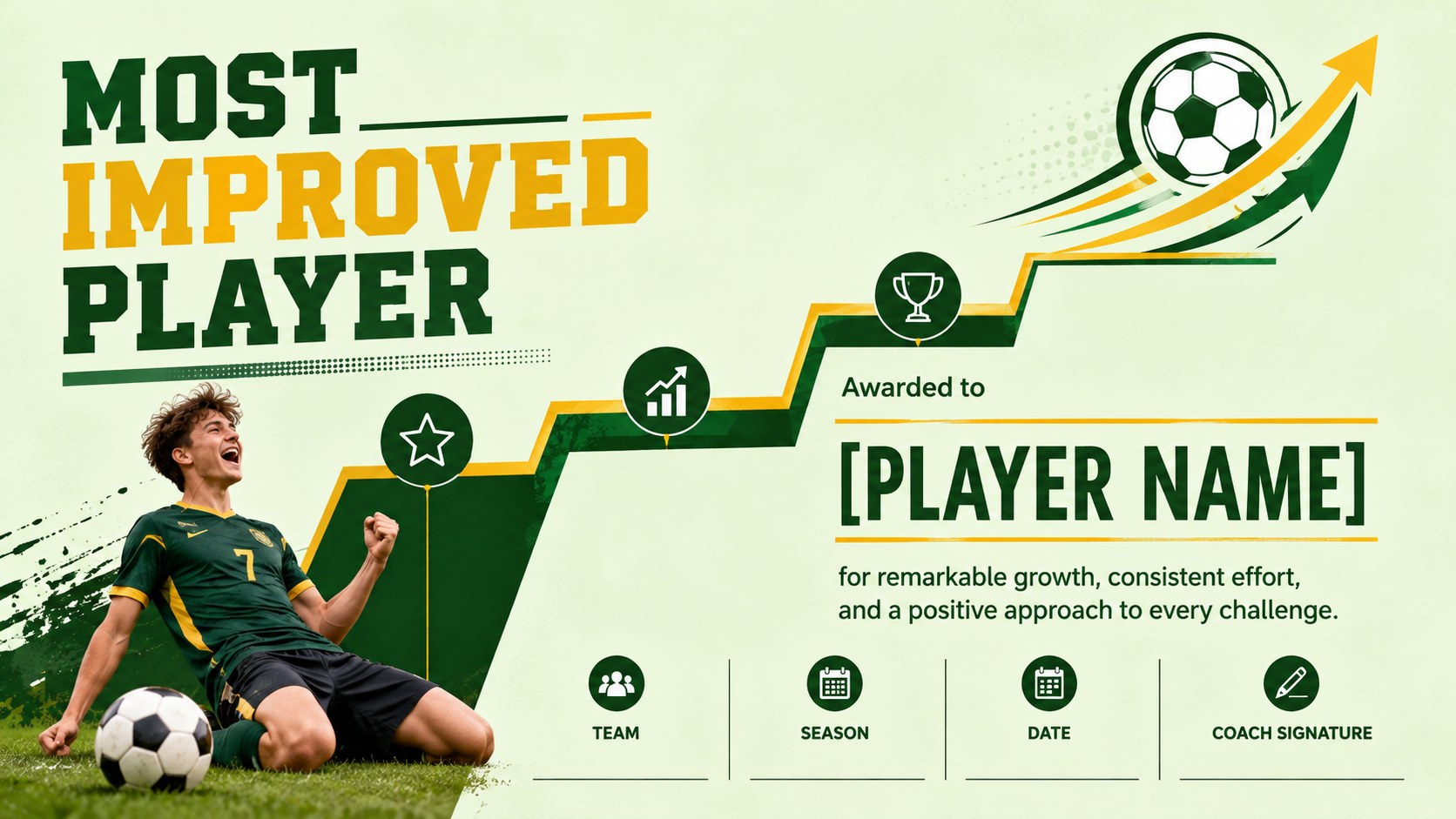
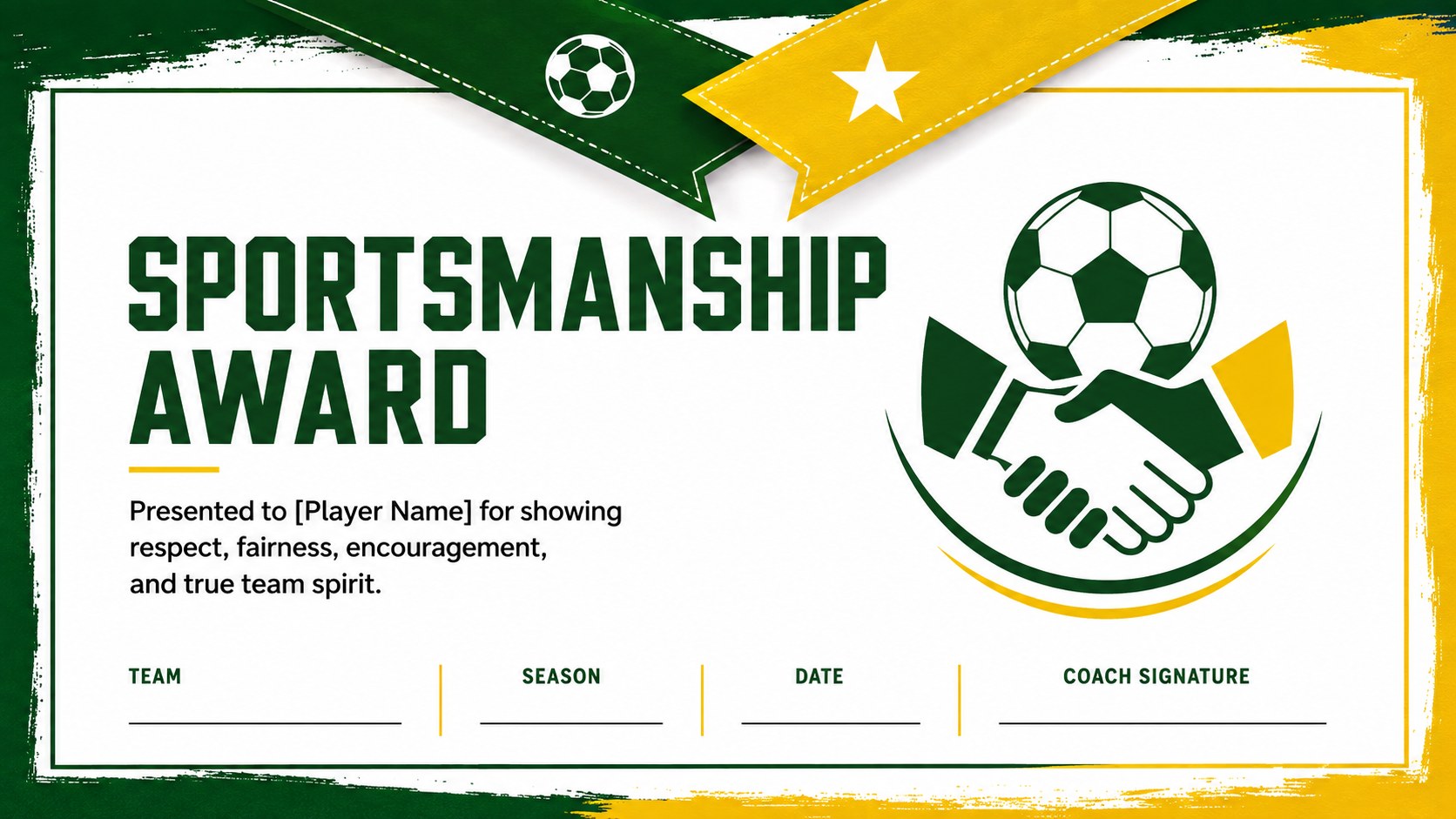
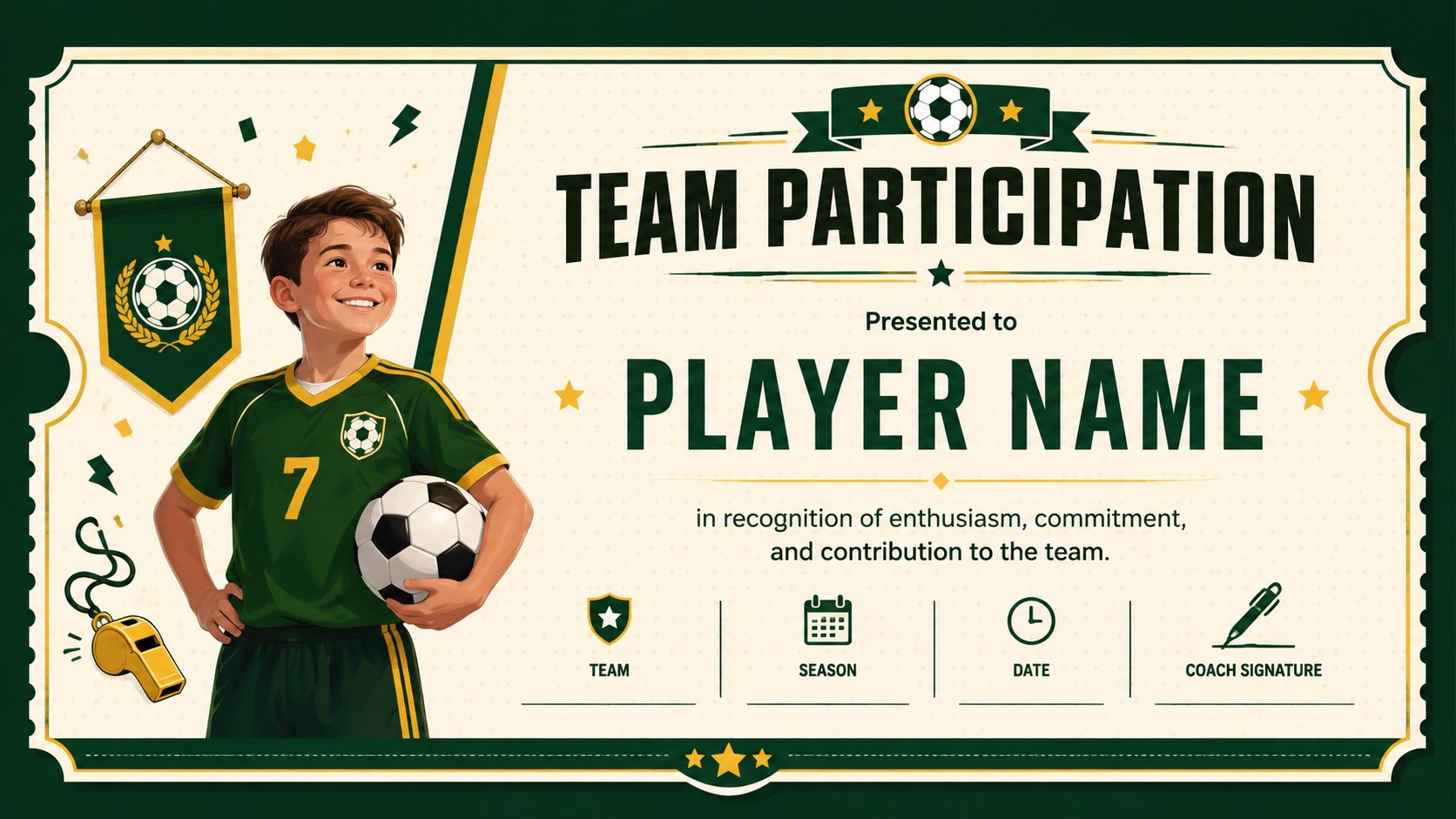
Celebrate dedication, progress, and memorable performances with Soccer Player Recognition Certificates designed for team events and end-of-season ceremonies. Energetic green and yellow accents, bold typography, and sporty decorative details give every award a confident look while leaving plenty of room for each recipient's name and achievement.
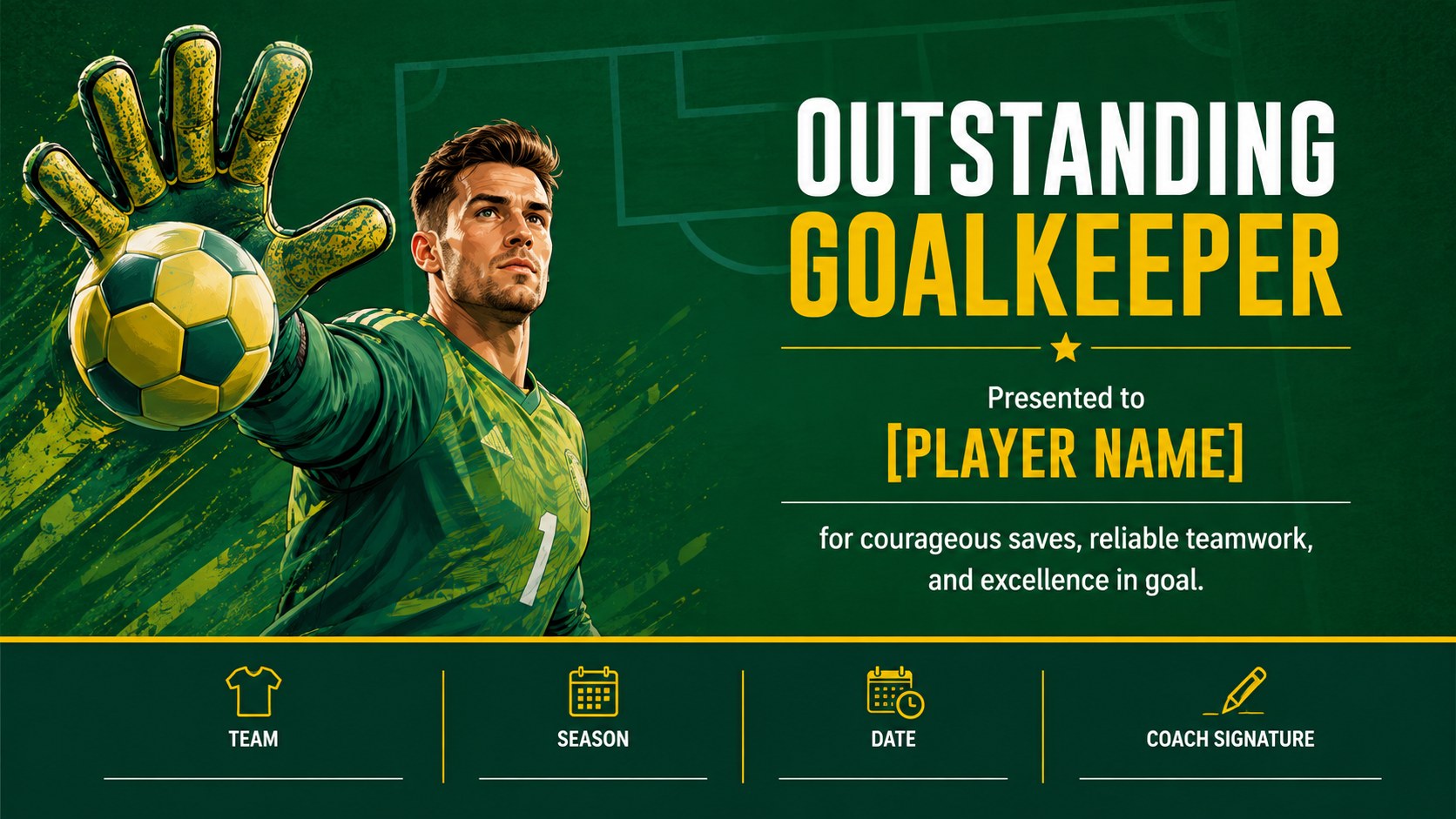
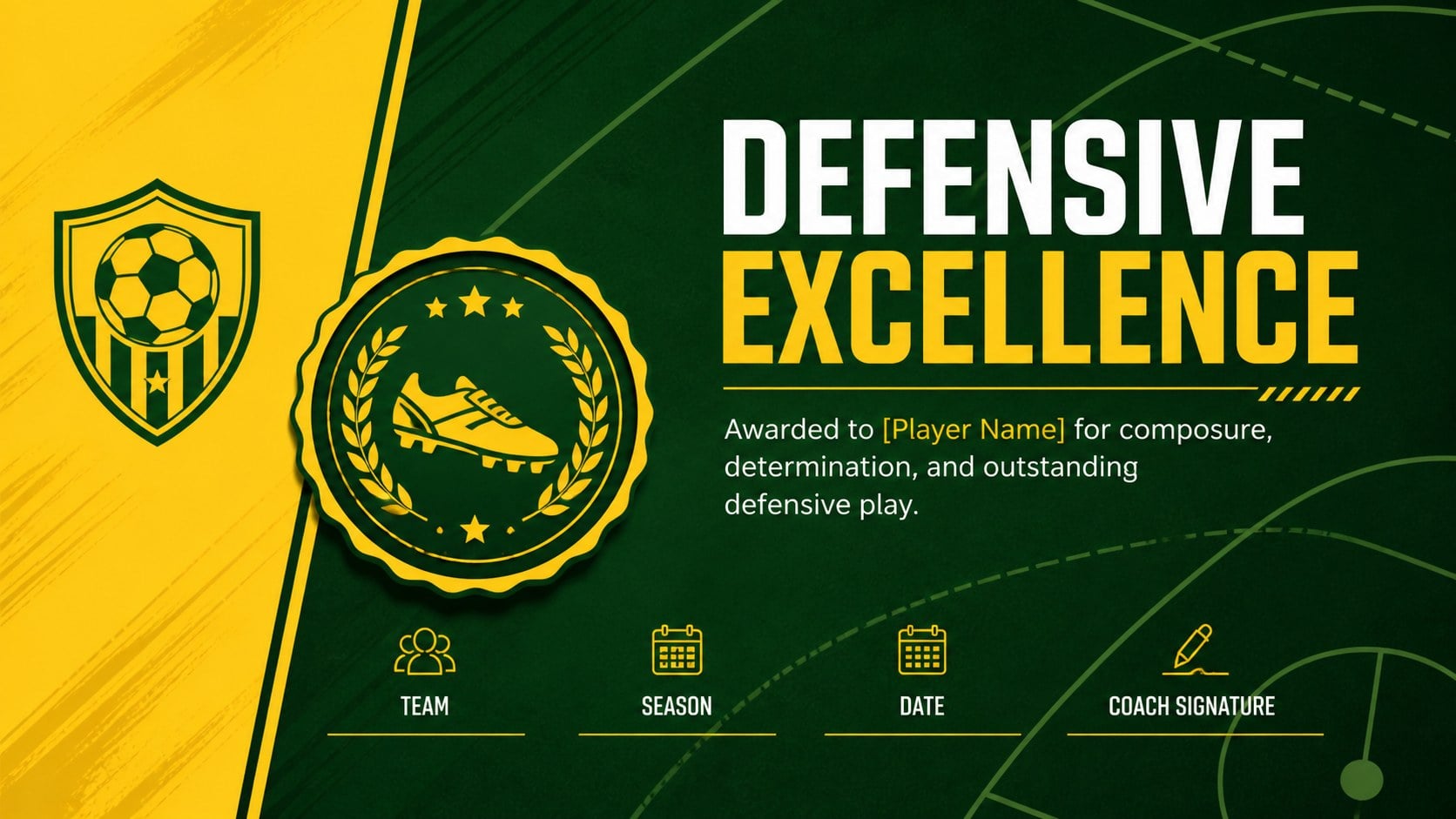
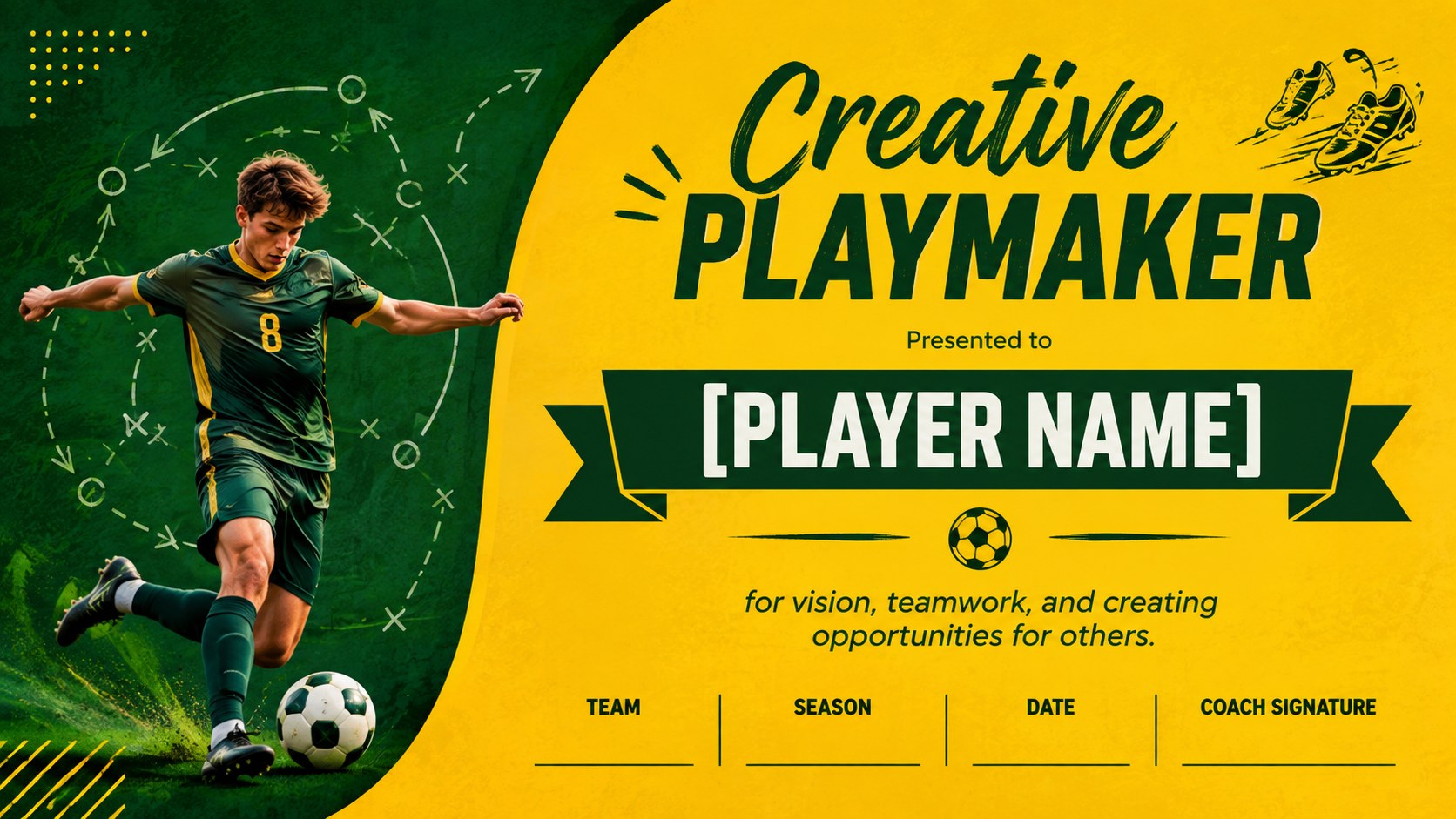
This editable soccer award certificate template includes ten coordinated layouts for MVP honors, top scorers, outstanding goalkeepers, defensive standouts, playmakers, rising stars, sportsmanship, participation, improvement, and coach appreciation. Clear text placeholders make it easy to add names, team details, dates, signatures, and personalized messages. Use the complete collection as youth soccer end of season awards or select individual designs for tournaments, school competitions, training camps, and club celebrations.
Built for PowerPoint and Google Slides, the layouts can be adapted to match your team's identity without specialized design software. Change the wording, adjust the green and yellow palette, insert a club emblem, or add a player photo before presenting digitally or printing. Coaches, league organizers, physical education teachers, team managers, and school administrators can use this most improved player award template and the other coordinated designs to recognize effort at every level. The consistent visual system keeps an entire ceremony polished while ensuring each player receives an award suited to their contribution.
Perfect for: youth league awards ceremony; school soccer recognition; club end-of-season celebration; tournament player honors; training camp graduation; coach appreciation event.
Frequently asked questions
Can I edit each player's name and award category? Yes. All names, award titles, dates, team details, and signature fields can be edited in PowerPoint or Google Slides. You can also duplicate a layout to create certificates for an entire roster.
Practical details
Yes. All names, award titles, dates, team details, and signature fields can be edited in PowerPoint or Google Slides. You can also duplicate a layout to create certificates for an entire roster.
Yes. Replace the green and yellow accents with your club colors using the standard theme and shape formatting controls. Team emblems and player photos can also be inserted where needed.
Yes. The designs can be exported as PDF files or high-quality images for landscape printing. Review your printer margins and run one test copy before producing the full set.
The certificate pack is designed for PowerPoint and Google Slides. Both platforms support text editing, color changes, image replacement, duplication, presentation, and PDF export.
Keep exploring
15Build an engaging World UFO Day session with this flying saucer history lesson deck, featuring retro green-and-brown slides for PowerPoint and Google Slides.
 15
15Plan a lively animal-learning journey with this jungle zoo adventure lesson deck, ready to customize in PowerPoint and Google Slides for young learners.
 16
16Turn environmental research into a clear story with a Watercolor Ecology Presentation Theme for PowerPoint and Google Slides in calming green and blue.
 16
16Build focused fashion, literature, and humanities presentations with the Red Triangle Editorial Theme, editable in PowerPoint and Google Slides.
 15
15Turn streaming stats, favorite tracks, and concert highlights into a bold annual listening recap slide deck for PowerPoint and Google Slides.
 15
15Turn highlights, milestones, and favorite moments into a colorful year in review slide deck with bold 3D graphics for PowerPoint and Google Slides.
 3
3Build a credible endorsement with Standout Colleague Recommendation Letter Slides, featuring colorful prompts for skills, achievements, and team impact.
 4
4Build clear beginner sessions with an ice hockey fundamentals training deck for coaches, PE teachers, and clubs, ready for PowerPoint and Google Slides.