
 15
15presentation
Flying Saucer History Lesson Deck
Build an engaging World UFO Day session with this flying saucer history lesson deck, featuring retro green-and-brown slides for PowerPoint and Google Slides.
Google SlidesPowerPoint
presentation · English
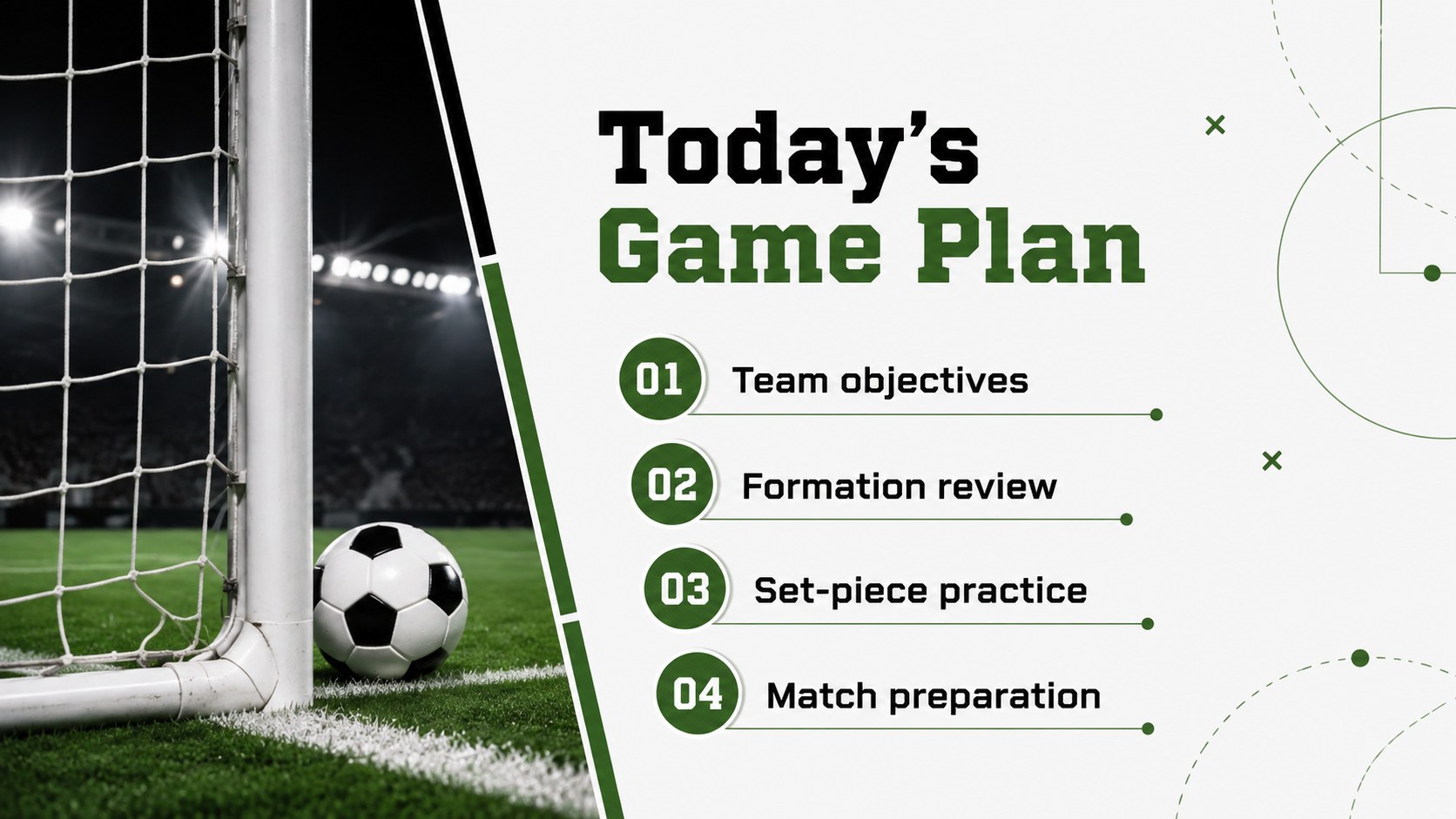
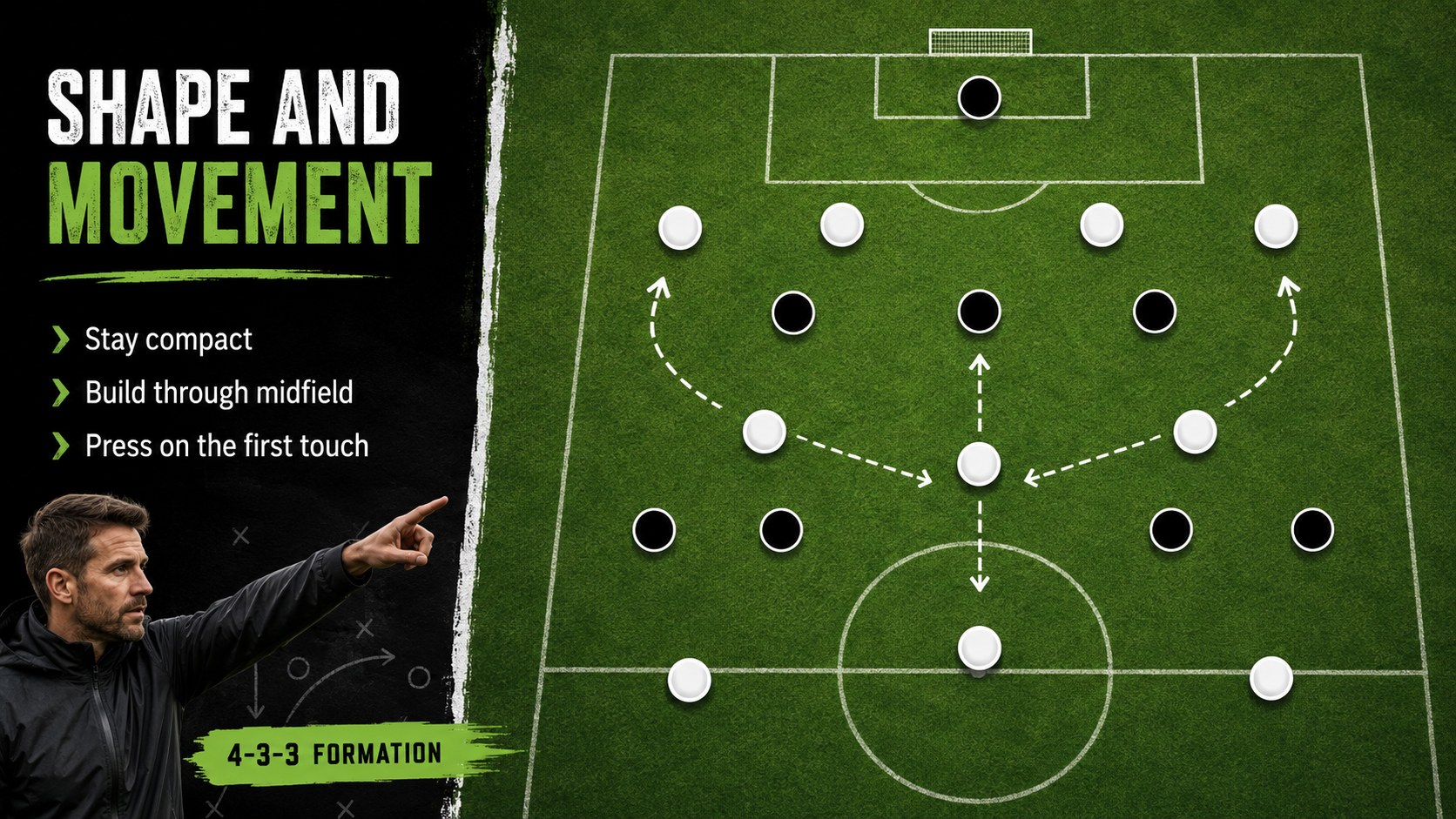
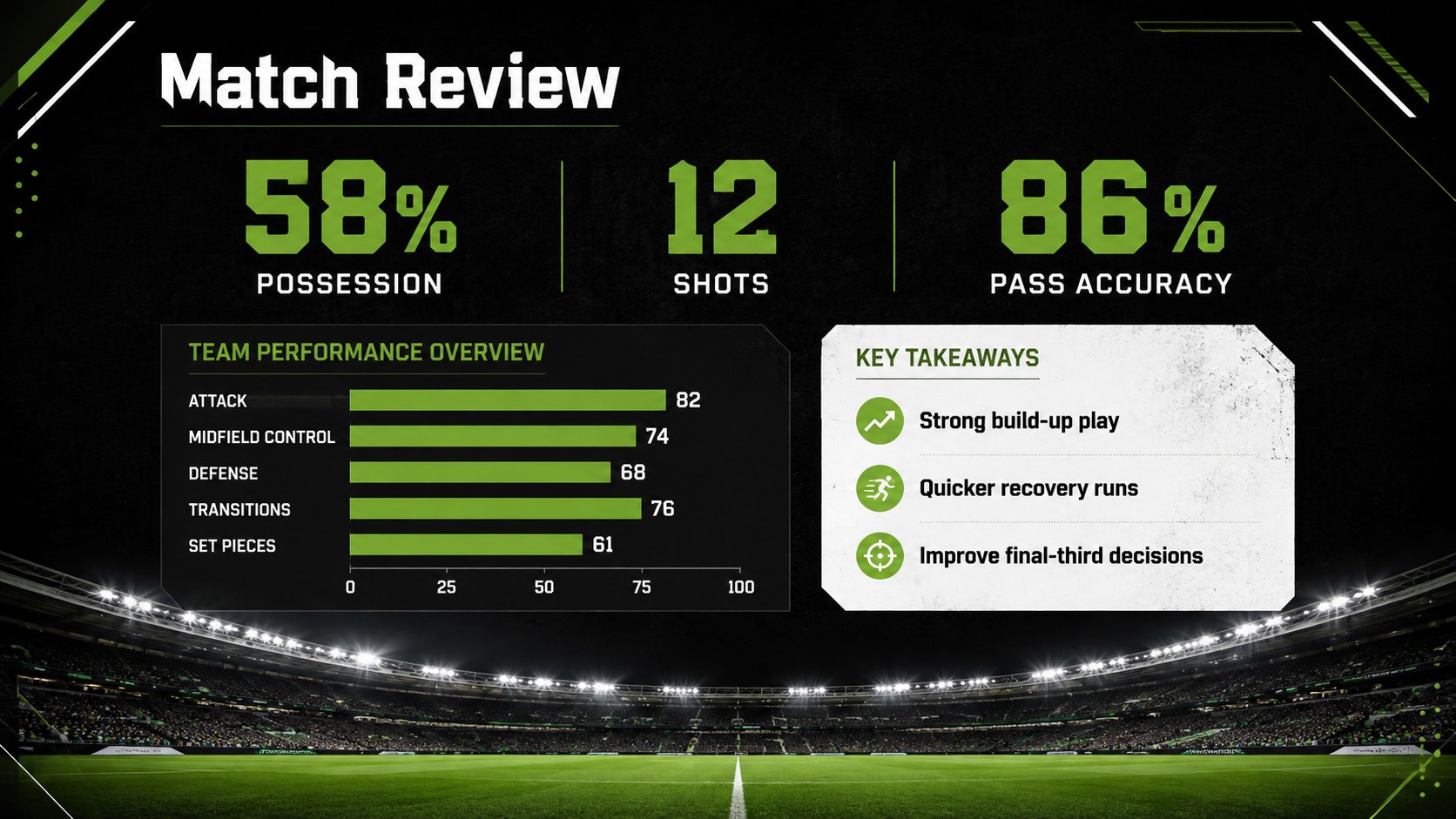
Soccer Coaching Field Slides turn tactical plans, match reviews, and sports lessons into a polished photo-led deck for PowerPoint and Google Slides.

Design notes
Soccer Coaching Field Slides give coaches, teachers, team leaders, and sports organizers a focused visual setting for explaining the game. Full-field photography, crisp white markings, dark contrast panels, and vivid green accents create the energy of match day without distracting from your message. Use this soccer tactics presentation template to introduce formations, outline responsibilities, or prepare players for an upcoming fixture.
The deck includes 15 editable 16:9 layouts for opening statements, session agendas, tactical diagrams, match statistics, score summaries, player notes, timelines, and closing messages. Photo frames, charts, lines, and geometric shapes help you organize detailed information while maintaining a consistent sports identity. Add club colors, replace field images, insert a logo, and update formations directly in PowerPoint or Google Slides.
Designed as a flexible football coaching slide deck, the template works equally well for post-match analysis, training workshops, physical education lessons, club meetings, and tournament briefings. It can also serve as a match analysis Google Slides template when teams need to collaborate on observations remotely. Clear typography and high-contrast layouts make tactical instructions, performance numbers, and lesson points readable on classroom screens, meeting displays, and shared devices.
Perfect for: pre-match tactical briefing; post-match performance review; soccer training workshop; physical education lesson; club season meeting; tournament team orientation.
Frequently asked questions
Can I edit these slides in PowerPoint and Google Slides? Yes. Every layout can be edited in PowerPoint or Google Slides, including the text, photos, colors, diagrams, and charts. Some font or transition details may vary slightly between platforms.
Practical details
Yes. Every layout can be edited in PowerPoint or Google Slides, including the text, photos, colors, diagrams, and charts. Some font or transition details may vary slightly between platforms.
You can replace the field photos, apply your club colors, add a team logo, and update player or match information. Formation diagrams and score layouts can also be adapted to your coaching system.
The layouts support tactical briefings, training plans, match reviews, player development sessions, sports lessons, and club announcements. They can be rearranged or duplicated for short talks and full team workshops.
The deck uses a widescreen 16:9 format suited to projectors, classroom displays, laptops, and online meetings. The proportions can be changed in PowerPoint or Google Slides if another output size is required.
Keep exploring
15Build an engaging World UFO Day session with this flying saucer history lesson deck, featuring retro green-and-brown slides for PowerPoint and Google Slides.
 15
15Plan a lively animal-learning journey with this jungle zoo adventure lesson deck, ready to customize in PowerPoint and Google Slides for young learners.
 16
16Turn environmental research into a clear story with a Watercolor Ecology Presentation Theme for PowerPoint and Google Slides in calming green and blue.
 16
16Build focused fashion, literature, and humanities presentations with the Red Triangle Editorial Theme, editable in PowerPoint and Google Slides.
 15
15Turn streaming stats, favorite tracks, and concert highlights into a bold annual listening recap slide deck for PowerPoint and Google Slides.
 15
15Turn highlights, milestones, and favorite moments into a colorful year in review slide deck with bold 3D graphics for PowerPoint and Google Slides.
 3
3Build a credible endorsement with Standout Colleague Recommendation Letter Slides, featuring colorful prompts for skills, achievements, and team impact.
 4
4Build clear beginner sessions with an ice hockey fundamentals training deck for coaches, PE teachers, and clubs, ready for PowerPoint and Google Slides.