
 15
15presentation
Flying Saucer History Lesson Deck
Build an engaging World UFO Day session with this flying saucer history lesson deck, featuring retro green-and-brown slides for PowerPoint and Google Slides.
Google SlidesPowerPoint
presentation · English
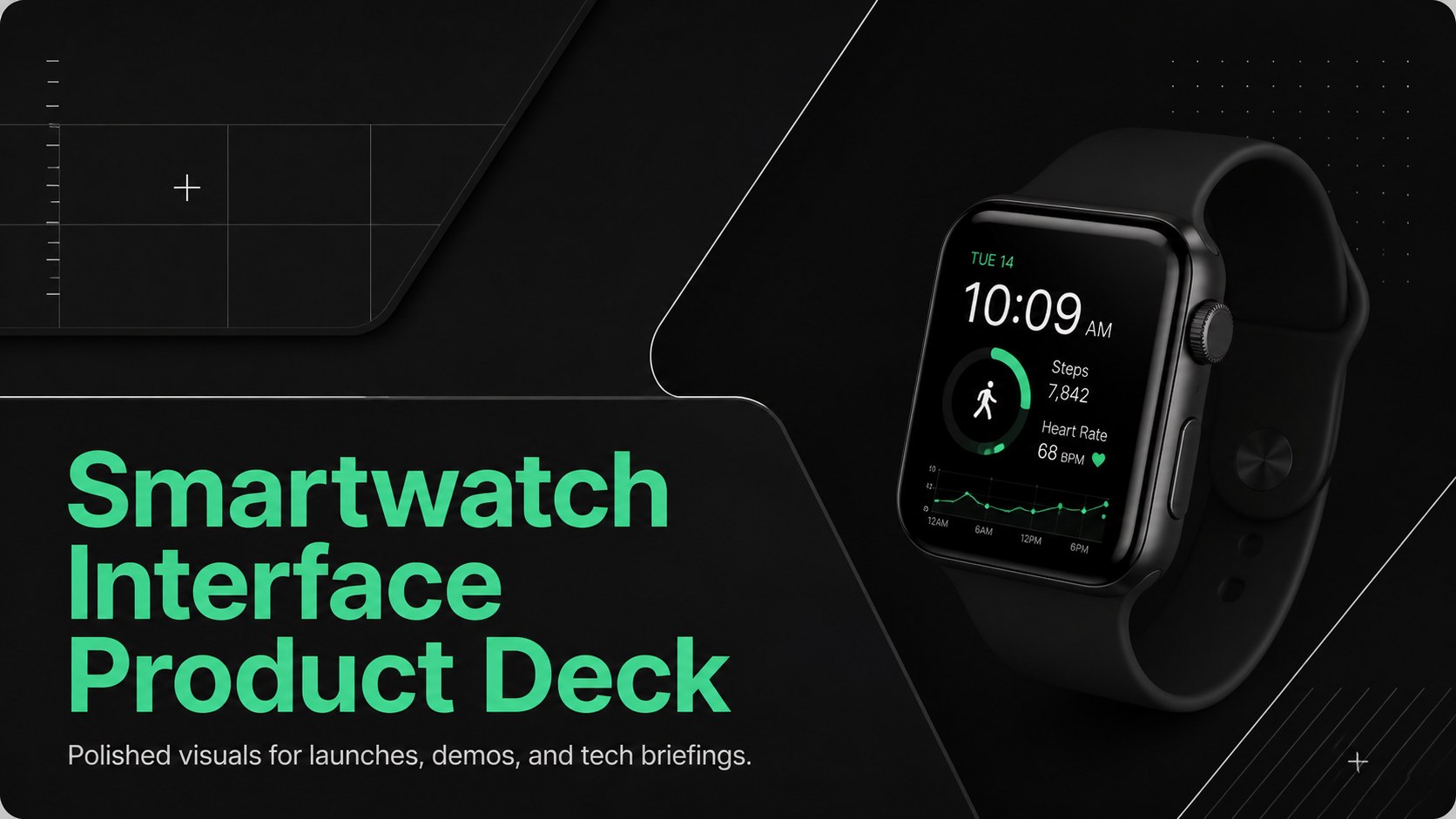
Build a polished smartwatch interface presentation for launches, demos, and tech briefings with bold black UI layouts that work in PowerPoint, Slides.




Design notes
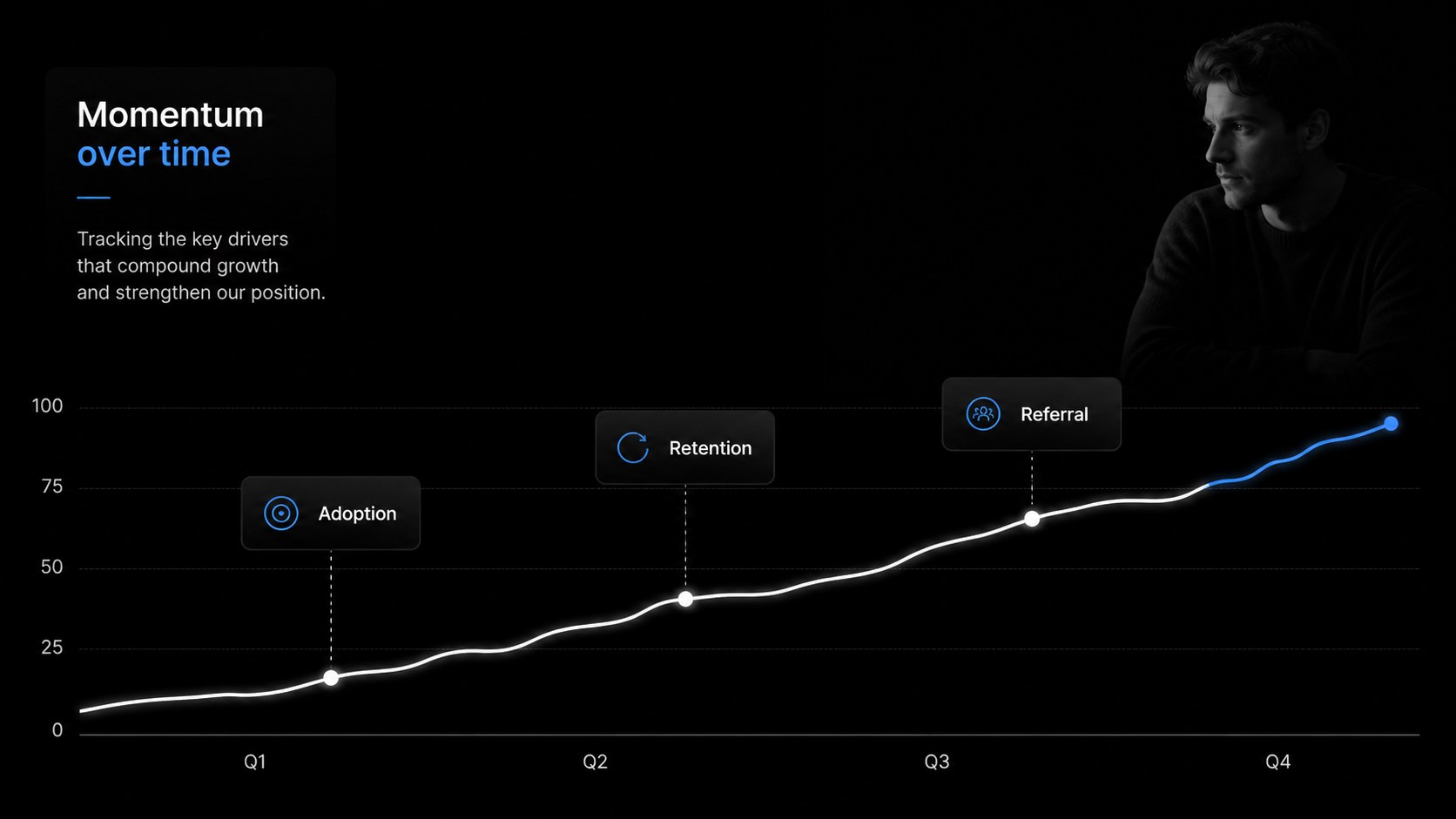
Smartwatch Interface Product Deck is a sleek presentation template for teams that need to explain connected products with clarity and visual impact. Its black interface-inspired system uses modular panels, crisp typography, device-style framing, and high-contrast data areas to give every slide a polished technology feel. Use it as a smartwatch product launch deck, a feature walkthrough, or a focused update for business stakeholders.
Inside, you will find 15 widescreen slides for opening statements, product positioning, feature highlights, user journeys, market context, performance metrics, comparisons, roadmaps, and closing messages. The layouts are designed to support a wearable technology presentation without forcing every story into the same format. Replace sample copy, adjust charts, add screenshots, and reorganize sections to match your narrative. Inter is used throughout, while the dominant black palette creates a confident, modern backdrop for bright product imagery and concise messaging.
This deck suits product marketers, startup founders, UX teams, consultants, and technology educators. Edit it in Google Slides or PowerPoint, then export or share it in the format your audience needs. It is especially useful for a smartwatch feature presentation, investor demo, product strategy review, or internal innovation briefing.
Perfect for: smartwatch product launch; wearable tech investor pitch; connected device feature demo; product strategy review; technology team briefing.
Frequently asked questions
Can I edit this smartwatch interface presentation? Yes. The template is available for editing, Google Slides, and PowerPoint. You can replace text, images, charts, colors, and layout elements in the supported editor.
Practical details
Yes. The template is available for editing, Google Slides, and PowerPoint. You can replace text, images, charts, colors, and layout elements in the supported editor.
Yes. Its sequence includes space for positioning, feature explanations, user benefits, market context, and a closing call to action. Rearrange or duplicate slides to fit a launch presentation or demo format.
The black palette and Inter font establish the intended visual style, but both can be customized. Add an accent color or replace the background tones while preserving the modular interface system.
The deck uses a 16:9 widescreen format for modern displays and video calls. It can be exported to common presentation and PDF formats after editing.
Keep exploring
15Build an engaging World UFO Day session with this flying saucer history lesson deck, featuring retro green-and-brown slides for PowerPoint and Google Slides.
 15
15Plan a lively animal-learning journey with this jungle zoo adventure lesson deck, ready to customize in PowerPoint and Google Slides for young learners.
 16
16Turn environmental research into a clear story with a Watercolor Ecology Presentation Theme for PowerPoint and Google Slides in calming green and blue.
 16
16Build focused fashion, literature, and humanities presentations with the Red Triangle Editorial Theme, editable in PowerPoint and Google Slides.
 15
15Turn streaming stats, favorite tracks, and concert highlights into a bold annual listening recap slide deck for PowerPoint and Google Slides.
 15
15Turn highlights, milestones, and favorite moments into a colorful year in review slide deck with bold 3D graphics for PowerPoint and Google Slides.
 3
3Build a credible endorsement with Standout Colleague Recommendation Letter Slides, featuring colorful prompts for skills, achievements, and team impact.
 4
4Build clear beginner sessions with an ice hockey fundamentals training deck for coaches, PE teachers, and clubs, ready for PowerPoint and Google Slides.