
 15
15presentation
Flying Saucer History Lesson Deck
Build an engaging World UFO Day session with this flying saucer history lesson deck, featuring retro green-and-brown slides for PowerPoint and Google Slides.
Google SlidesPowerPoint
presentation · English
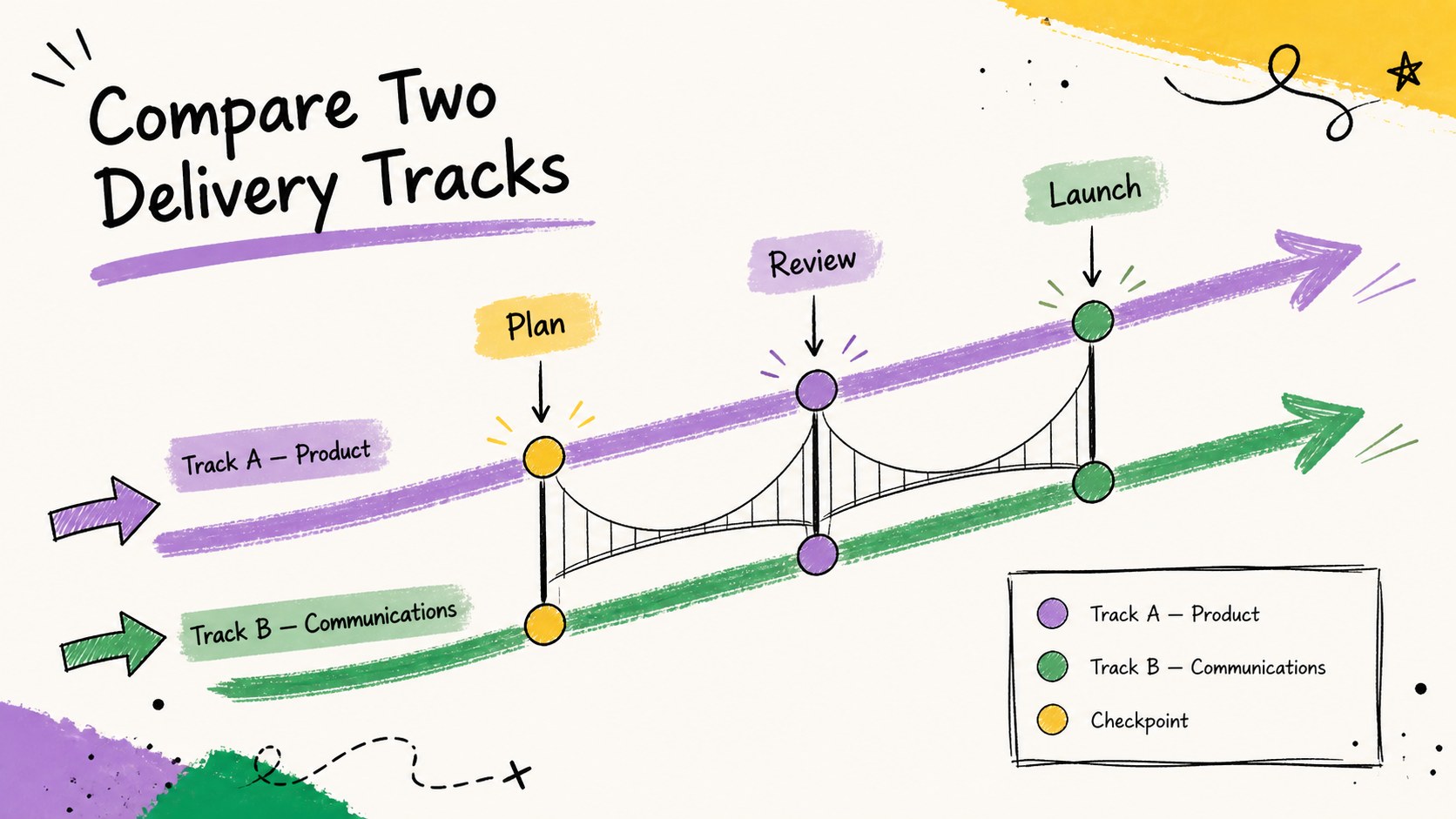
Build clearer project stories with a sketch timeline diagram kit for PowerPoint and Google Slides, featuring colorful, editable layouts for every milestone.
Design notes
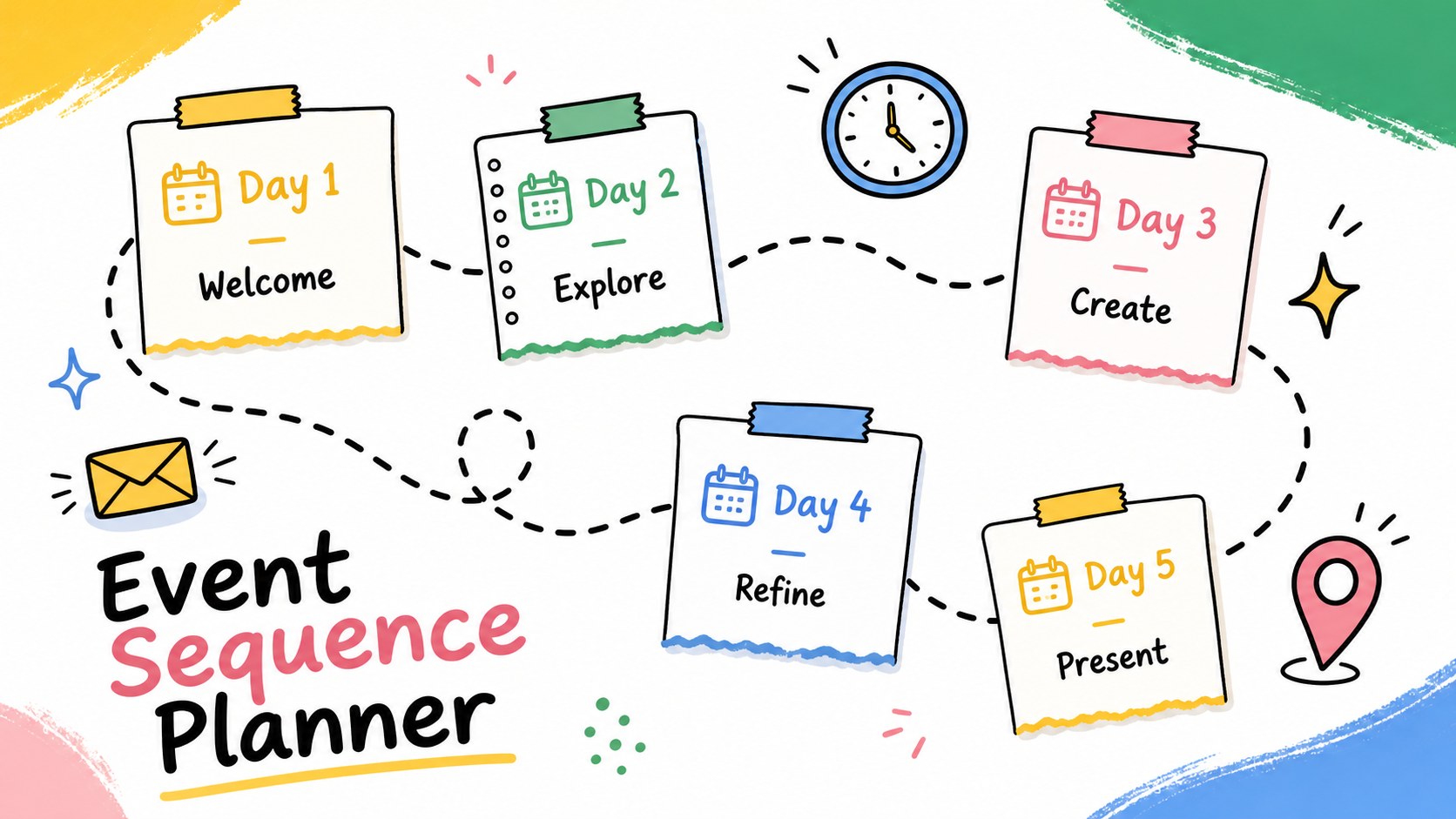
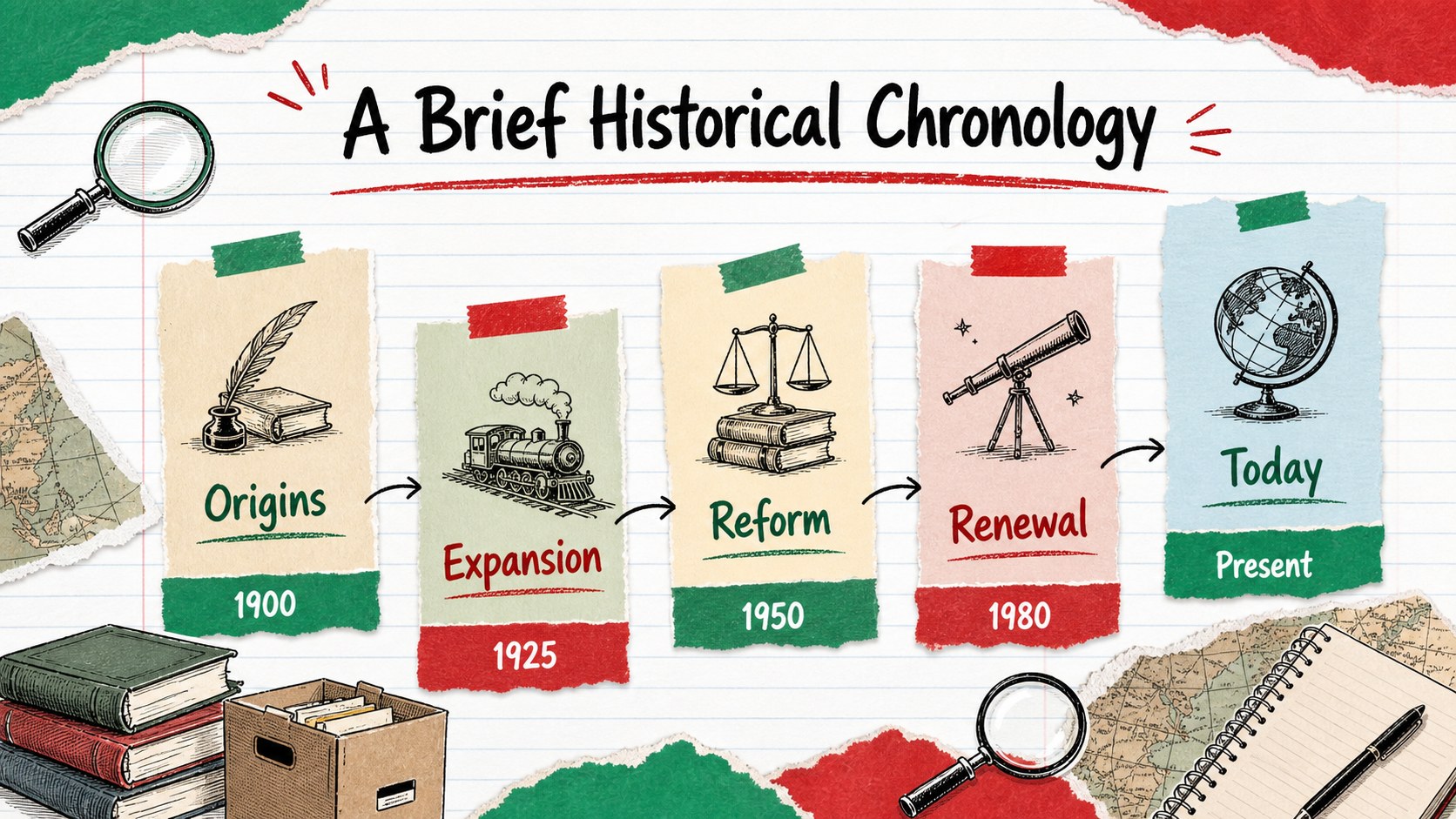
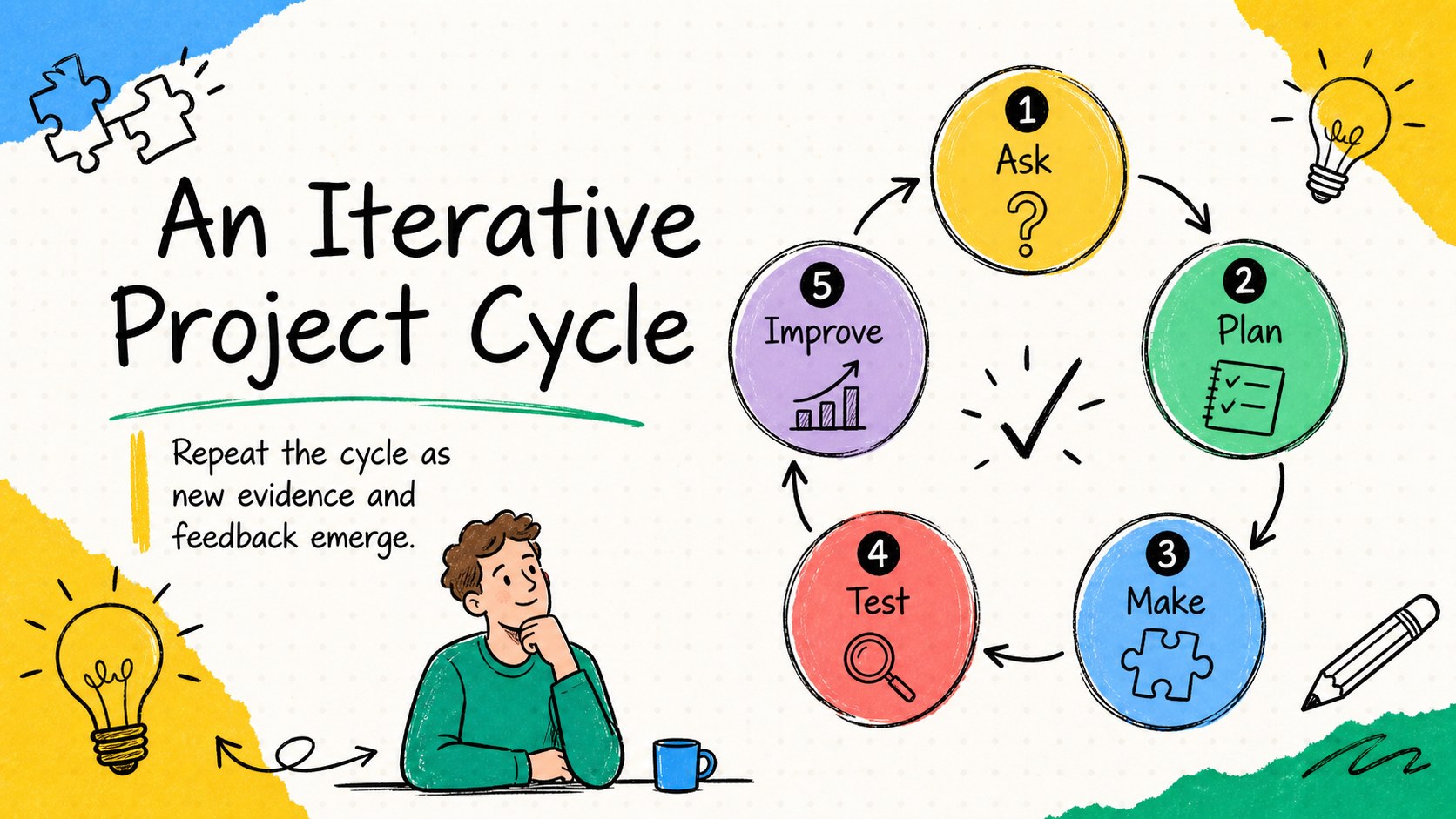
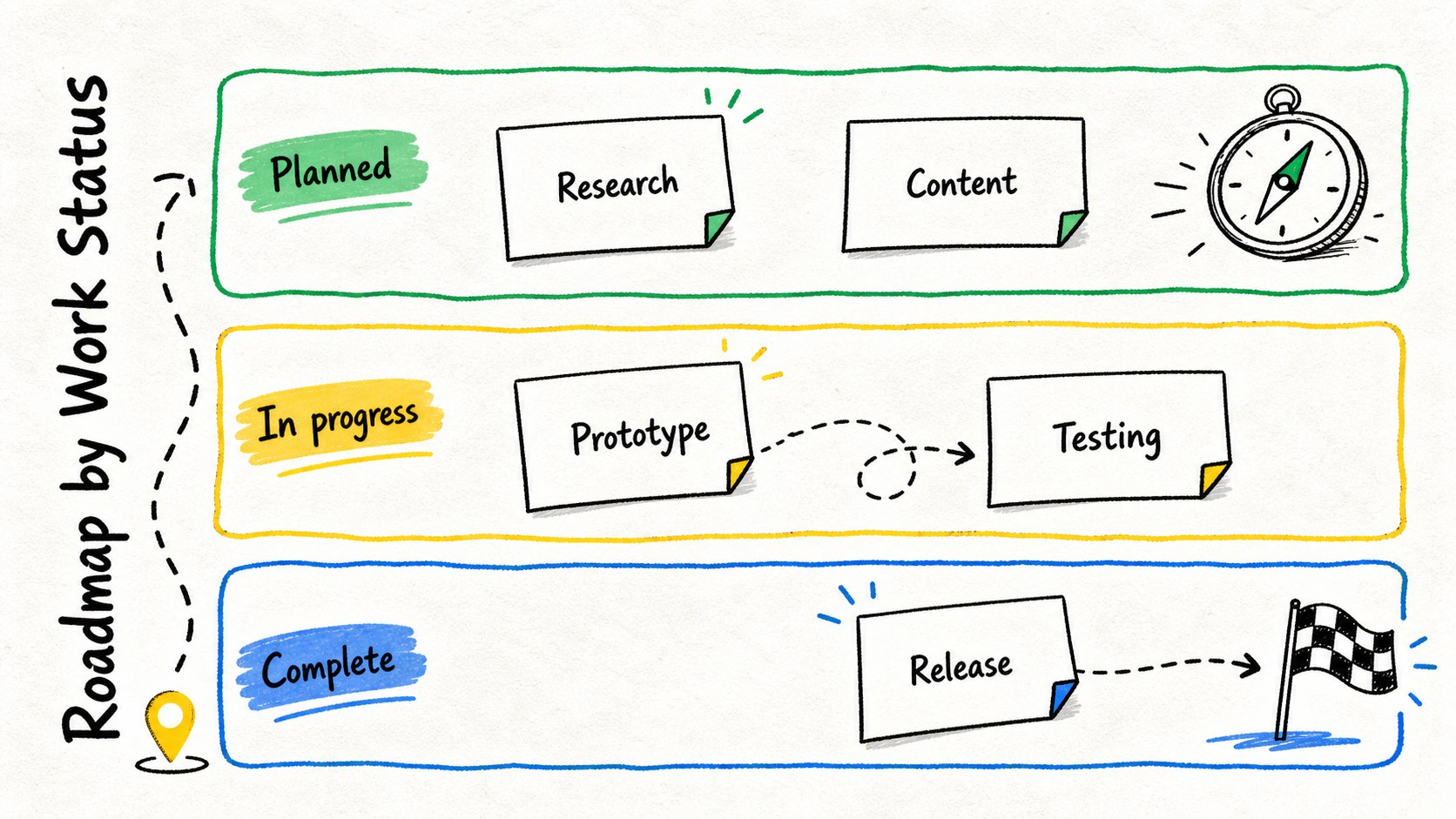
Turn dates, phases, and milestones into an engaging visual narrative with the Sketch Timeline Diagram Kit. Designed for PowerPoint and Google Slides, this colorful collection combines a casual pen-drawn look with organized layouts that make detailed sequences easier to follow. Use it when polished corporate graphics feel too formal, but clarity still matters.
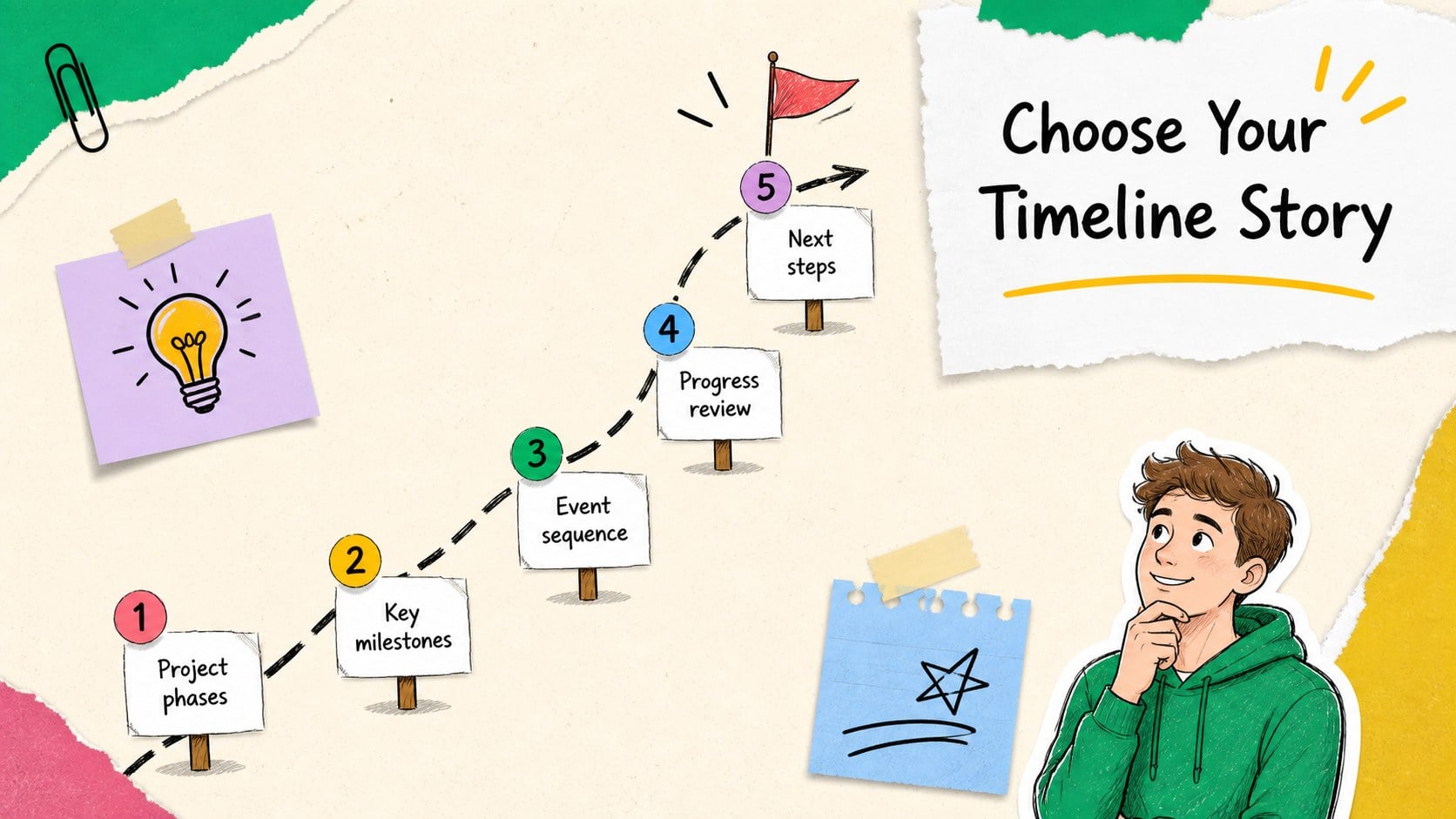
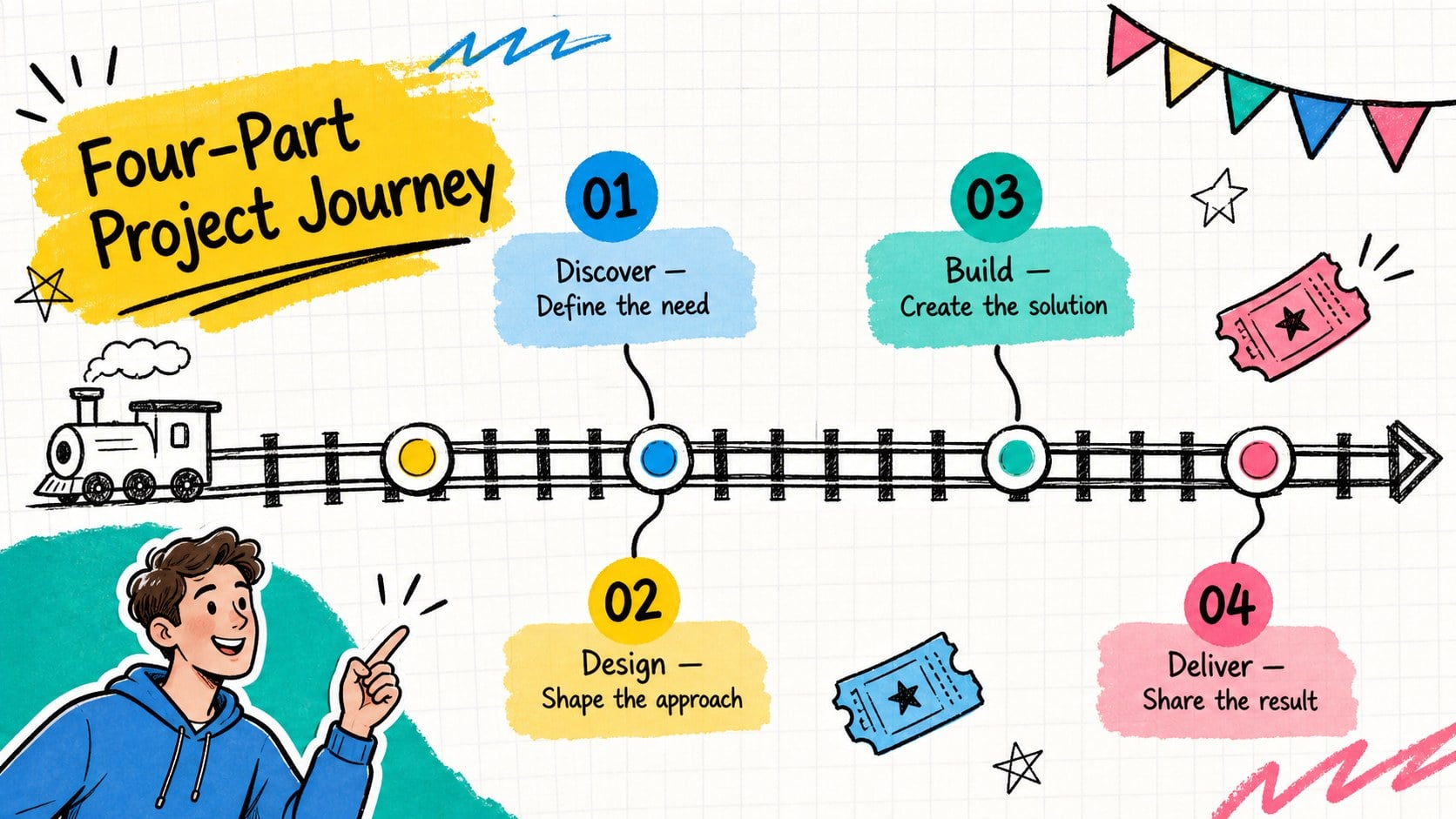
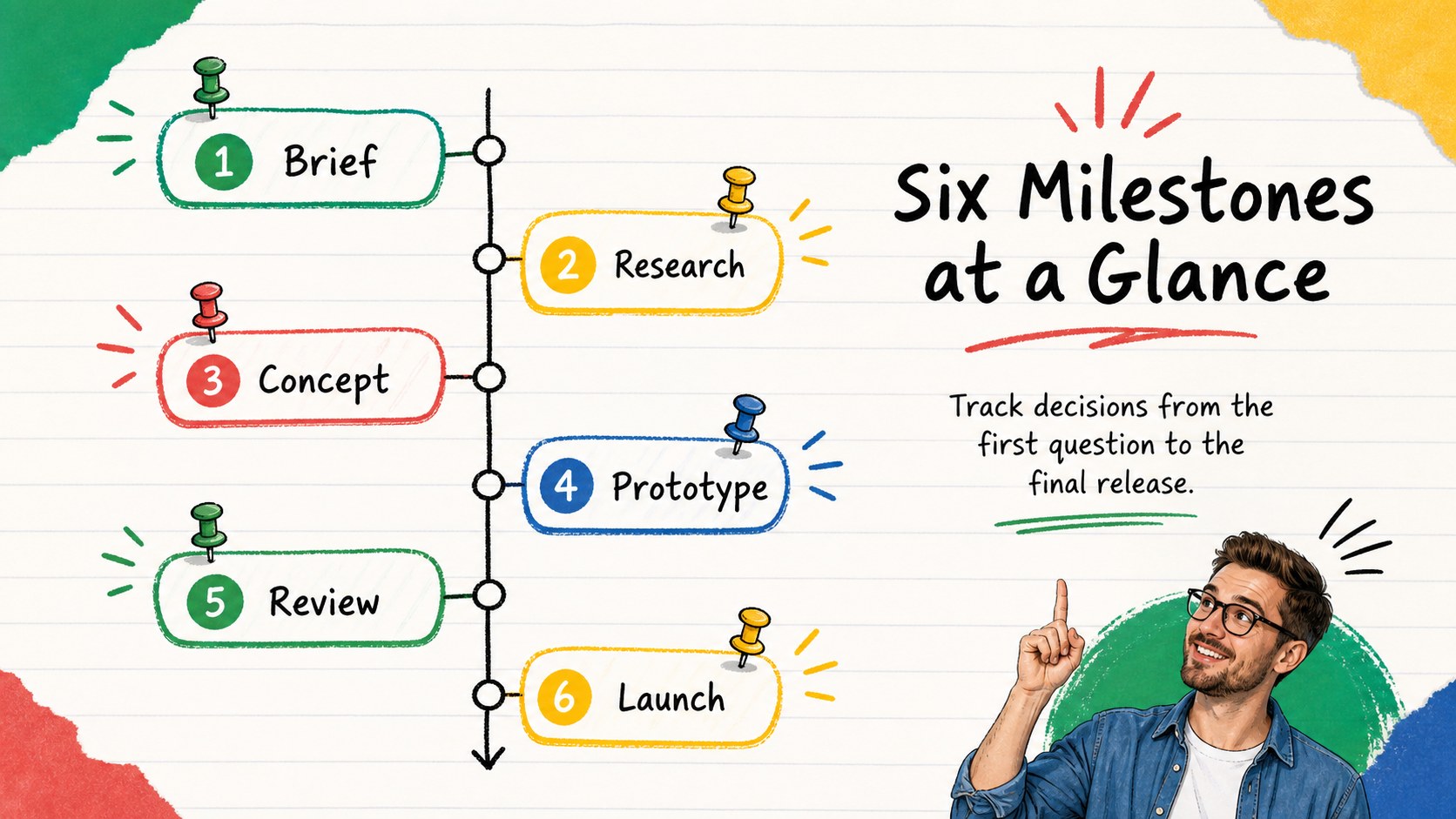
The deck includes 15 editable layouts for linear timelines, alternating milestones, project stages, event sequences, comparisons, and progress summaries. Rearrange labels, update dates, recolor accents, or expand individual steps to create editable project chronology slides for almost any subject. The varied compositions also work as a doodle milestone presentation or a set of colorful event sequence diagrams. Widescreen formatting gives charts and annotations enough room while keeping every slide easy to scan.
Project managers can map delivery phases, educators can explain historical developments, and creative teams can present campaigns from concept through launch. The diagrams also suit product roadmaps, research summaries, workshop agendas, process reviews, and personal planning. Every element is intended to be customized, so you can replace sample wording with your own concise points while preserving the lively sketchbook character. Choose the arrangement that fits your story, add your data, and guide viewers through each step in a logical, approachable way.
Perfect for: project milestone review; historical event lesson; product development roadmap; campaign launch sequence; research process summary; workshop schedule overview.
Frequently asked questions
Can I edit every timeline element? Yes. You can change milestone labels, dates, colors, shapes, and supporting text to match your project. Individual elements can also be moved, duplicated, or removed.
Practical details
Yes. You can change milestone labels, dates, colors, shapes, and supporting text to match your project. Individual elements can also be moved, duplicated, or removed.
The template is designed for Microsoft PowerPoint and Google Slides. Import it into your preferred platform and review font availability before presenting.
Yes. Duplicate existing markers for longer sequences or remove steps for shorter stories. Adjust spacing afterward to keep the timeline balanced and readable.
Replace the accent colors with your organization, course, or event palette while maintaining strong contrast against the background. Using one consistent color for each phase can make complex sequences easier to understand.
Keep exploring
15Build an engaging World UFO Day session with this flying saucer history lesson deck, featuring retro green-and-brown slides for PowerPoint and Google Slides.
 15
15Plan a lively animal-learning journey with this jungle zoo adventure lesson deck, ready to customize in PowerPoint and Google Slides for young learners.
 16
16Turn environmental research into a clear story with a Watercolor Ecology Presentation Theme for PowerPoint and Google Slides in calming green and blue.
 16
16Build focused fashion, literature, and humanities presentations with the Red Triangle Editorial Theme, editable in PowerPoint and Google Slides.
 15
15Turn streaming stats, favorite tracks, and concert highlights into a bold annual listening recap slide deck for PowerPoint and Google Slides.
 15
15Turn highlights, milestones, and favorite moments into a colorful year in review slide deck with bold 3D graphics for PowerPoint and Google Slides.
 3
3Build a credible endorsement with Standout Colleague Recommendation Letter Slides, featuring colorful prompts for skills, achievements, and team impact.
 4
4Build clear beginner sessions with an ice hockey fundamentals training deck for coaches, PE teachers, and clubs, ready for PowerPoint and Google Slides.