
 15
15presentation
Flying Saucer History Lesson Deck
Build an engaging World UFO Day session with this flying saucer history lesson deck, featuring retro green-and-brown slides for PowerPoint and Google Slides.
Google SlidesPowerPoint
presentation · English
Plan a lively lesson or event with the Shamrock Festival Presentation Theme, pairing bold yellow-green artwork with PowerPoint and Google Slides layouts.


Design notes
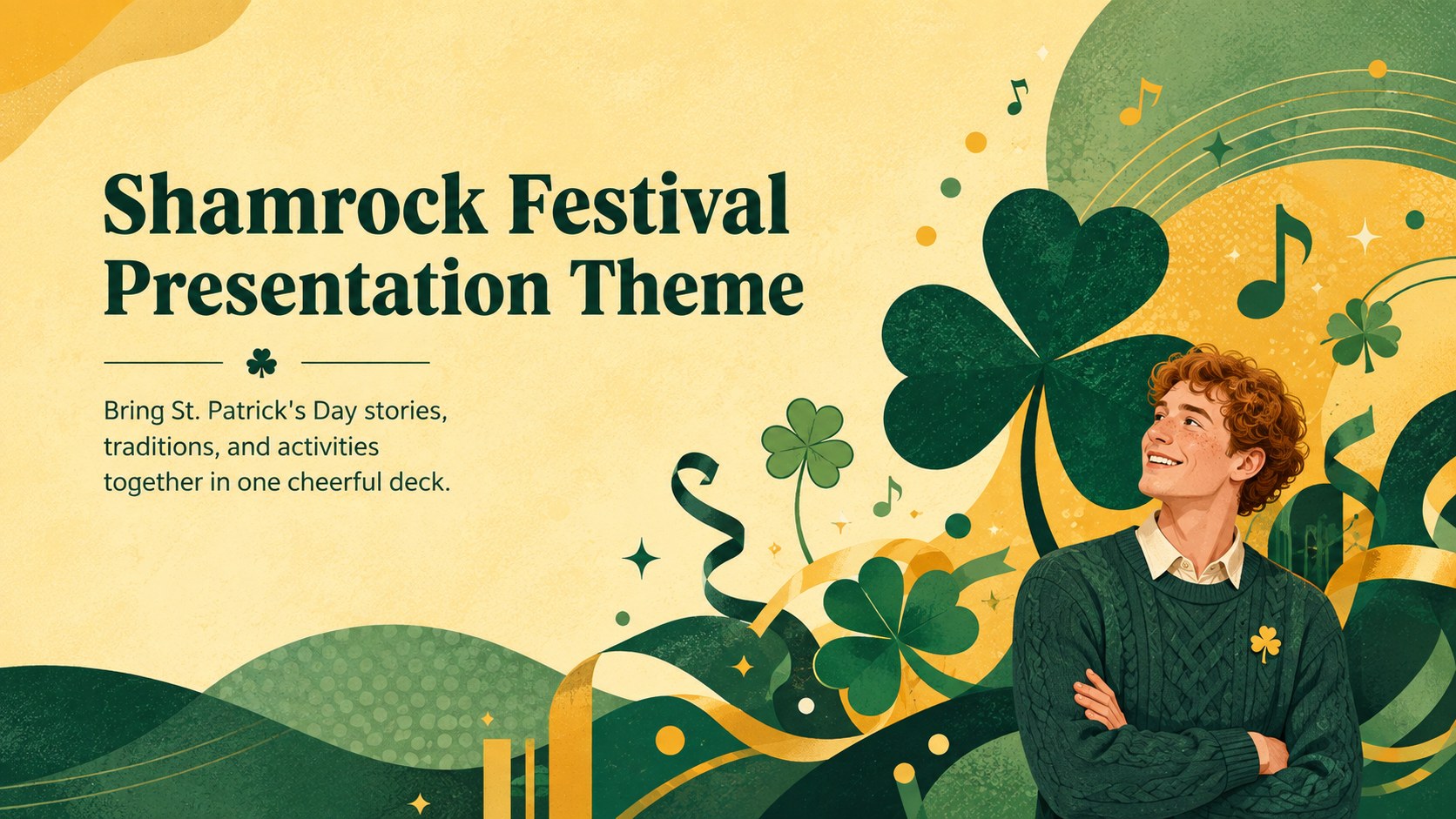
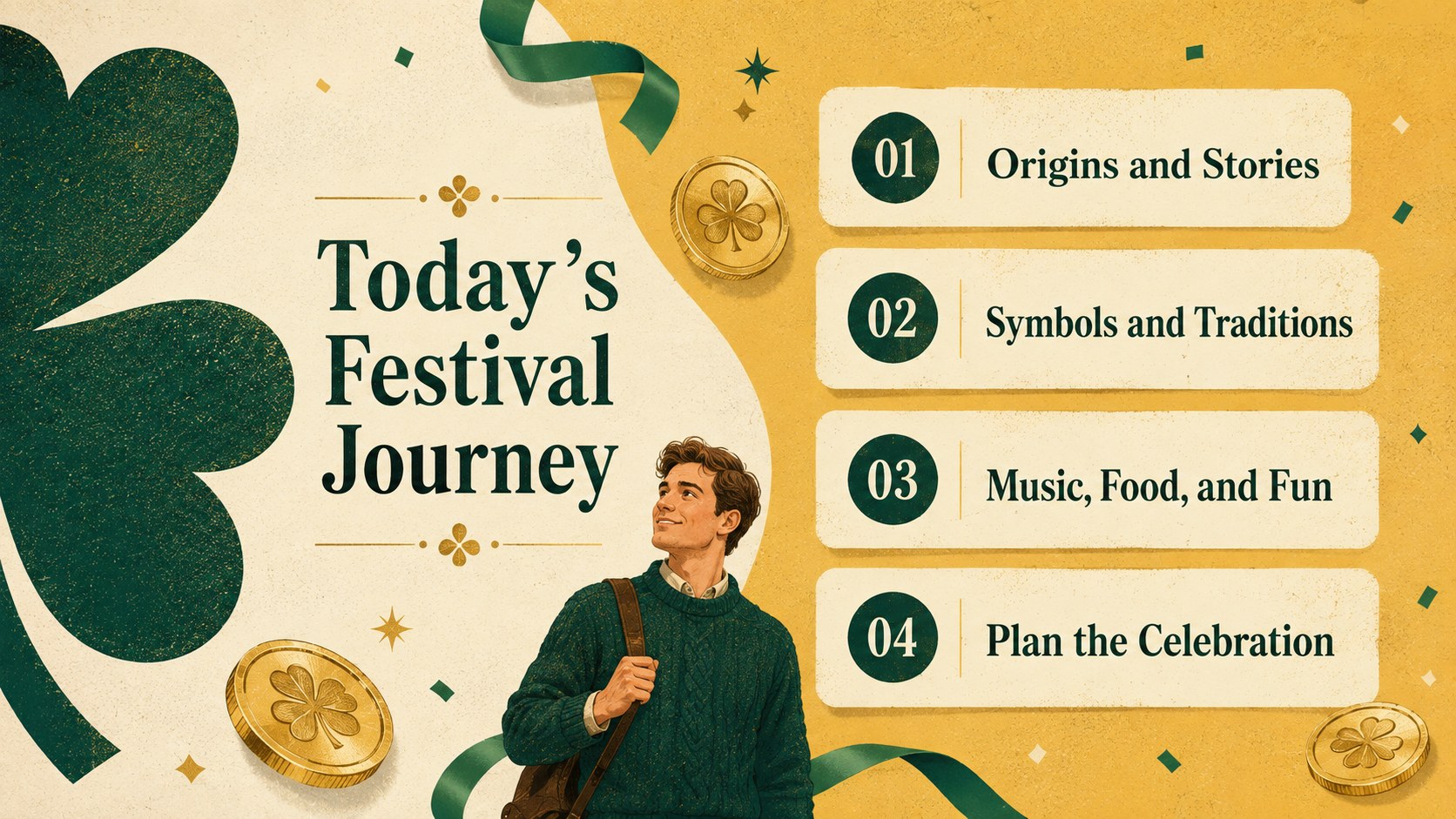
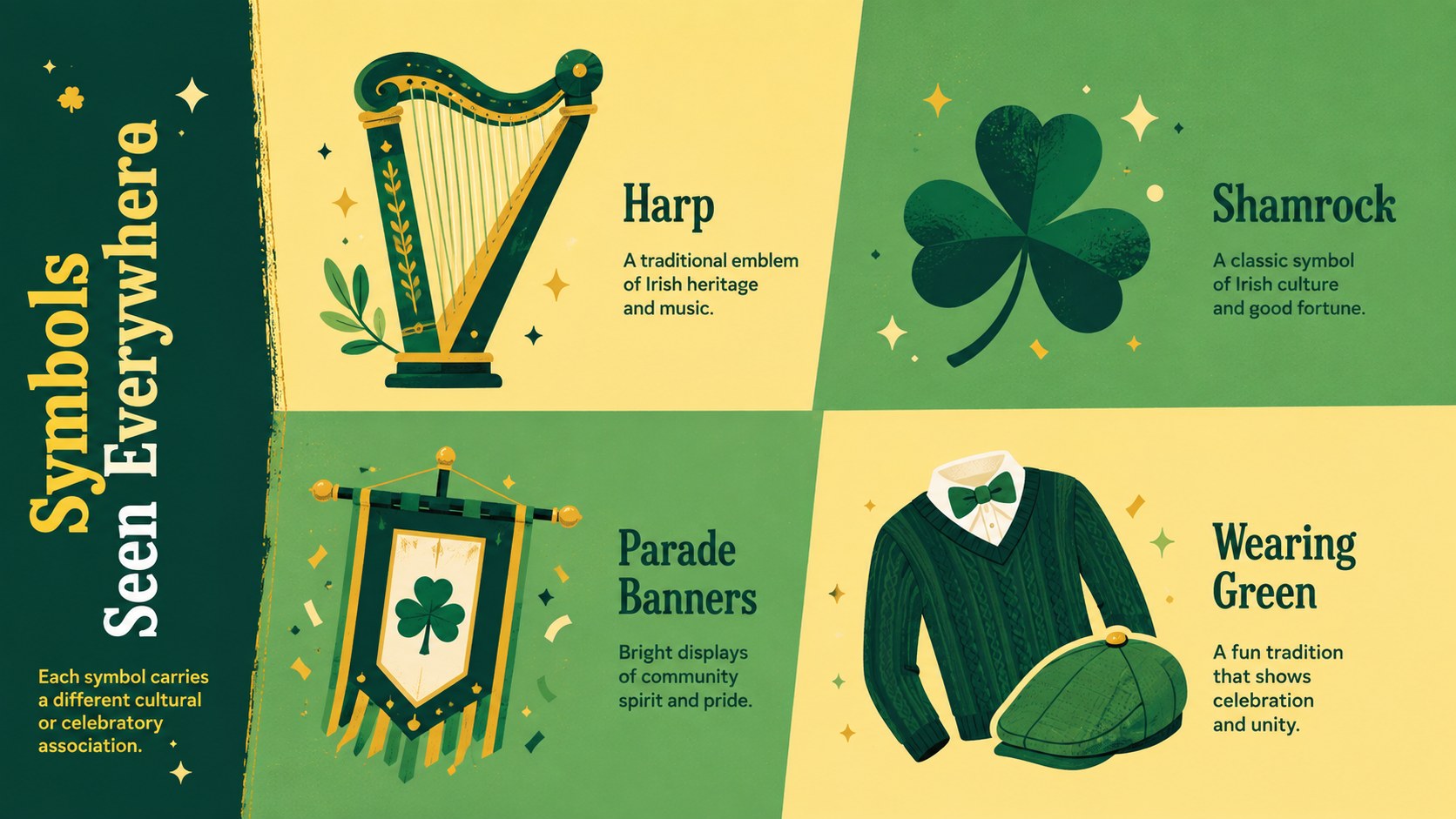
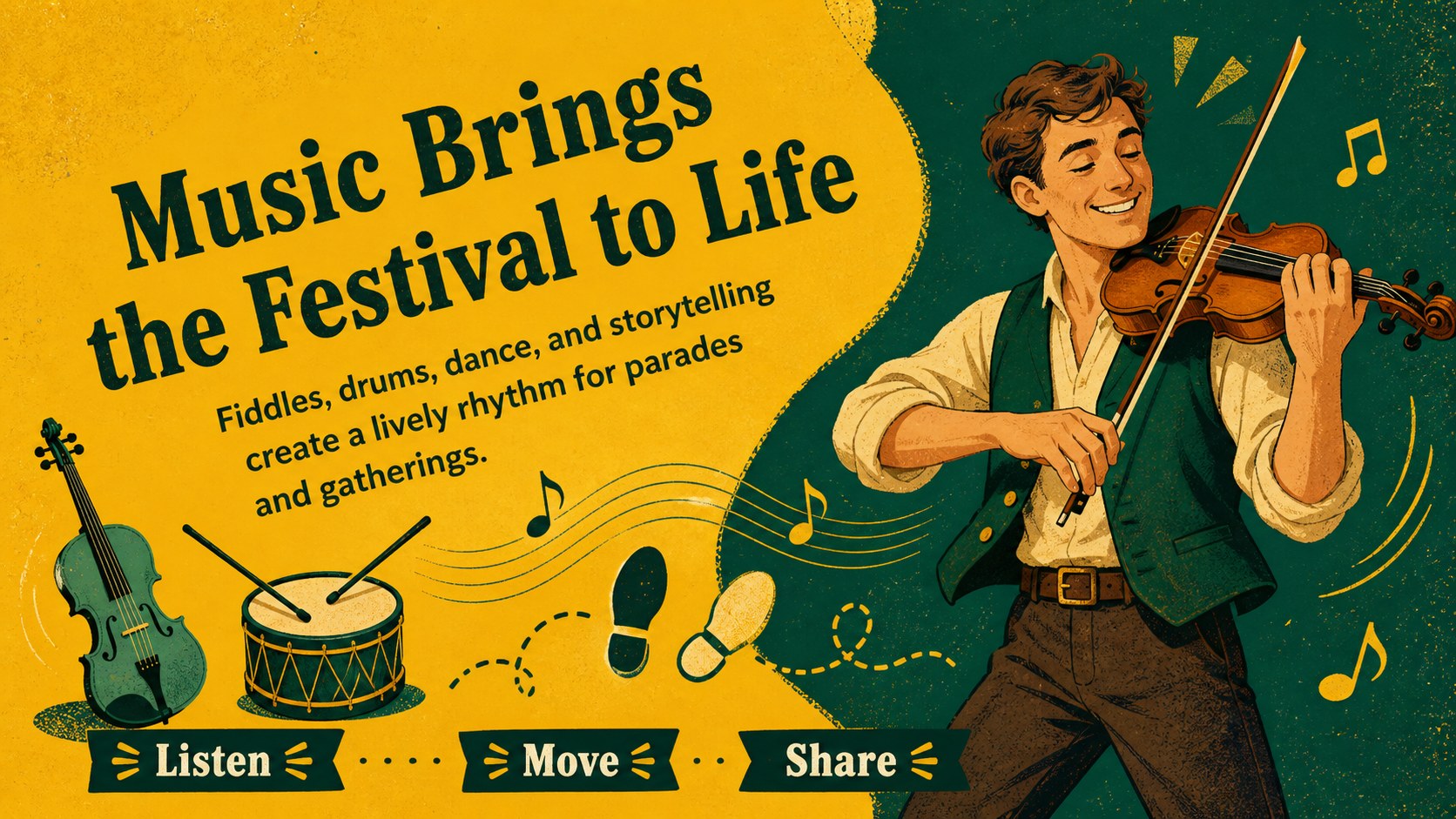
The Shamrock Festival Presentation Theme brings bright seasonal energy to lessons, celebrations, and community gatherings. Its vivid yellow and green palette, playful illustrated details, and varied page structures help presenters organize information without losing the festive mood. Use it as a St. Patrick's Day presentation for school, an event briefing, or an engaging introduction to Irish-inspired holiday traditions.
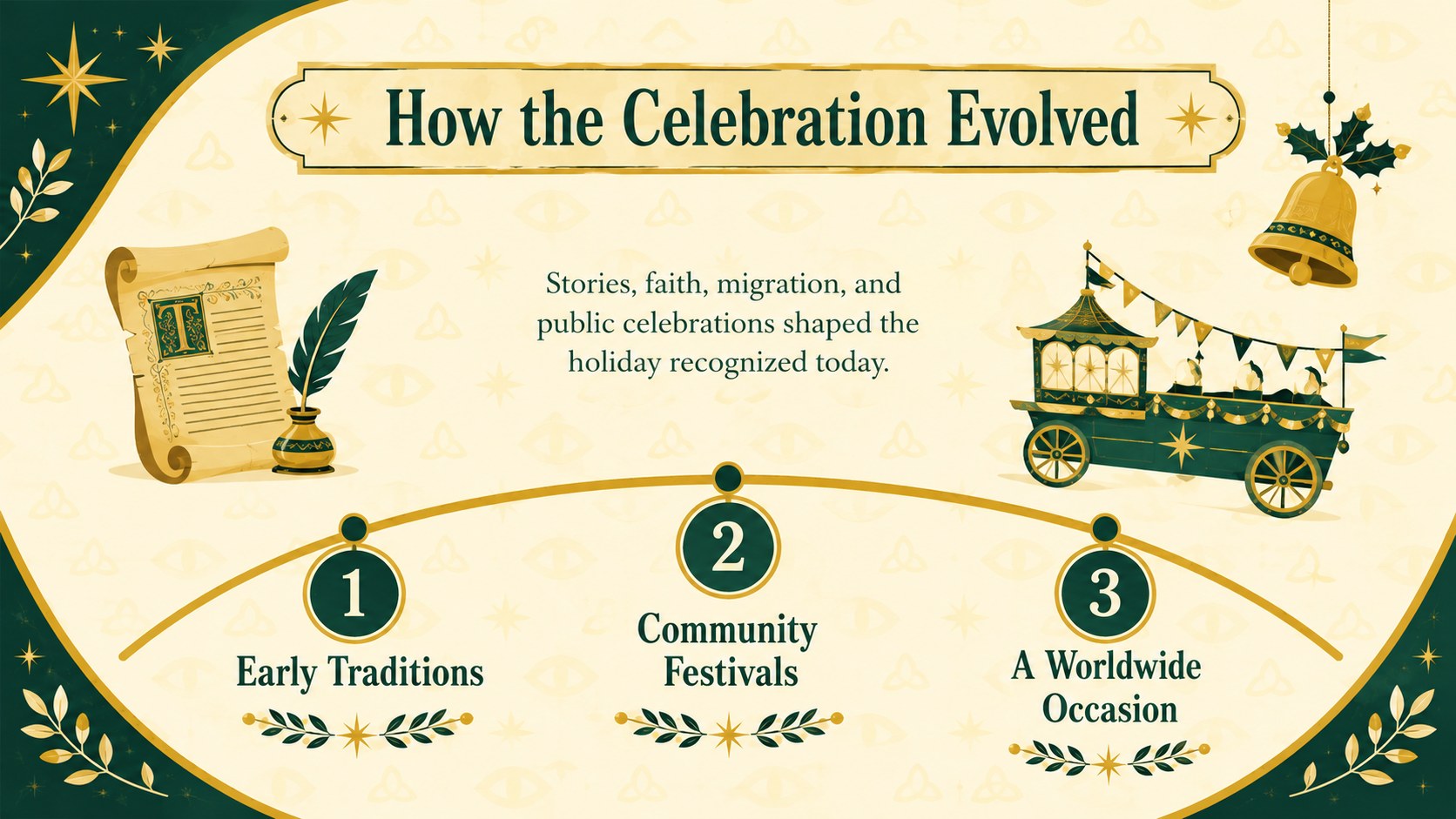
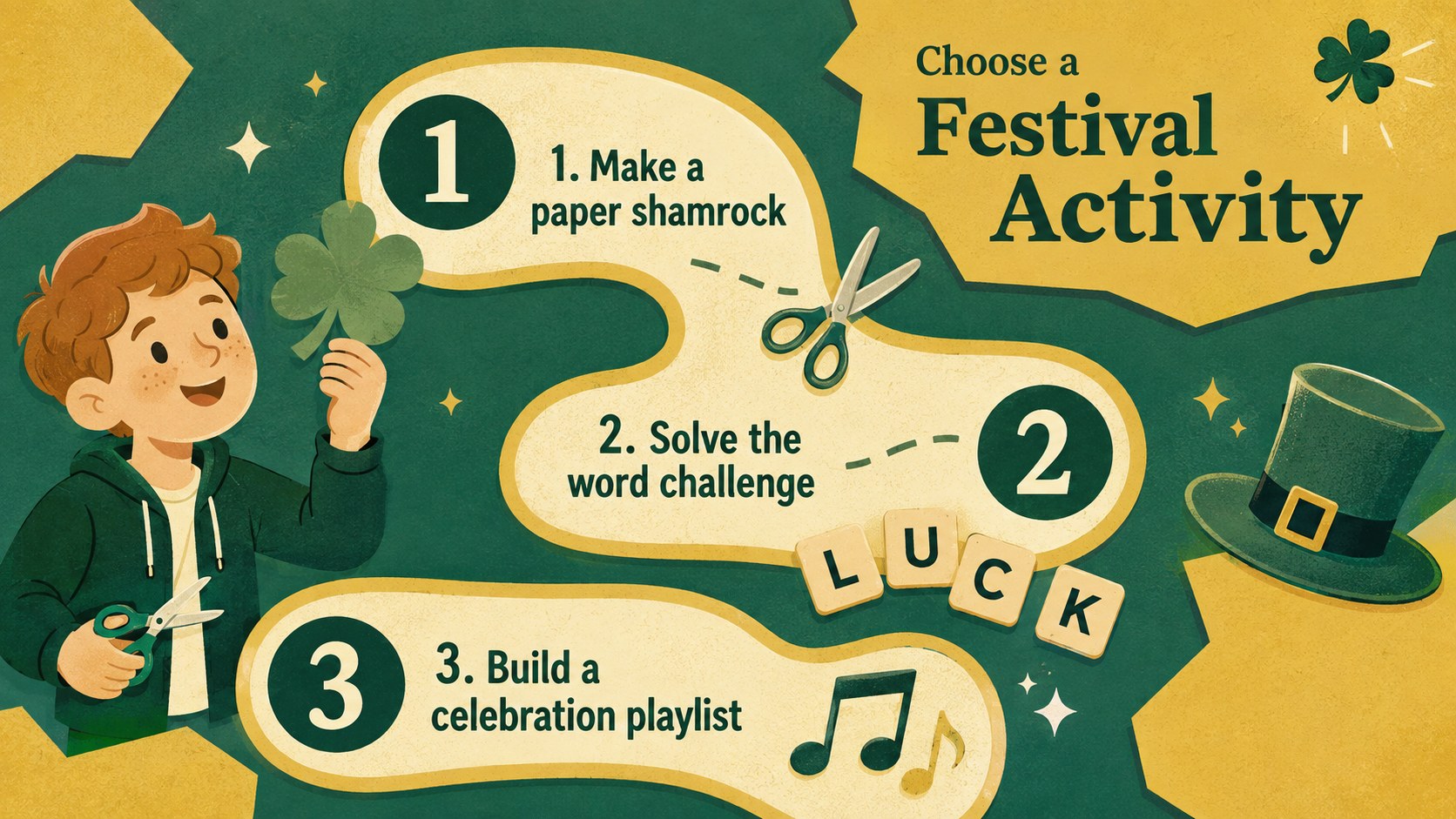
Inside are 21 editable 16:9 layouts for PowerPoint and Google Slides. The selection includes opening pages, section dividers, timelines, activity instructions, comparison layouts, charts, image frames, trivia questions, schedules, and a closing page. Update the wording, rearrange visual elements, insert photographs, and adapt the colors to suit your audience. Built-in space for concise explanations also makes this an effective Irish culture classroom presentation or yellow and green holiday slide deck.
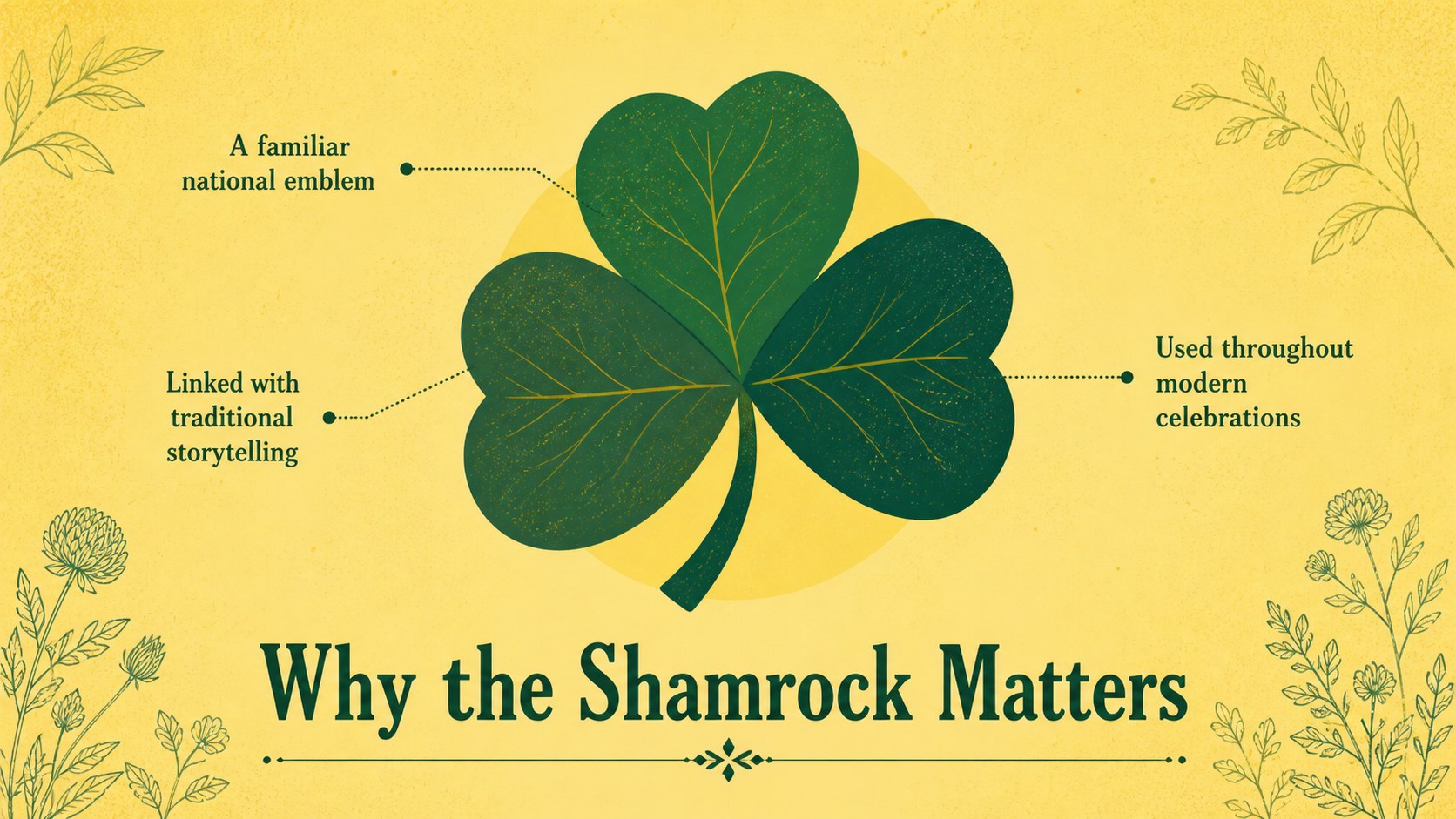
Teachers can introduce the holiday's origins, symbols, music, food, and international celebrations. Event organizers can outline programs, games, menus, and practical details, while families and community groups can create a polished presentation for their own gathering. The friendly illustrated style works especially well for students and mixed-age audiences, while the structured layouts keep longer topics clear. Choose the Shamrock Festival Presentation Theme when you need a flexible seasonal deck that feels celebratory, approachable, and ready for customization.
Perfect for: classroom holiday lesson; community festival program; St. Patrick's Day trivia; family celebration slideshow; cultural traditions overview.
Frequently asked questions
Can I edit every part of the presentation? Yes. You can replace the text, adjust colors, move illustrations, and add your own photographs, charts, or activity instructions.
Practical details
Yes. You can replace the text, adjust colors, move illustrations, and add your own photographs, charts, or activity instructions.
The template is designed for Microsoft PowerPoint and Google Slides. Both platforms support the included widescreen layouts and standard editing features.
Yes. Simplify the text and emphasize activities for younger students, or add historical and cultural detail for older learners.
Add the event name, schedule, venue information, and organizer details to the relevant layouts. You can also replace sample illustrations with photographs or graphics that match your program.
Keep exploring
15Build an engaging World UFO Day session with this flying saucer history lesson deck, featuring retro green-and-brown slides for PowerPoint and Google Slides.
 15
15Plan a lively animal-learning journey with this jungle zoo adventure lesson deck, ready to customize in PowerPoint and Google Slides for young learners.
 16
16Turn environmental research into a clear story with a Watercolor Ecology Presentation Theme for PowerPoint and Google Slides in calming green and blue.
 16
16Build focused fashion, literature, and humanities presentations with the Red Triangle Editorial Theme, editable in PowerPoint and Google Slides.
 15
15Turn streaming stats, favorite tracks, and concert highlights into a bold annual listening recap slide deck for PowerPoint and Google Slides.
 15
15Turn highlights, milestones, and favorite moments into a colorful year in review slide deck with bold 3D graphics for PowerPoint and Google Slides.
 3
3Build a credible endorsement with Standout Colleague Recommendation Letter Slides, featuring colorful prompts for skills, achievements, and team impact.
 4
4Build clear beginner sessions with an ice hockey fundamentals training deck for coaches, PE teachers, and clubs, ready for PowerPoint and Google Slides.