
 15
15presentation
Flying Saucer History Lesson Deck
Build an engaging World UFO Day session with this flying saucer history lesson deck, featuring retro green-and-brown slides for PowerPoint and Google Slides.
Google SlidesPowerPoint
presentation · English
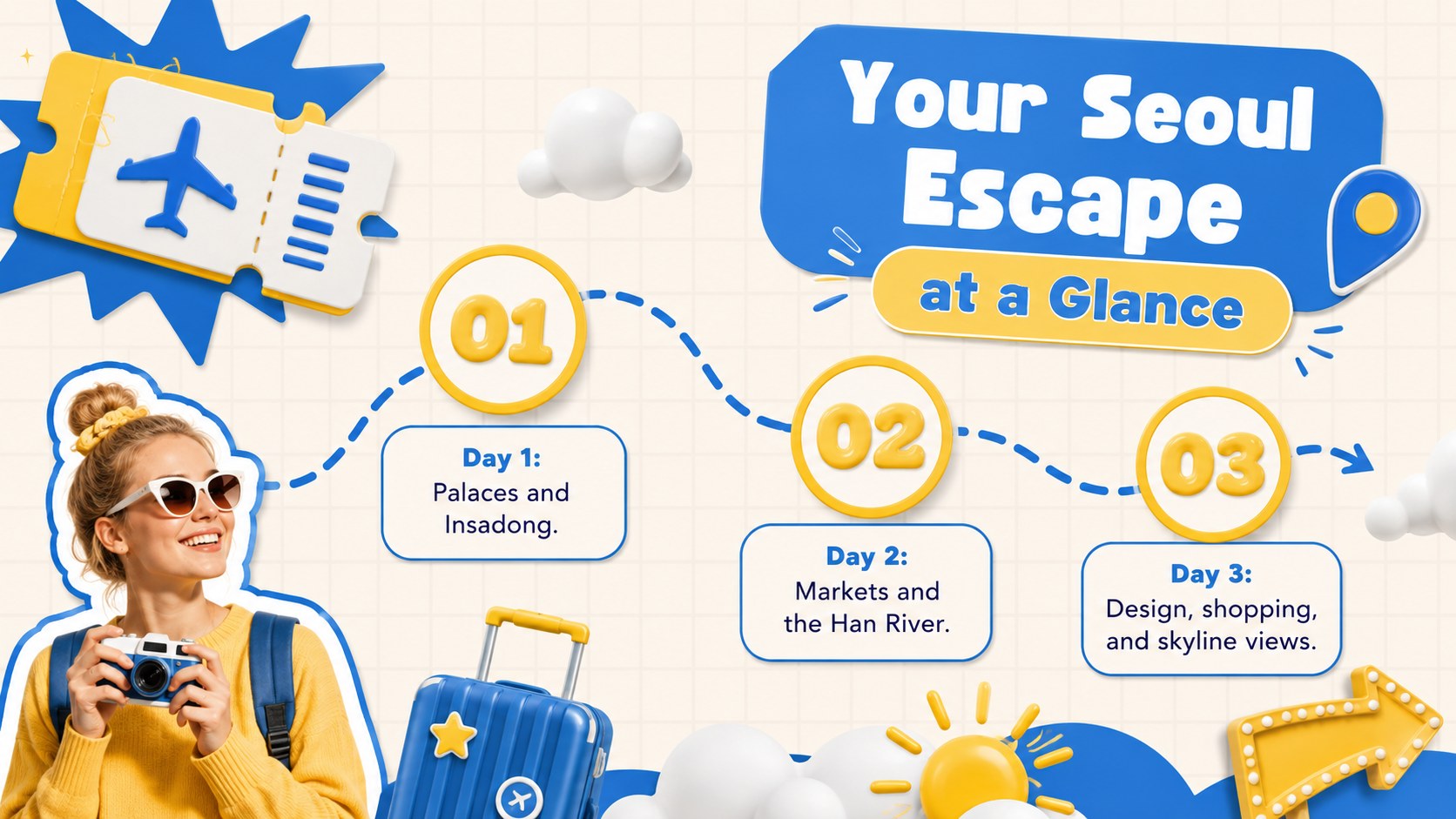
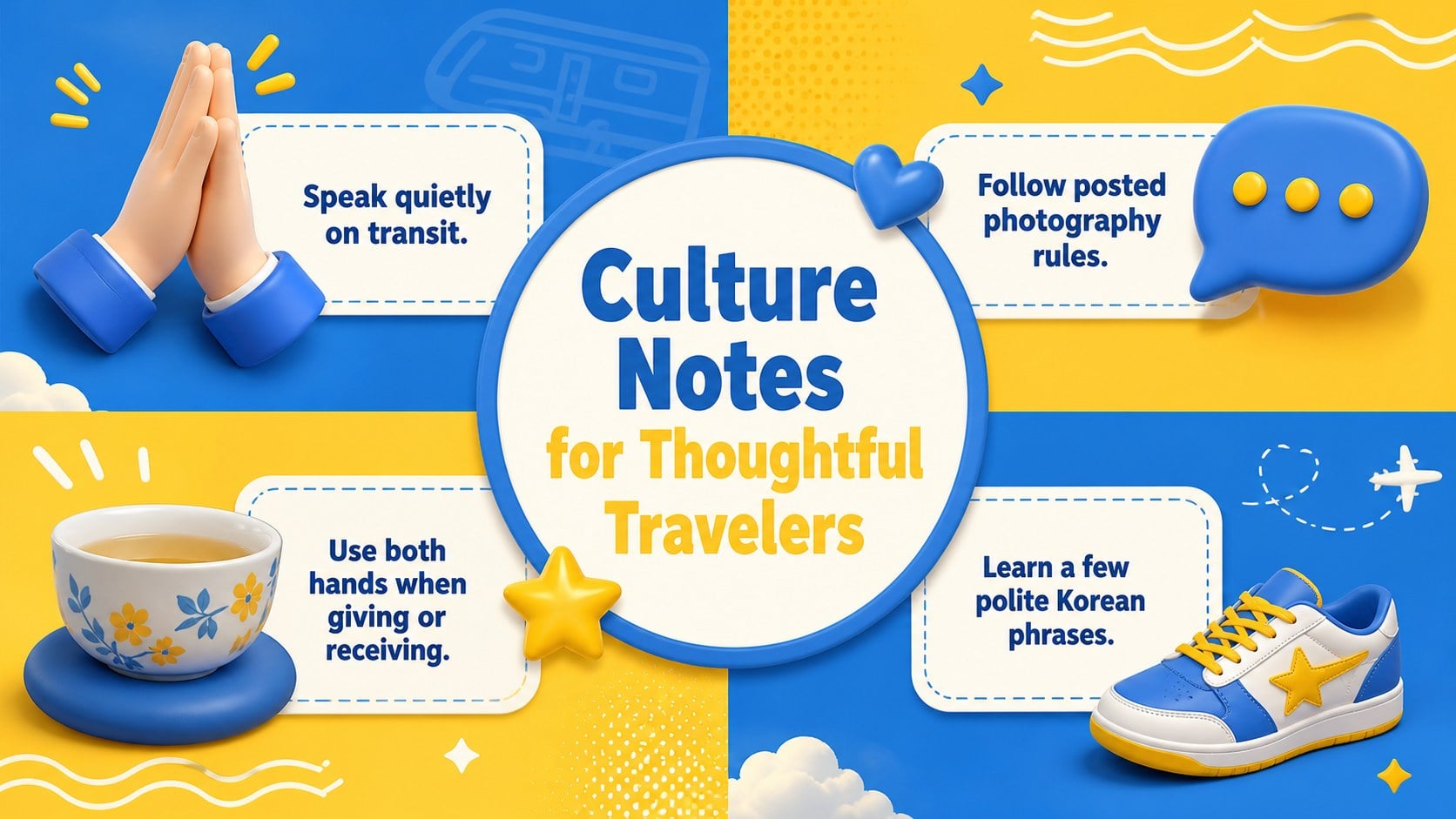
Build a memorable itinerary with Seoul city break slides in a blue-and-yellow Y2K style, ready to edit in PowerPoint or Google Slides for travel pitches.






Design notes
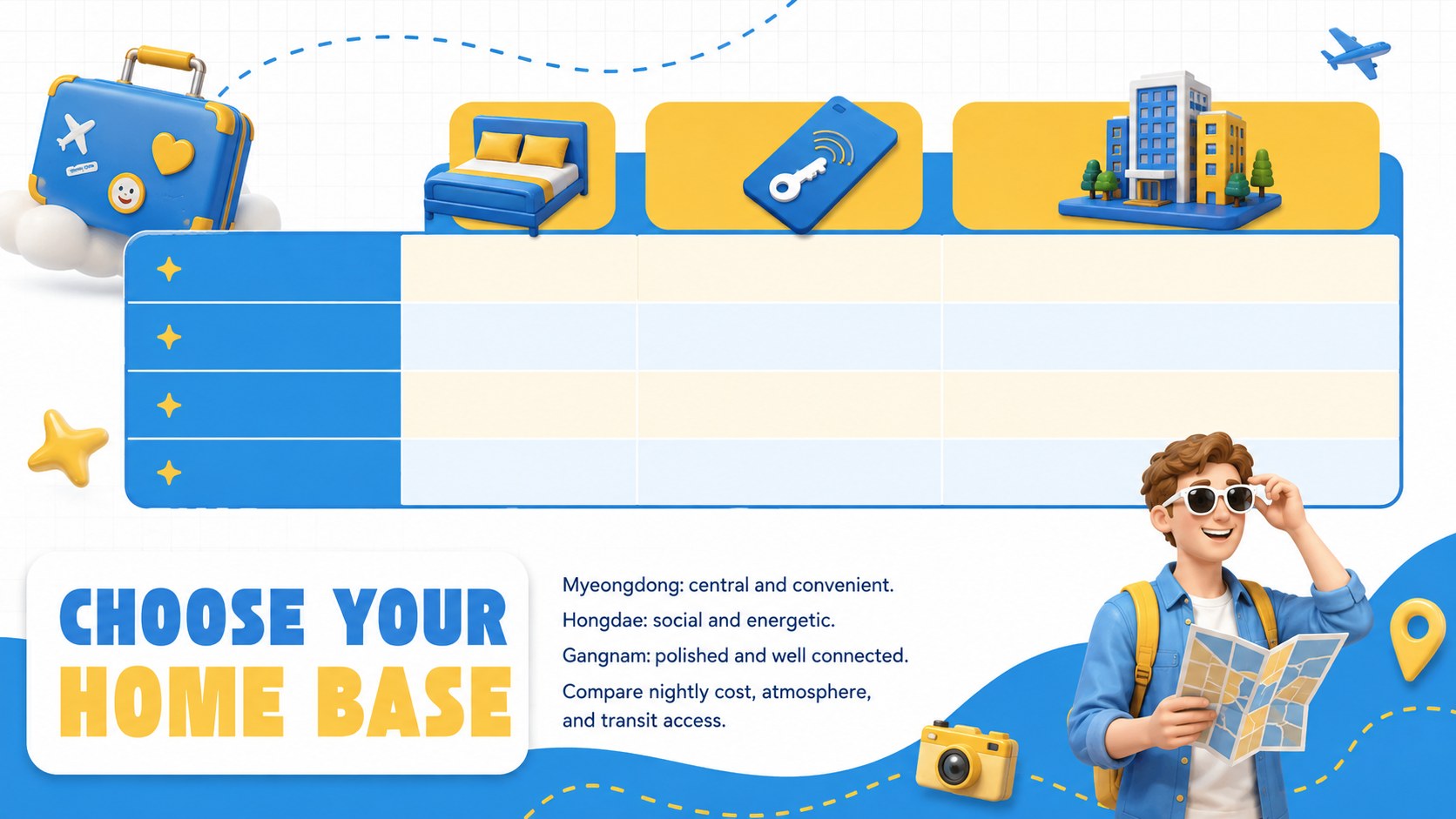
Turn recommendations into an energetic visual journey with these Seoul city break slides. The playful blue-and-yellow palette, chunky typography, dimensional graphics, and nostalgic Y2K details create a lively setting for presenting South Korea's capital. Use the deck to introduce essential districts, highlight cultural attractions, compare accommodation options, or build a practical itinerary without losing the excitement of discovery.
The 15-slide Seoul weekend itinerary template includes layouts for trip highlights, neighborhood profiles, street food picks, historic landmarks, shopping stops, transport guidance, budgets, and day-by-day planning. Flexible content areas support photos, maps, short descriptions, timelines, and quick travel tips. Every element can be adjusted in PowerPoint or Google Slides, including colors, type, images, icons, and chart data.
This cute Seoul tourism presentation is suited to travel agents developing client proposals, hospitality teams promoting local experiences, content creators sharing city recommendations, and students presenting destination research. It can also serve as a Seoul travel agency pitch deck for themed packages, group tours, or stopover campaigns. Replace the sample copy with your own route, prices, and recommendations, then reorganize the slides to fit a quick weekend escape or a longer urban adventure.
Perfect for: Seoul weekend itinerary; travel agency client proposal; hotel concierge city guide; South Korea tourism lesson; group tour planning; destination marketing pitch.
Frequently asked questions
Can I edit these slides in PowerPoint and Google Slides? Yes. The layouts, text, colors, images, icons, and charts can be edited in PowerPoint or Google Slides. Some font substitutions or minor spacing adjustments may be needed when moving between platforms.
Practical details
Yes. The layouts, text, colors, images, icons, and charts can be edited in PowerPoint or Google Slides. Some font substitutions or minor spacing adjustments may be needed when moving between platforms.
Yes. Duplicate the itinerary and destination layouts to add Busan, Jeju, Gyeongju, or other stops. You can also rename sections and change the route, dates, prices, and travel times.
Replace the sample photography, adjust the blue and yellow accents, and edit the dimensional stickers or decorative shapes. Keep strong contrast between text and backgrounds so practical travel details remain easy to scan.
No. The sample content provides a useful structure, but all recommendations and schedules are placeholders. Confirm opening hours, fares, entry rules, and local travel advice before presenting a final plan.
Keep exploring
15Build an engaging World UFO Day session with this flying saucer history lesson deck, featuring retro green-and-brown slides for PowerPoint and Google Slides.
 15
15Plan a lively animal-learning journey with this jungle zoo adventure lesson deck, ready to customize in PowerPoint and Google Slides for young learners.
 16
16Turn environmental research into a clear story with a Watercolor Ecology Presentation Theme for PowerPoint and Google Slides in calming green and blue.
 16
16Build focused fashion, literature, and humanities presentations with the Red Triangle Editorial Theme, editable in PowerPoint and Google Slides.
 15
15Turn streaming stats, favorite tracks, and concert highlights into a bold annual listening recap slide deck for PowerPoint and Google Slides.
 15
15Turn highlights, milestones, and favorite moments into a colorful year in review slide deck with bold 3D graphics for PowerPoint and Google Slides.
 3
3Build a credible endorsement with Standout Colleague Recommendation Letter Slides, featuring colorful prompts for skills, achievements, and team impact.
 4
4Build clear beginner sessions with an ice hockey fundamentals training deck for coaches, PE teachers, and clubs, ready for PowerPoint and Google Slides.