
 15
15presentation
Flying Saucer History Lesson Deck
Build an engaging World UFO Day session with this flying saucer history lesson deck, featuring retro green-and-brown slides for PowerPoint and Google Slides.
Google SlidesPowerPoint
presentation · English
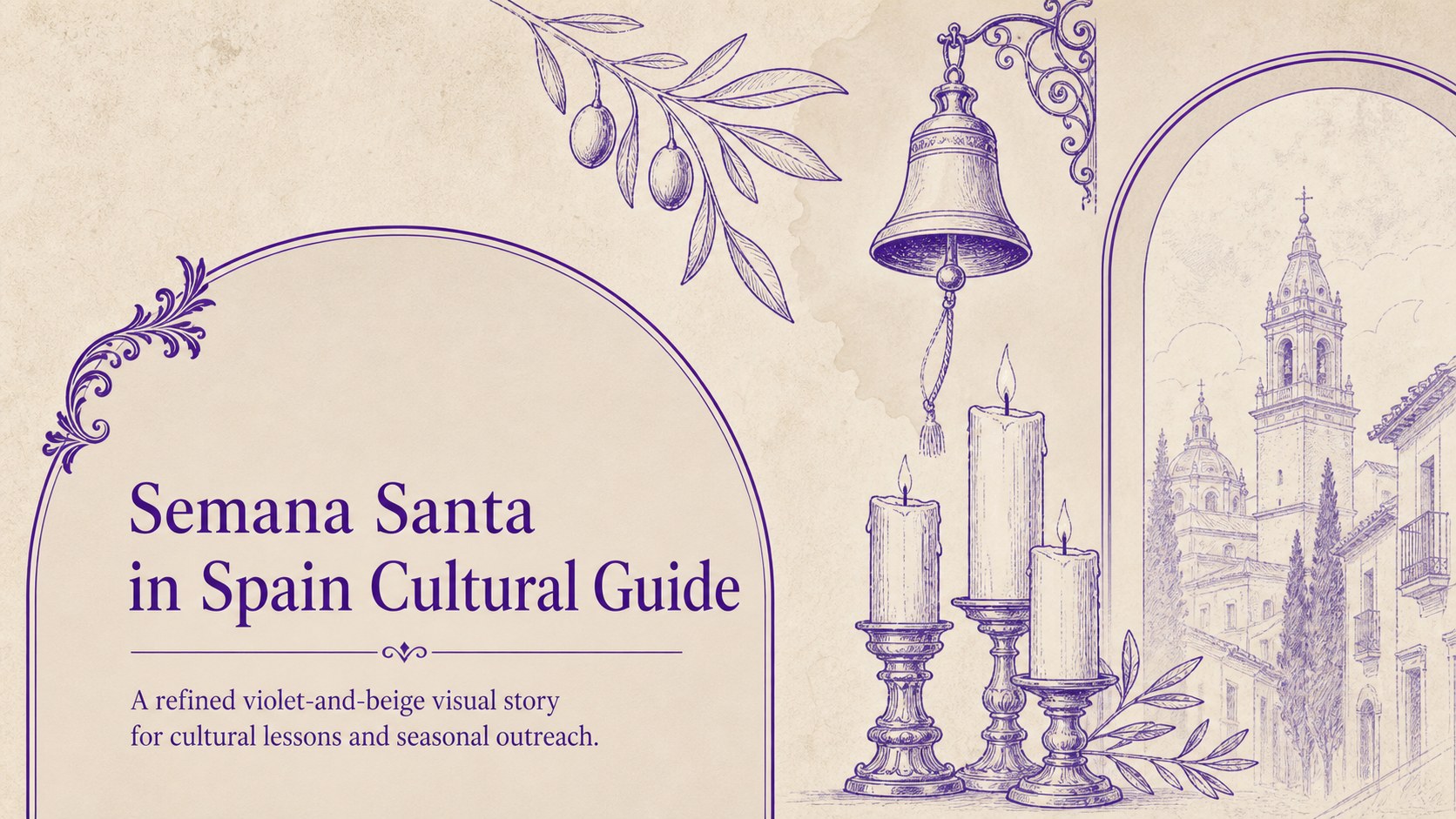
Plan engaging lessons and events with the Semana Santa in Spain Cultural Guide, a refined violet-and-beige theme for PowerPoint and Google Slides.
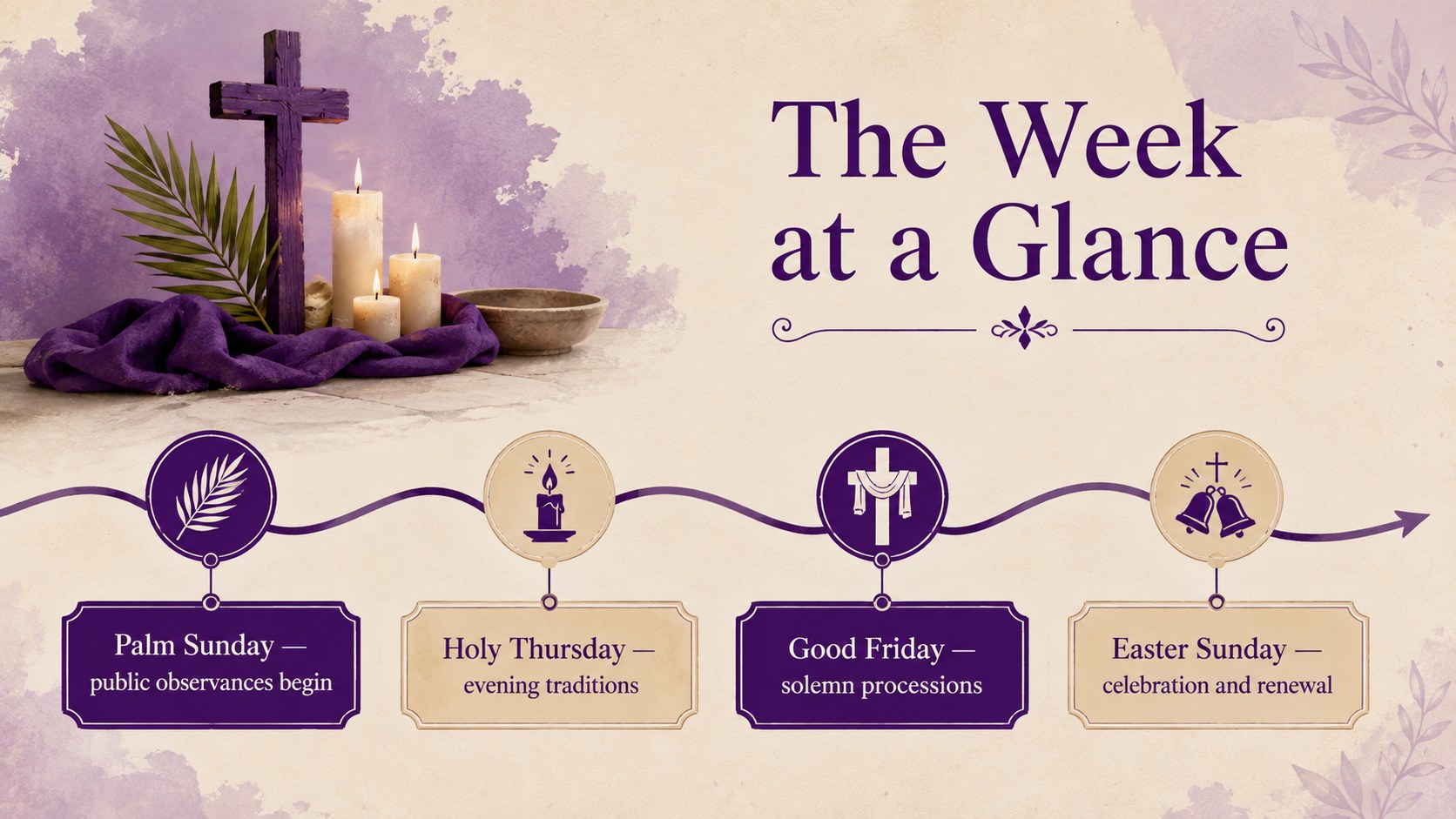
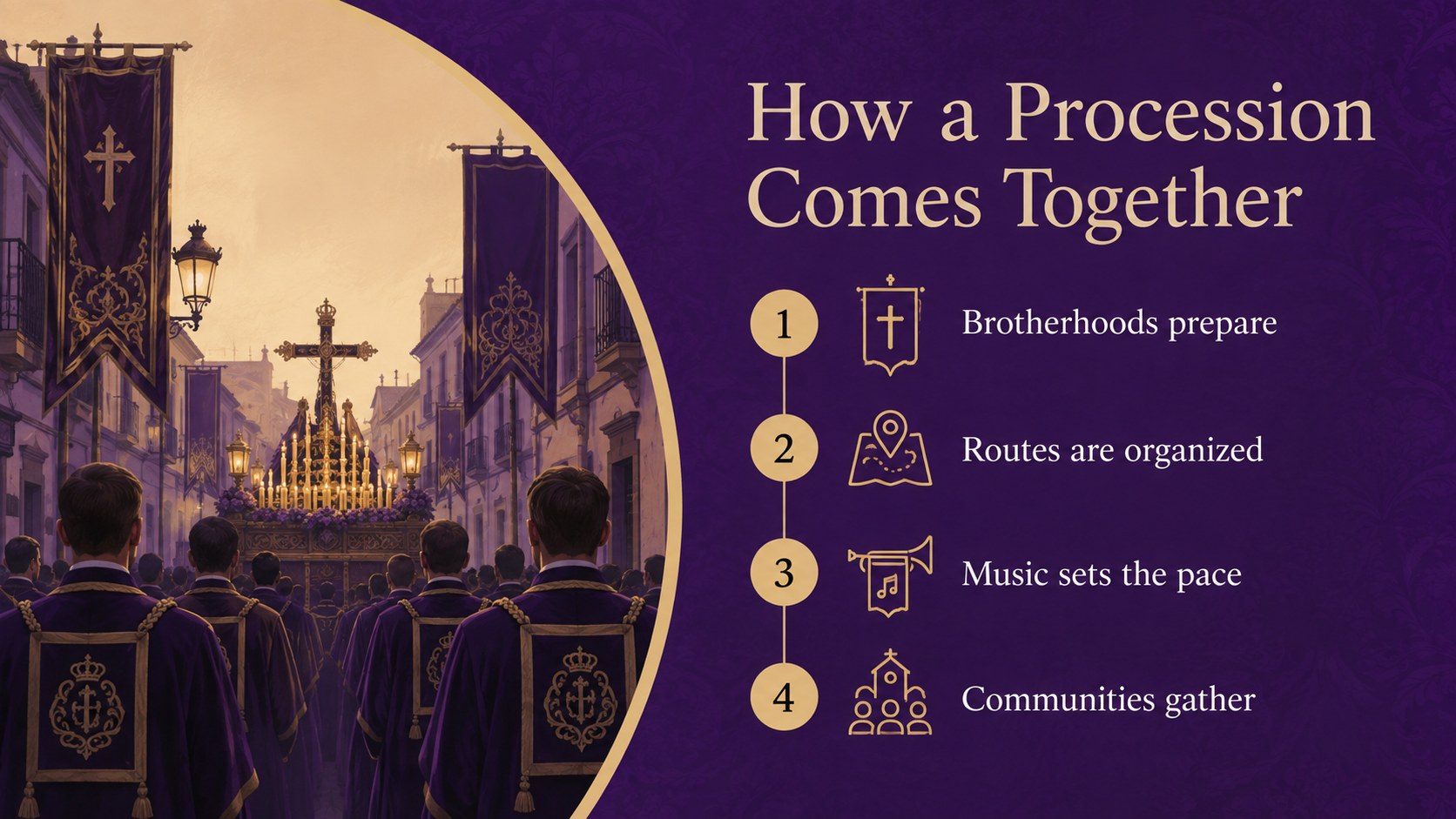
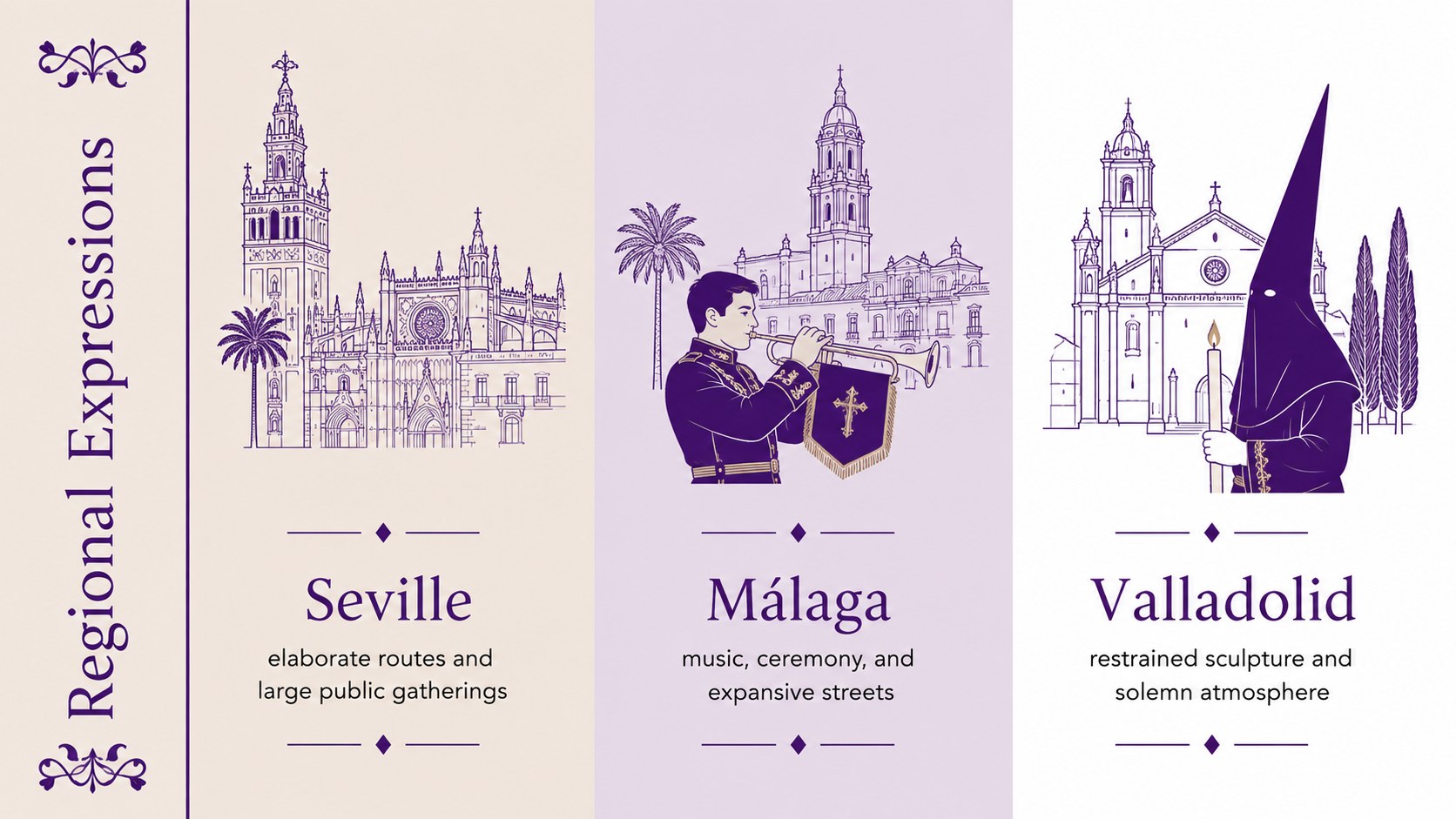
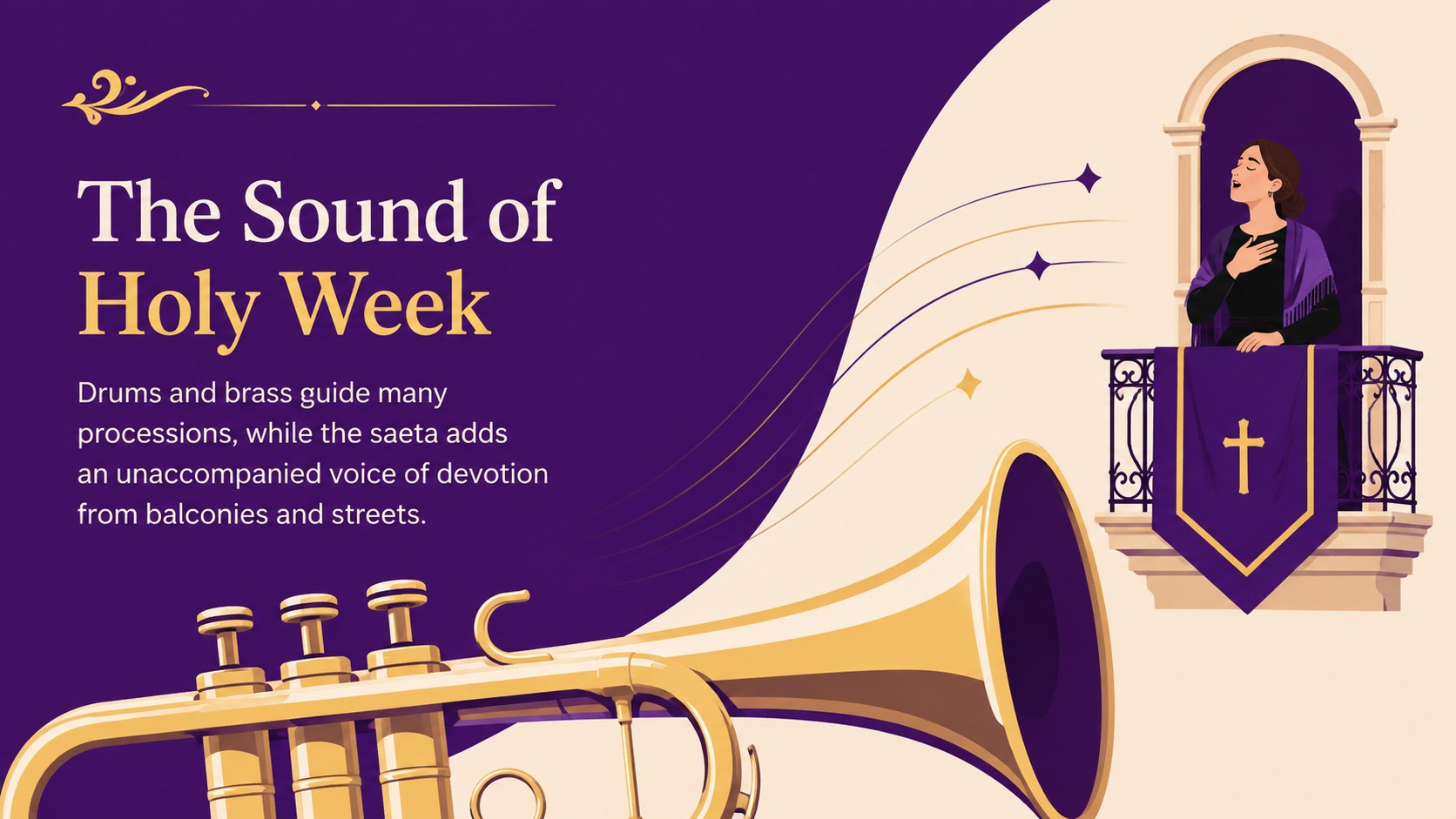
Design notes
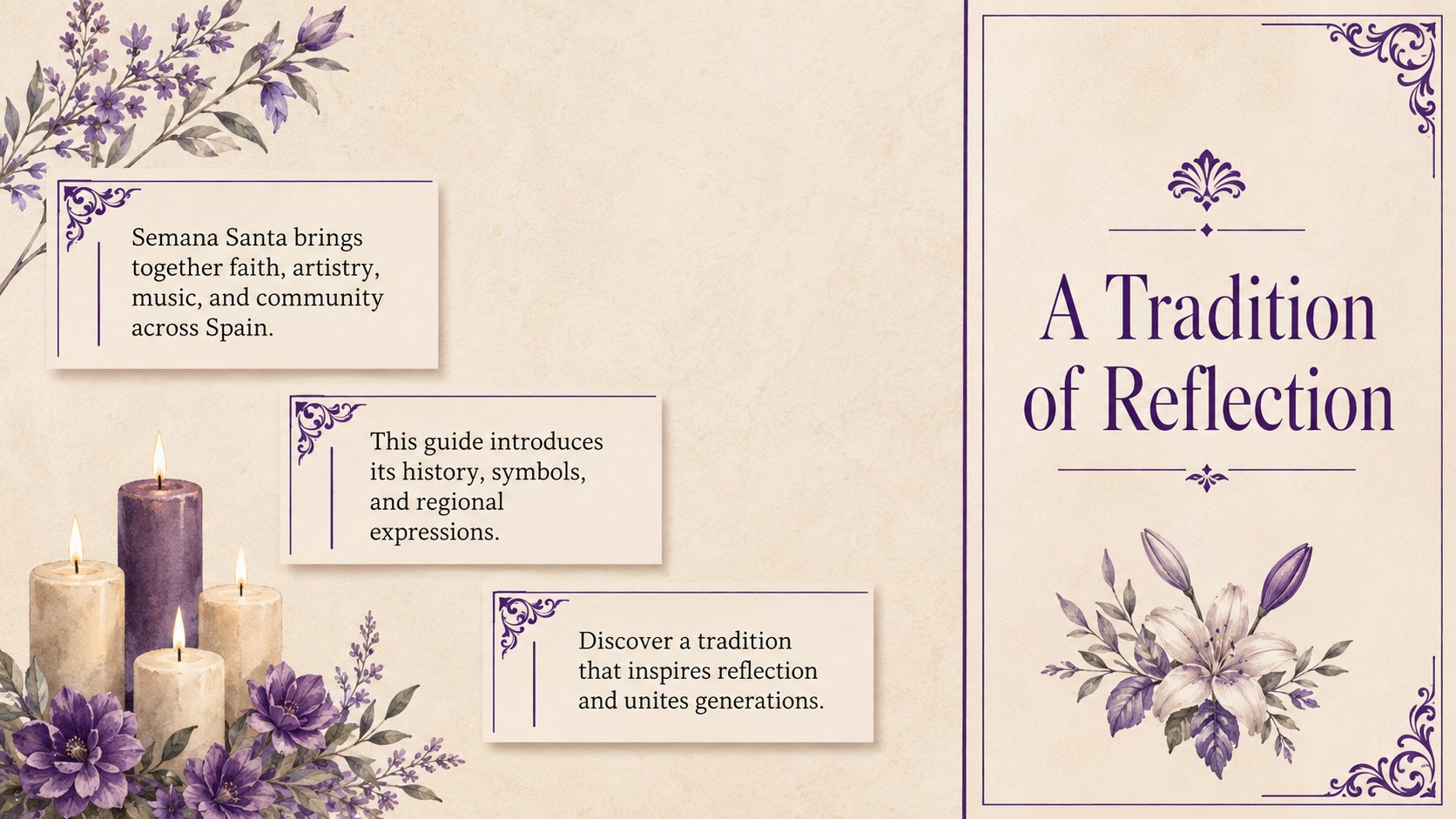
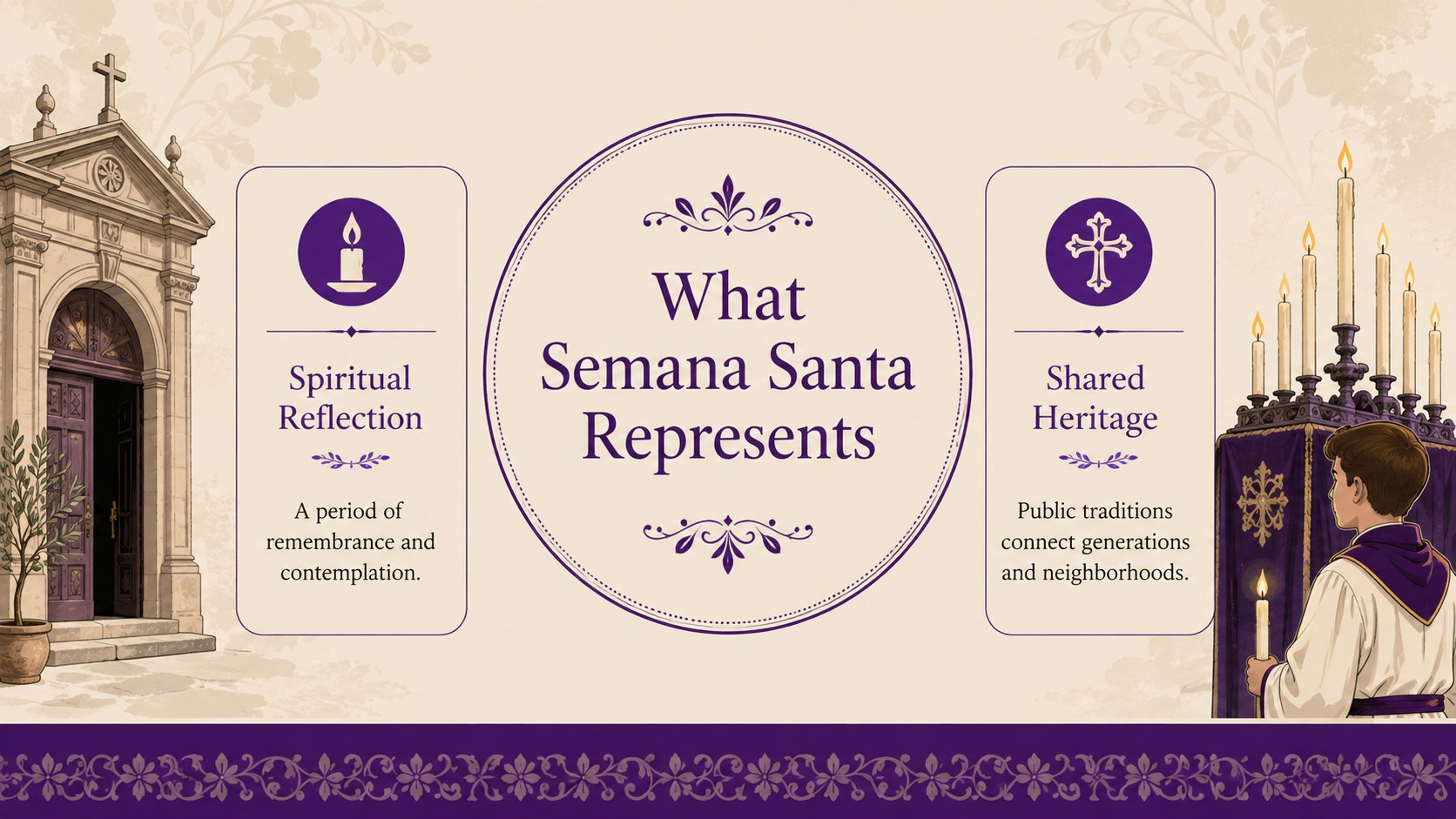
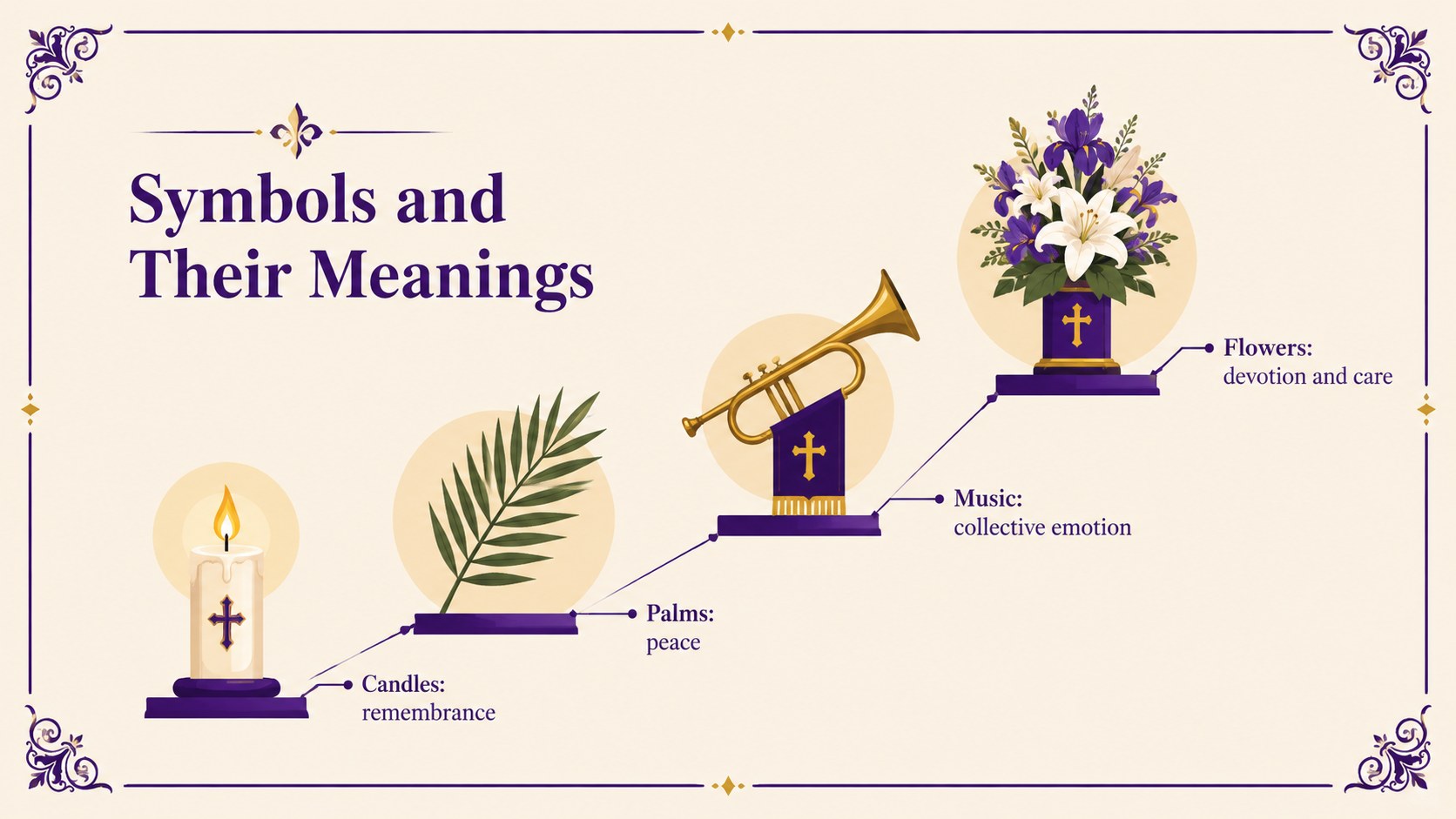
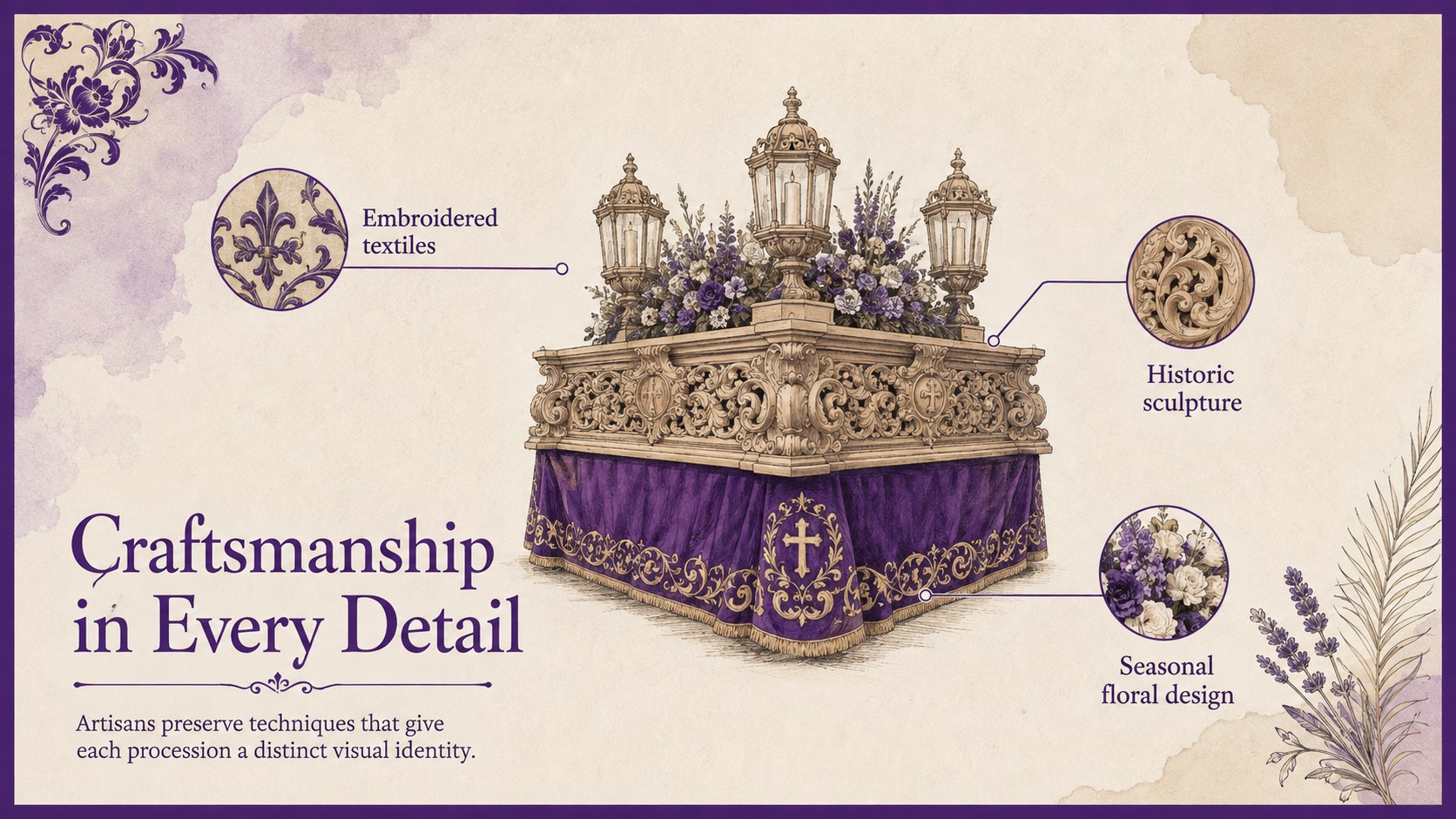
Turn cultural history into a clear visual narrative with the Semana Santa in Spain Cultural Guide. This minimal presentation pairs violet and beige with restrained serif typography, generous spacing, and fresh illustrations inspired by processions, music, symbols, and regional customs. It gives educators and communicators a respectful framework for explaining the season without crowding the story.
Inside, you will find more than 25 editable layouts for introductions, historical context, regional comparisons, procession timelines, symbolic objects, music, traditional clothing, food, discussion prompts, and event planning. Charts, image frames, diagrams, and section dividers make it easy to shape a Spanish Easter culture presentation for different audiences. Use the included visual hierarchy to create Holy Week procession lesson slides or adapt the layouts for a museum talk, community program, or seasonal campaign.
This deck is designed for teachers, cultural organizations, event teams, heritage groups, and marketers seeking an understated Spanish cultural event PowerPoint. Every element can be adjusted in PowerPoint or Google Slides, including colors, text, illustrations, and image placements. The balanced layouts support both concise storytelling and detailed educational content while preserving the elegant violet-and-beige aesthetic.
Perfect for: Spanish culture classroom lesson; Holy Week museum talk; Community procession briefing; Seasonal event promotion; Heritage group presentation.
Frequently asked questions
Can I edit every part of this presentation? Yes. Text, colors, illustrations, charts, and image placeholders can be edited to match your lesson, organization, or event.
Practical details
Yes. Text, colors, illustrations, charts, and image placeholders can be edited to match your lesson, organization, or event.
The template is designed for PowerPoint and Google Slides. You can present it directly or export the finished deck to common sharing formats.
Yes. The layouts include space for historical context, vocabulary, timelines, regional comparisons, and discussion questions. You can simplify or expand the material for different age groups.
Replace the theme colors through the presentation editor and update the serif typography if needed. Keep the generous spacing and limited color contrast to preserve the minimal visual style.
Keep exploring
15Build an engaging World UFO Day session with this flying saucer history lesson deck, featuring retro green-and-brown slides for PowerPoint and Google Slides.
 15
15Plan a lively animal-learning journey with this jungle zoo adventure lesson deck, ready to customize in PowerPoint and Google Slides for young learners.
 16
16Turn environmental research into a clear story with a Watercolor Ecology Presentation Theme for PowerPoint and Google Slides in calming green and blue.
 16
16Build focused fashion, literature, and humanities presentations with the Red Triangle Editorial Theme, editable in PowerPoint and Google Slides.
 15
15Turn streaming stats, favorite tracks, and concert highlights into a bold annual listening recap slide deck for PowerPoint and Google Slides.
 15
15Turn highlights, milestones, and favorite moments into a colorful year in review slide deck with bold 3D graphics for PowerPoint and Google Slides.
 3
3Build a credible endorsement with Standout Colleague Recommendation Letter Slides, featuring colorful prompts for skills, achievements, and team impact.
 4
4Build clear beginner sessions with an ice hockey fundamentals training deck for coaches, PE teachers, and clubs, ready for PowerPoint and Google Slides.