
 15
15presentation
Flying Saucer History Lesson Deck
Build an engaging World UFO Day session with this flying saucer history lesson deck, featuring retro green-and-brown slides for PowerPoint and Google Slides.
Google SlidesPowerPoint
presentation · English
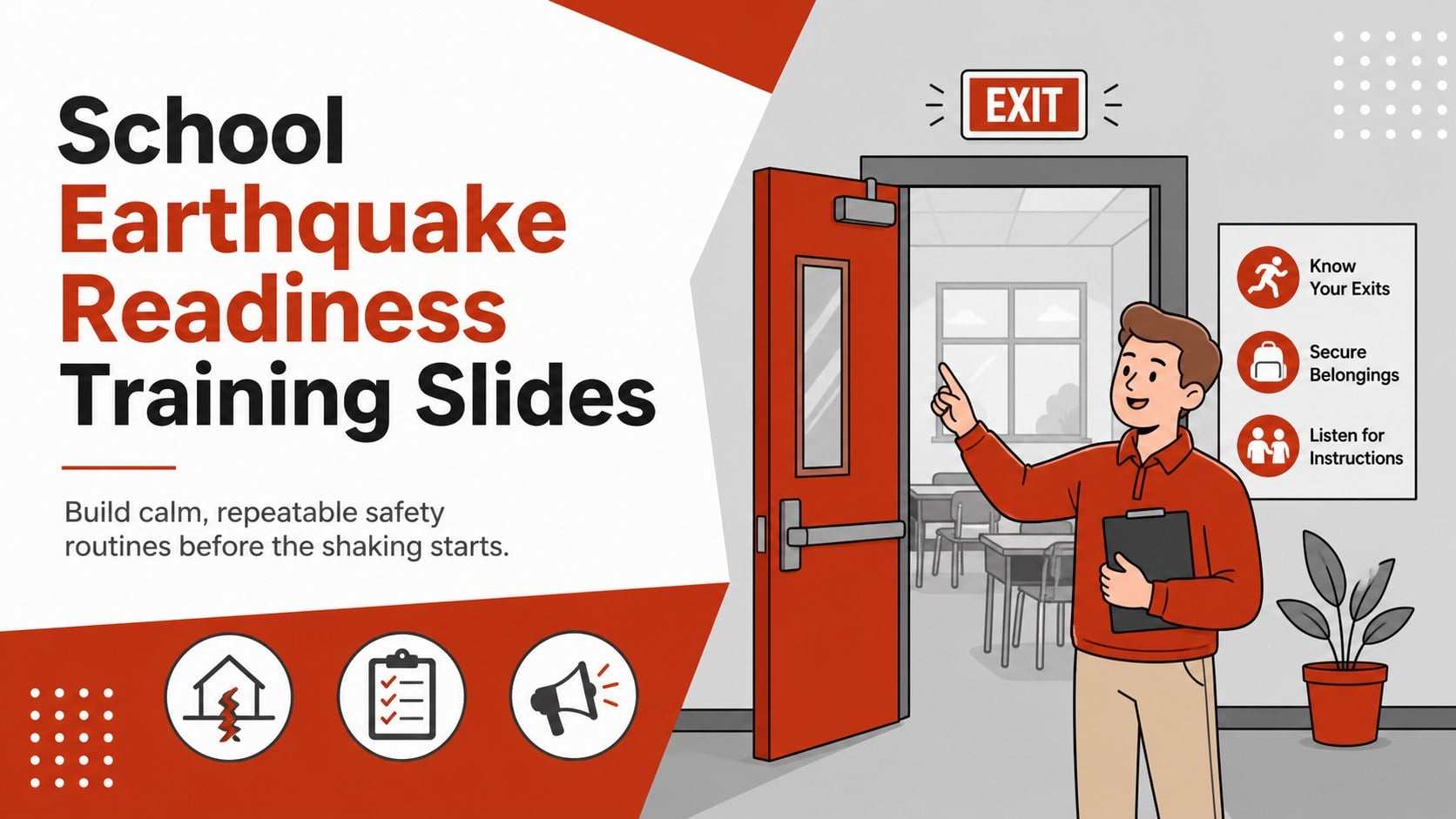
Teach calm, practical response steps with School Earthquake Readiness Training Slides, an editable deck for PowerPoint and Google Slides.
Design notes
School Earthquake Readiness Training Slides help educators turn emergency procedures into clear, memorable actions. Created for PowerPoint and Google Slides, this red, white, and gray illustrated deck presents earthquake preparation in a friendly visual format that feels appropriate for young learners without minimizing the importance of safety.
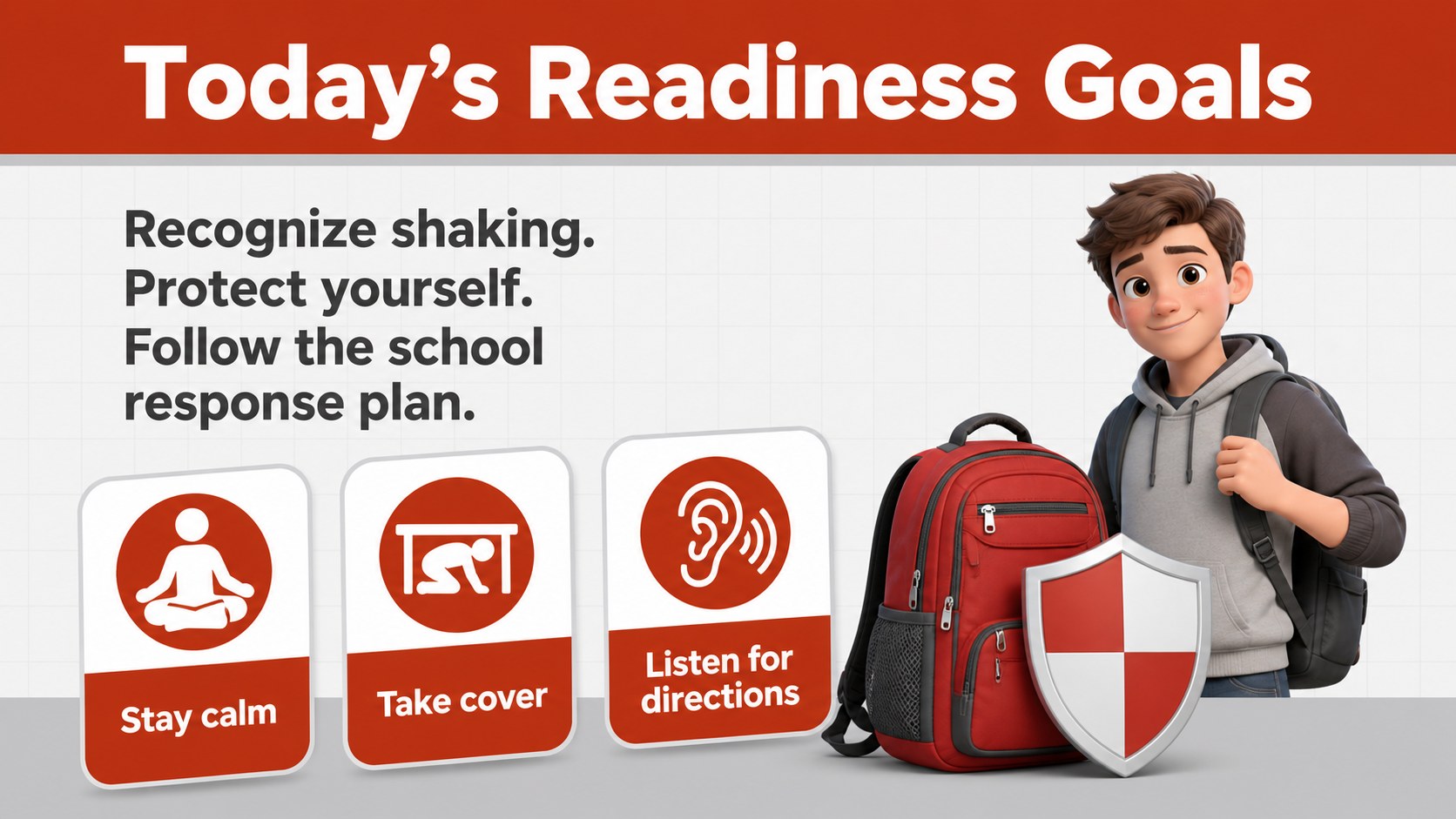
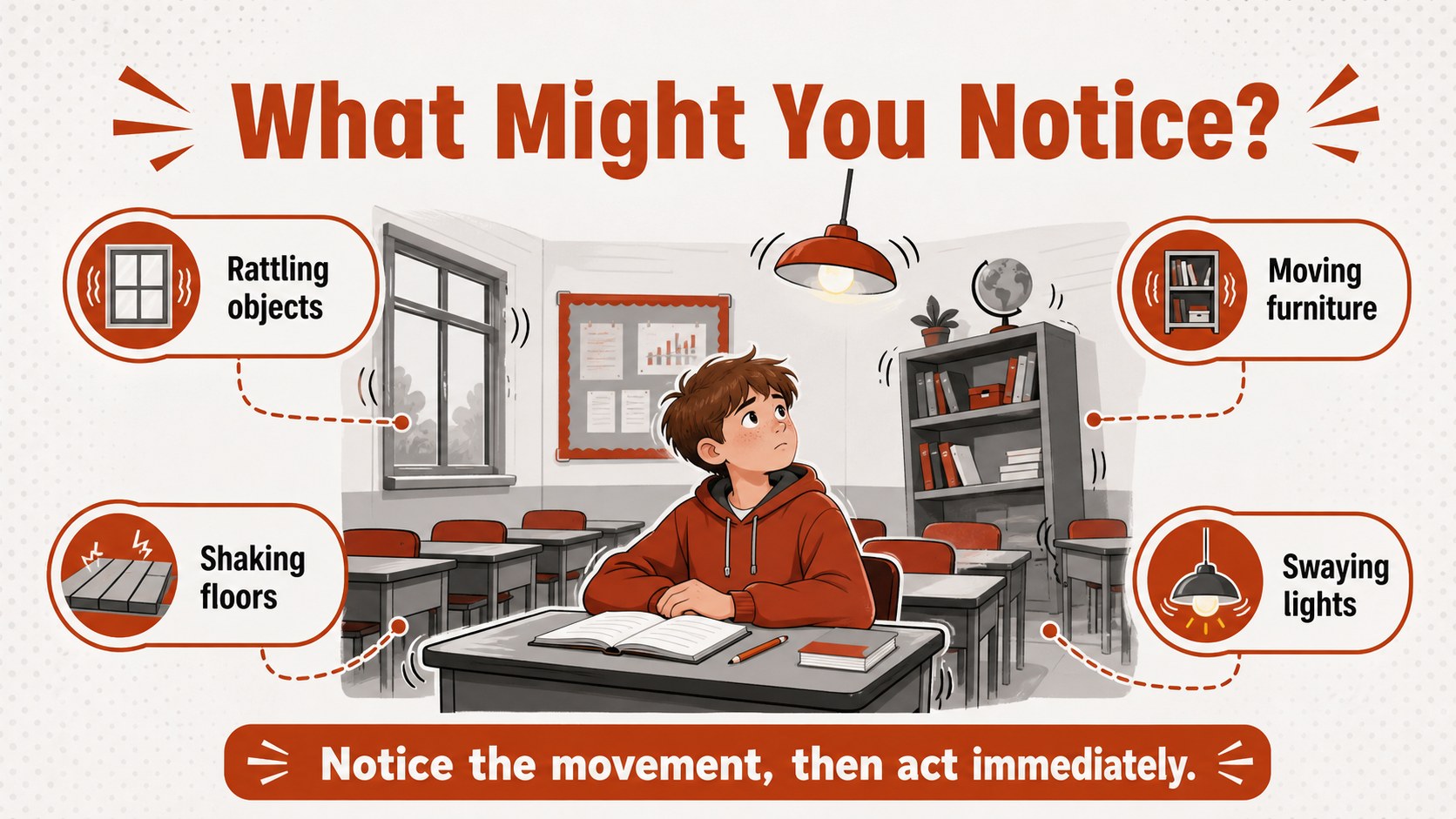
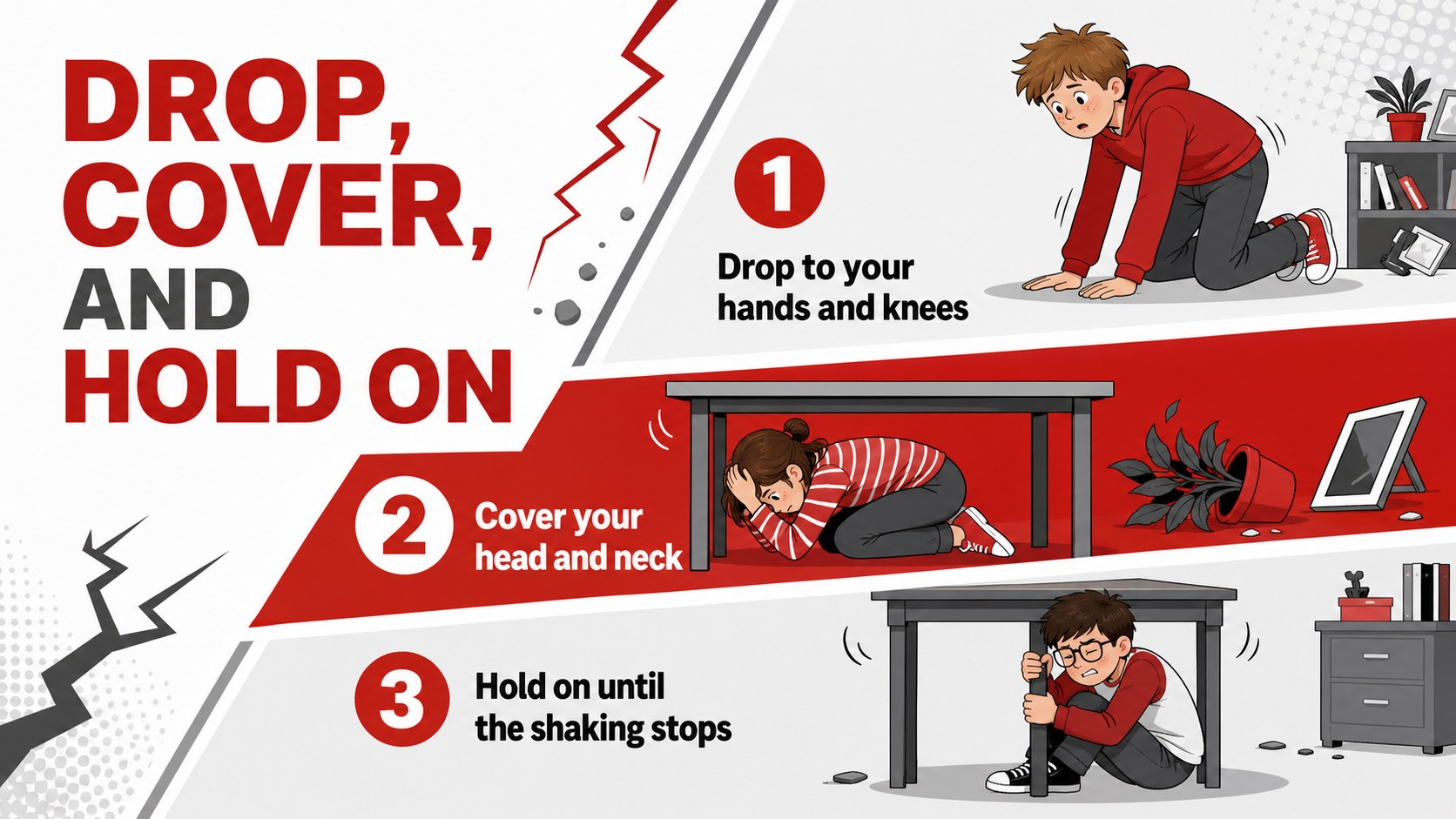
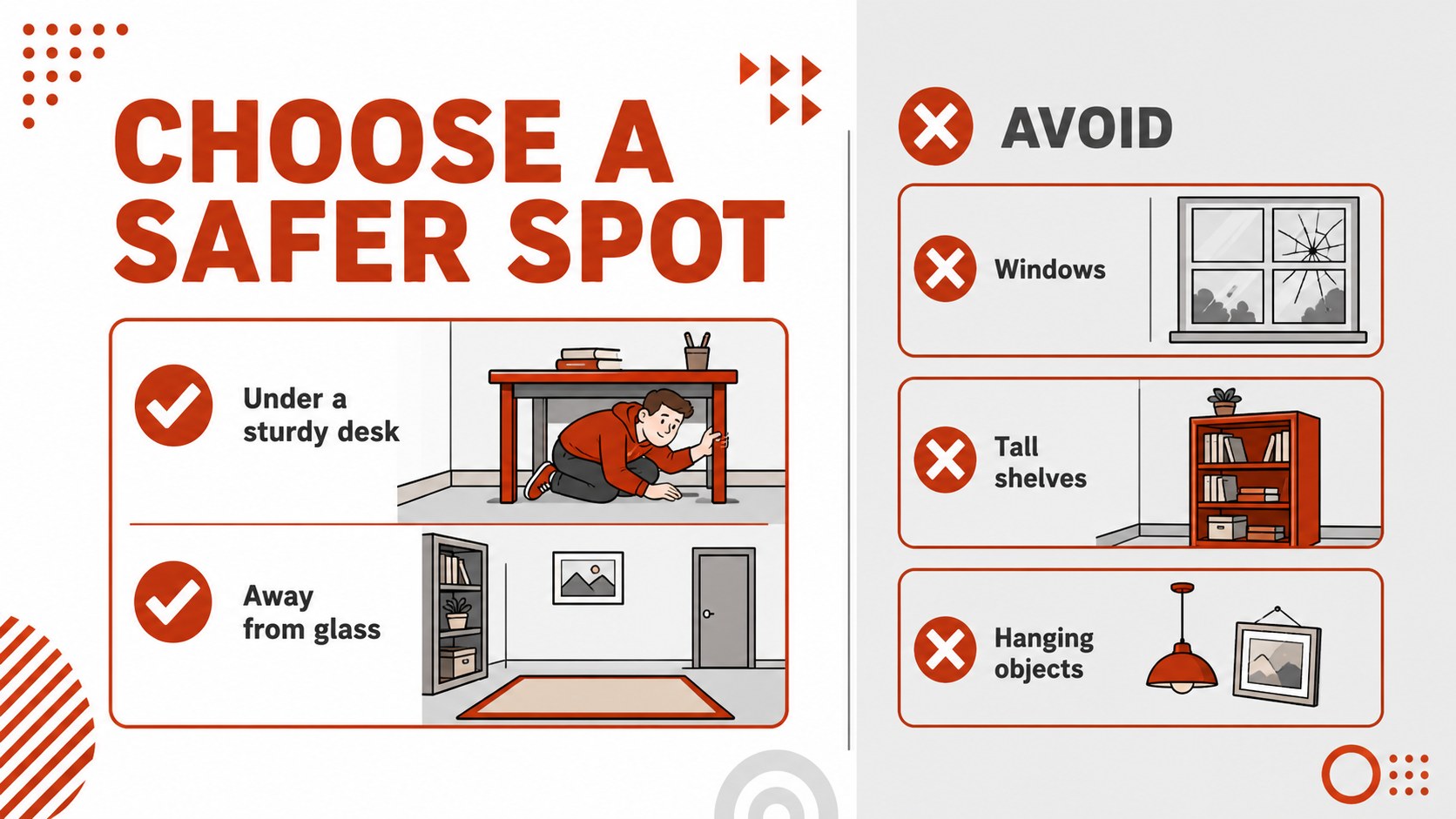
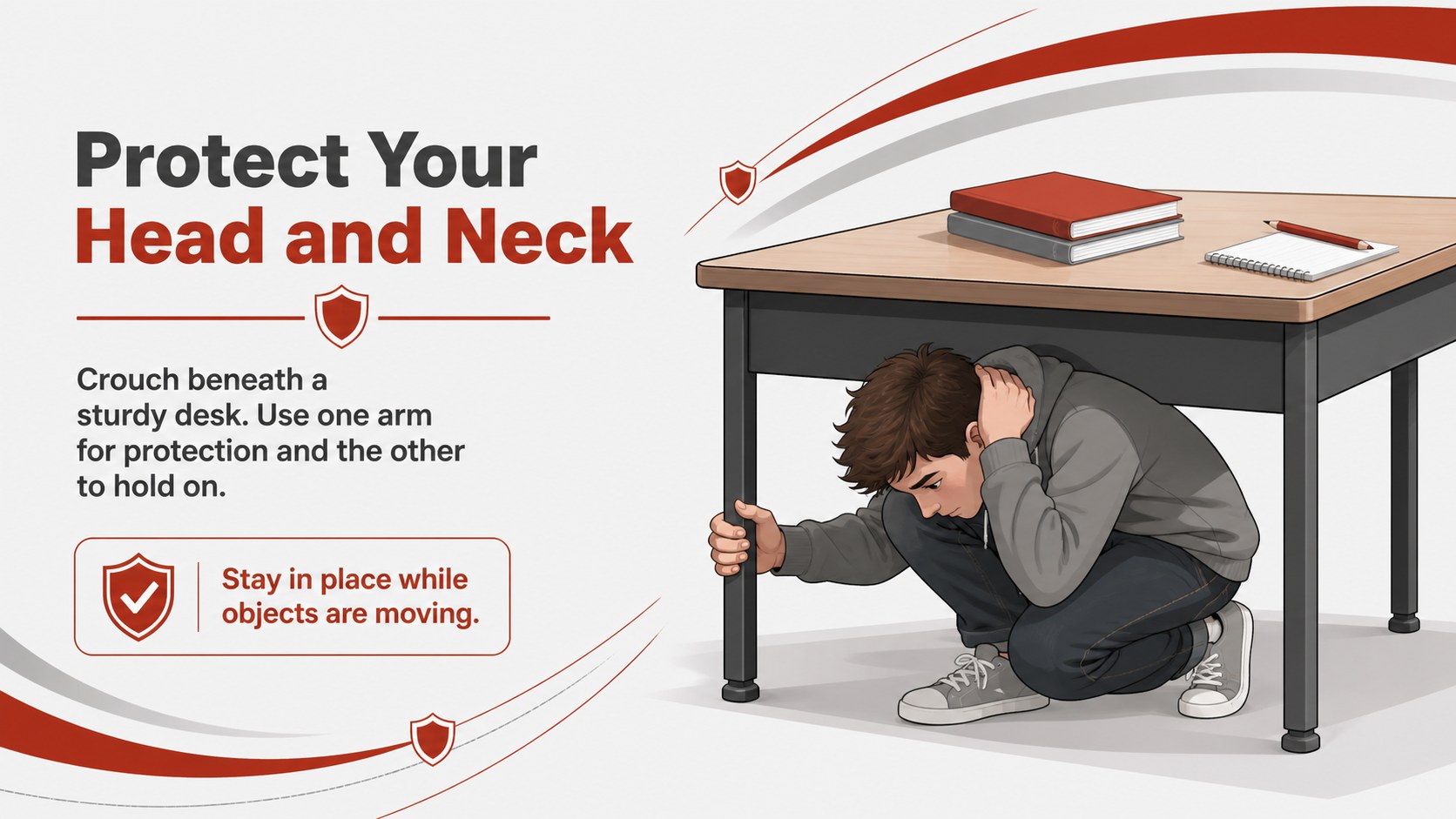
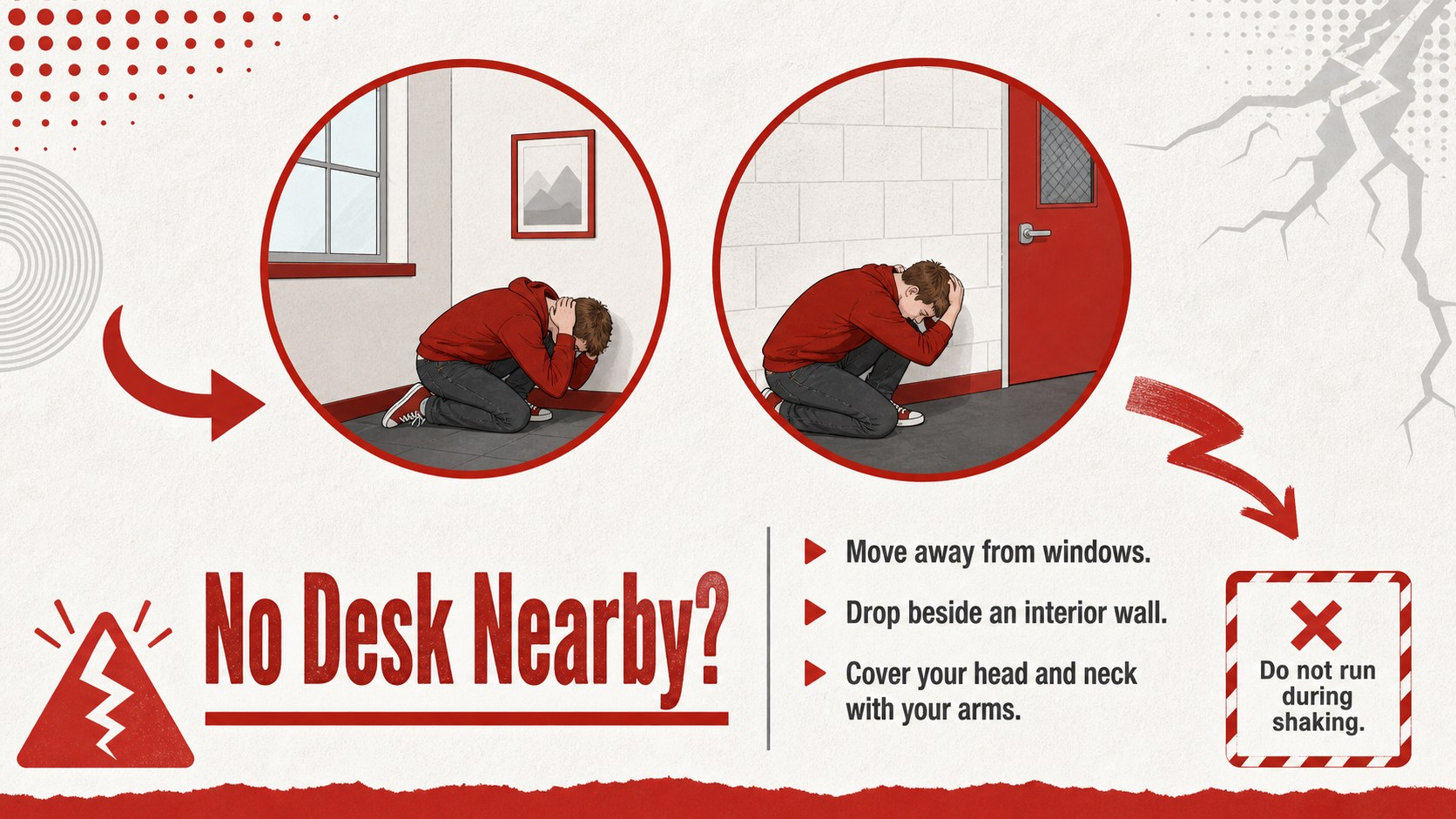
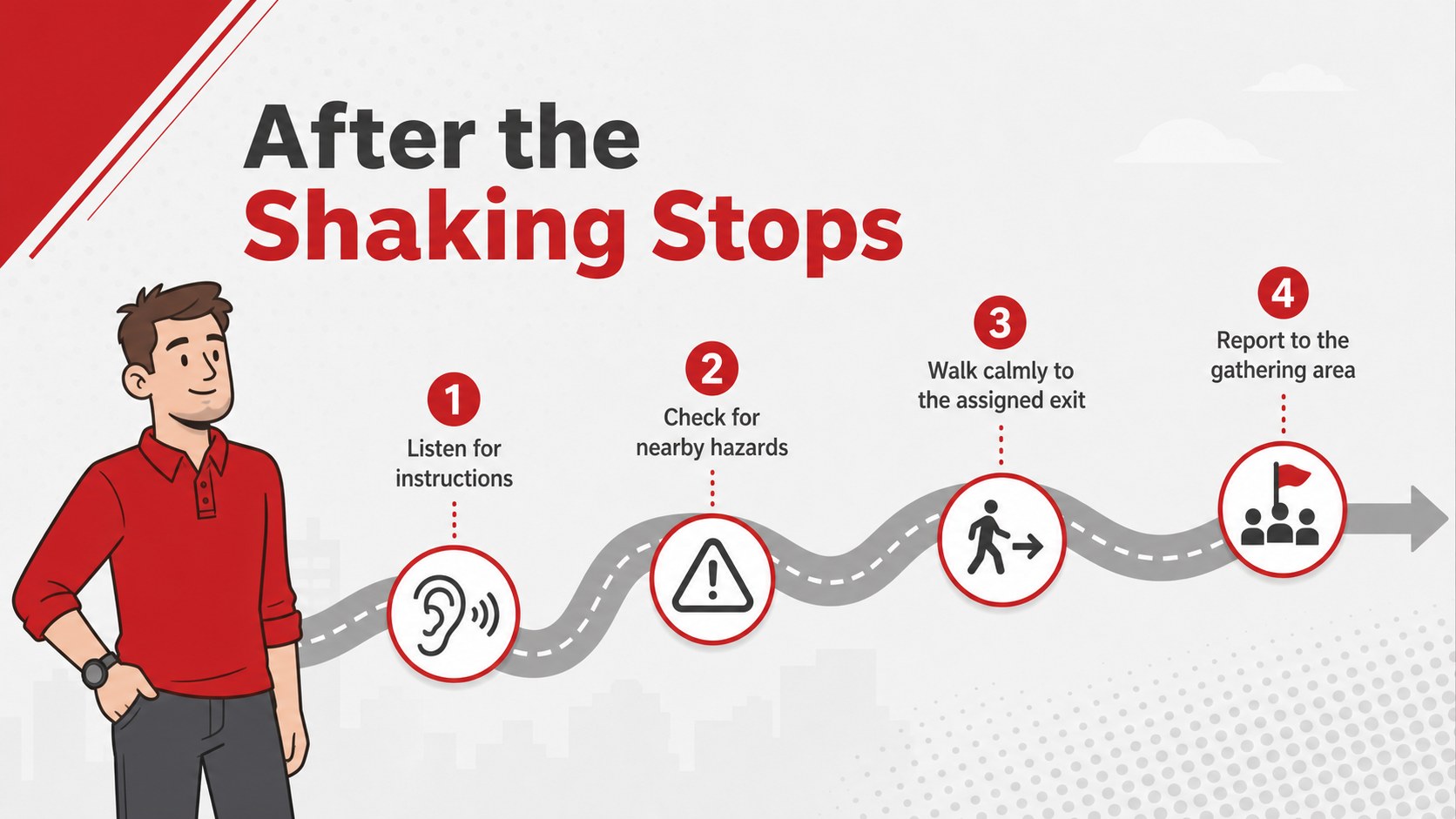
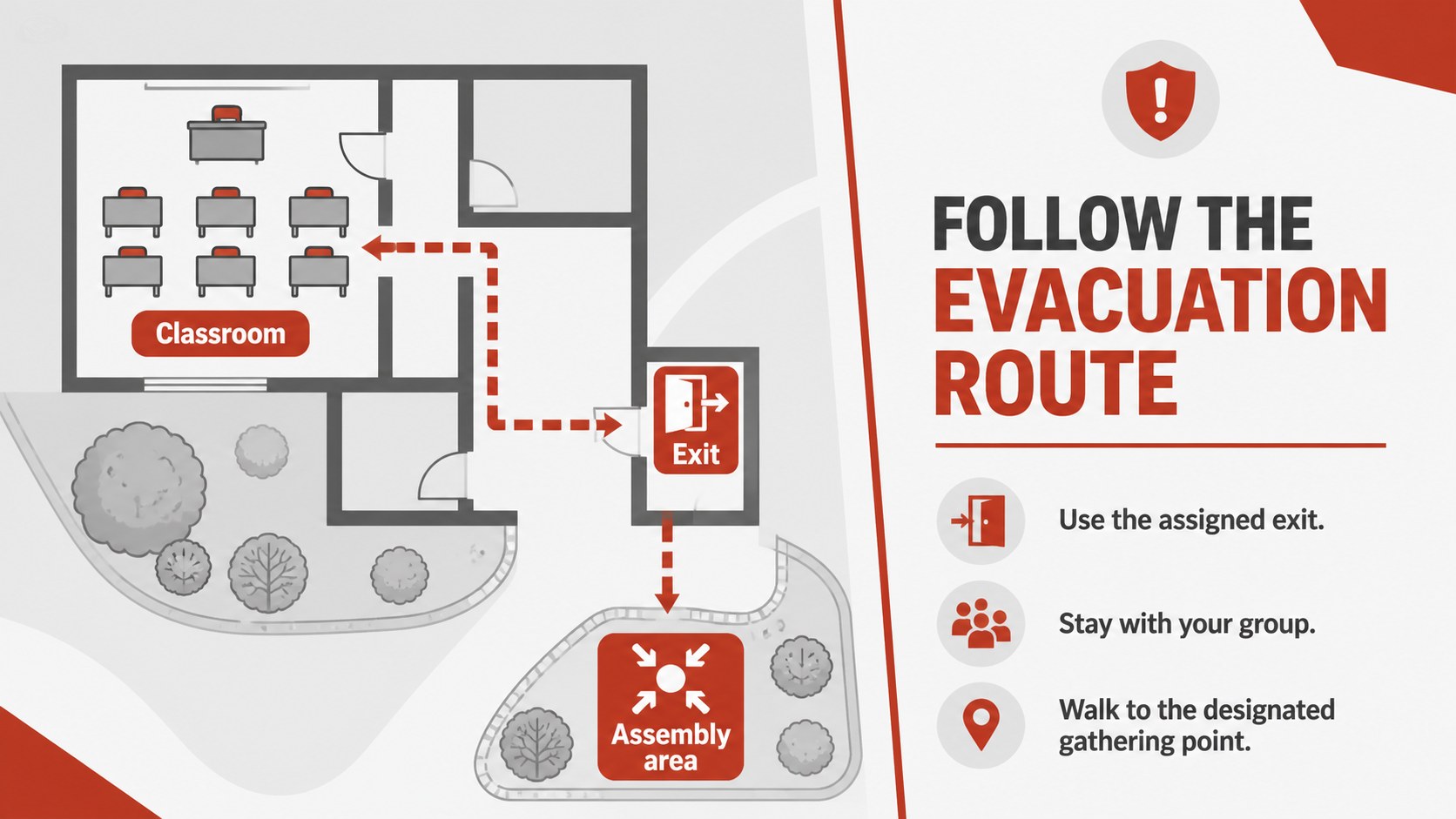
Use this earthquake safety presentation for students to introduce warning signs, explain Drop, Cover, and Hold On, identify safer locations, and review what to do after movement stops. The classroom earthquake preparedness slides also include space for evacuation routes, communication plans, supply checklists, accessibility needs, and short knowledge checks. Editable layouts let you replace sample instructions with procedures specific to your building, district, or region.
The deck works well for classroom lessons, faculty briefings, family safety nights, and school evacuation drill training. Teachers can simplify individual slides for elementary classes, while administrators can add detailed responsibilities for older students and staff. The approachable illustrations, bold red accents, neutral gray shapes, and clean white backgrounds keep essential instructions visible from across a classroom or assembly hall.
Customize the text, colors, diagrams, icons, and sequence directly in PowerPoint or Google Slides. Add campus maps, emergency contacts, designated gathering points, or local guidance to create a practical readiness resource your school community can revisit throughout the year.
Perfect for: classroom earthquake safety lesson; school-wide readiness assembly; faculty emergency procedure briefing; family safety information night; evacuation practice review.
Frequently asked questions
Practical details
Yes. All headings, procedure steps, diagrams, and checklists can be adjusted to match your campus plan and local emergency guidance. You can also add room numbers, assembly points, and staff responsibilities.
The template is designed for PowerPoint and Google Slides. Some fonts, transitions, or spacing may vary slightly between platforms, so review the final deck before presenting.
Yes. Shorten the instructions and emphasize visual demonstrations for younger students, or add detailed response roles and discussion prompts for secondary students and staff.
Yes. Replace the sample route layouts with a floor plan or campus map, then mark exits, safer areas, gathering points, and accessible paths using editable shapes and labels.
Keep exploring
15Build an engaging World UFO Day session with this flying saucer history lesson deck, featuring retro green-and-brown slides for PowerPoint and Google Slides.
 15
15Plan a lively animal-learning journey with this jungle zoo adventure lesson deck, ready to customize in PowerPoint and Google Slides for young learners.
 16
16Turn environmental research into a clear story with a Watercolor Ecology Presentation Theme for PowerPoint and Google Slides in calming green and blue.
 16
16Build focused fashion, literature, and humanities presentations with the Red Triangle Editorial Theme, editable in PowerPoint and Google Slides.
 15
15Turn streaming stats, favorite tracks, and concert highlights into a bold annual listening recap slide deck for PowerPoint and Google Slides.
 15
15Turn highlights, milestones, and favorite moments into a colorful year in review slide deck with bold 3D graphics for PowerPoint and Google Slides.
 3
3Build a credible endorsement with Standout Colleague Recommendation Letter Slides, featuring colorful prompts for skills, achievements, and team impact.
 4
4Build clear beginner sessions with an ice hockey fundamentals training deck for coaches, PE teachers, and clubs, ready for PowerPoint and Google Slides.