
 15
15presentation
Flying Saucer History Lesson Deck
Build an engaging World UFO Day session with this flying saucer history lesson deck, featuring retro green-and-brown slides for PowerPoint and Google Slides.
Google SlidesPowerPoint
presentation · English
Create polished formal entry passes with this School Dance Admission Pass Kit, a colorful design for PowerPoint and Google Slides that's easy to edit and…
Design notes
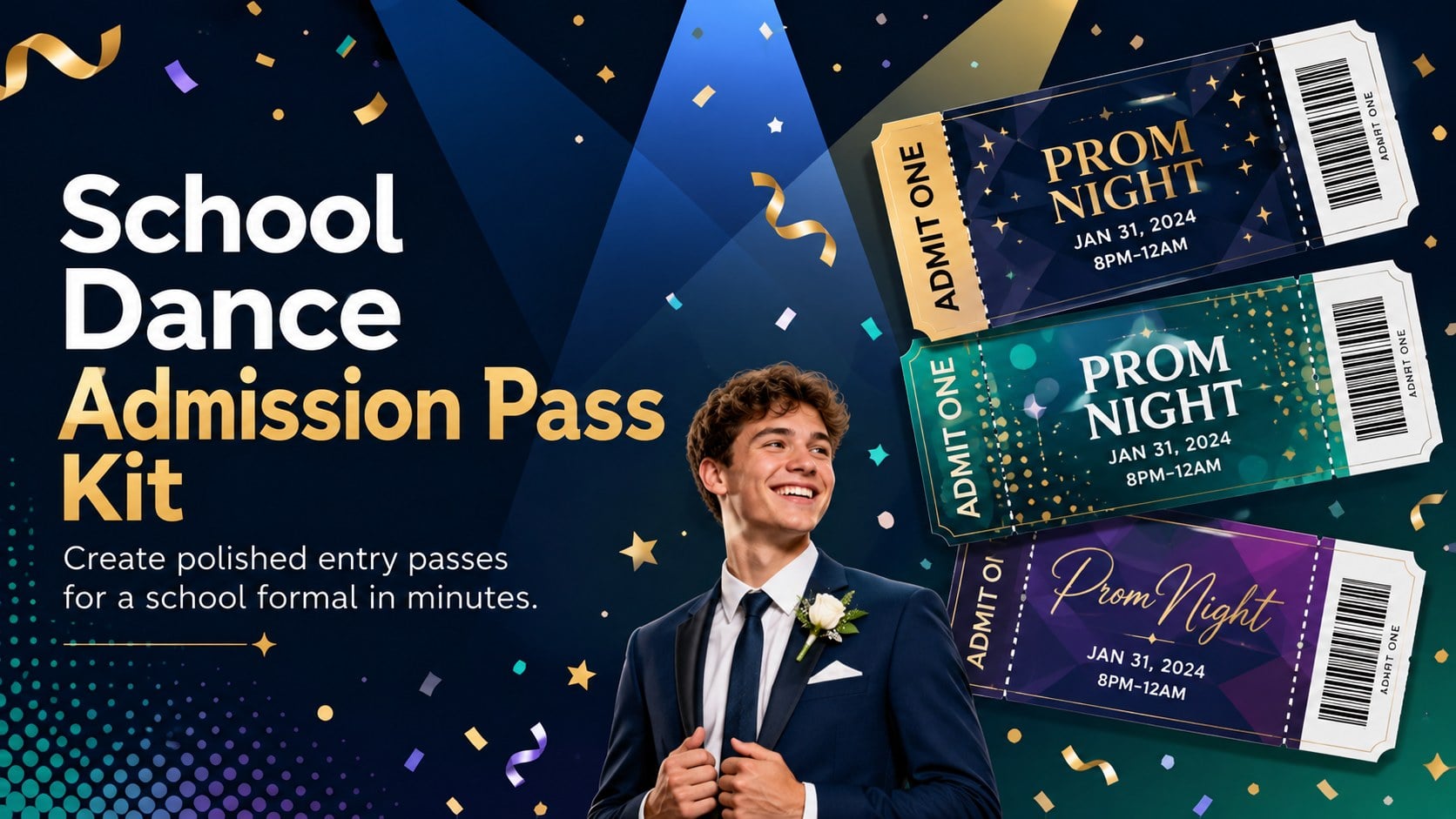
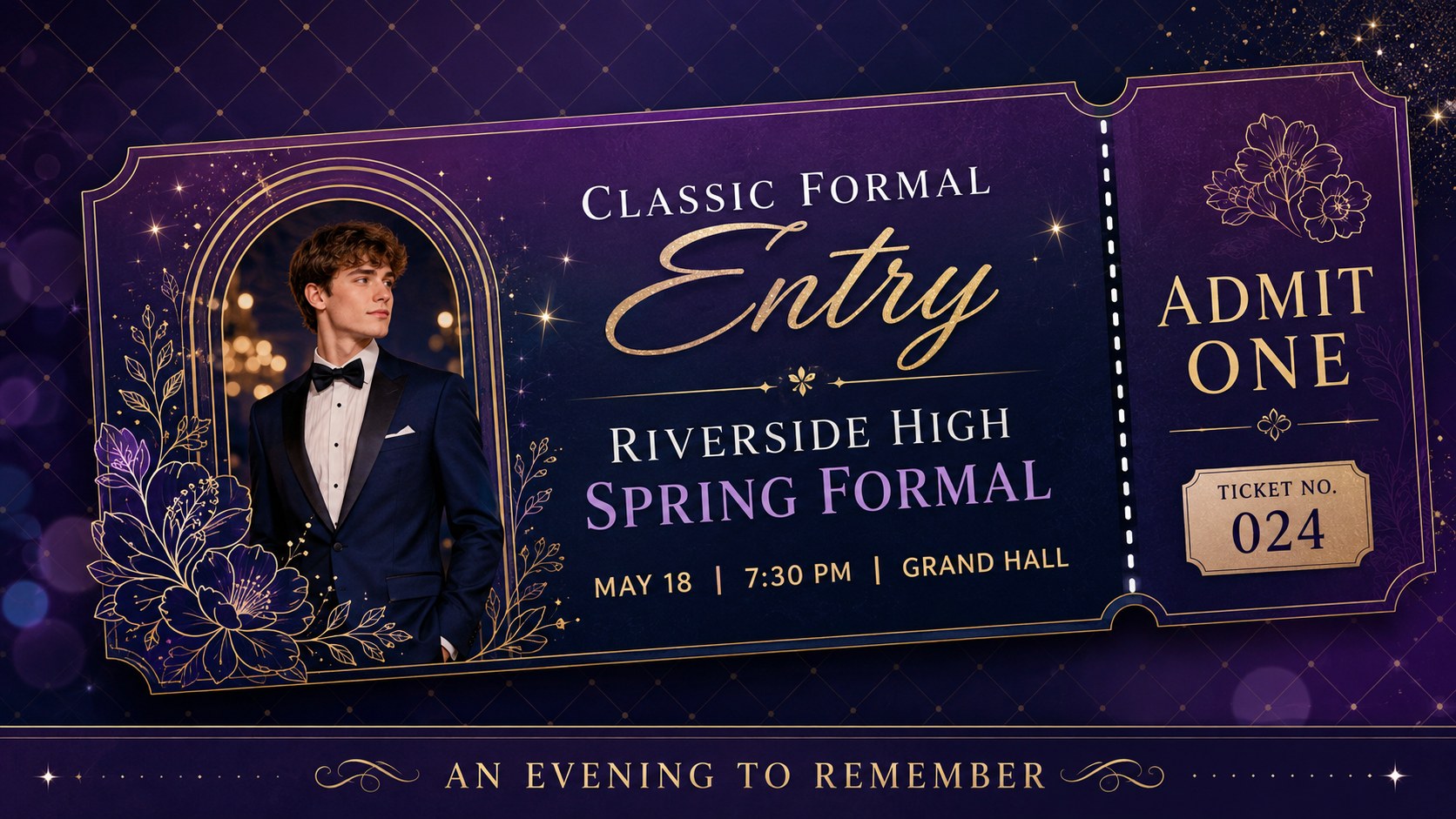
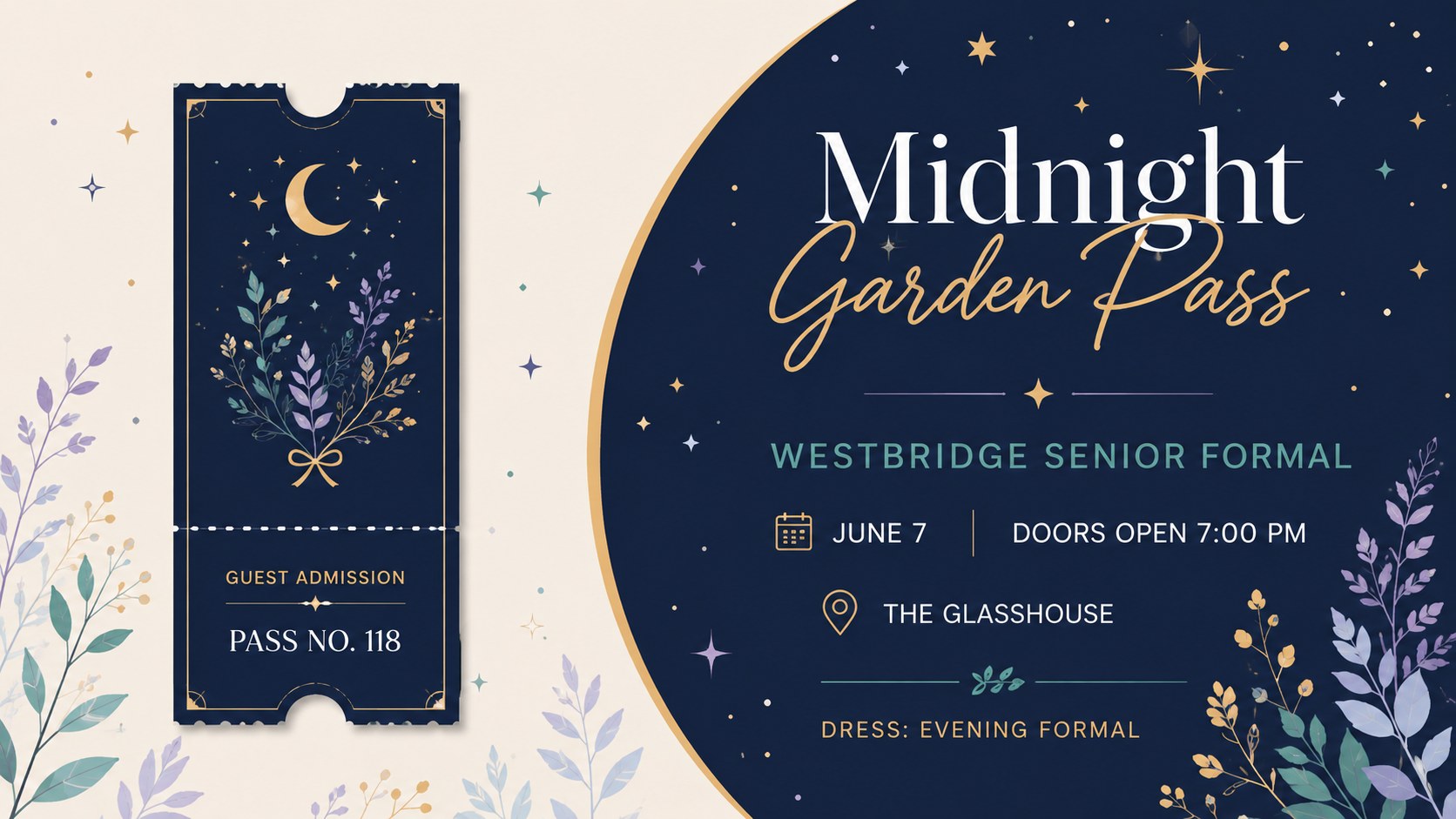
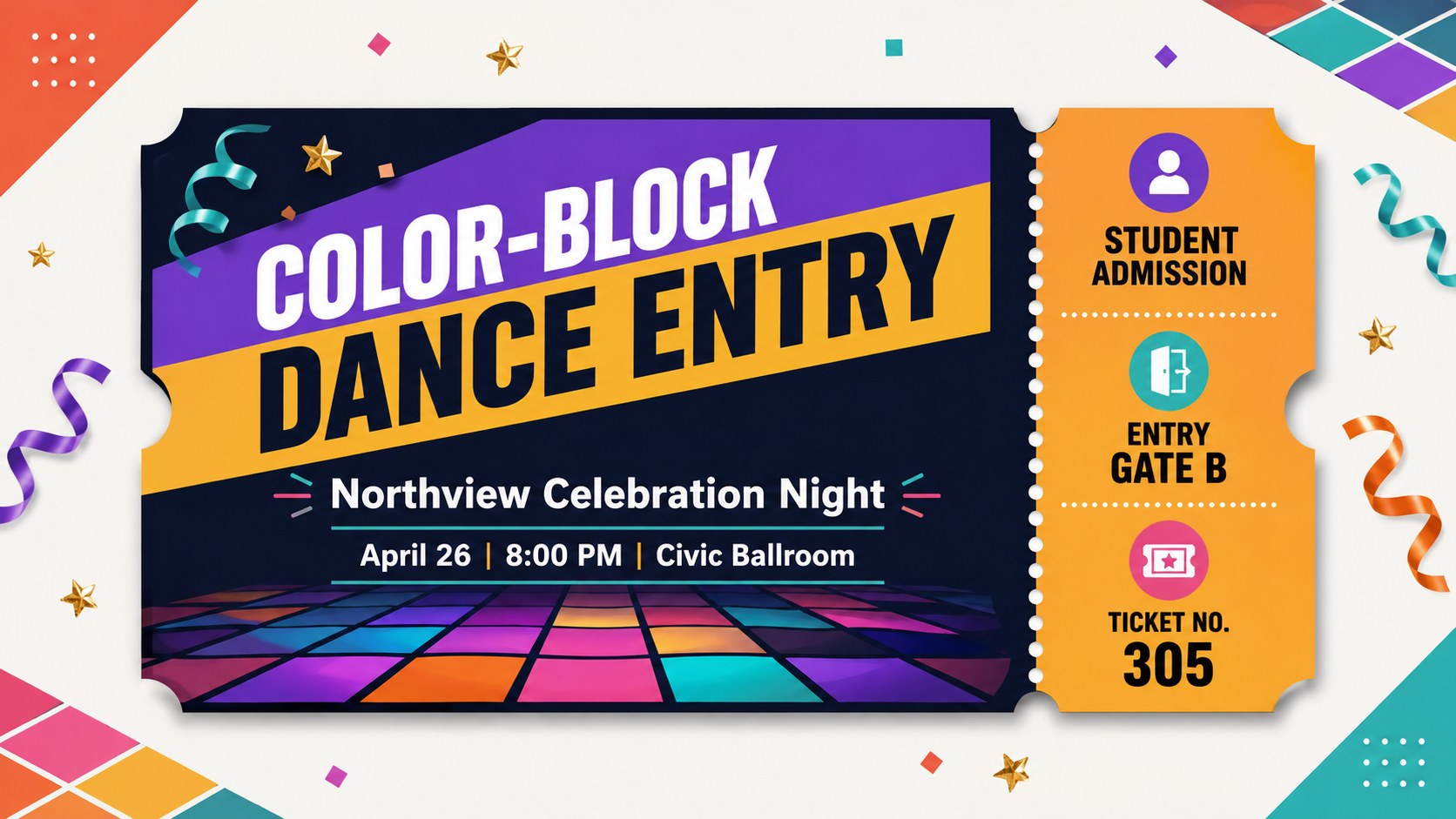
Bring order and personality to formal check-in with a coordinated set of colorful entry designs. The School Dance Admission Pass Kit gives teachers, student councils, and event committees a polished starting point for guest admission. Its modern shapes, lively color blocking, and elegant script accents make every pass feel celebratory while keeping essential details easy to scan.
Inside are four ready-to-use A4 layouts that can be adapted as editable school dance admission passes. Change the event name, date, time, venue, ticket number, and guest details, then duplicate the design for your attendee list. Each high school formal entry ticket template uses clear hierarchy, coordinated typography, and print-friendly spacing. Work in PowerPoint or Google Slides, and export to PDF when you are ready to print.
Built for prom committees, class advisers, school administrators, and parent volunteers, this printable student event pass set suits spring formals, senior celebrations, themed dances, and ticketed school socials. The mix of distinctive designs helps separate ticket tiers or event sessions without losing a unified look. Use the pages as issued tickets, check-in references, or keepsakes, and adjust the palette while preserving the bright, sophisticated character of the collection.
Perfect for: high school spring formal; senior dance admission; student gala check-in; themed school social; formal event keepsake.
Frequently asked questions
Can I edit every ticket detail? Yes. You can replace the event name, date, venue, admission type, ticket number, and guest information in PowerPoint or Google Slides. Colors, fonts, shapes, and decorative elements can also be adjusted.
Practical details
Yes. You can replace the event name, date, venue, admission type, ticket number, and guest information in PowerPoint or Google Slides. Colors, fonts, shapes, and decorative elements can also be adjusted.
The layouts are designed for Microsoft PowerPoint and Google Slides. After editing, export the finished passes as a PDF for consistent printing.
Confirm that the page size is set to A4, review the printer margins, and run one test page before producing the full batch. Use heavier paper or light cardstock if the passes will be handed out individually.
Yes. Duplicate the chosen layout and update the ticket number or guest name on each copy. You can also assign different colors to admission tiers, groups, or event sessions.
Keep exploring
15Build an engaging World UFO Day session with this flying saucer history lesson deck, featuring retro green-and-brown slides for PowerPoint and Google Slides.
 15
15Plan a lively animal-learning journey with this jungle zoo adventure lesson deck, ready to customize in PowerPoint and Google Slides for young learners.
 16
16Turn environmental research into a clear story with a Watercolor Ecology Presentation Theme for PowerPoint and Google Slides in calming green and blue.
 16
16Build focused fashion, literature, and humanities presentations with the Red Triangle Editorial Theme, editable in PowerPoint and Google Slides.
 15
15Turn streaming stats, favorite tracks, and concert highlights into a bold annual listening recap slide deck for PowerPoint and Google Slides.
 15
15Turn highlights, milestones, and favorite moments into a colorful year in review slide deck with bold 3D graphics for PowerPoint and Google Slides.
 3
3Build a credible endorsement with Standout Colleague Recommendation Letter Slides, featuring colorful prompts for skills, achievements, and team impact.
 4
4Build clear beginner sessions with an ice hockey fundamentals training deck for coaches, PE teachers, and clubs, ready for PowerPoint and Google Slides.