
 15
15presentation
Flying Saucer History Lesson Deck
Build an engaging World UFO Day session with this flying saucer history lesson deck, featuring retro green-and-brown slides for PowerPoint and Google Slides.
Google SlidesPowerPoint
presentation · English
Teach orbits, spacecraft roles, and satellite technology with a Satellite Science Classroom Deck featuring editable blue and yellow slides for engaging…
Design notes
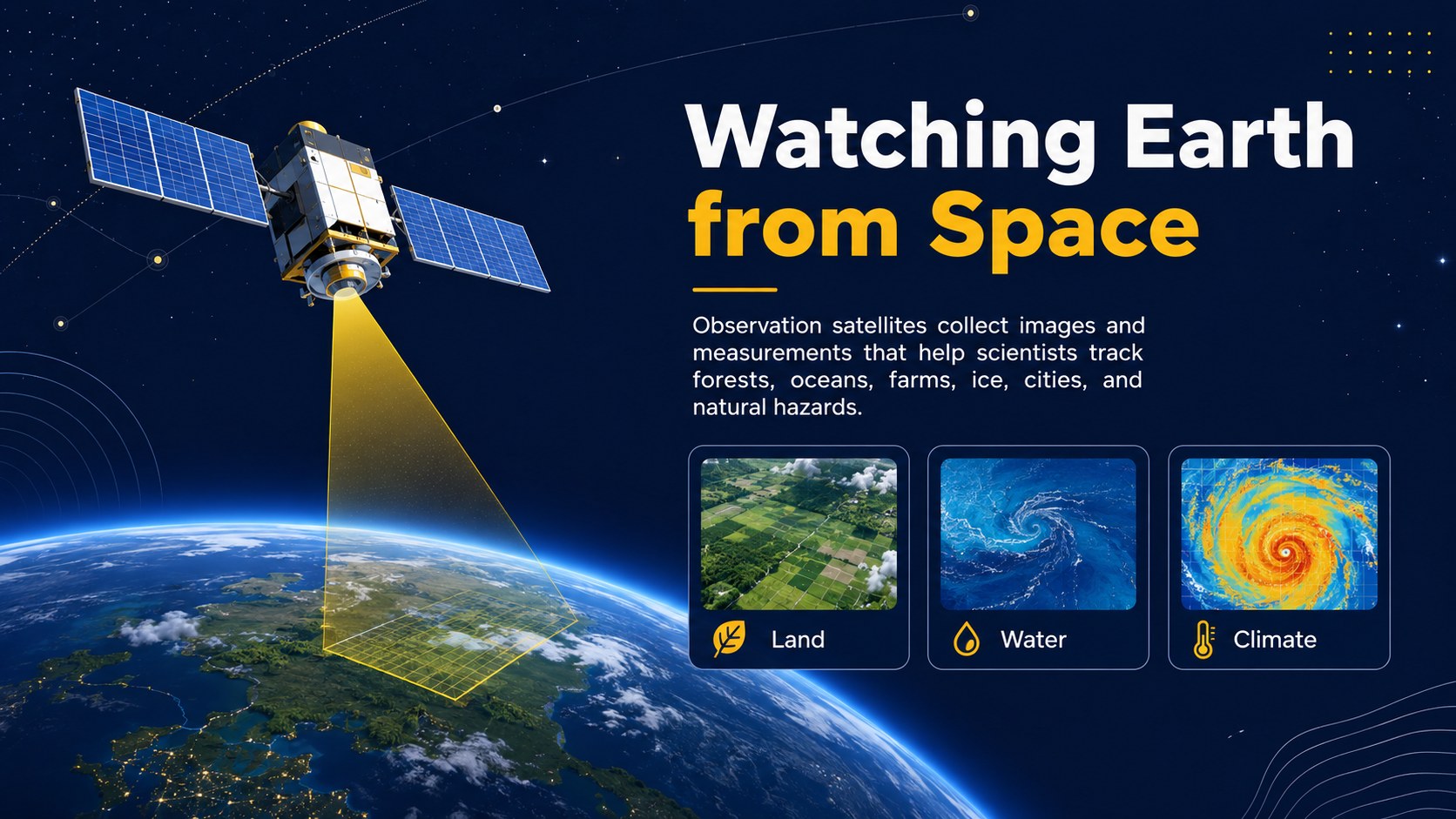
Turn a complex space topic into an approachable classroom story with this Satellite Science Classroom Deck. Its clean blue and yellow design combines minimal layouts, original space illustrations, and concise teaching prompts that help students connect orbital concepts with familiar technologies.
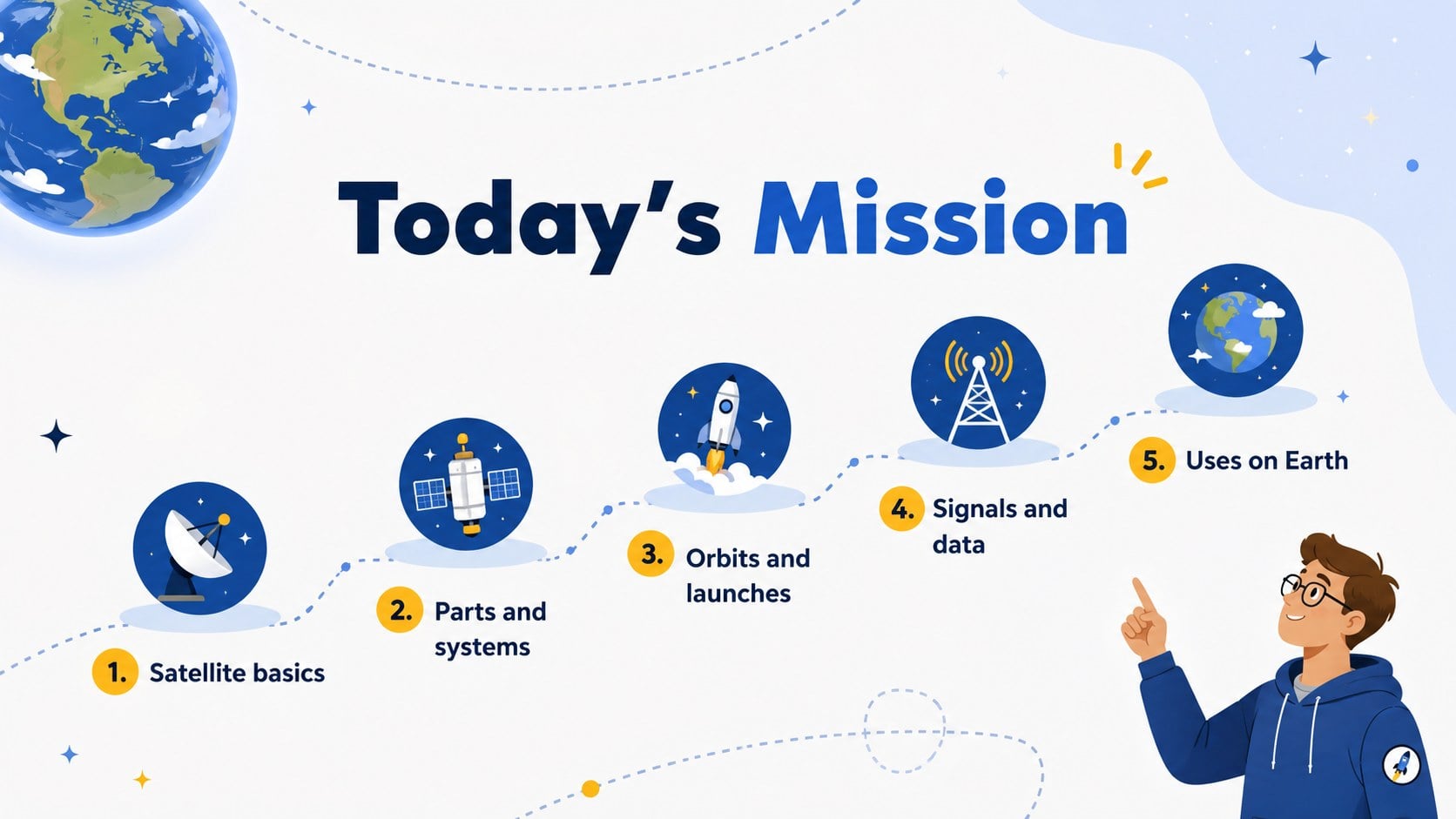
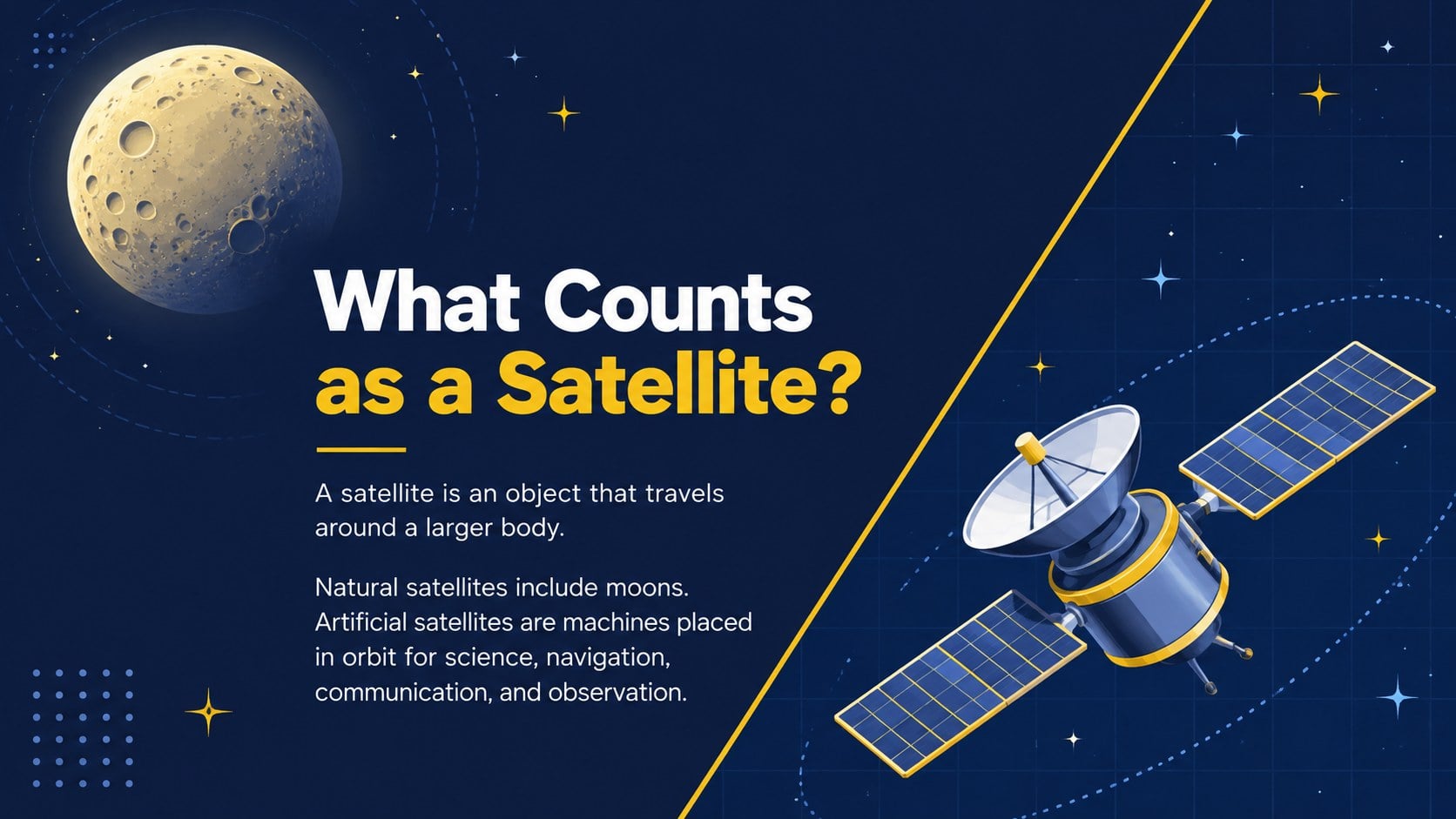
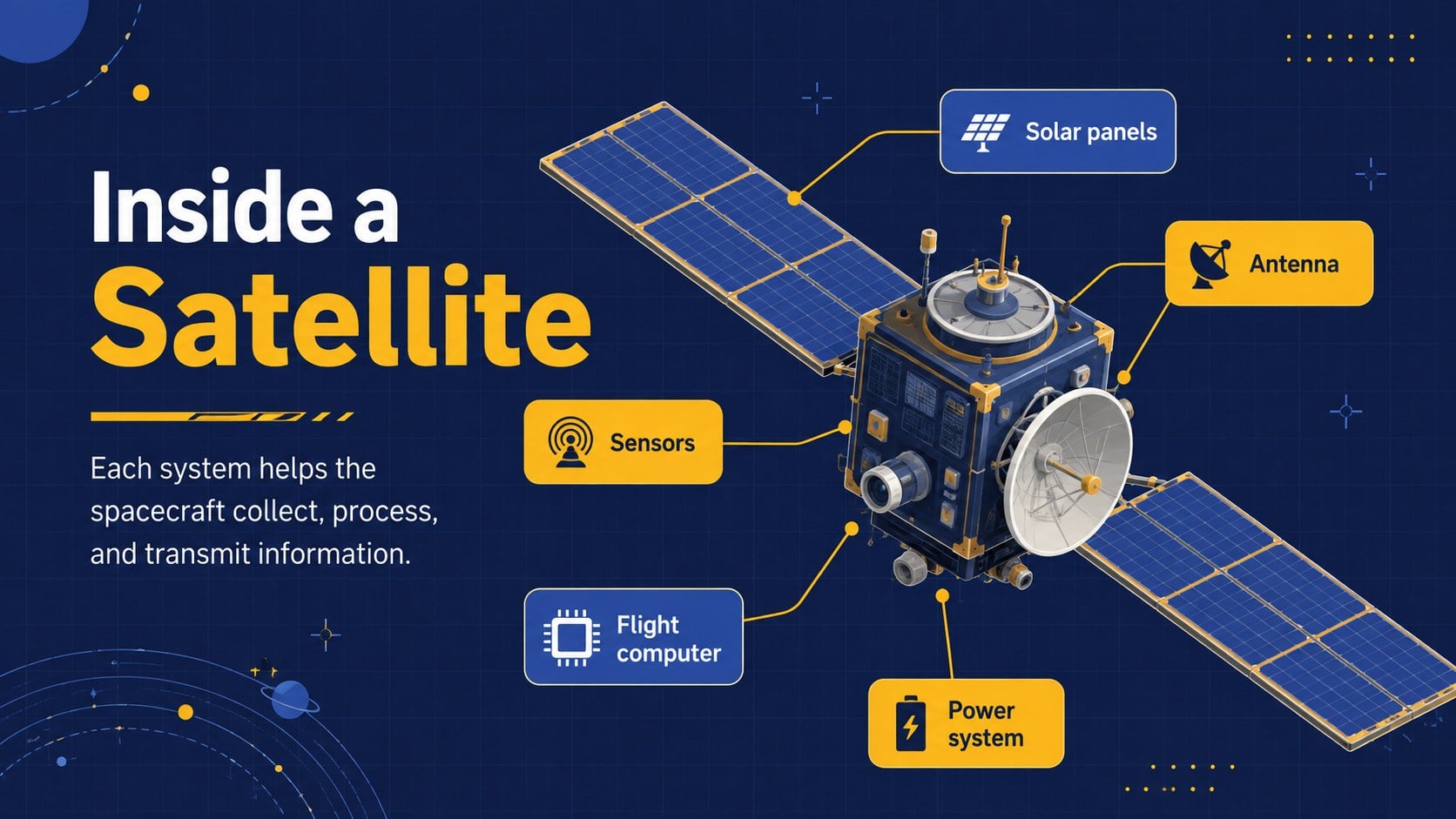
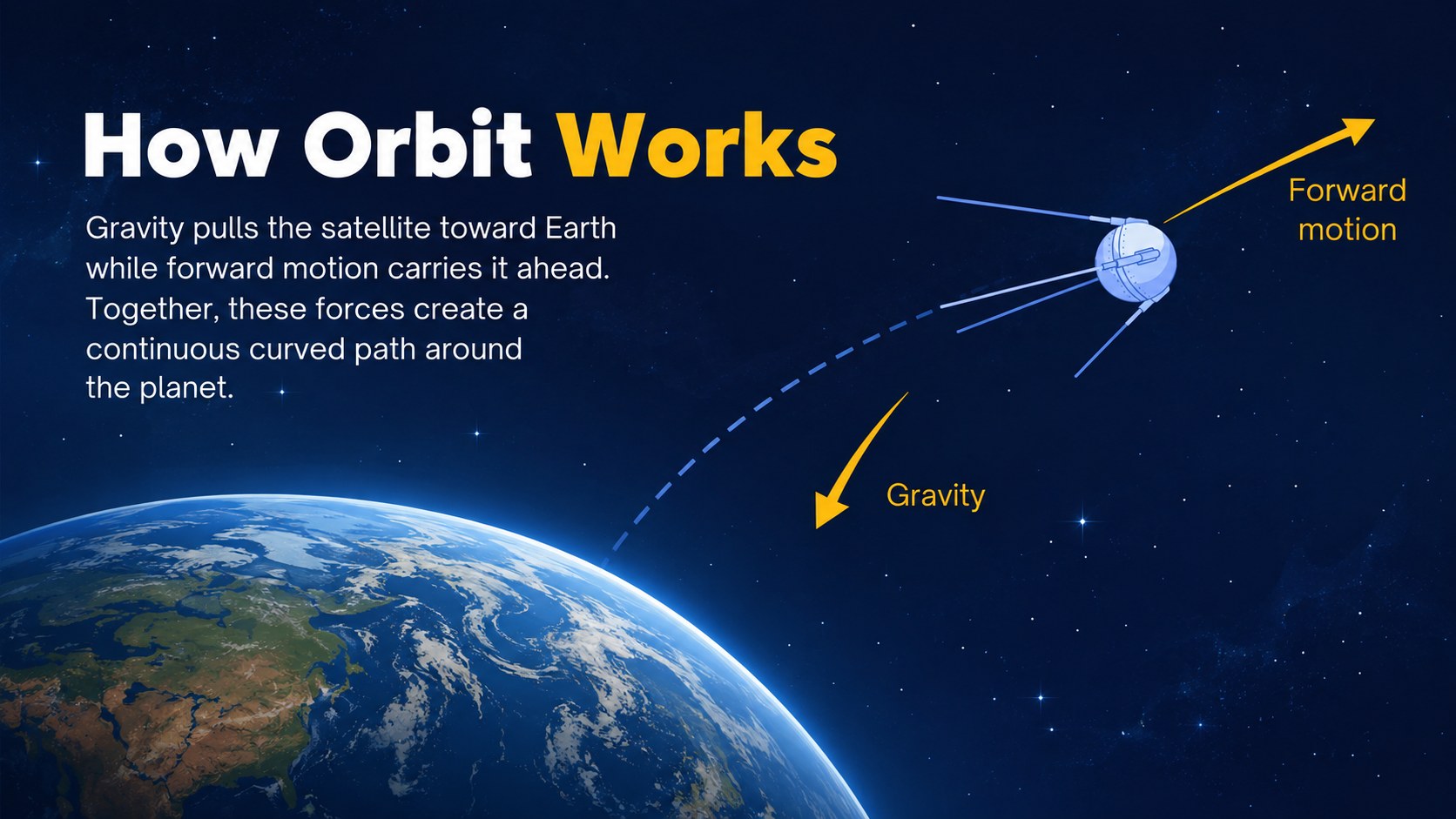
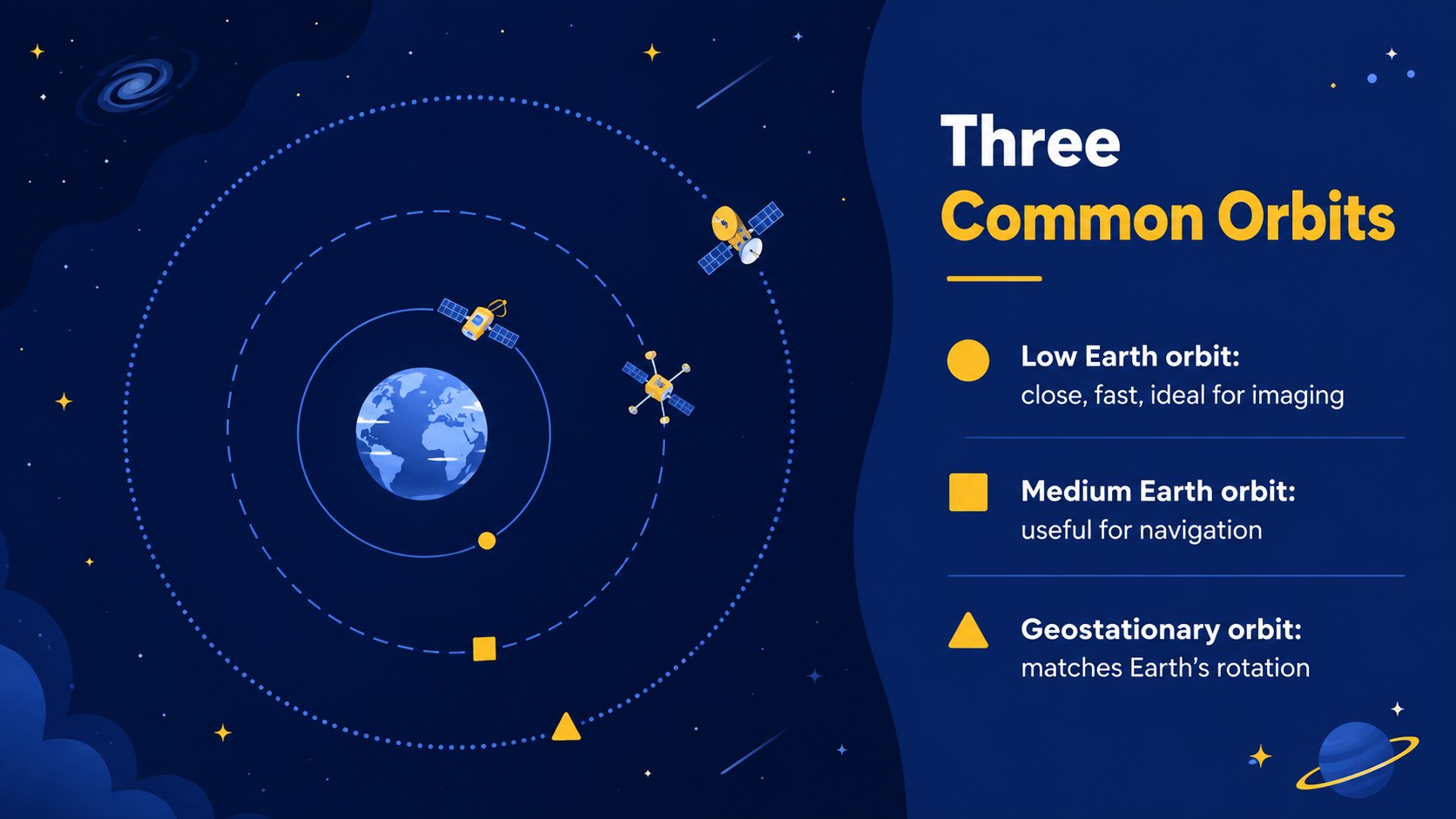
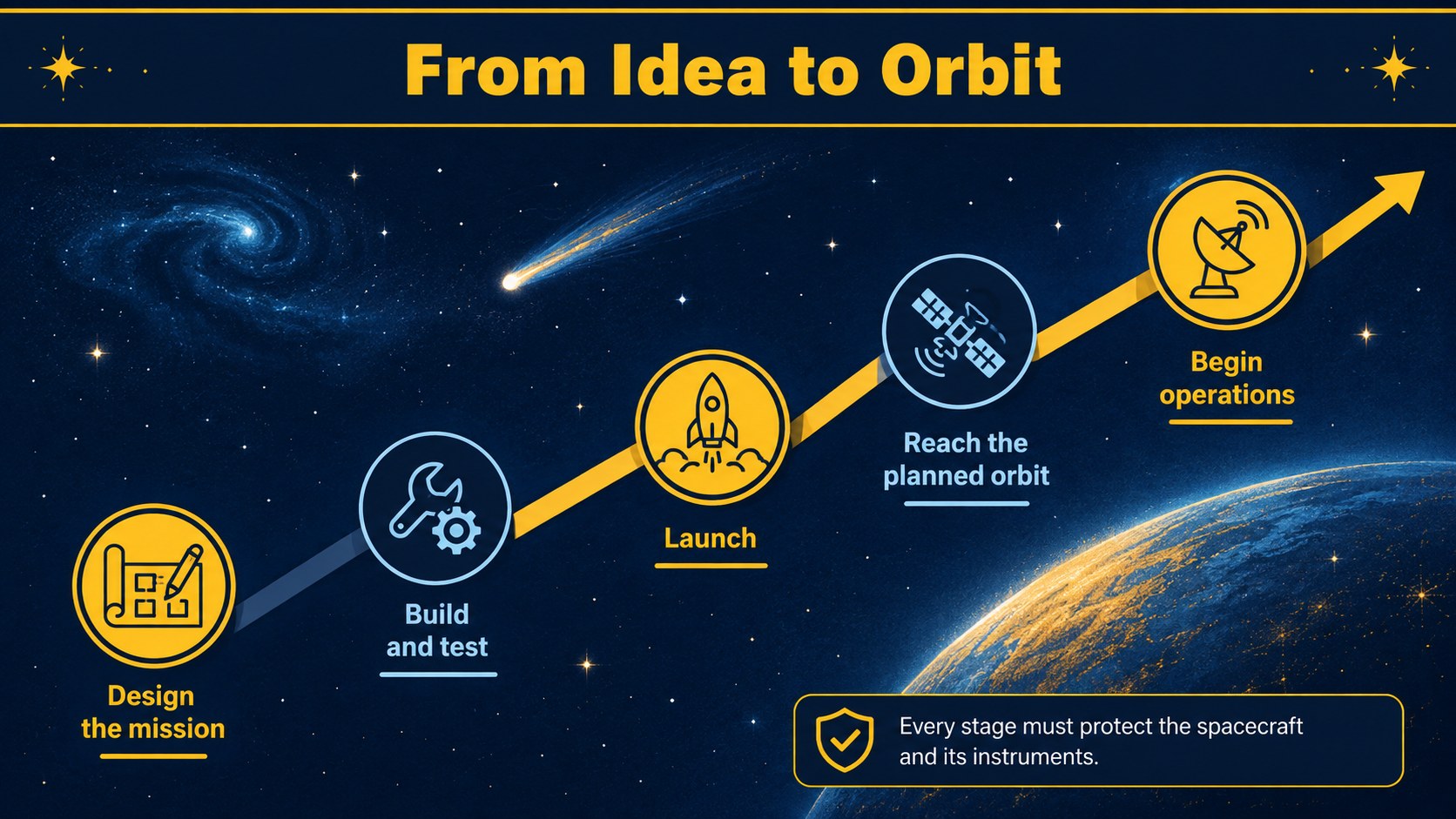
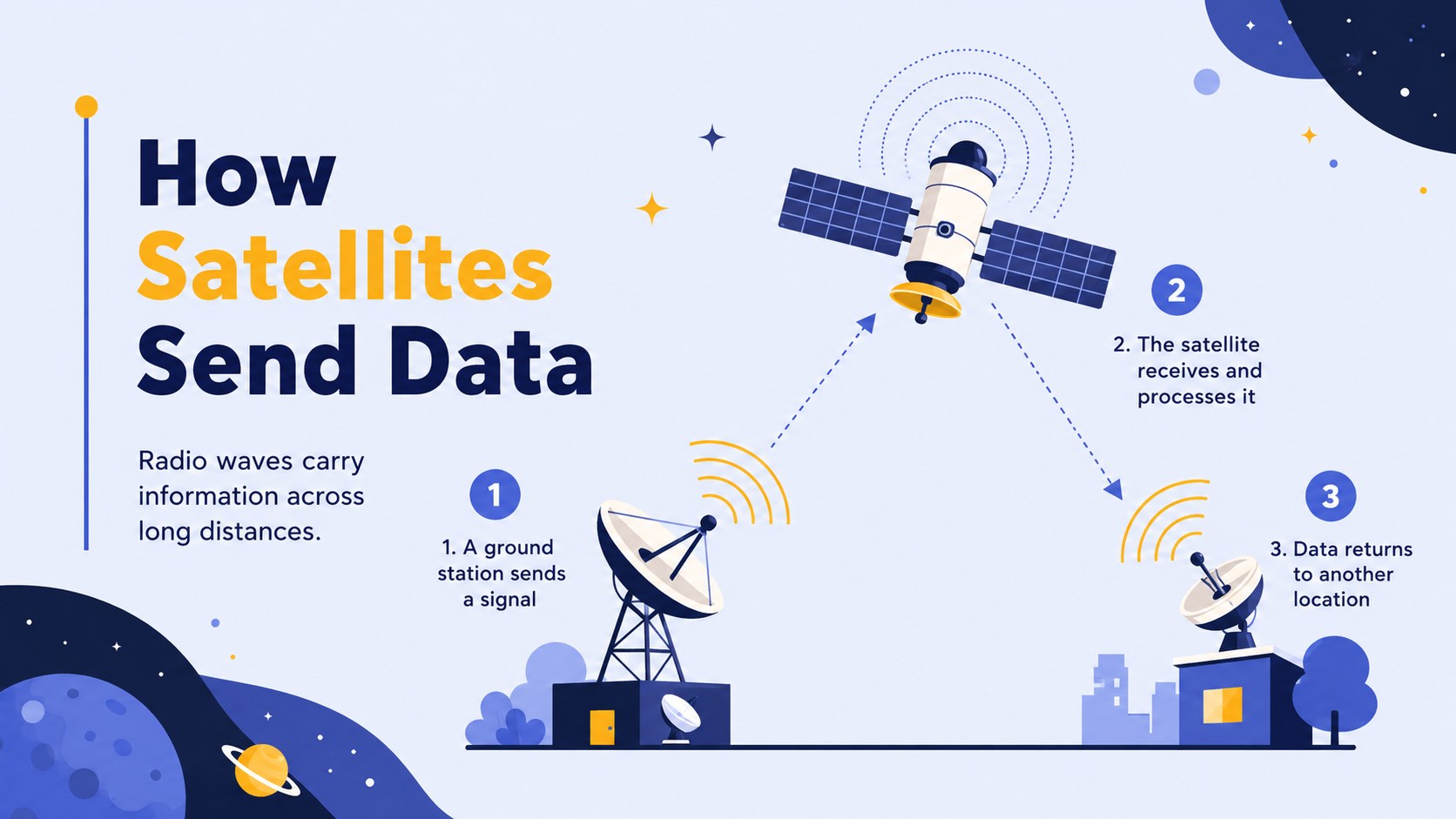
The deck provides more than 25 editable slide layouts for introducing natural and artificial satellites, explaining how objects stay in orbit, comparing orbital paths, and exploring communication, navigation, weather monitoring, and Earth observation. Teachers can also build a satellite communication classroom presentation with process diagrams, labeled spacecraft components, timelines, comparison tables, discussion prompts, and a review quiz. Flexible charts, shapes, image frames, transitions, and speaker notes make it easy to adapt the material without overcrowding each slide.
Designed as a satellite science lesson presentation for upper elementary, middle school, and introductory STEM audiences, the template works well for teacher-led lessons, student research reports, science projects, and astronomy clubs. The how satellites orbit Earth slides can be simplified for younger learners or expanded with technical details for more advanced classes. Every layout is customizable in PowerPoint and Google Slides, allowing educators to adjust colors, replace illustrations, revise terminology, and reorganize the lesson around their curriculum.
Perfect for: middle school space science lesson; satellite technology class discussion; student astronomy research report; STEM club workshop; Earth observation project; orbital science review session.
Frequently asked questions
Can I edit this deck in PowerPoint and Google Slides? Yes. The layouts, text, colors, diagrams, and image placeholders can be edited in both PowerPoint and Google Slides. Some fonts or transition effects may vary slightly between platforms.
Practical details
Yes. The layouts, text, colors, diagrams, and image placeholders can be edited in both PowerPoint and Google Slides. Some fonts or transition effects may vary slightly between platforms.
Yes. Shorten the definitions and use more visual examples for younger students, or add orbital data, technical vocabulary, and research tasks for advanced classes.
Replace the existing graphics with your own images or use the editable shapes to change labels, colors, and component callouts. Keep strong contrast between the blue background elements and yellow highlights for visual consistency.
Yes. The deck supports comparison exercises, discussion questions, a mission-planning timeline, and a short knowledge check. These activities can be duplicated or reorganized to match your lesson plan.
Keep exploring
15Build an engaging World UFO Day session with this flying saucer history lesson deck, featuring retro green-and-brown slides for PowerPoint and Google Slides.
 15
15Plan a lively animal-learning journey with this jungle zoo adventure lesson deck, ready to customize in PowerPoint and Google Slides for young learners.
 16
16Turn environmental research into a clear story with a Watercolor Ecology Presentation Theme for PowerPoint and Google Slides in calming green and blue.
 16
16Build focused fashion, literature, and humanities presentations with the Red Triangle Editorial Theme, editable in PowerPoint and Google Slides.
 15
15Turn streaming stats, favorite tracks, and concert highlights into a bold annual listening recap slide deck for PowerPoint and Google Slides.
 15
15Turn highlights, milestones, and favorite moments into a colorful year in review slide deck with bold 3D graphics for PowerPoint and Google Slides.
 3
3Build a credible endorsement with Standout Colleague Recommendation Letter Slides, featuring colorful prompts for skills, achievements, and team impact.
 4
4Build clear beginner sessions with an ice hockey fundamentals training deck for coaches, PE teachers, and clubs, ready for PowerPoint and Google Slides.