
 15
15presentation
Flying Saucer History Lesson Deck
Build an engaging World UFO Day session with this flying saucer history lesson deck, featuring retro green-and-brown slides for PowerPoint and Google Slides.
Google SlidesPowerPoint
presentation · English
Build a faster first-month plan with this sales rep ramp-up playbook, featuring clean green slides for training, milestones, tools, and KPI reviews.

Design notes
Give new sellers a practical route from orientation to confident customer conversations with this sales rep ramp-up playbook. Calm green gradients, restrained typography, and spacious layouts keep attention on the process while giving managers a polished framework for introductions, workshops, and progress reviews.
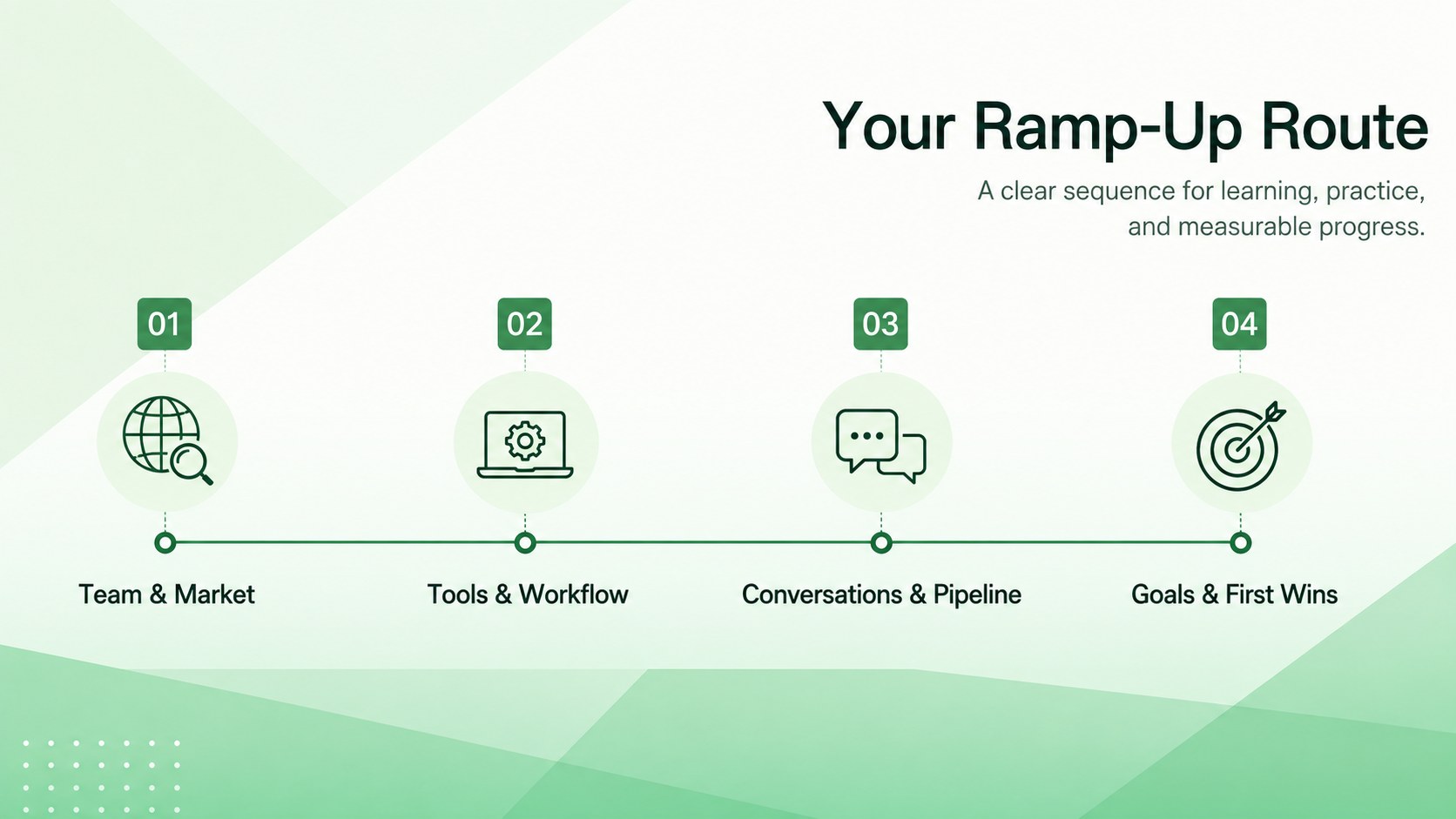
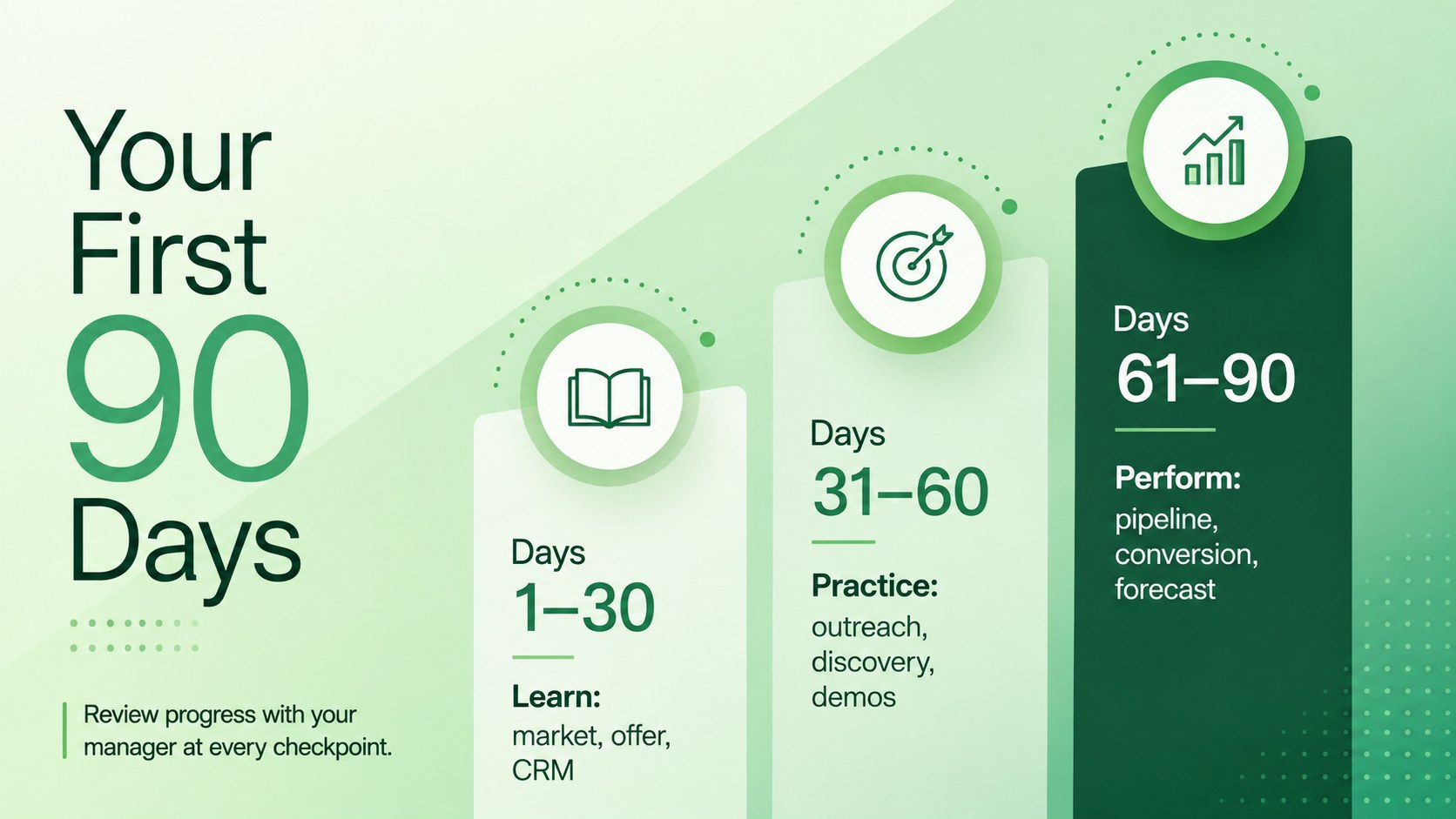
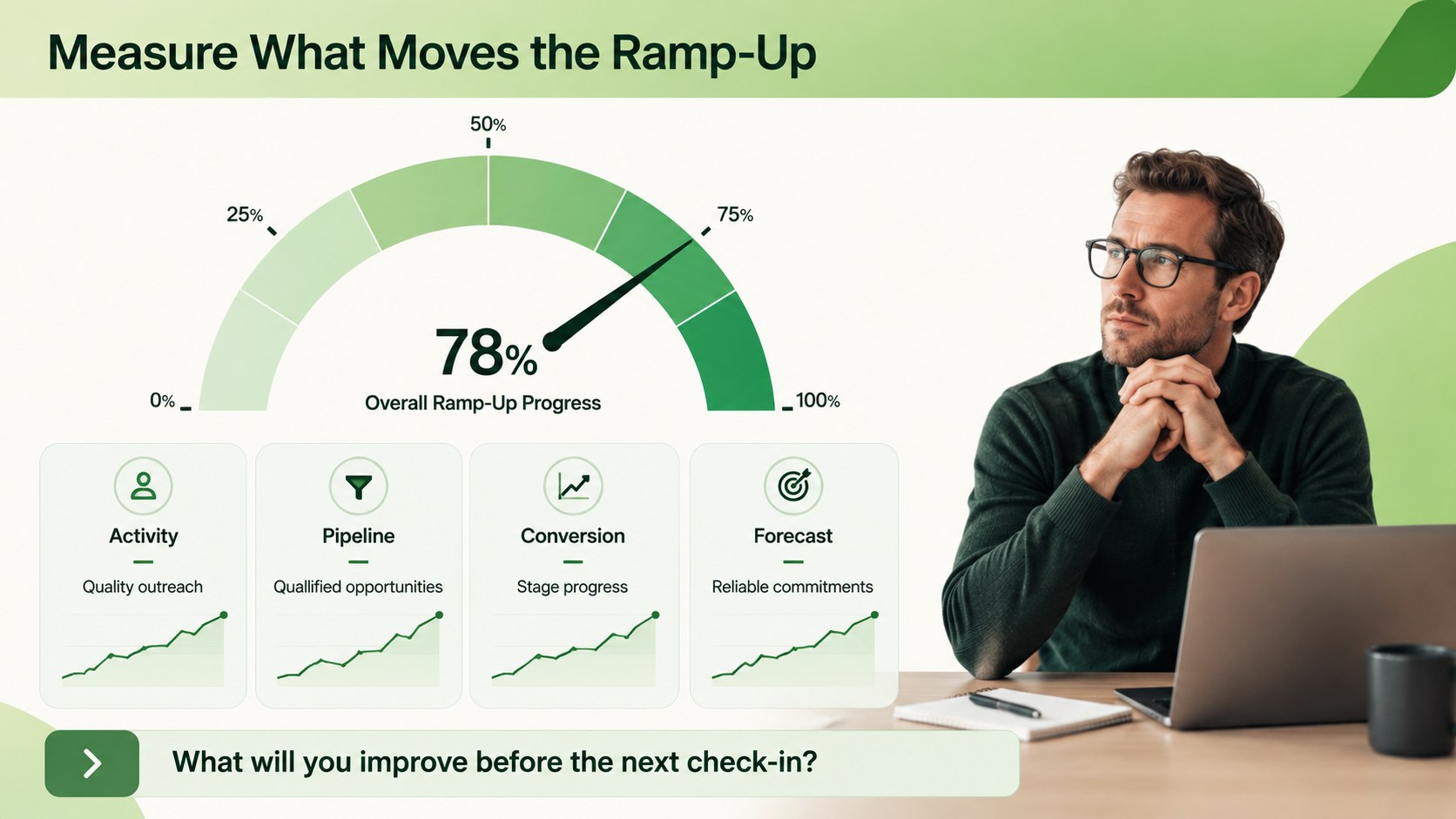
The deck includes a welcome cover, training agenda, tool and workflow overview, 30 60 90 day sales plan, funnel guidance, conversation practice, KPI checkpoints, and next-step prompts. Use it as a sales rep onboarding presentation for explaining CRM routines, outreach cadences, qualification standards, scripts, targets, and team expectations. Every section can be adapted with your company logo, pipeline stages, role-specific examples, and internal resources.
Designed for sales leaders, enablement managers, revenue operations teams, startup founders, and frontline coaches, this sales enablement training deck works for live sessions, self-guided learning, quarterly refreshers, and remote onboarding. The 16:9 slides are fully editable in PowerPoint and Google Slides, making it straightforward to adjust colors, type, diagrams, tables, and milestone labels. Build a repeatable onboarding experience that helps each representative understand what to learn, what to practice, and how success will be measured during the first three months.
Perfect for: new sales hire orientation; 30 60 90 day planning; CRM workflow training; quarterly sales refresher; remote rep onboarding; sales KPI review.
Frequently asked questions
Can I edit the ramp-up stages for different sales roles? Yes. Replace the milestones, activities, KPIs, and examples to fit SDR, account executive, customer success, or channel sales roles. All slide elements are editable.
Practical details
Yes. Replace the milestones, activities, KPIs, and examples to fit SDR, account executive, customer success, or channel sales roles. All slide elements are editable.
The template is designed for PowerPoint and Google Slides. Its 16:9 format is suitable for in-person training, video calls, and exported PDF handouts.
Yes. Add your logo and update the fonts, green gradient shades, icons, and supporting colors to match your brand guidelines. You can also insert screenshots of your CRM and internal tools.
Yes. The milestone layout separates learning, guided practice, pipeline activity, and performance checkpoints across the first three months. Managers can revise each phase to reflect their sales cycle.
Keep exploring
15Build an engaging World UFO Day session with this flying saucer history lesson deck, featuring retro green-and-brown slides for PowerPoint and Google Slides.
 15
15Plan a lively animal-learning journey with this jungle zoo adventure lesson deck, ready to customize in PowerPoint and Google Slides for young learners.
 16
16Turn environmental research into a clear story with a Watercolor Ecology Presentation Theme for PowerPoint and Google Slides in calming green and blue.
 16
16Build focused fashion, literature, and humanities presentations with the Red Triangle Editorial Theme, editable in PowerPoint and Google Slides.
 15
15Turn streaming stats, favorite tracks, and concert highlights into a bold annual listening recap slide deck for PowerPoint and Google Slides.
 15
15Turn highlights, milestones, and favorite moments into a colorful year in review slide deck with bold 3D graphics for PowerPoint and Google Slides.
 3
3Build a credible endorsement with Standout Colleague Recommendation Letter Slides, featuring colorful prompts for skills, achievements, and team impact.
 4
4Build clear beginner sessions with an ice hockey fundamentals training deck for coaches, PE teachers, and clubs, ready for PowerPoint and Google Slides.