
 15
15presentation
Flying Saucer History Lesson Deck
Build an engaging World UFO Day session with this flying saucer history lesson deck, featuring retro green-and-brown slides for PowerPoint and Google Slides.
Google SlidesPowerPoint
presentation · English
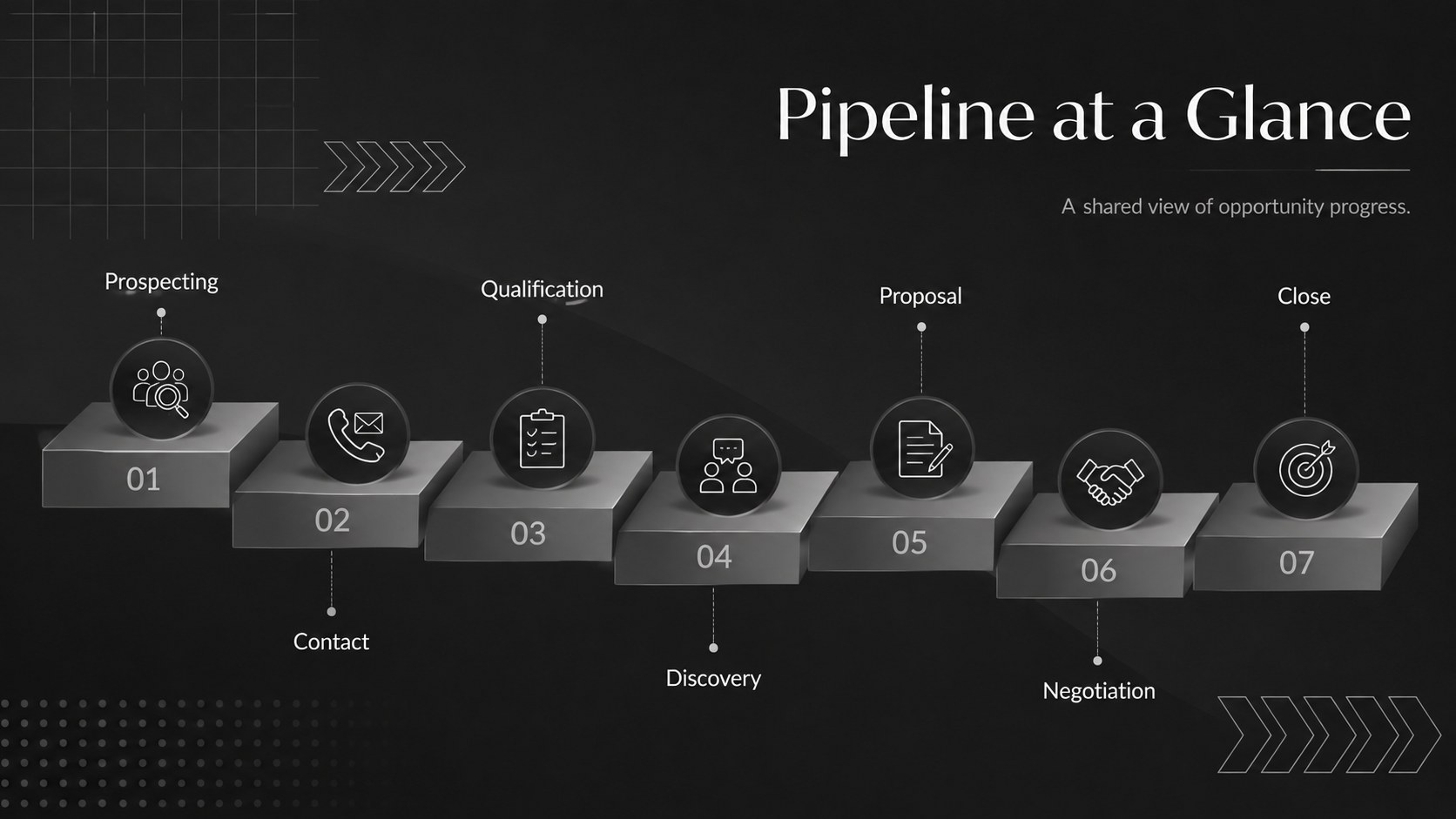
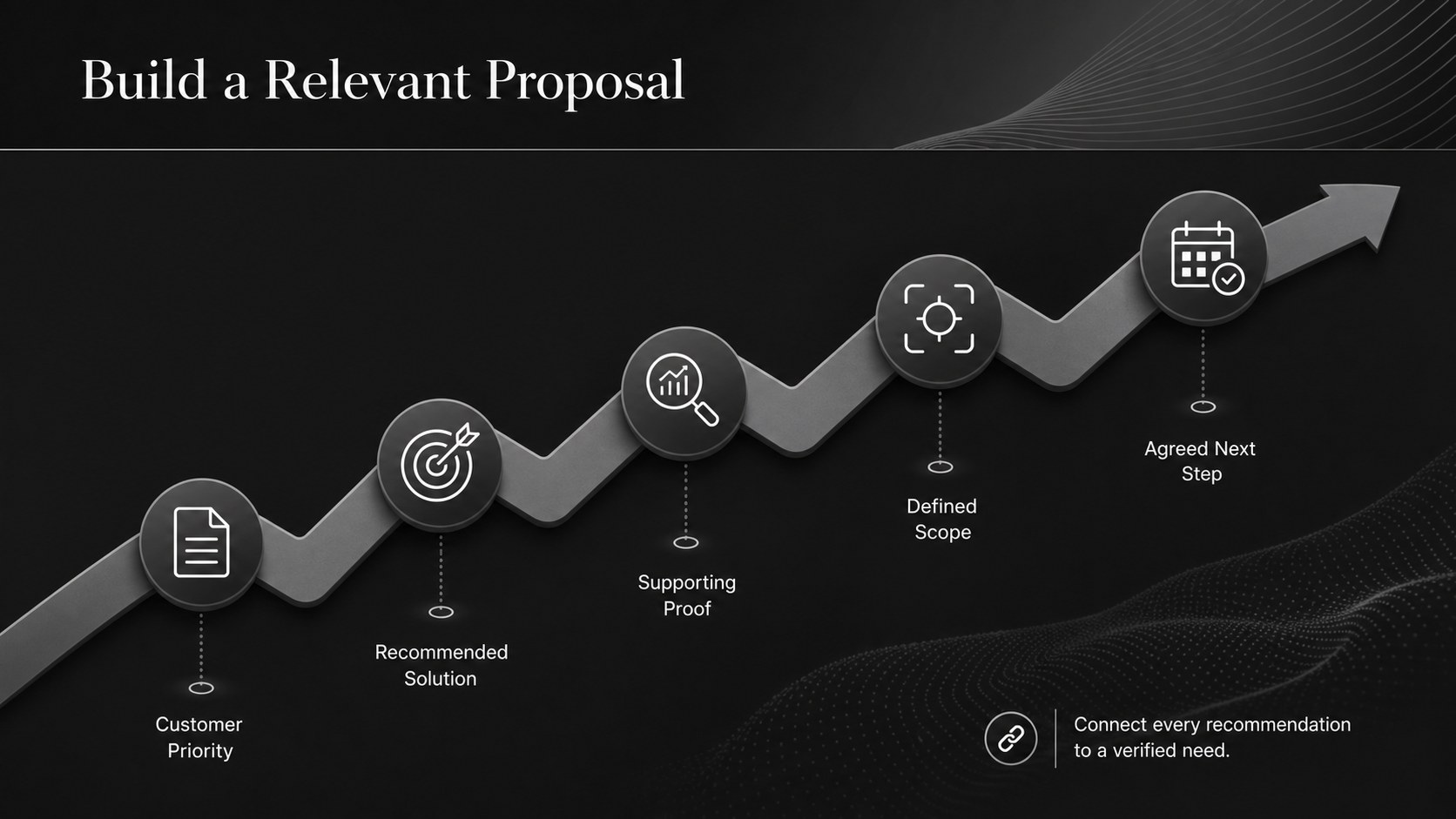
Map prospects from first contact to close with Sales Pipeline Stage Infographics, a dark modern deck for PowerPoint and Google Slides sales teams can tailor.






Design notes
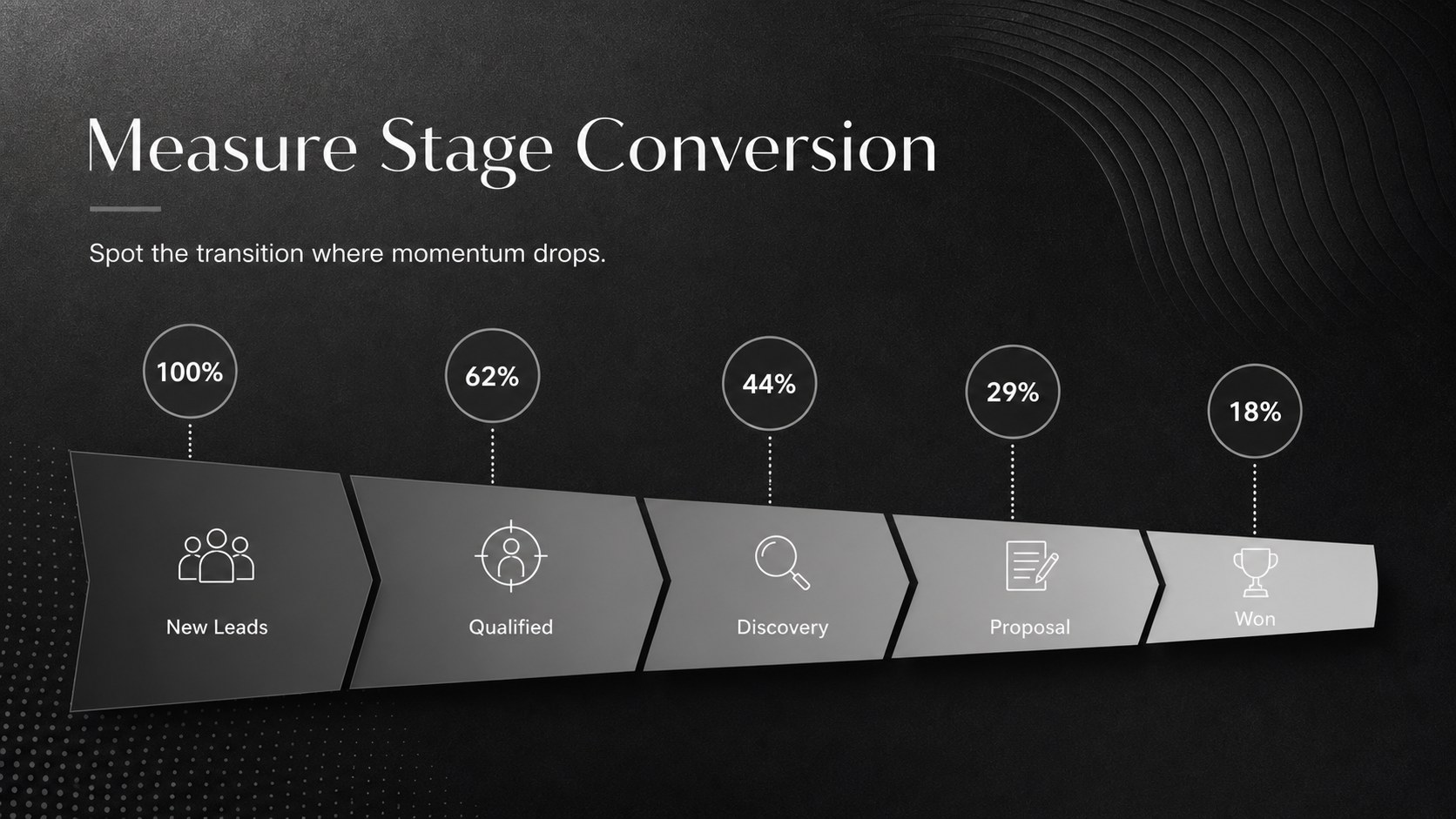
Sales Pipeline Stage Infographics give revenue teams a clear way to present how opportunities progress from prospecting through close. The restrained black and grey palette creates a polished, modern setting for metrics, priorities, and stage definitions without distracting from the message. Use this sales pipeline visualization template to make complex deal movement easier for stakeholders to understand.
The deck provides adaptable layouts for pipeline stages, lead sources, qualification criteria, conversion rates, deal velocity, team handoffs, and next actions. Funnel diagrams, process flows, timelines, comparison panels, and data-focused charts help you build a concise lead conversion funnel presentation. Every slide uses a widescreen 16:9 format and can be edited in PowerPoint or Google Slides, including text, colors, shapes, icons, and data labels.
Designed for sales leaders, account executives, revenue operations specialists, consultants, and trainers, these slides work for forecasting meetings, onboarding sessions, quarterly reviews, and client workshops. They can also serve as sales process stages PowerPoint visuals for explaining responsibilities and performance benchmarks. Whether you are diagnosing stalled deals or introducing a revised workflow, the consistent visual system keeps the discussion focused, credible, and easy to follow.
Perfect for: weekly pipeline review; sales team onboarding; quarterly revenue meeting; deal stage workshop; client sales process audit.
Frequently asked questions
Can I edit these infographics in PowerPoint? Yes. All text, shapes, icons, chart labels, and colors can be adjusted in PowerPoint. You can also duplicate or remove stages to match your sales methodology.
Practical details
Yes. All text, shapes, icons, chart labels, and colors can be adjusted in PowerPoint. You can also duplicate or remove stages to match your sales methodology.
Yes. Upload the presentation to Google Drive and open it with Google Slides for browser-based editing. Review font substitutions after import to ensure the intended spacing is preserved.
Yes. Replace the sample stage names with your own workflow, such as discovery, validation, negotiation, or renewal. The diagrams can be expanded, condensed, or reordered as needed.
Yes. Replace the sample percentages, volumes, and timing figures with current CRM or reporting data. The layouts support conversion rates, opportunity values, stage duration, and ownership details.
Keep exploring
15Build an engaging World UFO Day session with this flying saucer history lesson deck, featuring retro green-and-brown slides for PowerPoint and Google Slides.
 15
15Plan a lively animal-learning journey with this jungle zoo adventure lesson deck, ready to customize in PowerPoint and Google Slides for young learners.
 16
16Turn environmental research into a clear story with a Watercolor Ecology Presentation Theme for PowerPoint and Google Slides in calming green and blue.
 16
16Build focused fashion, literature, and humanities presentations with the Red Triangle Editorial Theme, editable in PowerPoint and Google Slides.
 15
15Turn streaming stats, favorite tracks, and concert highlights into a bold annual listening recap slide deck for PowerPoint and Google Slides.
 15
15Turn highlights, milestones, and favorite moments into a colorful year in review slide deck with bold 3D graphics for PowerPoint and Google Slides.
 3
3Build a credible endorsement with Standout Colleague Recommendation Letter Slides, featuring colorful prompts for skills, achievements, and team impact.
 4
4Build clear beginner sessions with an ice hockey fundamentals training deck for coaches, PE teachers, and clubs, ready for PowerPoint and Google Slides.