
 15
15presentation
Flying Saucer History Lesson Deck
Build an engaging World UFO Day session with this flying saucer history lesson deck, featuring retro green-and-brown slides for PowerPoint and Google Slides.
Google SlidesPowerPoint
presentation · English
Align targets, priorities, and team execution with a sales kickoff strategy deck built for polished meetings in PowerPoint and Google Slides.
Design notes
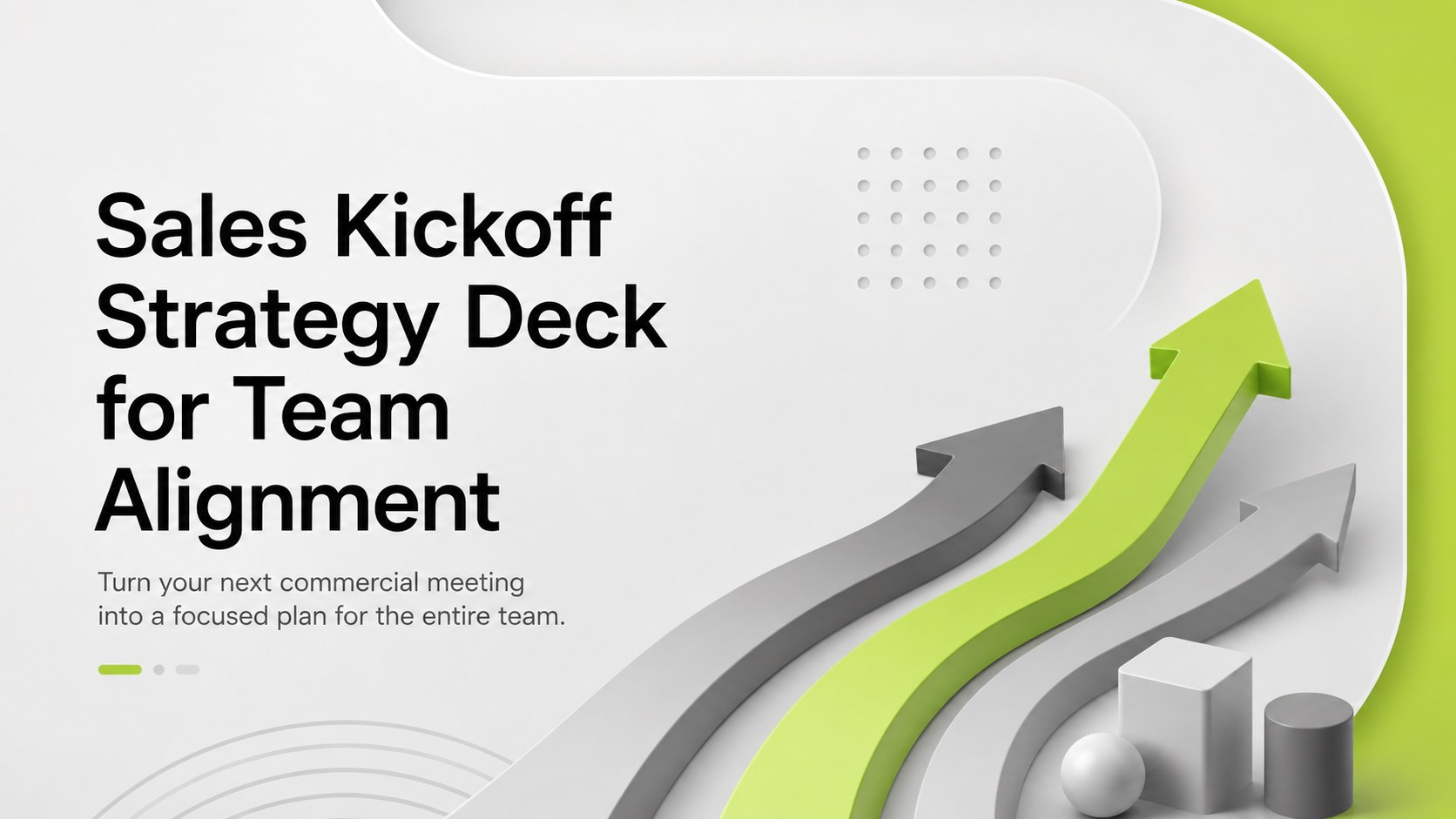
Turn a new sales cycle into a coordinated plan with this Sales Kickoff Strategy Deck for Team Alignment. Its modern 3D design combines cool gray backgrounds, energetic green accents, bold typography, and dimensional business graphics. The polished visual system helps leaders keep attention on the numbers, decisions, and actions that matter without making the presentation feel overly formal.
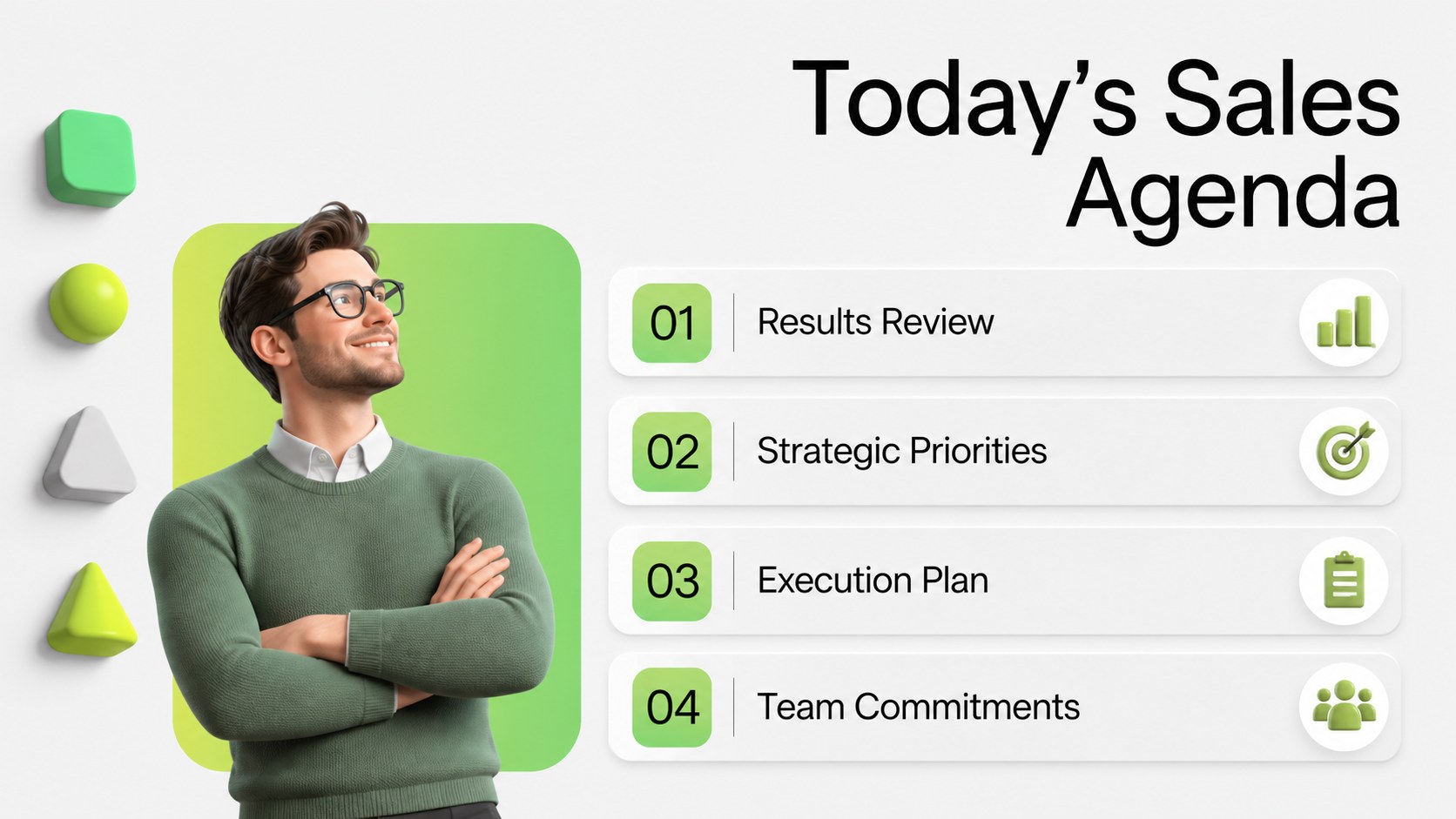
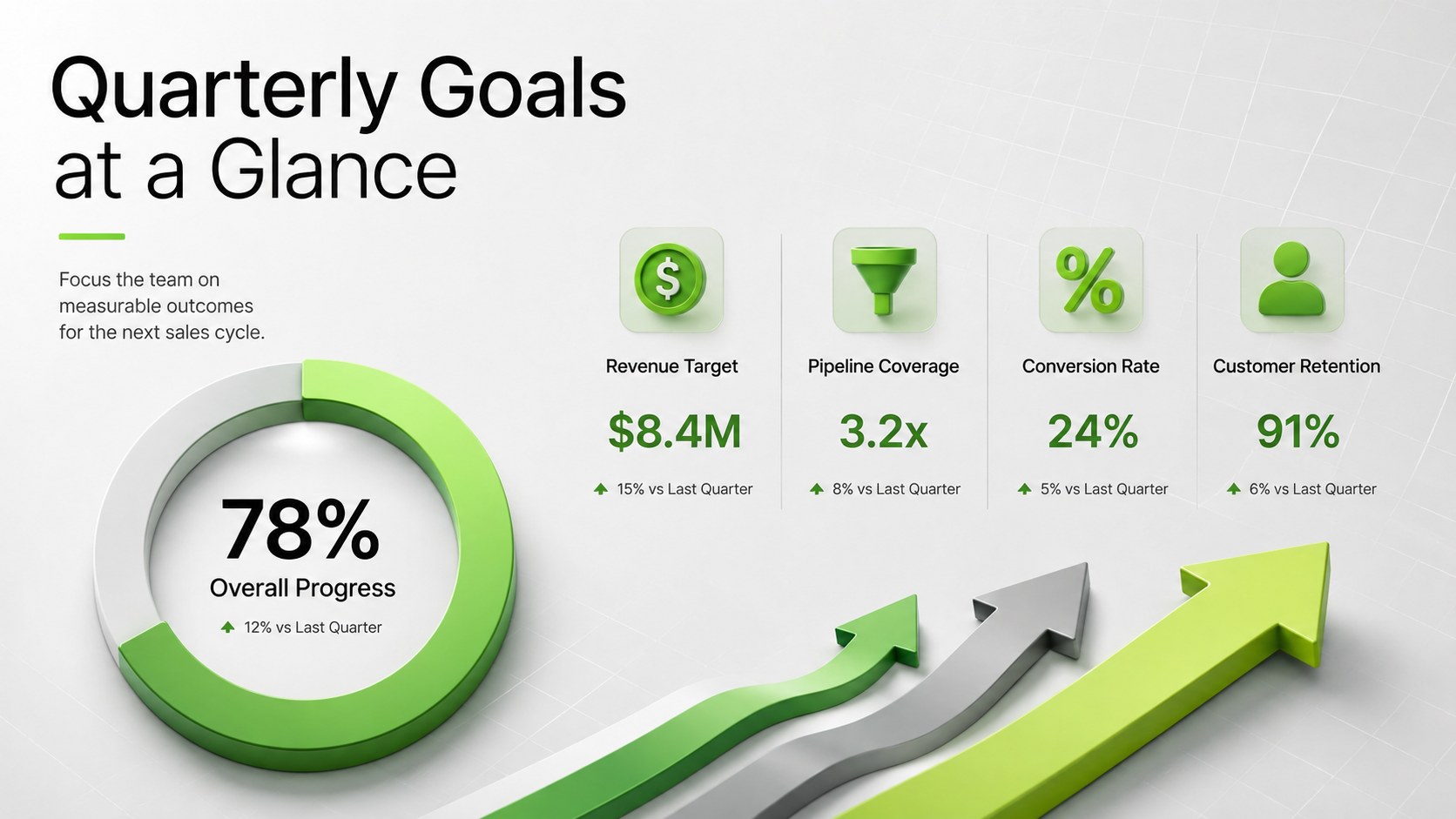
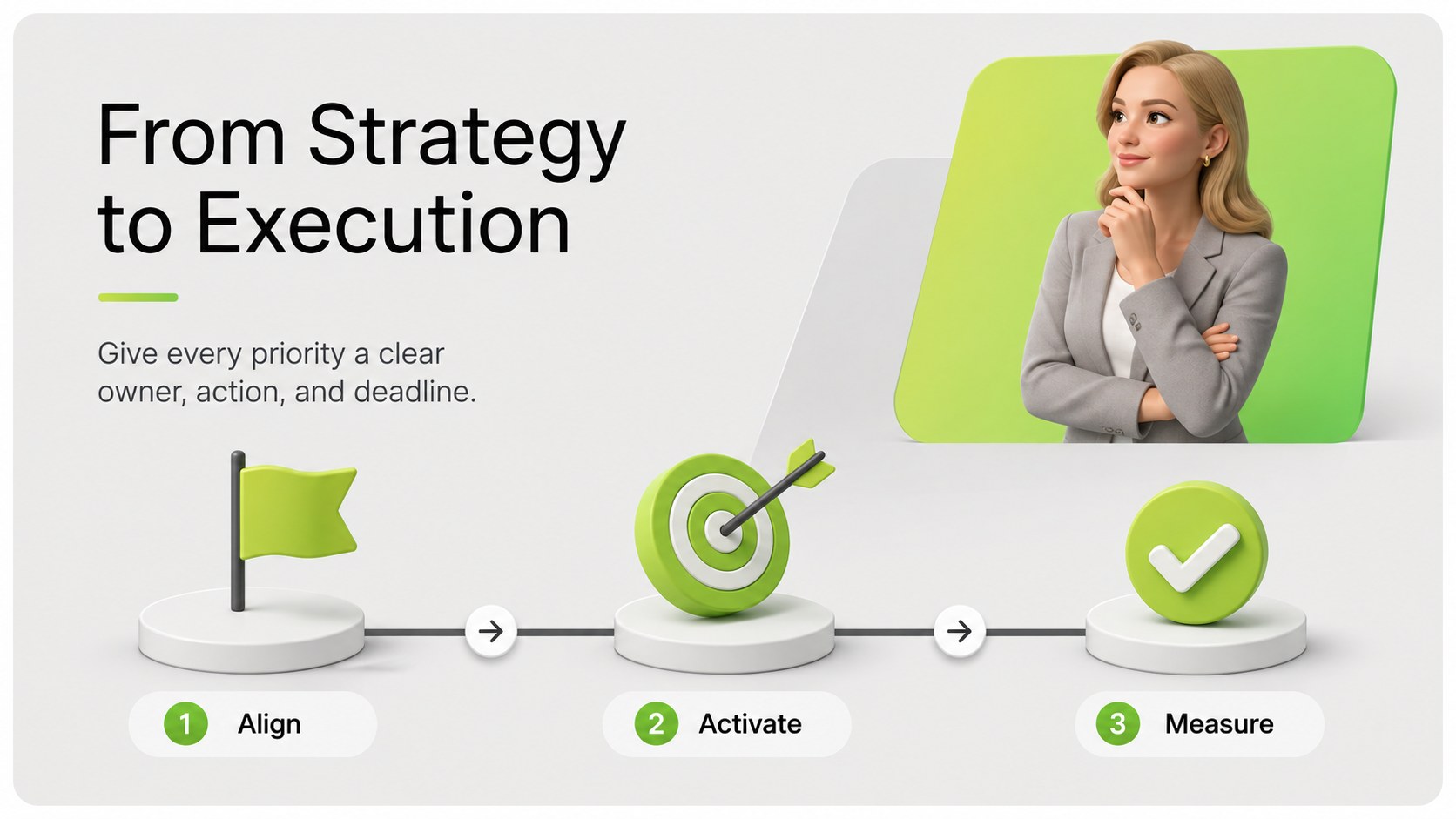
Use the included layouts to build a sales kickoff agenda presentation, review recent performance, introduce quarterly targets, explain strategic priorities, and assign responsibilities. Dedicated sections can support OKRs, pipeline metrics, campaign launches, recognition moments, objection-handling practice, process updates, and next-step timelines. Charts, comparison blocks, photo areas, and concise text layouts make the deck adaptable for both data-heavy reporting and motivational team communication.
This sales team alignment presentation is designed for sales directors, account executives, SDR leaders, revenue operations teams, marketing managers, startup founders, and business educators. It works for in-person events, remote meetings, recorded briefings, and recurring commercial planning sessions. Customize the quarterly sales goals slide template with your company logo, team photography, performance figures, typography, and brand colors while retaining the original gray-and-green character. Every 16:9 slide can be edited in PowerPoint or Google Slides, allowing teams to reorganize sections, update charts, and tailor the narrative to their sales cycle.
Perfect for: annual sales kickoff meeting; quarterly revenue planning; new campaign launch; sales process training; commercial performance review.
Frequently asked questions
Can I edit this sales kickoff deck in PowerPoint? Yes. All slide text, colors, charts, images, and layout elements can be adjusted in PowerPoint to match your organization and meeting objectives.
Practical details
Yes. All slide text, colors, charts, images, and layout elements can be adjusted in PowerPoint to match your organization and meeting objectives.
Yes. Upload or open the presentation in Google Slides to edit it online, collaborate with colleagues, and present from a browser.
Replace the sample goals, metrics, timeline, and responsibilities with your current sales plan. You can also add your logo, team photos, brand fonts, and approved company colors.
A practical sequence includes the agenda, previous-cycle results, new targets, strategic priorities, campaign plans, process updates, team responsibilities, and next steps. Remove or reorder sections based on the length and purpose of your meeting.
Keep exploring
15Build an engaging World UFO Day session with this flying saucer history lesson deck, featuring retro green-and-brown slides for PowerPoint and Google Slides.
 15
15Plan a lively animal-learning journey with this jungle zoo adventure lesson deck, ready to customize in PowerPoint and Google Slides for young learners.
 16
16Turn environmental research into a clear story with a Watercolor Ecology Presentation Theme for PowerPoint and Google Slides in calming green and blue.
 16
16Build focused fashion, literature, and humanities presentations with the Red Triangle Editorial Theme, editable in PowerPoint and Google Slides.
 15
15Turn streaming stats, favorite tracks, and concert highlights into a bold annual listening recap slide deck for PowerPoint and Google Slides.
 15
15Turn highlights, milestones, and favorite moments into a colorful year in review slide deck with bold 3D graphics for PowerPoint and Google Slides.
 3
3Build a credible endorsement with Standout Colleague Recommendation Letter Slides, featuring colorful prompts for skills, achievements, and team impact.
 4
4Build clear beginner sessions with an ice hockey fundamentals training deck for coaches, PE teachers, and clubs, ready for PowerPoint and Google Slides.