
 15
15presentation
Flying Saucer History Lesson Deck
Build an engaging World UFO Day session with this flying saucer history lesson deck, featuring retro green-and-brown slides for PowerPoint and Google Slides.
Google SlidesPowerPoint
presentation · English
Turn complex problems into clear cause-and-effect stories with root cause mapping slides in a purple watercolor style for PowerPoint and Google Slides.
Design notes
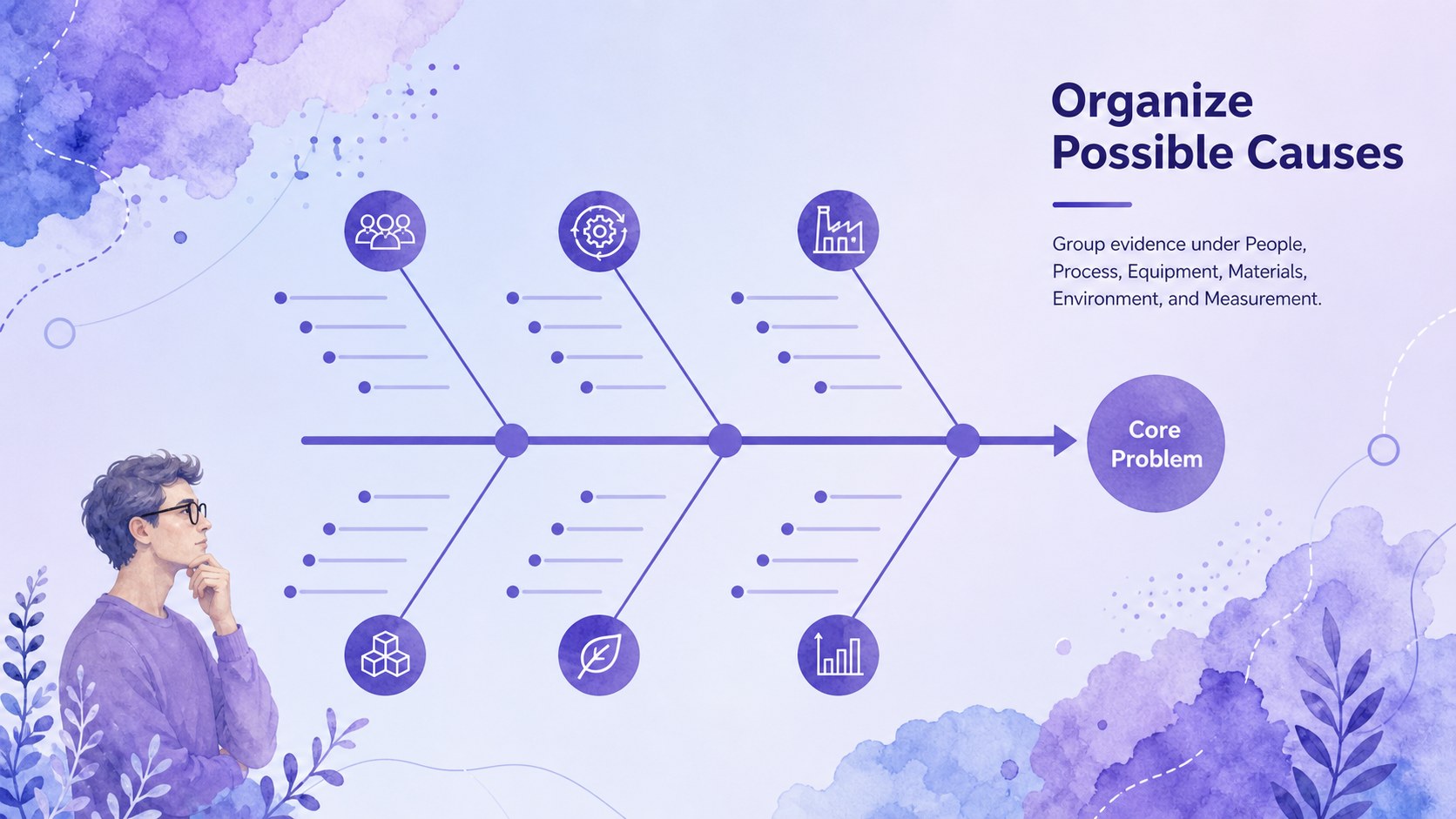
Root Cause Mapping Slides help teams turn a complicated problem into a structured, easy-to-discuss visual story. Designed for PowerPoint and Google Slides, this purple gradient deck combines soft watercolor textures with crisp infographic elements, giving analytical content a creative yet professional finish. Use it to organize possible causes, connect evidence, and keep problem-solving conversations focused.
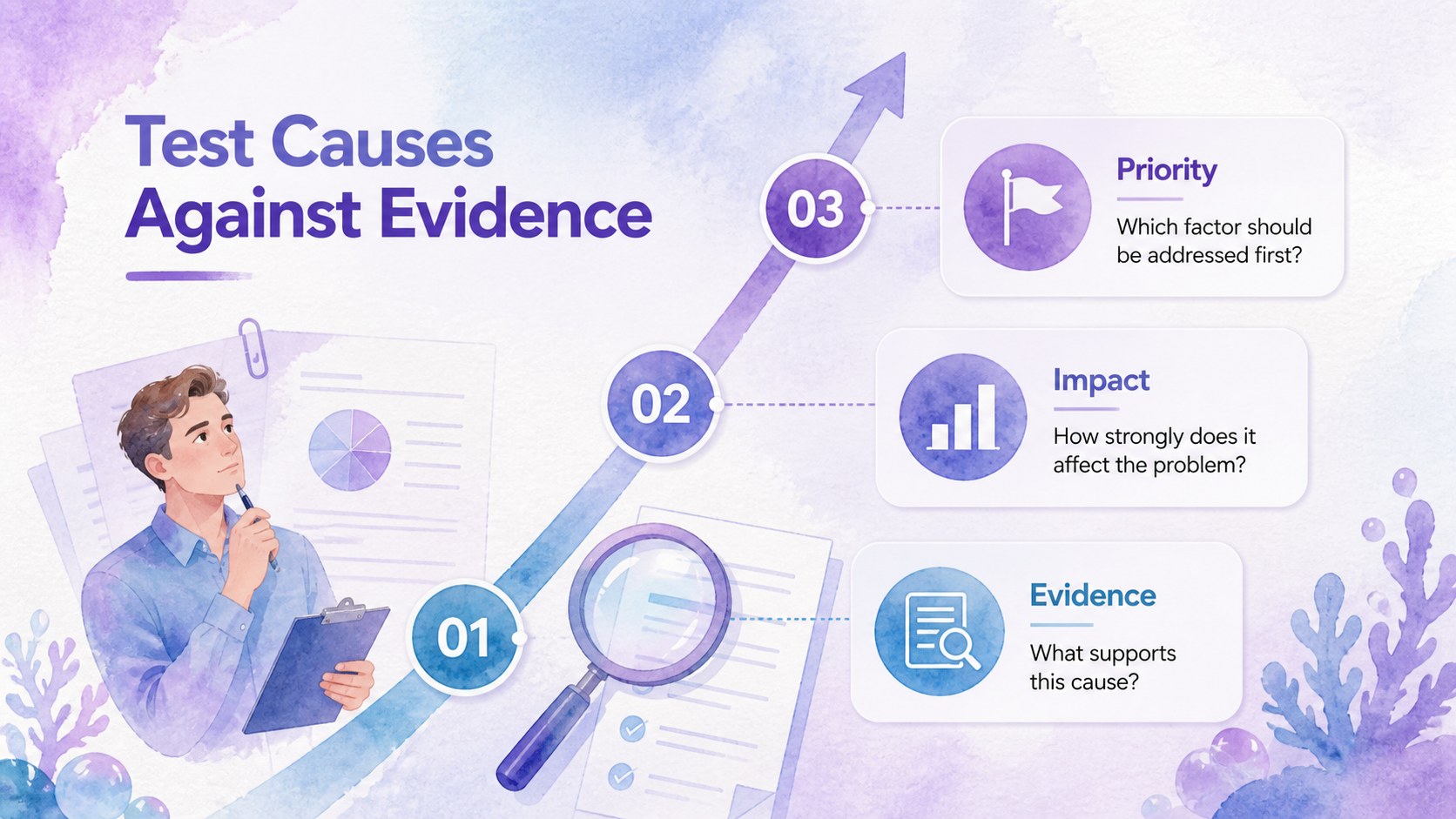
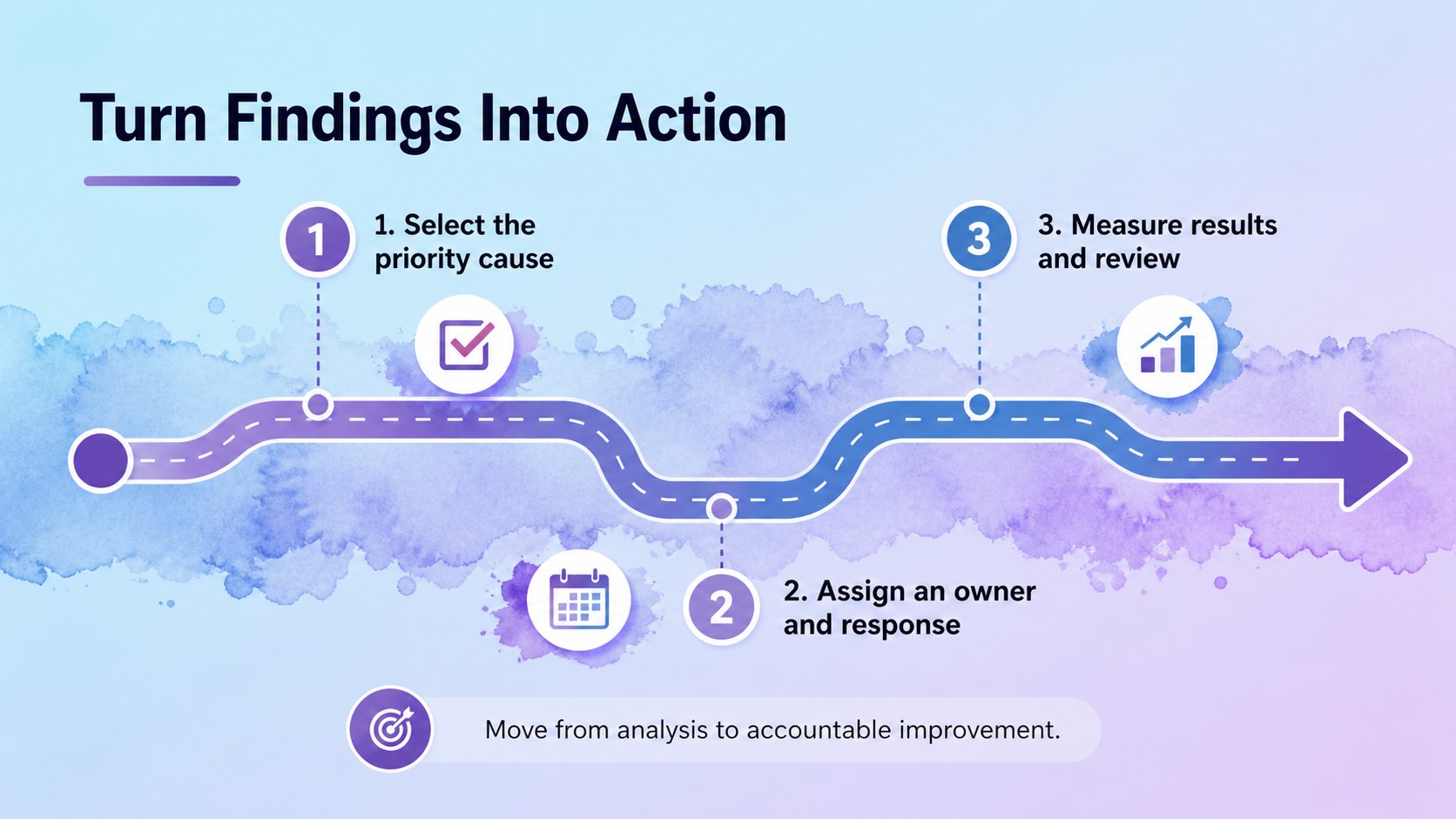
The deck includes four editable 16:9 layouts for building an editable Ishikawa diagram presentation, summarizing findings, prioritizing contributing factors, and outlining corrective actions. Text, colors, labels, shapes, and category branches can be adjusted to match your project. The layouts also work as cause and effect analysis slides for topics such as people, process, equipment, materials, environment, and measurement. Arimo typography supports clear reading during meetings and workshops.
These root cause mapping slides are suited to project managers, operations teams, quality specialists, consultants, educators, and business students. Apply them during incident reviews, process improvement sessions, classroom exercises, or stakeholder briefings. They are especially useful as a problem solving workshop template when participants need to brainstorm collaboratively, group related ideas, and move from symptoms toward practical next steps.
Perfect for: process improvement workshop; project issue review; quality control meeting; incident cause analysis; business analysis class; corrective action briefing.
Frequently asked questions
Can I edit every part of the root cause diagrams? Yes. You can revise branch labels, headings, colors, shapes, and supporting text to fit your analysis. Categories may also be duplicated, removed, or reordered.
Practical details
Yes. You can revise branch labels, headings, colors, shapes, and supporting text to fit your analysis. Categories may also be duplicated, removed, or reordered.
The slides are designed for Microsoft PowerPoint and Google Slides. Both platforms support editing, presenting, and sharing the completed diagrams.
Replace the sample categories with your own departments, process stages, or risk factors. You can also apply brand colors and add a logo after downloading or opening the deck.
They can support reviews of service delays, production defects, project setbacks, customer complaints, safety incidents, and workflow bottlenecks. The framework is flexible enough for business, education, and operational settings.
Keep exploring
15Build an engaging World UFO Day session with this flying saucer history lesson deck, featuring retro green-and-brown slides for PowerPoint and Google Slides.
 15
15Plan a lively animal-learning journey with this jungle zoo adventure lesson deck, ready to customize in PowerPoint and Google Slides for young learners.
 16
16Turn environmental research into a clear story with a Watercolor Ecology Presentation Theme for PowerPoint and Google Slides in calming green and blue.
 16
16Build focused fashion, literature, and humanities presentations with the Red Triangle Editorial Theme, editable in PowerPoint and Google Slides.
 15
15Turn streaming stats, favorite tracks, and concert highlights into a bold annual listening recap slide deck for PowerPoint and Google Slides.
 15
15Turn highlights, milestones, and favorite moments into a colorful year in review slide deck with bold 3D graphics for PowerPoint and Google Slides.
 3
3Build a credible endorsement with Standout Colleague Recommendation Letter Slides, featuring colorful prompts for skills, achievements, and team impact.
 4
4Build clear beginner sessions with an ice hockey fundamentals training deck for coaches, PE teachers, and clubs, ready for PowerPoint and Google Slides.