
 15
15presentation
Flying Saucer History Lesson Deck
Build an engaging World UFO Day session with this flying saucer history lesson deck, featuring retro green-and-brown slides for PowerPoint and Google Slides.
Google SlidesPowerPoint
presentation · English
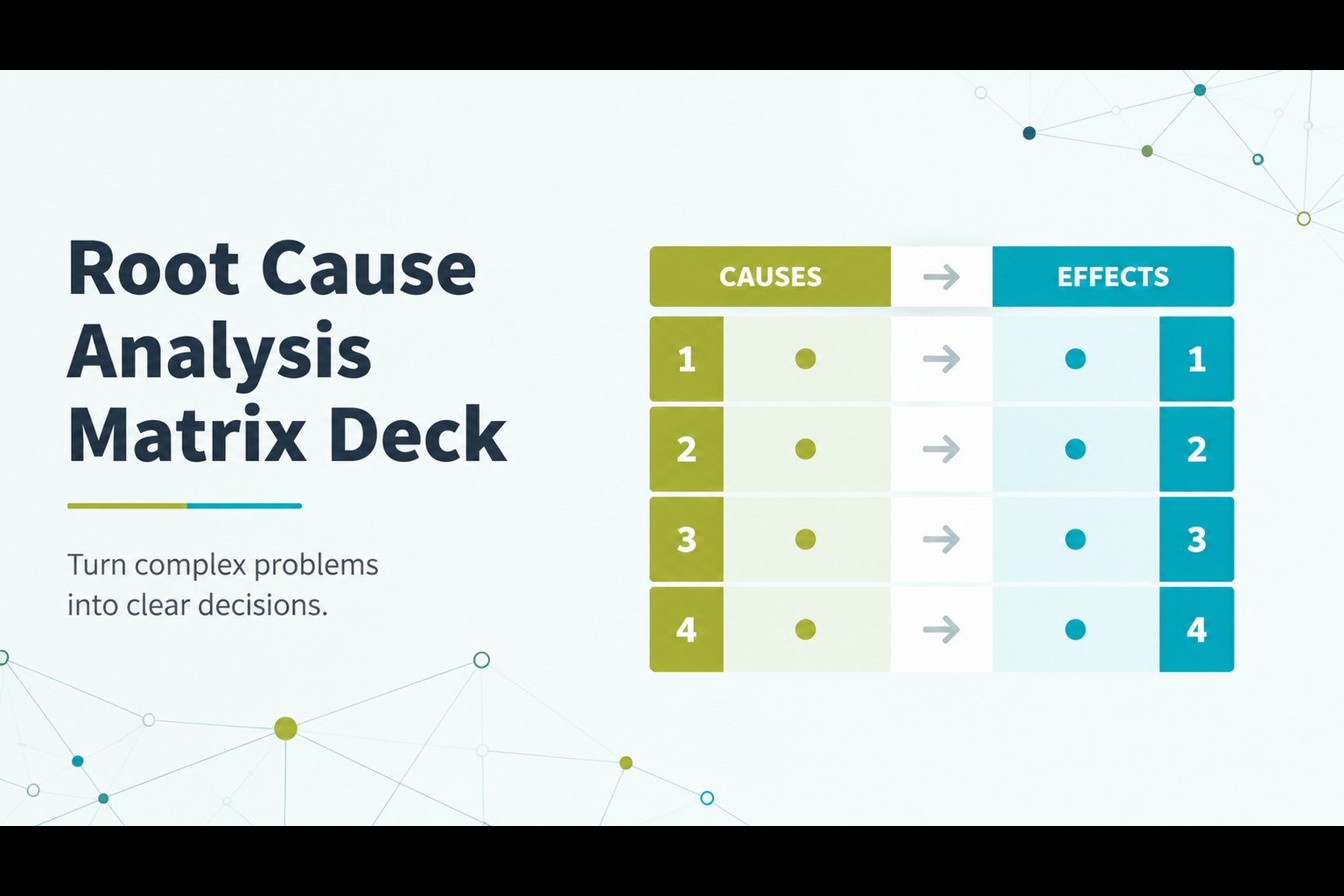
Make complex problems easier to explain with a root cause analysis matrix deck for PowerPoint and Google Slides, using clean green-blue visuals for teams.
Design notes
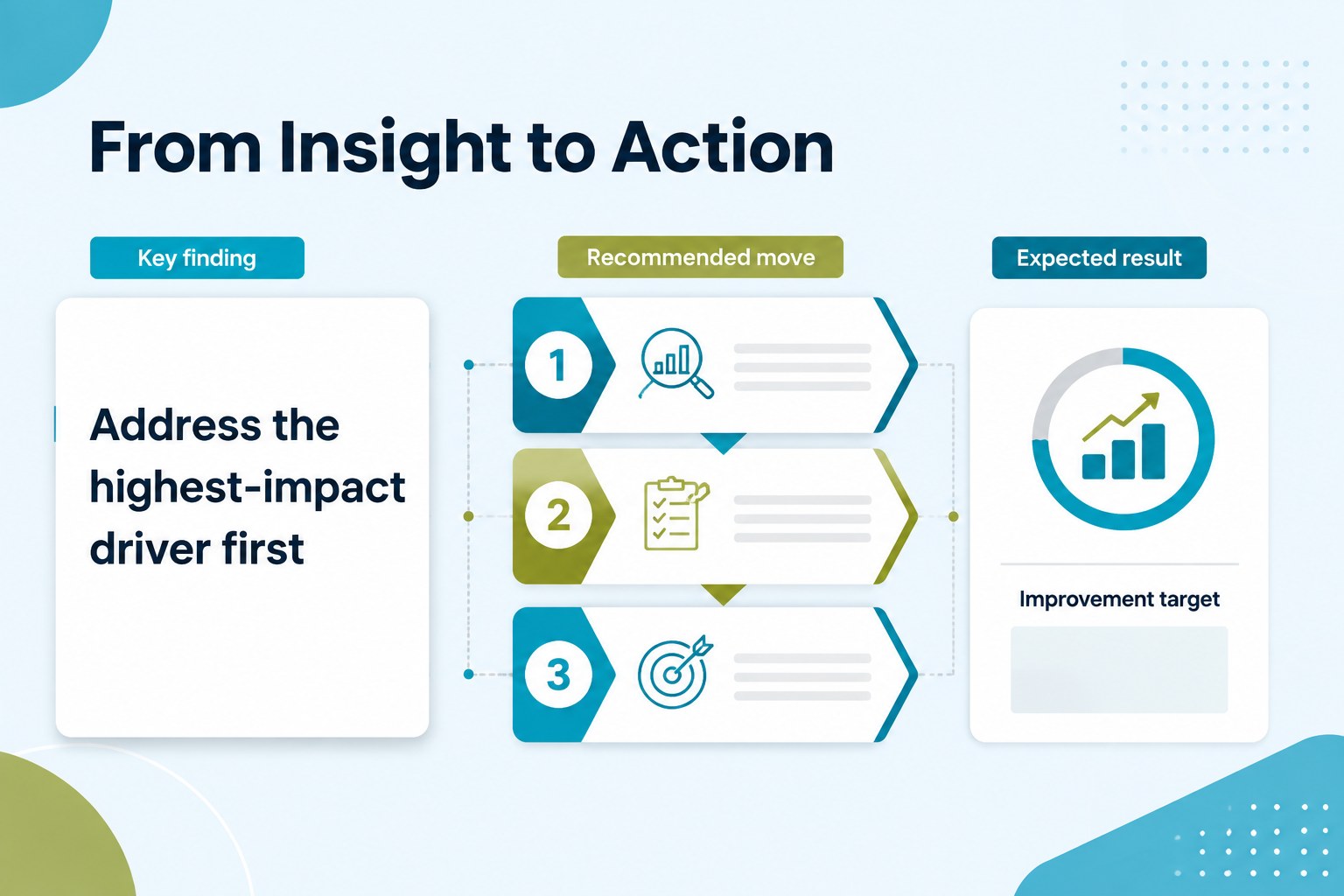
Turn complex problems into clear decisions with a root cause analysis matrix deck designed for business teams, consultants, educators, and project leaders. Its restrained green, blue, and white palette gives analytical content a calm, professional presence while keeping relationships, priorities, and outcomes easy to follow.
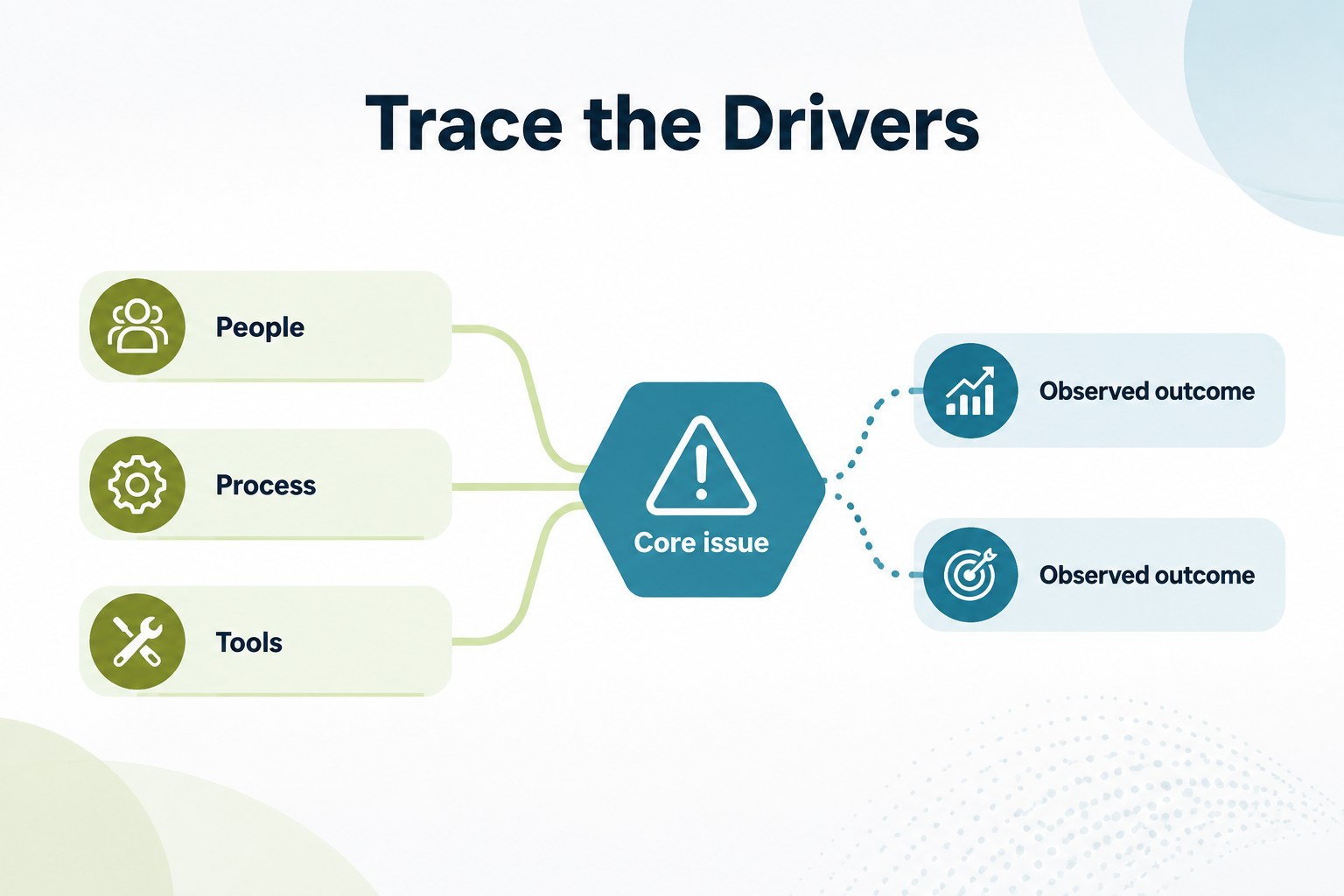
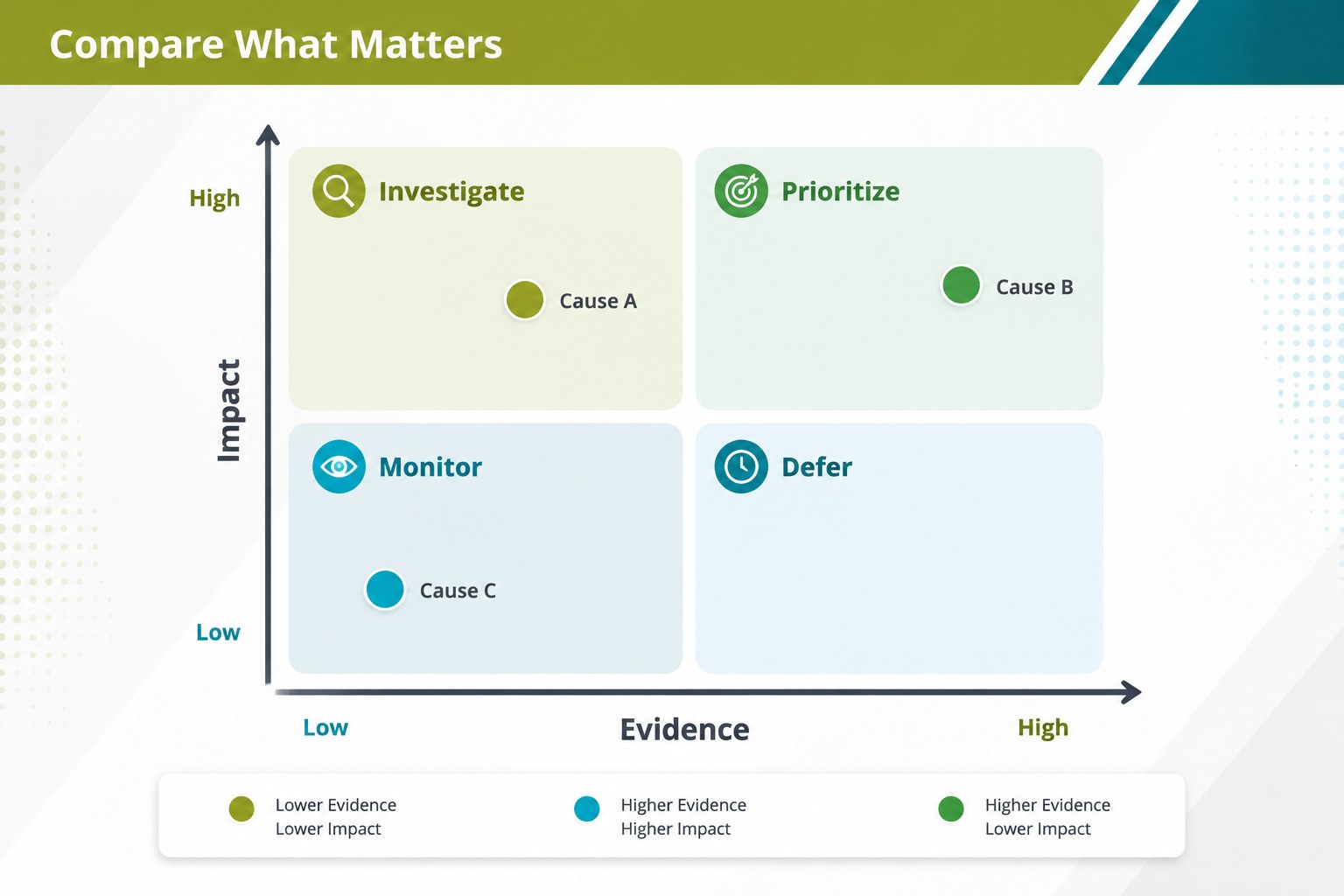
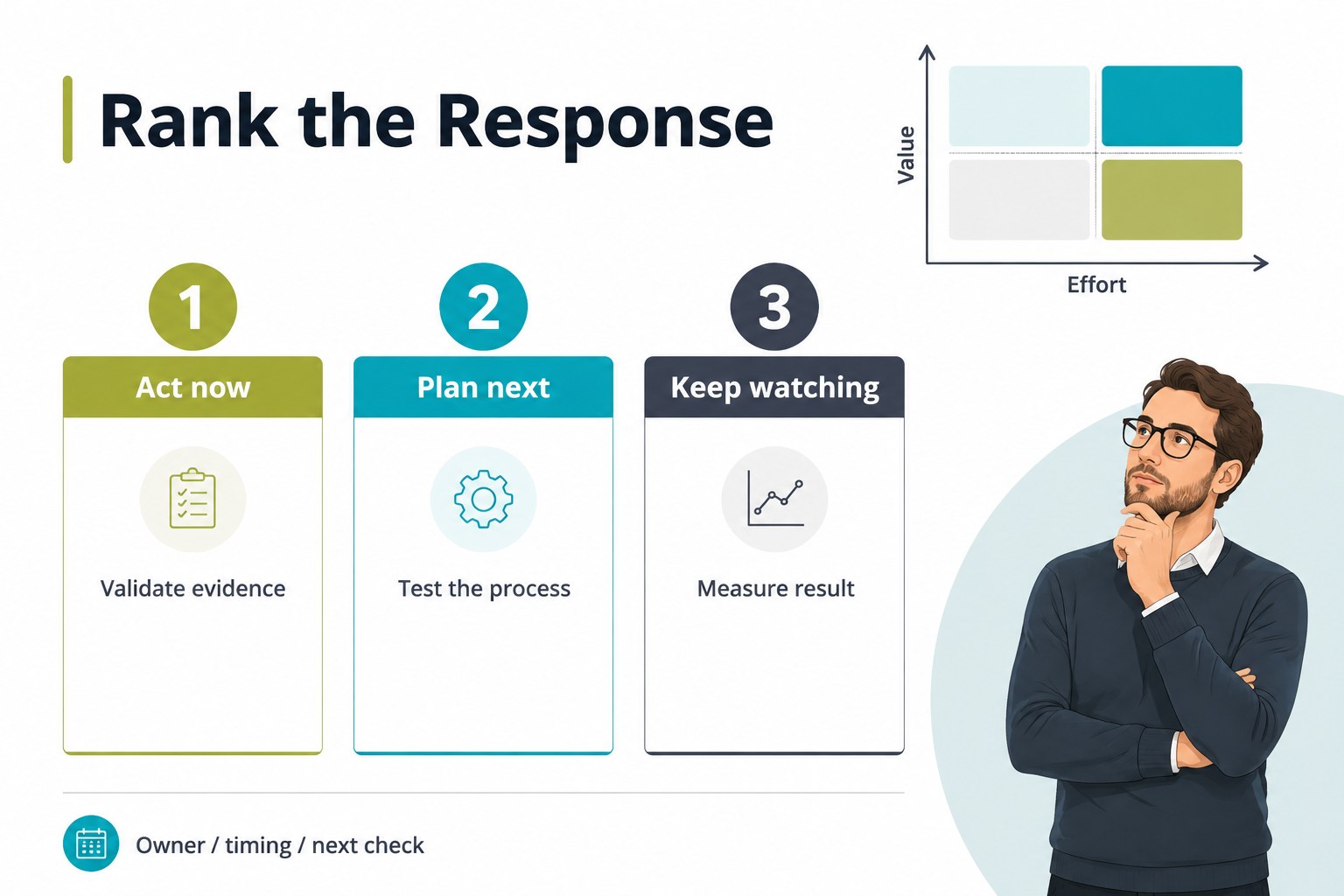
Inside, you will find five editable A4 infographic slides for comparing causes, tracing contributing factors, ranking options, and summarizing recommended actions. The layouts combine arrows, connectors, charts, labels, and structured text areas, making them useful as a problem solving matrix presentation for workshops, reports, and executive updates. Use the slides to turn research into a visual diagnosis, organize a team discussion, or create project issue prioritization slides without rebuilding the design from scratch.
The deck works with PowerPoint and Google Slides and supports flexible editing of text, colors, shapes, icons, and data. Apply it to process reviews, market investigations, service improvements, classroom analysis, or operational planning. Whether you need a root cause analysis template for teams or a concise visual for decision-makers, the clean grid system helps audiences understand what drives an issue and what should happen next.
Perfect for: project issue prioritization workshop; business process review; market trend investigation; service improvement meeting.
Frequently asked questions
Can I edit the deck in PowerPoint? Yes. The slides are designed for editing in PowerPoint, including text, shapes, colors, charts, and connectors. You can adapt the layouts to match your data and brand system.
Practical details
Yes. The slides are designed for editing in PowerPoint, including text, shapes, colors, charts, and connectors. You can adapt the layouts to match your data and brand system.
Yes, it is compatible with Google Slides for browser-based editing and collaboration. You can revise the content, adjust the visual hierarchy, and share the finished presentation with your team.
Use them to compare contributing factors, investigate process failures, rank project risks, or connect business outcomes to underlying causes. They also fit classroom case studies and facilitated problem-solving sessions.
Yes. All major visual elements can be recolored while retaining the original minimalist structure. Keep the green, blue, and white combination for a calm analytical look or adapt it to your organization’s palette.
Keep exploring
15Build an engaging World UFO Day session with this flying saucer history lesson deck, featuring retro green-and-brown slides for PowerPoint and Google Slides.
 15
15Plan a lively animal-learning journey with this jungle zoo adventure lesson deck, ready to customize in PowerPoint and Google Slides for young learners.
 16
16Turn environmental research into a clear story with a Watercolor Ecology Presentation Theme for PowerPoint and Google Slides in calming green and blue.
 16
16Build focused fashion, literature, and humanities presentations with the Red Triangle Editorial Theme, editable in PowerPoint and Google Slides.
 15
15Turn streaming stats, favorite tracks, and concert highlights into a bold annual listening recap slide deck for PowerPoint and Google Slides.
 15
15Turn highlights, milestones, and favorite moments into a colorful year in review slide deck with bold 3D graphics for PowerPoint and Google Slides.
 3
3Build a credible endorsement with Standout Colleague Recommendation Letter Slides, featuring colorful prompts for skills, achievements, and team impact.
 4
4Build clear beginner sessions with an ice hockey fundamentals training deck for coaches, PE teachers, and clubs, ready for PowerPoint and Google Slides.