
 15
15presentation
Flying Saucer History Lesson Deck
Build an engaging World UFO Day session with this flying saucer history lesson deck, featuring retro green-and-brown slides for PowerPoint and Google Slides.
Google SlidesPowerPoint
presentation · English
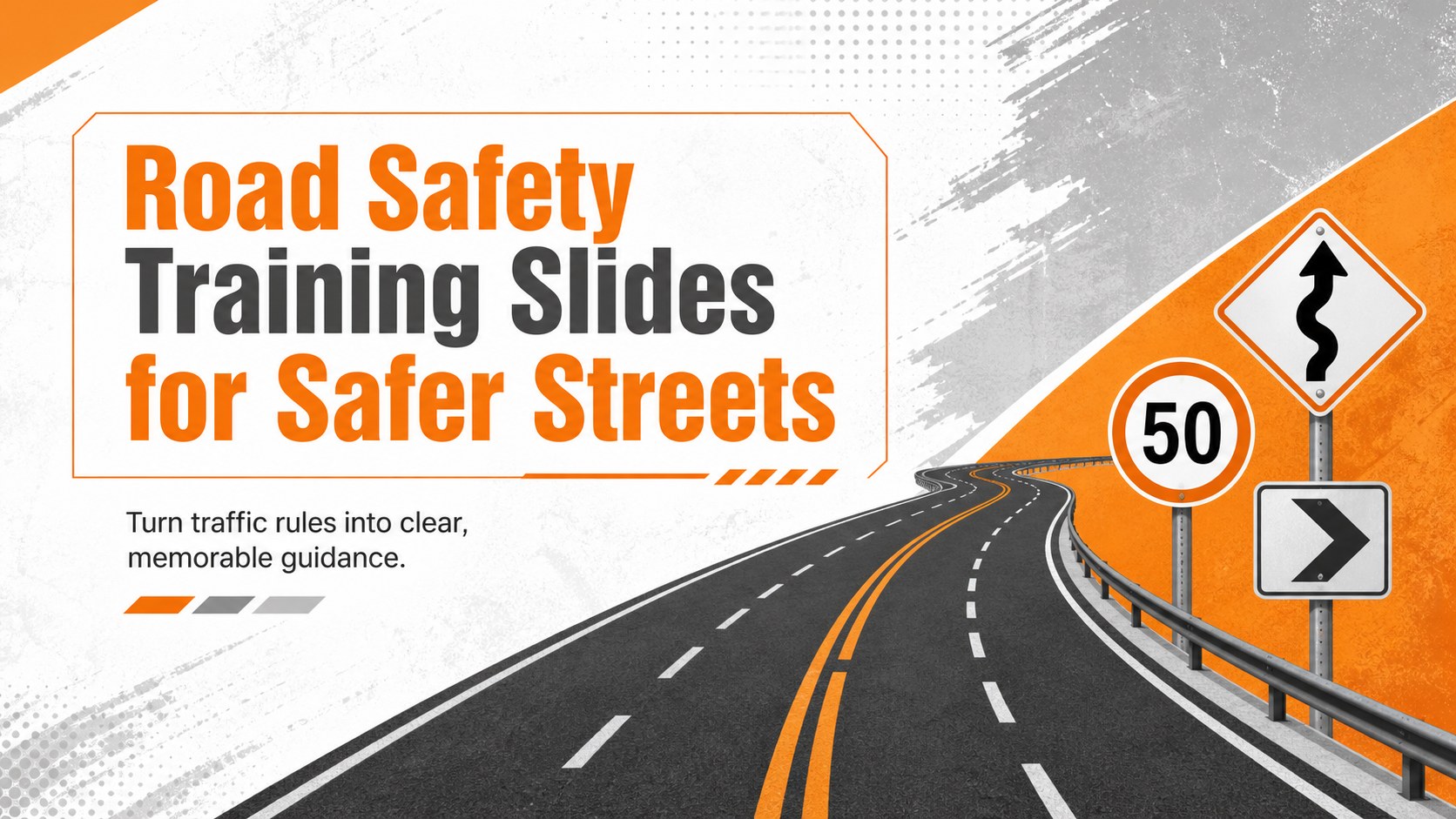
Create practical lessons for drivers and pedestrians with Road Safety Training Slides, using editable orange-and-gray visuals for PowerPoint and Google…
Design notes
These road safety training slides help educators and prevention teams turn essential traffic guidance into an engaging, easy-to-follow lesson. The bold orange, gray, and white design uses strong contrast, clear visual hierarchy, and practical icons to keep safety messages readable in classrooms, community venues, and workplace training rooms.
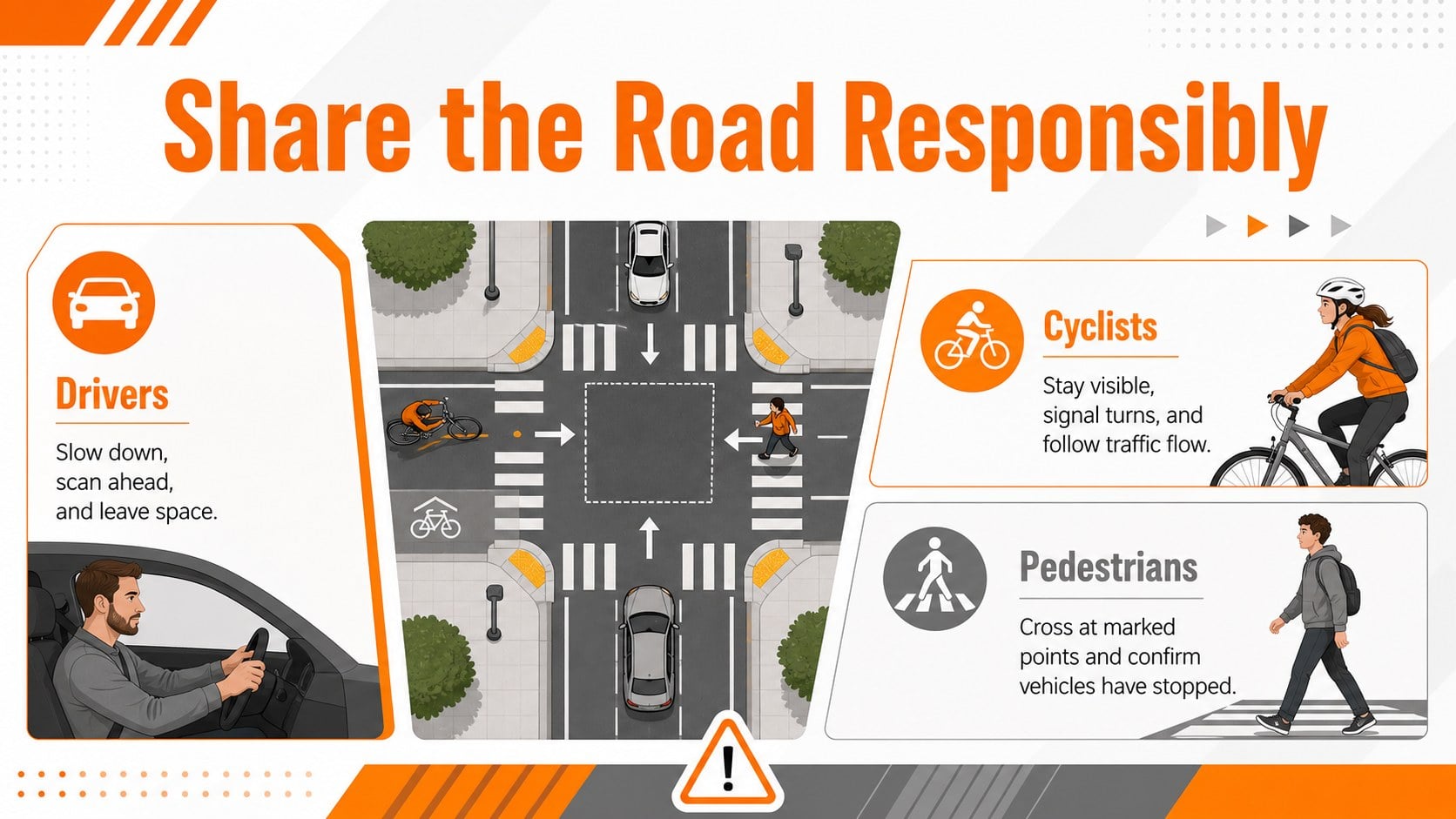
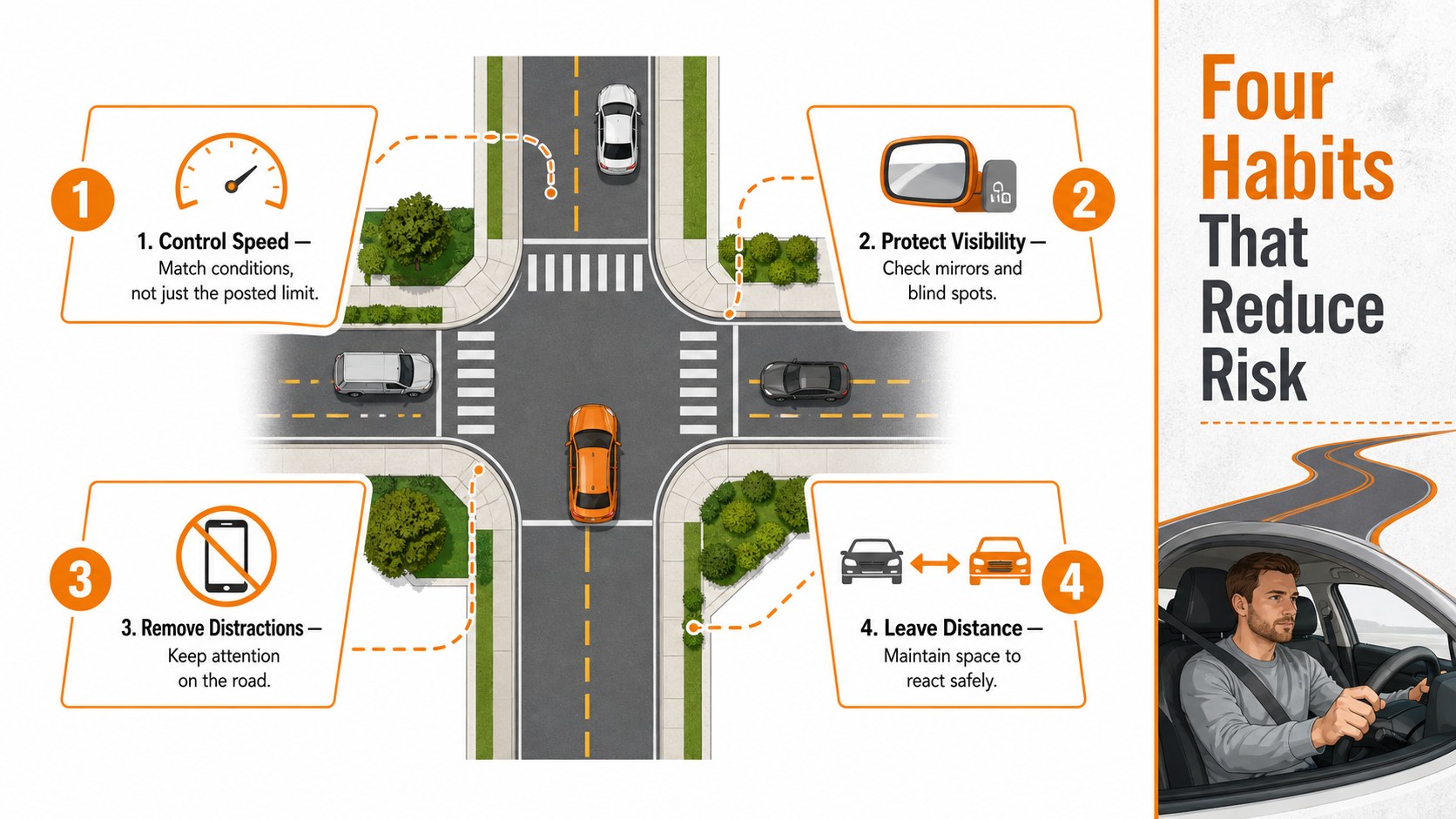
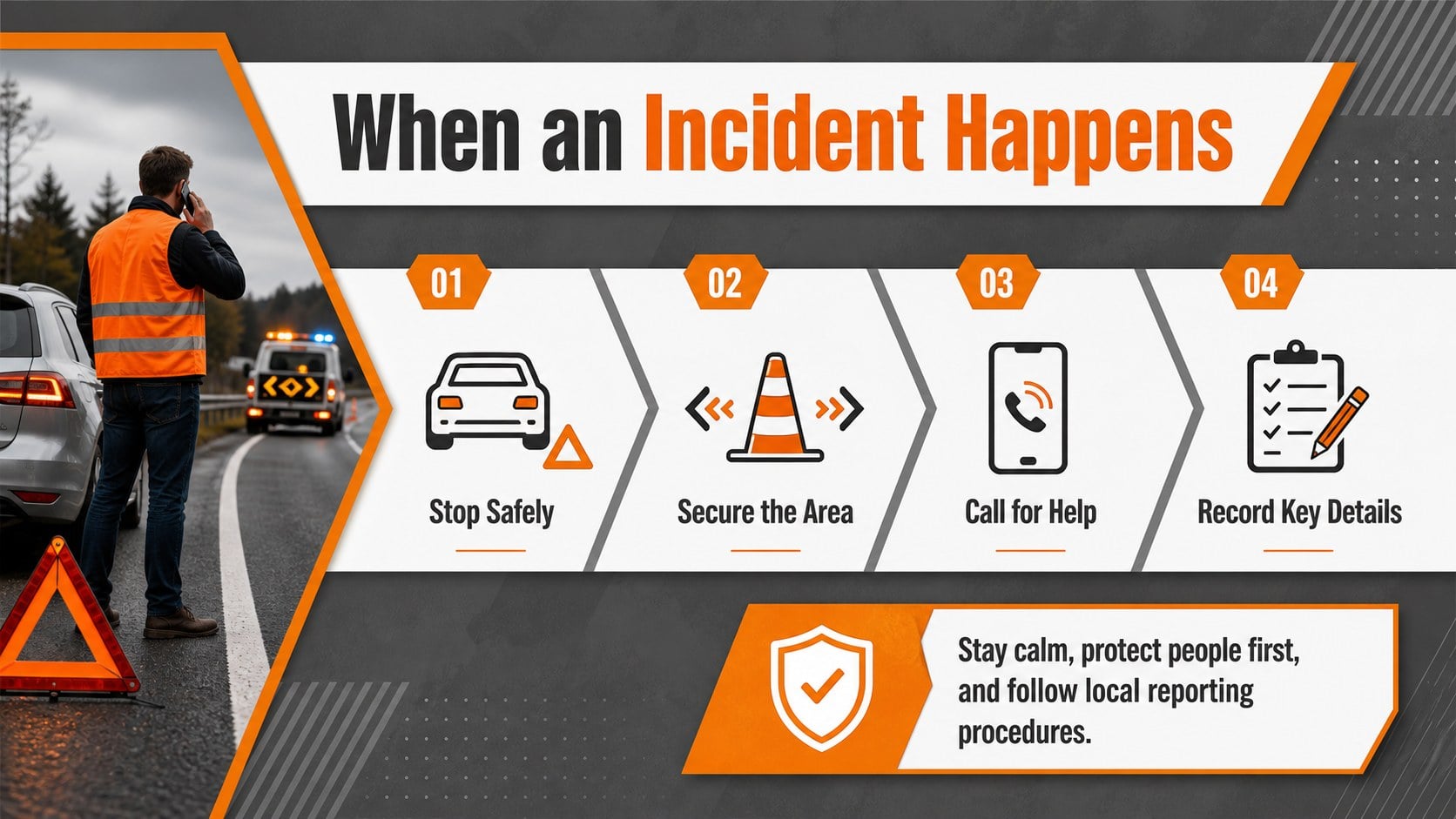
Inside, you will find four coordinated layouts covering shared road responsibilities, common hazards, safe behavior, and incident response. Use them as a road safety presentation for schools, a pedestrian and cyclist safety lesson, or part of workplace fleet driver safety training. Concise text areas leave room for speed limits, crossing procedures, seat belt reminders, local statistics, and organization-specific policies without making the slides feel crowded.
The layouts are fully editable in PowerPoint and Google Slides. Replace the sample wording, adjust icons and diagrams, add regional road signs, or reorganize sections for different age groups and experience levels. The visual system is flexible enough for novice driver workshops, municipal awareness campaigns, employee inductions, and family safety events.
Teachers, driving instructors, public safety officers, community organizers, and fleet managers can use this deck to explain risks and reinforce responsible decisions. Its energetic orange accents draw attention to warnings, while neutral gray and white areas keep detailed information structured and professional.
Perfect for: school traffic safety lesson; novice driver workshop; municipal awareness campaign; workplace fleet induction; pedestrian safety briefing.
Frequently asked questions
Practical details
Yes. You can change the text, colors, icons, diagrams, and layout order to match your lesson or campaign. Local speed limits, road signs, statistics, and policies can also be added.
The deck is designed for PowerPoint and Google Slides. Review fonts and animations after importing so the presentation displays consistently on your chosen platform.
Yes. Simplify the wording for younger students, add practical scenarios for new drivers, or include fleet procedures for employees. The modular layouts make it easy to adjust the level of detail.
Replace the sample signs and guidance with regulations from your region. You can also add emergency contacts, neighborhood maps, collision data, and organization branding where appropriate.
Keep exploring
15Build an engaging World UFO Day session with this flying saucer history lesson deck, featuring retro green-and-brown slides for PowerPoint and Google Slides.
 15
15Plan a lively animal-learning journey with this jungle zoo adventure lesson deck, ready to customize in PowerPoint and Google Slides for young learners.
 16
16Turn environmental research into a clear story with a Watercolor Ecology Presentation Theme for PowerPoint and Google Slides in calming green and blue.
 16
16Build focused fashion, literature, and humanities presentations with the Red Triangle Editorial Theme, editable in PowerPoint and Google Slides.
 15
15Turn streaming stats, favorite tracks, and concert highlights into a bold annual listening recap slide deck for PowerPoint and Google Slides.
 15
15Turn highlights, milestones, and favorite moments into a colorful year in review slide deck with bold 3D graphics for PowerPoint and Google Slides.
 3
3Build a credible endorsement with Standout Colleague Recommendation Letter Slides, featuring colorful prompts for skills, achievements, and team impact.
 4
4Build clear beginner sessions with an ice hockey fundamentals training deck for coaches, PE teachers, and clubs, ready for PowerPoint and Google Slides.