
 15
15presentation
Flying Saucer History Lesson Deck
Build an engaging World UFO Day session with this flying saucer history lesson deck, featuring retro green-and-brown slides for PowerPoint and Google Slides.
Google SlidesPowerPoint
presentation · English
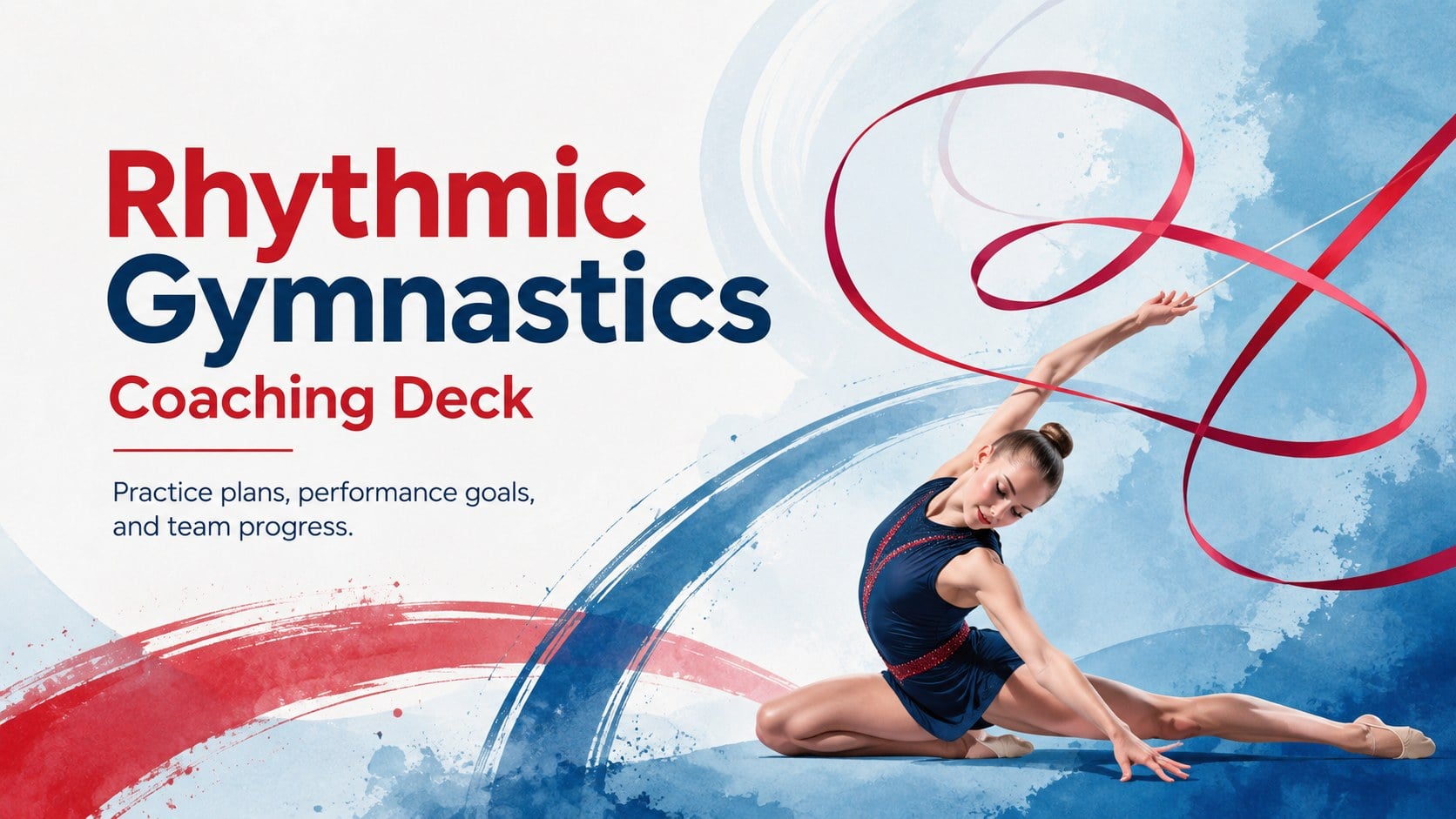
Plan lessons, routines, and team goals with a rhythmic gymnastics coaching deck in vivid red and blue, editable in PowerPoint or Google Slides.
Design notes
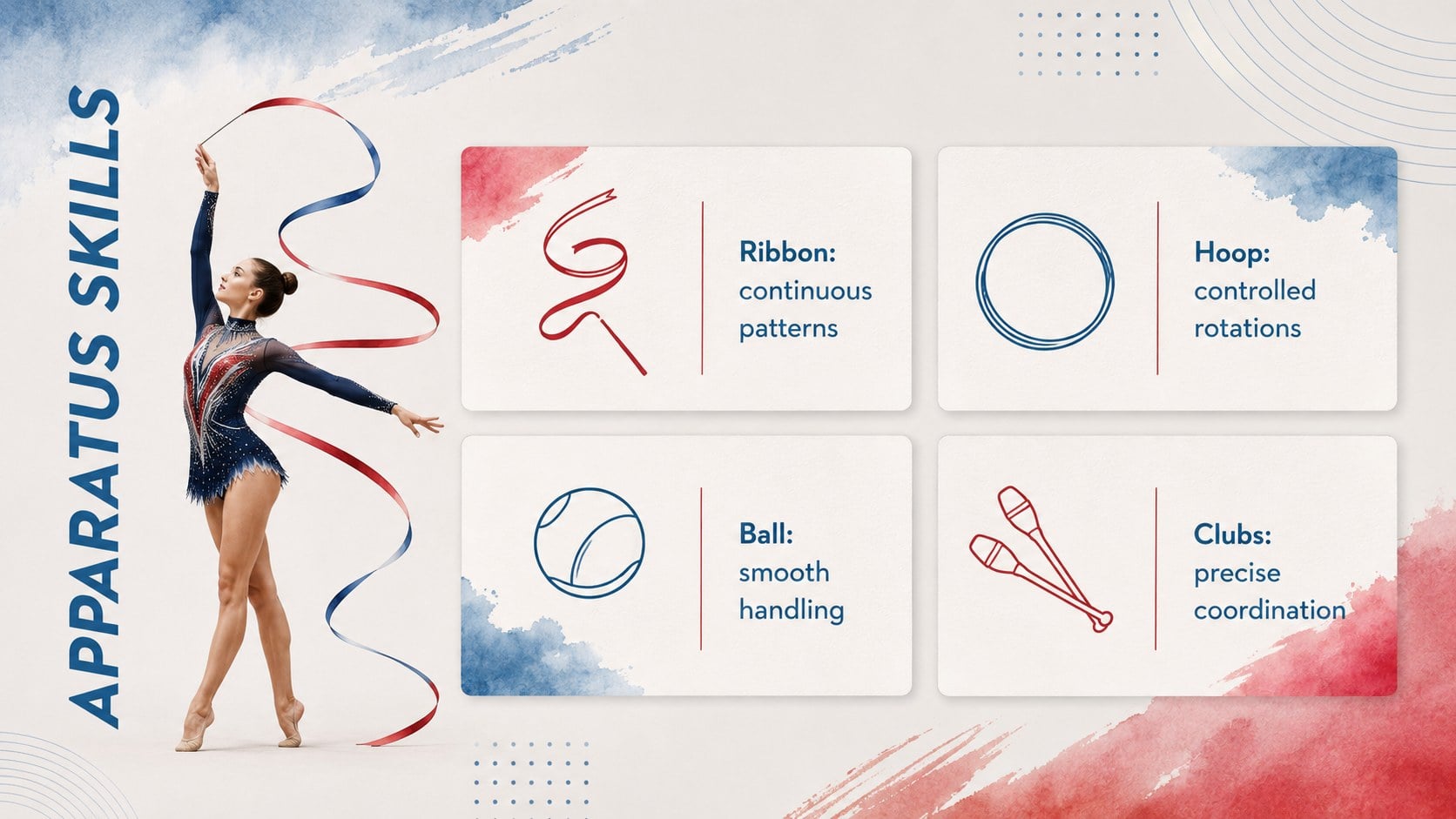
Build a focused, visually engaging program with this rhythmic gymnastics coaching deck. Designed around the movement of ribbons, hoops, balls, clubs, and floor routines, its abstract watercolor styling pairs vivid red and blue with clean typography and energetic shapes. Every layout can be adapted in PowerPoint or Google Slides for lessons, meetings, competitions, or club promotions.
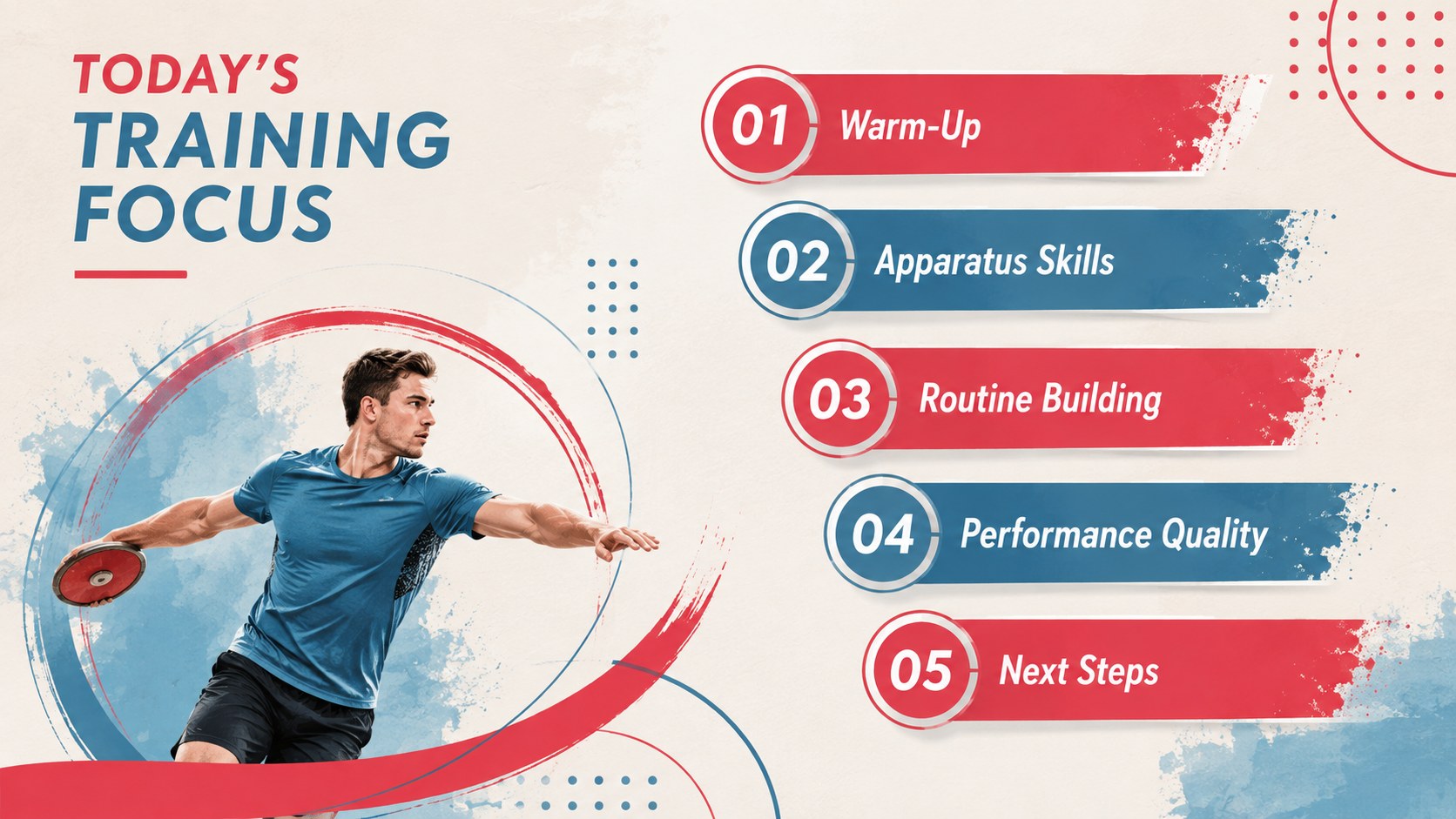
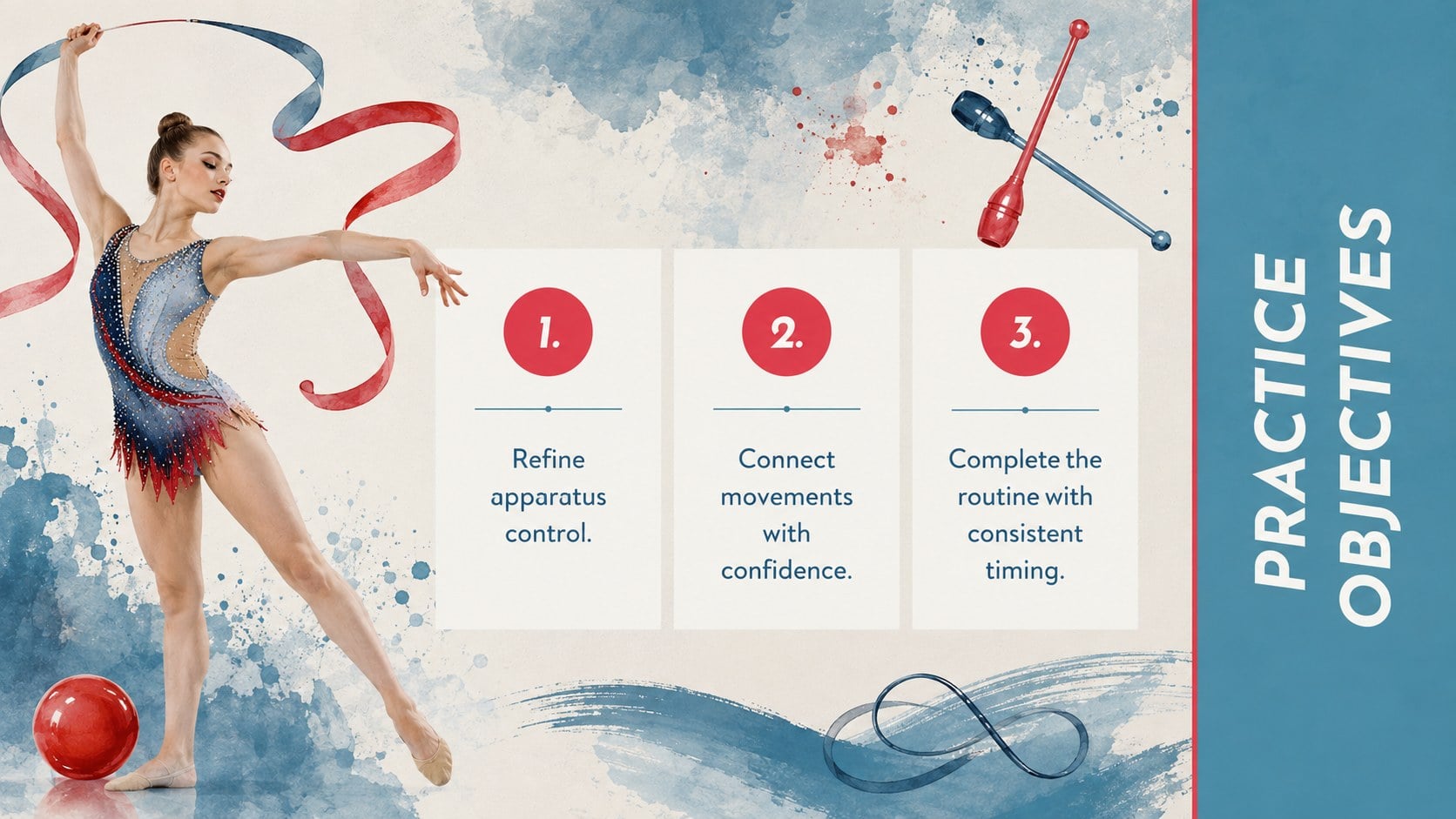
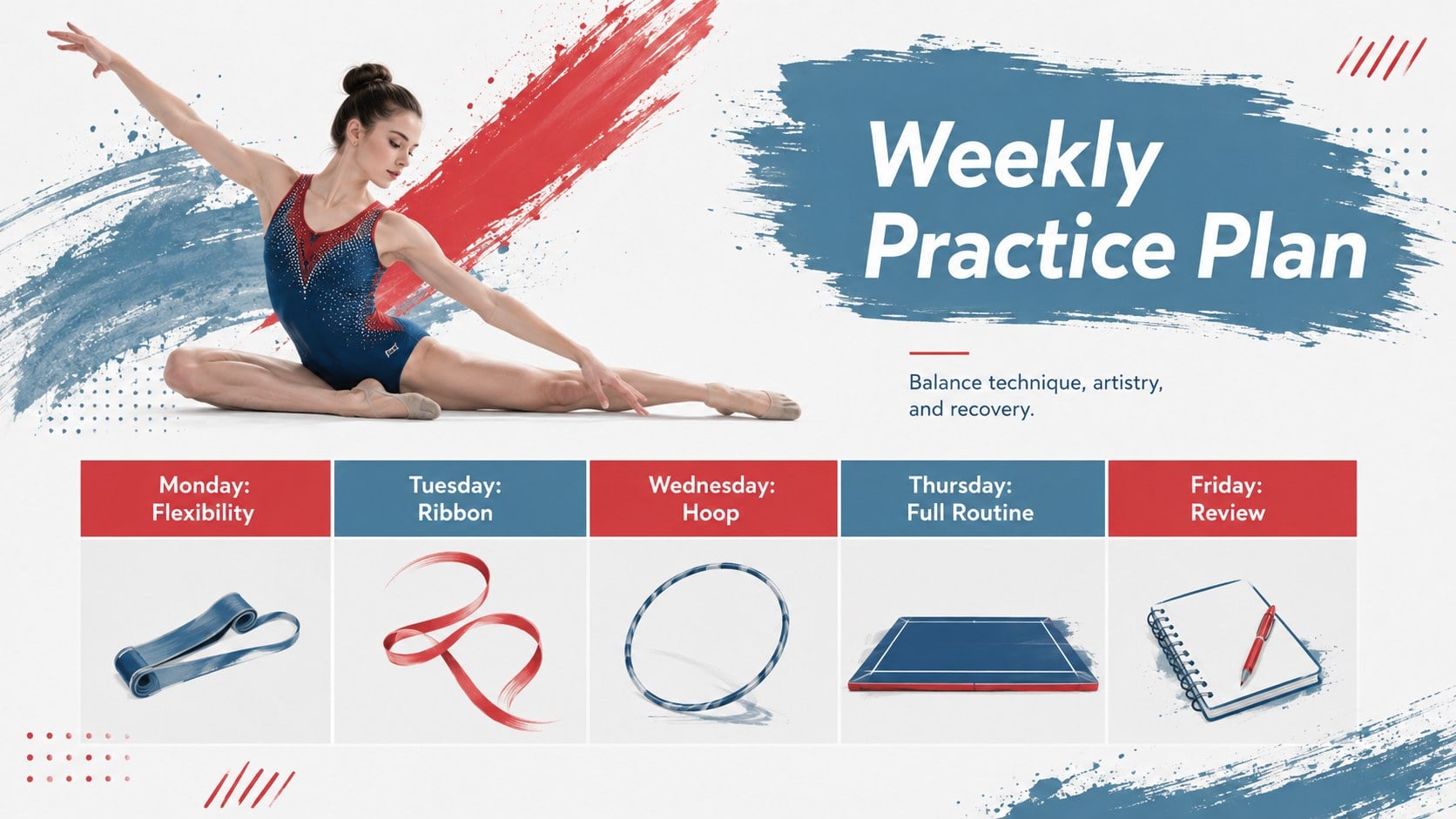
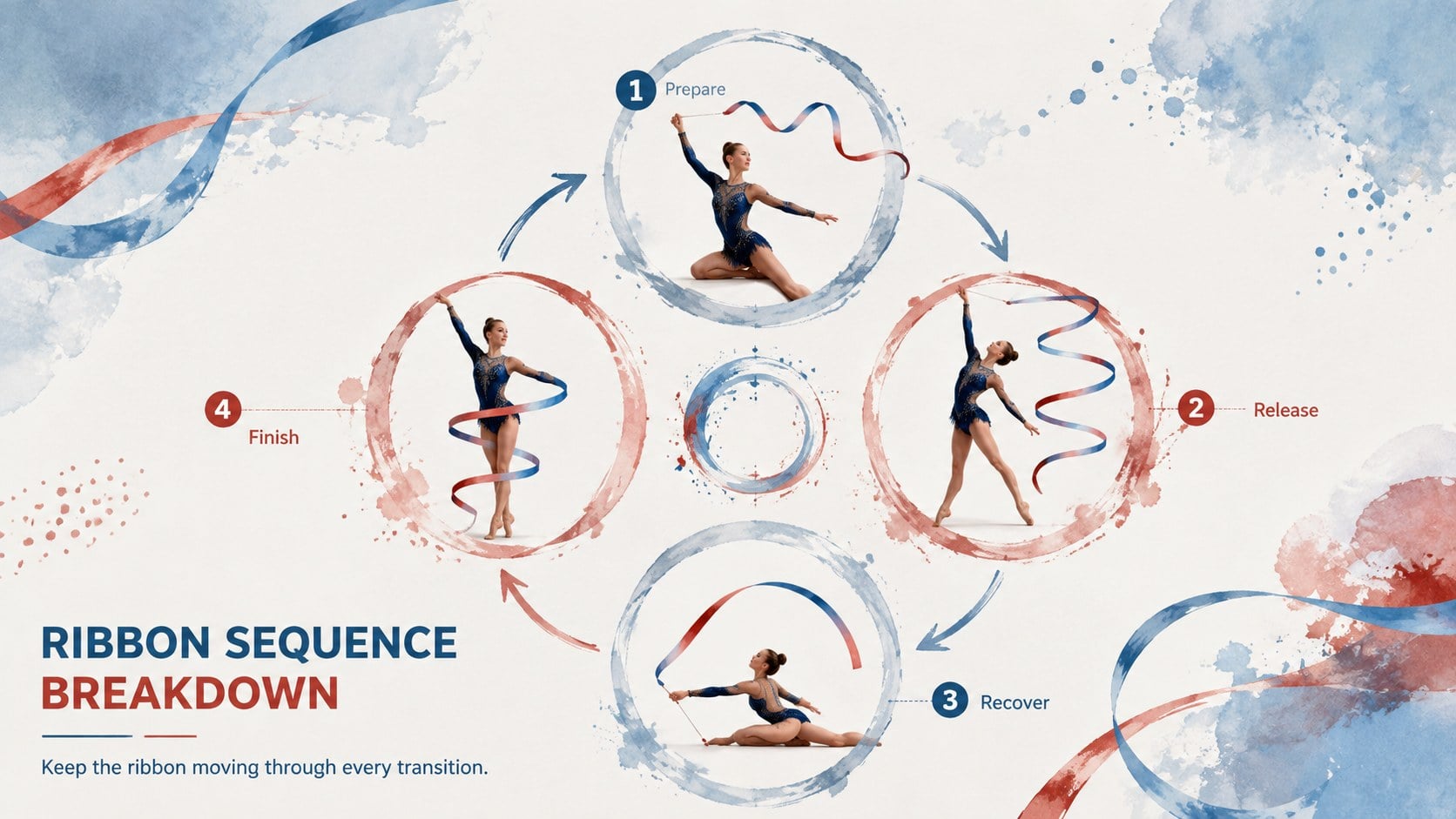
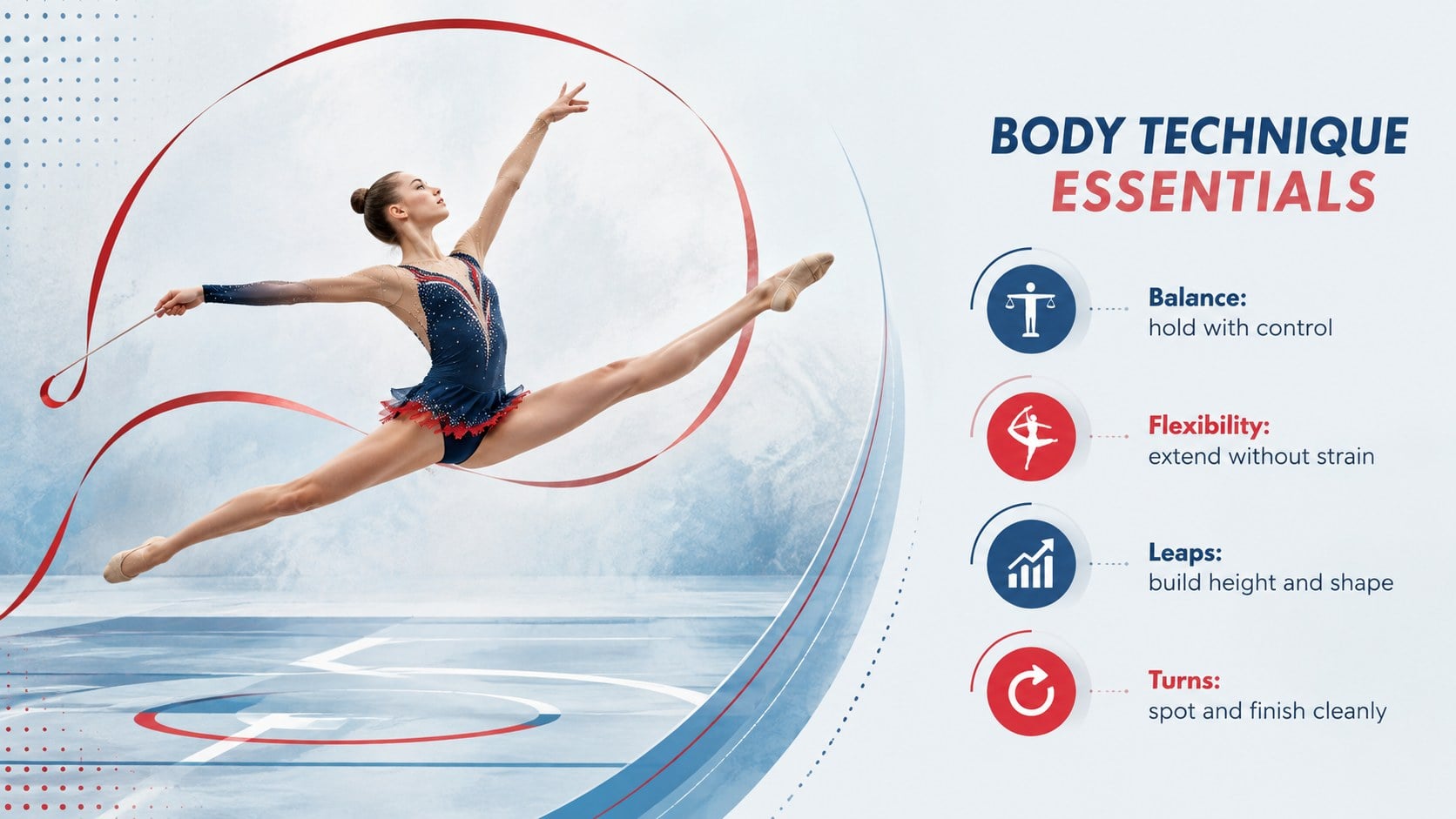
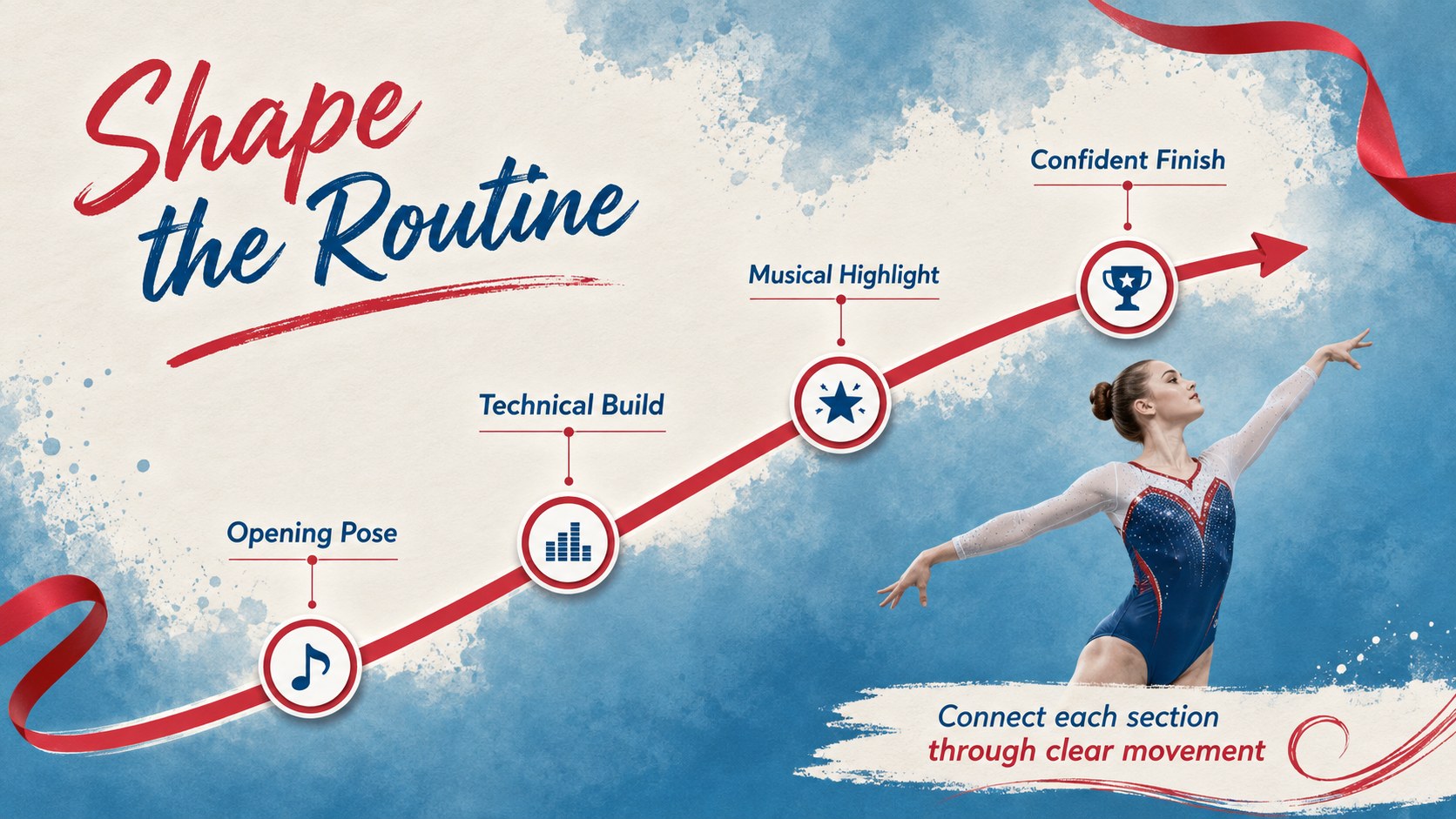
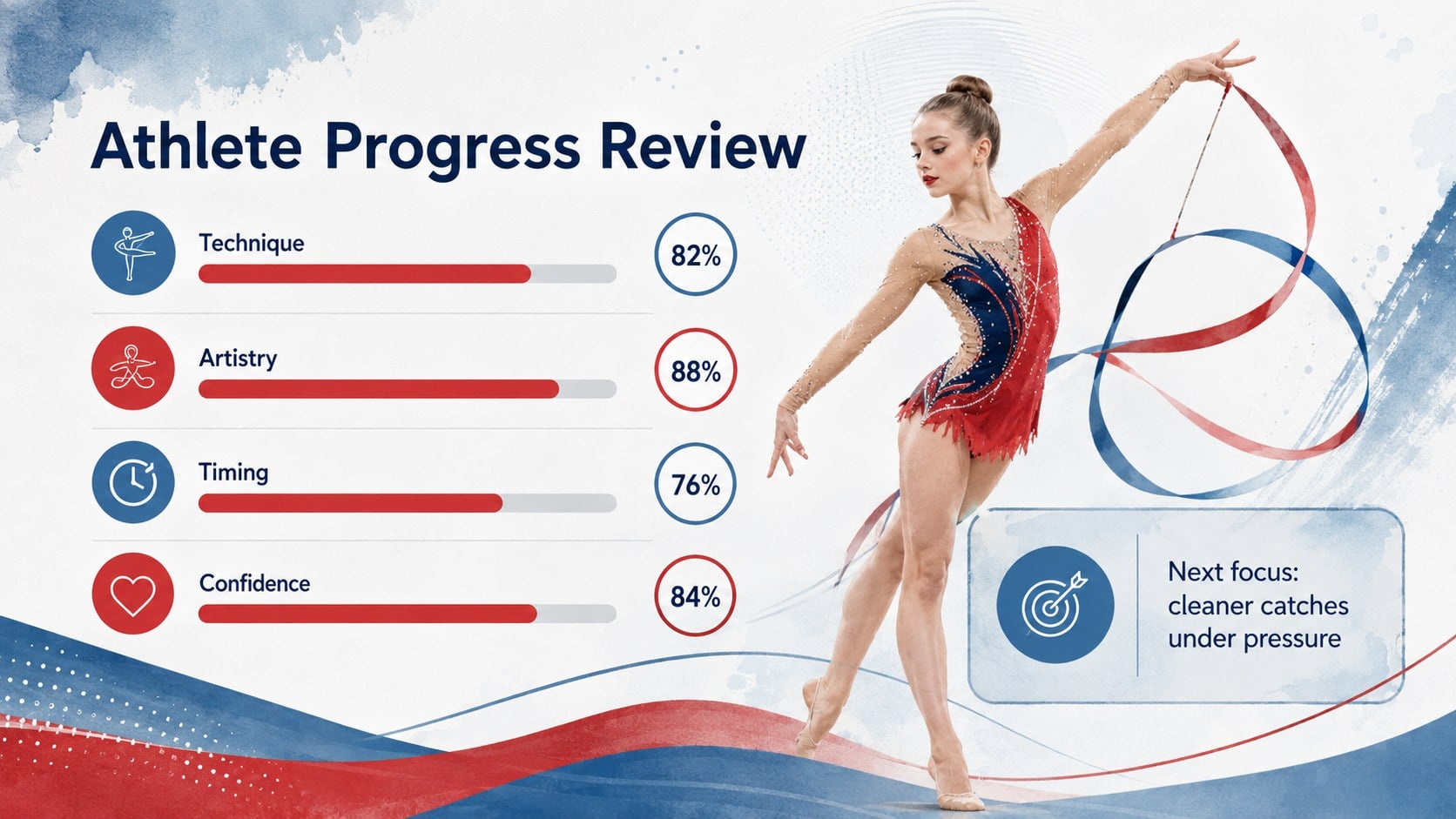
The deck includes more than 25 customizable layouts for training goals, weekly schedules, apparatus technique, choreography notes, athlete development, competition preparation, and team updates. Use the diagrams, timelines, comparison layouts, image frames, and progress charts to create a complete rhythmic gymnastics lesson presentation. Coaches can also turn the layouts into ribbon routine training slides with step-by-step cues, timing notes, and performance checkpoints.
This template is suited to school athletics departments, gymnastics academies, physical education teachers, youth coaches, and student competitors. It works equally well as a school gymnastics club presentation for recruitment, parent briefings, season launches, or end-of-term showcases. Adjust the colors, photographs, text, and data while keeping the expressive visual rhythm intact. The combination of structured content and artistic details helps technical information feel approachable without losing the grace and precision associated with the sport.
Perfect for: weekly gymnastics practice plan; ribbon routine coaching session; school club recruitment meeting; competition preparation briefing; athlete progress review; parent season orientation.
Frequently asked questions
Can I edit this deck in PowerPoint and Google Slides? Yes. All text, colors, photographs, shapes, and charts can be edited in PowerPoint or Google Slides. Some fonts or effects may vary slightly between platforms.
Practical details
Yes. All text, colors, photographs, shapes, and charts can be edited in PowerPoint or Google Slides. Some fonts or effects may vary slightly between platforms.
Yes. The layouts can be customized for hoop, ball, clubs, rope, or floor routines. Replace the example labels and images while retaining the same visual system.
Change the red and blue accents through the theme color controls in your presentation software. Check text contrast after editing so schedules, charts, and coaching notes remain easy to read.
Yes. Use the goal, timeline, scoring, and progress layouts to document technique, artistry, consistency, and competition readiness. Personal details can be removed when sharing the presentation with a wider audience.
Keep exploring
15Build an engaging World UFO Day session with this flying saucer history lesson deck, featuring retro green-and-brown slides for PowerPoint and Google Slides.
 15
15Plan a lively animal-learning journey with this jungle zoo adventure lesson deck, ready to customize in PowerPoint and Google Slides for young learners.
 16
16Turn environmental research into a clear story with a Watercolor Ecology Presentation Theme for PowerPoint and Google Slides in calming green and blue.
 16
16Build focused fashion, literature, and humanities presentations with the Red Triangle Editorial Theme, editable in PowerPoint and Google Slides.
 15
15Turn streaming stats, favorite tracks, and concert highlights into a bold annual listening recap slide deck for PowerPoint and Google Slides.
 15
15Turn highlights, milestones, and favorite moments into a colorful year in review slide deck with bold 3D graphics for PowerPoint and Google Slides.
 3
3Build a credible endorsement with Standout Colleague Recommendation Letter Slides, featuring colorful prompts for skills, achievements, and team impact.
 4
4Build clear beginner sessions with an ice hockey fundamentals training deck for coaches, PE teachers, and clubs, ready for PowerPoint and Google Slides.